
Layered GPT Image 2 Workflow Infographic
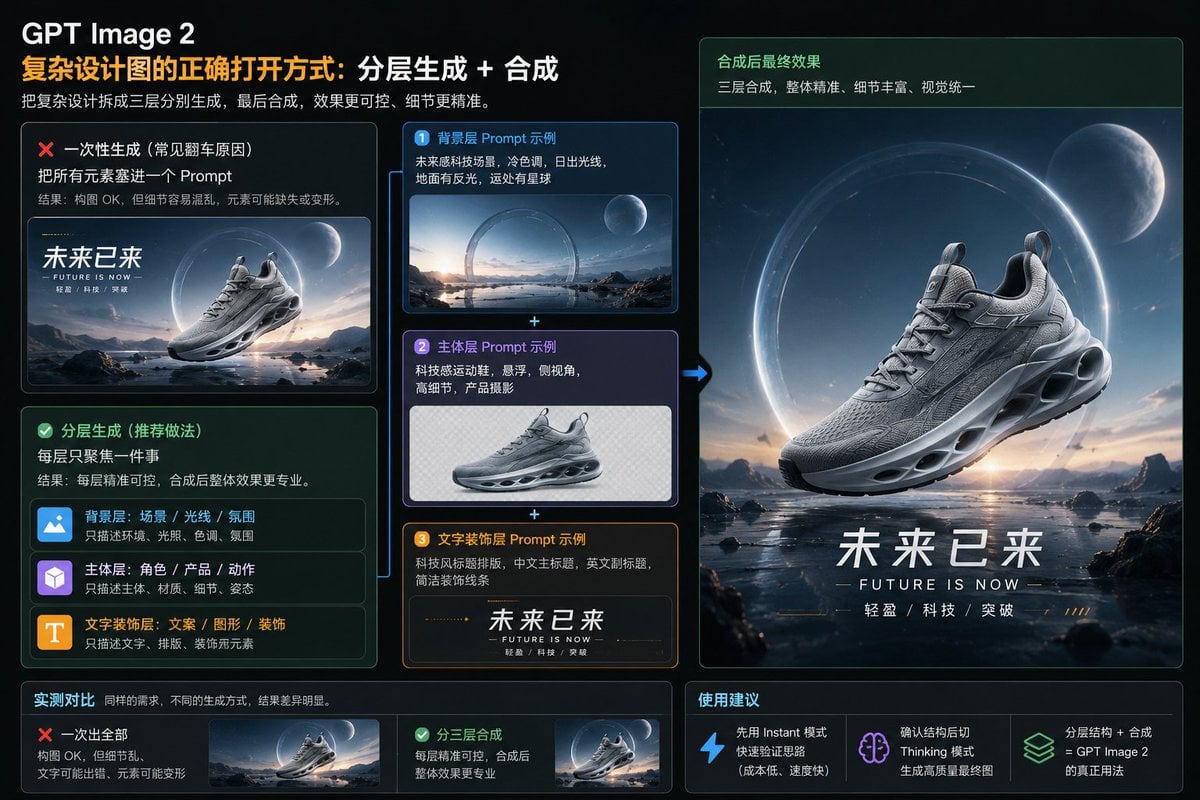
A dark futuristic Chinese infographic explaining layered AI image generation and compositing through a sci-fi sneaker advertisement example.
- Prompt included
- Model and format preset
- Premium template
The prompt behind this image
Copy the exact prompt behind Layered GPT Image 2 Workflow Infographic, or open it in the studio and make it yours.
Goal: Create a polished 16:9 Chinese tech infographic slide explaining the correct workflow for making complex design images with {argument name="AI image model name" default="GPT Image 2"}: layered generation plus compositing, using a futuristic sneaker advertisement as the example. Canvas: Wide 16:9 dark interface-style presentation, approximately 1152×768, black-to-deep-navy background, thin glowing panel borders, rounded cards, subtle grid and glassmorphism. Accent colors are orange, cyan-blue, mint green, purple, and white. Overall look: premium AI design tutorial, SaaS dashboard, high contrast, crisp typography. Header: At top left, large white title “GPT Image 2”. Under it, a two-color Chinese headline: orange text “复杂设计图的正确打开方式:” followed by white text “分层生成 + 合成”. Below, a smaller gray subtitle: “把复杂设计拆成三层分别生成,最后合成,效果更可控、细节更精准。” Main layout: Split the slide into three columns. Left column compares wrong vs recommended method. Middle column shows exactly 3 separate prompt-layer example cards stacked vertically with plus signs between them. Right column shows the final composited sneaker poster. Bottom row contains exactly 2 comparison result cards on the left and exactly 3 recommendation cards on the right. Left column details: Create 2 large rounded cards. 1. Top card, red warning style with red X icon. Title: “一次性生成(常见翻车原因)”. Body: “把所有元素塞进一个 Prompt”. Smaller explanation: “结果:构图 OK,但细节容易混乱,元素可能缺失或变形。” Include a small preview image of a futuristic running shoe floating over a sci-fi landscape with large Chinese text “未来已来” and tiny English “FUTURE IS NOW”. 2. Bottom card, green success style with green check icon. Title: “分层生成(推荐做法)”. Body: “每层只聚焦一件事”. Smaller explanation: “结果:每层精准可控,合成后整体效果更专业。” Inside this card, show exactly 3 mini layer rows with icons and labels: blue image icon row “背景层:场景 / 光线 / 氛围” with note “只描述环境、光照、色调、氛围”; purple cube icon row “主体层:角色 / 产品 / 动作” with note “只描述主体、材质、细节、姿态”; orange T icon row “文字装饰层:文案 / 图形 / 装饰” with note “只描述文字、排版、装饰视觉元素”. Middle column details: Show exactly 3 stacked prompt example cards connected by cyan plus signs, and a cyan arrow pointing from the stack to the final poster on the right. 1. Blue card numbered “1”, title “背景层 Prompt 示例”. Text: “未来感科技场景,冷色调,日出光线,地面有反光,远处有星球”. Image: a wide empty sci-fi landscape with reflective water, mountains, sunrise, a large glowing ring, and a planet, no shoe. 2. Purple card numbered “2”, title “主体层 Prompt 示例”. Text: “科技感运动鞋,悬浮,侧视角,高细节,产品摄影”. Image: a single gray futuristic sneaker isolated on a transparent/checkered or pale background, no scenery, no text. 3. Orange card numbered “3”, title “文字装饰层 Prompt 示例”. Text: “科技风标题排版,中文主标题,英文副标题,简洁装饰线条”. Image: typography strip with Chinese title “未来已来”, English subtitle “FUTURE IS NOW”, small text “轻盈 / 科技 / 突破”, and fine orange decorative lines. Right column final poster: Large vertical rounded panel with a green header strip. Header title: “合成后最终效果”. Header subtitle: “三层合成,整体精准,细节丰富,视觉统一”. Below it, create a cinematic finished advertisement: a detailed gray futuristic running shoe floating above reflective shallow water in a sci-fi alien landscape, with mountains and rocks, dawn light, a huge glowing circular portal/ring behind the shoe, and a large moon/planet in the upper right. At the bottom of the poster, include bold Chinese headline {argument name="Chinese headline text" default="未来已来"}, English subtitle {argument name="English subtitle text" default="FUTURE IS NOW"}, and small spaced feature words “轻盈 / 科技 / 突破”. Bottom row: Create exactly 5 small cards total. Left section titled “实测对比” with caption “同样的需求,不同的生成方式,结果差异明显。” It contains 2 cards: red X card “一次出全部” with notes “构图 OK,但细节乱,文字可能出错,元素可能变形” and a tiny preview; green check card “分三层合成” with notes “每层精准可控,合成后整体效果更专业” and a tiny preview. Right section titled “使用建议” contains exactly 3 recommendation cards with icons: blue lightning icon “先用 Instant 模式快速验证思路(成本低、速度快)”; purple brain icon “确认结构后切 Thinking 模式生成高质量最终图”; green stacked-layers icon “分层结构 + 合成 = {argument name="AI image model name repeated" default="GPT Image 2"} 的真正用法”. Visual style: Modern Chinese infographic, dark glass panels, glowing neon outlines, realistic 3D product render previews, crisp white Chinese typography, orange emphasis for the main concept, green for recommended workflow, red for mistakes, cyan arrows and connectors. Keep all text legible and aligned. Use the futuristic sneaker theme consistently; the shoe should be silver-gray, aerodynamic, high-detail, with sculpted sole holes and visible laces. Constraints: Use exactly 3 layer example cards, exactly 3 mini layer rows, exactly 2 method comparison cards, exactly 3 usage recommendation cards, exactly 1 large final poster, and exactly 1 cyan arrow from the layer stack to the final poster. Do not add extra logos, watermarks, QR codes, people, or unrelated objects.
How to use Layered GPT Image 2 Workflow Infographic in 3 steps
- 1Upload ImagePNG, JPG or paste
Add your photo
Upload the photo the template builds on. The prompt, model and format are already set.
- 2…a portrait of your subject in softgolden-hour light, 85mm…
Personalize
Edit the subject and creative details for your destination.
- 3Generate
Generate
Press Generate — your image is created in PicX Studio, so you can compare it with the original and refine one variable at a time.
More like this
Templates with the same subject, style or setup. Open one to see its prompt.
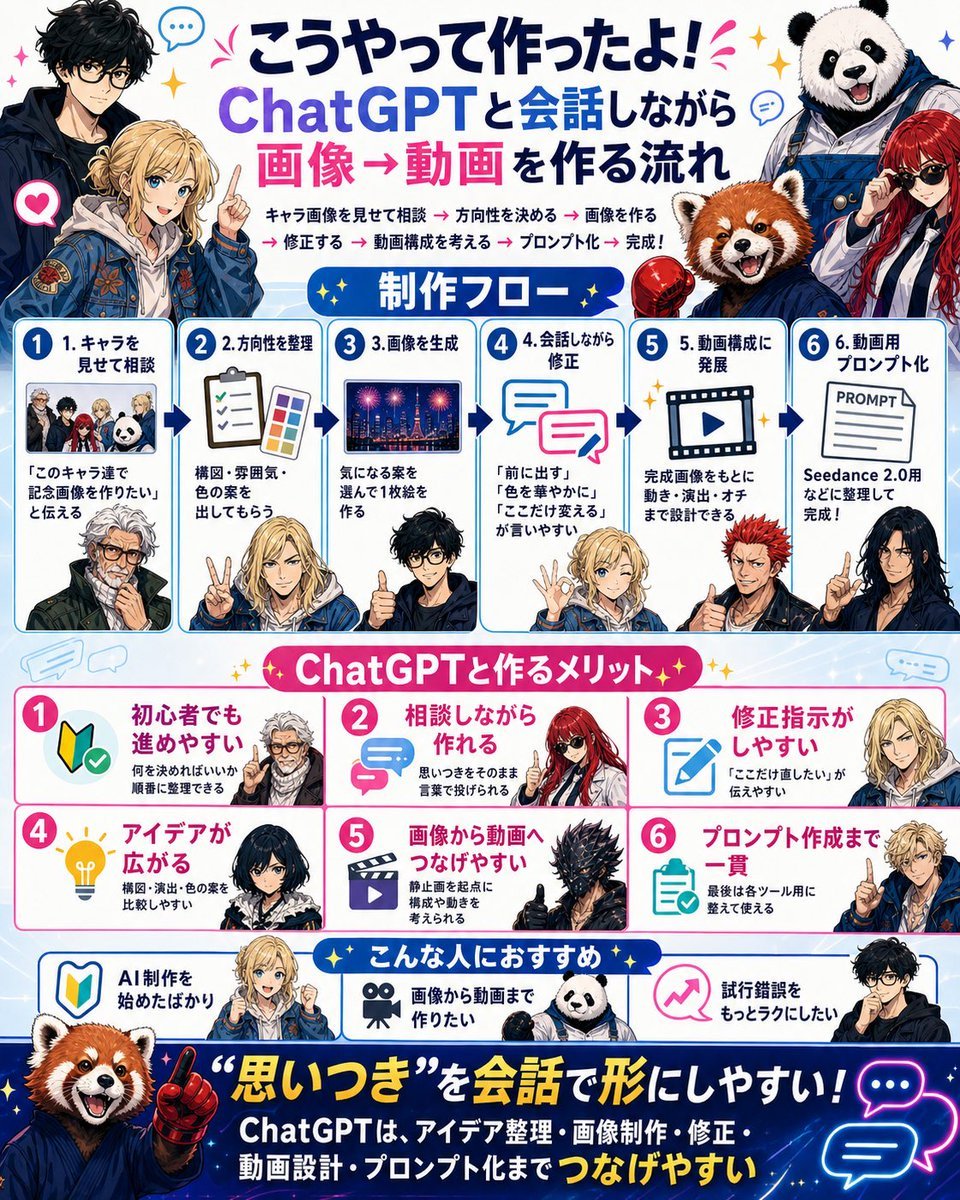
Japanese ChatGPT Image-to-Video Workflow Infographic

Gpt2 E Commerce Main Image Earbuds E Commerce Infographic

Gpt2 Infographic Edu Visual Alishan One Day Travel Poster

Gpt2 Infographic Edu Visual Ethnographic Plate for Tibetan Ceremonial Hat

Gpt2 Infographic Edu Visual Earth Signs Zodiac Character Poster

Gpt2 Infographic Edu Visual Water Signs Zodiac Character Poster

Gpt2 Infographic Edu Visual Ink Wash Tribute Poster for Chen Uen

Gpt2 Infographic Edu Visual Vintage Claude Shannon Infographic Poster

Gpt2 Infographic Edu Visual Taoist Three Souls Seven Po Poster

Gpt2 Infographic Edu Visual Biomimetic Skyray Aircraft Poster

Gpt2 Infographic Edu Visual Japanese Sci Fi Suit Up Process Board
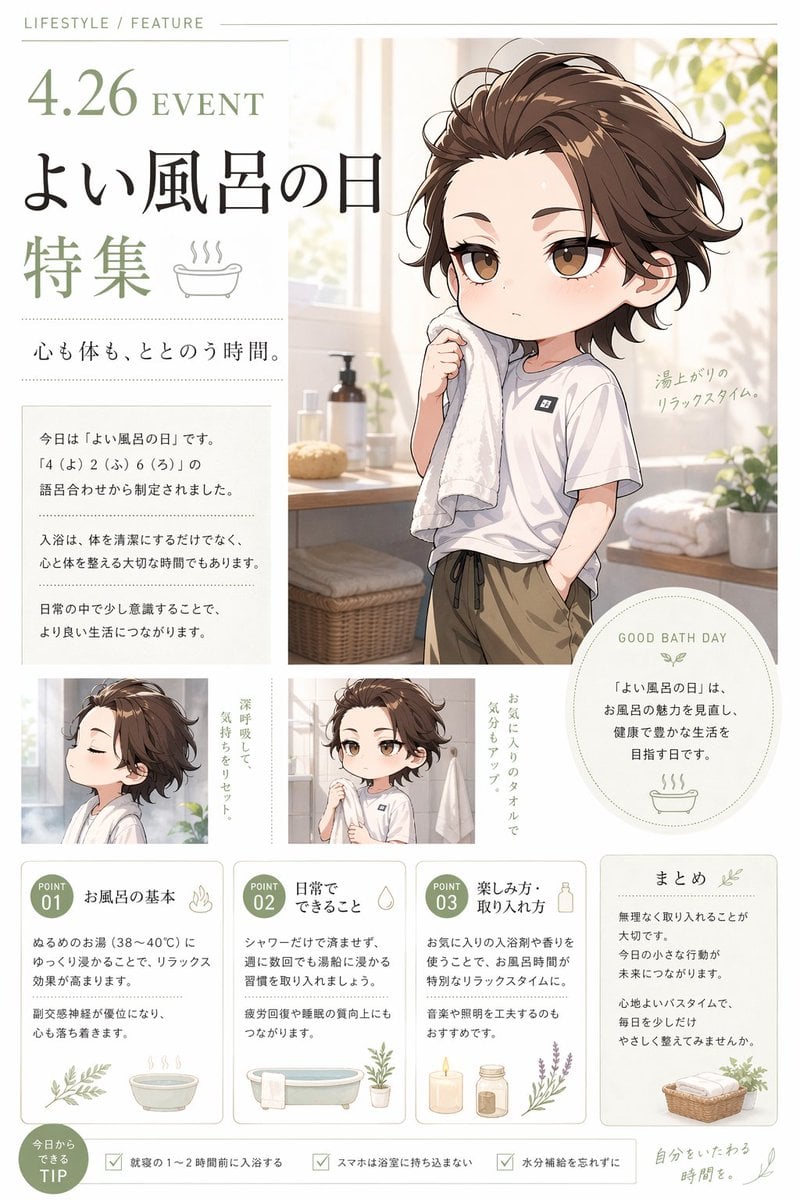
Gpt2 Infographic Edu Visual Good Bath Day Editorial Poster
Make it yours
Layered GPT Image 2 Workflow Infographic works as-is. These are the safest ways to change it without losing the look.
Change one field
Copy a single group, rewrite it, and generate again so you can see what that field is doing.
Keep the frame, change the subject
Hold the composition and light of Layered GPT Image 2 Workflow Infographic, then swap wardrobe, props or the person for a new take.
| If the result… | Why | Fix |
|---|---|---|
| The result drifts from the preview | Too many fields changed at once. | Reuse Layered GPT Image 2 Workflow Infographic as-is first, then change one group — subject, light, or setting. |
| The model over-stylizes the scene | The prose prompt leaves finish and camera underspecified. | Add one camera or lighting sentence and stay on GPT Image 2. |
More GPT Image 2 templates
Other prompts made for GPT Image 2.

Six VTuber Japanese Logo Sheet

Realistic Portrait of Woman and Deer

The Vista Modular Condo Poster

AI Model Routing Comparison Infographic

2.5D Anime Art Board

Isometric Productivity Desk Scene

New York Double Exposure Poster

Four-Panel AI Landscape Comparison

Japanese Tatami Lifestyle Magazine Cover

NESCAFÉ Coffee Map Poster
More image prompts
Fresh picks from across the catalog.
Intimate Club VIP Lounge Moment
Ultra-Realistic Urban Portrait of a Young Man

Korean Chibi Sticker Diary
Final Character Design Made with Nano Ba

Nano Banana Pro Image Generation Refusal Analysis (Freepik Example)
Magical Shadow Illusion Prompt for Nano Banana Pro
Pink-Haired Dojo Martial Artist
Dark Fantasy Ponyo Warrior Poster
X-Ray/Thermal Visualization Prompt for Mecha (VOTOMS Scopedog)
Gpt2 Game Asset Eleanor from White Cat Project
Browse template categories
Layered GPT Image 2 Workflow Infographic questions
How do I use the Layered GPT Image 2 Workflow Infographic template?
Add your photo if the template asks for one, edit the prompt if you like — the template's model and format are already selected — and press Generate. Your version opens in PicX Studio.
Can I customize the Layered GPT Image 2 Workflow Infographic template?
Yes. You can change the subject, setting, lighting, mood, format, and available model controls before creating your image.
Is the Layered GPT Image 2 Workflow Infographic template free?
Opening and editing this template is free. Generating uses credits, shown on the Generate button when you are signed in.
Which AI model should I use?
Start with GPT Image 2, which is the model associated with this template. You can compare another compatible model for a different finish.
Looking for something else? Browse all templates.

Your photo, any look
Thousands of ready templates for every top image and video model, from one credit balance.