
Final Character Design Made with Nano Ba
Final Character Design Made with Nano Ba is a ready photo look for Nano Banana.
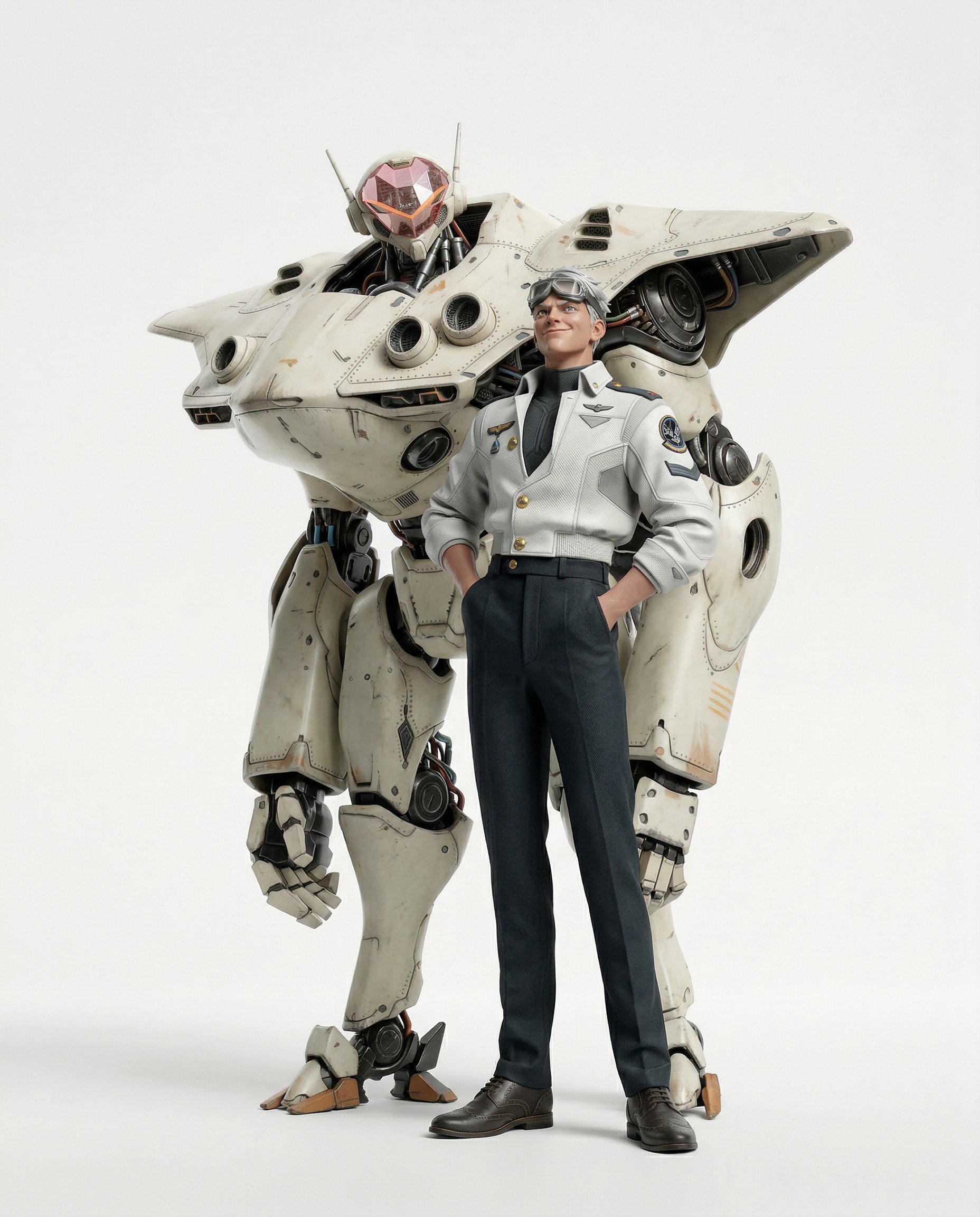
- Prompt included
- Model and format preset
- Premium template
The prompt behind this image
Copy the exact prompt behind Final Character Design Made with Nano Ba, or open it in the studio and make it yours.
Convert to hyper-realistic 3D CGI collectible figurine render. Physically-based rendering, octane render quality. Preserve the original character design, pose, and outfit exactly. Transform all surfaces into real-world materials: fabric with visible weave and drape, metal with wear, scratches and oxidation, synthetic matte skin. Pure white studio background, clean seamless white backdrop, soft diffused lighting with subtle rim light. No cel shading, no toon rendering. High-end statue/collectible photography aesthetic. Ultra detailed, 8K. Fix and reconstruct all hands and fingers with correct anatomy: natural finger count, proper joint articulation, realistic proportions, no fused or melted digits. Remove all 2D artifacts, compression glitches, and Midjourney inconsistencies. Ensure full anatomical coherence across the entire figure: symmetrical features, clean silhouette, no floating elements, no distorted limbs, no duplicated body parts. Hyper-detailed hair simulation: individual strand rendering, realistic hair clumping, natural flow and gravity, visible scalp at roots, micro flyaways, SSS translucency on hair tips. Every surface pushed to maximum realism: pore-level skin texture, fabric fiber micro-detail, specular highlights on every material, depth in shadows
How to use Final Character Design Made with Nano Ba in 3 steps
- 1
Open
The prompt is already in the box next to the preview, with the template's model and format selected.
- 2…a portrait of your subject in softgolden-hour light, 85mm…
Personalize
Edit the subject and creative details for your destination.
- 3Generate
Generate
Press Generate — your image is created in PicX Studio, so you can compare it with the original and refine one variable at a time.
More like this
Templates with the same subject, style or setup. Open one to see its prompt.

Nano Banana Is So Addictive

Isometric Landmark Generation Using Nano

Nano Banana 2 Perspective Experiment

Gemini Nano Banana 2 Isometric 3d City D

Nano Banana 2

Gemini Nano Banana 2

Gemini Nano Banana 2 Logo in Wet Sand Be

Nano Banana 2 Gourmet Ice Cream Commerci

Cinema Date Popcorn Realistic By Nano Ba

Enchanted Forest Root Kiss Scene By Nano

Nano Banana Pro Photoreal Playful Couple

Couple Goals from the Google Gemini Nano
Make it yours
Final Character Design Made with Nano Ba works as-is. These are the safest ways to change it without losing the look.
Change one field
Copy a single group, rewrite it, and generate again so you can see what that field is doing.
Keep the frame, change the subject
Hold the composition and light of 113-final-character-design-made-with-nano-ba, then swap wardrobe, props or the person for a new take.
| If the result… | Why | Fix |
|---|---|---|
| The result drifts from the preview | Too many fields changed at once. | Reuse 113-final-character-design-made-with-nano-ba as-is first, then change one group — subject, light, or setting. |
| The model over-stylizes the scene | The prose prompt leaves finish and camera underspecified. | Add one camera or lighting sentence and stay on Nano Banana. |
More Nano Banana templates
Other prompts made for Nano Banana.










More image prompts
Fresh picks from across the catalog.
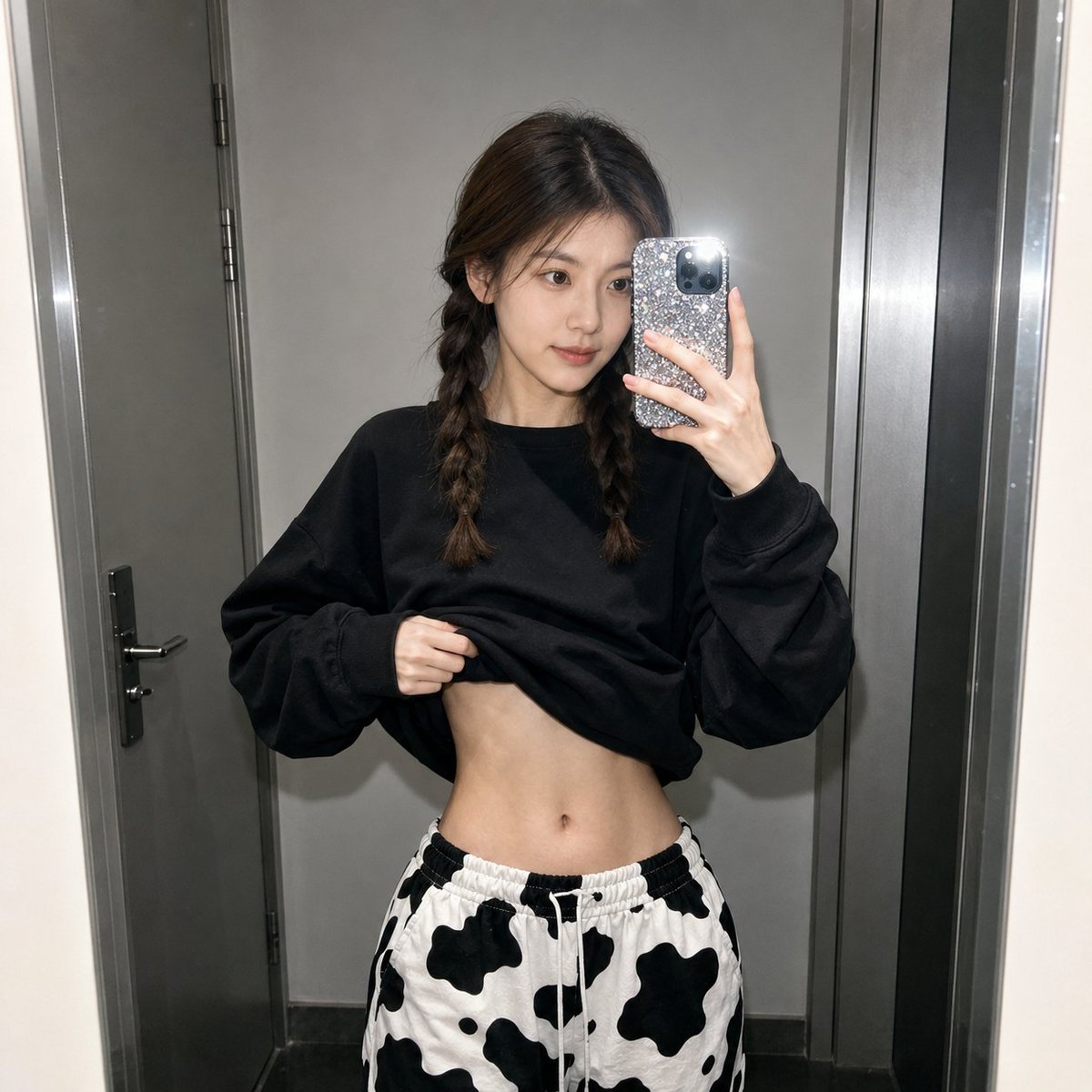
Realistic Raw Flash Mirror Selfie
Nostalgic Polaroid Portrait Prompt
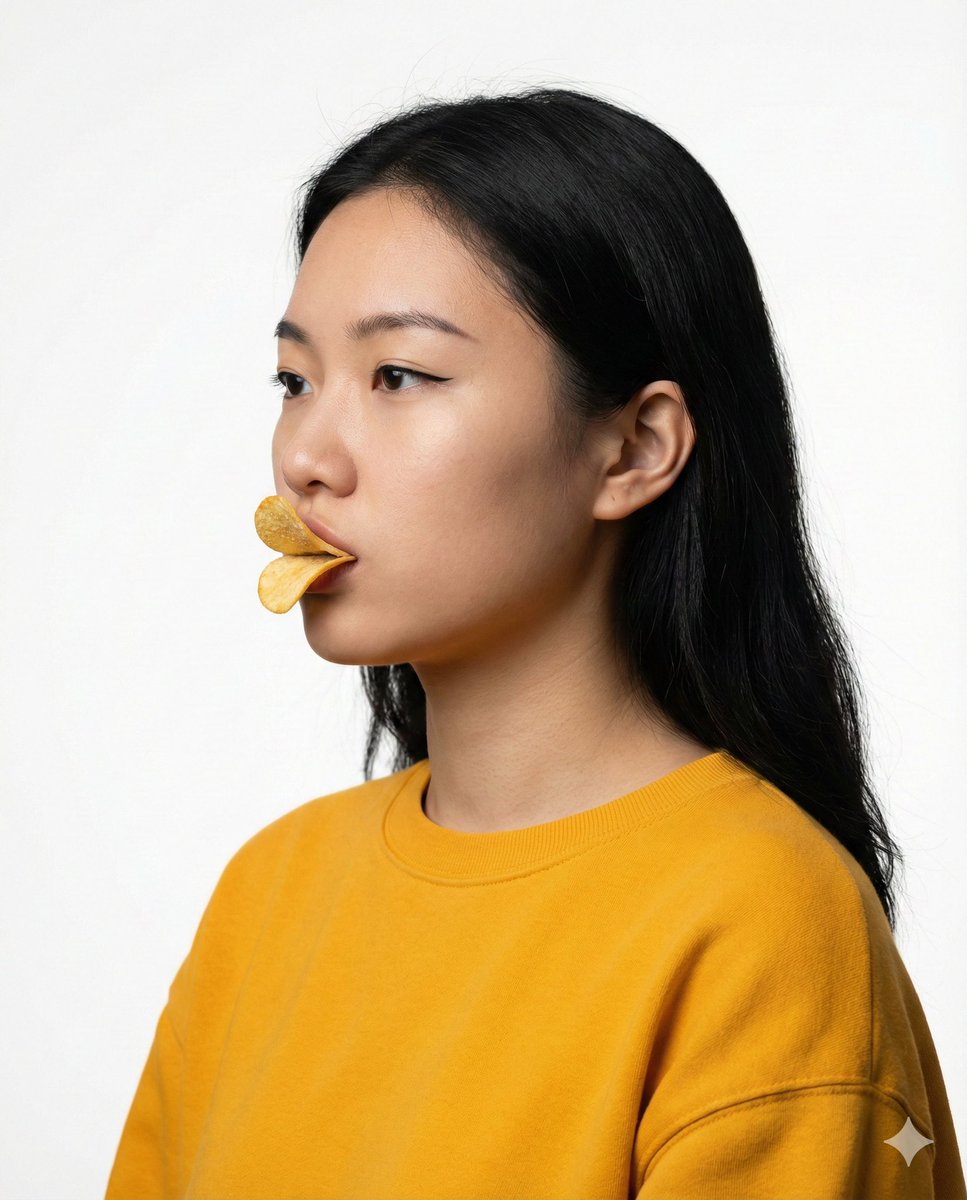
Conceptual Beauty Portrait: Pringles Duck Lips
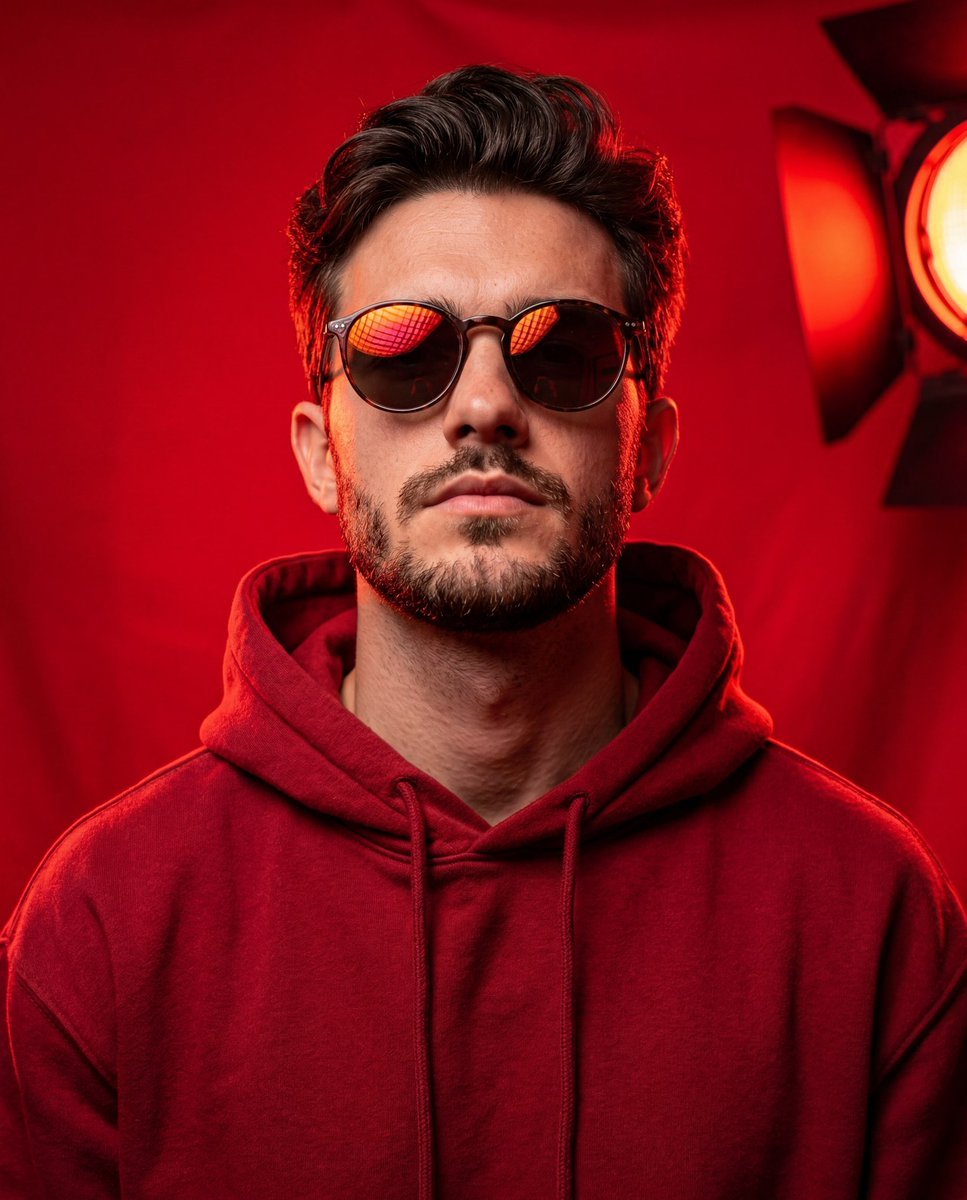
Bold Studio Portrait with Red Hoodie and Dark Sunglasses

Retro Japanese Onsen Photography
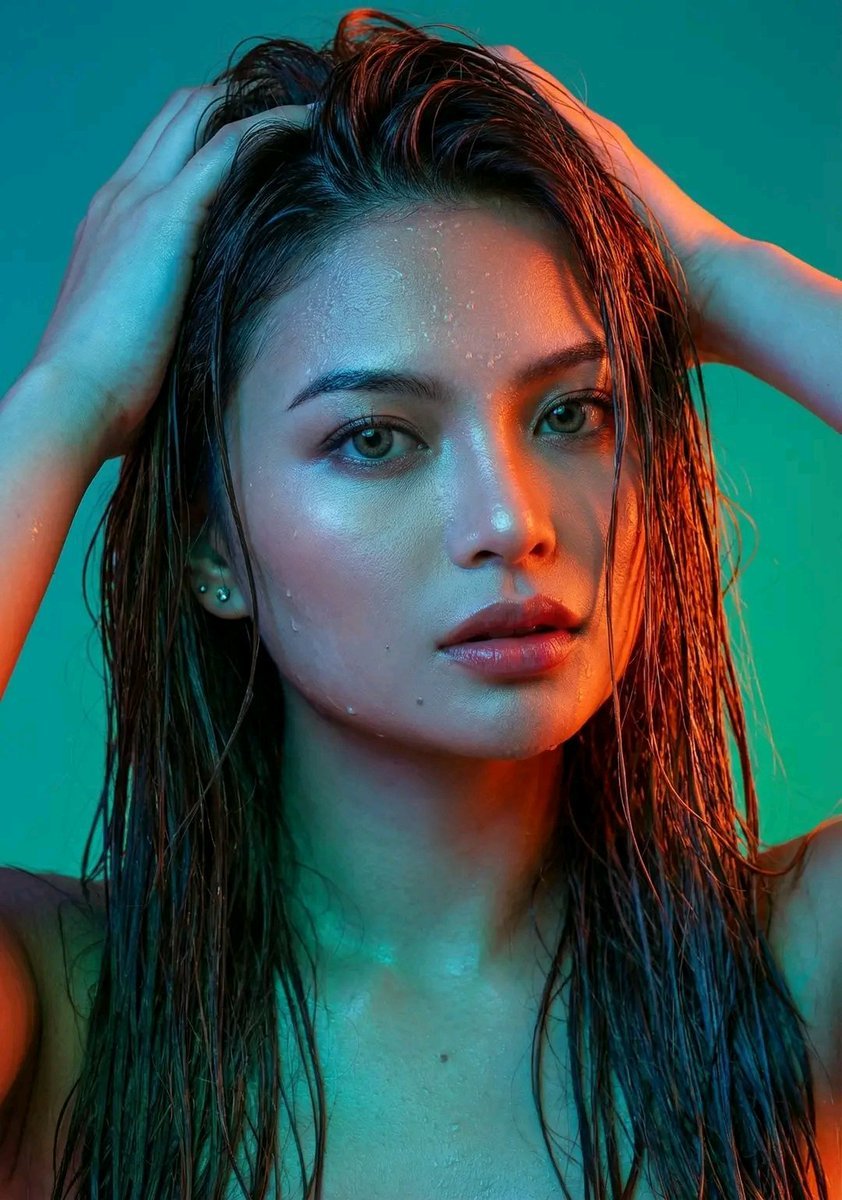
Dramatic Neon Portrait with Wet Hair and Color Contrast
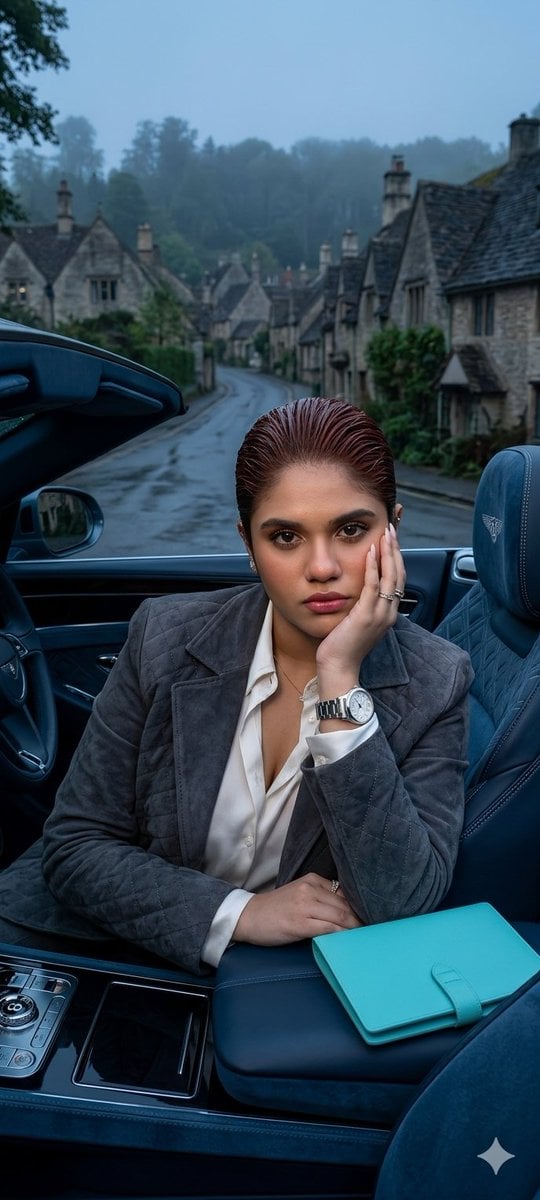
X Oye Samia Hyper Realistic Scene on the Outskirts
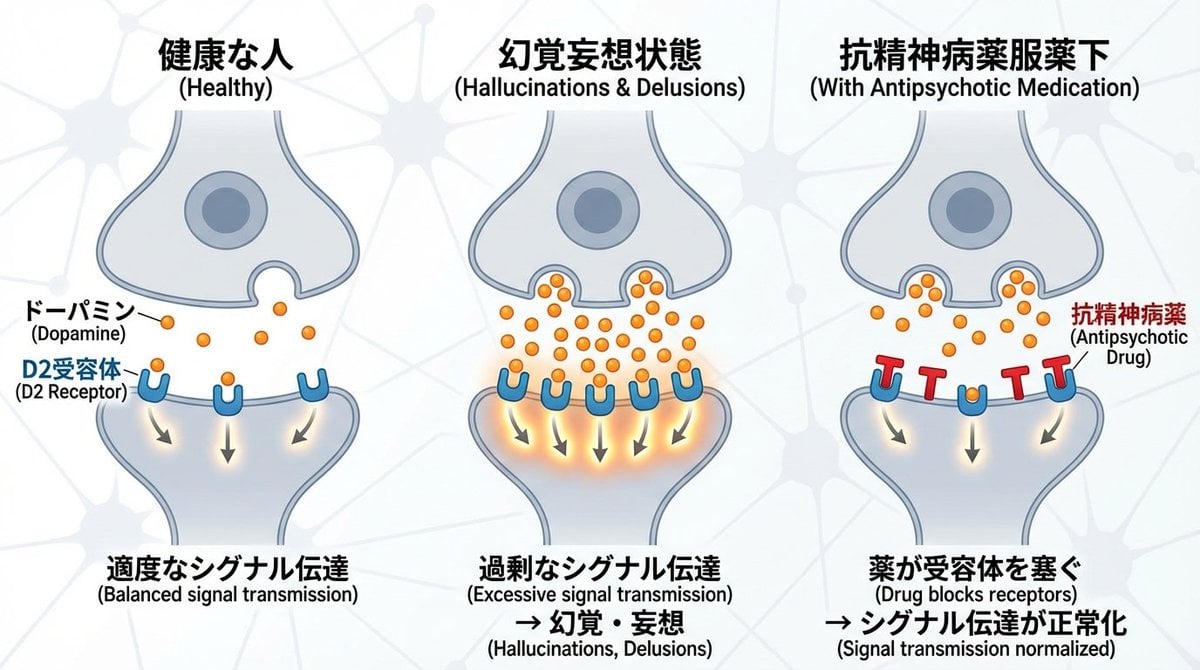
Dopamine and schizophrenia synapse diagram
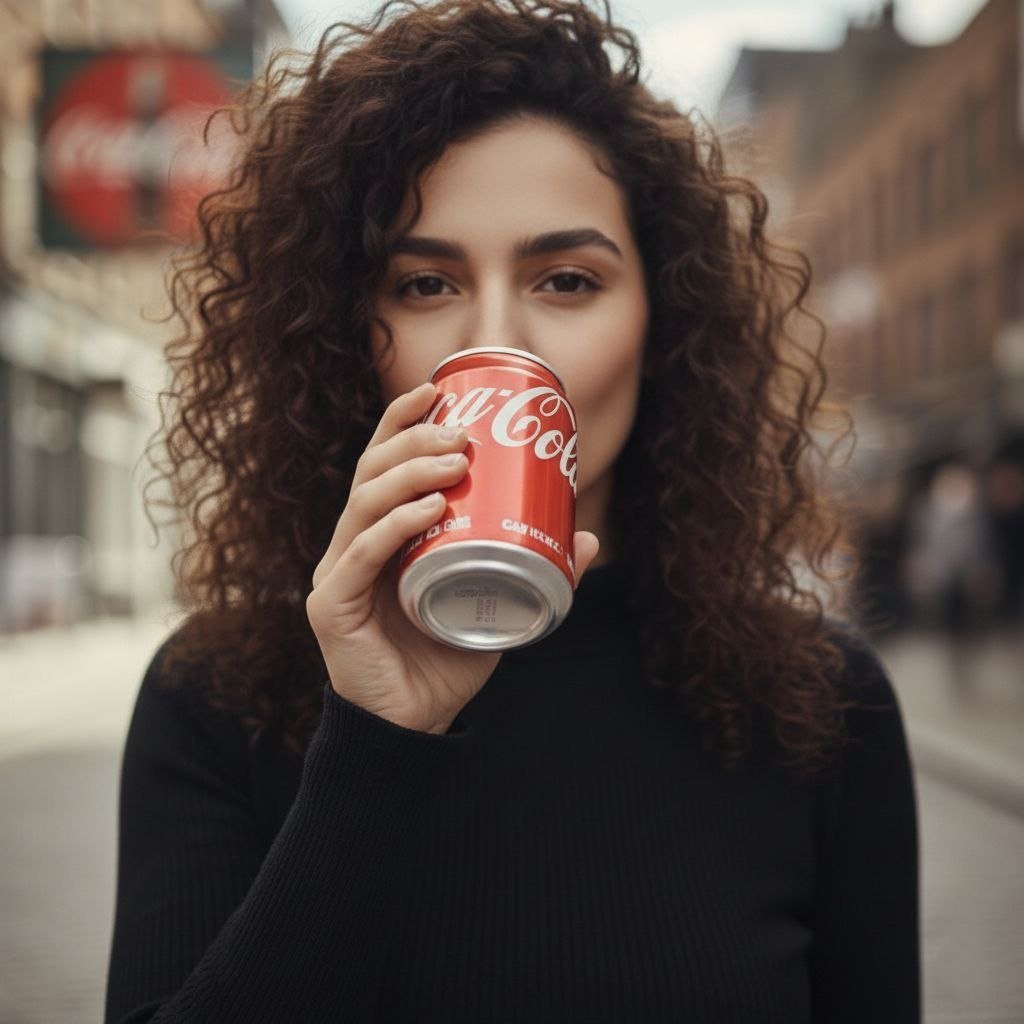
Cinematic UGC Ad Generation for Beverages
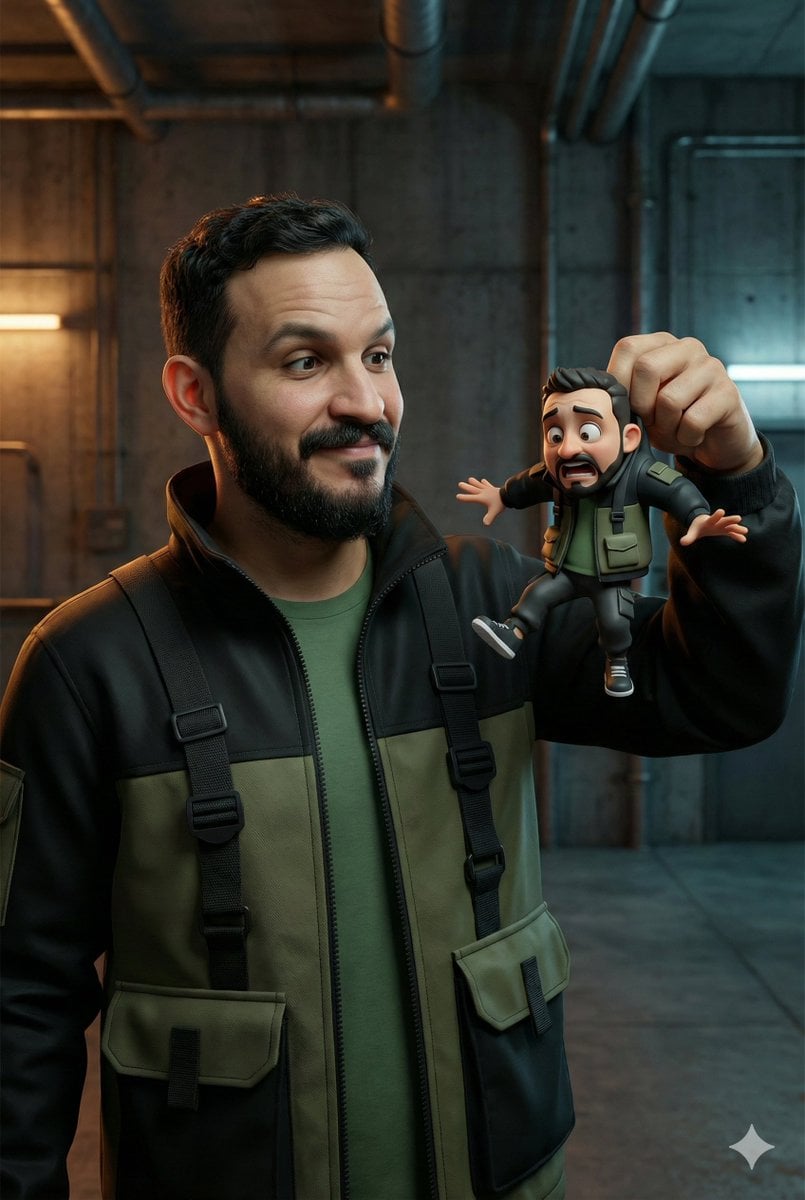
Ultra-Realistic Man Holding Cartoon Miniature of Self
Browse template categories
Final Character Design Made with Nano Ba questions
How do I use the 113-final-character-design-made-with-nano-ba template?
Add your photo if the template asks for one, edit the prompt if you like — the template's model and format are already selected — and press Generate. Your version opens in PicX Studio.
Can I customize the 113-final-character-design-made-with-nano-ba template?
Yes. You can change the subject, setting, lighting, mood, format, and available model controls before creating your image.
Is the 113-final-character-design-made-with-nano-ba template free?
Opening and editing this template is free. Generating uses credits, shown on the Generate button when you are signed in.
Which AI model should I use?
Start with Nano Banana, which is the model associated with this template. You can compare another compatible model for a different finish.
Looking for something else? Browse all templates.

Your photo, any look
Thousands of ready templates for every top image and video model, from one credit balance.