
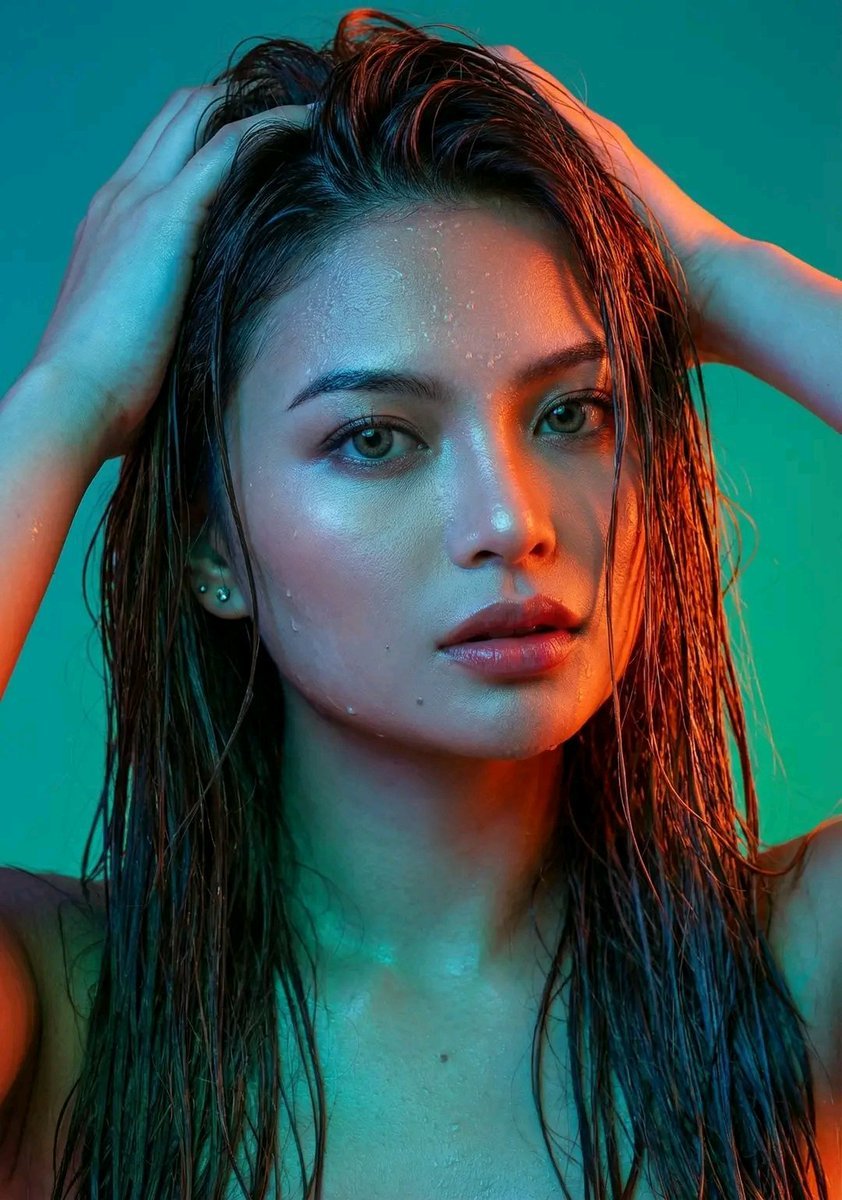
Dramatic Neon Portrait with Wet Hair and Color Contrast
An extensive, highly detailed prompt for Gemini Nano Banana 3.0 Pro, focusing on a high-resolution studio portrait of a woman with wet hair, featuring extreme color contrast lighting (orange-red on one side, blue/green…
- Prompt included
- Model and format preset
- Premium template
The prompt behind this image
Copy the exact prompt behind Dramatic Neon Portrait with Wet Hair and Color Contrast, or open it in the studio and make it yours.
A mesmerizing, high-resolution studio portrait of a woman [image uploaded, no face alterations] with an ethereal and slightly enigmatic expression. Her medium-dark, straight hair is visibly wet, clinging in strands and creating a glistening texture, with some longer pieces cascading over her shoulders and down her back, while others frame her face. Her right hand (viewer's left) is raised, fingers splayed and gently intertwined within her wet hair, pushing it back from her forehead and crown, emphasizing the dampness and natural movement. Water droplets glisten on her skin, most noticeably on her forehead, cheekbones, and jawline, adding a tactile, lifelike quality to the scene. The lighting is a sophisticated interplay of extreme color contrast. A vibrant, intense orange-red light illuminates the entire right side of her face (viewer's left), from her forehead down to her cheek, jawline, and neck, creating striking highlights on her skin and hair. This warm light also strongly catches the bridge of her nose, her right eye, and the contours of her lips. Conversely, the left side of her face (viewer's right) and shoulder are bathed in cooler, almost electric blue and green light, creating sharp shadows and further emphasizing the dramatic color separation. The interplay of these colors creates a strong visual division down the center of her face. Her skin is impeccably smooth and dewy, with subtle sheen and natural texture visible, especially on her forehead, cheekbones, and lips, where the light reflects most intensely. Water droplets are strategically placed on her skin to amplify the tactile realism, glistening across the surface in contrast to the intense lighting. Her eyes are a prominent feature, dark brown or hazel, wide-set, and intensely focused on the camera, conveying a sense of directness and depth. The pupils are dilated, and the irises catch subtle reflections of the colorful lights, further adding to the realism. A small, bright catchlight appears in her eyes, adding a touch of life and sparkle. Her eyebrows are well-groomed and naturally arched. Her lips are full and appear slightly parted, revealing just a hint of shadow between them, and are painted with a soft, natural reddish-pink hue that glows under the warm light. A single, small, silver stud earring is visible in her left earlobe (viewer's right). Her shoulders and upper chest are minimally visible, suggesting she might be wearing a simple, light-colored garment, possibly white or off-white, which peeks out subtly on her left side (viewer's right) as a soft, blurred shape. The background is a smoothly transitioned, out-of-focus gradient of teal at the top left, shifting to a darker emerald green towards the bottom right, providing a minimalist yet impactful backdrop that complements the cool tones on her face and further isolates the subject. The overall aesthetic is one of high fashion, artist
How to use Dramatic Neon Portrait with Wet Hair and Color Contrast in 3 steps
- 1Upload ImagePNG, JPG or paste
Add your photo
Upload the photo the template builds on. The prompt, model and format are already set.
- 2…a portrait of your subject in softgolden-hour light, 85mm…
Personalize
Edit the subject and creative details for your destination.
- 3Generate
Generate
Press Generate — your image is created in PicX Studio, so you can compare it with the original and refine one variable at a time.
More like this
Templates with the same subject, style or setup. Open one to see its prompt.

Gemini Nano Banana 2 Logo in Wet Sand Be
Dramatic High Contrast Studio Portrait
Dramatic Wet Portrait Photography
Macro Portrait with Wet Hair and Cinematic Blue Tones
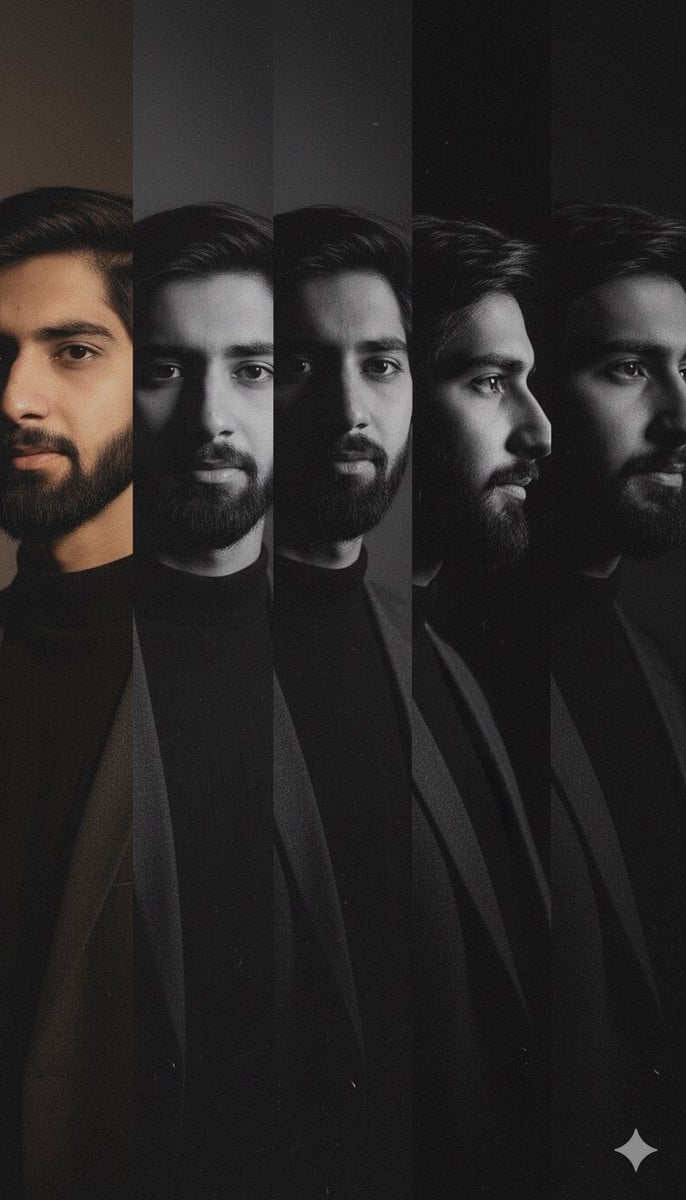
High-Contrast Noir Portrait Collage with Color Shifts
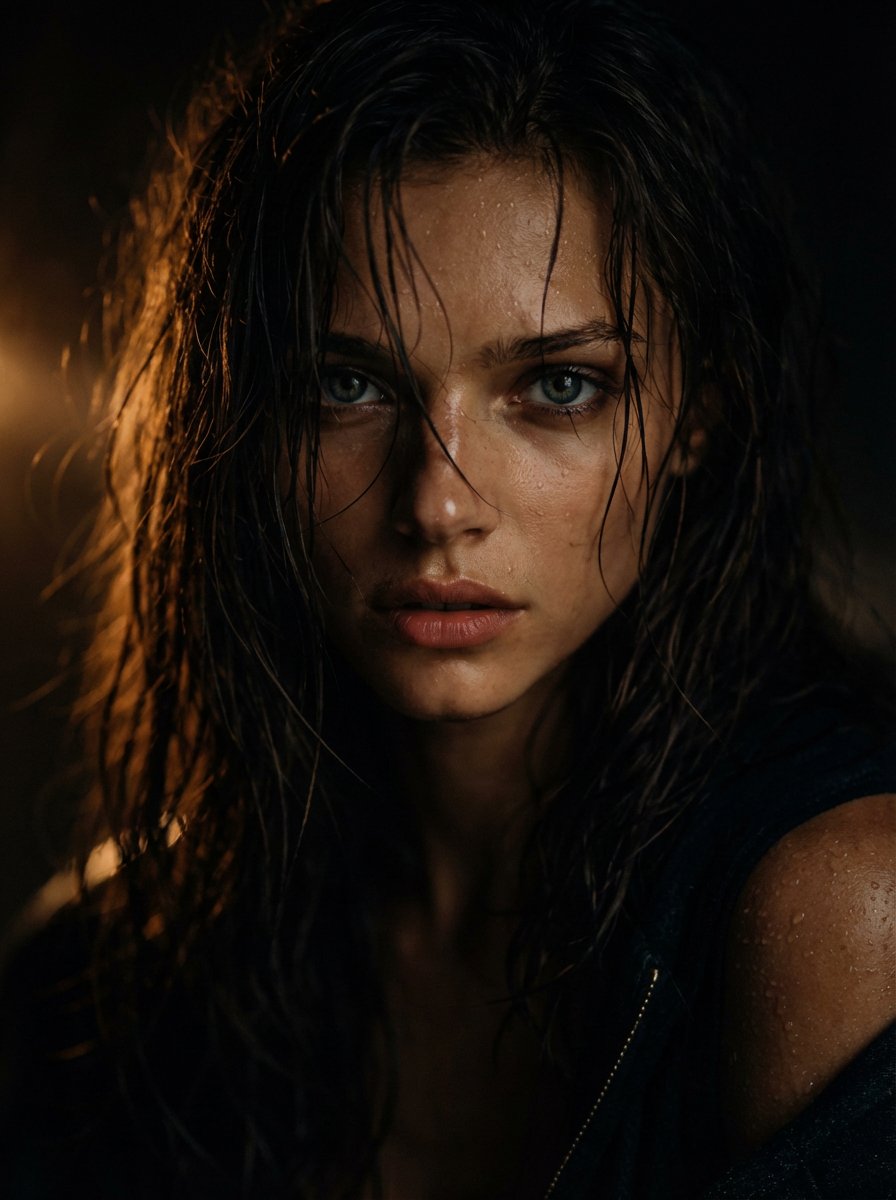
Cinematic Wet Hair Portrait Prompt
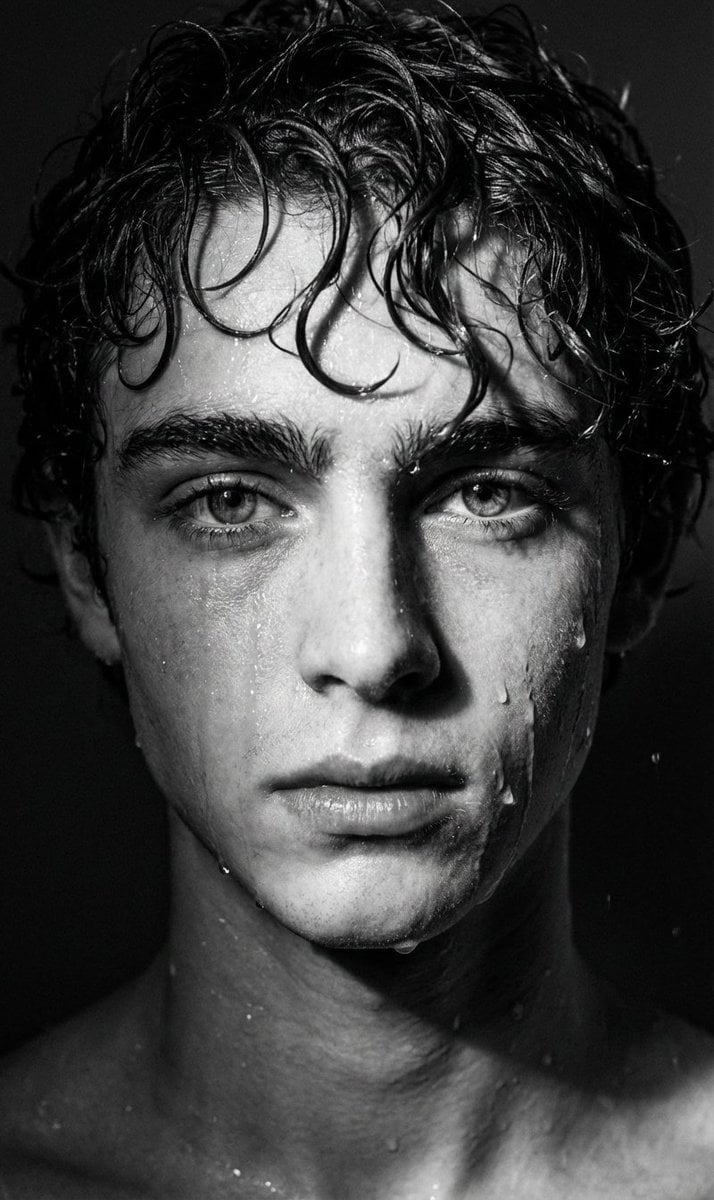
Dramatic Black and White Wet Portrait Prompt
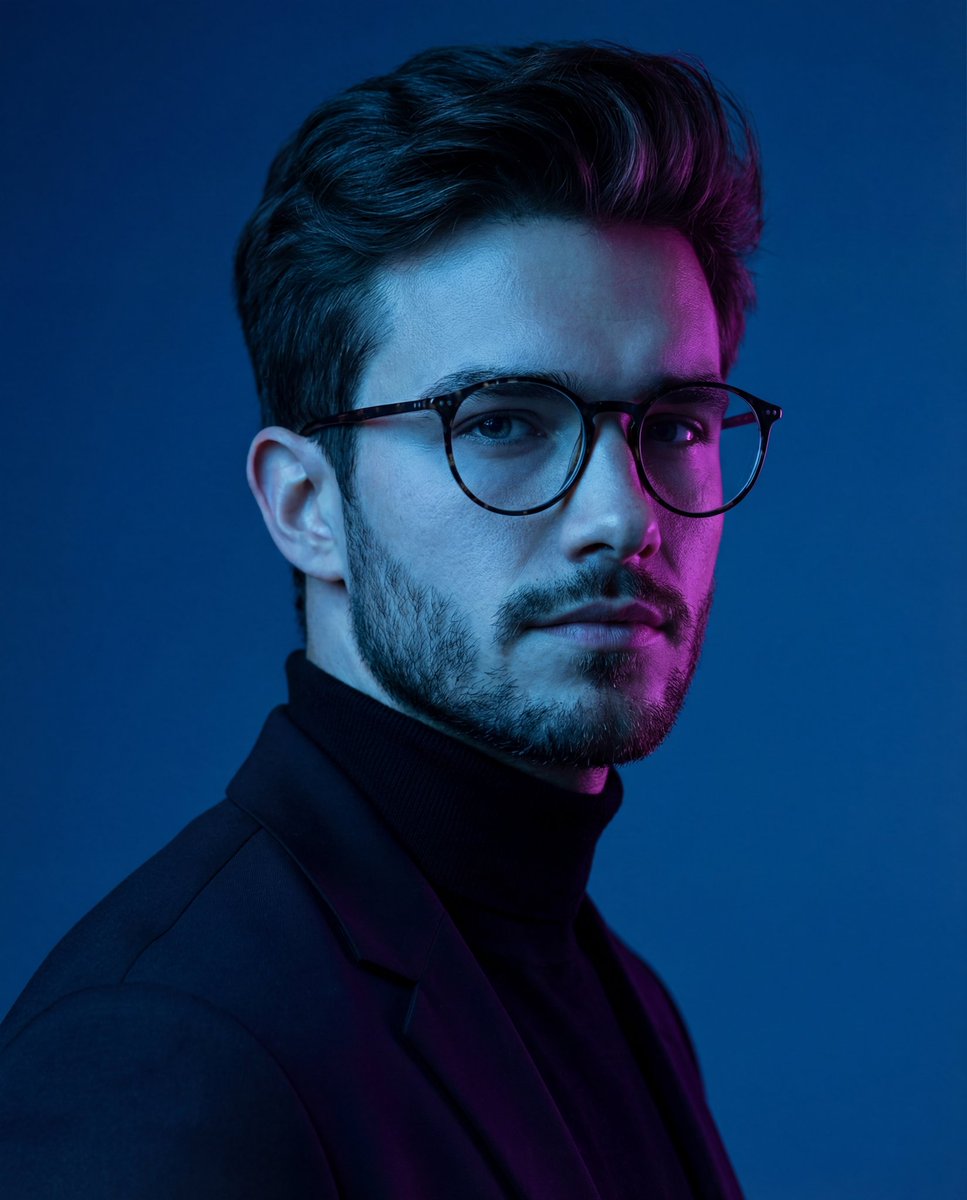
Dramatic Neon-Lit Portrait
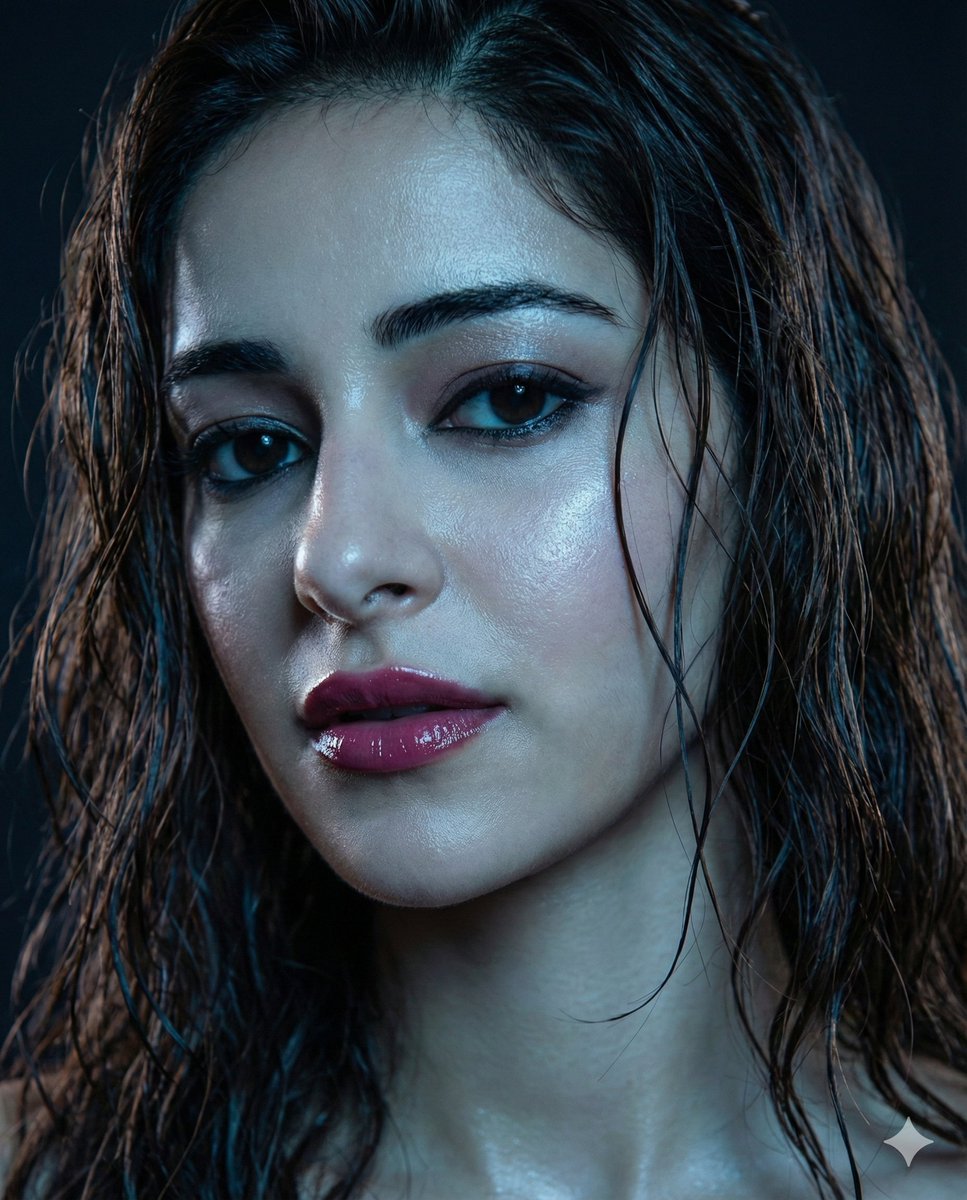
Moody Close-up Portrait with Wet Hair and Cool Lighting
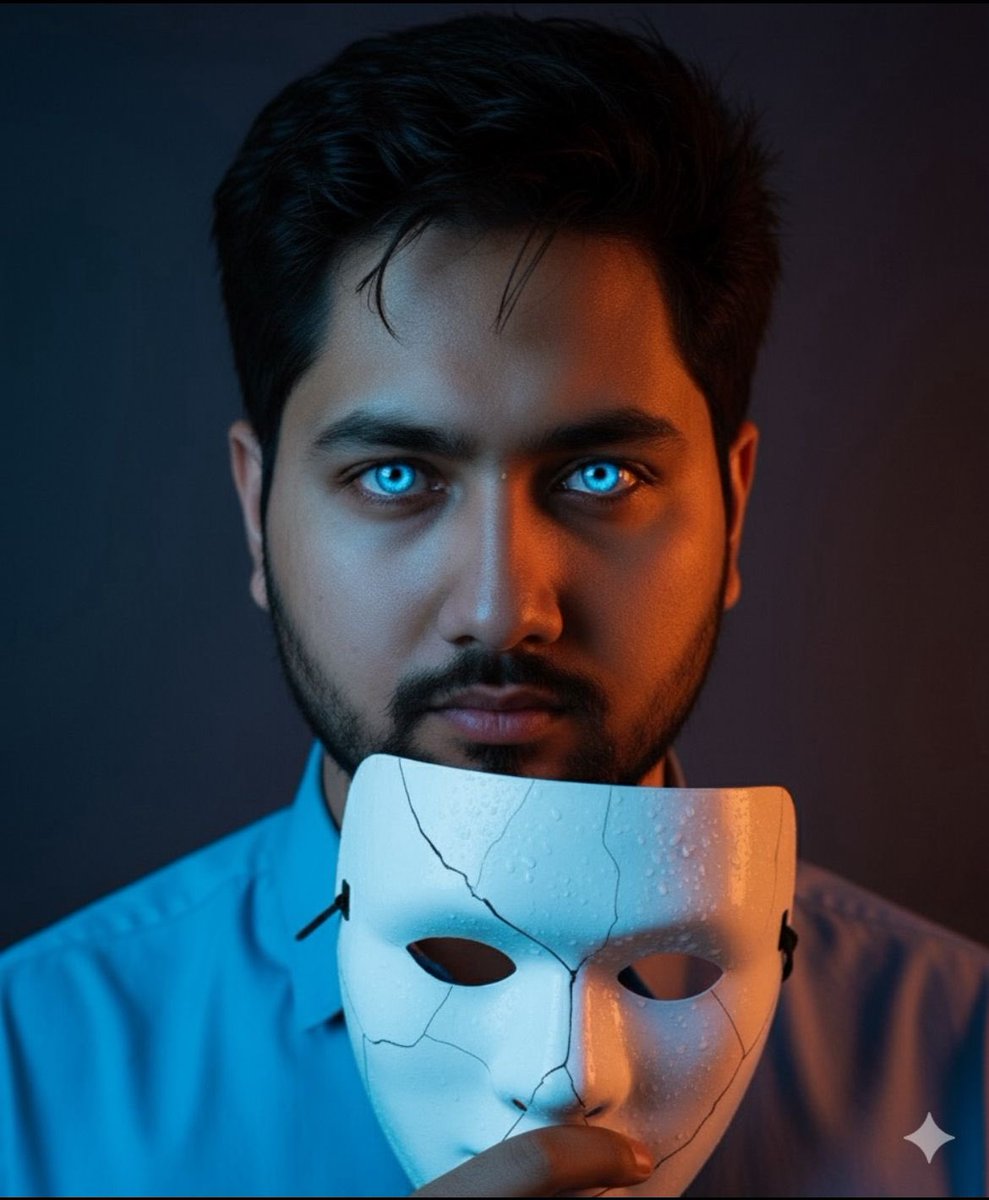
Dramatic Close-Up Portrait with Wet Skin and Cracked Mask
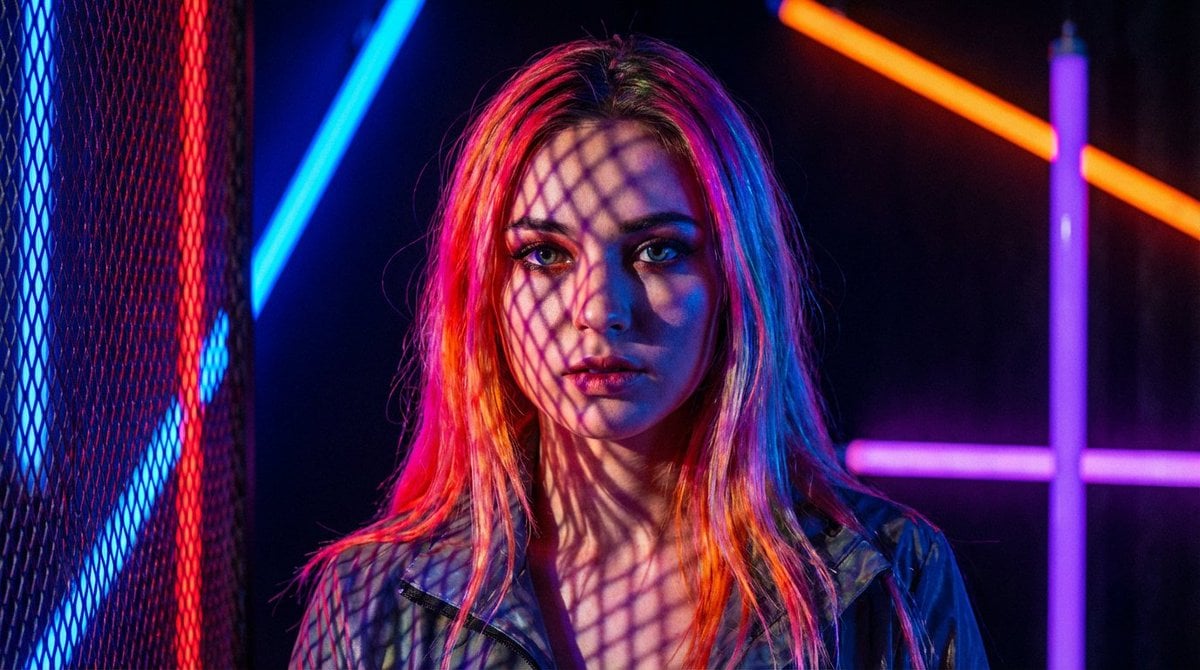
Neon Light High-Contrast Portrait Template
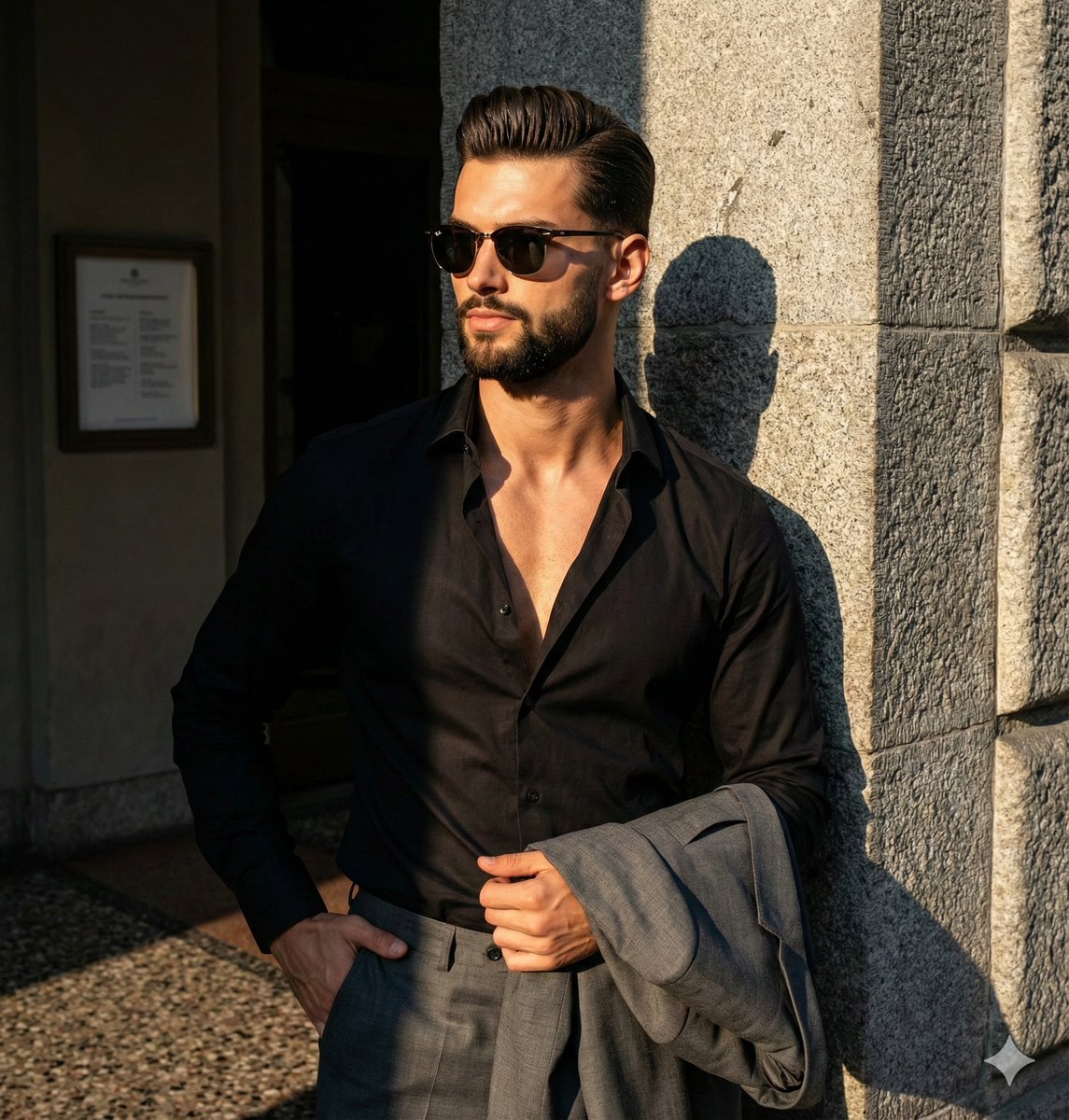
Dramatic High-Contrast Editorial Portrait Prompt
Make it yours
Dramatic Neon Portrait with Wet Hair and Color Contrast works as-is. These are the safest ways to change it without losing the look.
Change one field
Copy a single group, rewrite it, and generate again so you can see what that field is doing.
Keep the frame, change the subject
Hold the composition and light of Dramatic Neon Portrait with Wet Hair and Color Contrast, then swap wardrobe, props or the person for a new take.
| If the result… | Why | Fix |
|---|---|---|
| The result drifts from the preview | Too many fields changed at once. | Reuse Dramatic Neon Portrait with Wet Hair and Color Contrast as-is first, then change one group — subject, light, or setting. |
| The model over-stylizes the scene | The prose prompt leaves finish and camera underspecified. | Add one camera or lighting sentence and stay on Nano Banana 2. |
More Nano Banana 2 templates
Other prompts made for Nano Banana 2.

Photorealistic Leaf Shaped Like a Dragon

K-Pop Idol Portrait Grid for Rapid Selection

Poetic Rain Forest Portrait During Golden Hour

Urban Street Portrait with Cartoon Inner Self Duo

Candid Nighttime Photo with Cat Prompt

High-Concept 3D Diorama Generation Prompt

Cinematic Futuristic Studio Portrait Template

Skincare Editorial Photography Collage Prompt

Hyper-Realistic Commercial Product Photography (Splash Effect)

Hyper-Realistic Nightclub Portrait Prompt
More image prompts
Fresh picks from across the catalog.
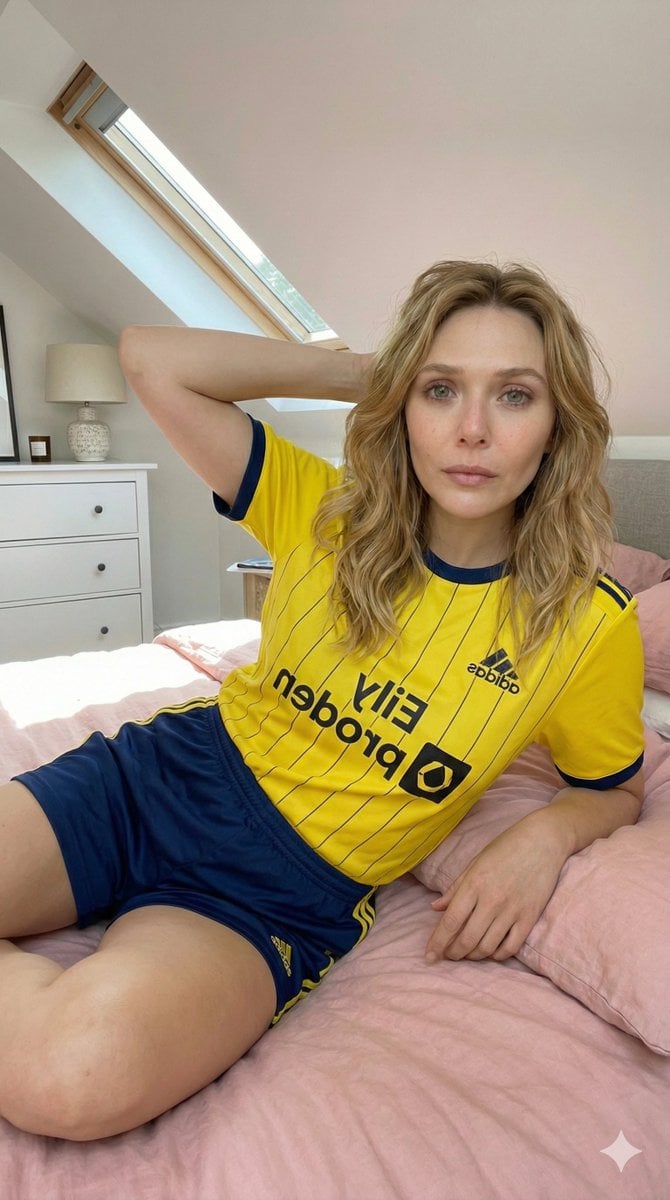
Photorealistic Selfie in Full Soccer Kit in Attic Bedroom
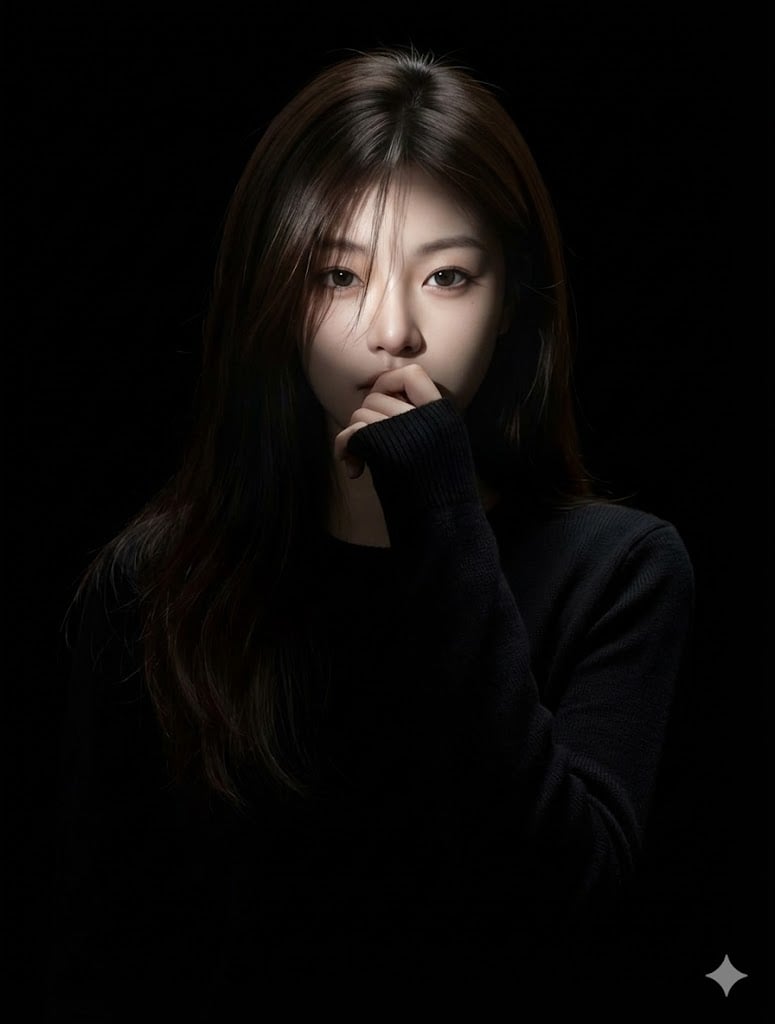
Hyperrealistic Anime Portrait with Split Lighting Prompt
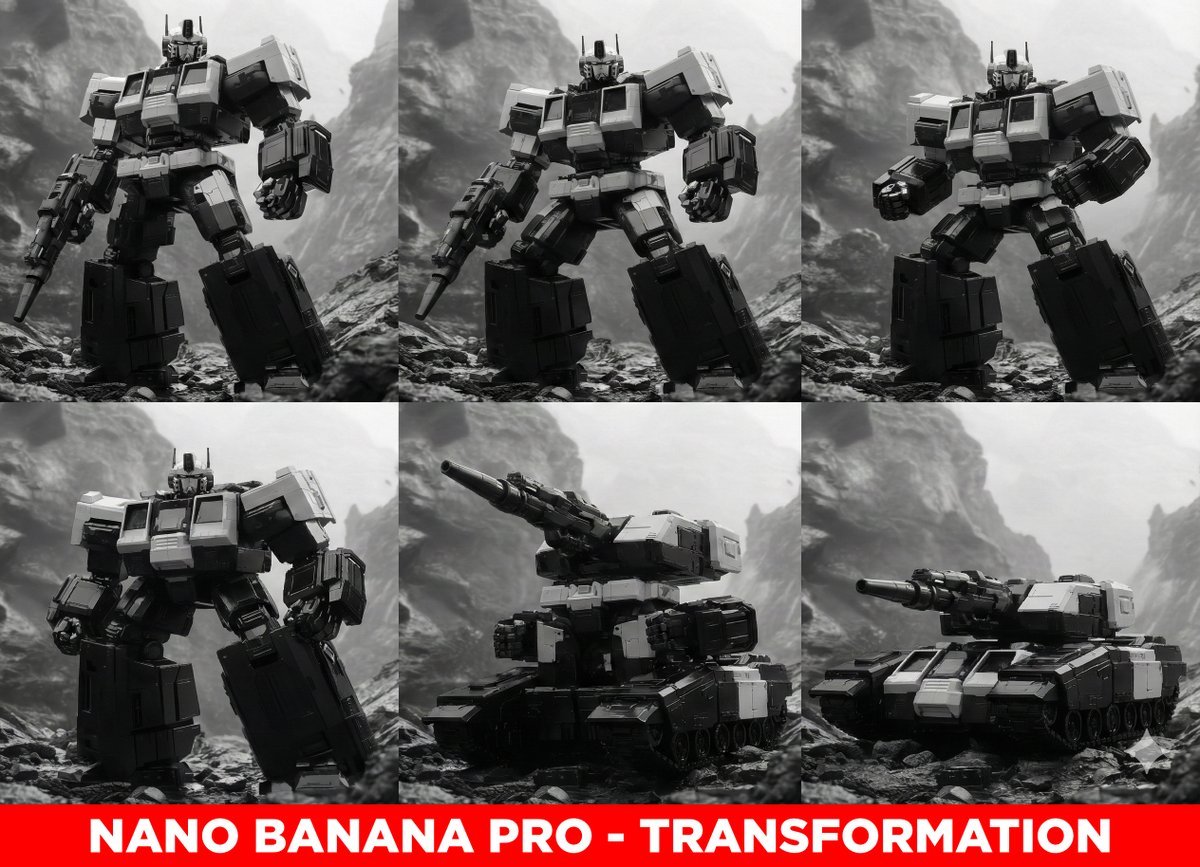
Midjourney Prompt for Transformers
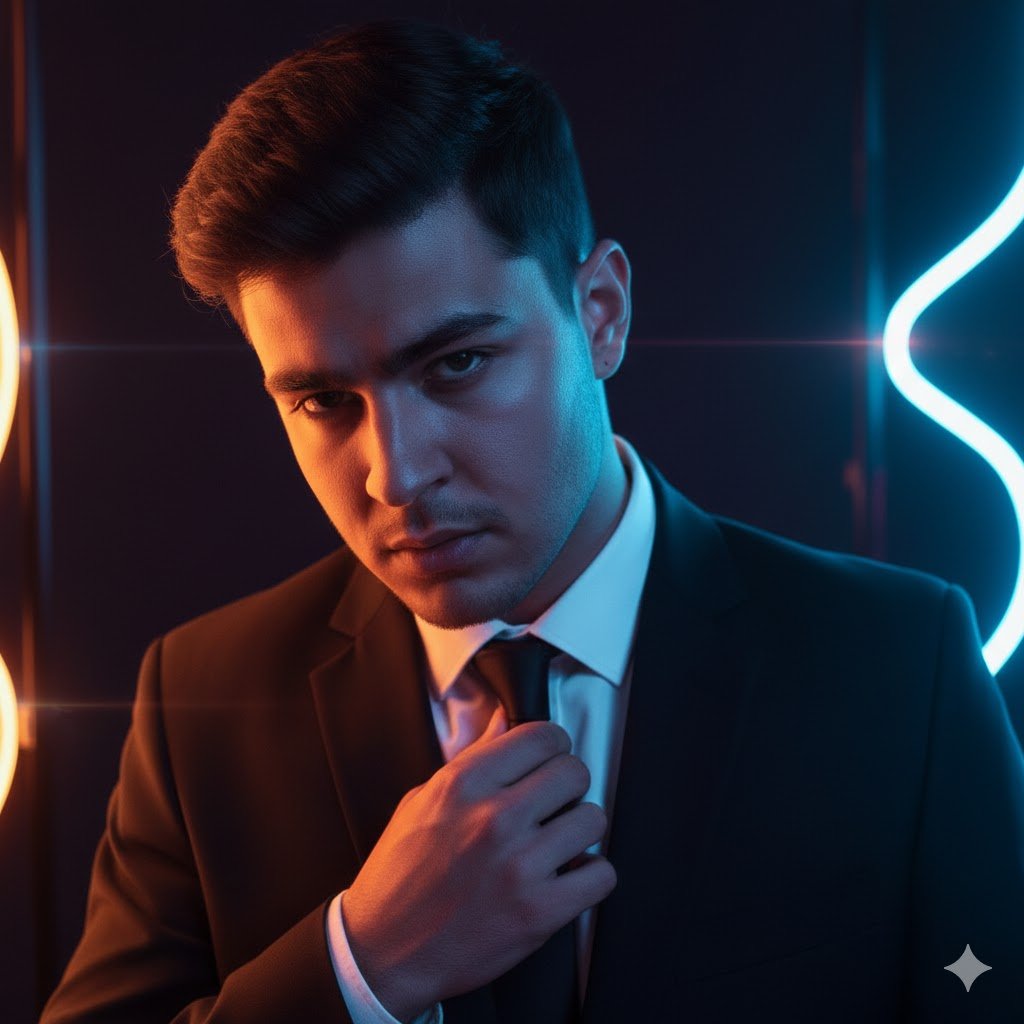
Futuristic Noir Cinematic Portrait
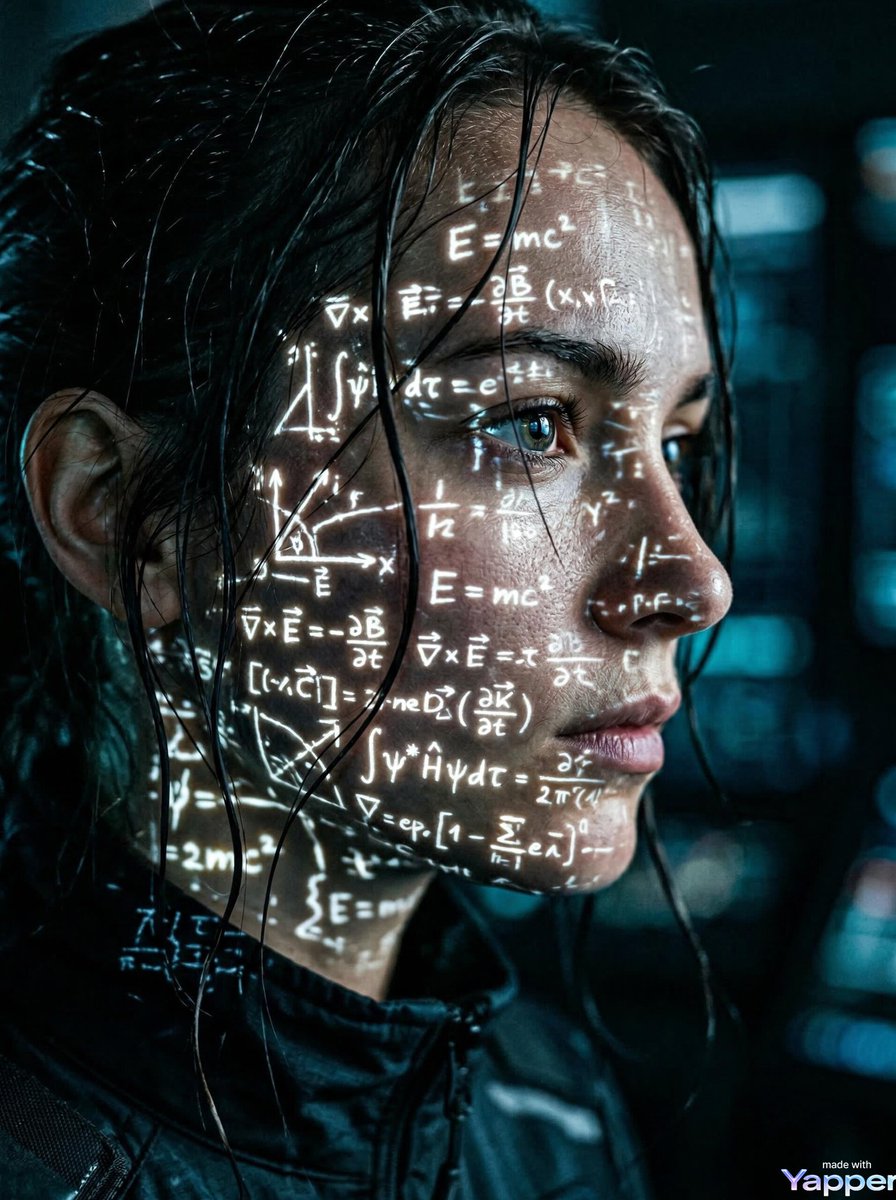
Cyberpunk Science Portrait
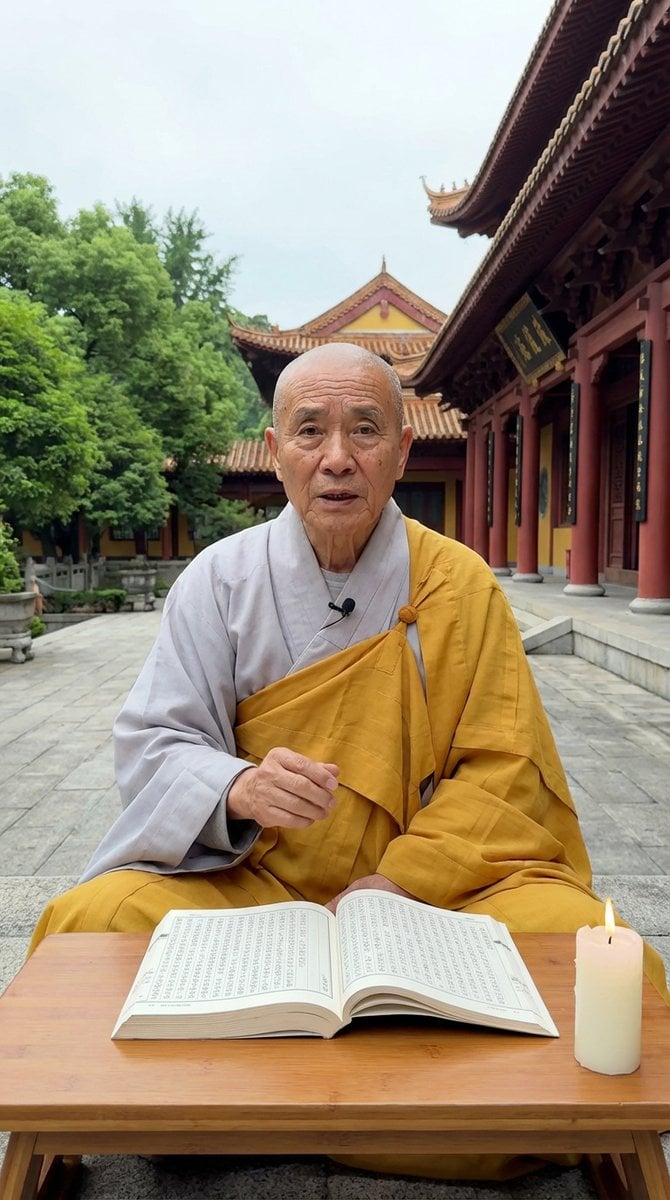
Monk Delivering Life Advice Video Still Prompt
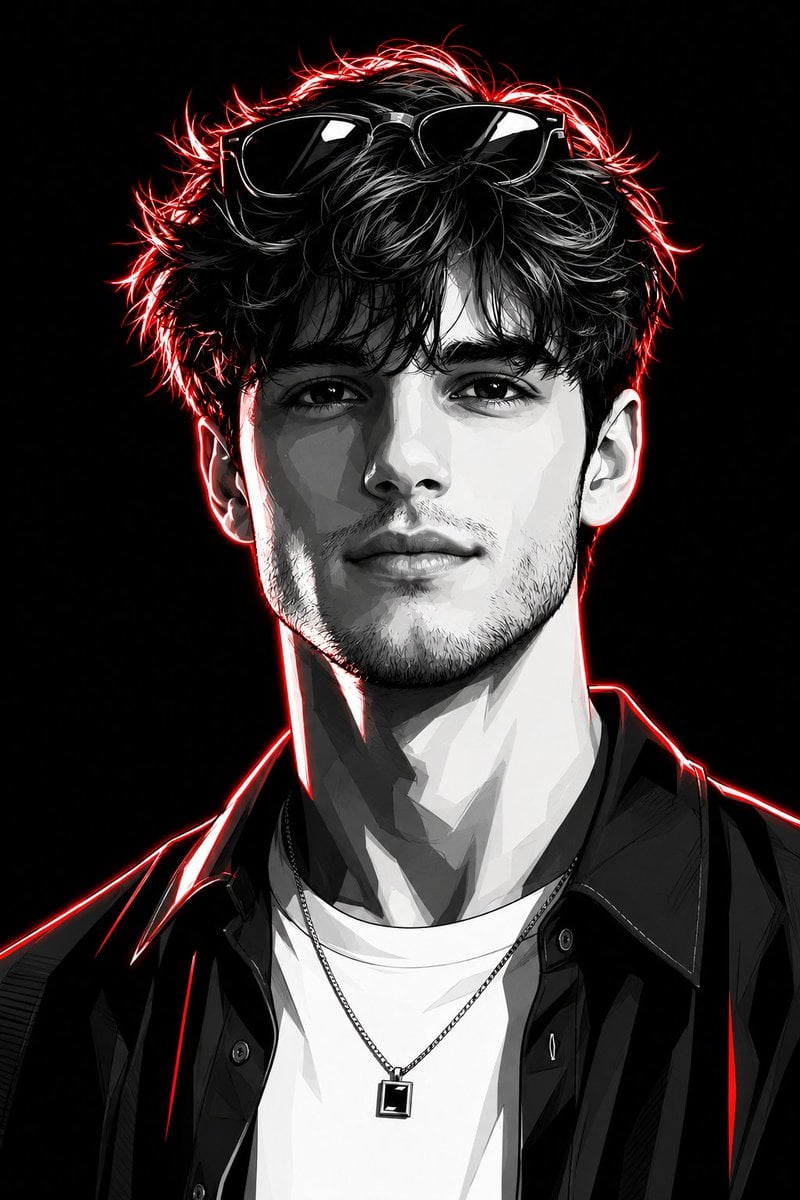
Neon Graphic Novel Character Transformation
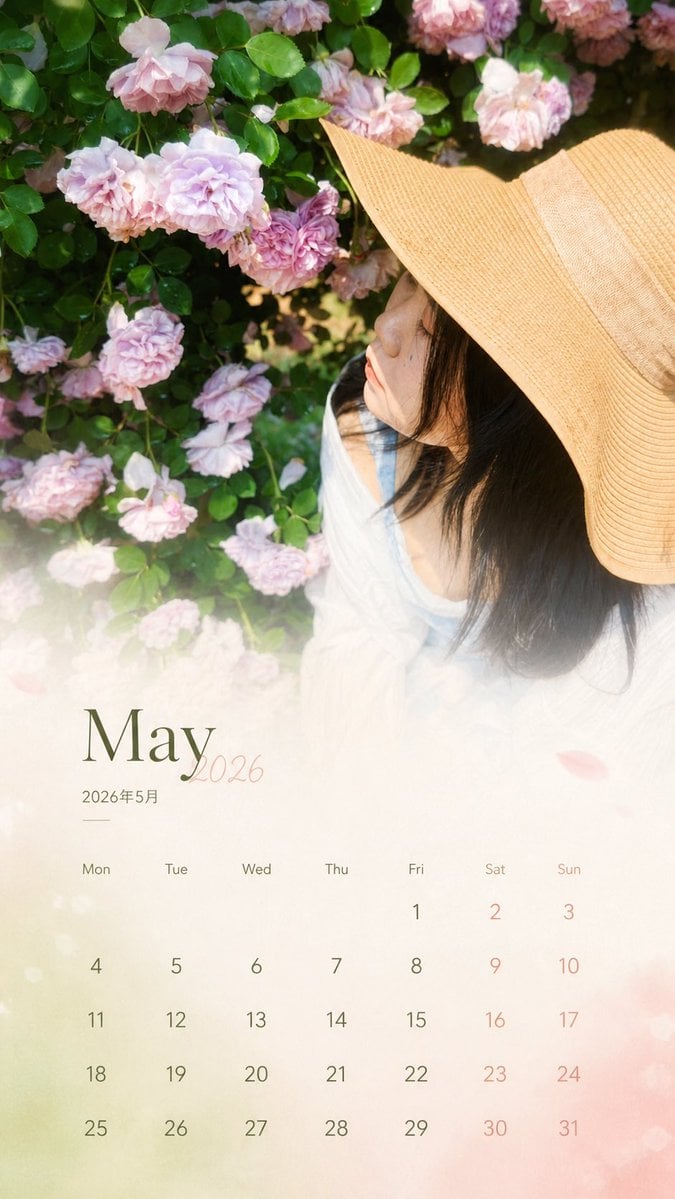
Travel Photo Monthly Calendar Card
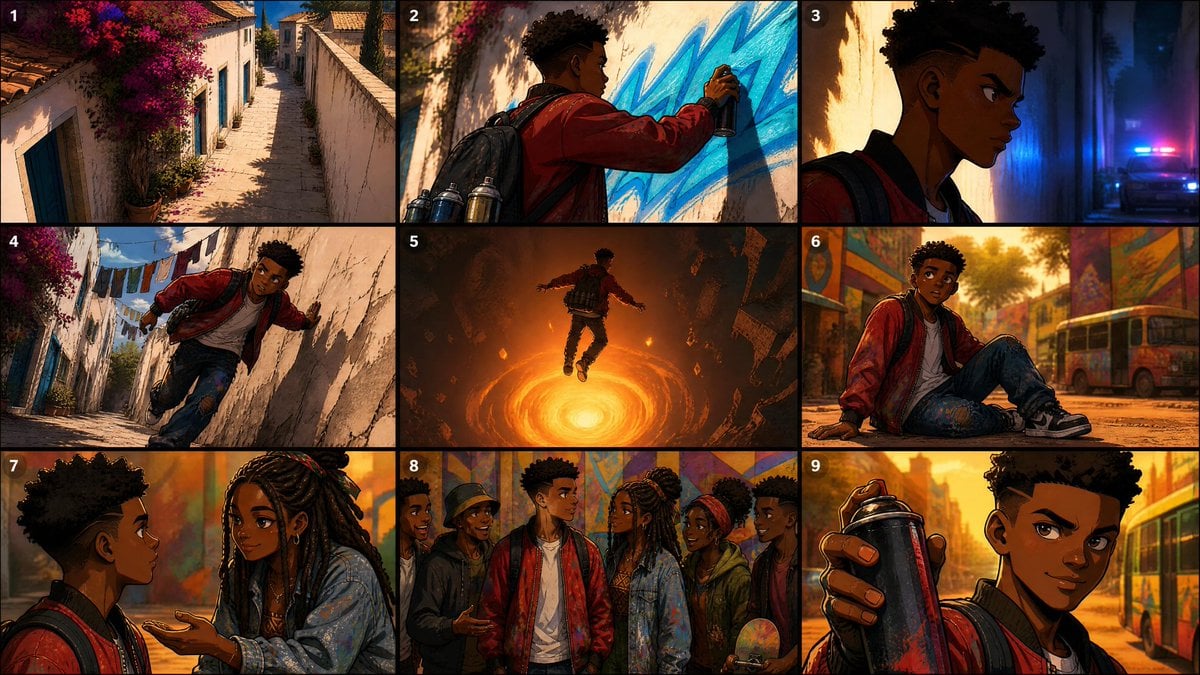
Seedance Prompt: Create a 2.5D animation, cinemat

Fantasy Creature With Milk in Server Room
Browse template categories
Dramatic Neon Portrait with Wet Hair and Color Contrast questions
How do I use the Dramatic Neon Portrait with Wet Hair and Color Contrast template?
Add your photo if the template asks for one, edit the prompt if you like — the template's model and format are already selected — and press Generate. Your version opens in PicX Studio.
Can I customize the Dramatic Neon Portrait with Wet Hair and Color Contrast template?
Yes. You can change the subject, setting, lighting, mood, format, and available model controls before creating your image.
Is the Dramatic Neon Portrait with Wet Hair and Color Contrast template free?
Opening and editing this template is free. Generating uses credits, shown on the Generate button when you are signed in.
Which AI model should I use?
Start with Nano Banana 2, which is the model associated with this template. You can compare another compatible model for a different finish.
Looking for something else? Browse all templates.

Your photo, any look
Thousands of ready templates for every top image and video model, from one credit balance.