
Happy Toddler in Daisy Meadow
A whimsical watercolor-style meadow scene with a toddler, daisies, ladybugs, and a smiling sun for cheerful storybook artwork.
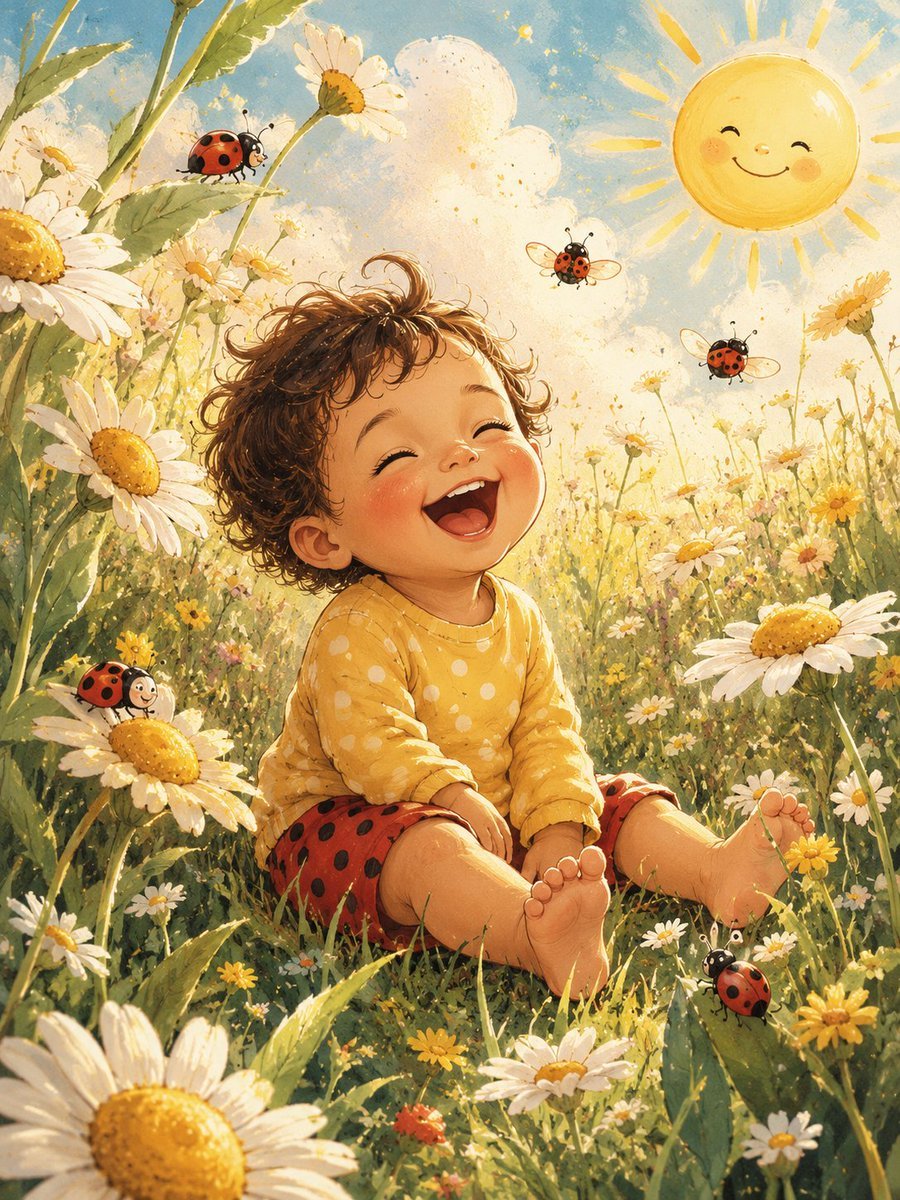
- Prompt included
- Model and format preset
- Free template
The prompt behind this image
Copy the exact prompt behind Happy Toddler in Daisy Meadow, or open it in the studio and make it yours.
Create a warm storybook watercolor illustration of {argument name="character" default="a happy toddler"} sitting barefoot in a sunlit meadow of tall grass and oversized white daisies with golden centers. The child is centered in the lower half of the image, wearing a {argument name="shirt" default="mustard-yellow long-sleeve shirt with white polka dots"} and {argument name="shorts" default="red shorts with black ladybug spots"}, legs relaxed forward, curly brown hair glowing in the backlight. Place a plain opaque warm-brown square privacy block over the child's face, covering the facial features but leaving hair, ears, clothing, arms, legs, and feet visible. Surround the child with exactly 5 visible ladybugs: 1 perched on a tall leaf at the upper left, 1 smiling ladybug on a daisy at the lower left, 2 flying ladybugs in the upper right sky area, and 1 crawling on a leaf near the lower right foreground. Add a single cute smiling sun in the upper right corner, with rosy cheeks and simple closed eyes, radiating soft yellow rays. The meadow should be dense with white daisies, tiny yellow flowers, green stems, and leafy foreground depth, with a pale blue sky, fluffy cream clouds, golden speckles, and dreamy morning light. Use a nostalgic hand-painted children's book style, soft watercolor and gouache texture, gentle linework, bright cheerful colors, shallow depth, whimsical proportions, and an overall feeling of innocent happiness. Vertical 4:5 composition, no text, no watermark, no photorealism.
How to use Happy Toddler in Daisy Meadow in 3 steps
- 1Upload ImagePNG, JPG or paste
Add your photo
Upload the photo the template builds on. The prompt, model and format are already set.
- 2…a portrait of your subject in softgolden-hour light, 85mm…
Personalize
Edit the subject and creative details for your destination.
- 3Generate
Generate
Press Generate — your image is created in PicX Studio, so you can compare it with the original and refine one variable at a time.
More like this
Templates with the same subject, style or setup. Open one to see its prompt.
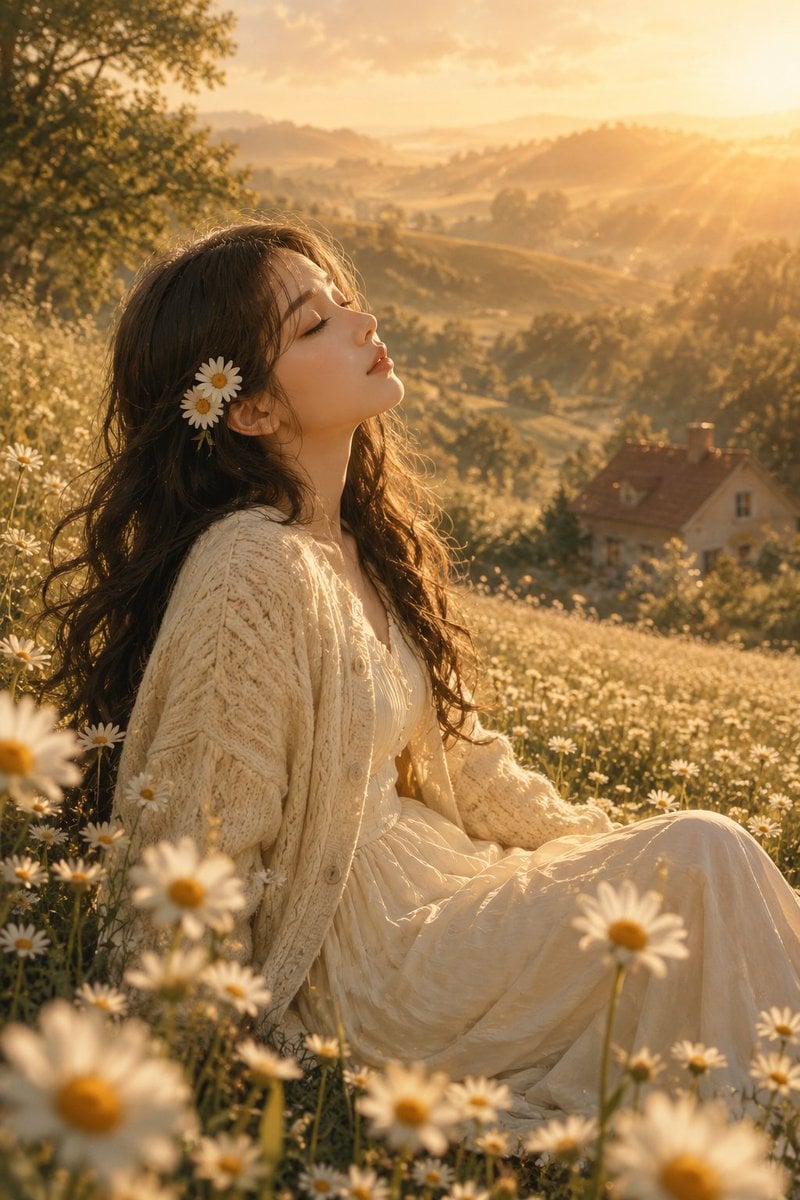
Golden Hour Daisy Meadow Portrait
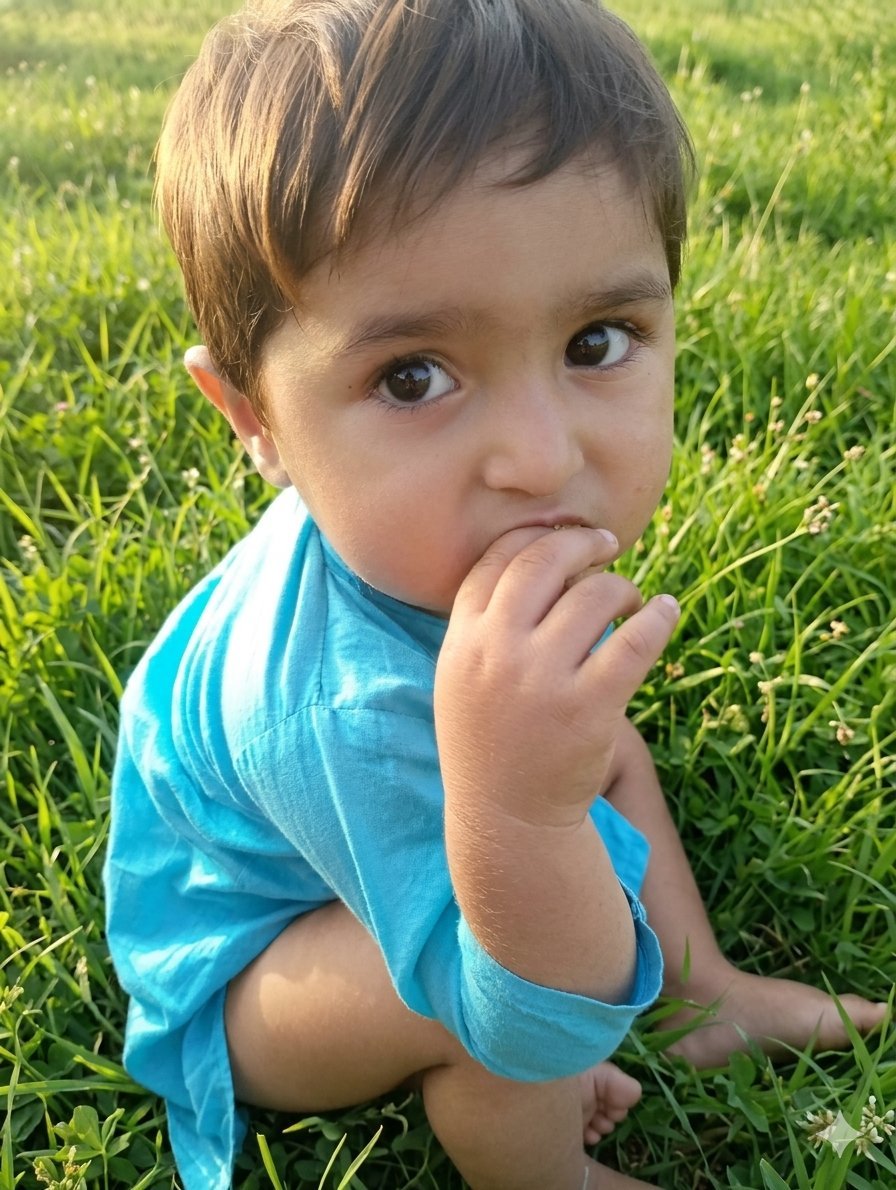
Golden Hour Toddler Meadow Portrait
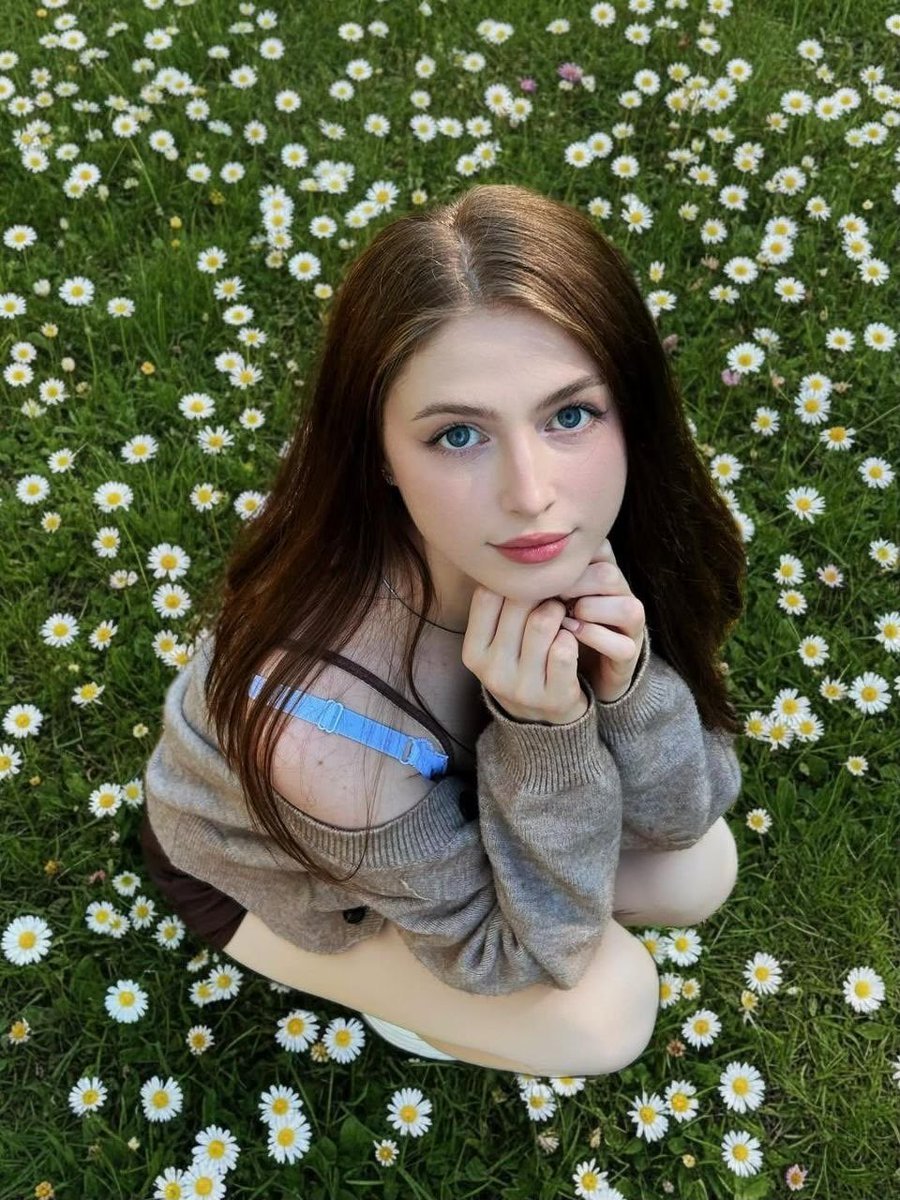
Girl in Daisy Meadow Portrait
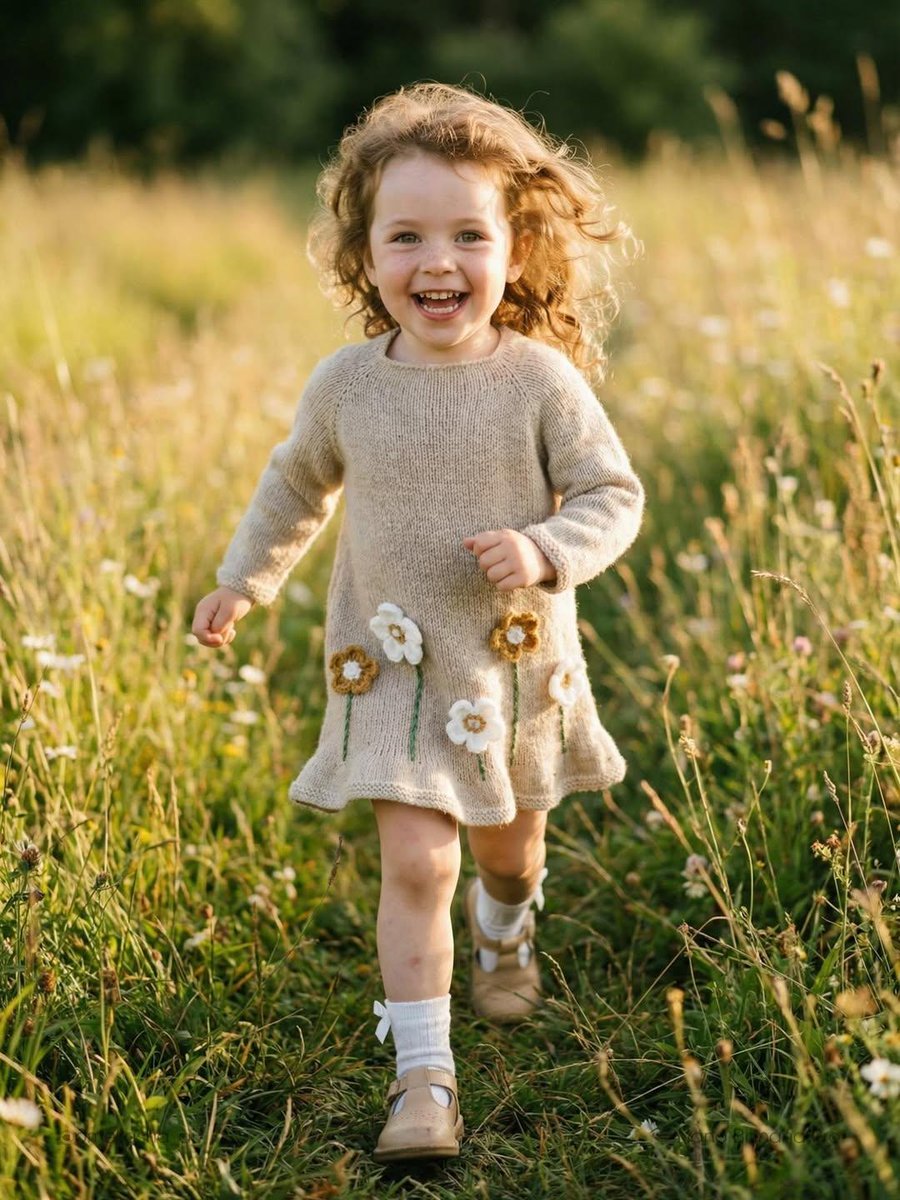
Lifestyle Photo of Toddler Running in Sunlit Meadow

Toddler Fast Food Comedy Still

3D avatar of a man, with a happy face on a white background, no necks

Super cute, hyper-realistic 3D render of a toddler girl who is a younger

Whimsical 3D Toddler Bathroom Illustration

Luxury Toddler Fashion Portrait
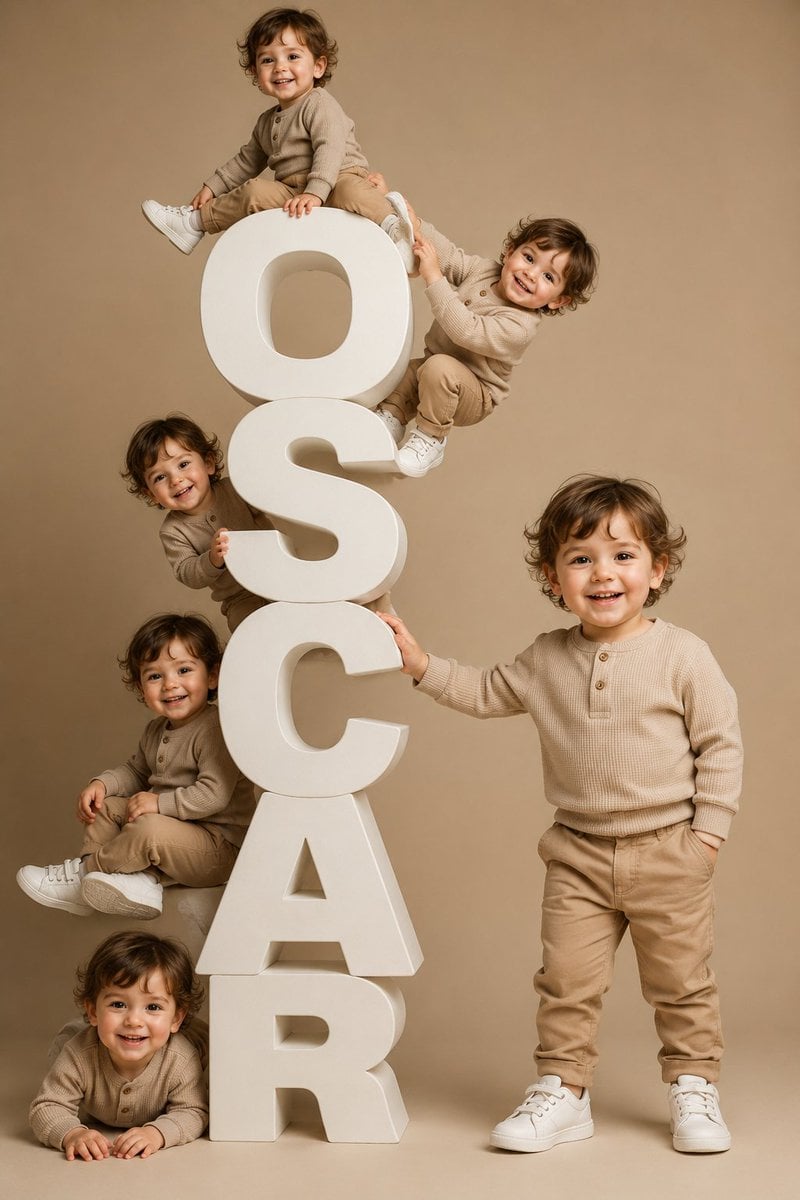
Toddler Clones With Stacked Name Letters

Tiny Toddler Hugging Giant Chocolate Bar

Three Steps to a Happy Life Infographic
Make it yours
Happy Toddler in Daisy Meadow works as-is. These are the safest ways to change it without losing the look.
Change one field
Copy a single group, rewrite it, and generate again so you can see what that field is doing.
Keep the frame, change the subject
Hold the composition and light of Happy Toddler in Daisy Meadow, then swap wardrobe, props or the person for a new take.
| If the result… | Why | Fix |
|---|---|---|
| The result drifts from the preview | Too many fields changed at once. | Reuse Happy Toddler in Daisy Meadow as-is first, then change one group — subject, light, or setting. |
| The model over-stylizes the scene | The prose prompt leaves finish and camera underspecified. | Add one camera or lighting sentence and stay on GPT Image 2. |
More GPT Image 2 templates
Other prompts made for GPT Image 2.

Six VTuber Japanese Logo Sheet

Realistic Portrait of Woman and Deer

The Vista Modular Condo Poster

AI Model Routing Comparison Infographic

2.5D Anime Art Board

Isometric Productivity Desk Scene

New York Double Exposure Poster

Four-Panel AI Landscape Comparison

Japanese Tatami Lifestyle Magazine Cover

NESCAFÉ Coffee Map Poster
More image prompts
Fresh picks from across the catalog.

Minimalist Cinematic Portrait Prompt for Nano Banana 2

Knitted Yarn Object Generation Prompt

Operation Epic Furry Illustration Prompt

Text Replacement Prompt for Image Editing

High-Fashion Urban Editorial Portrait with Grillz
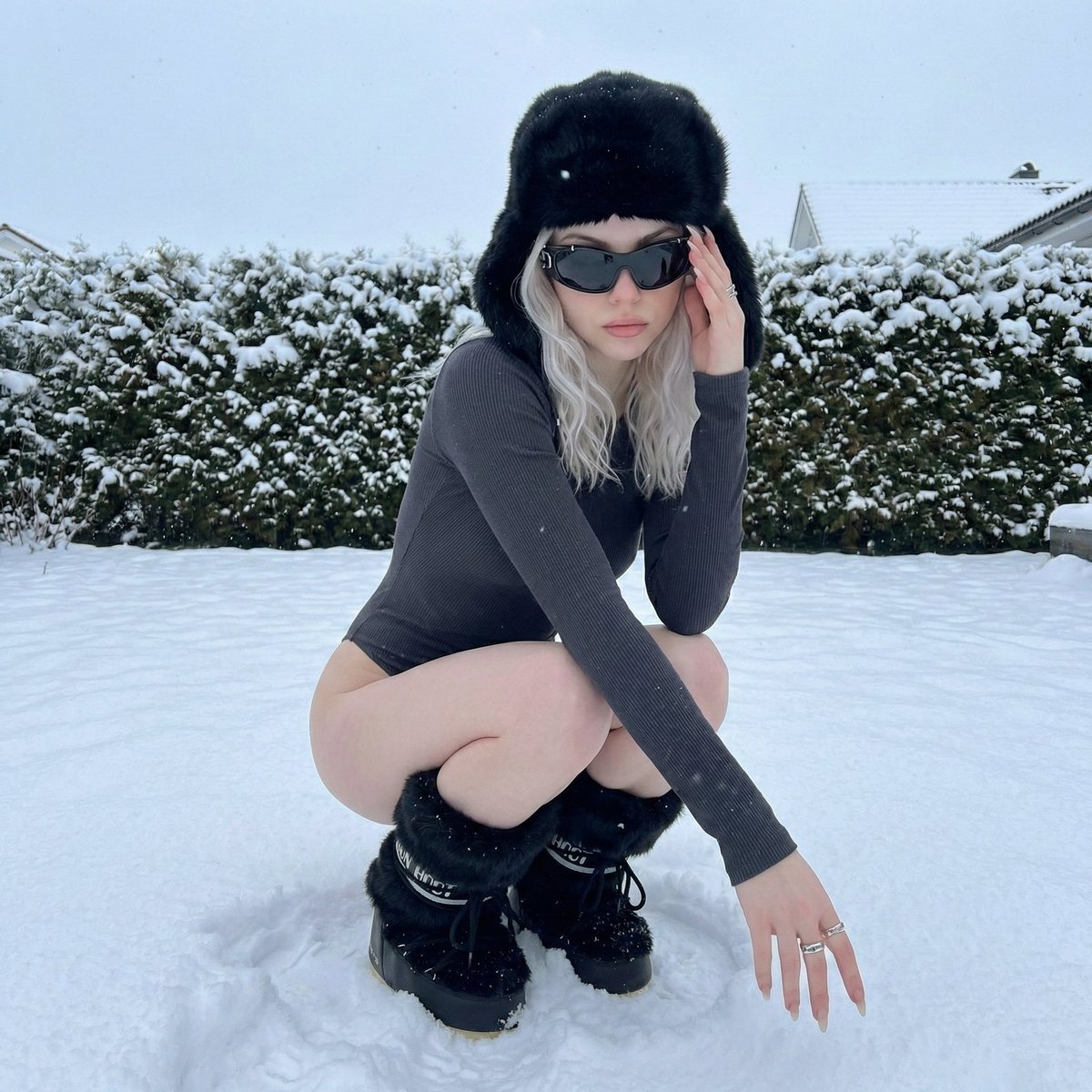
Winter Editorial Low-Angle Squat Pose Prompt (iPhone Style)

Editorial Fashion Ballerina
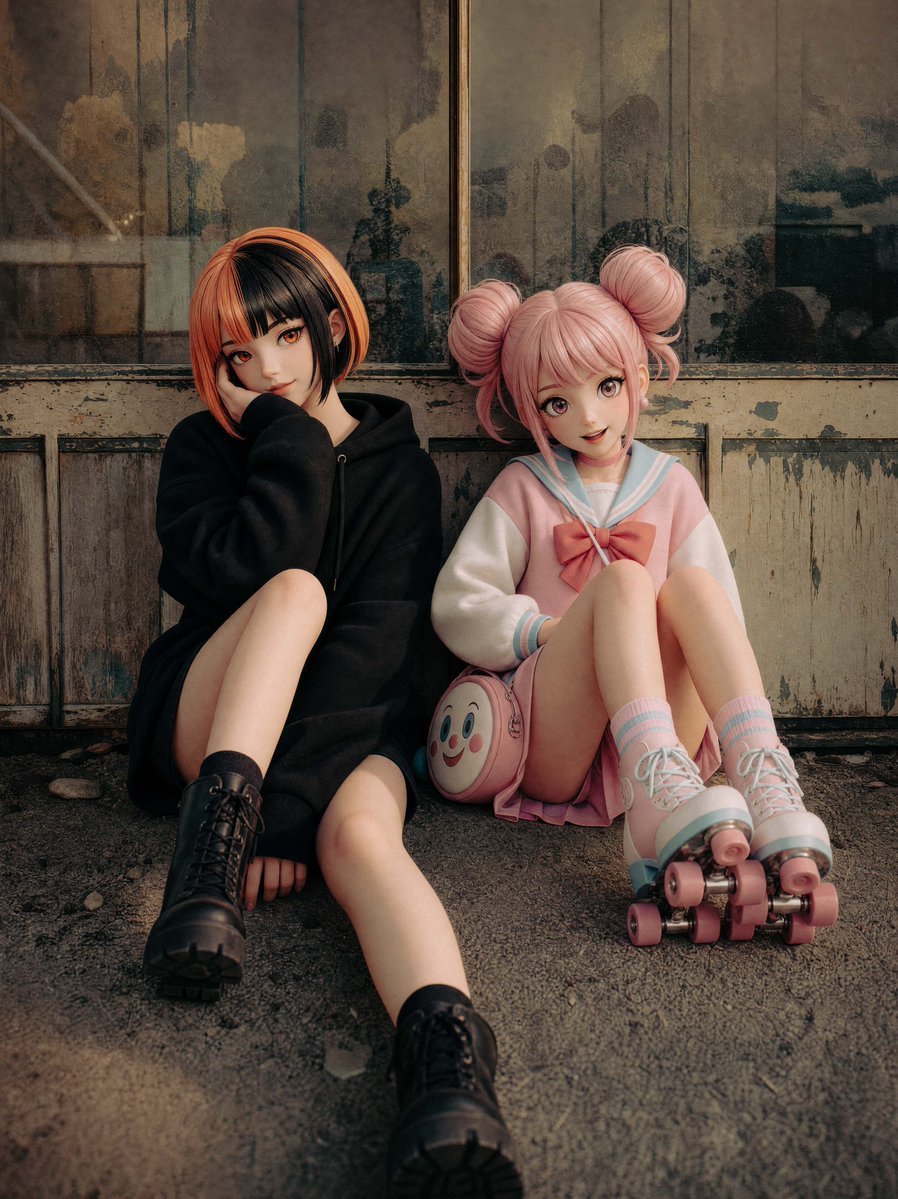
Life-Size Figure Transformation
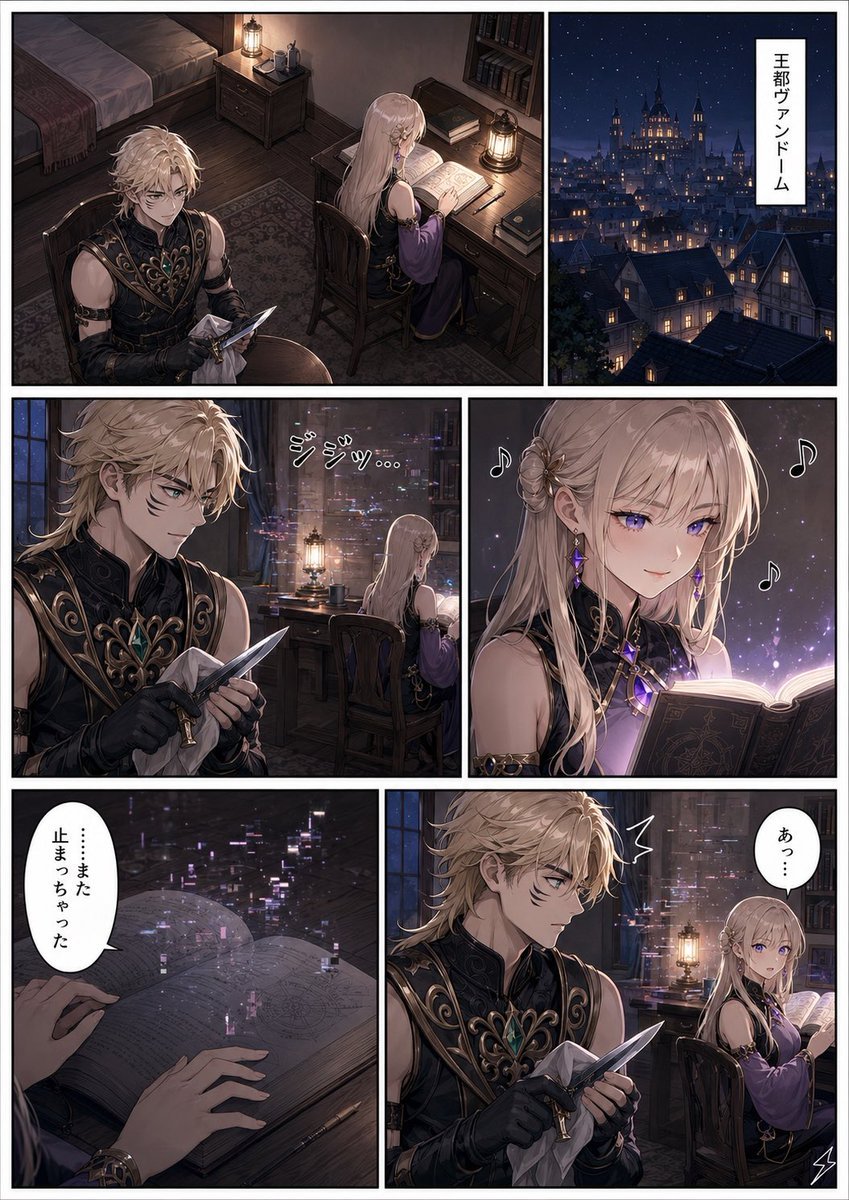
Dark Fantasy Manga Page Generator
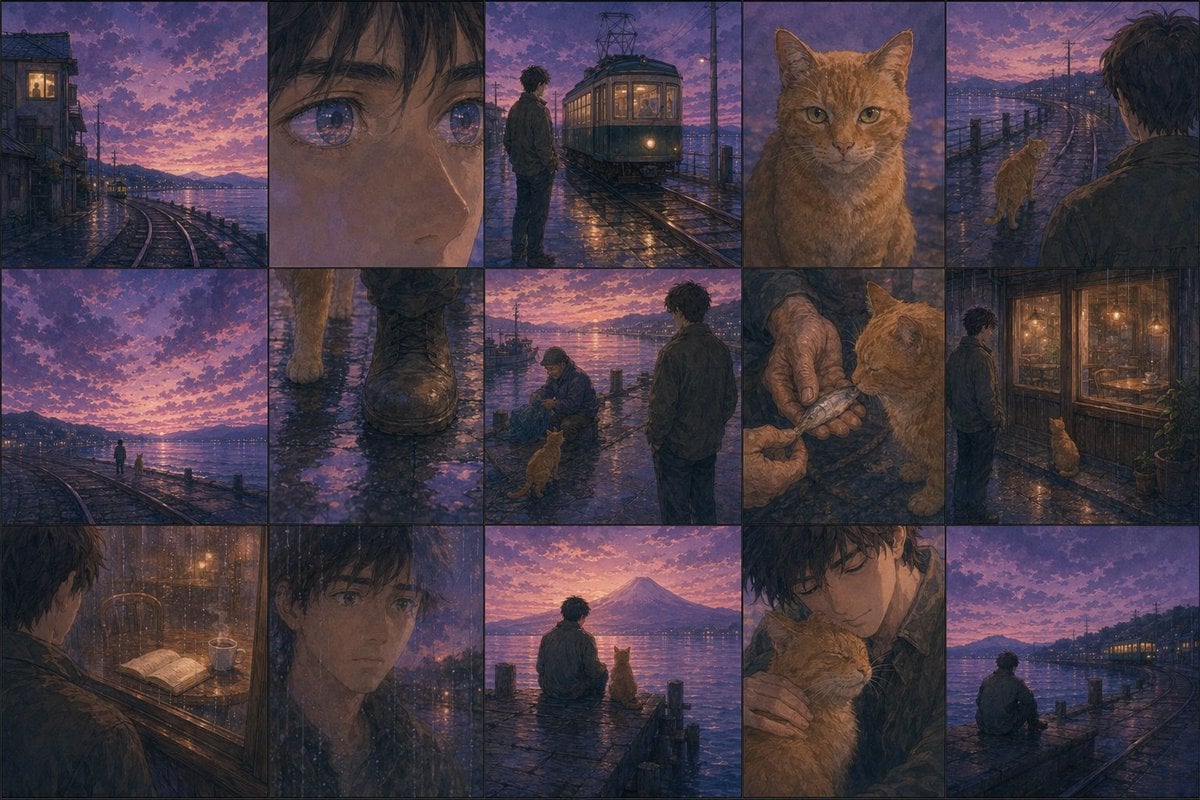
Haruki Murakami Style Comic Prompt
Browse template categories
Happy Toddler in Daisy Meadow questions
How do I use the Happy Toddler in Daisy Meadow template?
Add your photo if the template asks for one, edit the prompt if you like — the template's model and format are already selected — and press Generate. Your version opens in PicX Studio.
Can I customize the Happy Toddler in Daisy Meadow template?
Yes. You can change the subject, setting, lighting, mood, format, and available model controls before creating your image.
Is the Happy Toddler in Daisy Meadow template free?
Opening and editing this template is free. Generating uses credits, shown on the Generate button when you are signed in.
Which AI model should I use?
Start with GPT Image 2, which is the model associated with this template. You can compare another compatible model for a different finish.
Looking for something else? Browse all templates.

Your photo, any look
Thousands of ready templates for every top image and video model, from one credit balance.