How do I use the Golden Hour Daisy Meadow Portrait template?
Edit the prompt in the box under the preview — the template's model and format are already selected — and press Generate. Your version appears right on this page.
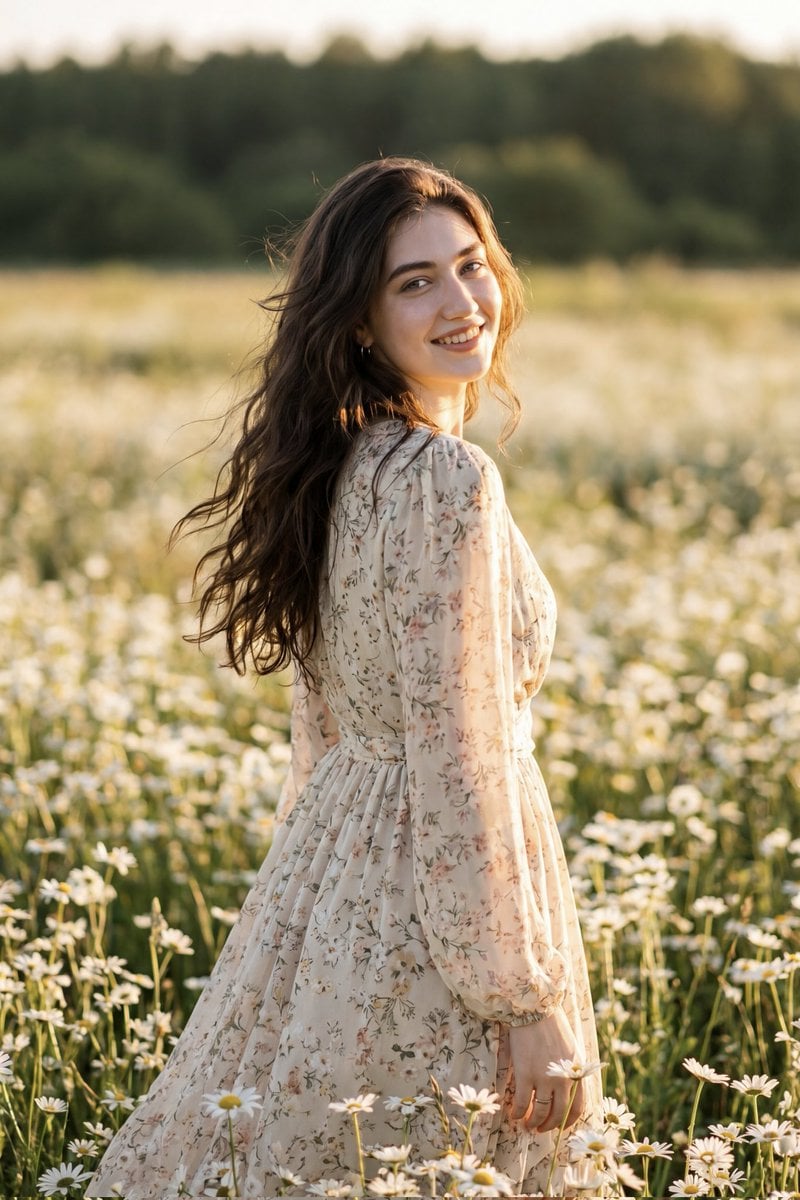
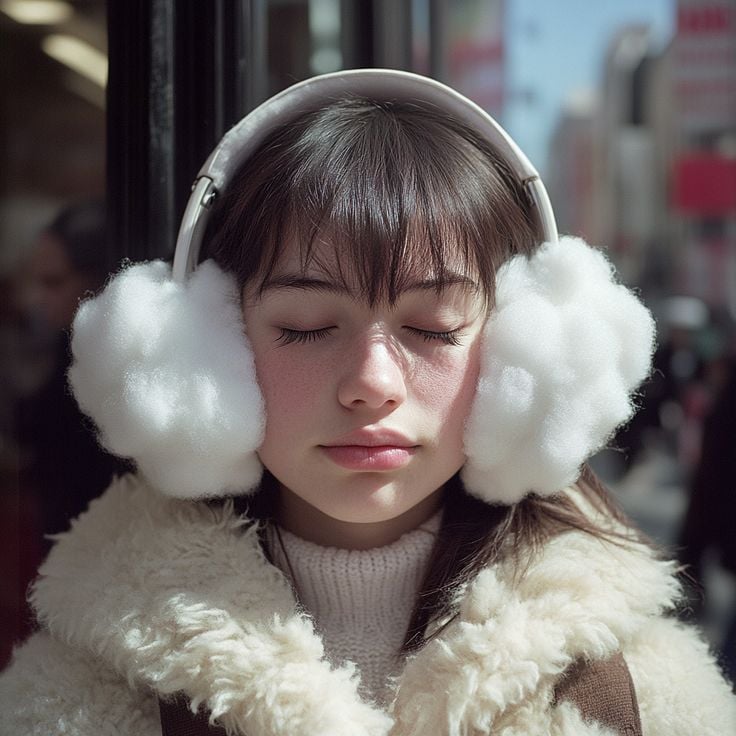
A highly detailed prompt for a serene portrait of a woman in a daisy field during golden hour, utilizing a painterly anime-realism style with soft bokeh.

Serene golden-hour portrait of a {argument name="subject" default="young woman"} sitting in a {argument name="setting" default="sunlit meadow of white daisies"}, eyes gently closed, face tilted toward warm sunlight, long wavy dark hair with daisies tucked behind her ear, wearing an {argument name="outfit" default="ivory cable-knit cardigan over a flowing cream dress"}; vertical composition, subject slightly off-center following the rule of thirds, shallow depth of field with soft bokeh in the foreground daisies, crisply detailed midground figure, distant rolling hills and a small cottage softly rendered in the background. Warm sepia-tinged color palette: soft creams, muted sage greens, pale yellows and honey light; rim lighting and subtle volumetric sun rays, delicate lens flare and soft film grain. Painterly anime-realism hybrid: ultra-detailed facial features, realistic hair strands, textured fabric stitches, intricate daisy petals, gentle brushwork for landscape, cinematic soft contrast, dreamy nostalgic mood, 35–50mm focal feel, wide aperture shallow focus, high-resolution, finely detailed atmosphere.
Serene golden-hour portrait of a {argument name="subject" default="young woman"} sitting in a {argument name="setting" default="sunlit meadow of white daisies"}, eyes gently closed, face tilted toward warm sunlight, long wavy dark hair with daisies tucked behind her ear, wearing an {argument name="outfit" default="ivory cable-knit cardigan over a flowing cream dress"}; vertical composition, subject slightly off-center following the rule of thirds, shallow depth of field with soft bokeh in the foreground daisies, crisply detailed midground figure, distant rolling hills and a small cottage softly rendered in the background. Warm sepia-tinged color palette: soft creams, muted sage greens, pale yellows and honey light; rim lighting and subtle volumetric sun rays, delicate lens flare and soft film grain. Painterly anime-realism hybrid: ultra-detailed facial features, realistic hair strands, textured fabric stitches, intricate daisy petals, gentle brushwork for landscape, cinematic soft contrast, dreamy nostalgic mood, 35–50mm focal feel, wide aperture shallow focus, high-resolution, finely detailed atmosphere.
Edit the prompt in the box under the preview — the template's model and format are already selected — and press Generate. Your version appears right on this page.
Yes. You can change the subject, setting, lighting, mood, format, and available model controls before creating your image.
Opening and editing this template is free. Generating uses credits, shown on the Generate button when you are signed in.
Start with GPT Image 2, which is the model associated with this template. You can compare another compatible model for a different finish.
Follow a topic to a crawlable collection of related PicX Studio templates.