
Historical Epic Scene: 1887 Yellow River Flood
A highly detailed prompt for generating a cinematic, wide-angle aerial view of the catastrophic 1887 Yellow River Flood, focusing on environmental devastation, period-accurate human elements (Qing Dynasty peasants), and…
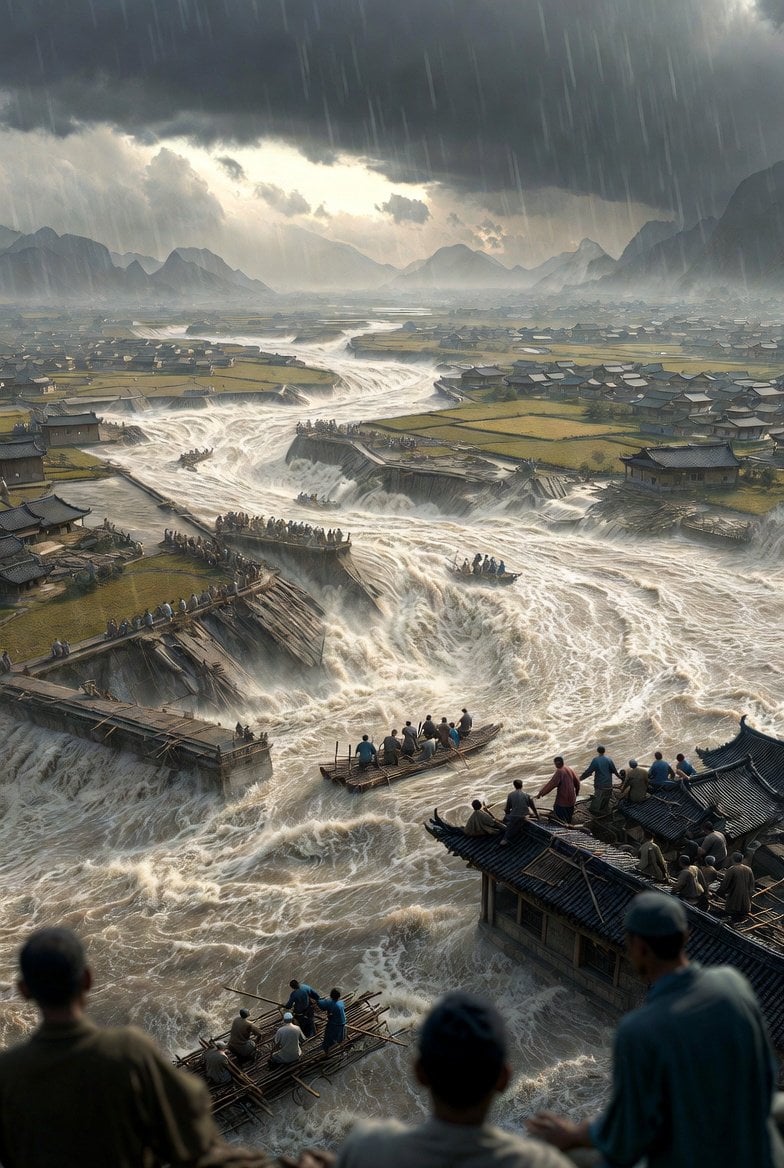
- Prompt included
- Model and format preset
- Free template
The prompt behind this image
Copy the exact prompt behind Historical Epic Scene: 1887 Yellow River Flood, or open it in the studio and make it yours.
{ "scene_setup": { "event": "{argument name="historical event" default="1887 Yellow River Flood, China"}", "composition": "Cinematic wide-angle aerial view with extreme depth of field", "perspective": "High-angle panoramic view looking down at a landscape of devastation", "lighting": "Atmospheric, diffused light through heavy storm clouds, dramatic 'god rays' breaking through mist" }, "environment_details": { "water": { "texture": "Violent, churning, opaque muddy water with frothing white crests", "dynamics": "Raging torrents, whirlpools, and massive waterfalls cascading over breached dikes", "color": "Silty brown, ochre, and murky grays" }, "architecture": { "structures": "Traditional 19th-century Chinese village houses with dark tiled gabled roofs", "state": "Submerged to the eaves, partially collapsed, or splintered into floating timber debris", "infrastructure": "Massive stone and earth dikes (levees) shown in mid-collapse with water surging through breaches" }, "landscape": { "foreground": "Swirling debris, rooftops crowded with survivors, and makeshift rafts", "middle_ground": "Vast flooded plains, isolated patches of still-intact green and yellow farmland", "background": "Jagged, silhouettes of ancient mountains shrouded in dense rain clouds and mist" } }, "human_elements": { "subjects": "Large groups of desperate villagers in period-accurate Qing Dynasty peasant clothing", "actions": "Clinging to slippery roof tiles, navigating overloaded wooden rafts with long poles, reaching out in distress", "emotional_tone": "Resilience amidst tragedy, frantic movement, and somber survival" }, "artistic_style": { "aesthetic": "Historical realism blended with dramatic epic fantasy", "color_palette": "Desaturated earth tones, sepia-tinted yellows, deep slate grays, and muted forest greens", "technical_specs": "Ultra-high resolution, 8k, detailed brushwork, matte painting style, high contrast between dark storm clouds and white water foam" } }
How to use Historical Epic Scene: 1887 Yellow River Flood in 3 steps
- 1
Open
The prompt is already in the box next to the preview, with the template's model and format selected.
- 2…a portrait of your subject in softgolden-hour light, 85mm…
Personalize
Edit the subject and creative details for your destination.
- 3Generate
Generate
Press Generate — your image is created in PicX Studio, so you can compare it with the original and refine one variable at a time.
More like this
Templates with the same subject, style or setup. Open one to see its prompt.

Ancient Temple Portrait — White Dress Nano Banana
Seedance - Dragon vs Python Battle
Seedance - Arrow Microscopic Battle
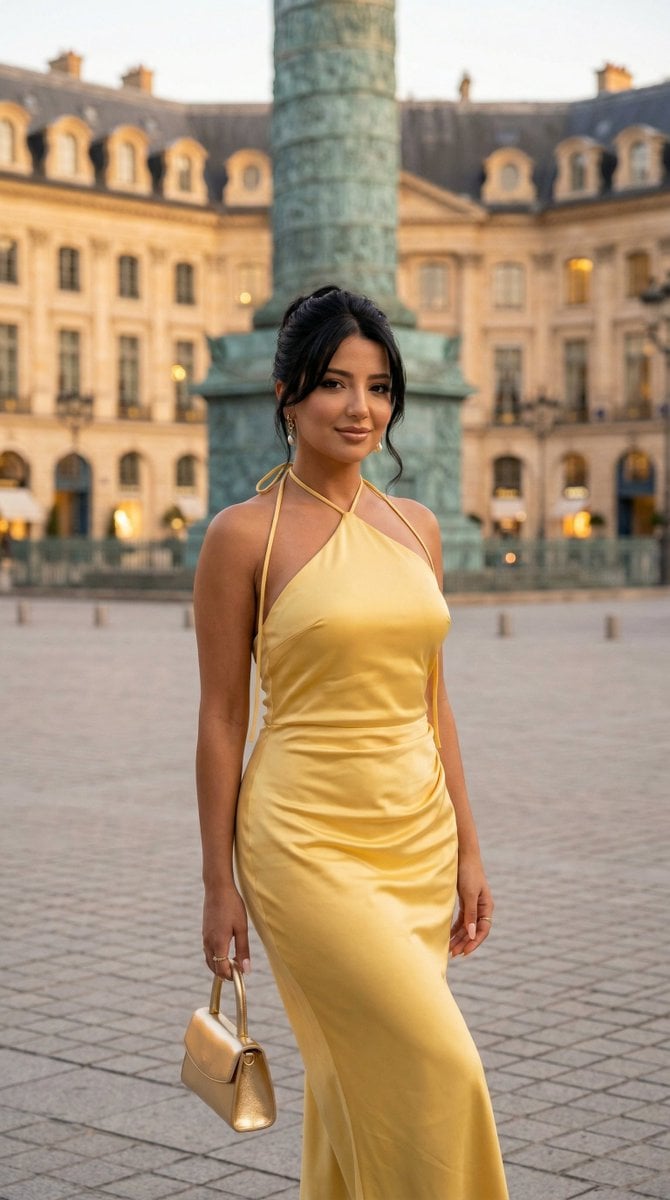
Nano Banana - Place Vendome Yellow Satin
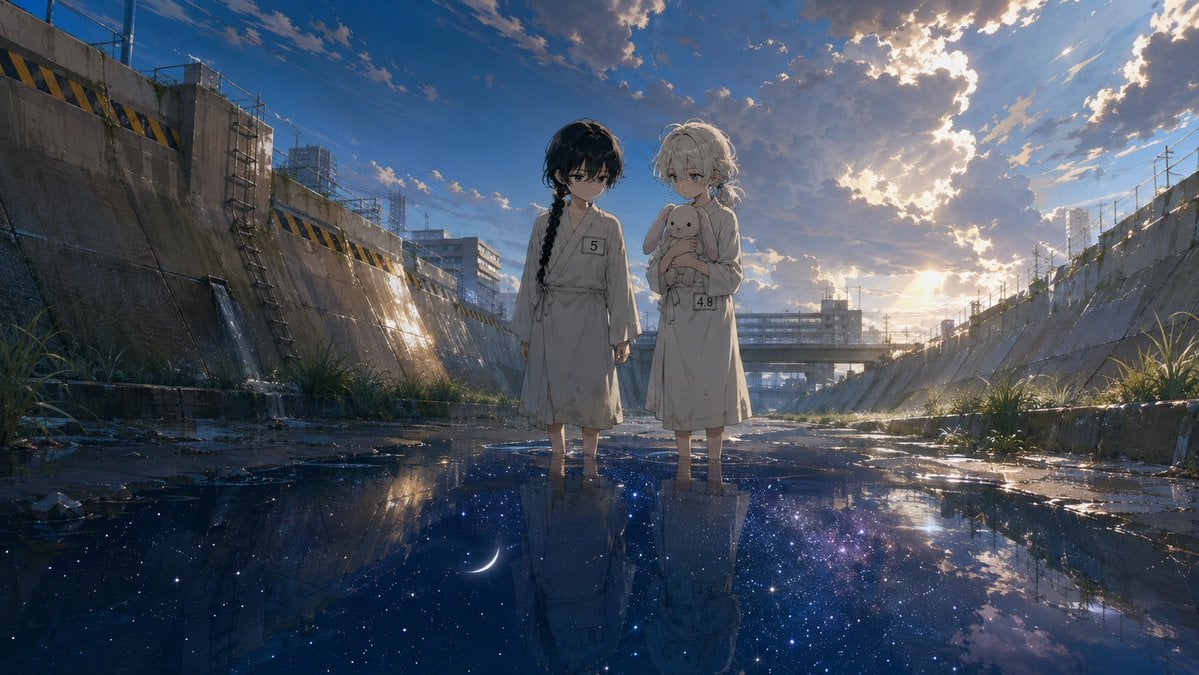
Anime Girls in Starry Flooded Canal
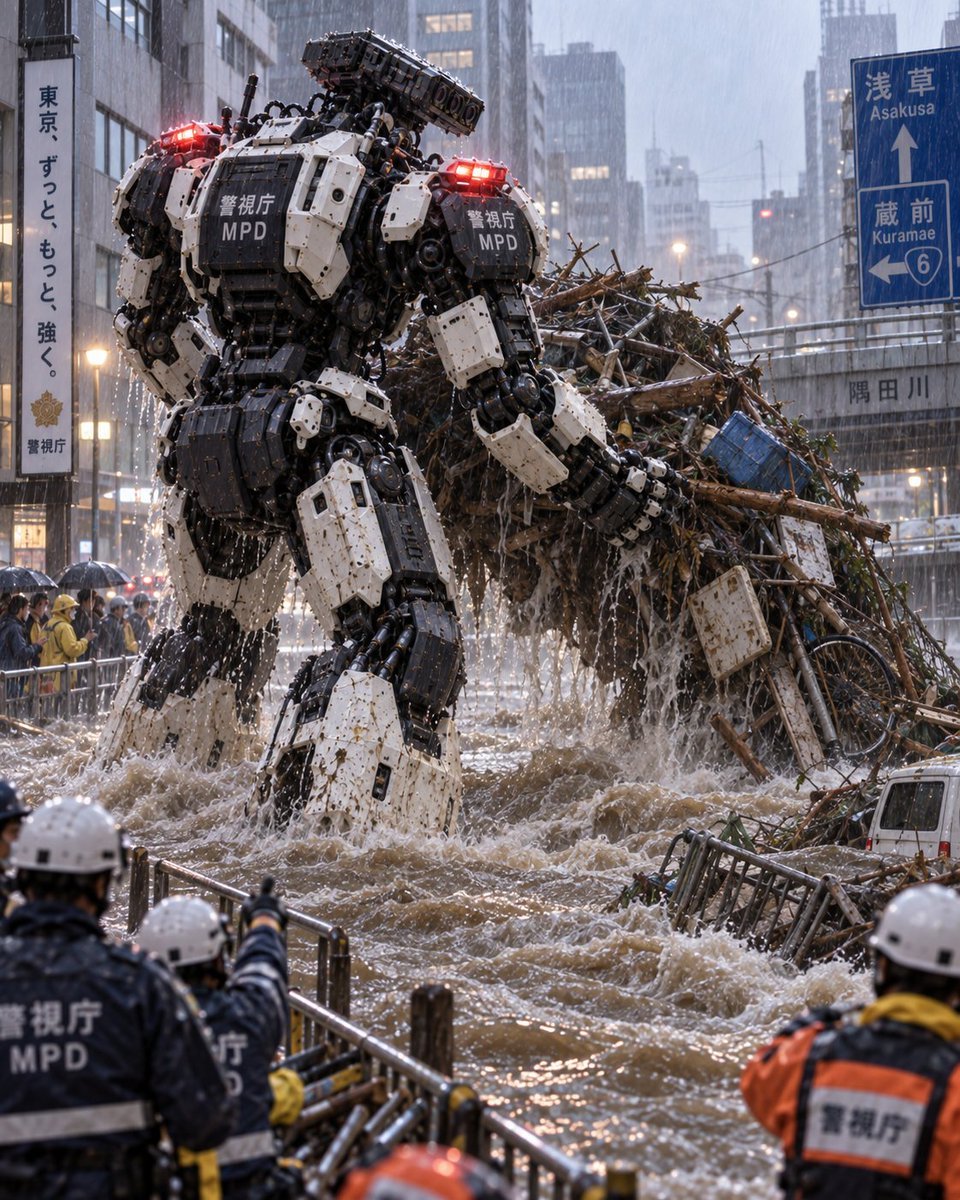
Tokyo Police Flood Rescue Mech
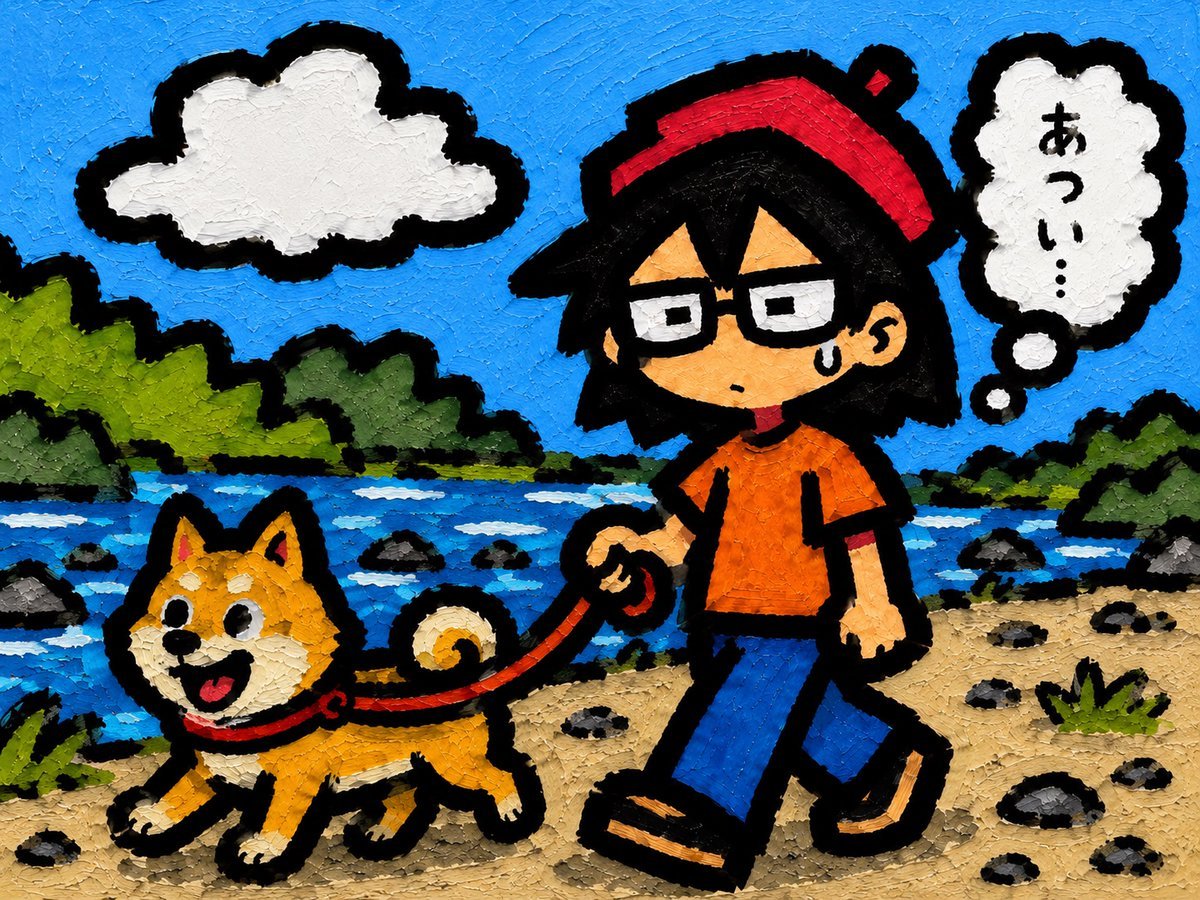
Riverside Dog Walk Character Expansion

Burning Gothic Flood Escape
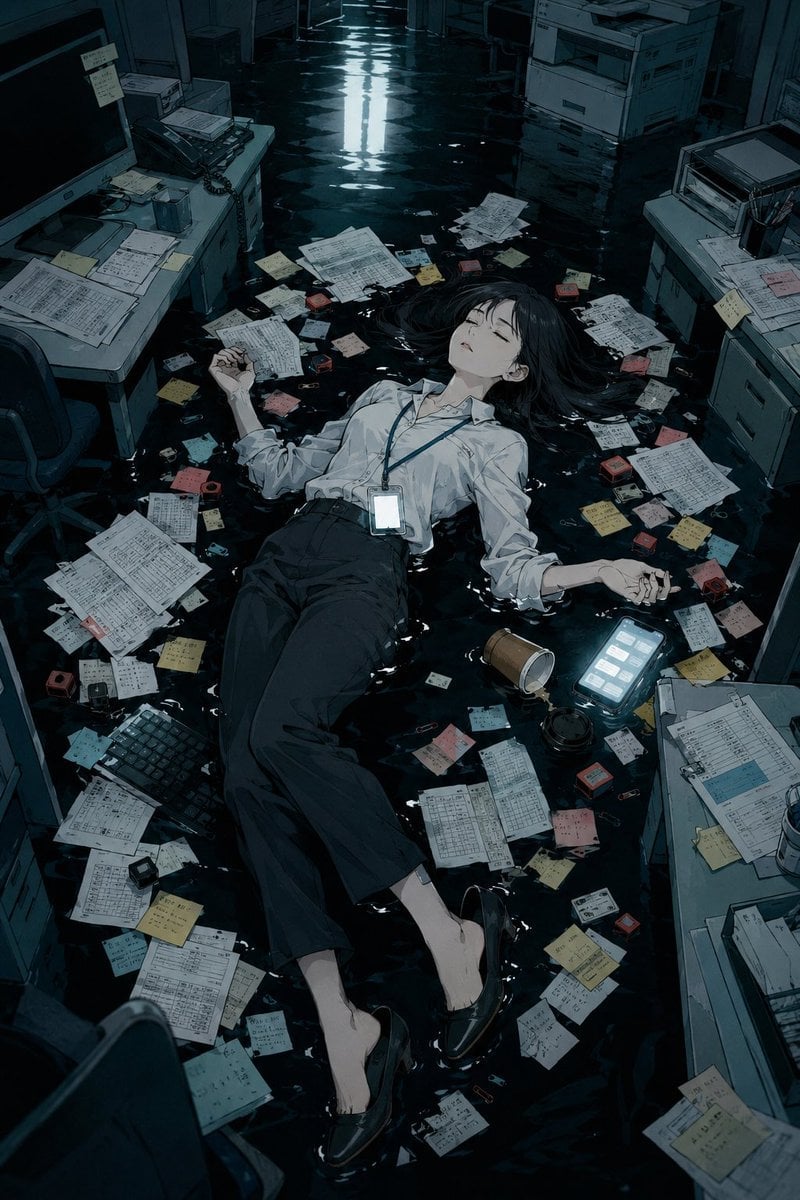
Flooded Office Burnout Anime Scene
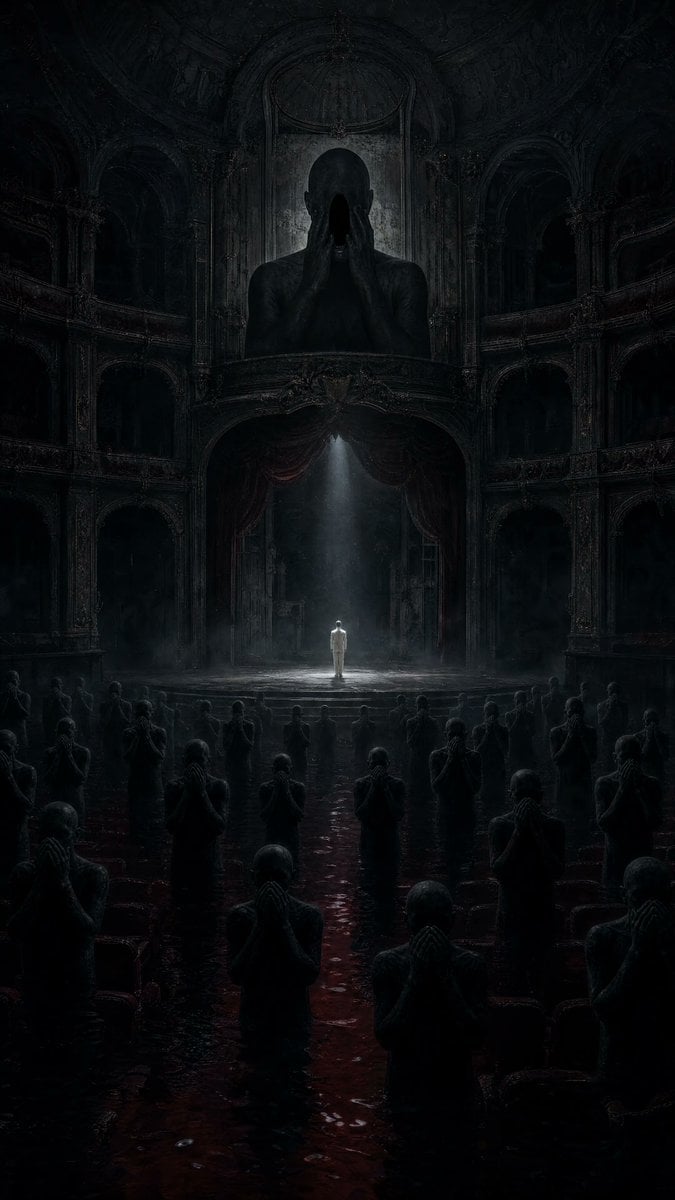
Dark Surrealist Flooded Opera House
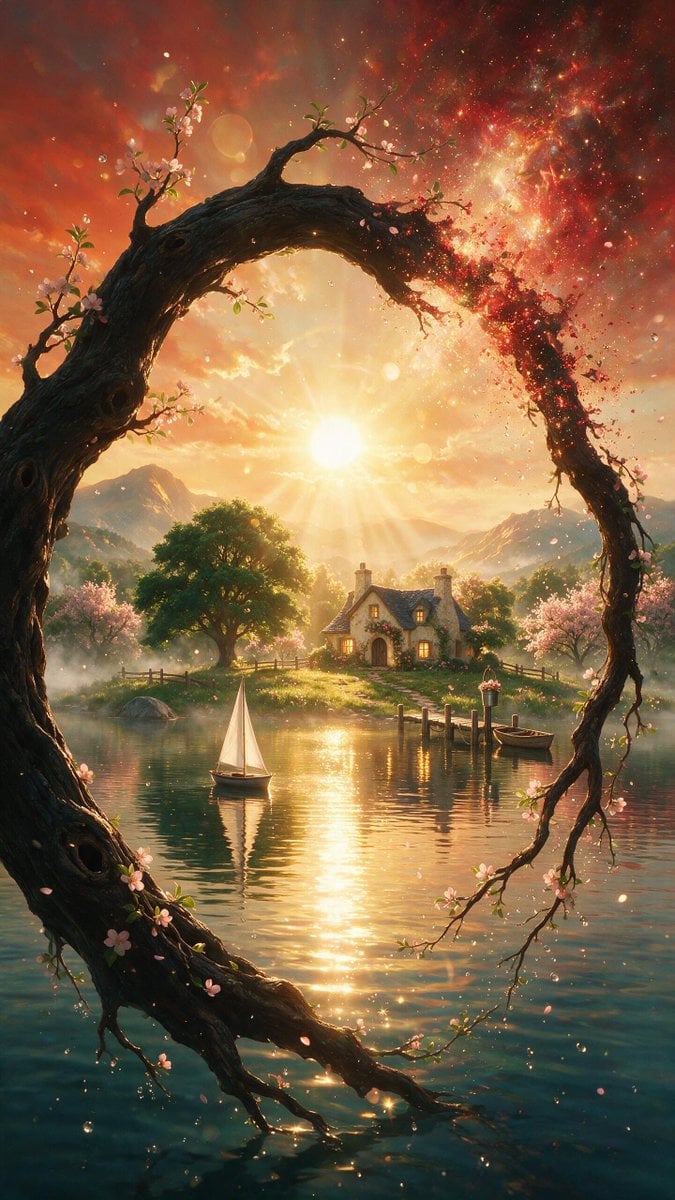
Surreal Landscape and Ethereal River Scenes
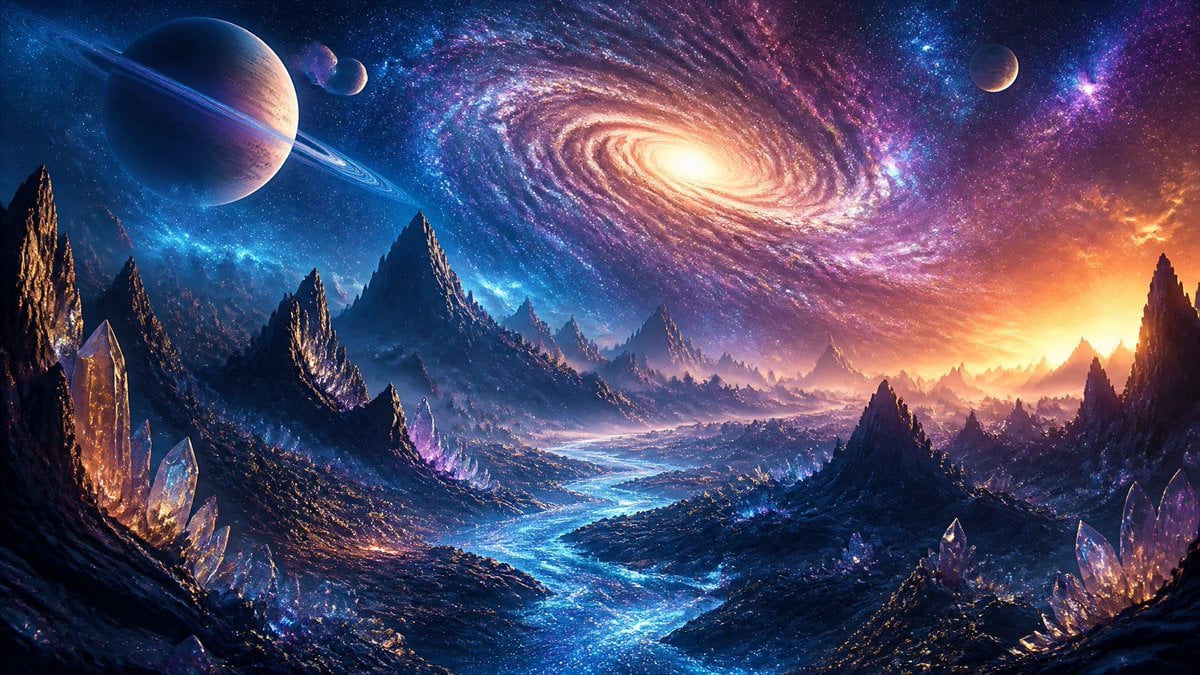
Ethereal River of Light in Space
Make it yours
Historical Epic Scene: 1887 Yellow River Flood works as-is. These are the safest ways to change it without losing the look.
Change one field
Copy a single group, rewrite it, and generate again so you can see what that field is doing.
Keep the frame, change the subject
Hold the composition and light of Historical Epic Scene: 1887 Yellow River Flood, then swap wardrobe, props or the person for a new take.
| If the result… | Why | Fix |
|---|---|---|
| The result drifts from the preview | Too many fields changed at once. | Reuse Historical Epic Scene: 1887 Yellow River Flood as-is first, then change one group — subject, light, or setting. |
| The model over-stylizes the scene | The prose prompt leaves finish and camera underspecified. | Add one camera or lighting sentence and stay on Nano Banana 2. |
More Nano Banana 2 templates
Other prompts made for Nano Banana 2.

Photorealistic Leaf Shaped Like a Dragon

K-Pop Idol Portrait Grid for Rapid Selection

Poetic Rain Forest Portrait During Golden Hour

Urban Street Portrait with Cartoon Inner Self Duo

Candid Nighttime Photo with Cat Prompt

High-Concept 3D Diorama Generation Prompt

Cinematic Futuristic Studio Portrait Template

Skincare Editorial Photography Collage Prompt

Hyper-Realistic Commercial Product Photography (Splash Effect)

Hyper-Realistic Nightclub Portrait Prompt
More image prompts
Fresh picks from across the catalog.
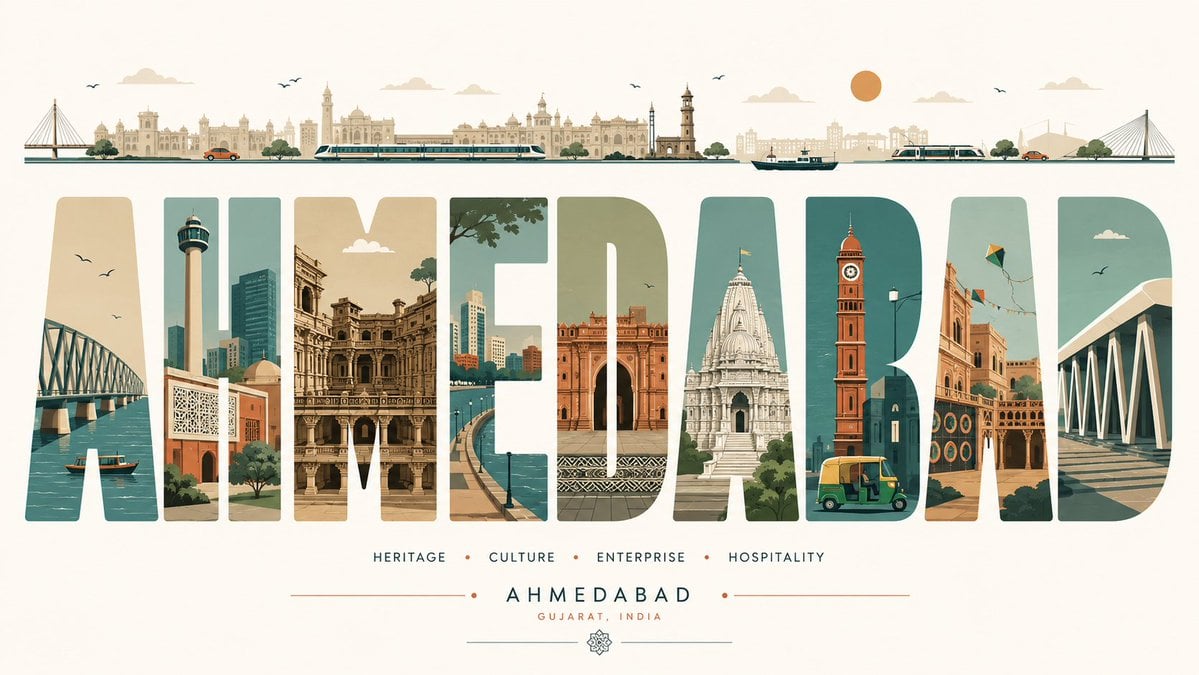
Minimalist Typography Travel Poster
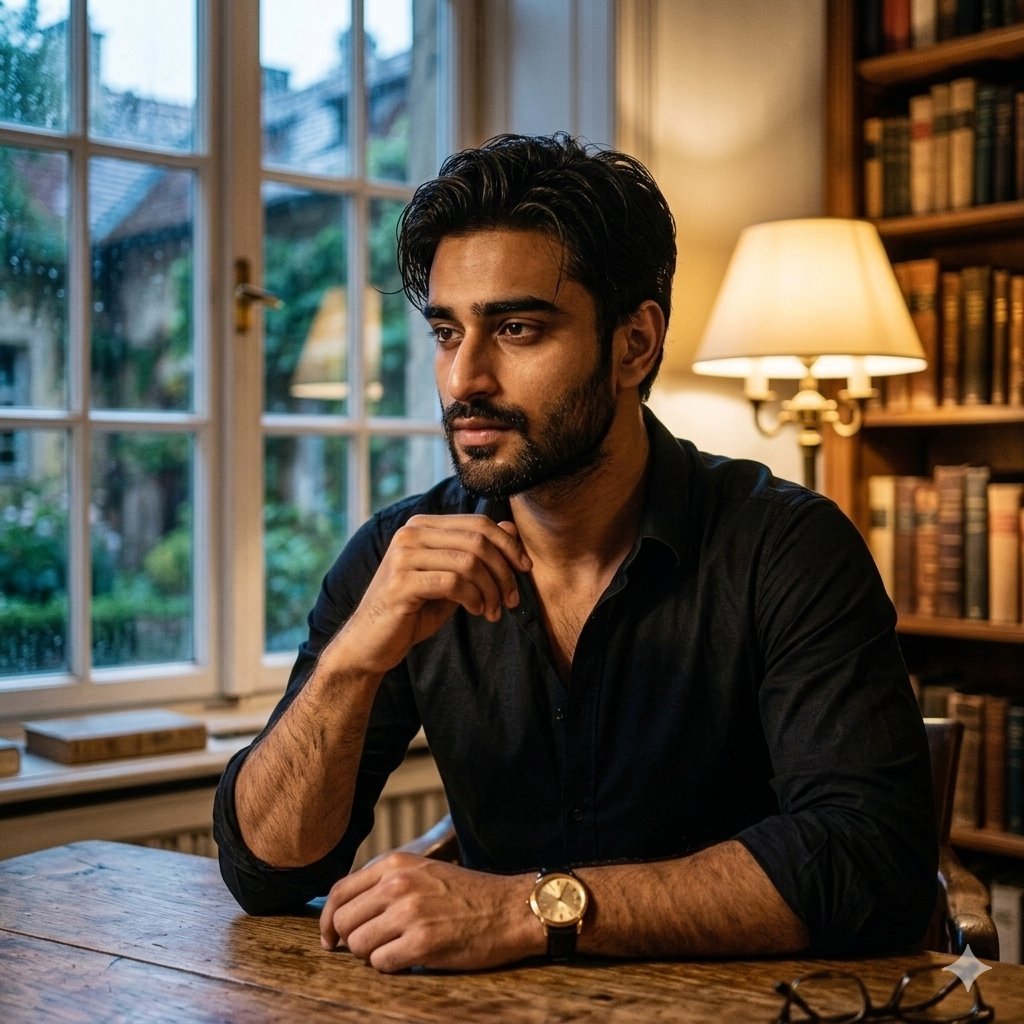
Cinematic Chiaroscuro Portrait of a South Asian Man in a Library
Realistic Selfie With Face Privacy Block
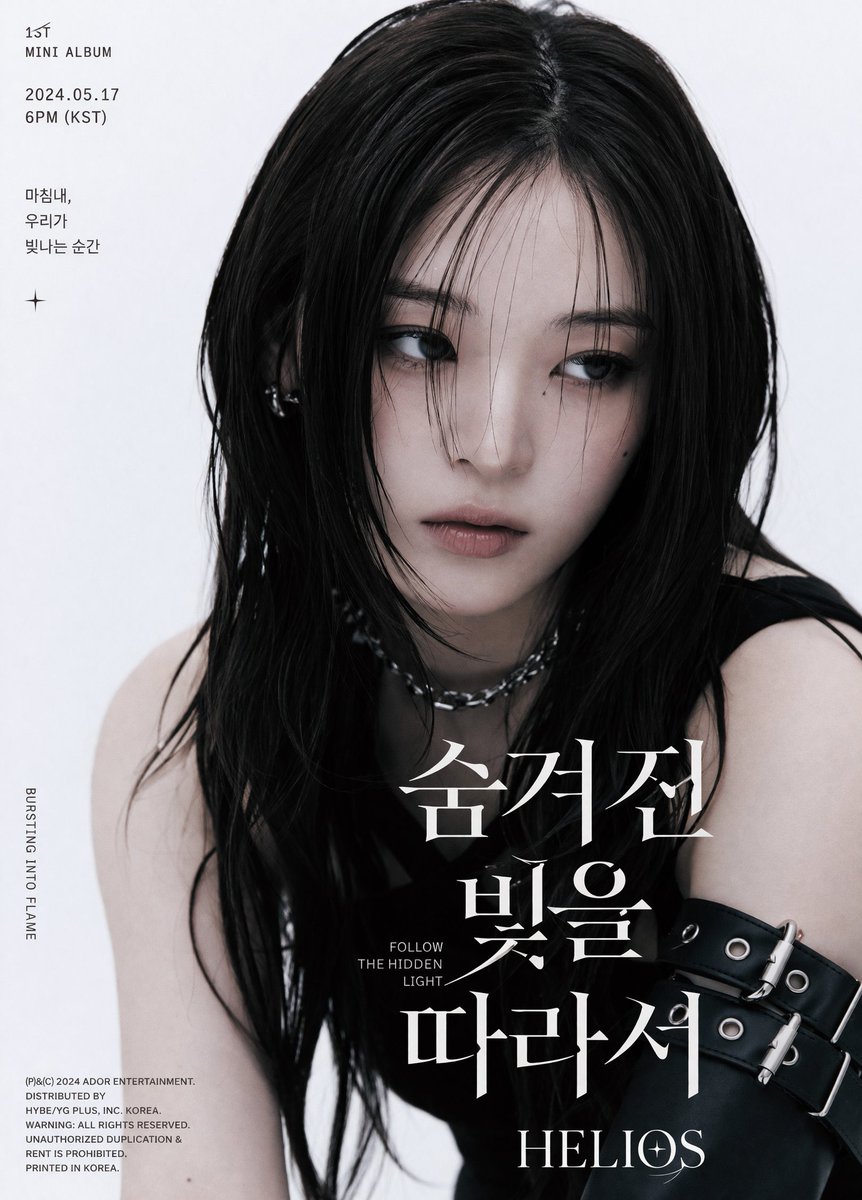
K-Pop Album Teaser Poster

Professional Business Portrait Generation Prompt
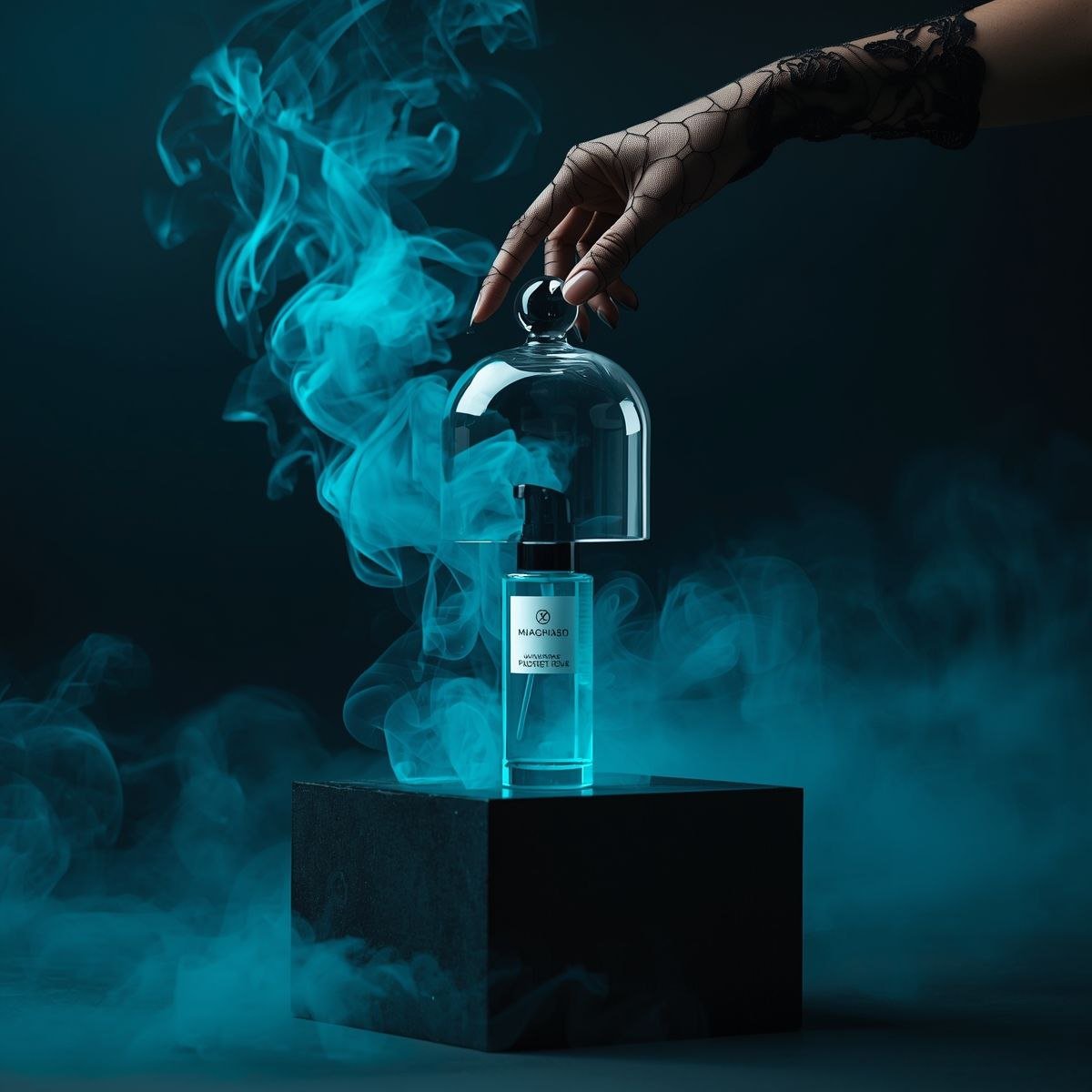
Cinematic Product Video for Luxury Perfume
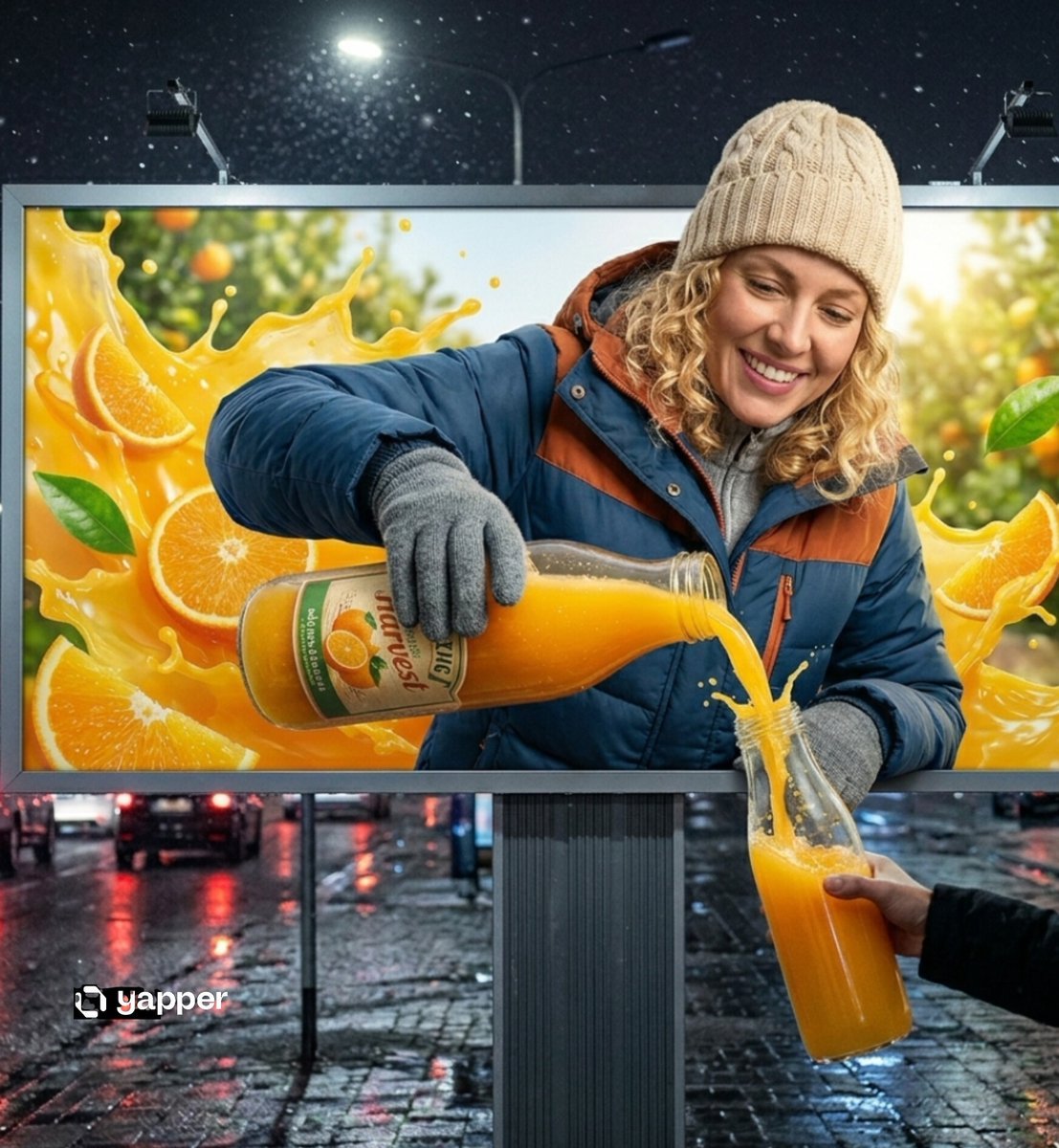
Hyper-realistic 3D Illusion Billboard Advertisement

Nano Banana Pro Chibi Snow Globe Prompt
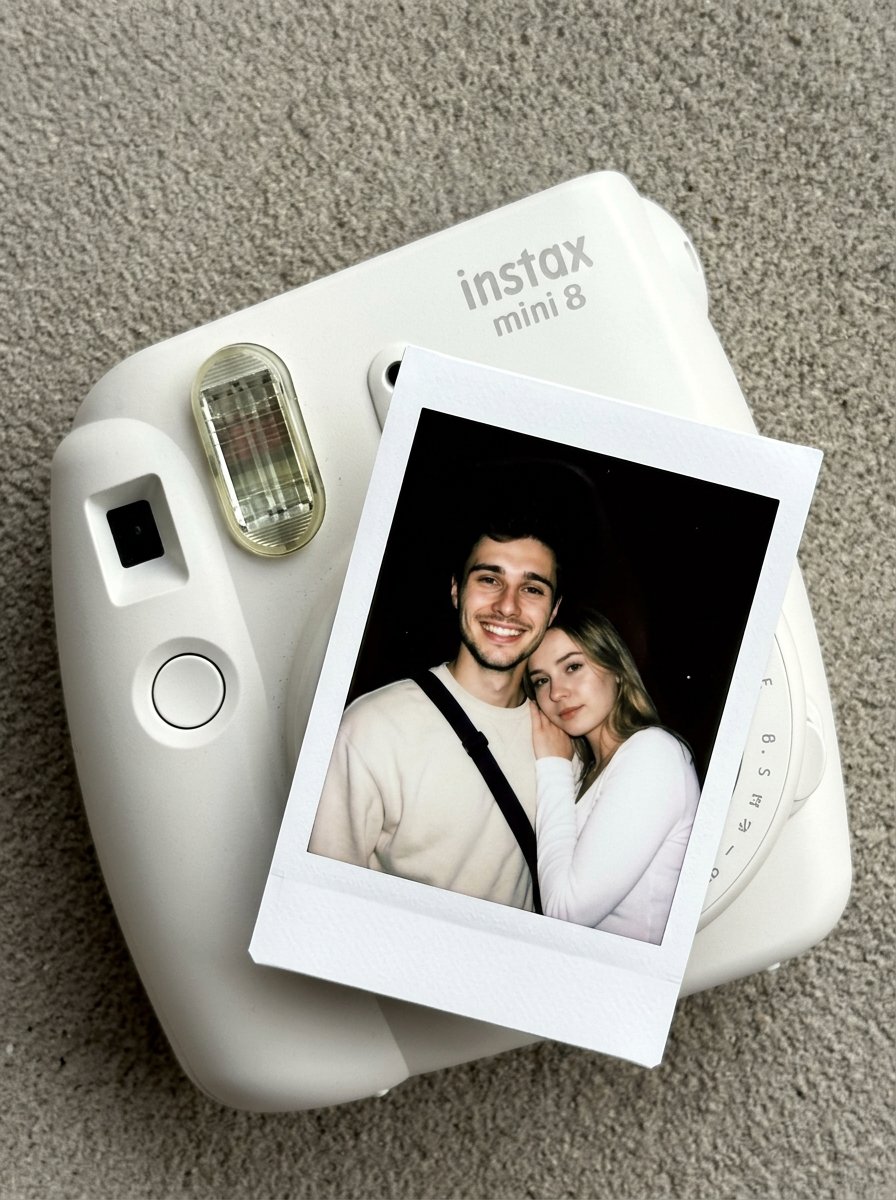
02 Instax Camera Product — Nano Banana 2
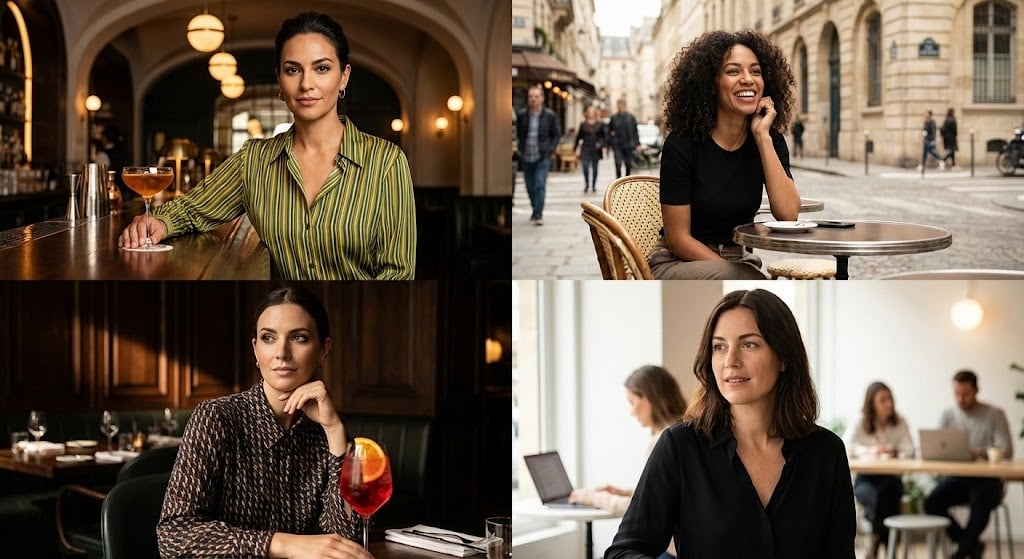
Cinematic Portrait Grid Comparison
Browse template categories
Historical Epic Scene: 1887 Yellow River Flood questions
How do I use the Historical Epic Scene: 1887 Yellow River Flood template?
Add your photo if the template asks for one, edit the prompt if you like — the template's model and format are already selected — and press Generate. Your version opens in PicX Studio.
Can I customize the Historical Epic Scene: 1887 Yellow River Flood template?
Yes. You can change the subject, setting, lighting, mood, format, and available model controls before creating your image.
Is the Historical Epic Scene: 1887 Yellow River Flood template free?
Opening and editing this template is free. Generating uses credits, shown on the Generate button when you are signed in.
Which AI model should I use?
Start with Nano Banana 2, which is the model associated with this template. You can compare another compatible model for a different finish.
Looking for something else? Browse all templates.

Your photo, any look
Thousands of ready templates for every top image and video model, from one credit balance.