
Cinematic Portrait Grid Comparison
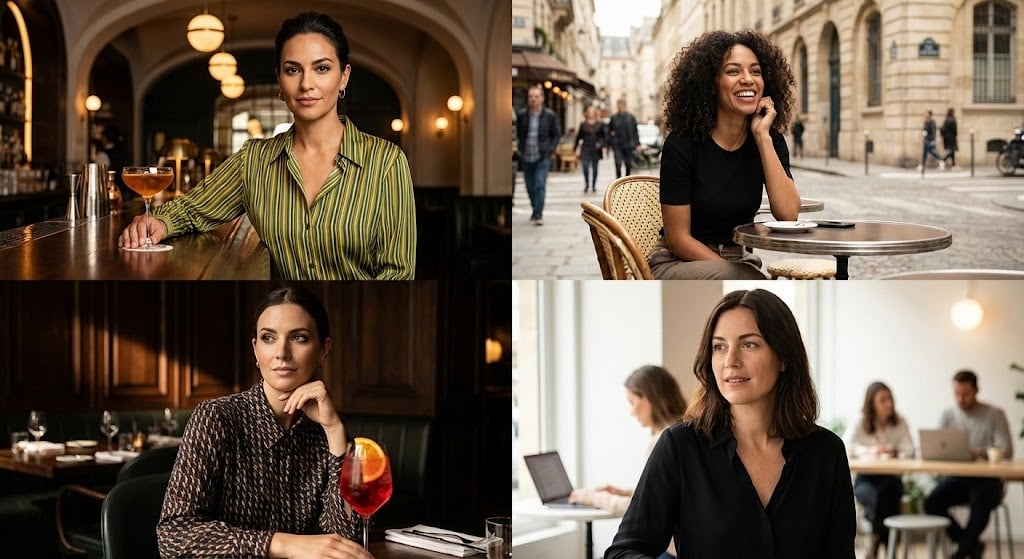
A detailed prompt for generating four cinematic portrait shots arranged in a 2x2 grid, each featuring a different stylish woman in a cafe or bar setting, emphasizing warm natural lighting, shallow depth of field, and a…
- Prompt included
- Model and format preset
- Free template
The prompt behind this image
Copy the exact prompt behind Cinematic Portrait Grid Comparison, or open it in the studio and make it yours.
Four cinematic portrait shots arranged in a 2x2 grid, each featuring a different stylish woman sitting at a café or bar table. Warm natural lighting, shallow depth of field, soft bokeh background, shot on a 50mm lens, high detail, realistic skin tones. Top left: A confident woman with dark hair tied back, wearing a green and yellow striped top, leaning on a polished wooden bar with a cocktail in front of her, warm ambient bar lighting, elegant interior with arches and hanging globe lights. Top right: A curly-haired woman smiling at an outdoor Parisian-style café, seated at a small round table on a city street, soft daylight, blurred pedestrians and buildings in the background, candid lifestyle photography. Bottom left: A woman in a chic patterned blouse sitting in a moody upscale restaurant, resting her chin on her hand, vibrant red cocktail with an orange garnish in the foreground, dramatic side lighting, dark wood interior. Bottom right: A woman with shoulder-length dark hair wearing a black blouse in a modern café workspace, soft window light, people working in the background, relaxed and natural expression. Color grading: warm, cinematic tones, subtle contrast, magazine editorial style, shallow focus, professional photography, high resolution.
How to use Cinematic Portrait Grid Comparison in 3 steps
- 1
Open
The prompt is already in the box next to the preview, with the template's model and format selected.
- 2…a portrait of your subject in softgolden-hour light, 85mm…
Personalize
Edit the subject and creative details for your destination.
- 3Generate
Generate
Press Generate — your image is created in PicX Studio, so you can compare it with the original and refine one variable at a time.
More like this
Templates with the same subject, style or setup. Open one to see its prompt.

B&W Photobooth Expression Grid 4x4 — Nano Banana

Gen Z TikTok Viral Expression Grid 4x4 — Nano Banana

Found Photograph: Us, 1970

80s Couple Studio Portrait

80s Bollywood Star

80s Golden Hour Cinema

Me in 1985

1985 Studio Portrait

Hyper-Realistic Minecraft POV Portrait

Minimalist Studio Fashion Portrait Grid

Fantasy Model Comparison Grid
Cyber-Kawaii Influencer Portrait Grid
Make it yours
Cinematic Portrait Grid Comparison works as-is. These are the safest ways to change it without losing the look.
Change one field
Copy a single group, rewrite it, and generate again so you can see what that field is doing.
Keep the frame, change the subject
Hold the composition and light of Cinematic Portrait Grid Comparison, then swap wardrobe, props or the person for a new take.
| If the result… | Why | Fix |
|---|---|---|
| The result drifts from the preview | Too many fields changed at once. | Reuse Cinematic Portrait Grid Comparison as-is first, then change one group — subject, light, or setting. |
| The model over-stylizes the scene | The prose prompt leaves finish and camera underspecified. | Add one camera or lighting sentence and stay on Nano Banana 2. |
More Nano Banana 2 templates
Other prompts made for Nano Banana 2.

Photorealistic Leaf Shaped Like a Dragon

Poetic Rain Forest Portrait During Golden Hour

Urban Street Portrait with Cartoon Inner Self Duo

Candid Nighttime Photo with Cat Prompt

High-Concept 3D Diorama Generation Prompt

Cinematic Futuristic Studio Portrait Template

Skincare Editorial Photography Collage Prompt

Hyper-Realistic Commercial Product Photography (Splash Effect)

Hyper-Realistic Nightclub Portrait Prompt

Cinematic Urban Rain Scene Prompt (Neo-Noir)
More image prompts
Fresh picks from across the catalog.
8K Portrait Photography with Cool Tones and Shallow Depth

Geographic Silhouette Editorial Poster
Vibrant Trendy Anime Illustration Transform
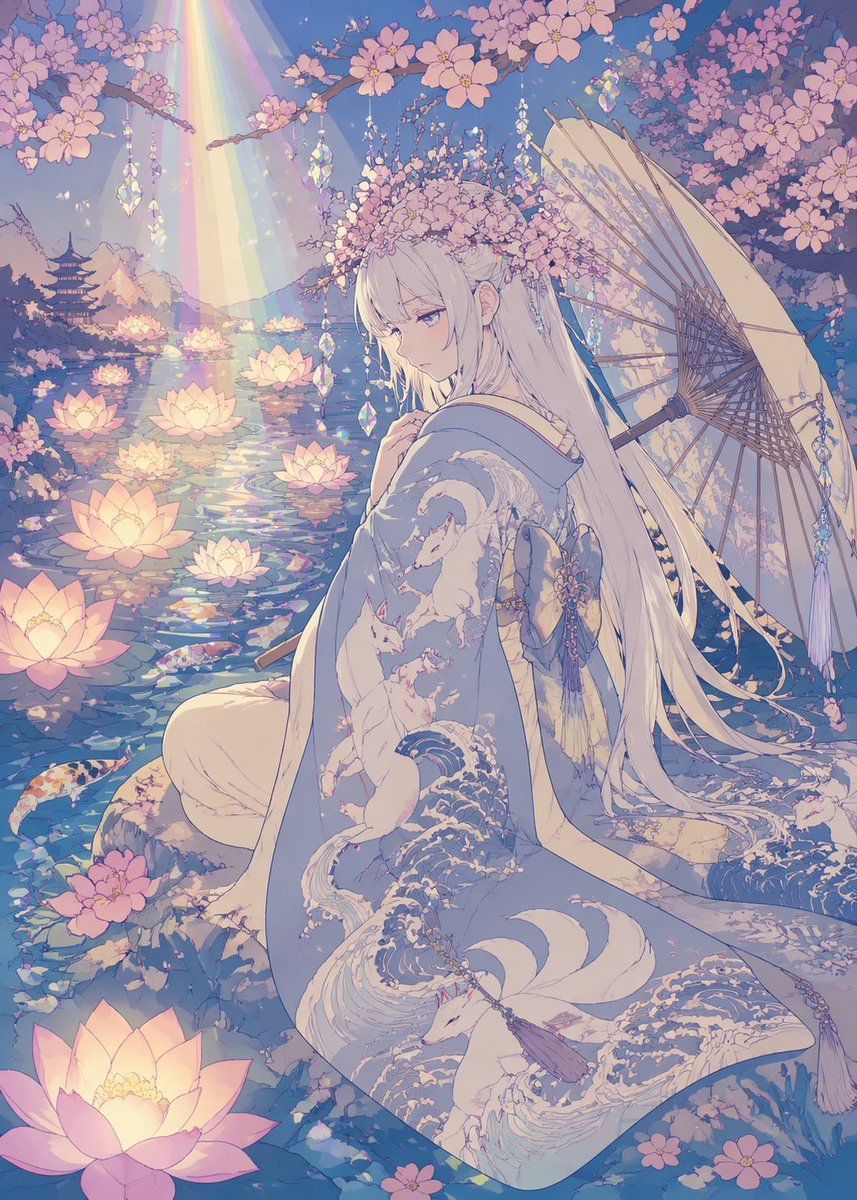
Pastel Anime Kimono by Lotus Pond
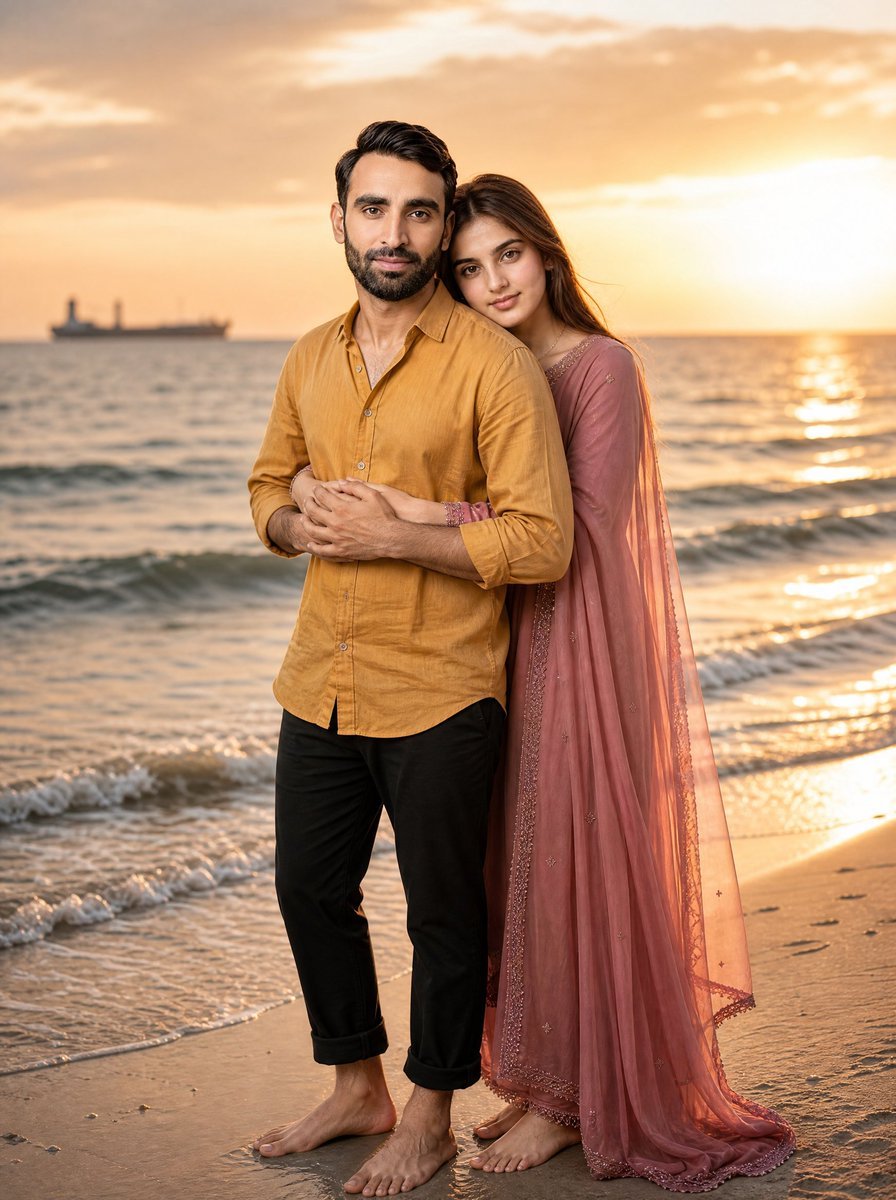
Romantic Beach Sunset Couple

Eid Mubarak Portrait
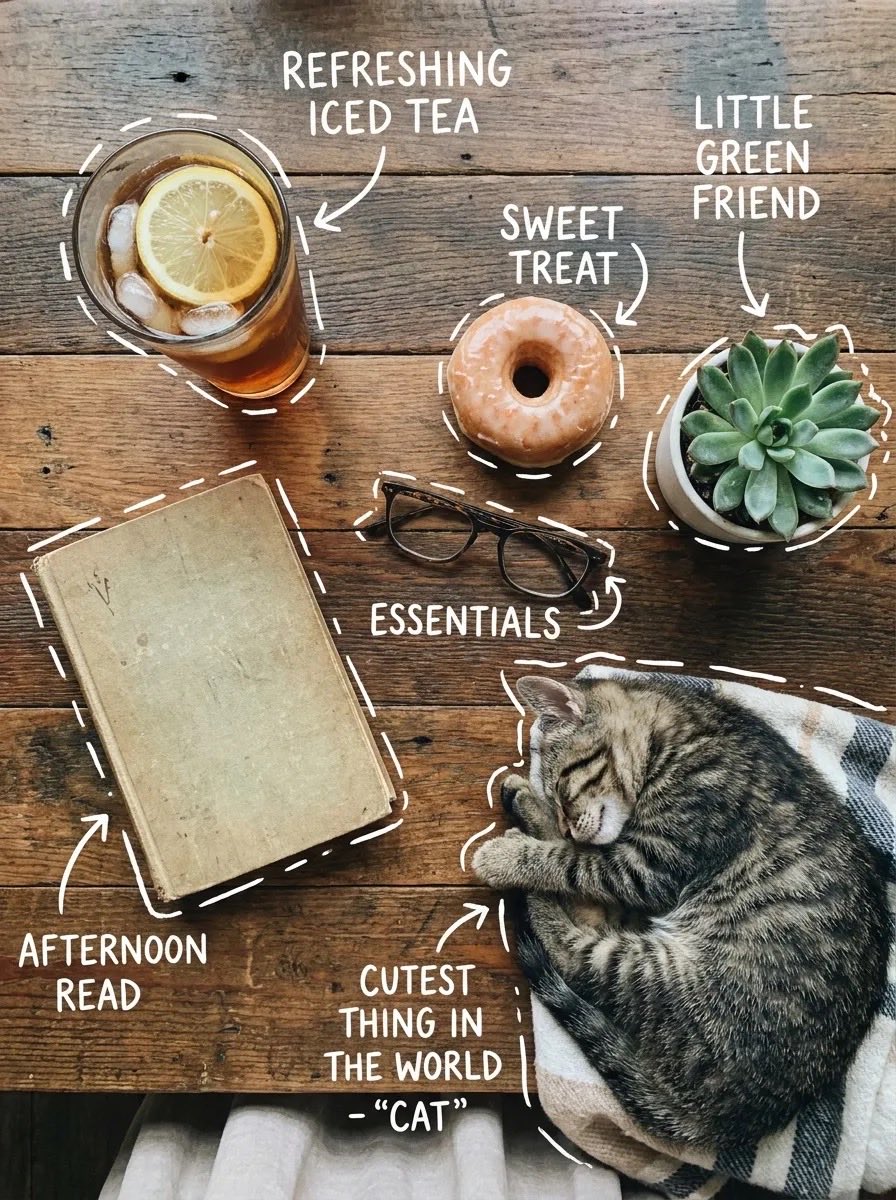
X Sairah 0 Google Gemini Nano Banana Pro

Edible Cityscape Diorama (Double Inference)
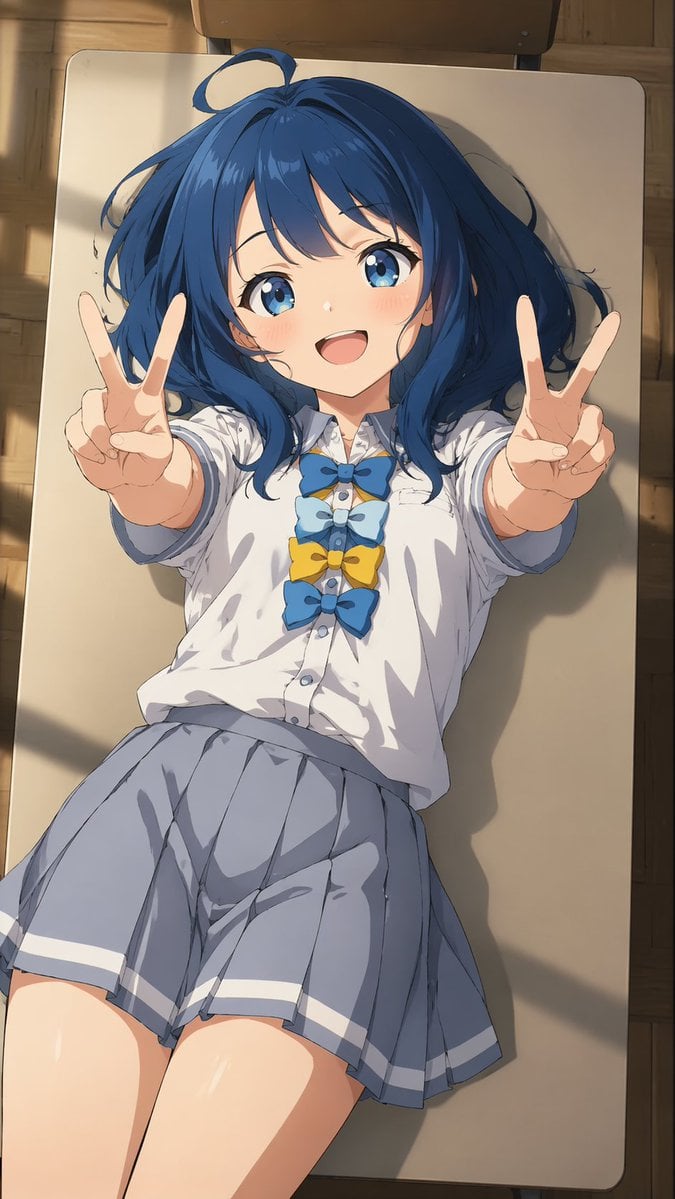
Overhead Anime Girl Peace Sign Portrait
iPhone Mirror Selfie Photography Prompt for Character Replacement
Browse template categories
Cinematic Portrait Grid Comparison questions
How do I use the Cinematic Portrait Grid Comparison template?
Add your photo if the template asks for one, edit the prompt if you like — the template's model and format are already selected — and press Generate. Your version opens in PicX Studio.
Can I customize the Cinematic Portrait Grid Comparison template?
Yes. You can change the subject, setting, lighting, mood, format, and available model controls before creating your image.
Is the Cinematic Portrait Grid Comparison template free?
Opening and editing this template is free. Generating uses credits, shown on the Generate button when you are signed in.
Which AI model should I use?
Start with Nano Banana 2, which is the model associated with this template. You can compare another compatible model for a different finish.
Looking for something else? Browse all templates.

Your photo, any look
Thousands of ready templates for every top image and video model, from one credit balance.