
Tokyo Police Flood Rescue Mech
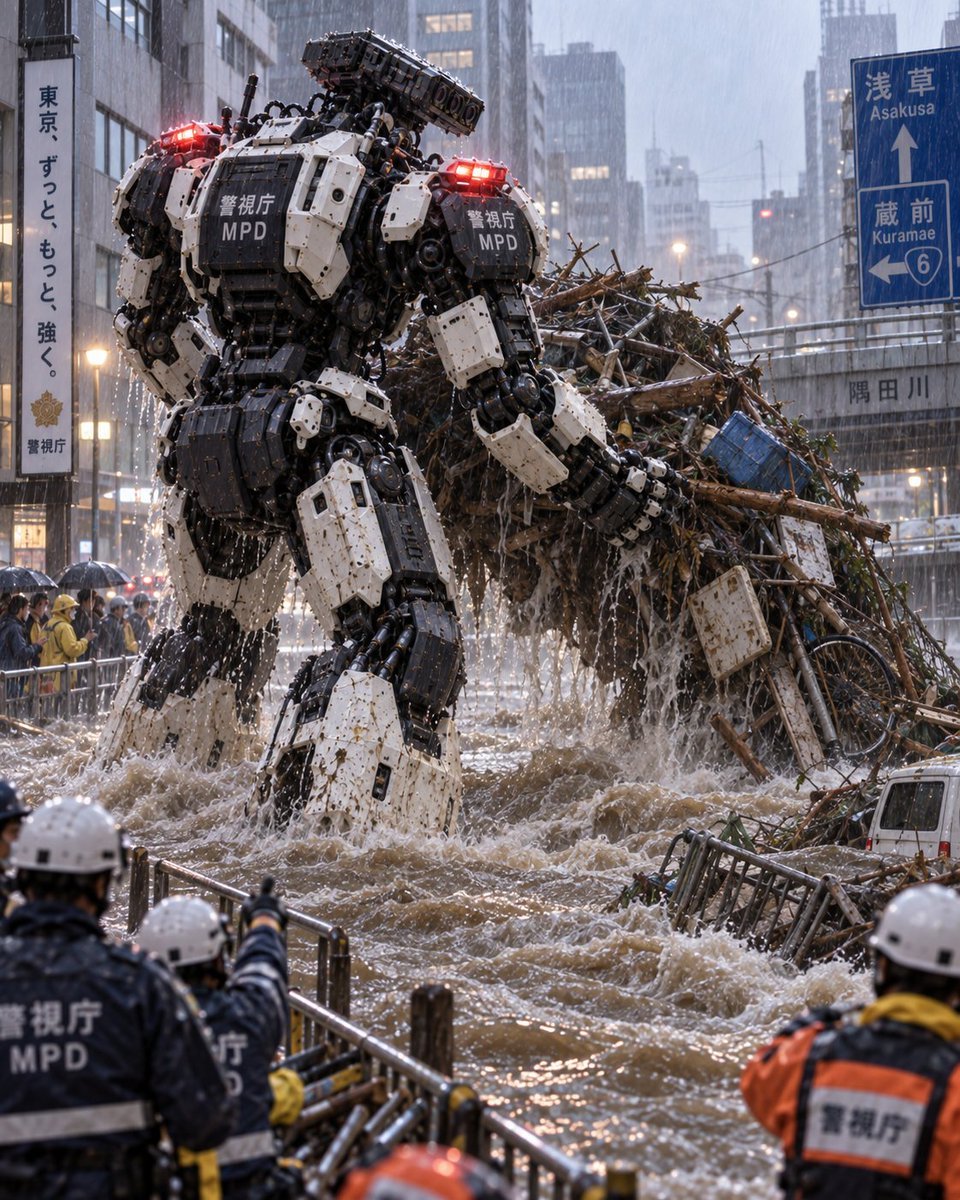
A cinematic photorealistic prompt for generating a giant MPD disaster-response robot clearing flood debris in rainy Tokyo.
- Prompt included
- Model and format preset
- Free template
The prompt behind this image
Copy the exact prompt behind Tokyo Police Flood Rescue Mech, or open it in the studio and make it yours.
Create a cinematic photorealistic disaster-response scene in rainy Tokyo: a massive bipedal police construction robot from the {argument name="organization" default="Tokyo Metropolitan Police Department heavy machinery countermeasure robot unit"} stands waist-deep in a flooded urban river or canal, clearing a huge debris jam that is damming the water. The robot is seen from behind-left at street level, towering over the scene, with bulky white-and-black industrial armor plates, exposed hydraulics, pistons, cables, tracked-looking leg components, mud splatter, red emergency beacons glowing on both shoulders, and visible markings reading 「警視庁」 and “MPD” on its back armor. It grips and lifts one enormous tangled debris pile containing exactly 7 distinguishable item types: broken tree branches and logs, bamboo-like sticks, dead leaves and vines, bent metal railings, a blue plastic crate, a white rectangular signboard, and a bicycle wheel/frame. The floodwater is brown, violent, and foamy, splashing around the robot’s legs and pouring from the lifted debris. In the foreground, show exactly 5 human emergency workers/police observers in helmets and rain gear behind metal barricades: 2 navy MPD officers with white helmets at lower left, 1 pointing toward the robot, 1 orange-and-navy rescue worker at lower right, and 2 partially visible helmeted workers near the bottom edge. Add a crowd of civilians with umbrellas along the left sidewalk behind barriers. The city background should feature tall office buildings, wet reflective streets, heavy rain streaks, mist, evening-gray light, and urban signage including a vertical Japanese police slogan sign on the left and a blue road sign on the right indicating Asakusa, Kuramae, and route 6, plus a bridge or wall label for a river. Use a realistic telephoto news-photo look, high detail, dramatic scale, shallow atmospheric depth, water droplets on surfaces, emergency lights reflecting in rain, no cartoon styling. Main customizable subject: {argument name="robot description" default="a massive white-and-black MPD heavy rescue mech"}. Main action: {argument name="action" default="clearing a debris dam from a flooded river"}. Location: {argument name="location" default="rainy Asakusa/Kuramae, Tokyo"}. Weather and mood: {argument name="weather and mood" default="torrential rain, chaotic but heroic disaster response"}.
How to use Tokyo Police Flood Rescue Mech in 3 steps
- 1Upload ImagePNG, JPG or paste
Add your photo
Upload the photo the template builds on. The prompt, model and format are already set.
- 2…a portrait of your subject in softgolden-hour light, 85mm…
Personalize
Edit the subject and creative details for your destination.
- 3Generate
Generate
Press Generate — your image is created in PicX Studio, so you can compare it with the original and refine one variable at a time.
More like this
Templates with the same subject, style or setup. Open one to see its prompt.
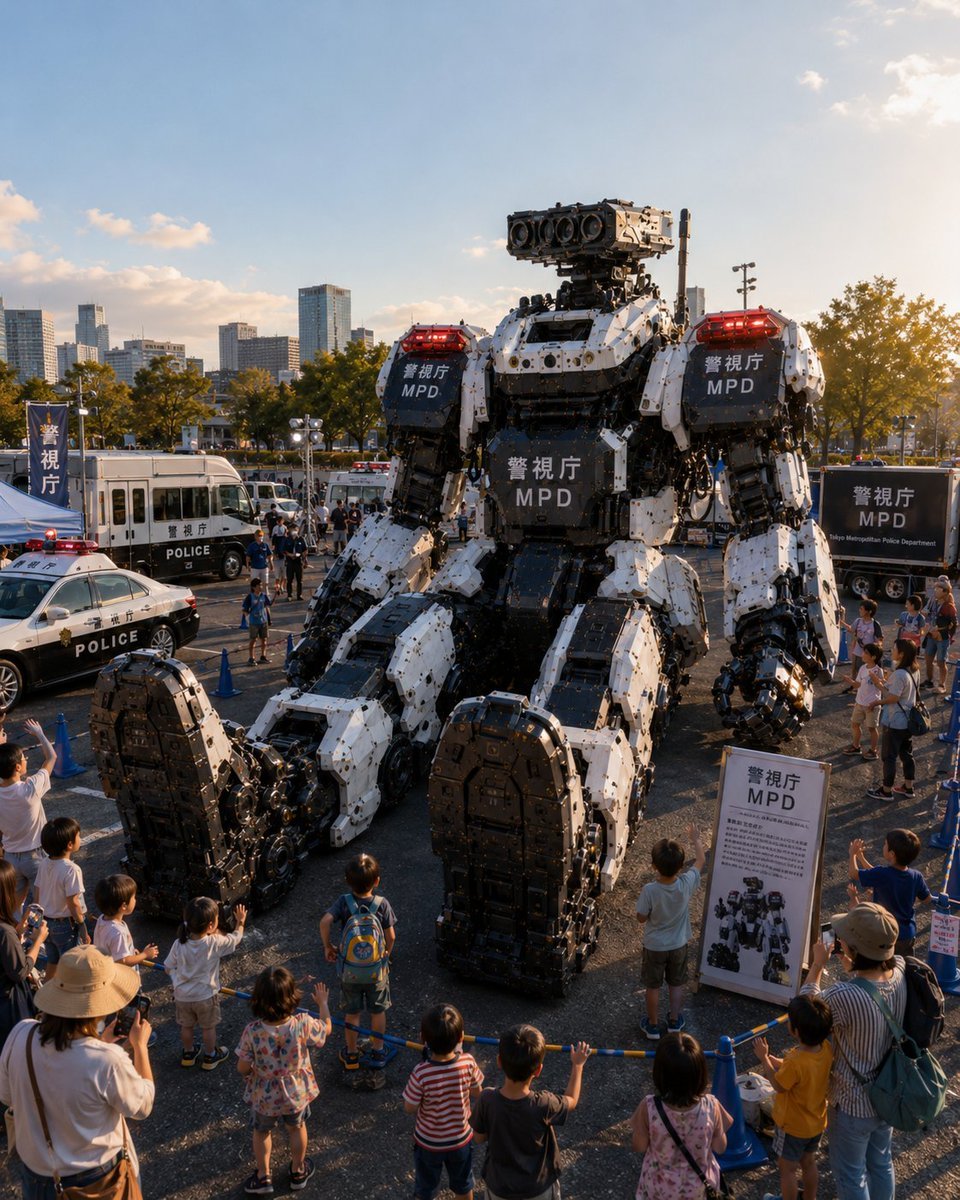
Tokyo Police Robot Exhibition
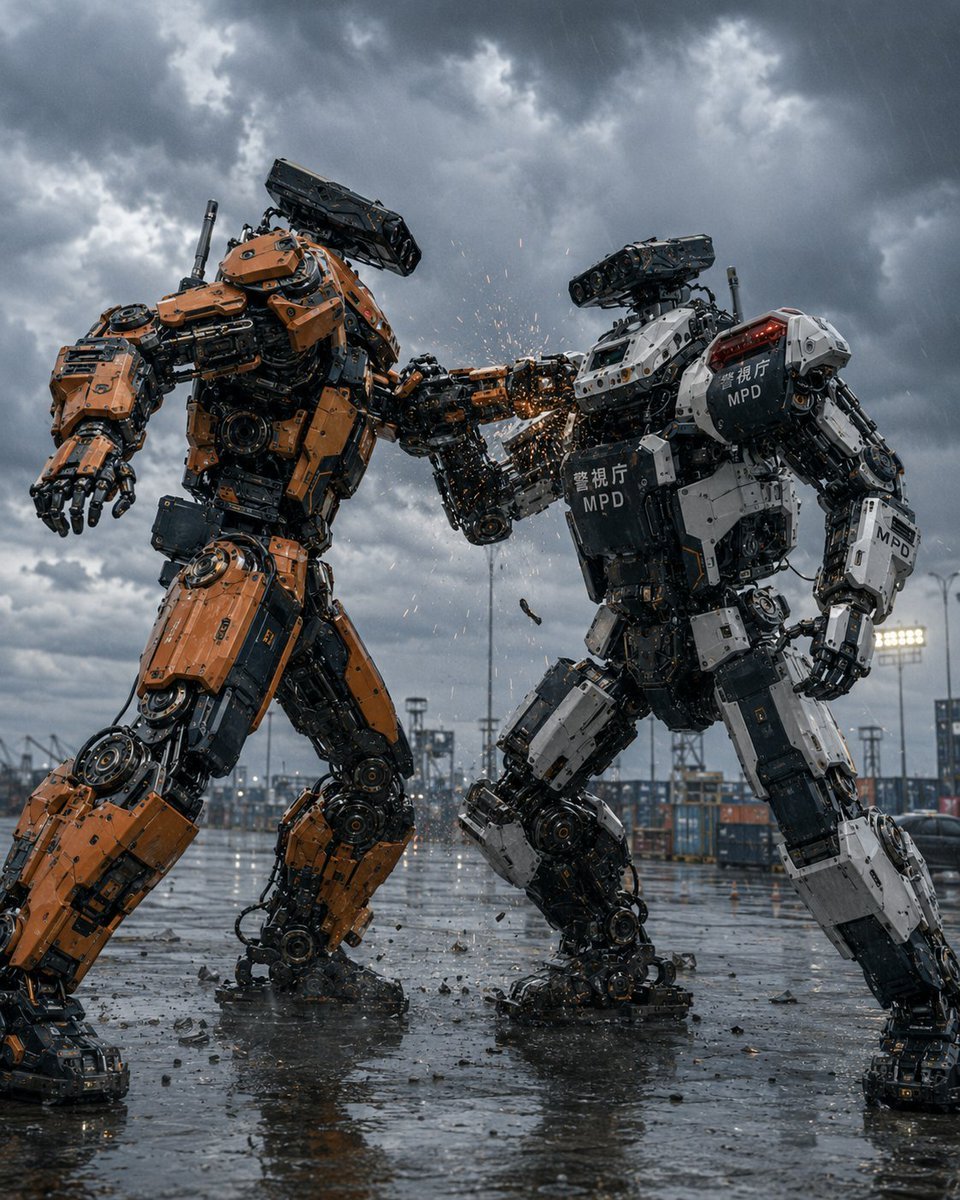
Stormy Police Mech Duel
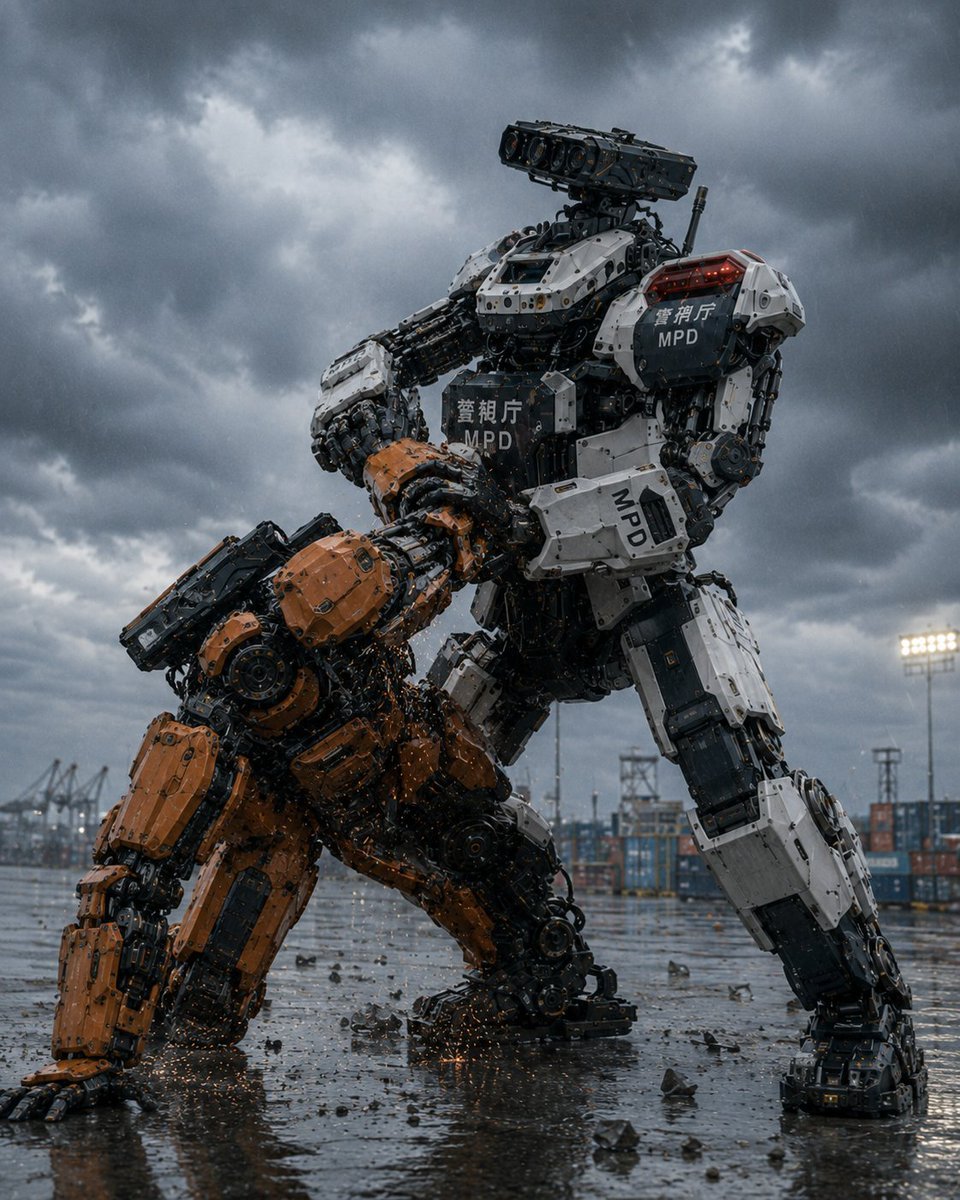
MPD Police Mecha Arrest Scene
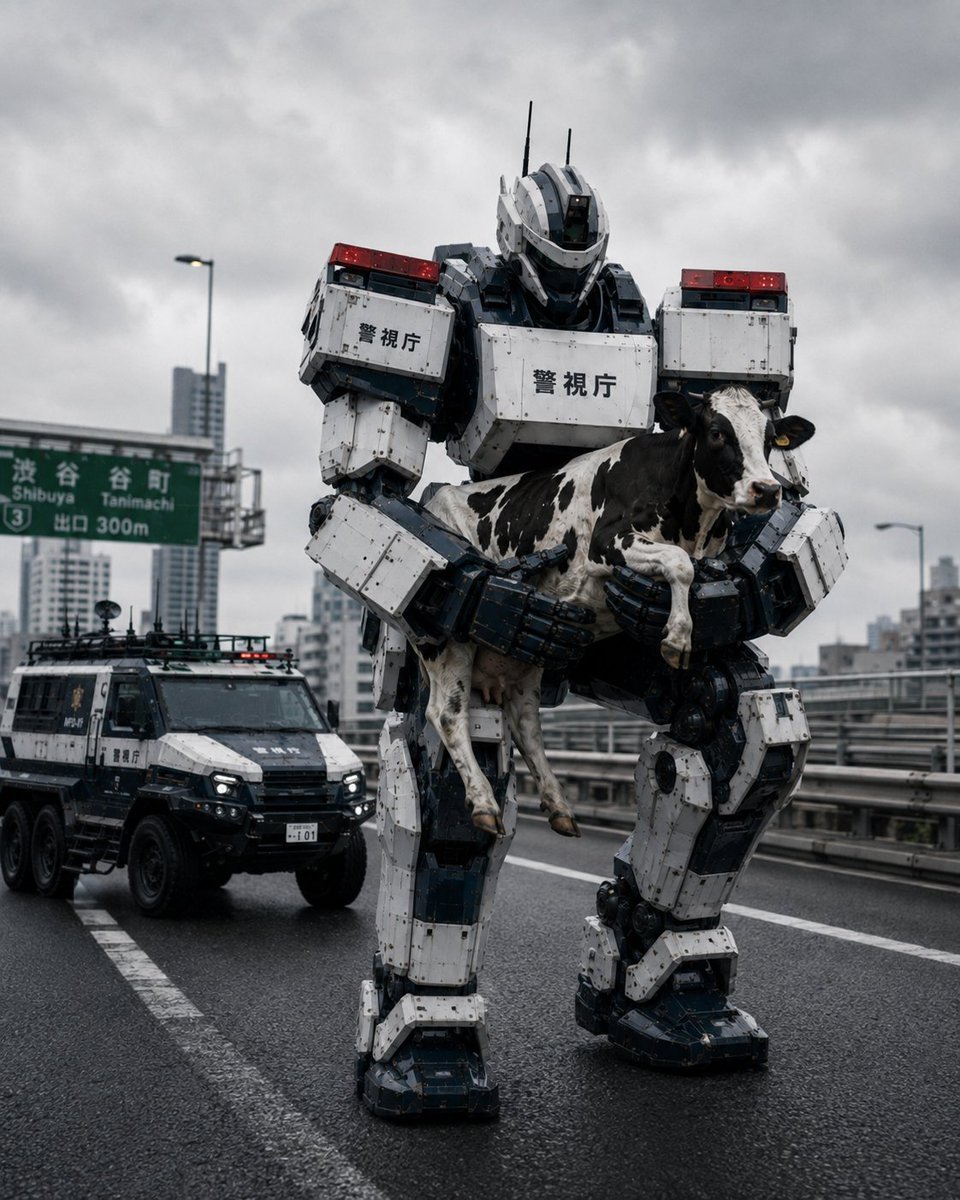
Tokyo Police Robot Rescuing Cow
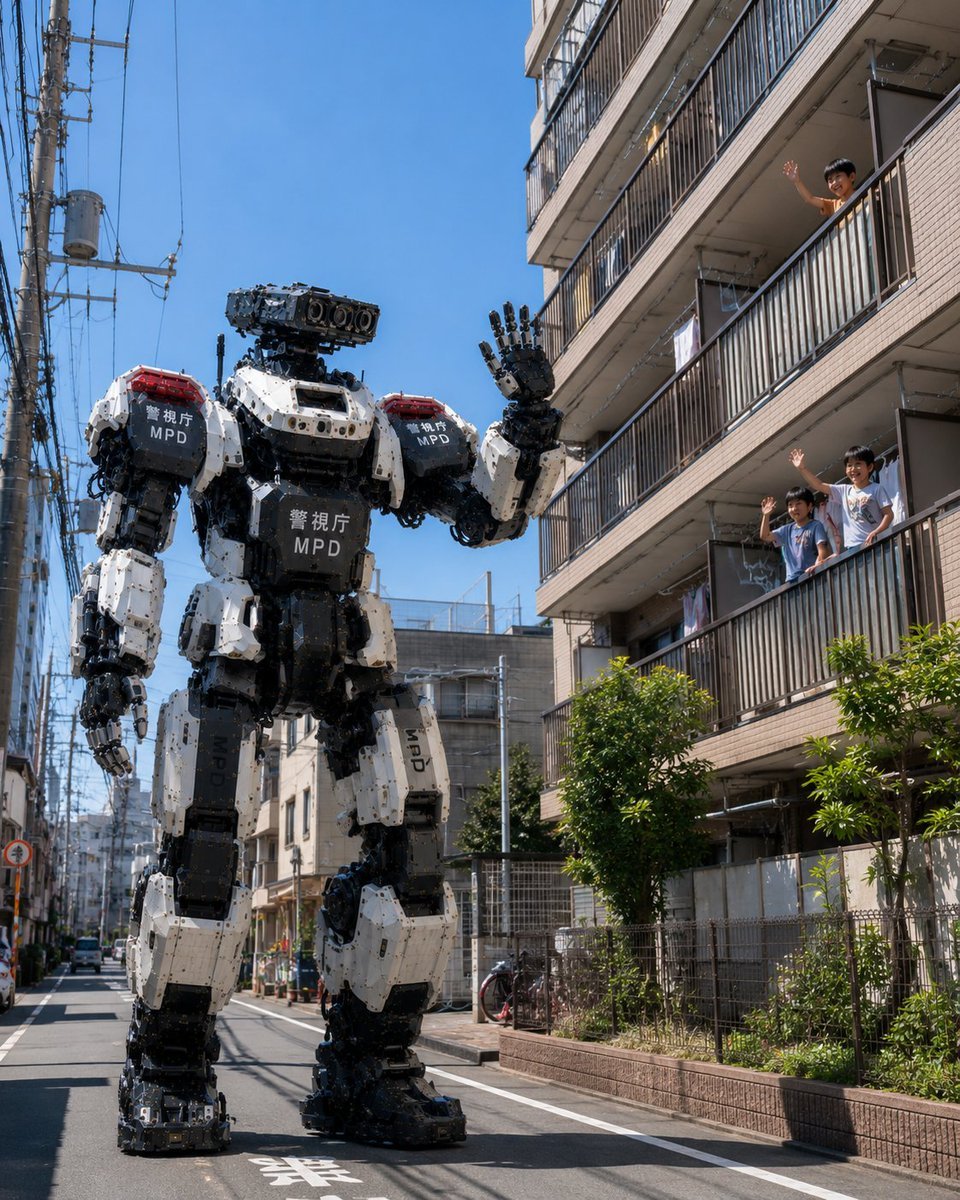
Tokyo Police Robot Neighborhood Patrol
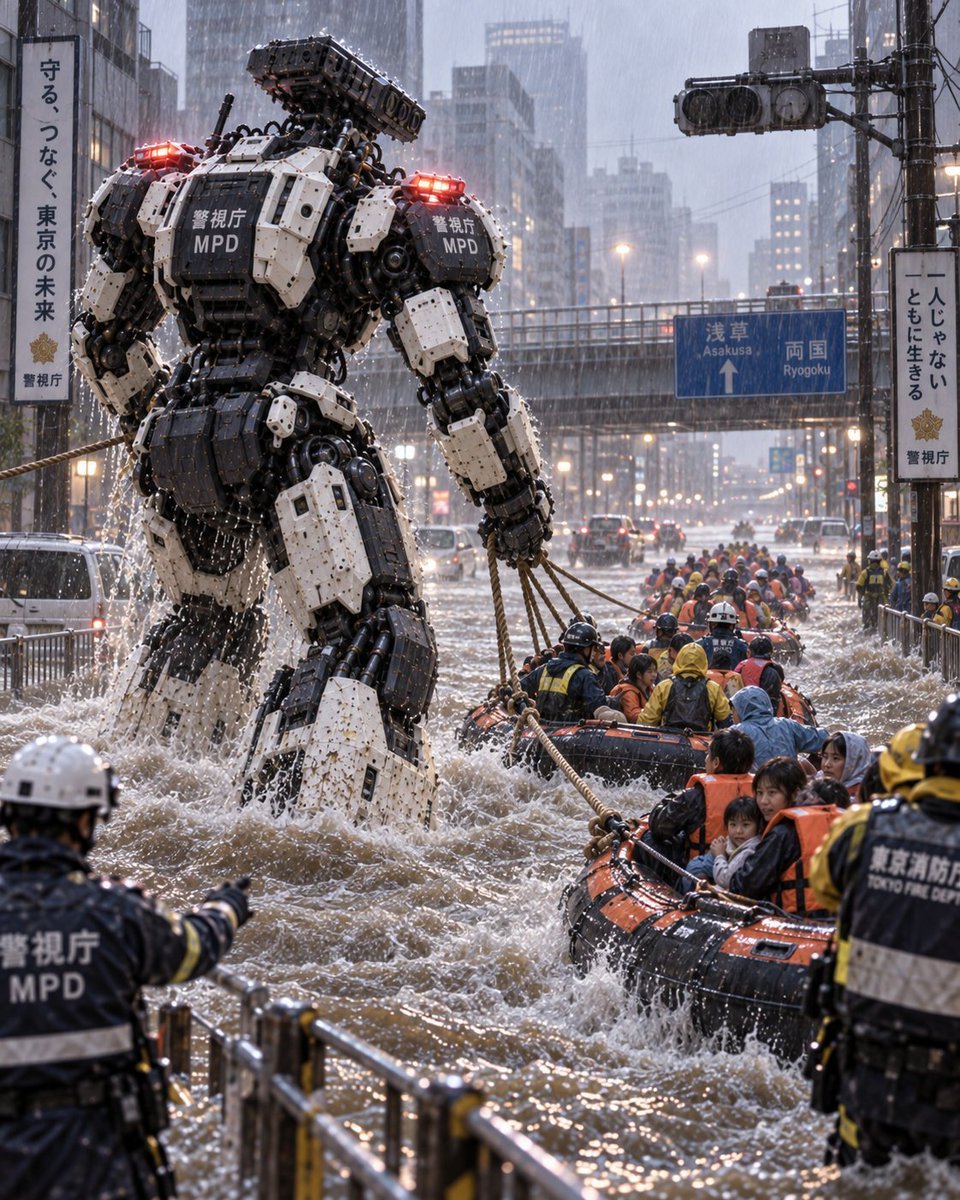
Police Robot Rescue Scene
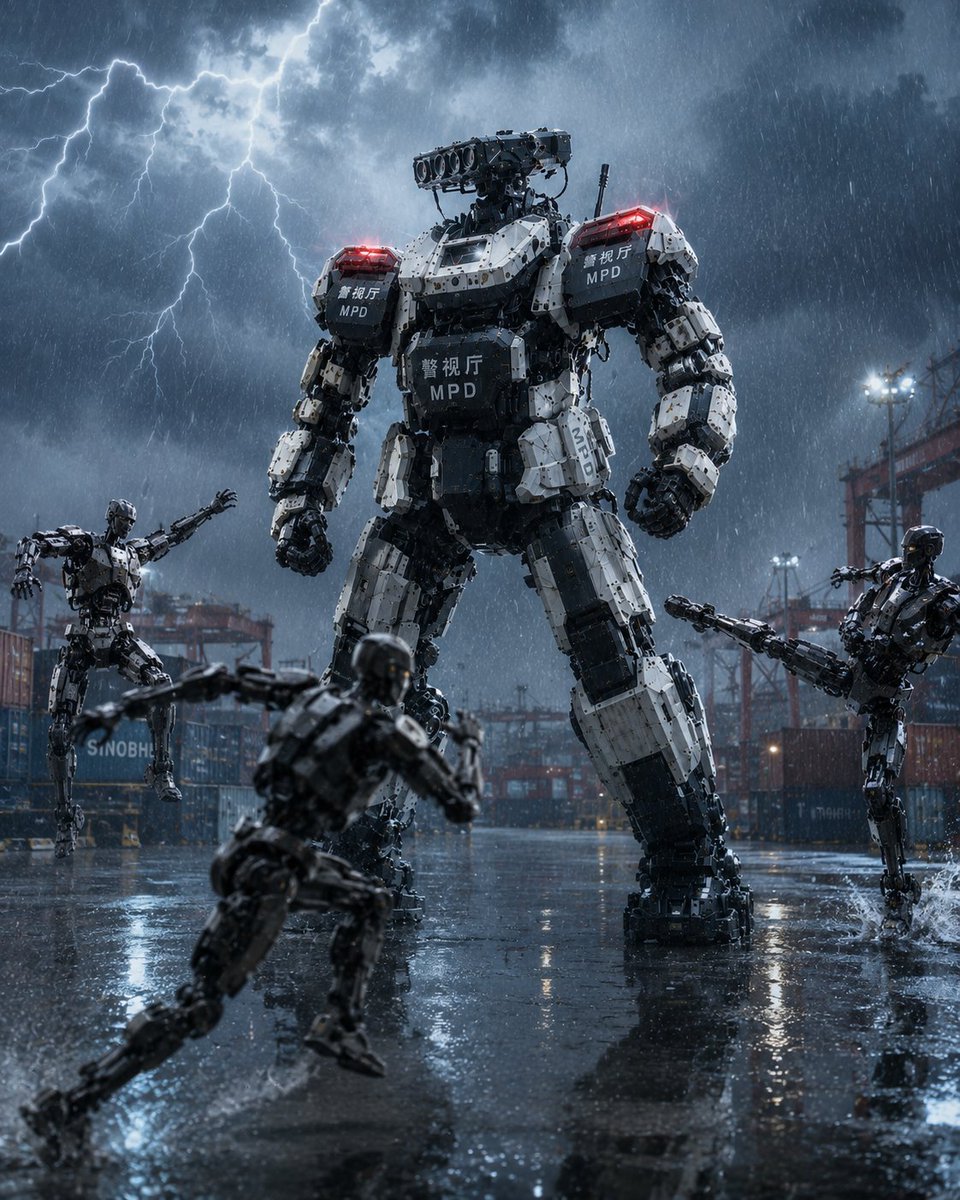
Tokyo Police Heavy Robot Squad
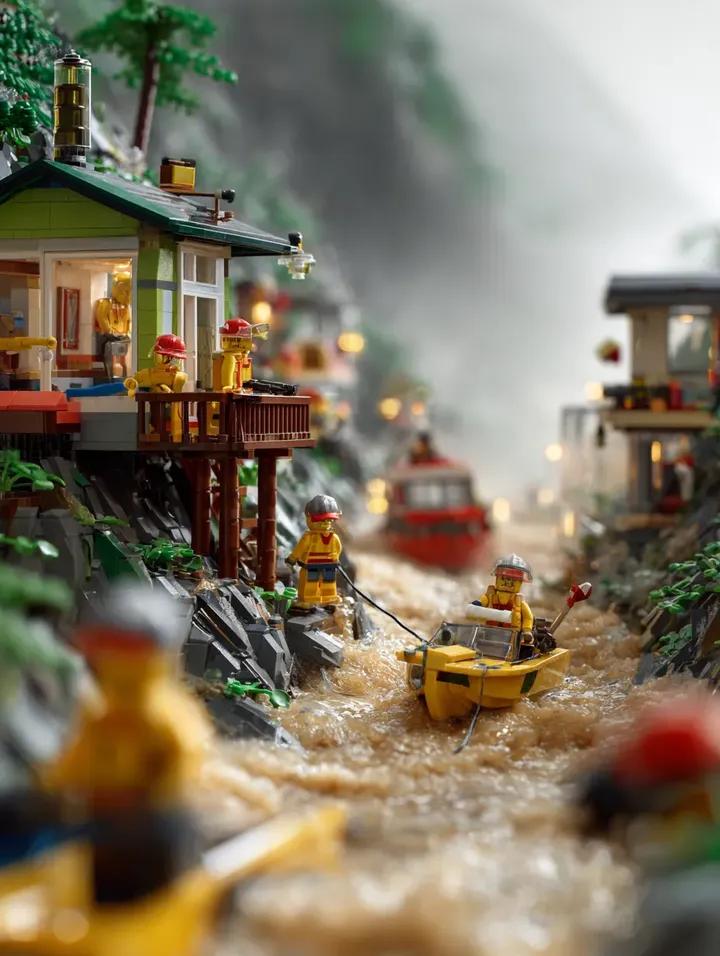
LEGO Mountain Flood Rescue Scene Prompt
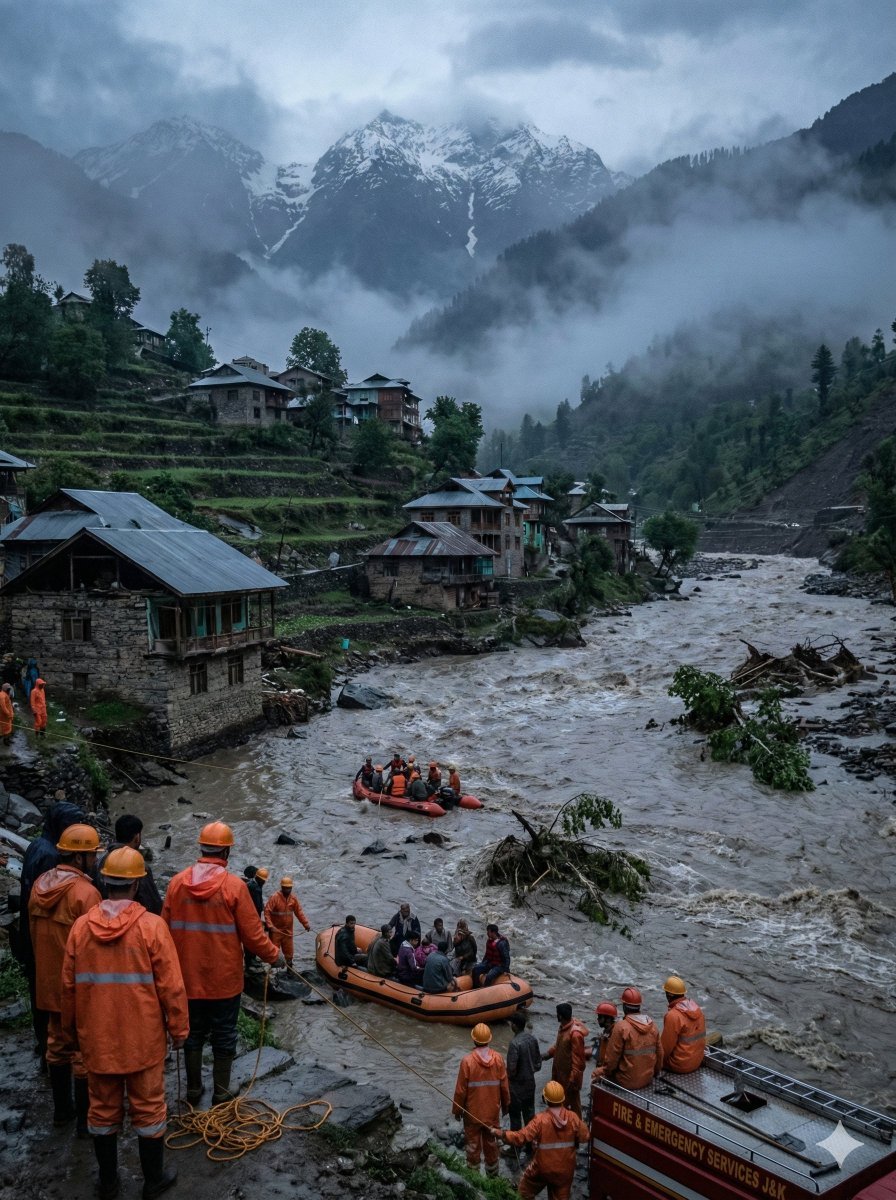
Dramatic Cinematic Kashmir Mountain Flood Rescue Scene
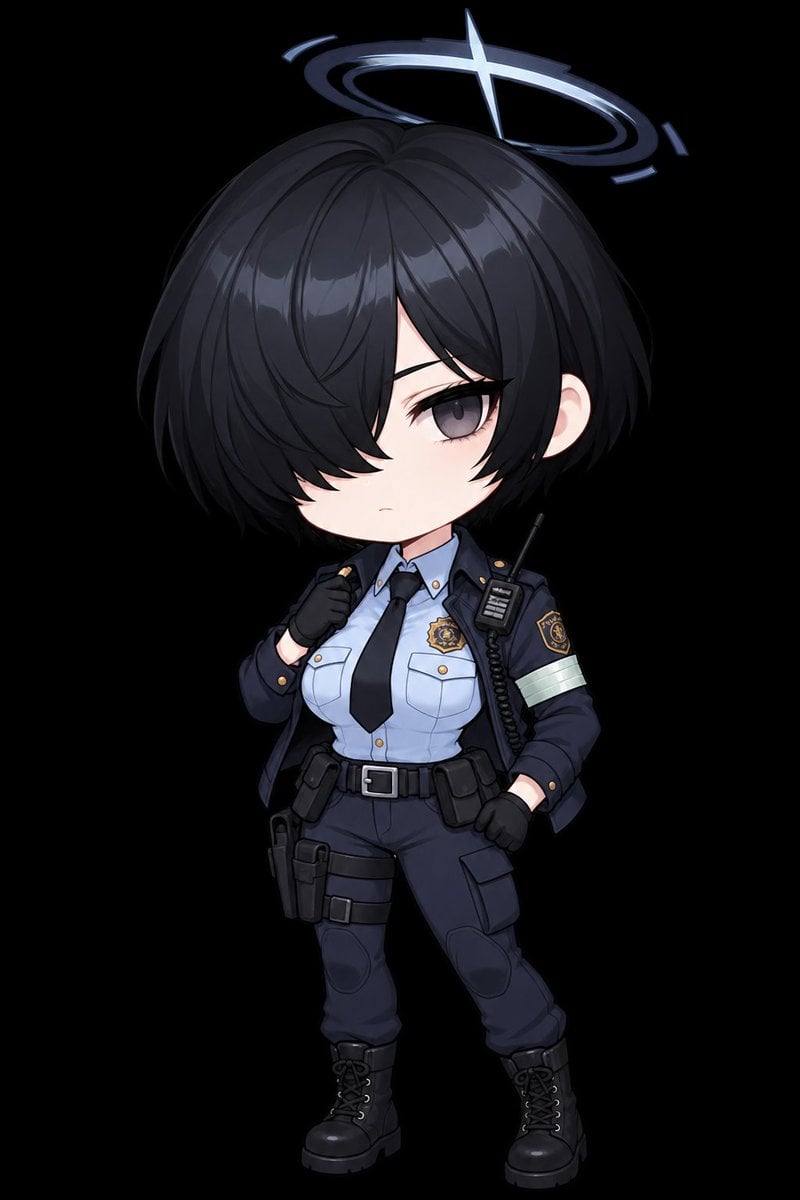
Chibi Tactical Police Girl with Halo
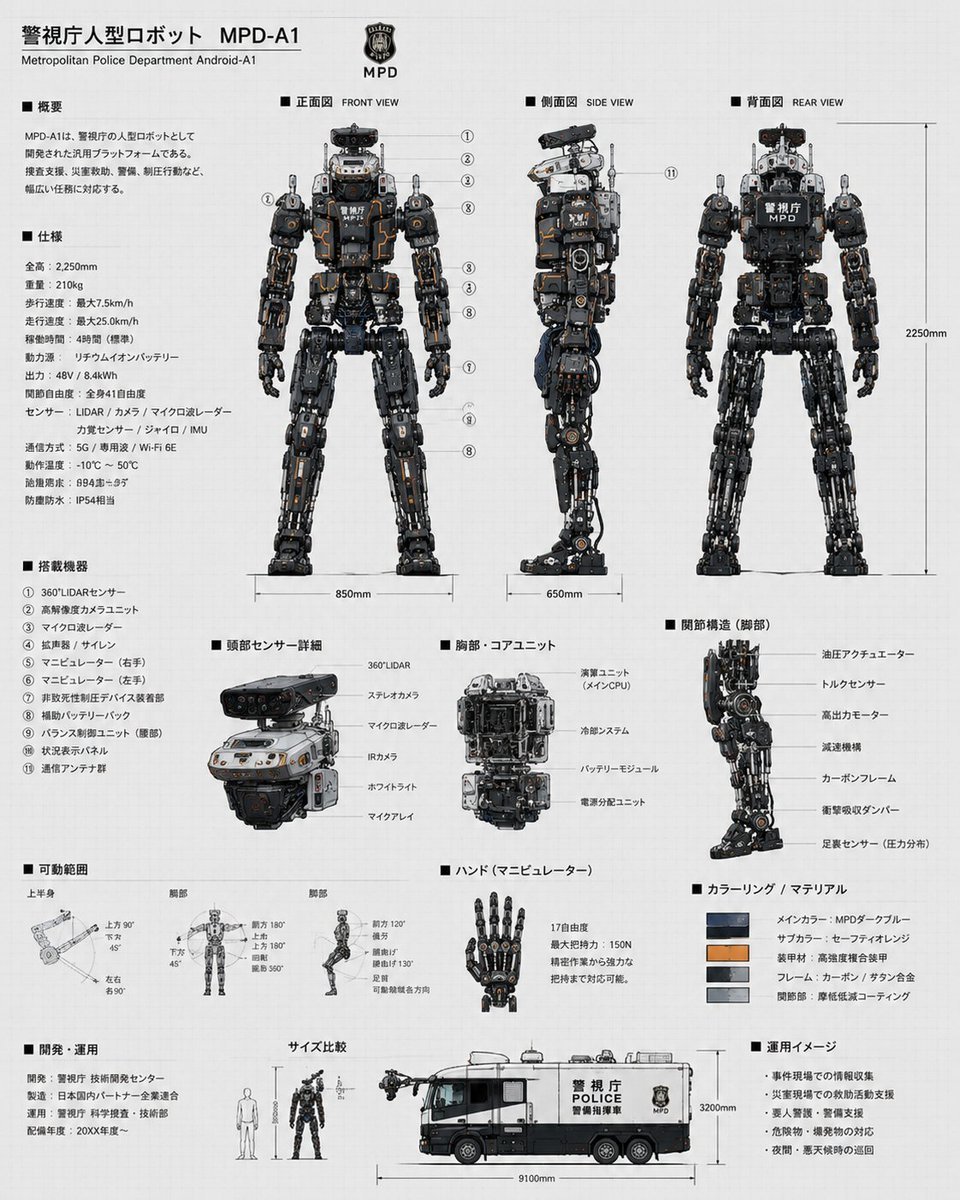
Police Robot Blueprint
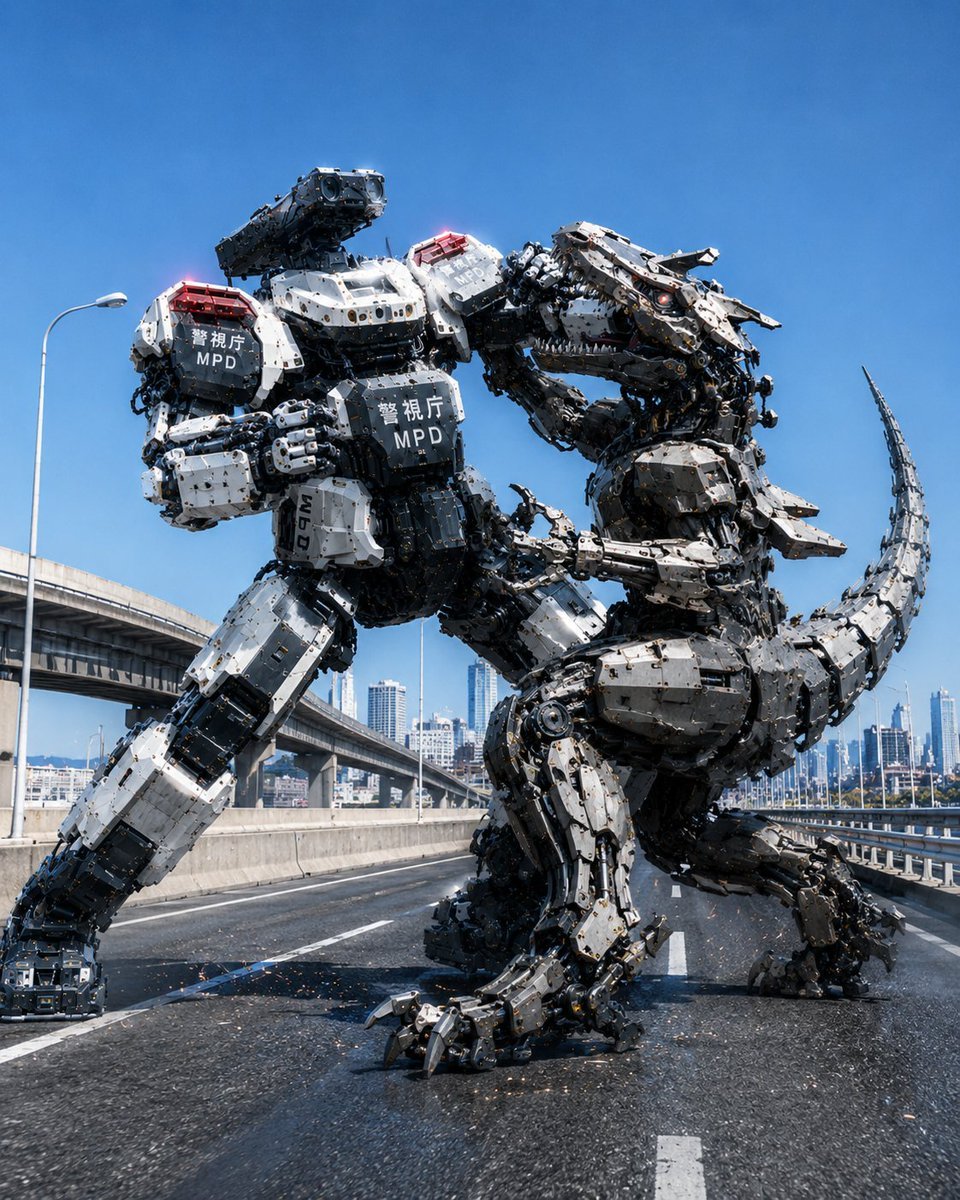
Police Robot Dinosaur Battle Scene
Make it yours
Tokyo Police Flood Rescue Mech works as-is. These are the safest ways to change it without losing the look.
Change one field
Copy a single group, rewrite it, and generate again so you can see what that field is doing.
Keep the frame, change the subject
Hold the composition and light of Tokyo Police Flood Rescue Mech, then swap wardrobe, props or the person for a new take.
| If the result… | Why | Fix |
|---|---|---|
| The result drifts from the preview | Too many fields changed at once. | Reuse Tokyo Police Flood Rescue Mech as-is first, then change one group — subject, light, or setting. |
| The model over-stylizes the scene | The prose prompt leaves finish and camera underspecified. | Add one camera or lighting sentence and stay on GPT Image 2. |
More GPT Image 2 templates
Other prompts made for GPT Image 2.

Six VTuber Japanese Logo Sheet

Realistic Portrait of Woman and Deer

The Vista Modular Condo Poster

AI Model Routing Comparison Infographic

2.5D Anime Art Board

Isometric Productivity Desk Scene

New York Double Exposure Poster

Four-Panel AI Landscape Comparison

Japanese Tatami Lifestyle Magazine Cover

NESCAFÉ Coffee Map Poster
More image prompts
Fresh picks from across the catalog.

History of Music Diorama Book Prompt
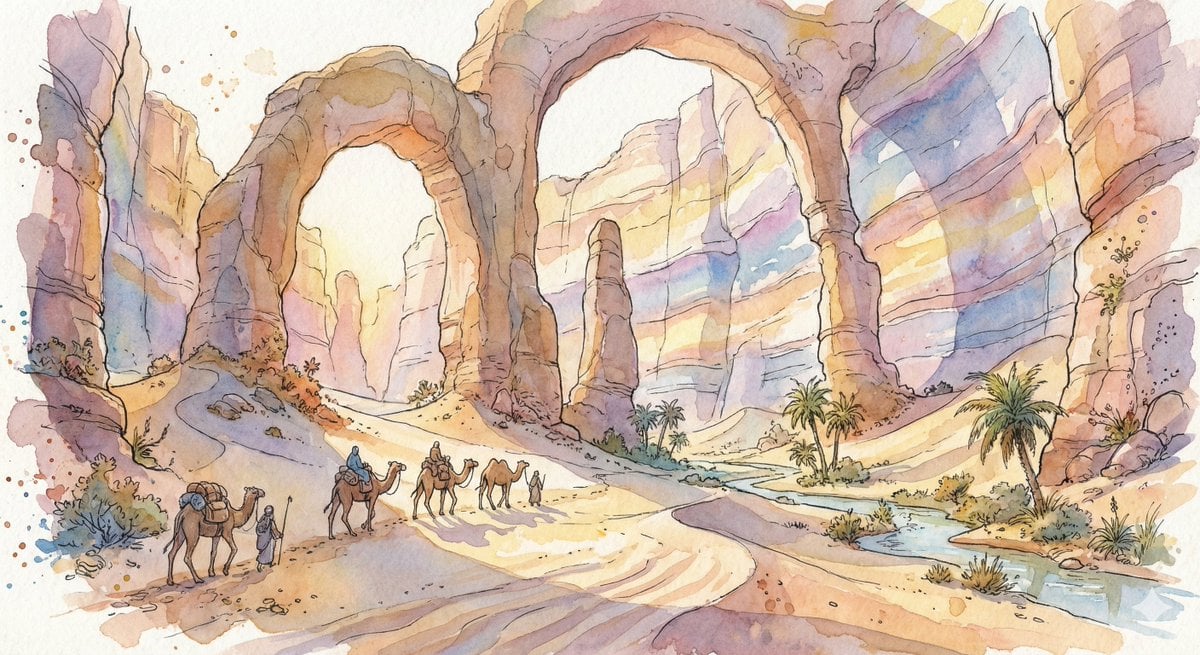
Fantasy Watercolor Illustration of an Immense Desert Canyon
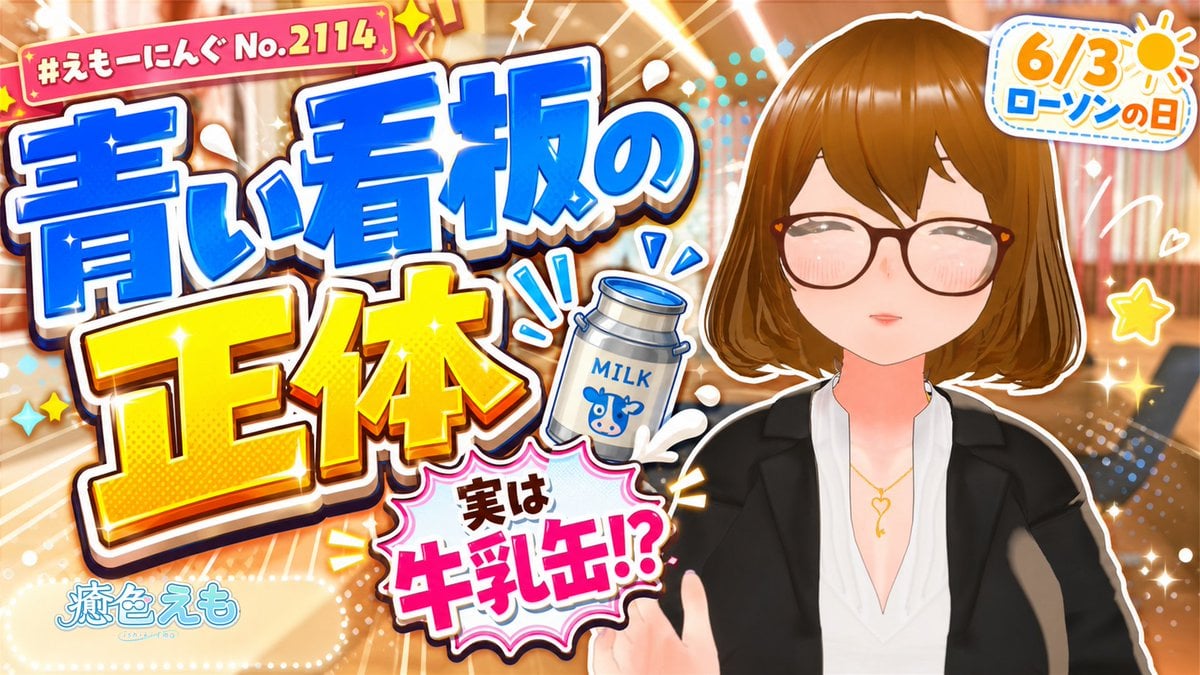
Japanese Lawson Milk Can Thumbnail
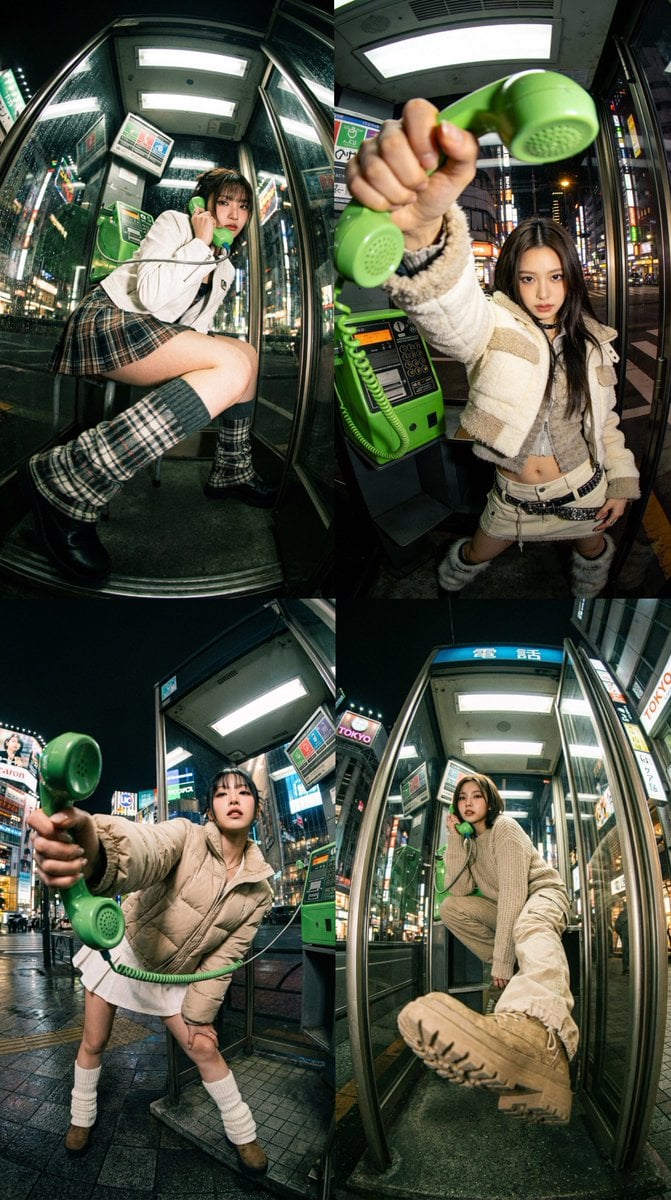
Dramatic Ultra Wide-Angle Photorealistic Edit Prompt
Photorealistic Cartoon Clone Portrait
Cyberpunk Neon Street Food Advertisement Prompt
Gritty Grunge Portrait of a Japanese Woman
Fashion Editorial Portrait with Grunge Collage
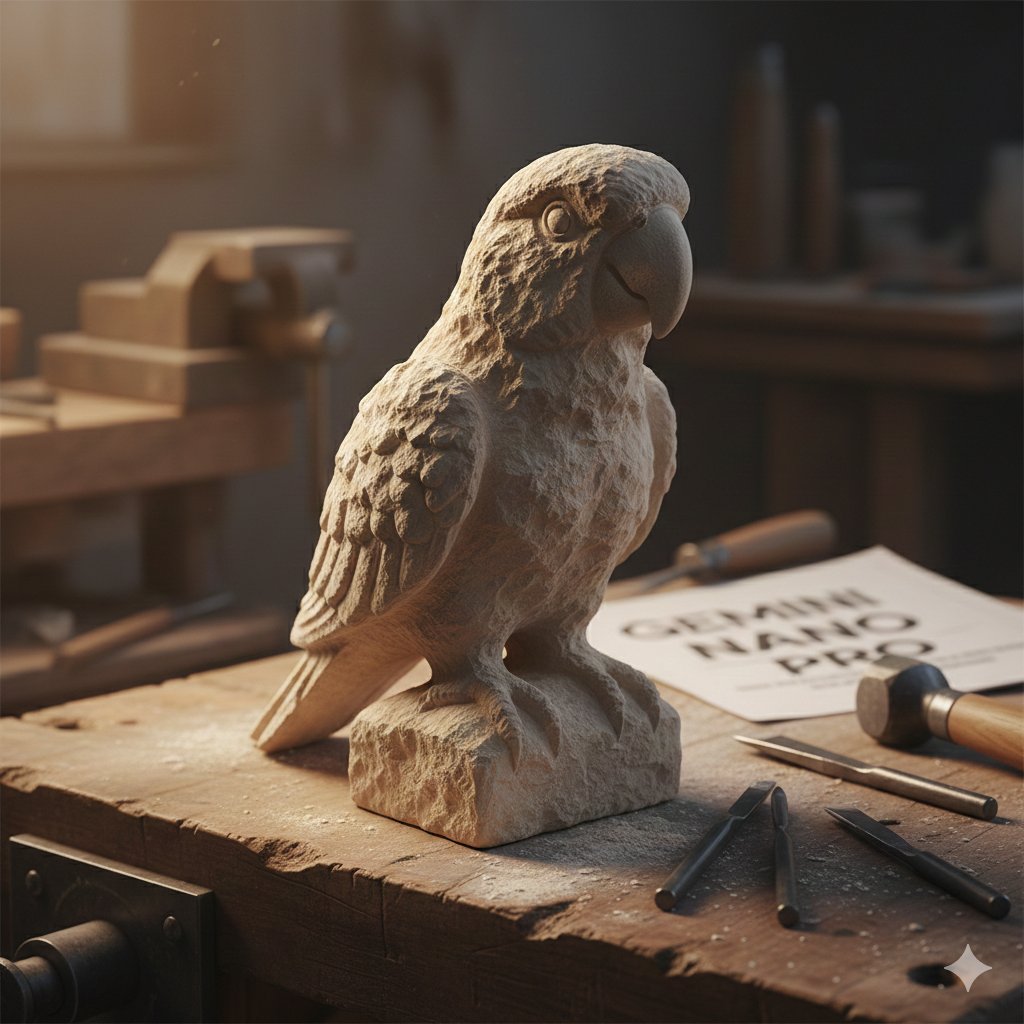
Stone-Carved Pet Statue on Workbench
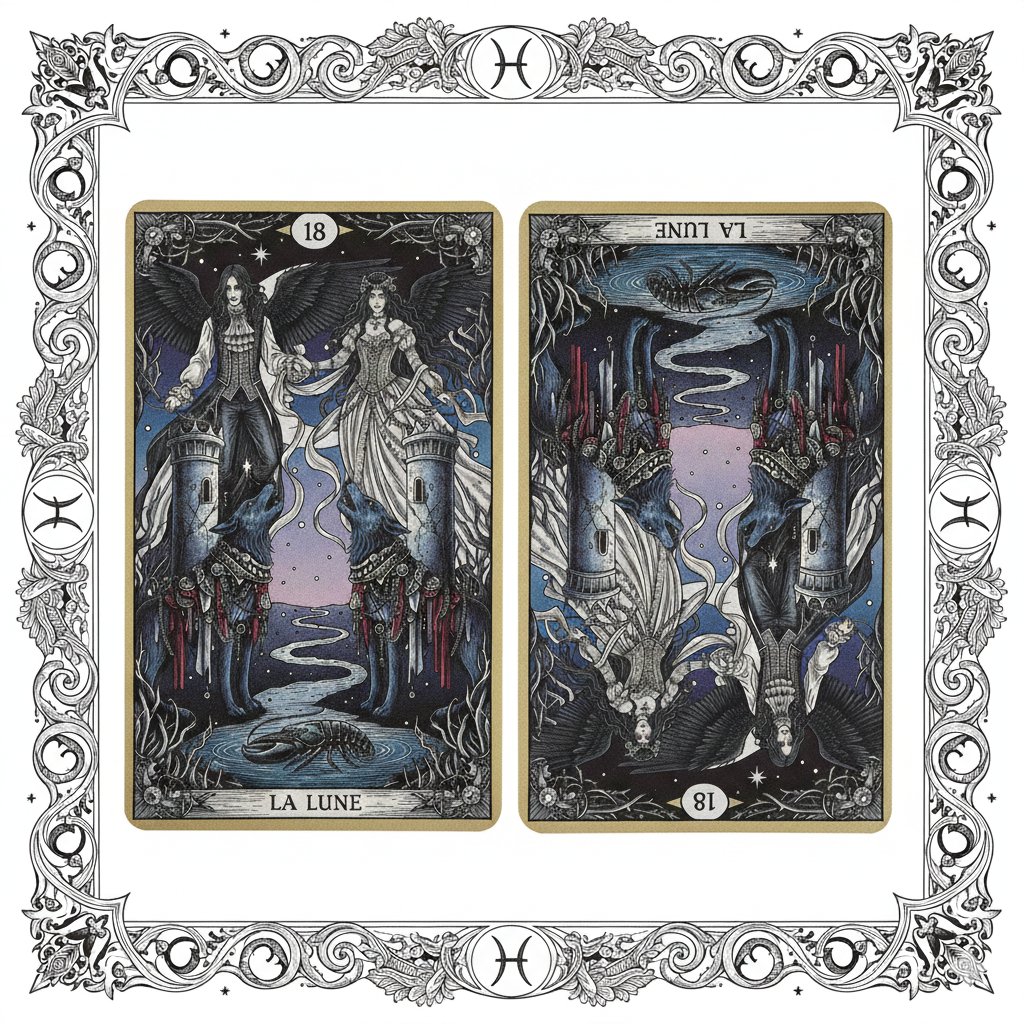
Nano Banana Pro Prompt: Tarot Card 18 (The Moon) with Mális Mizer and Pisces
Browse template categories
Tokyo Police Flood Rescue Mech questions
How do I use the Tokyo Police Flood Rescue Mech template?
Add your photo if the template asks for one, edit the prompt if you like — the template's model and format are already selected — and press Generate. Your version opens in PicX Studio.
Can I customize the Tokyo Police Flood Rescue Mech template?
Yes. You can change the subject, setting, lighting, mood, format, and available model controls before creating your image.
Is the Tokyo Police Flood Rescue Mech template free?
Opening and editing this template is free. Generating uses credits, shown on the Generate button when you are signed in.
Which AI model should I use?
Start with GPT Image 2, which is the model associated with this template. You can compare another compatible model for a different finish.
Looking for something else? Browse all templates.

Your photo, any look
Thousands of ready templates for every top image and video model, from one credit balance.