
Toddler Clones With Stacked Name Letters
Generates an ultra-realistic studio portrait of one toddler cloned six times around oversized stacked 3D name letters.
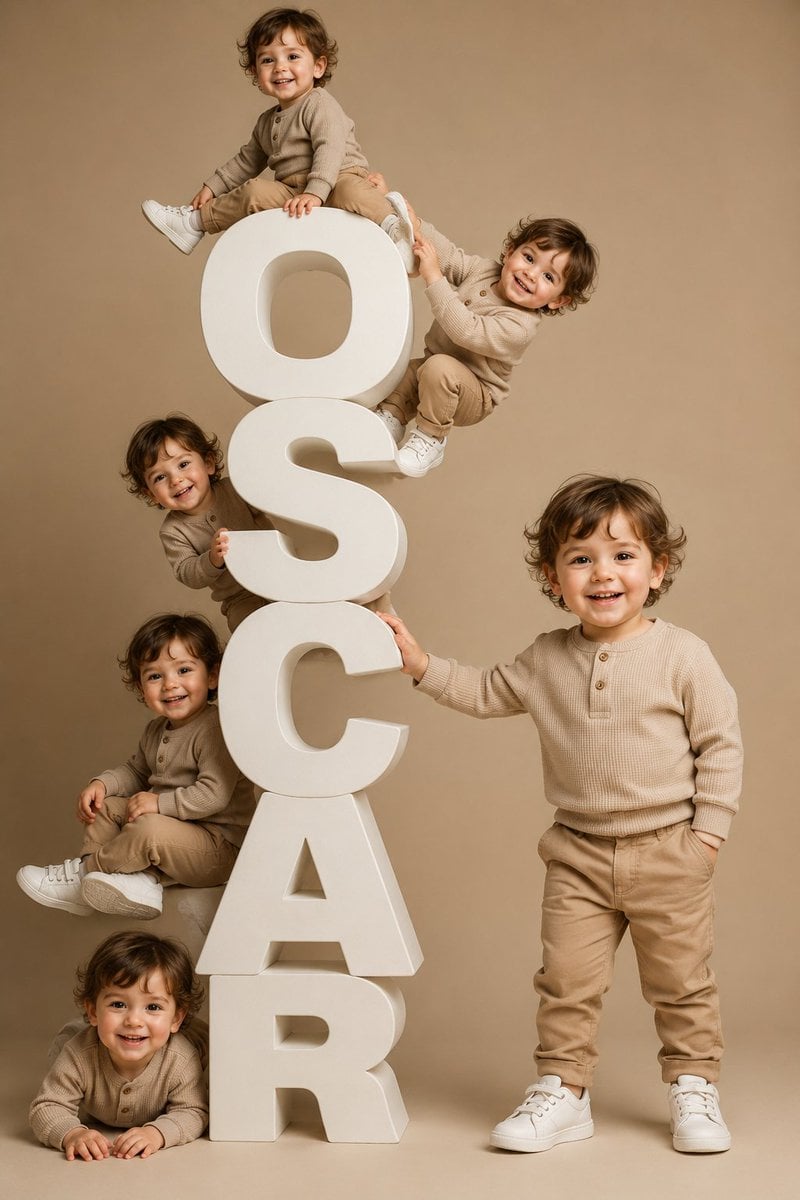
- Prompt included
- Model and format preset
- Free template
The prompt behind this image
Copy the exact prompt behind Toddler Clones With Stacked Name Letters, or open it in the studio and make it yours.
Create a premium ultra-realistic studio portrait of the same toddler duplicated exactly 6 times, each clone having the exact same face, curly medium-brown hair, warm light skin tone, eye color, cheerful smile, body proportions, and identical outfit. The toddler is a cute 2-year-old boy wearing a beige ribbed long-sleeve henley sweater with small buttons, tan chinos, and clean white sneakers. Arrange the clones around a tall vertical stack of oversized matte white 3D block letters spelling {argument name="display word" default="OSCAR"}, one letter per row from top to bottom. Use a warm beige seamless studio backdrop and floor, soft diffused professional lighting, gentle shadows, and a polished editorial kids-fashion look. Composition: vertical 2:3 portrait. Count and placement of the 6 toddler clones: 1 sitting on top of the top letter O with one leg bent and one leg extended; 2 climbing or hanging from the upper right side between O and S, smiling toward camera; 3 peeking from the left side around the S with hands on the letter; 4 seated on the left side beside the C/A area with legs forward; 5 lying/crawling at the bottom left in front of the R with hands on the floor; 6 standing full-body on the right side, one hand touching the C, smiling directly at camera. Make the white letters thick, rounded, sculptural, foam-like or painted wood, with realistic depth and soft shadows. Keep the toddler identity perfectly consistent across all 6 duplicates, with no facial variations and no outfit changes. Avoid extra text, props, logos, watermarks, distorted anatomy, mismatched faces, or additional children.
How to use Toddler Clones With Stacked Name Letters in 3 steps
- 1Upload ImagePNG, JPG or paste
Add your photo
Upload the photo the template builds on. The prompt, model and format are already set.
- 2…a portrait of your subject in softgolden-hour light, 85mm…
Personalize
Edit the subject and creative details for your destination.
- 3Generate
Generate
Press Generate — your image is created in PicX Studio, so you can compare it with the original and refine one variable at a time.
More like this
Templates with the same subject, style or setup. Open one to see its prompt.
Premium Stacked Crisp Advertising Poster
Toddler Fast Food Comedy Still
Stacked Fast Food Capsule Ads
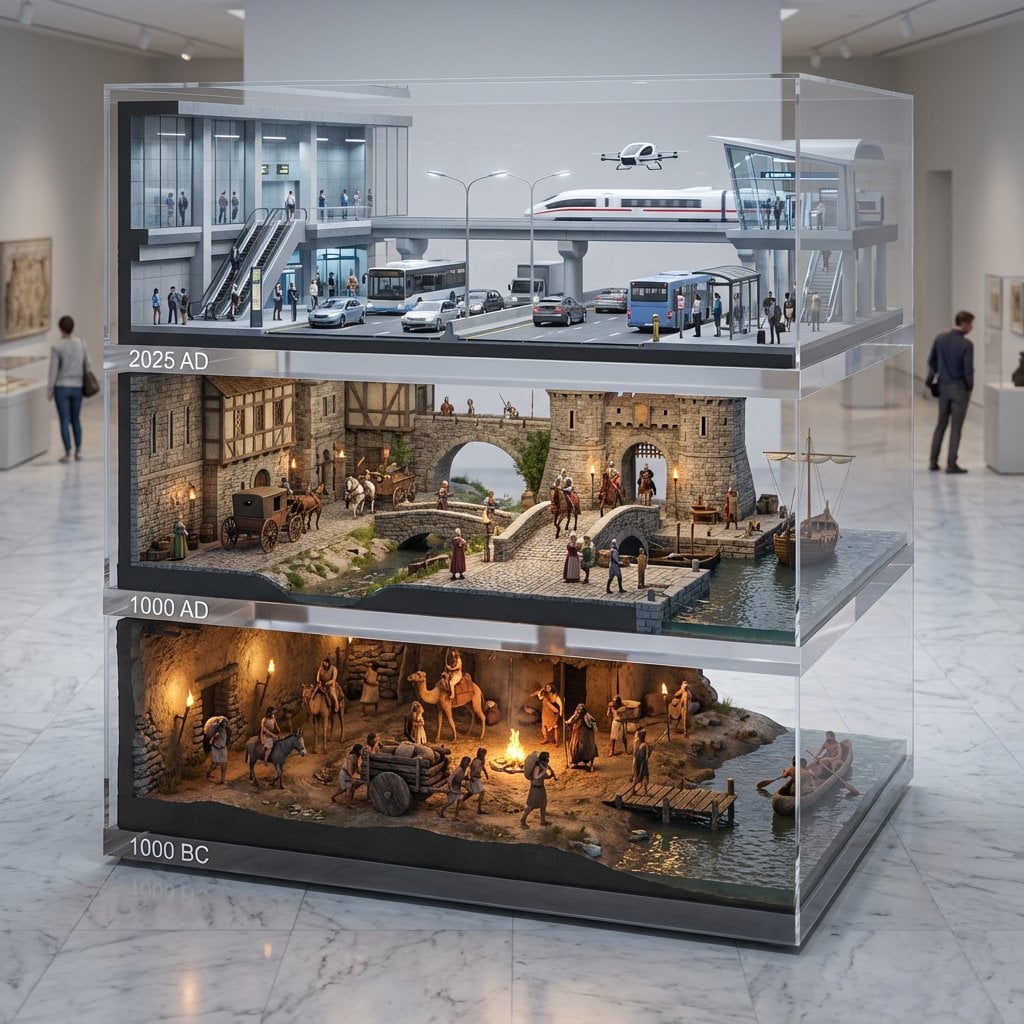
A stacked depth composition of ultra-detailed 16K 3D-scanned
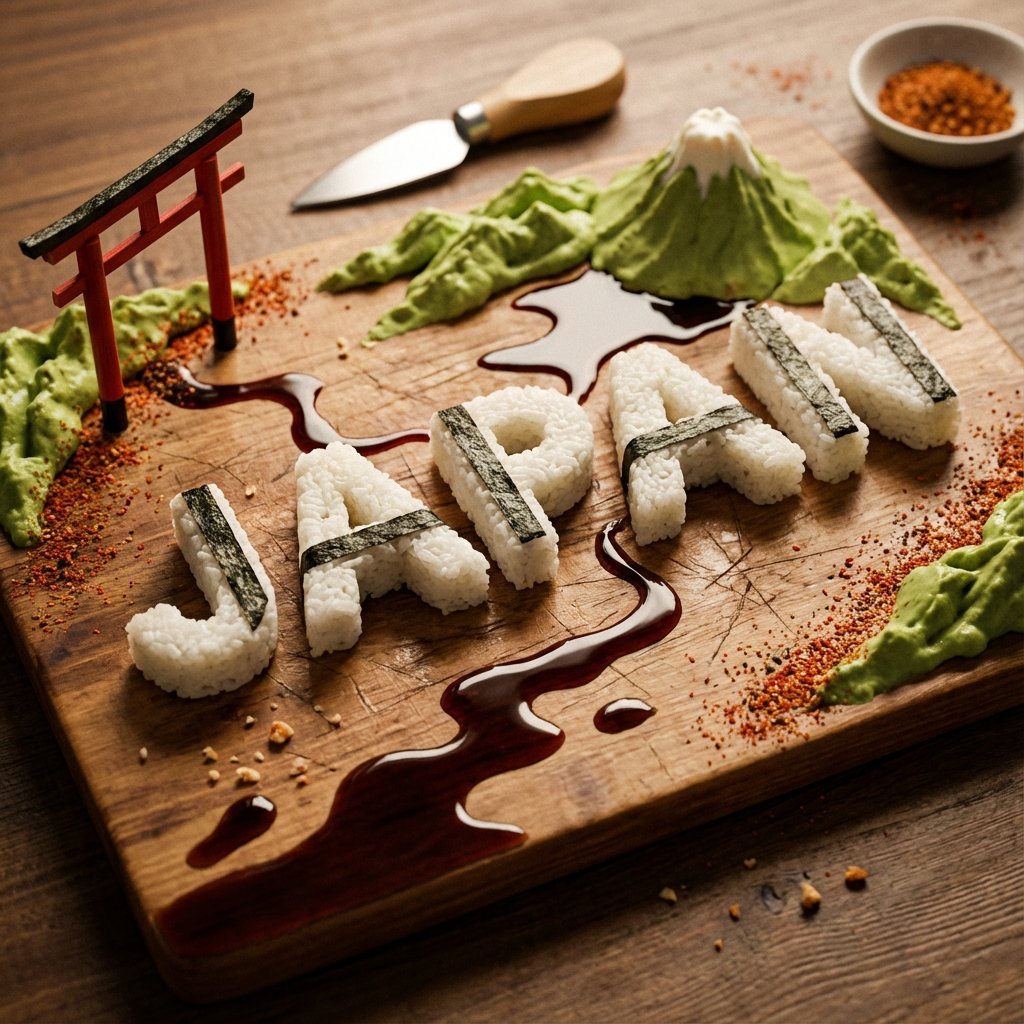
A charcuterie-style board presents JAPAN as an edible sculpture Letters
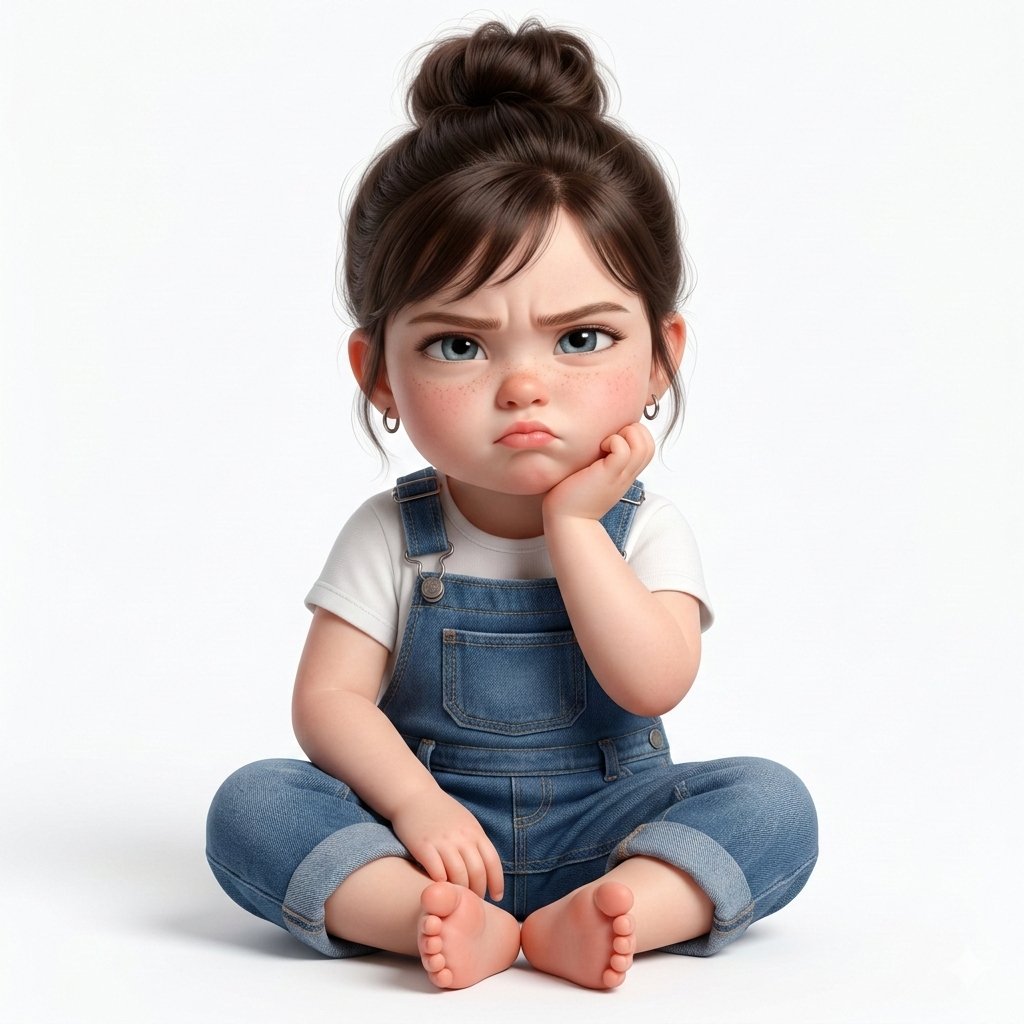
Super cute, hyper-realistic 3D render of a toddler girl who is a younger

Whimsical 3D Toddler Bathroom Illustration
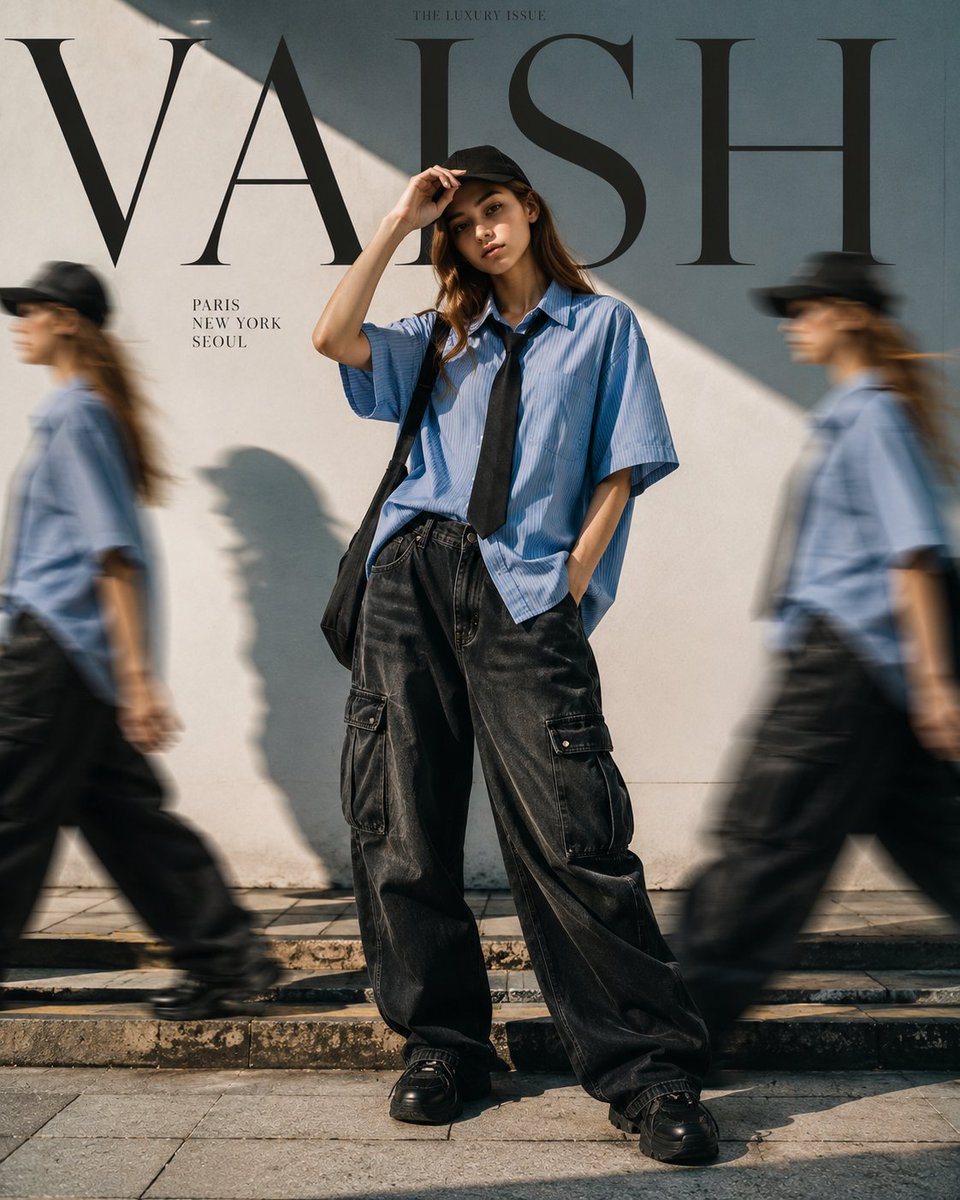
Fashion Editorial with Motion Clones

Luxury Toddler Fashion Portrait
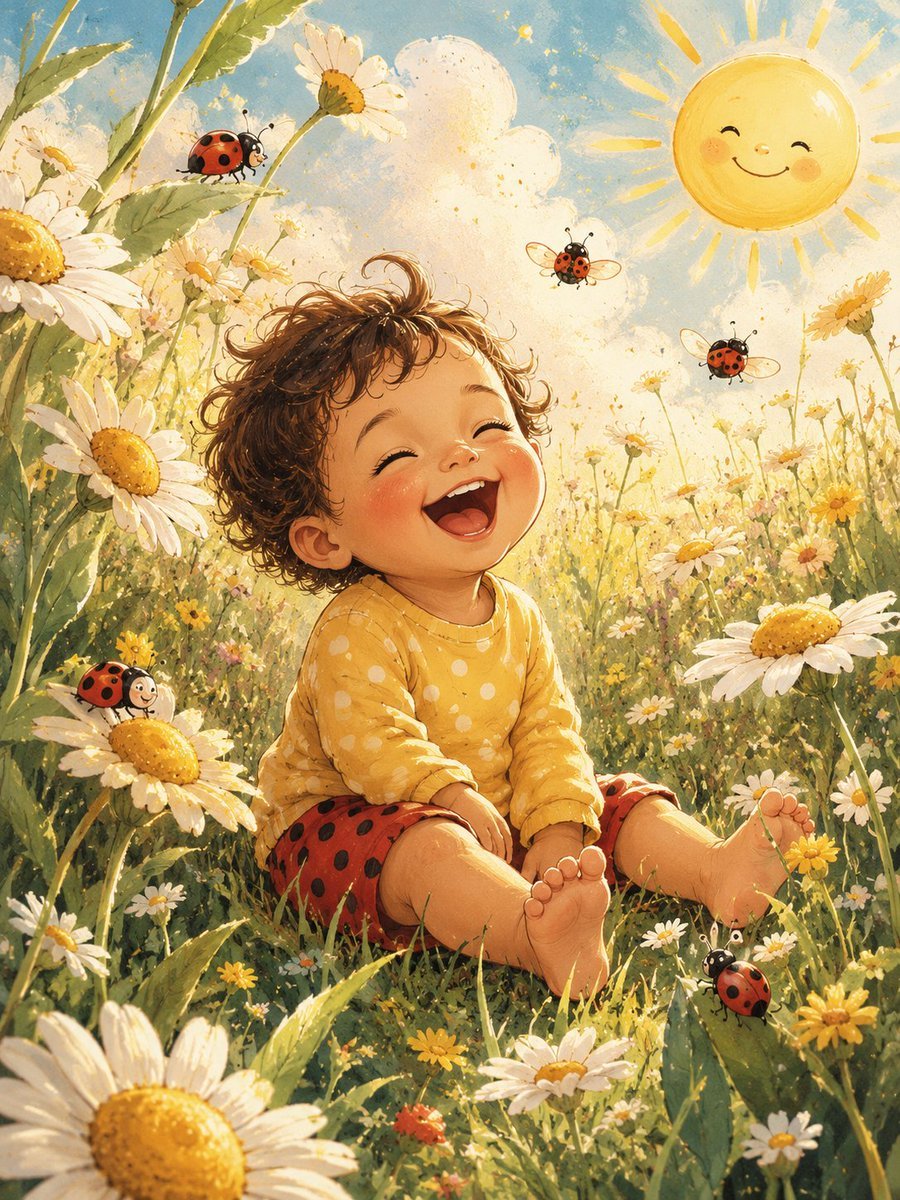
Happy Toddler in Daisy Meadow

Tiny Toddler Hugging Giant Chocolate Bar
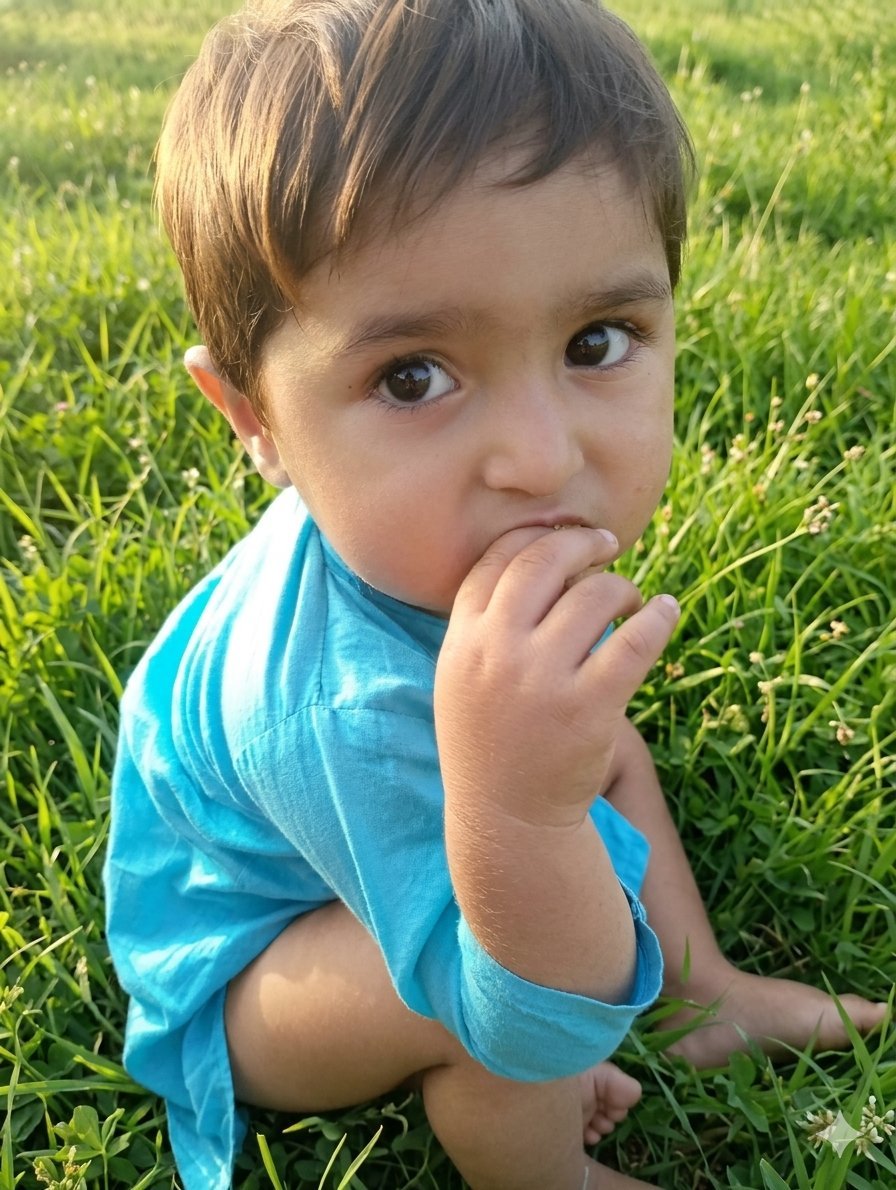
Golden Hour Toddler Meadow Portrait
Make it yours
Toddler Clones With Stacked Name Letters works as-is. These are the safest ways to change it without losing the look.
Change one field
Copy a single group, rewrite it, and generate again so you can see what that field is doing.
Keep the frame, change the subject
Hold the composition and light of Toddler Clones With Stacked Name Letters, then swap wardrobe, props or the person for a new take.
| If the result… | Why | Fix |
|---|---|---|
| The result drifts from the preview | Too many fields changed at once. | Reuse Toddler Clones With Stacked Name Letters as-is first, then change one group — subject, light, or setting. |
| The model over-stylizes the scene | The prose prompt leaves finish and camera underspecified. | Add one camera or lighting sentence and stay on GPT Image 2. |
More GPT Image 2 templates
Other prompts made for GPT Image 2.

Six VTuber Japanese Logo Sheet

Realistic Portrait of Woman and Deer

The Vista Modular Condo Poster

AI Model Routing Comparison Infographic

2.5D Anime Art Board

Isometric Productivity Desk Scene

New York Double Exposure Poster

Four-Panel AI Landscape Comparison

Japanese Tatami Lifestyle Magazine Cover

NESCAFÉ Coffee Map Poster
More image prompts
Fresh picks from across the catalog.

Gpt2 Product Marketing Streetwear Sneaker Poster Ad
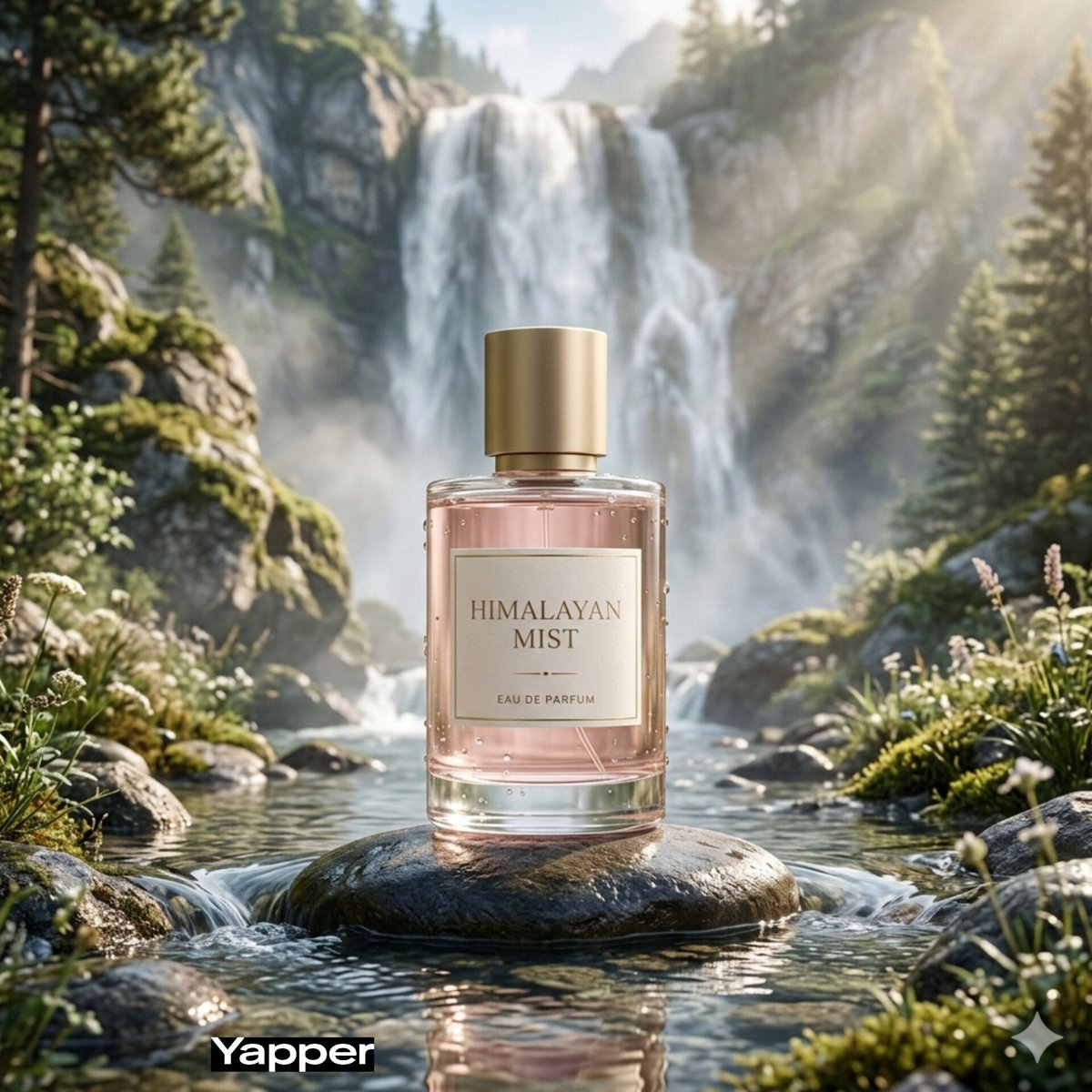
Dreamy Luxury Perfume Photography in Nature Prompt
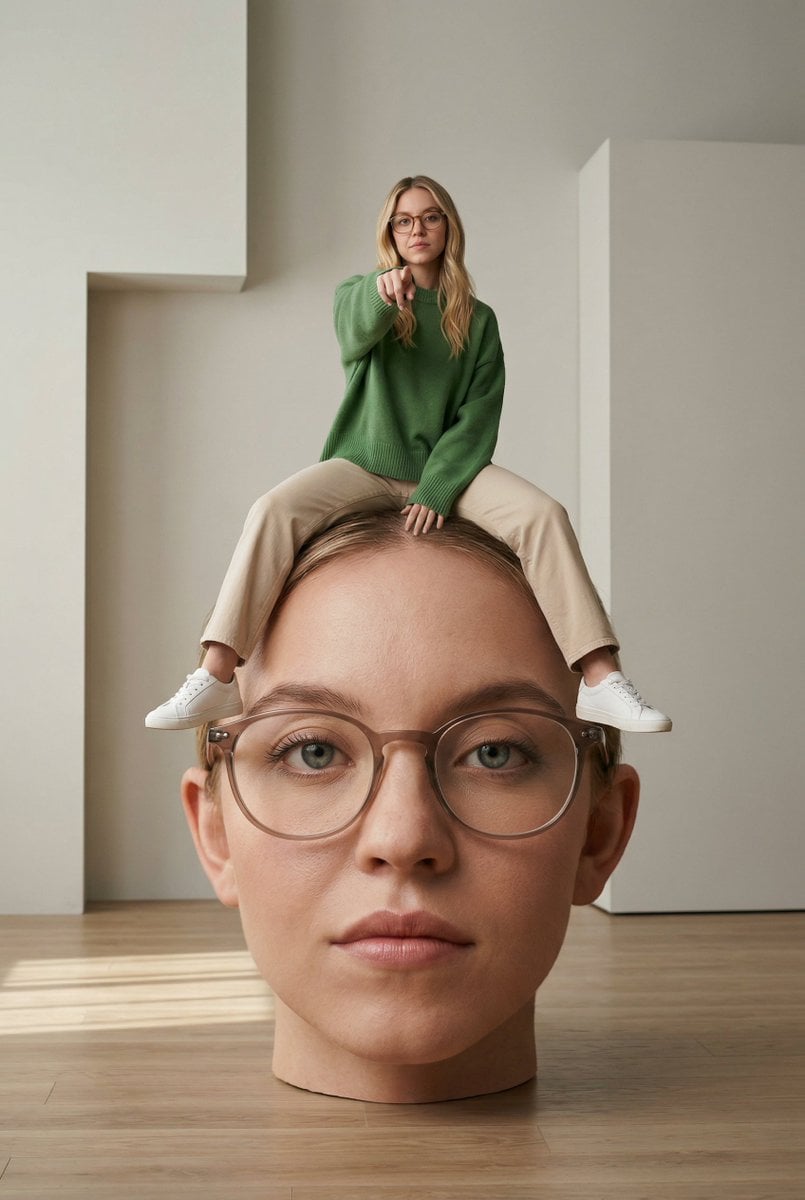
Surreal Conceptual Photography with Scale Distortion

Gpt2 Fisheye Sky Crouch Portrait
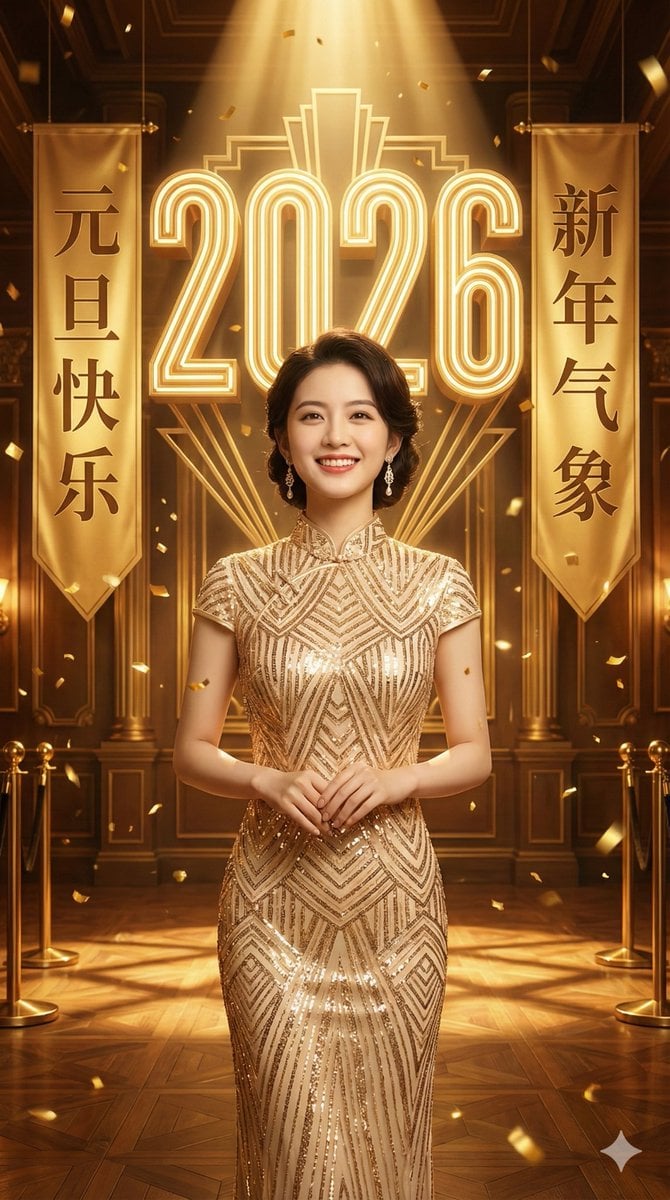
Golden New Year 2026 Celebration Portrait Prompt
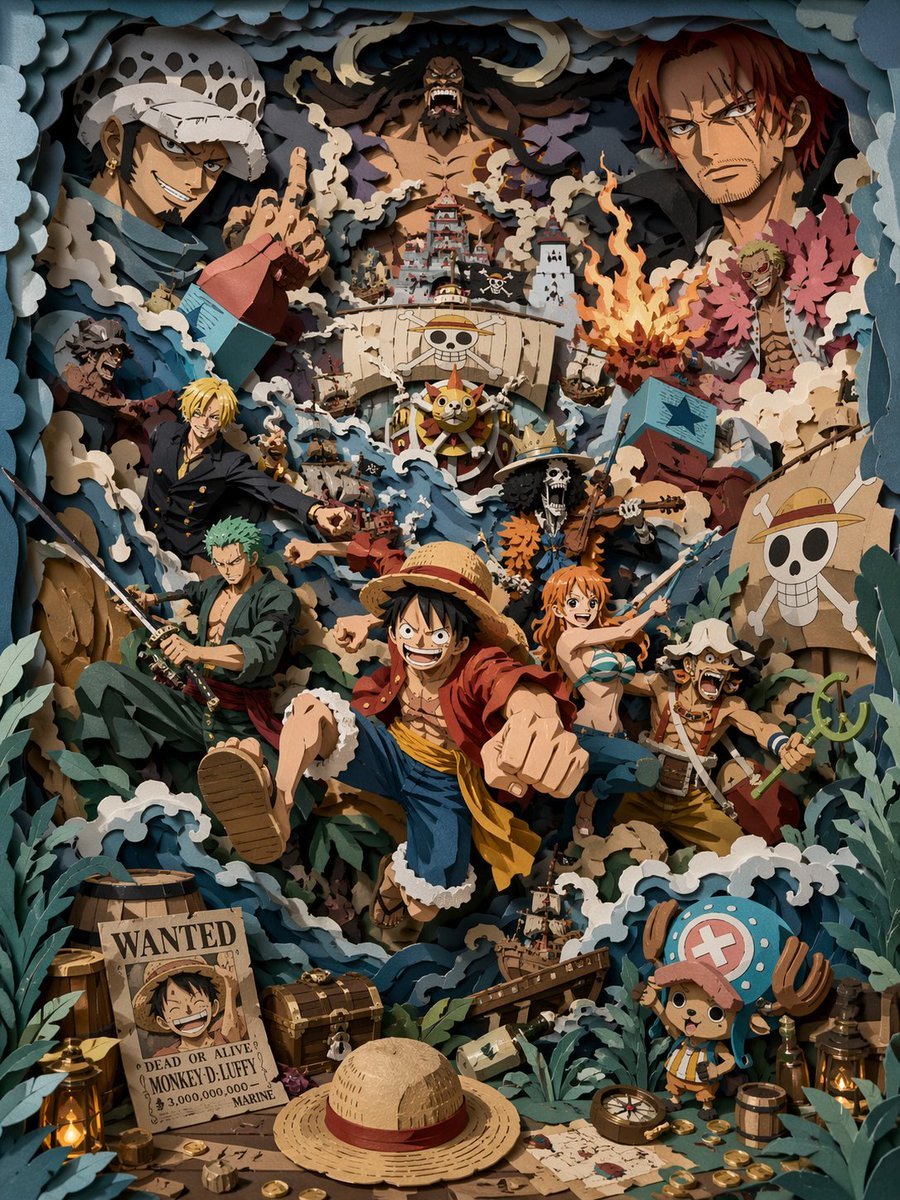
3D Papercut Pirate Scene
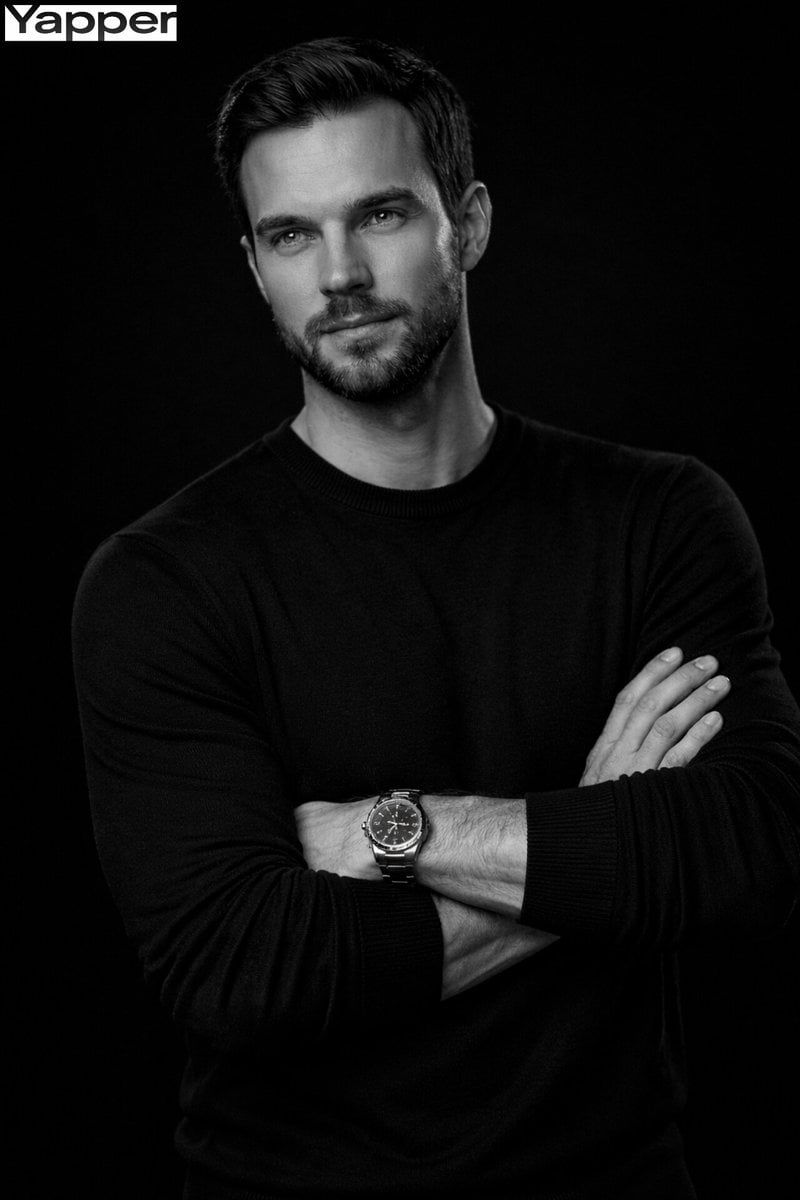
Cinematic Monochrome Male Portrait
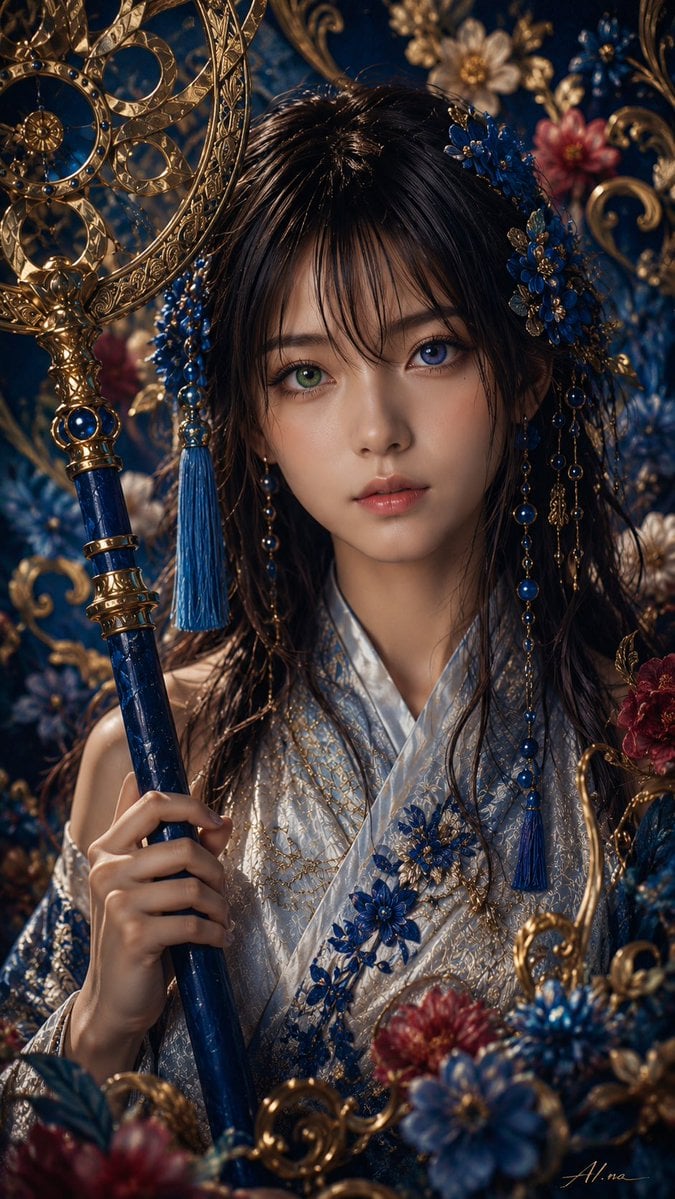
Ornate Yuna Fantasy Portrait
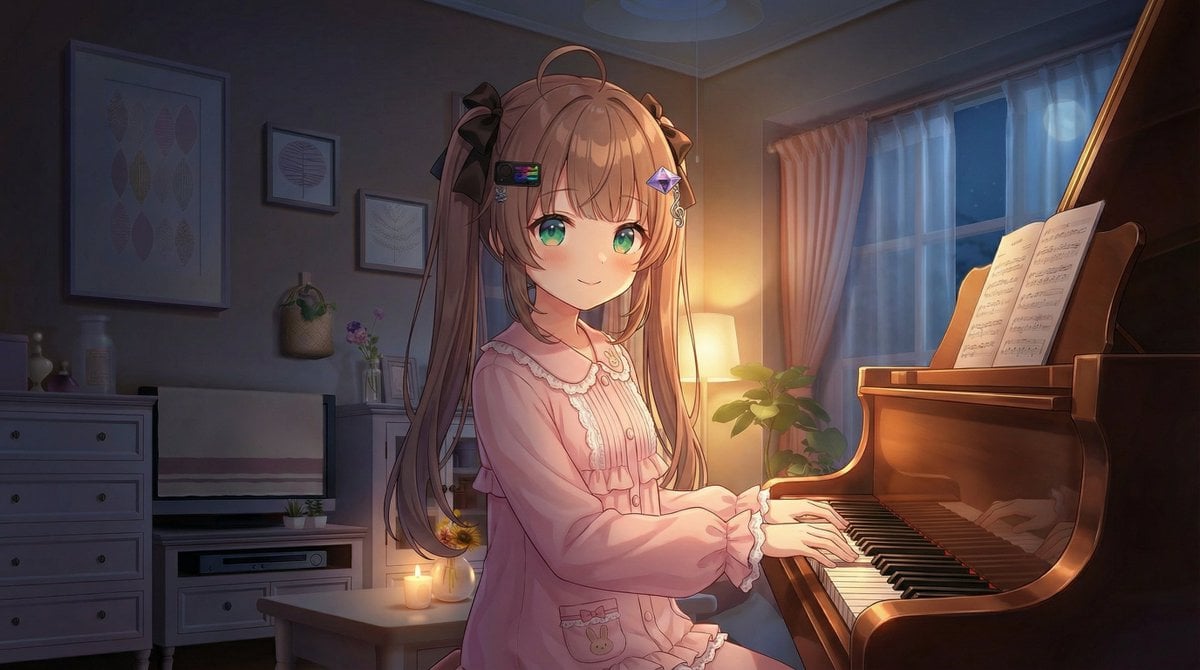
Vlogger Thumbnail Image Generation Prompt
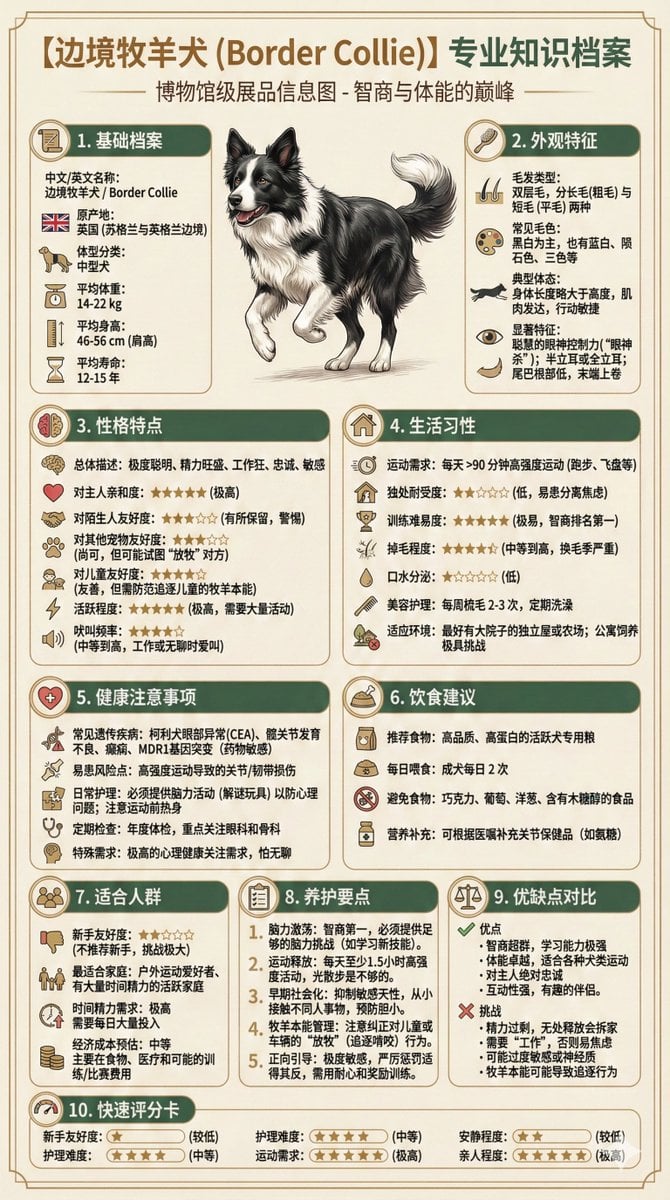
Universal Pet Feeding Guide Generator
Browse template categories
Toddler Clones With Stacked Name Letters questions
How do I use the Toddler Clones With Stacked Name Letters template?
Add your photo if the template asks for one, edit the prompt if you like — the template's model and format are already selected — and press Generate. Your version opens in PicX Studio.
Can I customize the Toddler Clones With Stacked Name Letters template?
Yes. You can change the subject, setting, lighting, mood, format, and available model controls before creating your image.
Is the Toddler Clones With Stacked Name Letters template free?
Opening and editing this template is free. Generating uses credits, shown on the Generate button when you are signed in.
Which AI model should I use?
Start with GPT Image 2, which is the model associated with this template. You can compare another compatible model for a different finish.
Looking for something else? Browse all templates.

Your photo, any look
Thousands of ready templates for every top image and video model, from one credit balance.