
Human Life Progression Composite
A complex prompt for generating a vertical composite image showing the life stages of a person from newborn to senior while maintaining facial identity.
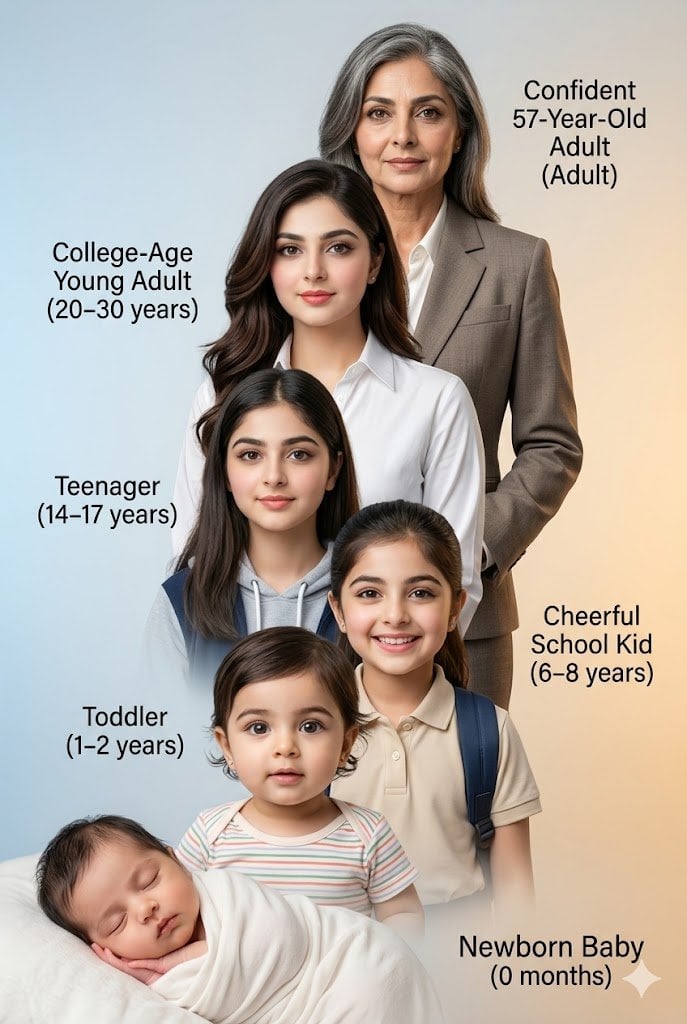
- Prompt included
- Model and format preset
- Free template
The prompt behind this image
Copy the exact prompt behind Human Life Progression Composite, or open it in the studio and make it yours.
Generate a meticulously detailed, vertical composite photograph illustrating the life progression of the {argument name="subject" default="uploaded handsome man"}, specifically maintaining the unique facial structure of the person, age {argument name="original age" default="30"}, which will be provided as an input image. The image is a cascading stack of six distinct individuals, linked by precise feature continuity. Top Layer (Future): 'Confident 57-Year-Old Adult' with salt-and-pepper hair, in a mature suit, features weathered but clearl. Next Layer: 'College-Age Young Adult (20–30 years)'—This is the prime 30-years-old state of the person with stylish hair and well groomed, in a premium crisp white shirt, looking ambitious. Third Layer: 'Teenager (14–17 years)' - A slightly younger person, in a school hoodie, with clear facial structure. Fourth Layer: 'Cheerful School Kid (6–8 years)' As a smiling child with a backpack, in a polo shirt. Fifth Layer: 'Toddler (1–2 years)' As an inquisitive toddler in a striped onesie. Sixth Layer: 'Newborn Baby (0 months)' The base layer, as a sleeping infant swaddled in soft fabric. The entire composition has a smooth, {argument name="background" default="soft-light gradient background from cool blue to warm amber"}. Each age label is precisely typeset next to its figure, using the exact text like 'Confident 57-Year-Old Adult (Adult)'. Features must remain identical across ages, just aged or de-aged. Organise each photo from bottom left to top right. Shot with a professional studio finish, hyper-realistic, 8k. Use provided photo as reference for the 25 years old me. Aspect ratio 2:3
How to use Human Life Progression Composite in 3 steps
- 1Upload ImagePNG, JPG or paste
Add your photo
Upload the photo the template builds on. The prompt, model and format are already set.
- 2…a portrait of your subject in softgolden-hour light, 85mm…
Personalize
Edit the subject and creative details for your destination.
- 3Generate
Generate
Press Generate — your image is created in PicX Studio, so you can compare it with the original and refine one variable at a time.
More like this
Templates with the same subject, style or setup. Open one to see its prompt.

Real-Life and Anime Character Composite

Photoreal Village Lanterns Minecraft Scene

Photoreal Selfie Minecraft Block World

Photoreal Selfie Minecraft Village Ghast UI
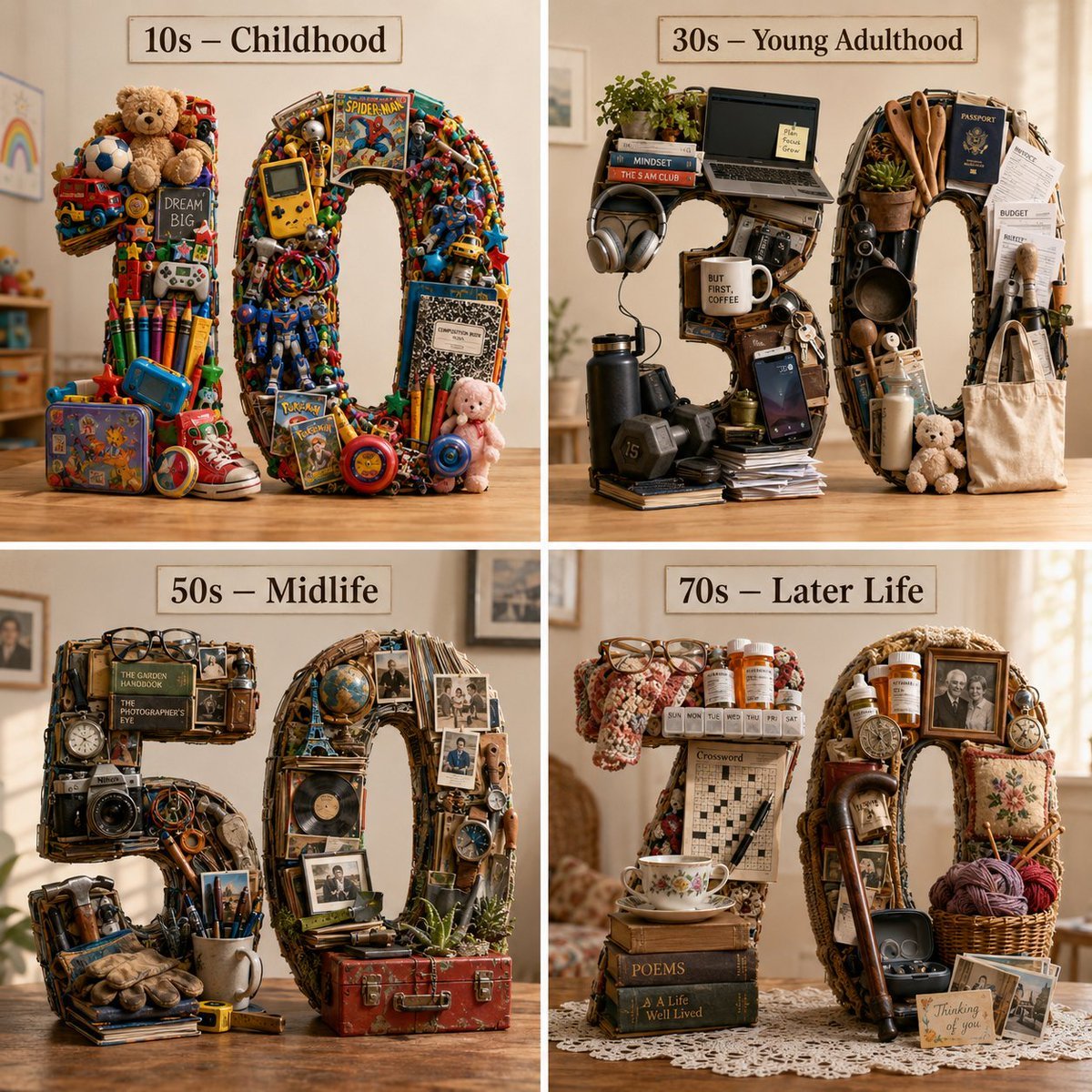
Typographic Human Life Stages Sculpture
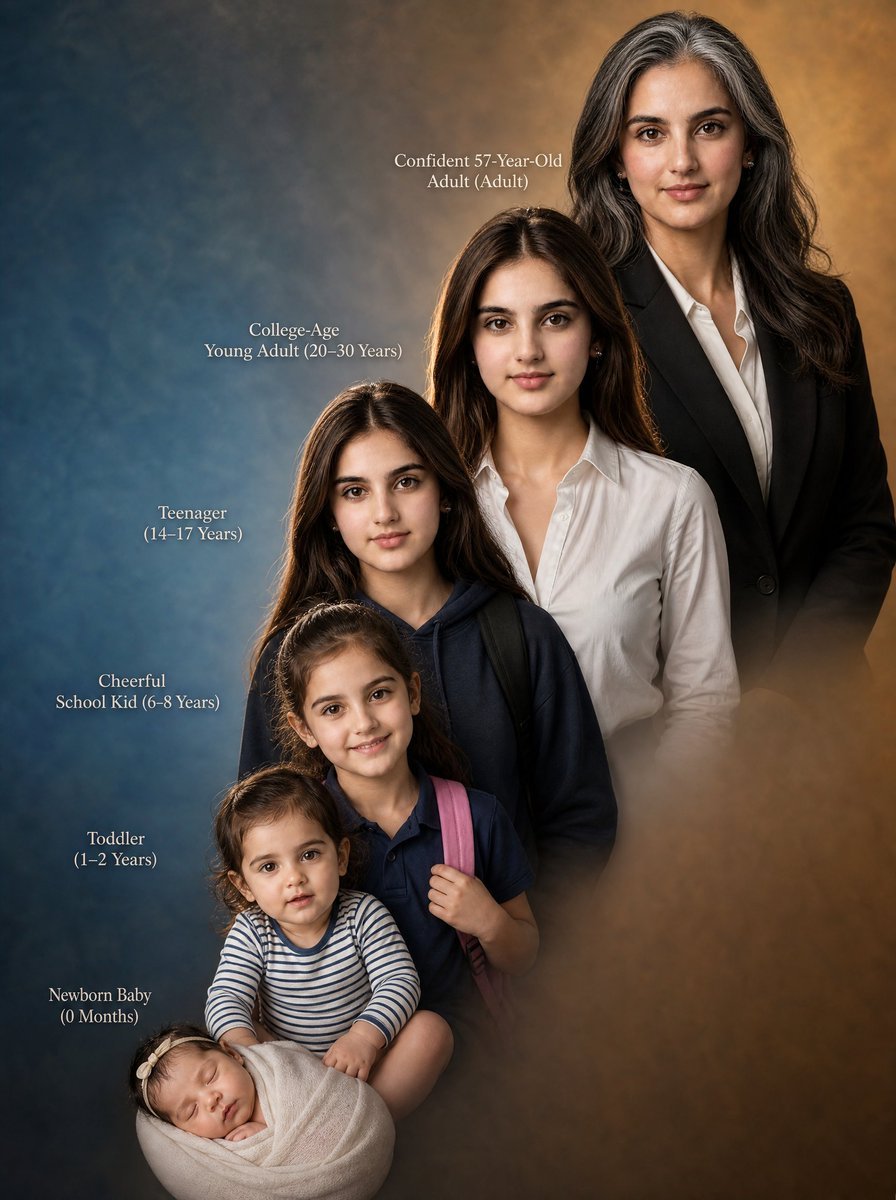
Female Life Progression Portrait
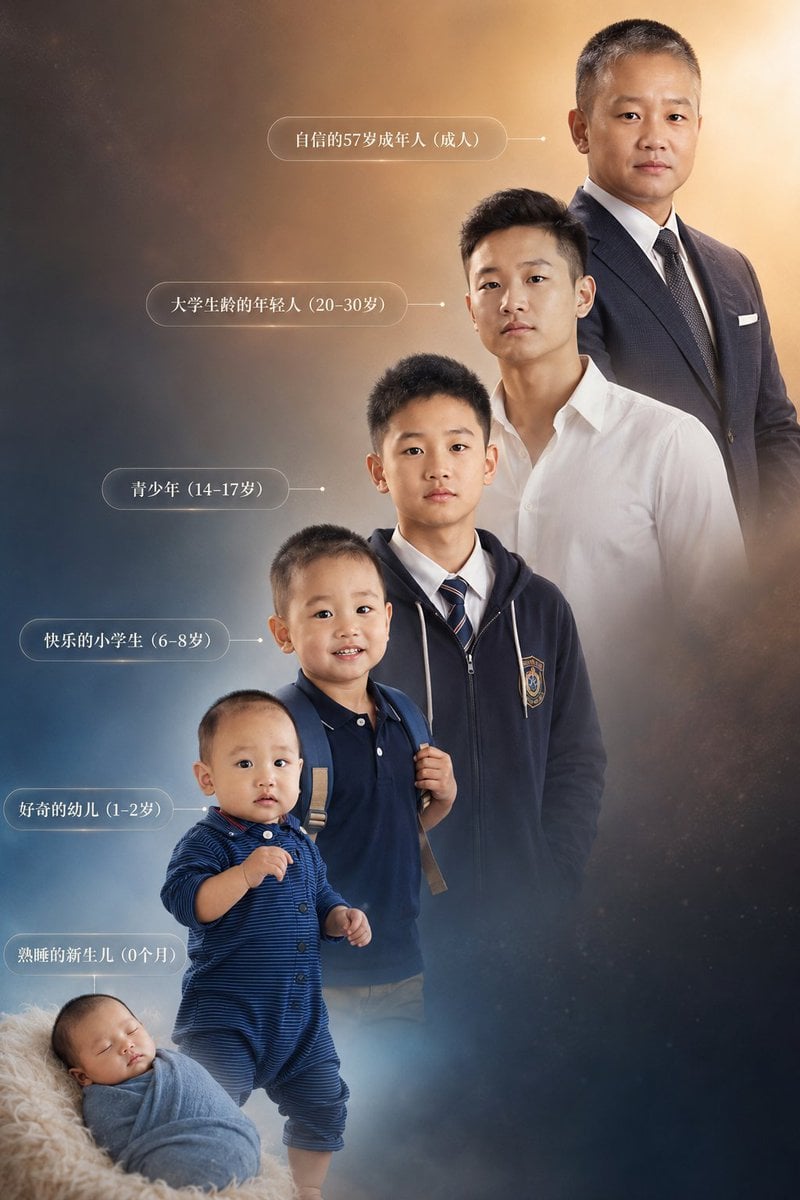
Six-Stage Life Progression Portrait
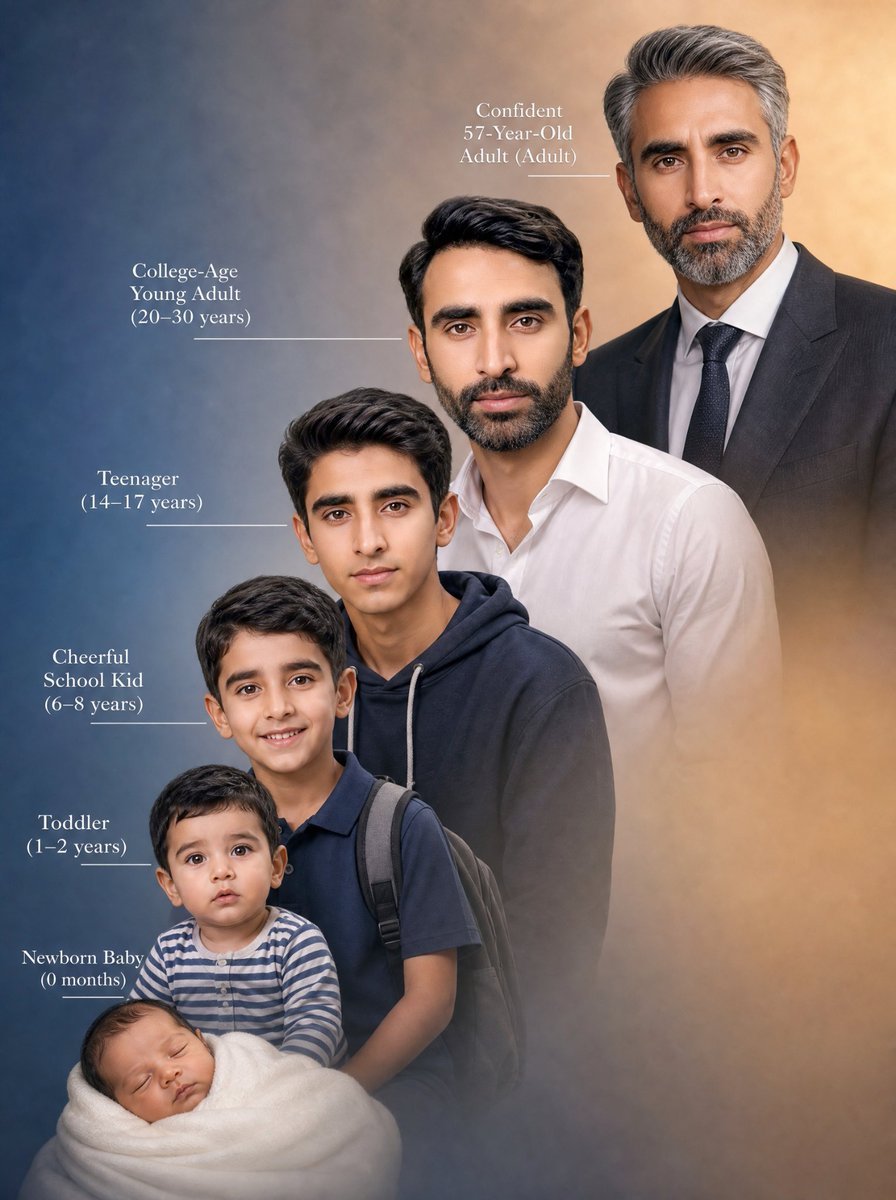
Life Stages Composite Portrait
Humanoid Mech Generator for Urban Life
Sunset Waterfront Fashion Composite
Graphite Portrait Progression Sheet

Mushroom Still Life Composition
Make it yours
Human Life Progression Composite works as-is. These are the safest ways to change it without losing the look.
Change one field
Copy a single group, rewrite it, and generate again so you can see what that field is doing.
Keep the frame, change the subject
Hold the composition and light of Human Life Progression Composite, then swap wardrobe, props or the person for a new take.
| If the result… | Why | Fix |
|---|---|---|
| The result drifts from the preview | Too many fields changed at once. | Reuse Human Life Progression Composite as-is first, then change one group — subject, light, or setting. |
| The model over-stylizes the scene | The prose prompt leaves finish and camera underspecified. | Add one camera or lighting sentence and stay on GPT Image 2. |
More GPT Image 2 templates
Other prompts made for GPT Image 2.

Six VTuber Japanese Logo Sheet

Realistic Portrait of Woman and Deer

The Vista Modular Condo Poster

AI Model Routing Comparison Infographic

2.5D Anime Art Board

Isometric Productivity Desk Scene

New York Double Exposure Poster

Four-Panel AI Landscape Comparison

Japanese Tatami Lifestyle Magazine Cover

NESCAFÉ Coffee Map Poster
More image prompts
Fresh picks from across the catalog.
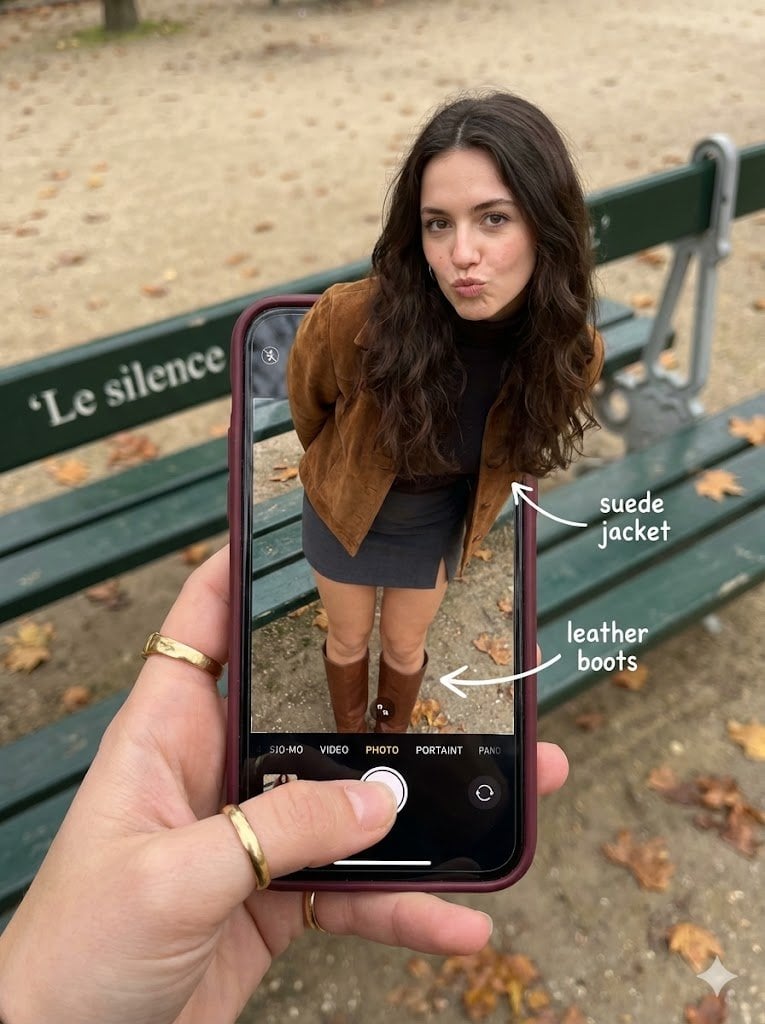
Hyper-Realistic Optical Illusion: Woman Emerging from Smartphone Screen
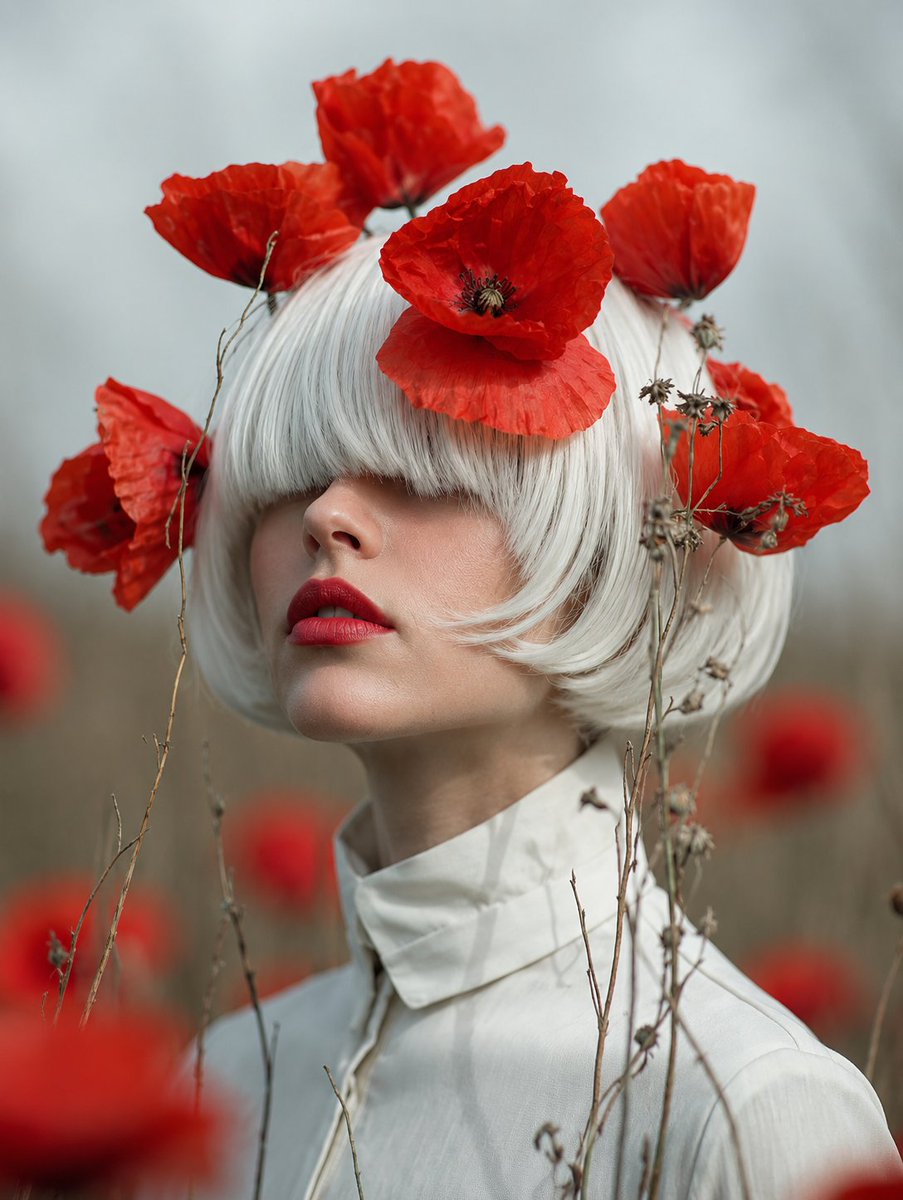
Faceless Lady of Red Poppies

Panel Live Streaming App UI Mockup

Image Restoration and Enhancement Prompt
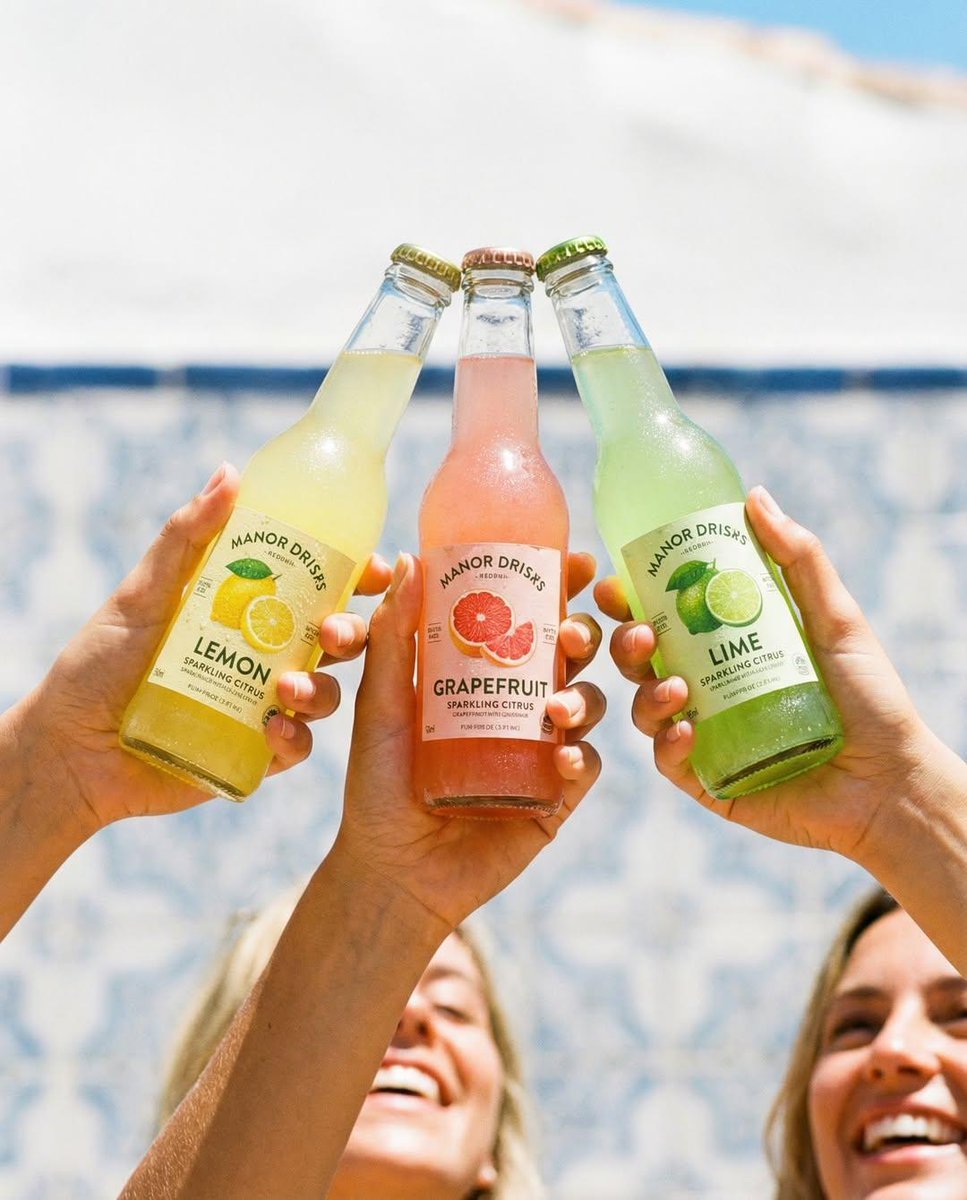
Four Prompts for Commercial Beverage Photography
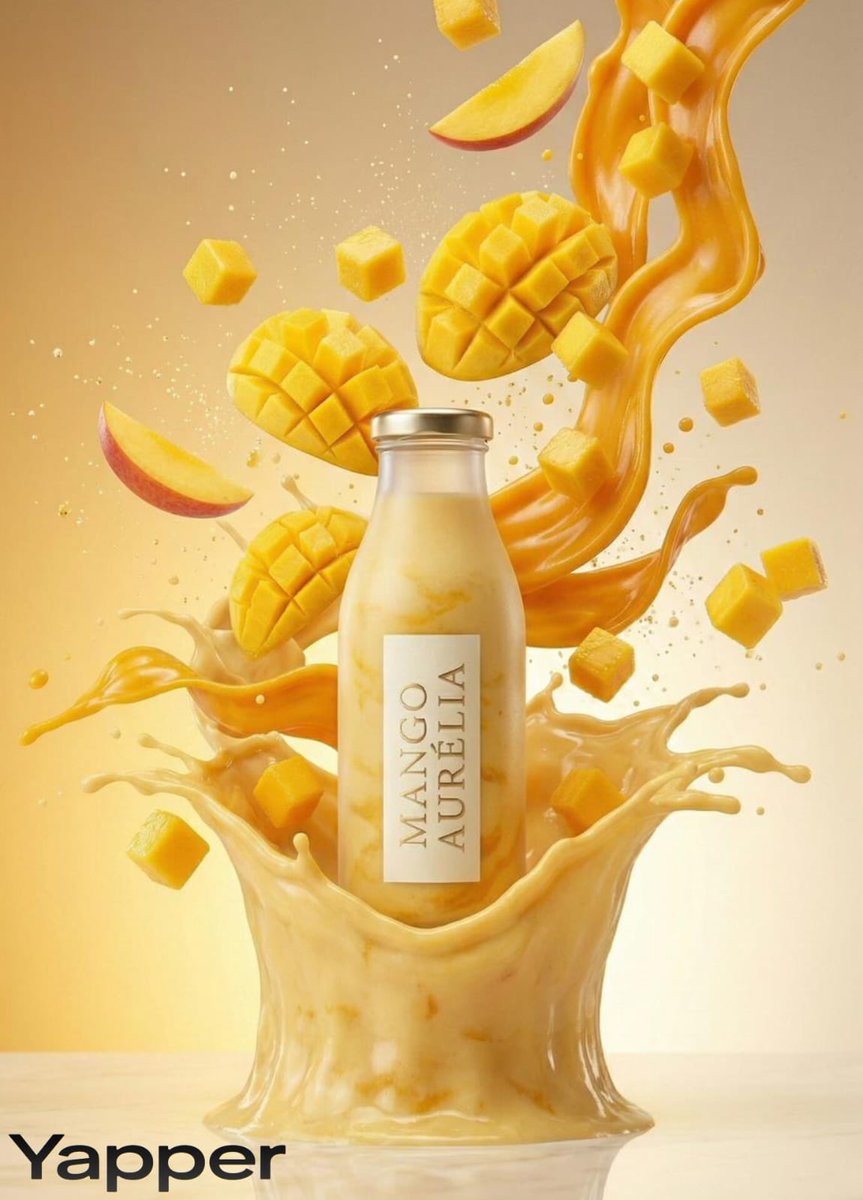
Luxury Mango Shake Splash Photography Prompt
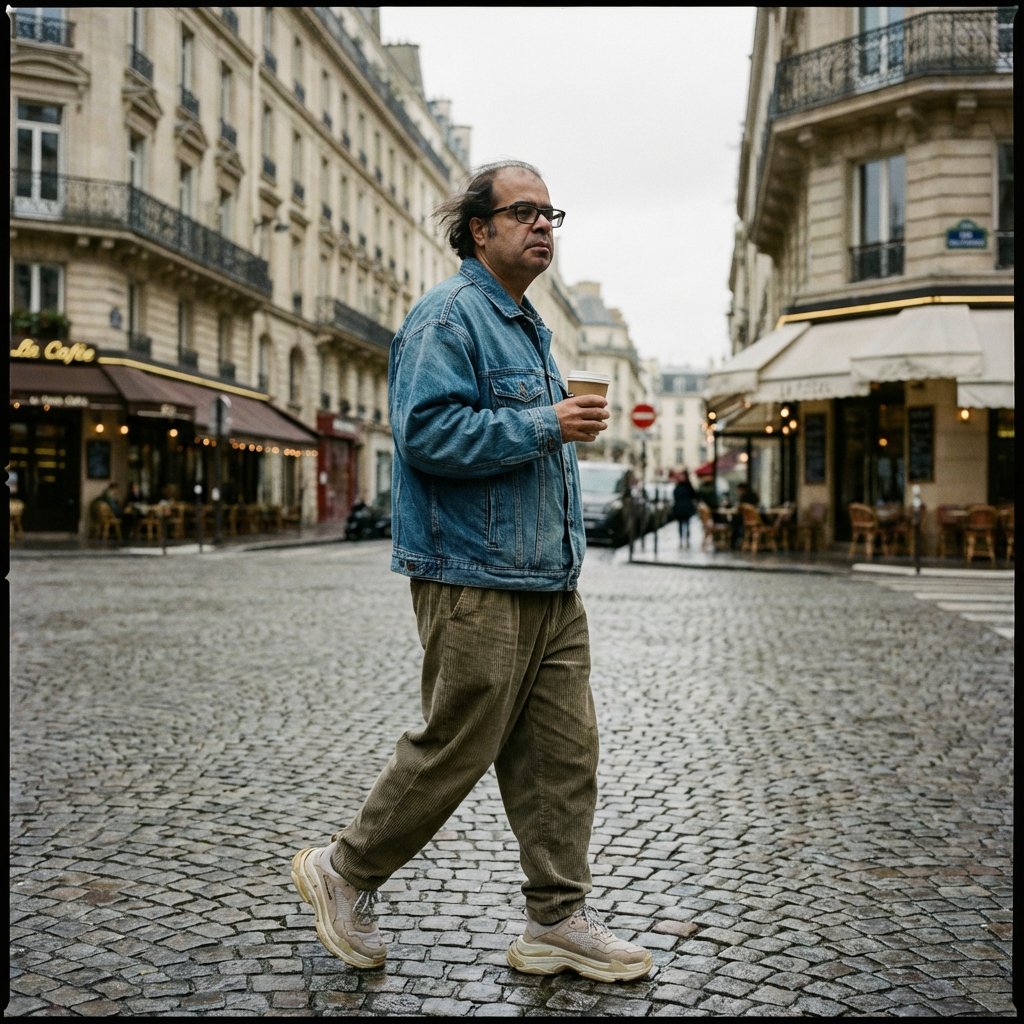
Prompt for Editorial Photo Shoot Model Posing in Street

Inuyasha Plush Toy Generation Prompt
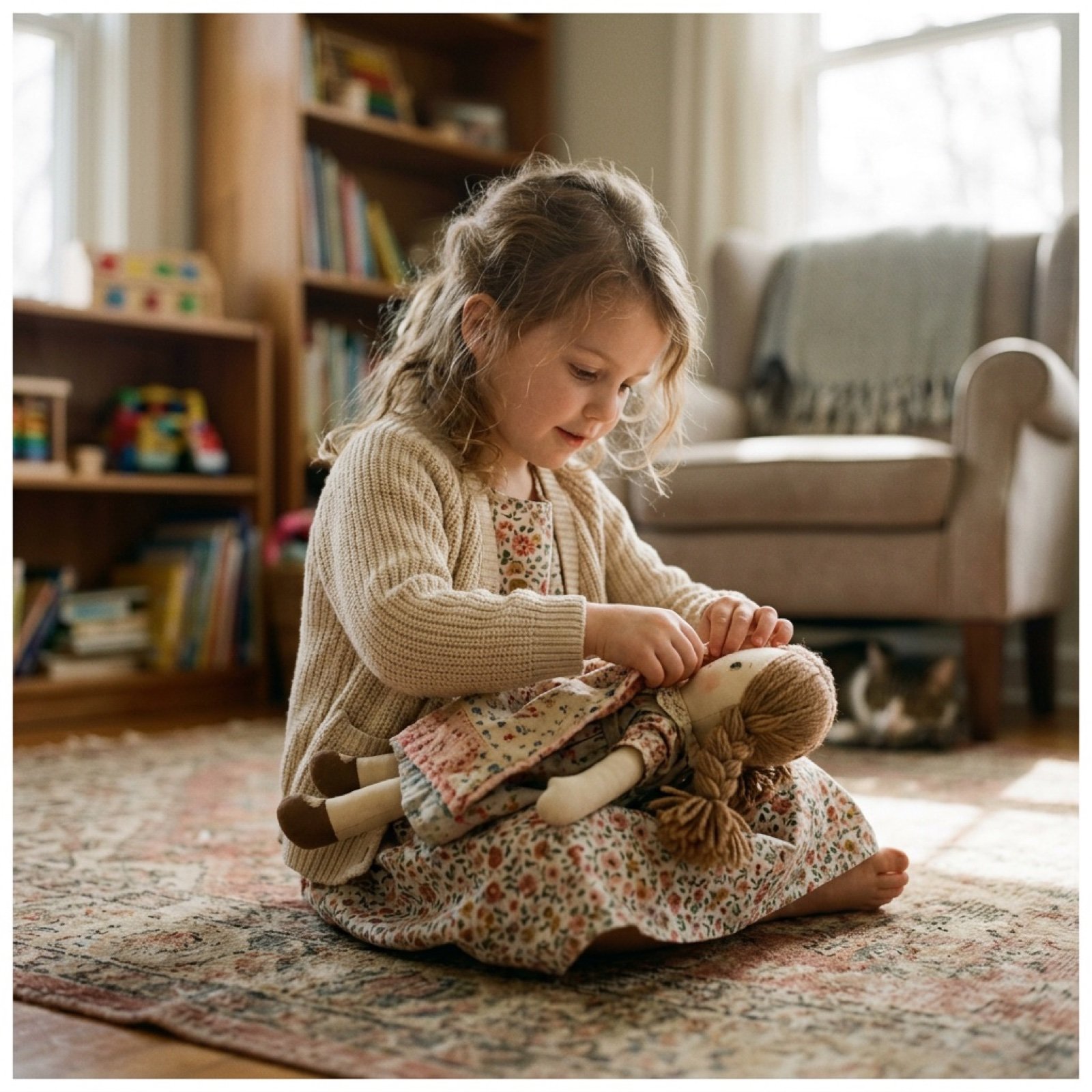
Cinematic Video Prompt for Girl Playing with Doll
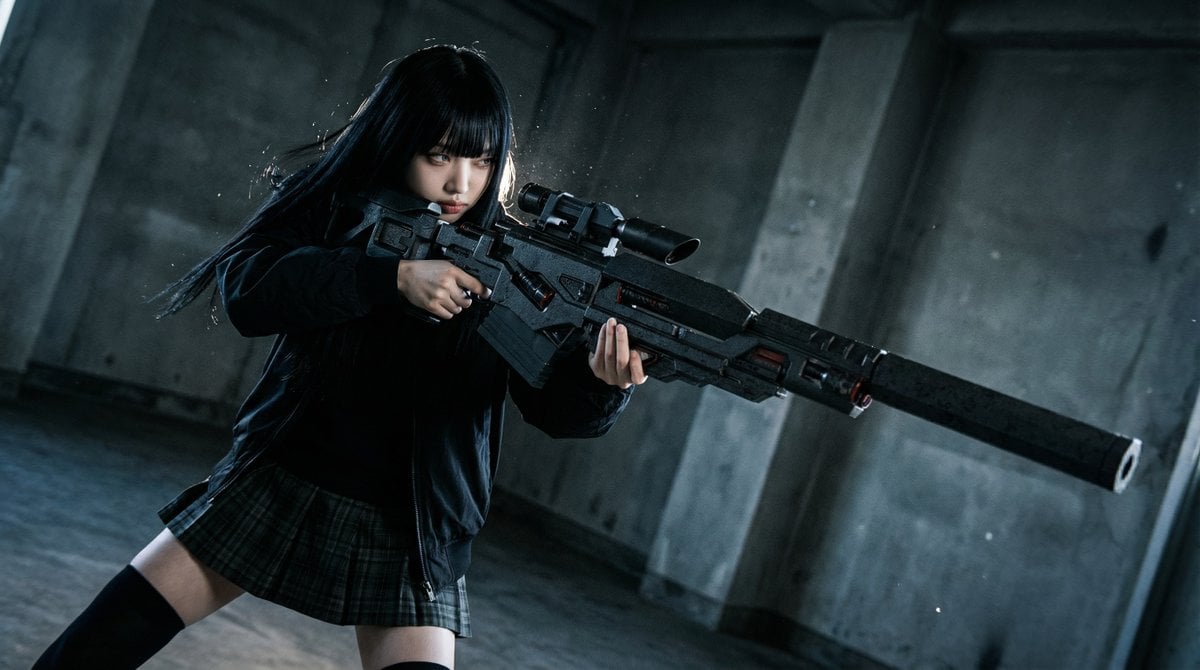
Ultimate Weapon Mastery Cinematic Pose Prompt
Browse template categories
Human Life Progression Composite questions
How do I use the Human Life Progression Composite template?
Add your photo if the template asks for one, edit the prompt if you like — the template's model and format are already selected — and press Generate. Your version opens in PicX Studio.
Can I customize the Human Life Progression Composite template?
Yes. You can change the subject, setting, lighting, mood, format, and available model controls before creating your image.
Is the Human Life Progression Composite template free?
Opening and editing this template is free. Generating uses credits, shown on the Generate button when you are signed in.
Which AI model should I use?
Start with GPT Image 2, which is the model associated with this template. You can compare another compatible model for a different finish.
Looking for something else? Browse all templates.

Your photo, any look
Thousands of ready templates for every top image and video model, from one credit balance.