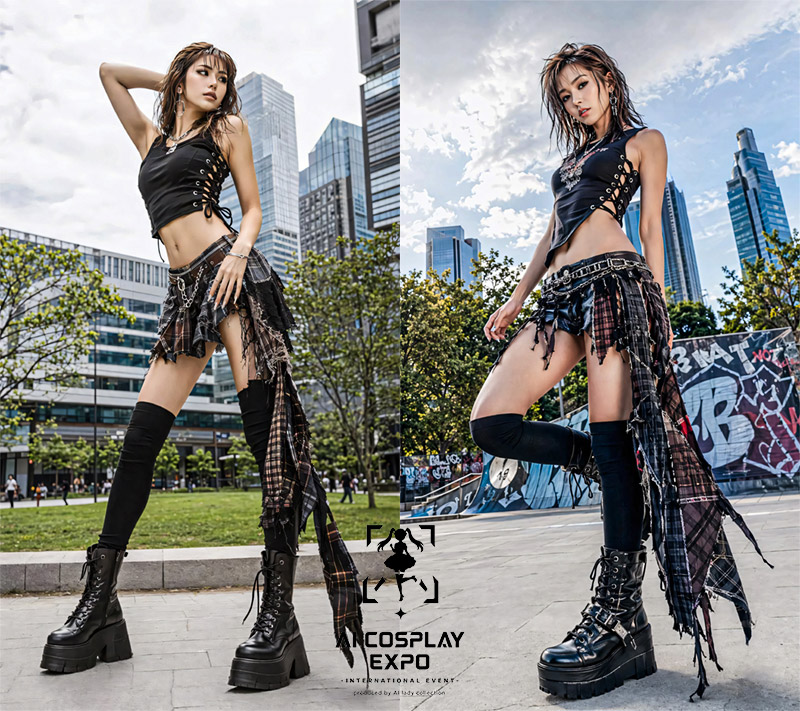
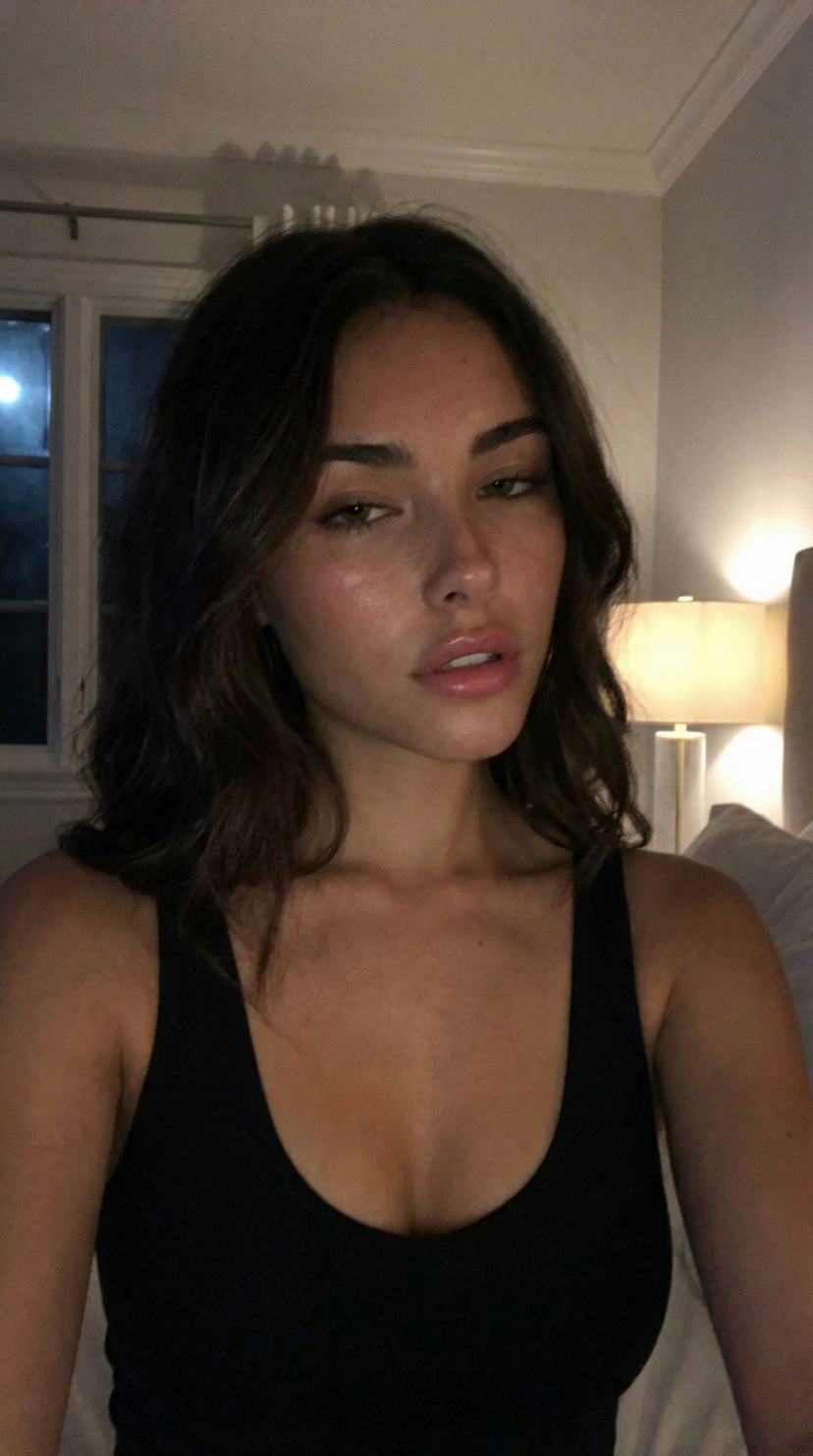
How do I use the Ultra-Photorealistic Fantasy Selfie template?
Choose the primary action to open PicX Studio with the available template settings. Review the model and format, personalize the creative direction, and generate when ready.
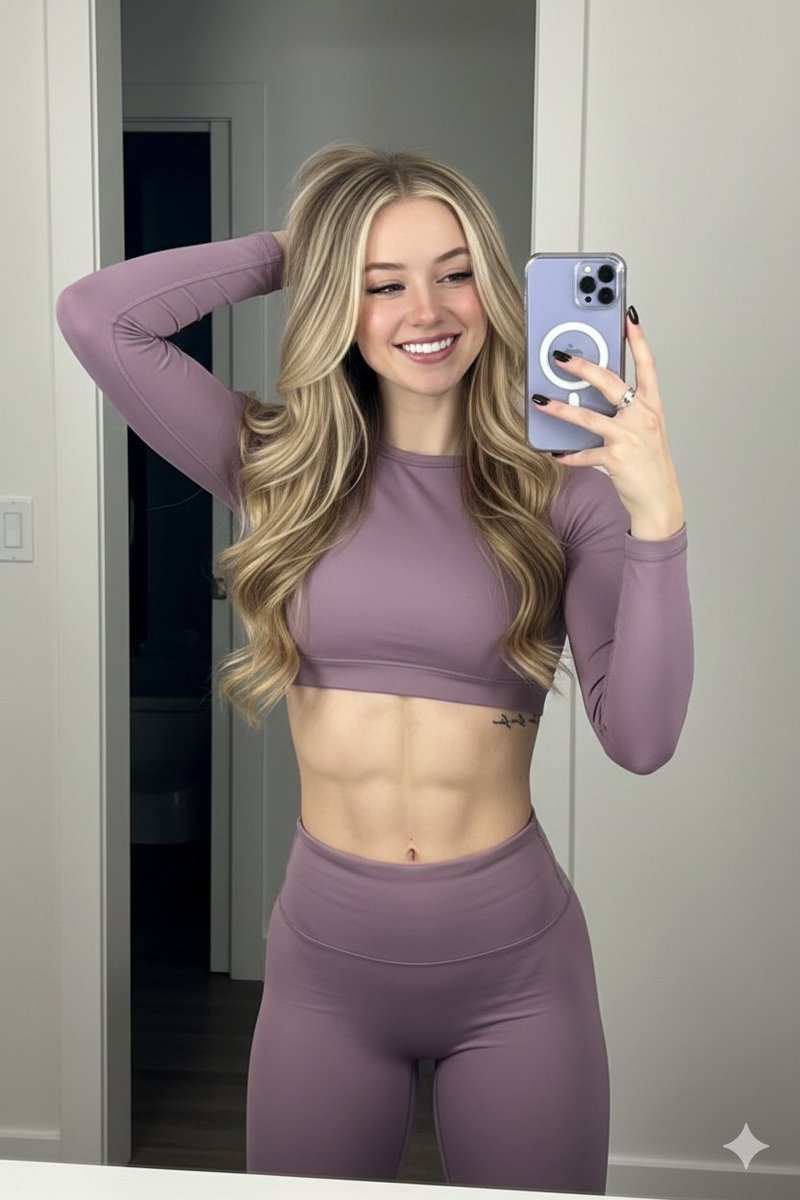
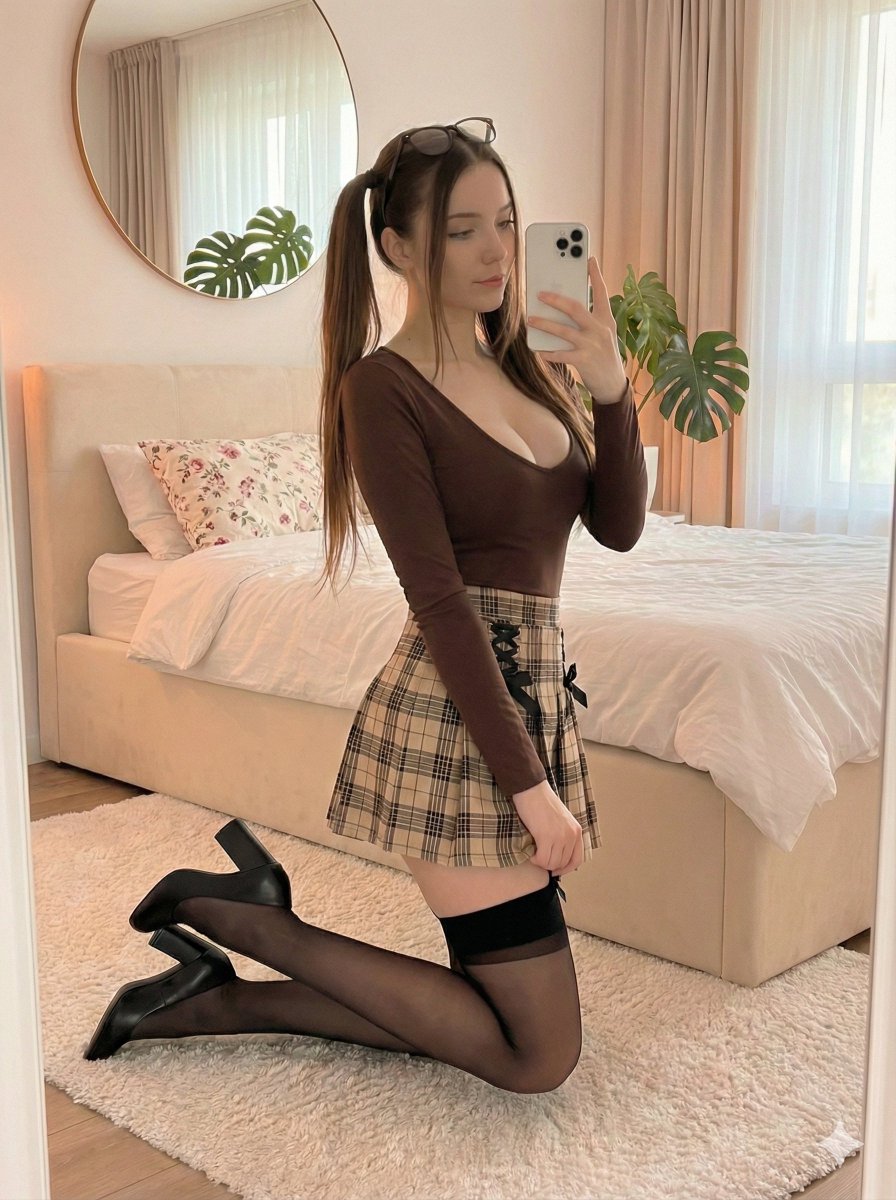
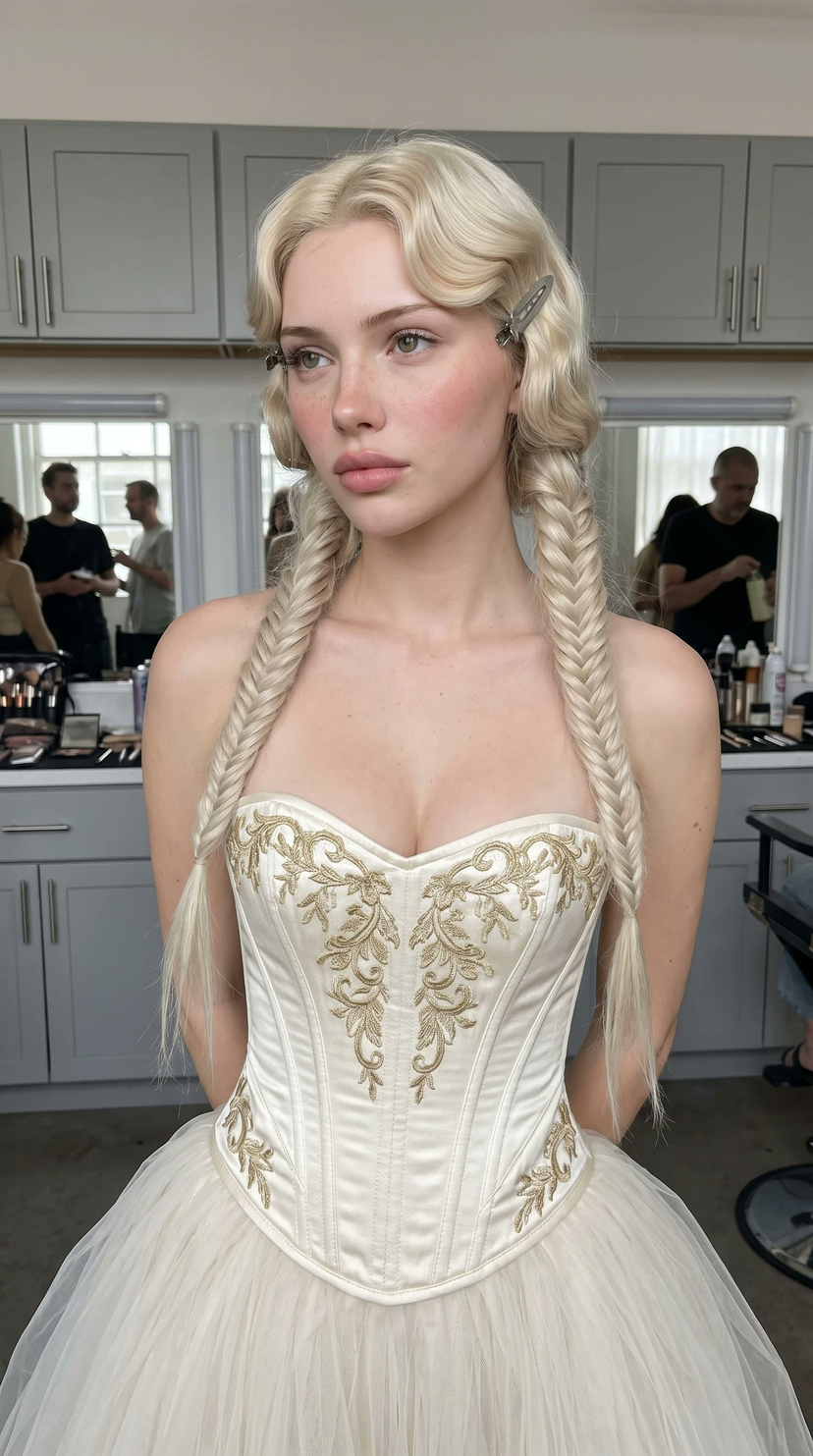
A complex, structured prompt for a realistic indoor selfie with fantasy elements, including high-fidelity character details and specific lighting conditions. Change the subject, setting, or lighting one variable at a time.

{ "meta": { "aspect_ratio": "4:5", "quality": "ultra_photorealistic", "resolution": "4k", "camera": "iPhone 15 Pro front camera", "lens": "24mm wide", "style": "raw iPhone indoor selfie realism, natural mobile HDR, sharp detailed foreground and background, crisp skin, knit, faux-fur, and leather texture, no blur, no softness, no muddy rendering" }, "character_lock": { "hair": [ "platinum blonde hair", "soft shaggy layered bob", "airy volume", "flipped feathered ends", "wispy face-framing fringe" ], "skin": [ "fair skin tone", "real skin texture", "soft freckles across cheeks and nose", "rosy blush", "not plastic", "not over-smoothed" ], "features": [ "large doll-like eyes", "soft lower-lash eyeliner", "white inner-corner makeup accents", "small pouty lips", "cute but slightly eerie expression" ], "body": [ "soft feminine build", "realistic adult proportions", "normal adult head size", "realistic head-to-body ratio", "no oversized head", "no anatomy distortion" ] }, "scene": { "location": "modern apartment interior", "environment": [ "dark kitchen island", "white bar stools", "clean open-plan kitchen in the background", "neutral rug and living room area", "soft daylight entering from the side" ], "atmosphere": "cute fantasy-costume selfie, cozy apartment setting, soft but dark whimsical energy" }, "lighting": { "type": "strong natural window light", "key_light": "warm sunlight falling across face, hair, sweater, and corset", "fill_light": "subtle room bounce from pale floor and walls", "effect": "clean realistic exposure, crisp shadows, glowing skin, sharp knit and leather texture, readable room detail", "avoid": [ "studio lighting", "flash", "blurry background", "soft focus", "muddy rendering" ] }, "camera_perspective": { "pov": "we ARE her phone", "angle": "slightly high close selfie angle", "distance": "close-medium framing", "framing": "head, chest, and upper torso dominate the frame with apartment background still readable", "phone_visibility": "not visible" }, "subject": { "gender": "female", "age": "21+ adult", "expression": { "eyes": "soft direct gaze toward camera", "mouth": "small pout", "emotion": "cute, quiet, slightly dangerous" }, "pose": { "position": "standing indoors taking a close selfie", "head": "slight tilt downward toward camera", "shoulders": "relaxed", "body": "upright with chest and torso facing camera" }, "outfit": { "headwear": { "type": "{argument name="headpiece" default="large black fantasy antler headpiece"}", "details": "dramatic textured antlers rising above the head" }, "top": { "type": "{argument name="clothing" default="cream ribbed knit long-sleeve sweater"}", "fit": "soft fitted knit with visible vertical rib texture" }, "neck": { "type": "white faux-fur collar", "details": "thick soft fluffy texture framing the neck" }, "corset": { "type": "brown leather corset belt or harness", "details": "structured leather with buckle fastenings" } } } }
Choose the primary action to open PicX Studio with the available template settings. Review the model and format, personalize the creative direction, and generate when ready.
Yes. You can change the subject, setting, lighting, mood, format, and available model controls before creating your image.
This template is free to open and customize. Generation usage is shown in PicX Studio before you create.
Start with Nano Banana 2, which is the model associated with this template. You can compare another compatible model for a different finish.
Follow a topic to a crawlable collection of related PicX Studio templates.
43,474 public templates available. Verified via the PicX Studio public templates API; refreshed hourly.












![Naive doodle-style subject illustration — A doodle-style {argument name="subject" default="[subject]"}, naive lines, humorous shape exaggeration](https://pbs.twimg.com/media/G6Wl2YxbsAARB2b.jpg)