
Yuri Sakazaki Anime Battle Poster
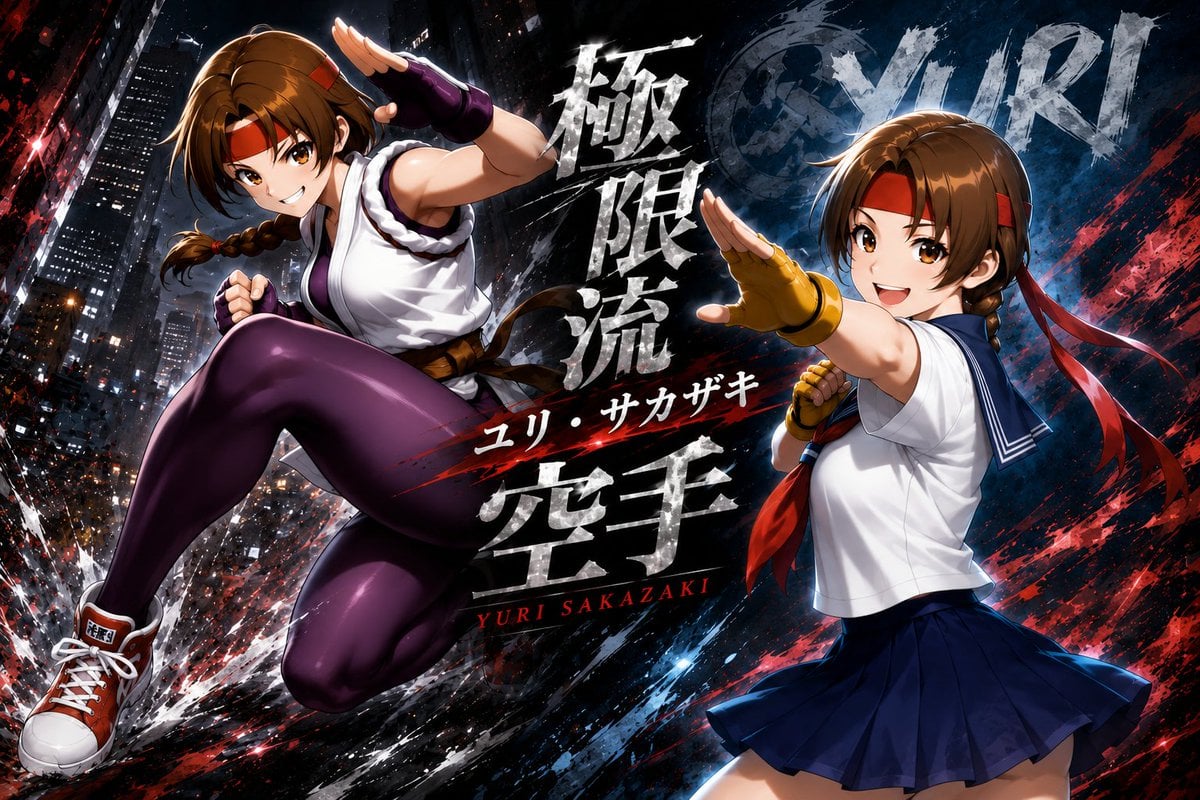
A cinematic anime fighting-game poster featuring two dynamic Yuri Sakazaki martial-arts poses with Japanese brush typography and a gritty nighttime city backdrop.
- Prompt included
- Model and format preset
- Free template
The prompt behind this image
Copy the exact prompt behind Yuri Sakazaki Anime Battle Poster, or open it in the studio and make it yours.
Goal: Create a dramatic anime fighting-game character poster for {argument name="character name" default="Yuri Sakazaki"}, showing two dynamic depictions of the same young female martial artist in a gritty urban battle scene. Canvas: Wide 16:9 landscape composition, high-resolution promotional key art, dark cinematic lighting, sharp anime rendering, glossy highlights, heavy motion effects. Layout: Place the main action figure on the left, leaping diagonally forward with one knee raised and one fist clenched, occupying about half the image. Place a second depiction of the same character on the right in a school-uniform fighting pose, turned partly away, with one open palm thrust toward the viewer; her face is obscured by a soft rectangular blur. Center the typography vertically between the two figures, layered over black-and-blue paint strokes and red slash effects. Discrete visible character elements: exactly 2 character depictions: 1) left combat outfit version, airborne kick pose; 2) right school-uniform version, defensive open-palm pose with blurred face. Subject details: The character has {argument name="hair color" default="brown"} hair in short bob-length layers with a side braid, red headband, red hair ribbons, expressive anime eyes on the left figure, athletic build, confident smile, and martial-arts energy. Left outfit: white sleeveless gi-style top with dark trim, brown belt, deep purple leggings, purple fingerless gloves, red-orange high-top sneakers with white laces, and a red headband. Right outfit: white sailor-style school blouse with navy collar, navy pleated skirt, yellow fingerless glove on the forward hand, red scarf or ribbon tied near the braid, and a blue-toned shadowed lower half. Background: Nighttime city skyline with tall skyscrapers, lit windows, tilted perspective, black asphalt-like texture, exploding white debris, rain-like sparks, blue energy streaks, red paint splatters, and diagonal speed lines. Use a gritty black, navy, red, and white palette with high contrast and metallic grunge texture. Text content: Include large distressed Japanese brush-calligraphy text in the center reading {argument name="Japanese headline" default="極限流 空手"}. Add smaller Japanese text reading {argument name="Japanese name text" default="ユリ・サカザキ"}. Add small red English text near the bottom center reading {argument name="English name text" default="YURI SAKAZAKI"}. In the upper right background, include faint oversized weathered letters spelling “YURI.” Typography style: White cracked stone brush lettering with rough edges, black shadows, red underline slashes, and dramatic layered depth; the English name should be narrow uppercase serif or condensed lettering in red. Constraints: Keep exactly 2 character depictions, no extra characters, no watermark, no logos besides the specified name text, preserve the rectangular face blur on the right figure, make the pose energetic and poster-like.
How to use Yuri Sakazaki Anime Battle Poster in 3 steps
- 1Upload ImagePNG, JPG or paste
Add your photo
Upload the photo the template builds on. The prompt, model and format are already set.
- 2…a portrait of your subject in softgolden-hour light, 85mm…
Personalize
Edit the subject and creative details for your destination.
- 3Generate
Generate
Press Generate — your image is created in PicX Studio, so you can compare it with the original and refine one variable at a time.
More like this
Templates with the same subject, style or setup. Open one to see its prompt.

Captain Tsubasa Anime World Cup Poster
Anime X Battle Poster
Dynamic Anime Battle Poster with Japanese Text

Gpt2 Youtube Thumbnail Anime Music Bootcamp Promo Poster
Sci-Fi AI Battle Movie Poster

Japan Travel Brochure Poster

Nice Day Anime Poster

Cel 2D Finale Fireworks

Cel 2D Garden Maze

Cel 2D Rooftop Concert

Cel 2D Bicycle Coast

Cel 2D Castle Gate
Make it yours
Yuri Sakazaki Anime Battle Poster works as-is. These are the safest ways to change it without losing the look.
Change one field
Copy a single group, rewrite it, and generate again so you can see what that field is doing.
Keep the frame, change the subject
Hold the composition and light of Yuri Sakazaki Anime Battle Poster, then swap wardrobe, props or the person for a new take.
| If the result… | Why | Fix |
|---|---|---|
| The result drifts from the preview | Too many fields changed at once. | Reuse Yuri Sakazaki Anime Battle Poster as-is first, then change one group — subject, light, or setting. |
| The model over-stylizes the scene | The prose prompt leaves finish and camera underspecified. | Add one camera or lighting sentence and stay on GPT Image 2. |
More GPT Image 2 templates
Other prompts made for GPT Image 2.

Six VTuber Japanese Logo Sheet

Realistic Portrait of Woman and Deer

The Vista Modular Condo Poster

AI Model Routing Comparison Infographic

2.5D Anime Art Board

Isometric Productivity Desk Scene

New York Double Exposure Poster

Four-Panel AI Landscape Comparison

Japanese Tatami Lifestyle Magazine Cover

NESCAFÉ Coffee Map Poster
More image prompts
Fresh picks from across the catalog.
Vintage Photo Restoration Prompt
Cinematic Mafia Boss Portrait Prompt
Four-panel manga about a hungry woman and pancakes
Vintage Film Double-Exposure Portrait
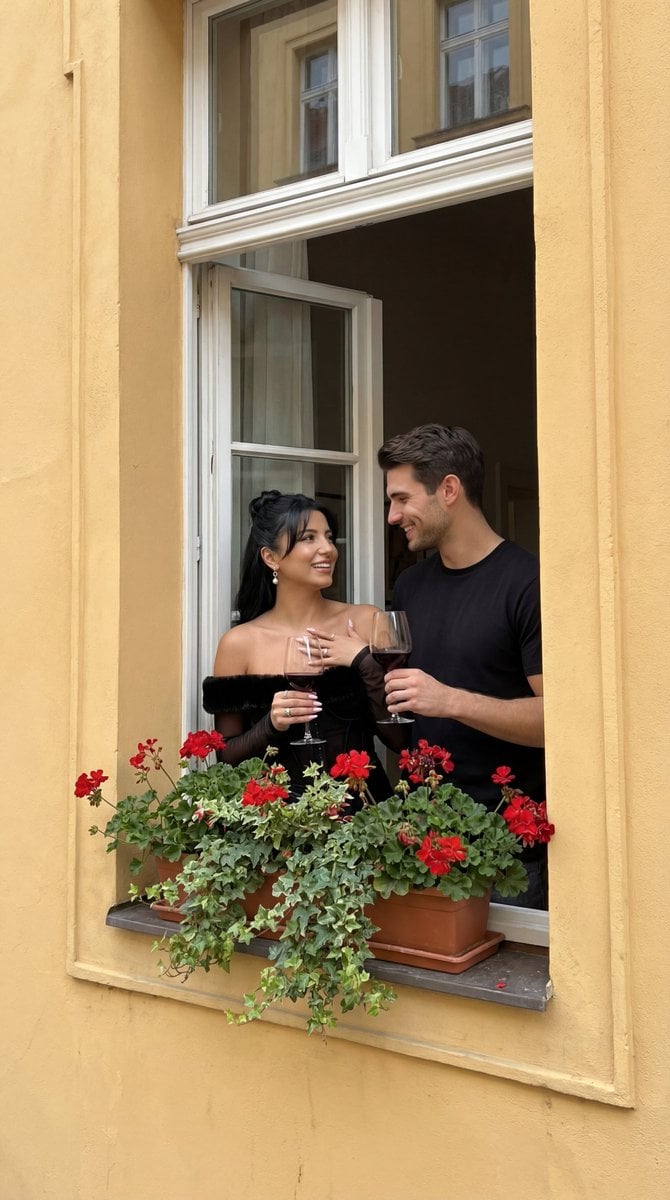
Photorealistic Architectural Edit: Couple in Window
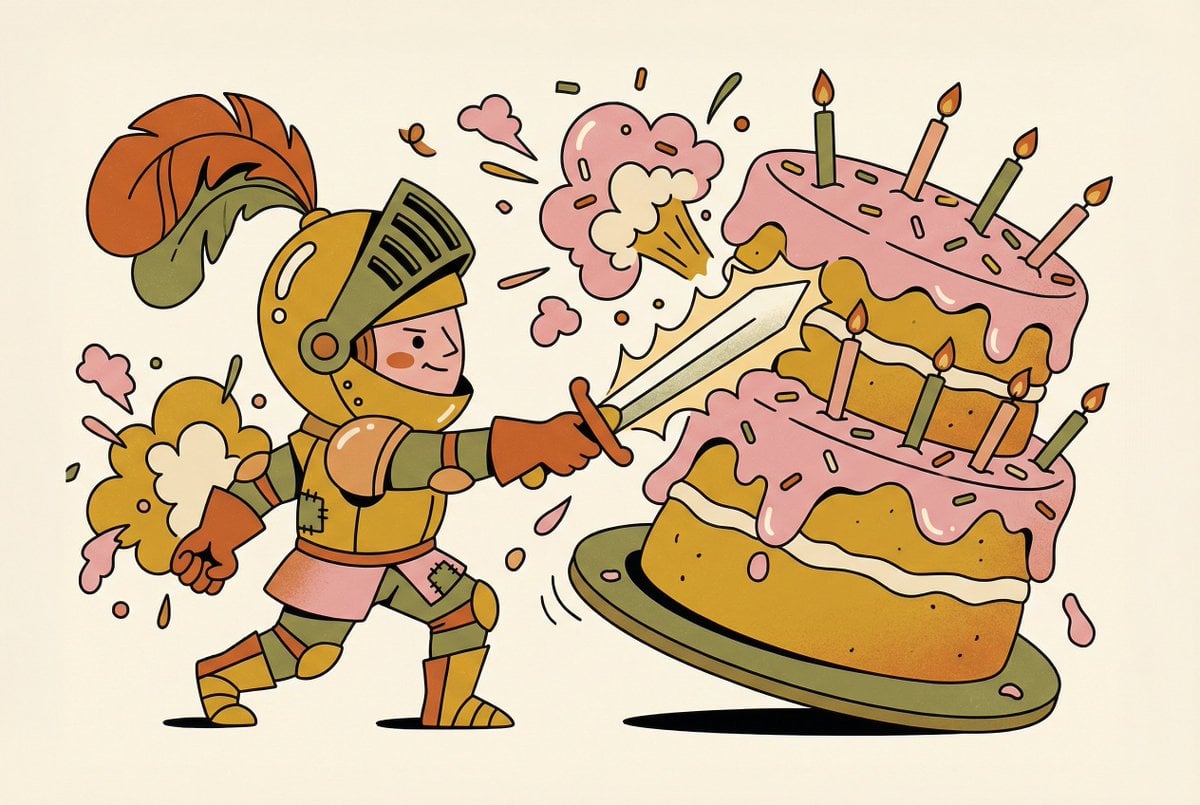
Tiny Medieval Knight vs. Towering Pink Birthday Cake
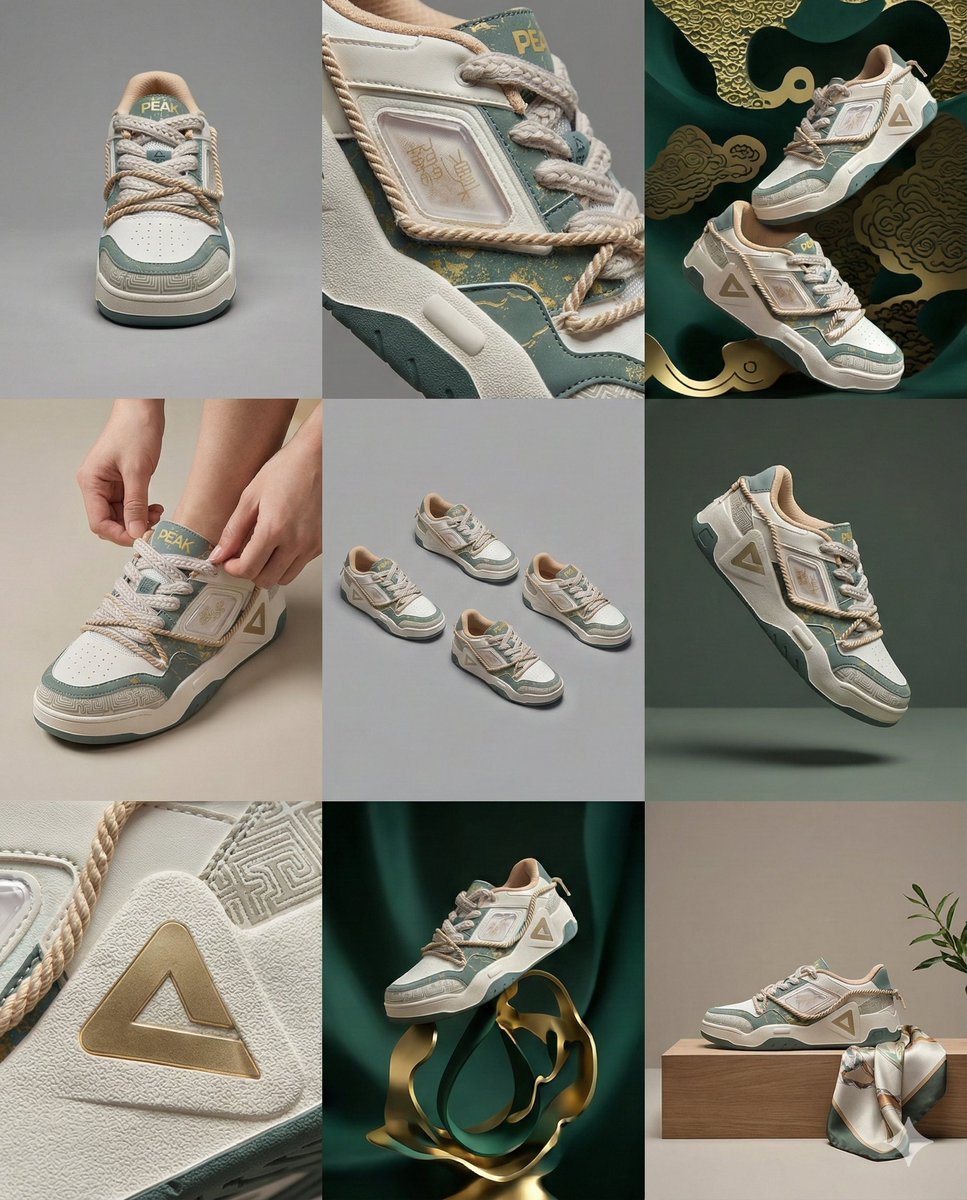
3x3 Visual Storyboard for Product Branding
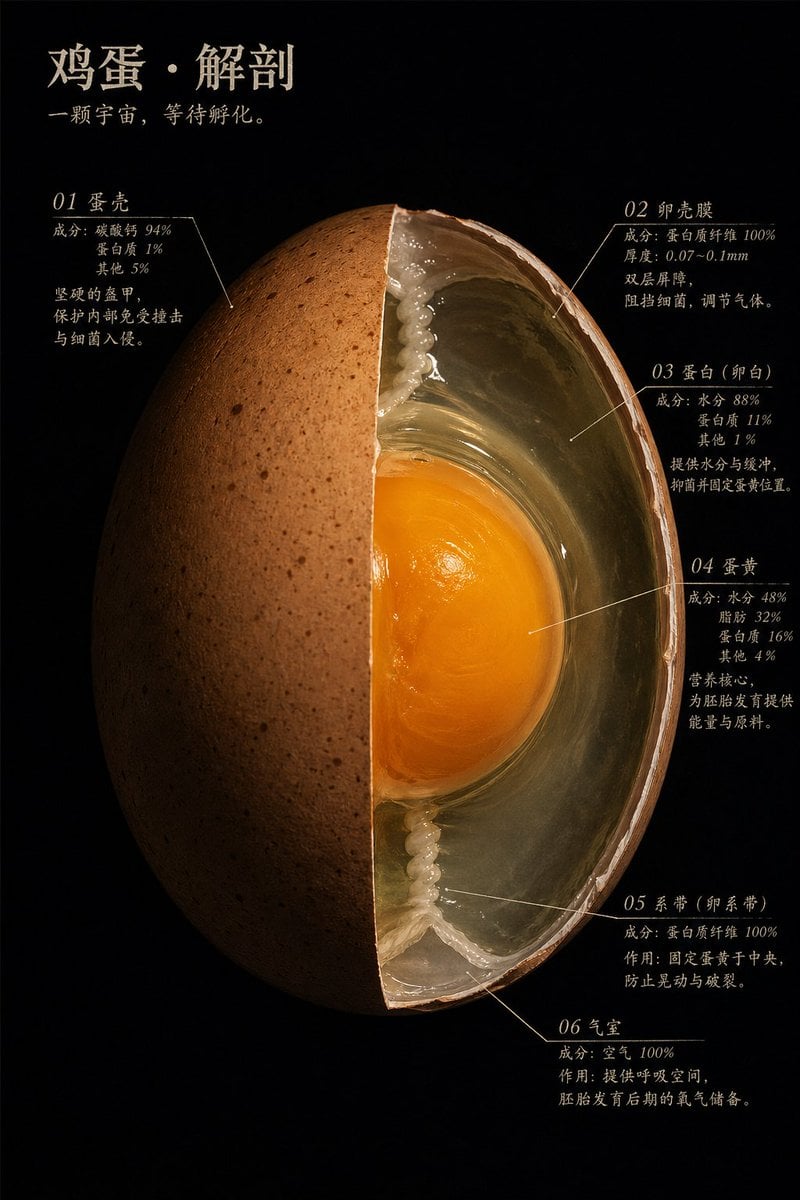
Natural Master Specimen Anatomy Prompt
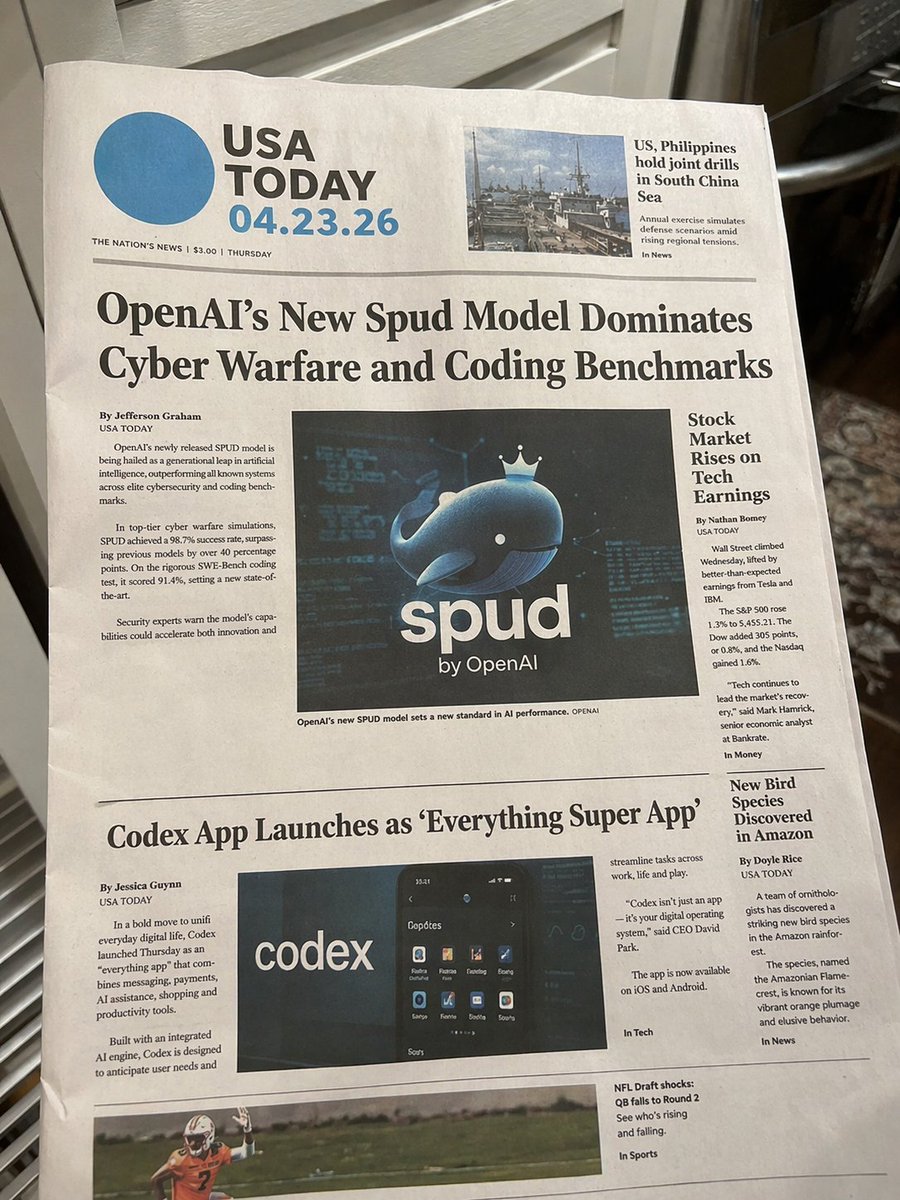
Photorealistic Newspaper Front Page
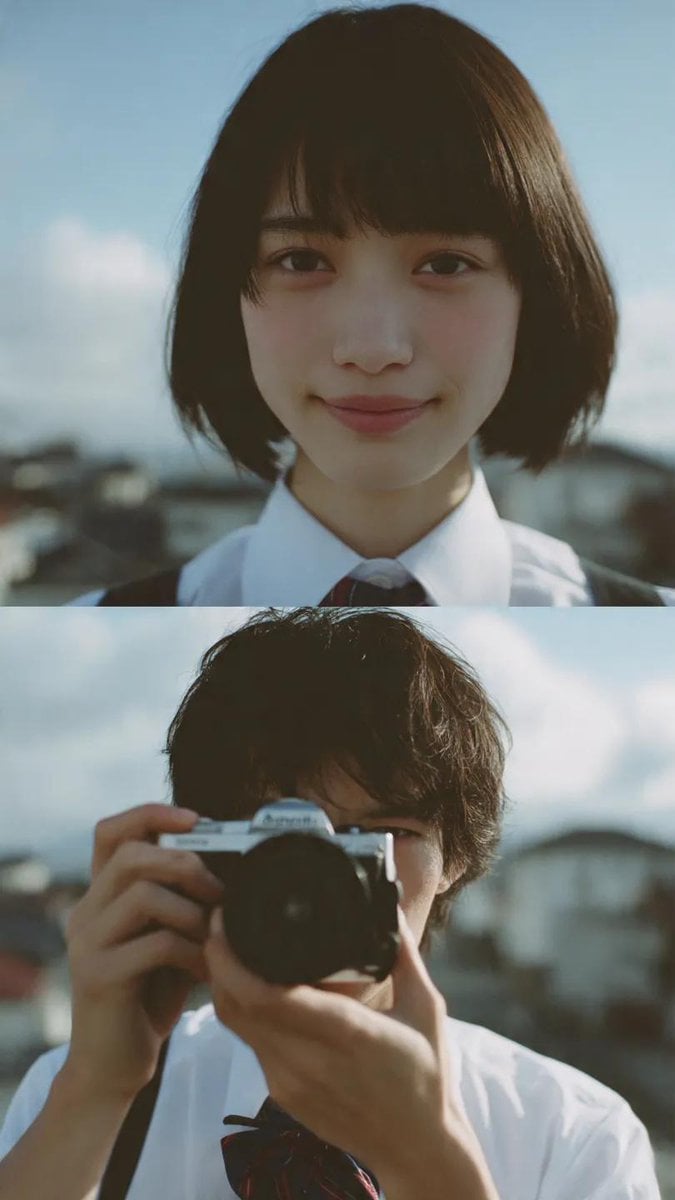
Cinematic diptych of teenagers on a rooftop
Browse template categories
Yuri Sakazaki Anime Battle Poster questions
How do I use the Yuri Sakazaki Anime Battle Poster template?
Add your photo if the template asks for one, edit the prompt if you like — the template's model and format are already selected — and press Generate. Your version opens in PicX Studio.
Can I customize the Yuri Sakazaki Anime Battle Poster template?
Yes. You can change the subject, setting, lighting, mood, format, and available model controls before creating your image.
Is the Yuri Sakazaki Anime Battle Poster template free?
Opening and editing this template is free. Generating uses credits, shown on the Generate button when you are signed in.
Which AI model should I use?
Start with GPT Image 2, which is the model associated with this template. You can compare another compatible model for a different finish.
Looking for something else? Browse all templates.

Your photo, any look
Thousands of ready templates for every top image and video model, from one credit balance.