
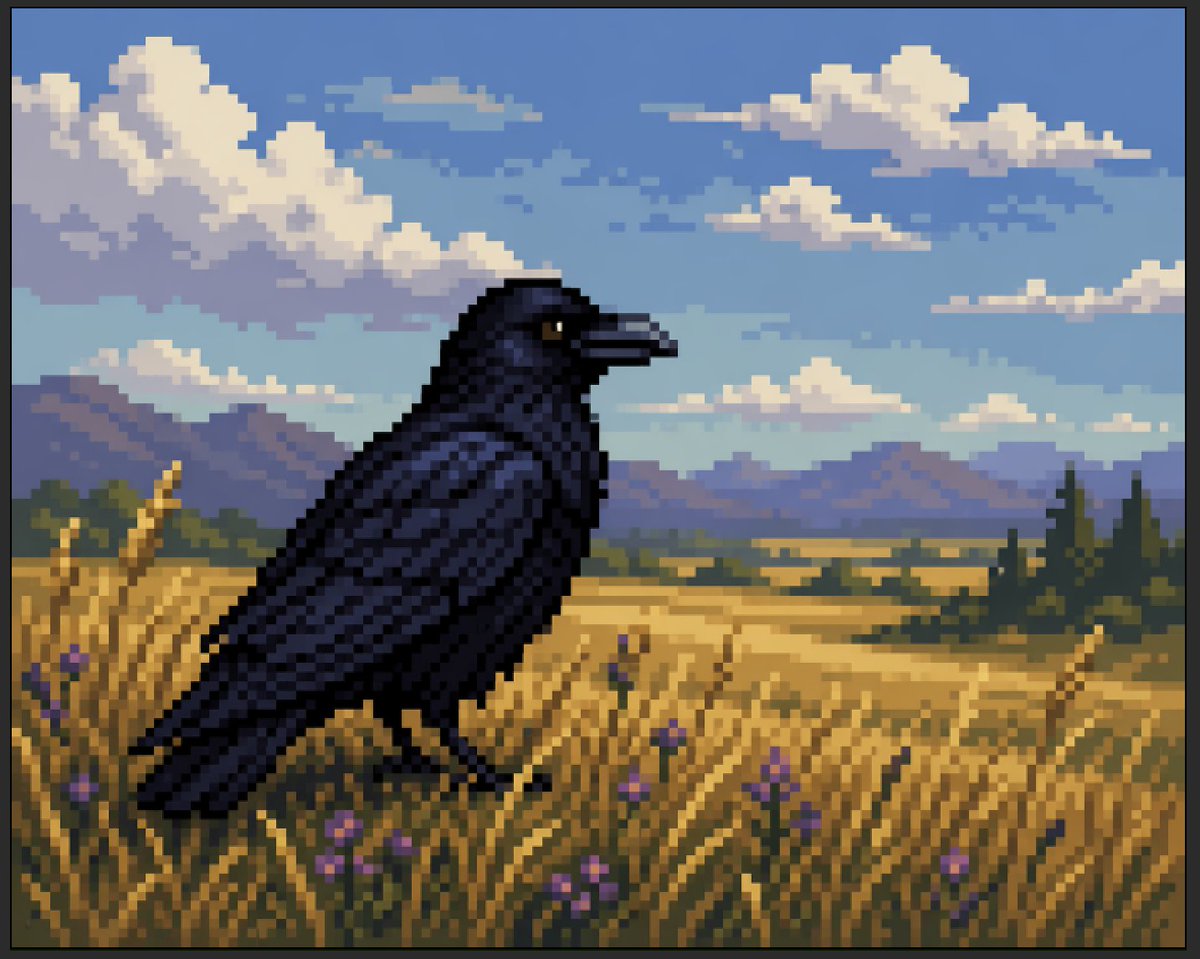
Faux Pixel Raven in Wheat Field
A retro-inspired faux pixel art scene showing a dark raven in a golden field under clouds, suitable for demonstrating pixel-art-like AI imagery or creating nostalgic game-style landscapes.
- Prompt included
- Model and format preset
- Free template
The prompt behind this image
Copy the exact prompt behind Faux Pixel Raven in Wheat Field, or open it in the studio and make it yours.
A stylized faux-pixel-art landscape illustration of a single {argument name="bird species" default="black raven"} standing in profile in a golden wheat field, facing right. The image should look like retro pixel art at first glance when viewed zoomed out, but not be perfectly grid-aligned or true sprite-based pixel art; instead it should feel like painterly image-generation imitating pixel art, with soft inconsistencies in the block shapes and edges. Place the bird large in the foreground, slightly left of center, with glossy near-black feathers shaded in deep navy and indigo, a dark beak, and one small amber-brown eye visible. Surround it with tall yellow-gold grasses and exactly 9 visible small purple wildflower blossoms scattered in the foreground. In the midground, show a broad rural plain with patchy fields and a dark green tree line including a few tall narrow conifers on the right. In the distance, add a low mountain range in muted blue-violet tones. Above, create a bright {argument name="sky color" default="soft blue"} sky filled with large chunky cumulus clouds and a few smaller cloud bands, all rendered in limited-color dithered blocks. Use a warm late-afternoon palette with gold, blue, lavender, and dark charcoal, strong atmospheric depth, and a calm pastoral mood. Full-frame composition, landscape orientation, thin black border around the entire image, crisp blocky edges, retro game background aesthetic, highly detailed but simple, no text, no UI, no extra animals.
How to use Faux Pixel Raven in Wheat Field in 3 steps
- 1Upload ImagePNG, JPG or paste
Add your photo
Upload the photo the template builds on. The prompt, model and format are already set.
- 2…a portrait of your subject in softgolden-hour light, 85mm…
Personalize
Edit the subject and creative details for your destination.
- 3Generate
Generate
Press Generate — your image is created in PicX Studio, so you can compare it with the original and refine one variable at a time.
More like this
Templates with the same subject, style or setup. Open one to see its prompt.
Hyper-Realistic Minecraft Cows Grazing
Airy Summer Wheat Field Portrait
Cottagecore Wheat Field Serenity

Pixel Limited Finale Fireworks

Pixel Limited Garden Maze

Pixel Limited Rooftop Concert

Pixel Limited Bicycle Coast

Pixel Limited Castle Gate

Pixel Limited Kitchen Chaos

Pixel Limited Carnival Ride

Pixel Limited Rainy Bus Stop

Pixel Limited Space Dock
Make it yours
Faux Pixel Raven in Wheat Field works as-is. These are the safest ways to change it without losing the look.
Change one field
Copy a single group, rewrite it, and generate again so you can see what that field is doing.
Keep the frame, change the subject
Hold the composition and light of Faux Pixel Raven in Wheat Field, then swap wardrobe, props or the person for a new take.
| If the result… | Why | Fix |
|---|---|---|
| The result drifts from the preview | Too many fields changed at once. | Reuse Faux Pixel Raven in Wheat Field as-is first, then change one group — subject, light, or setting. |
| The model over-stylizes the scene | The prose prompt leaves finish and camera underspecified. | Add one camera or lighting sentence and stay on GPT Image 2. |
More GPT Image 2 templates
Other prompts made for GPT Image 2.

Six VTuber Japanese Logo Sheet

Realistic Portrait of Woman and Deer

The Vista Modular Condo Poster

AI Model Routing Comparison Infographic

2.5D Anime Art Board

Isometric Productivity Desk Scene

New York Double Exposure Poster

Four-Panel AI Landscape Comparison

Japanese Tatami Lifestyle Magazine Cover

NESCAFÉ Coffee Map Poster
More image prompts
Fresh picks from across the catalog.
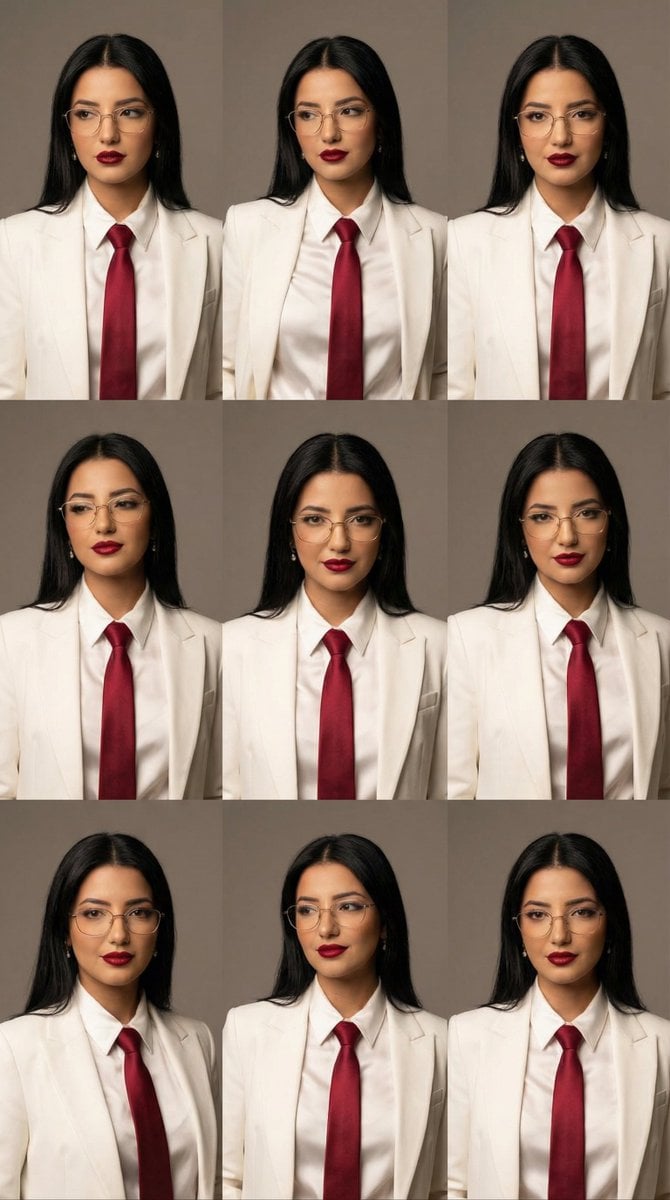
High-Fashion Editorial Portrait Grid with Glasses

Soft Blue Anime Girl Portrait

Professional Infographic Influential People Poster
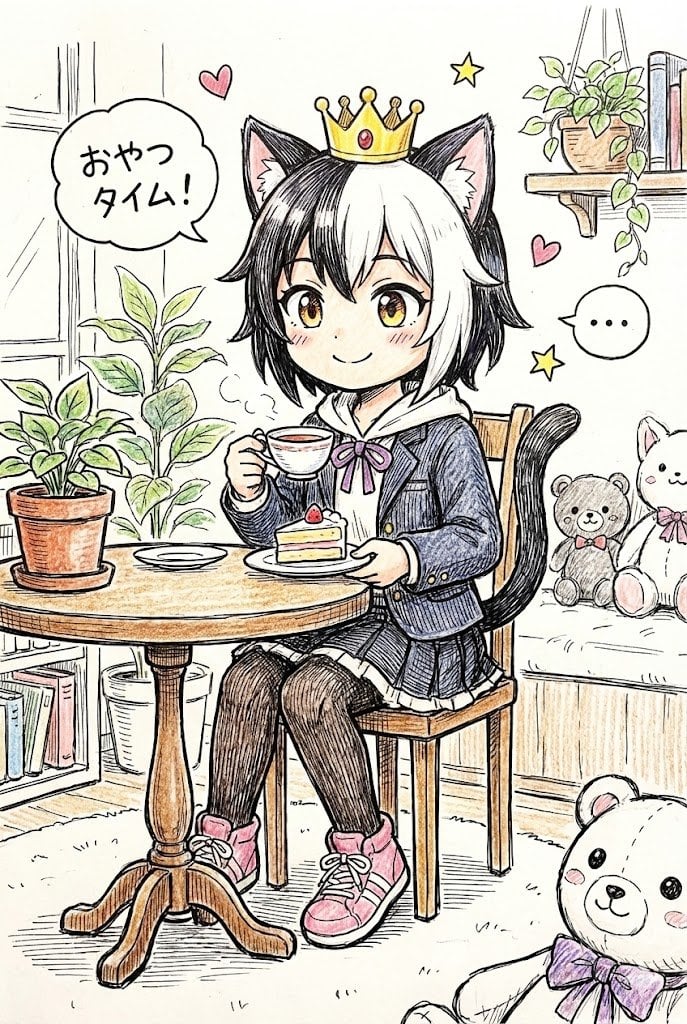
Hand-drawn Pop Art Style Character Scene Generation

Y2K Chrome Plush Product Render
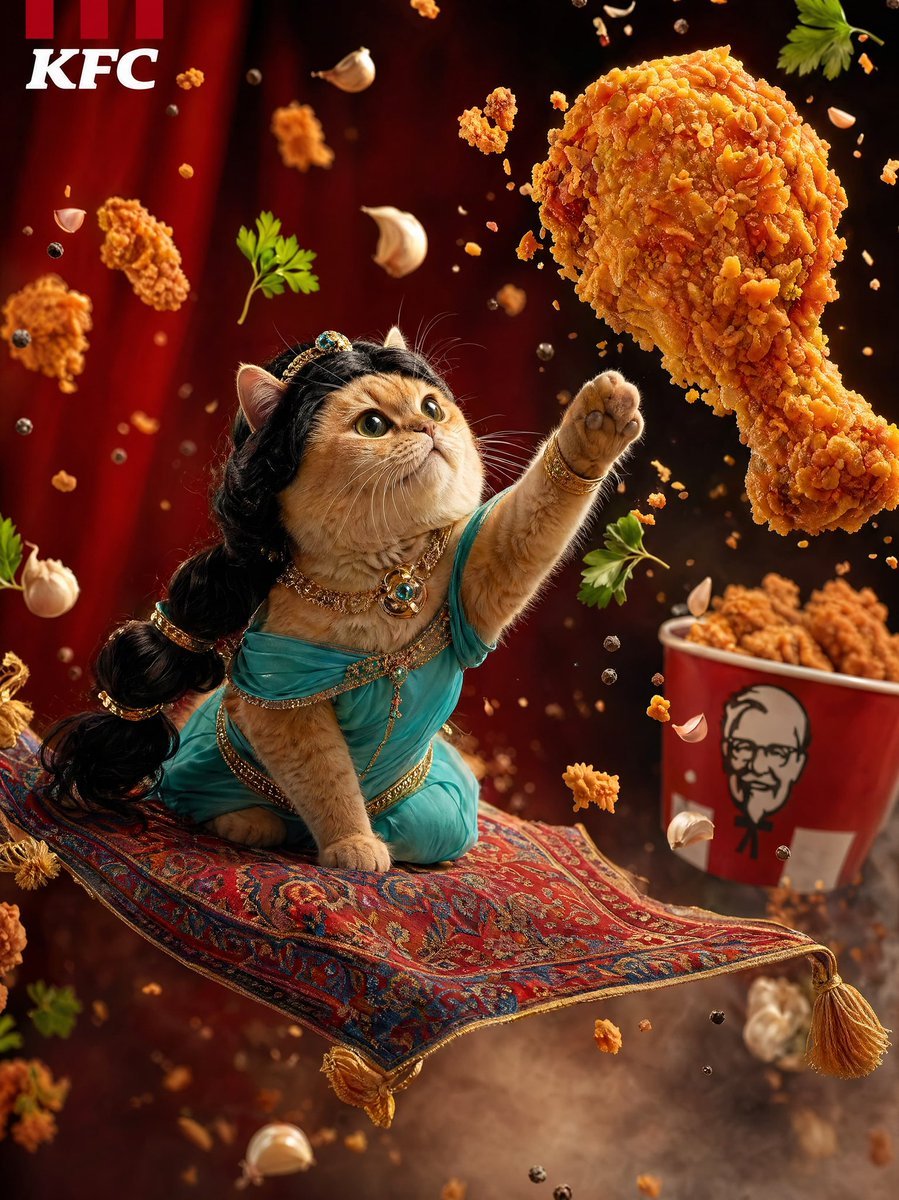
Hyperrealistic Fantasy Food Ad

Cute Amigurumi Wizard Plush
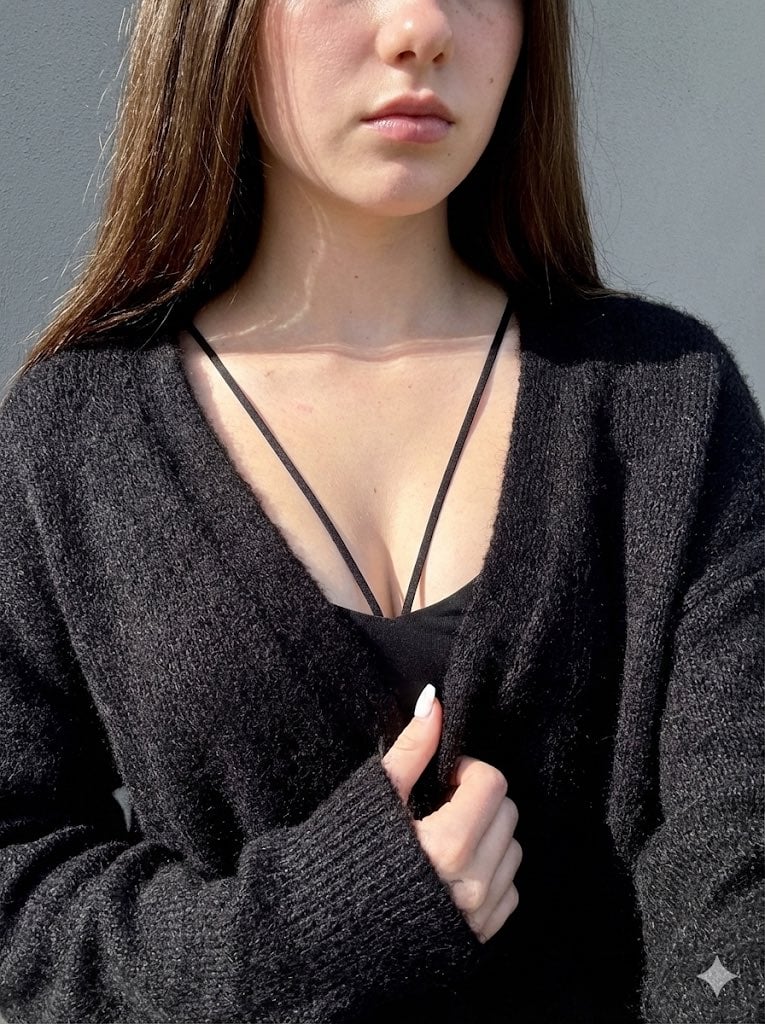
High-Contrast Close-Up with Strict Identity and Texture Focus
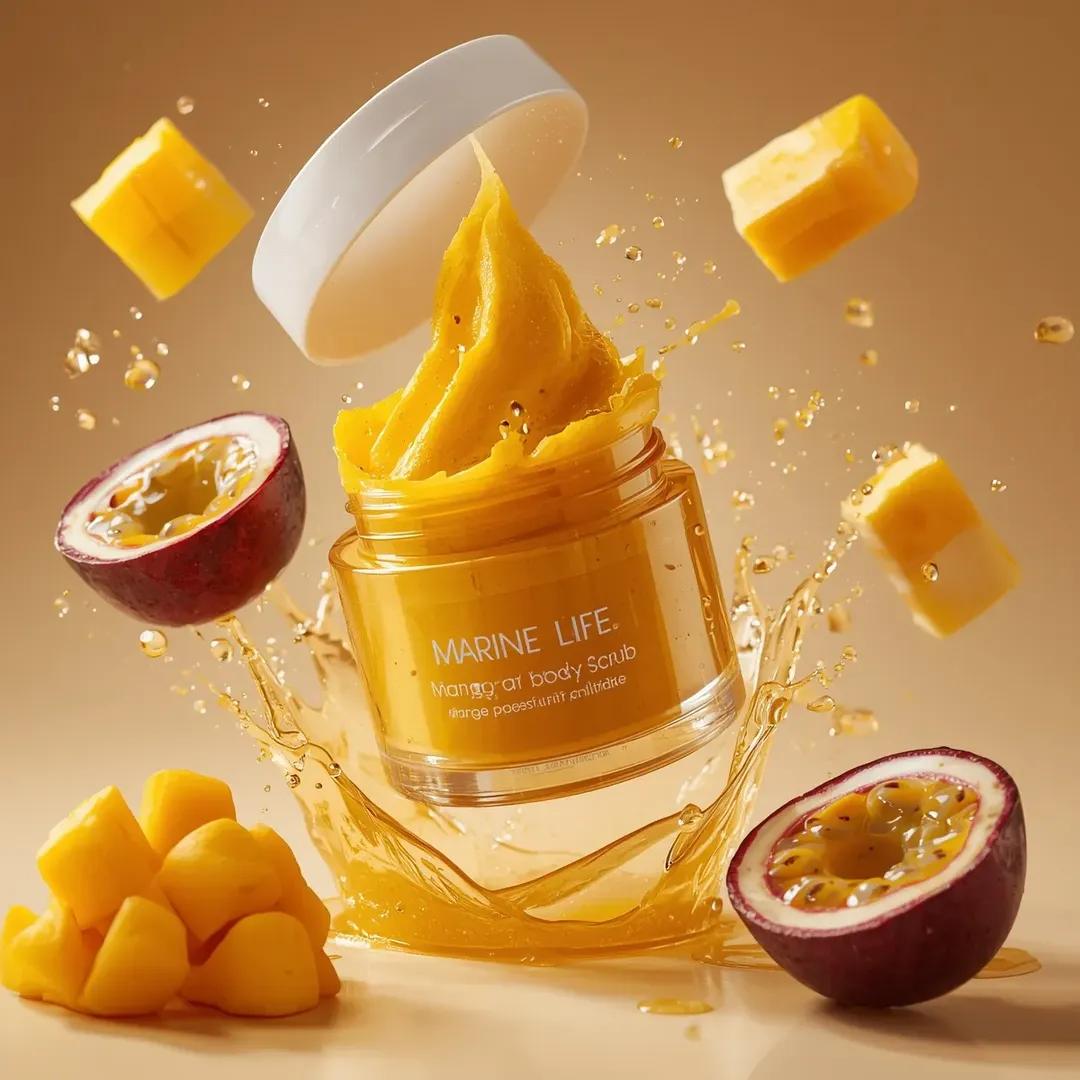
Exploding Cosmetic Jar Product Photography
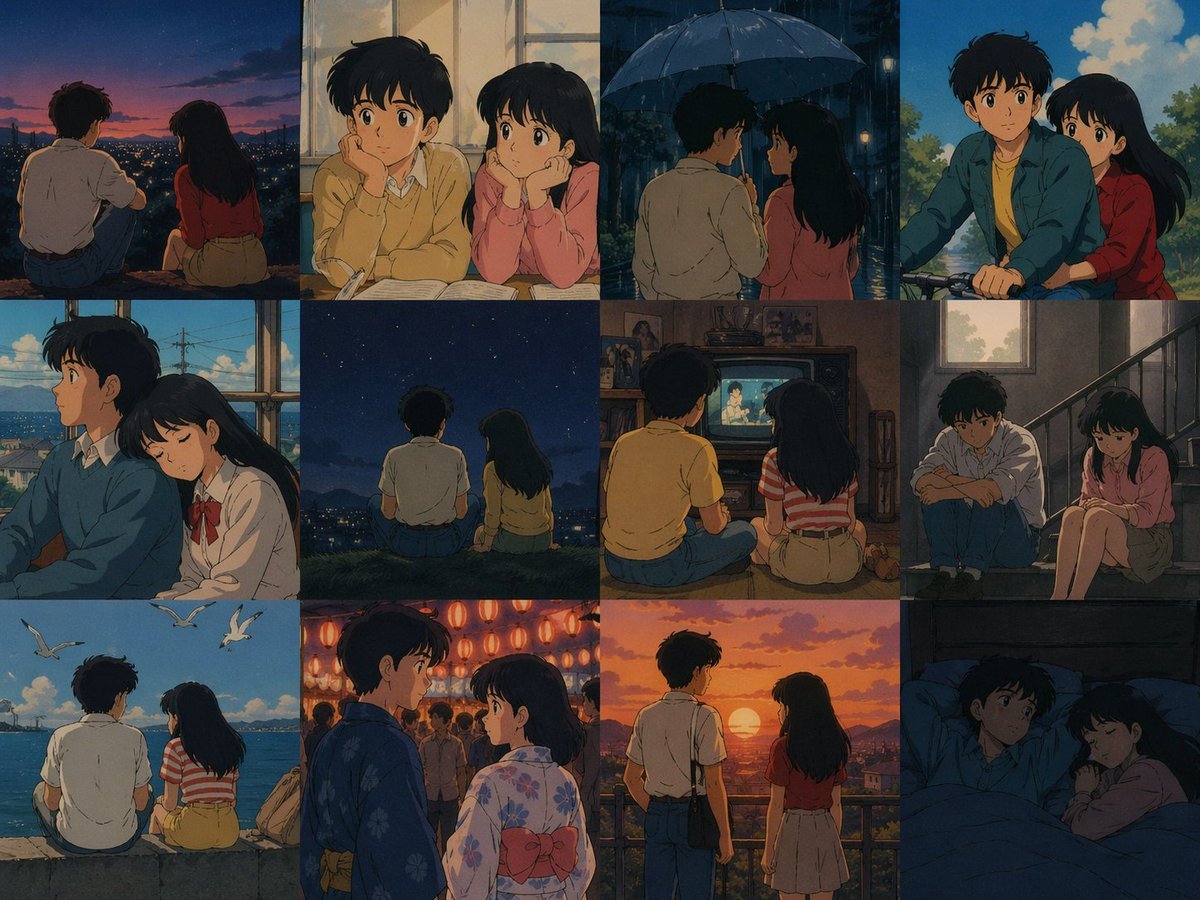
80's Anime Style Memory Grid
Browse template categories
Faux Pixel Raven in Wheat Field questions
How do I use the Faux Pixel Raven in Wheat Field template?
Add your photo if the template asks for one, edit the prompt if you like — the template's model and format are already selected — and press Generate. Your version opens in PicX Studio.
Can I customize the Faux Pixel Raven in Wheat Field template?
Yes. You can change the subject, setting, lighting, mood, format, and available model controls before creating your image.
Is the Faux Pixel Raven in Wheat Field template free?
Opening and editing this template is free. Generating uses credits, shown on the Generate button when you are signed in.
Which AI model should I use?
Start with GPT Image 2, which is the model associated with this template. You can compare another compatible model for a different finish.
Looking for something else? Browse all templates.

Your photo, any look
Thousands of ready templates for every top image and video model, from one credit balance.