
Y2K Chrome Plush Product Render
A highly technical JSON prompt for generating an 8k Octane render of a product (placeholder) stylized as a fusion of hyper-realistic plush faux fur and molten iridescent liquid chrome, with parametric 3D sliced geometry.

- Prompt included
- Model and format preset
- Free template
The prompt behind this image
Copy the exact prompt behind Y2K Chrome Plush Product Render, or open it in the studio and make it yours.
{ "image_generation_request": { "subject": { "placeholder": "{argument name="product name" default="[INSERT_PRODUCT_NAME_HERE]"}", "positioning": "strictly centered, floating, levitating, full view, no cropping, entire object visible within frame", "scale": "0.8x of frame height to ensure no edge-cut" }, "stylization_blend": { "geometry": "parametric 3D sliced layers, vertical rhythmic ribs, undulating waveform distortions across the surface", "textures": [ "hyper-realistic plush faux fur with soft tactile fibers", "molten iridescent liquid chrome with high-viscosity surface tension", "holographic dispersion and spectral color shifts on metallic edges" ], "material_properties": "fusion of soft-touch textile and hard-surface refractive glass-metal" }, "environment": { "background": "absolute solid pitch black, hex code #000000, void", "lighting": "studio-quality rim lighting, internal glow, prismatic refraction, no visible light sources", "platforms": "none, no stands, no pedestals, no floor, no shadows on ground" }, "color_palette": { "primary_background": "#000000", "accent_colors": [ "#0000FF (Electric Blue)", "#FFD700 (Gold)", "#00FFC8 (Hyper-Cyan)", "#FF00FF (Vivid Magenta)" ], "shading": "high contrast, deep shadows, vibrant saturated highlights" }, "negative_constraints": { "elements_to_exclude": [ "text", "labels", "watermarks", "logos", "lighting boxes", "softboxes", "tripods", "camera gear", "platforms", "tables", "pedestals", "mannequin limbs", "props", "dust", "scratches", "out of frame", "cropped edges", "depth of field blur on product", "room background", "walls" ], "visual_errors": "cut off parts, clipping, extra appendages, distorted geometry beyond intended artistic ripple" }, "technical_specs": { "rendering_style": "8k octane render, unreal engine 5.4, ray-traced reflections, photorealistic, clean minimalist aesthetic", "aspect_ratio": "1:1" } } }
How to use Y2K Chrome Plush Product Render in 3 steps
- 1
Open
The prompt is already in the box next to the preview, with the template's model and format selected.
- 2…a portrait of your subject in softgolden-hour light, 85mm…
Personalize
Edit the subject and creative details for your destination.
- 3Generate
Generate
Press Generate — your image is created in PicX Studio, so you can compare it with the original and refine one variable at a time.
More like this
Templates with the same subject, style or setup. Open one to see its prompt.
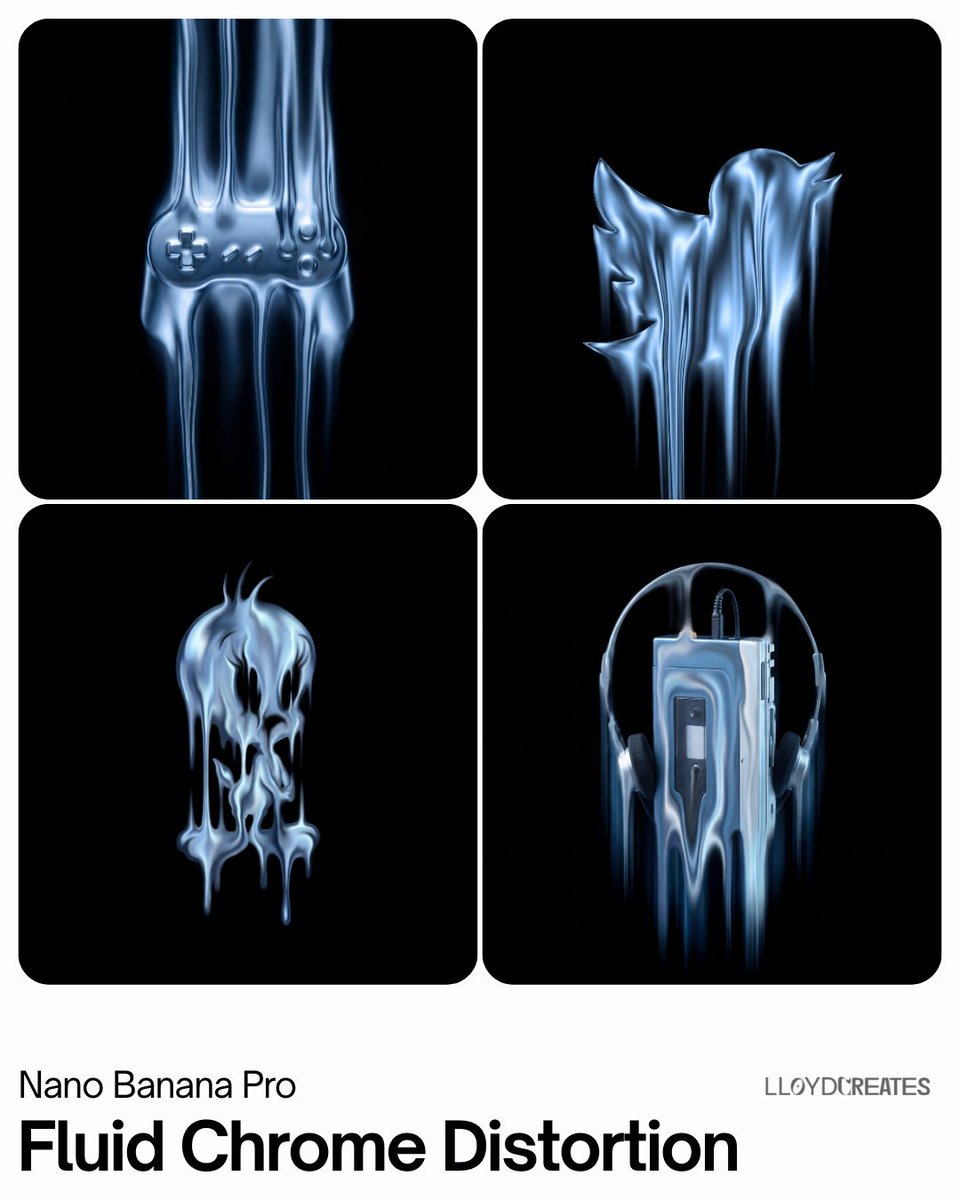
Fluid Chrome Distortion Product Render
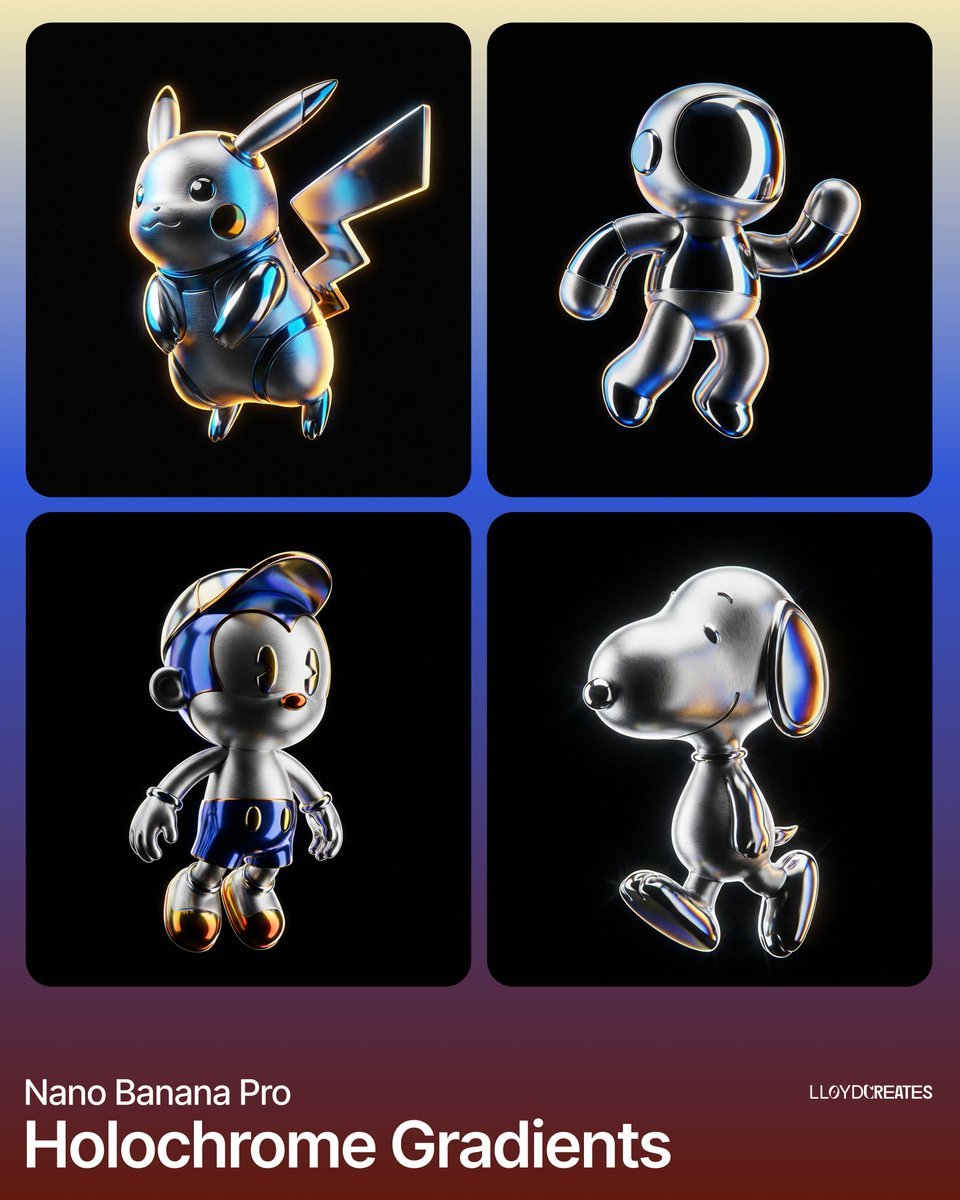
Hyper-Realistic Product Render with Holochrome Gradients

Felt & Knit 3D Character — Photo-Exact Face, Pixar-Quality Plush Figurine

A k.pop idol on the stage with mic

Trendy Cafe Drink Promo Poster

Futuristic Chrome Helmet Fashion Portrait

Minimalist Skincare Product Water Stone Still

Giant Forced Perspective Street Product Selfie
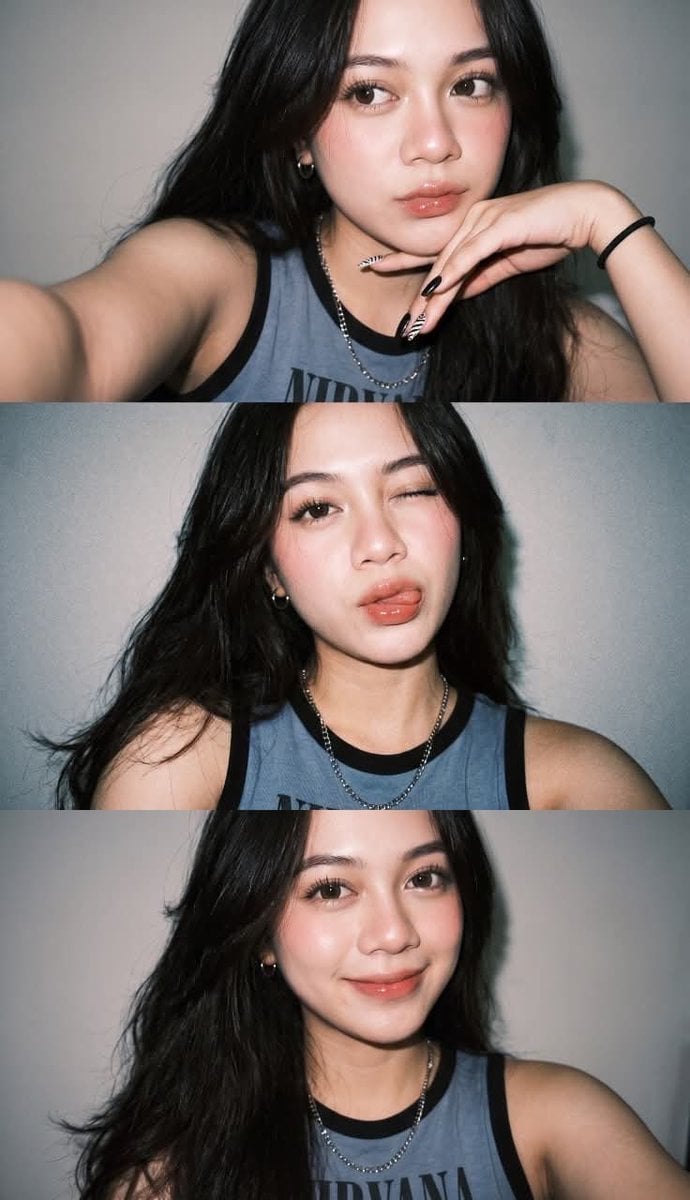
Gen Z Flash Selfie Triple Collage

Playful Futuristic Brand Kit Board

Headphones Lifestyle Nine Panel Grid

Cappuccino Bottle Splash Product Ad
Make it yours
Y2K Chrome Plush Product Render works as-is. These are the safest ways to change it without losing the look.
Change one field
Copy a single group, rewrite it, and generate again so you can see what that field is doing.
Keep the frame, change the subject
Hold the composition and light of Y2K Chrome Plush Product Render, then swap wardrobe, props or the person for a new take.
| If the result… | Why | Fix |
|---|---|---|
| The result drifts from the preview | Too many fields changed at once. | Reuse Y2K Chrome Plush Product Render as-is first, then change one group — subject, light, or setting. |
| The model over-stylizes the scene | The prose prompt leaves finish and camera underspecified. | Add one camera or lighting sentence and stay on Nano Banana 2. |
More Nano Banana 2 templates
Other prompts made for Nano Banana 2.

Photorealistic Leaf Shaped Like a Dragon

K-Pop Idol Portrait Grid for Rapid Selection

Poetic Rain Forest Portrait During Golden Hour

Urban Street Portrait with Cartoon Inner Self Duo

Candid Nighttime Photo with Cat Prompt

High-Concept 3D Diorama Generation Prompt

Cinematic Futuristic Studio Portrait Template

Skincare Editorial Photography Collage Prompt

Hyper-Realistic Commercial Product Photography (Splash Effect)

Hyper-Realistic Nightclub Portrait Prompt
More image prompts
Fresh picks from across the catalog.
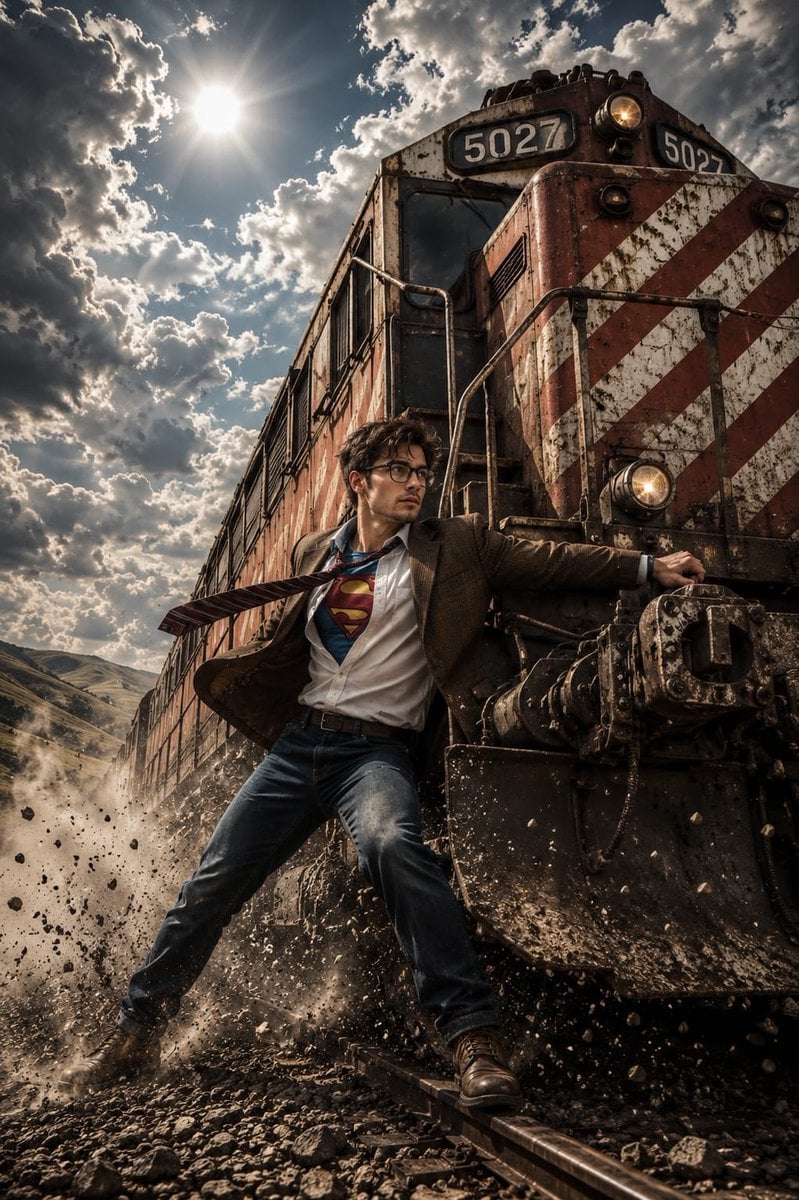
Heroic Action Train Stopping Portrait

Ultra-Photoreal NYE Editorial with Identity Lock
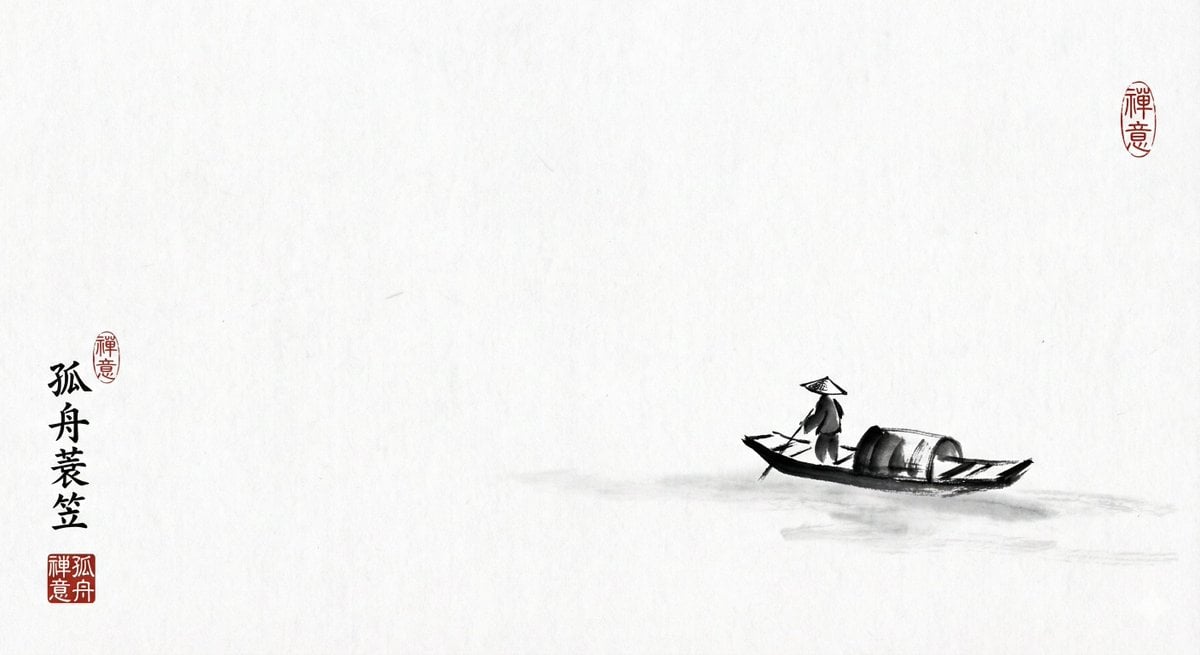
Ink painting lone boat prompt for Nano Banana Pro
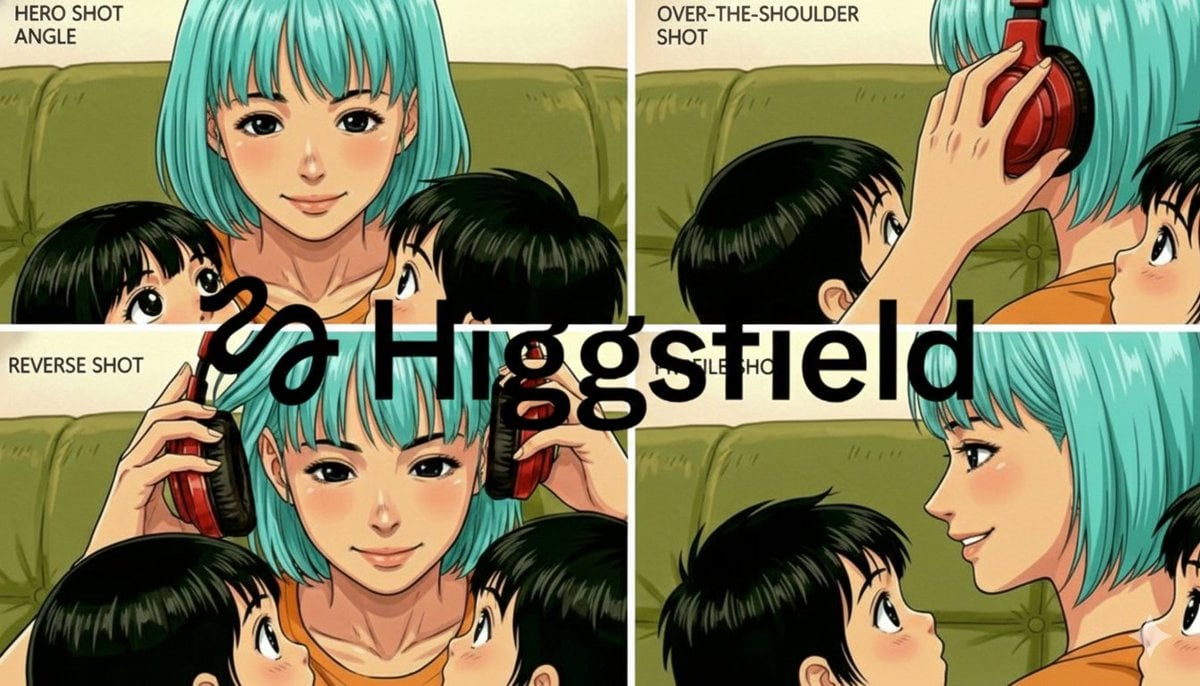
Grid of four camera angles from reference image
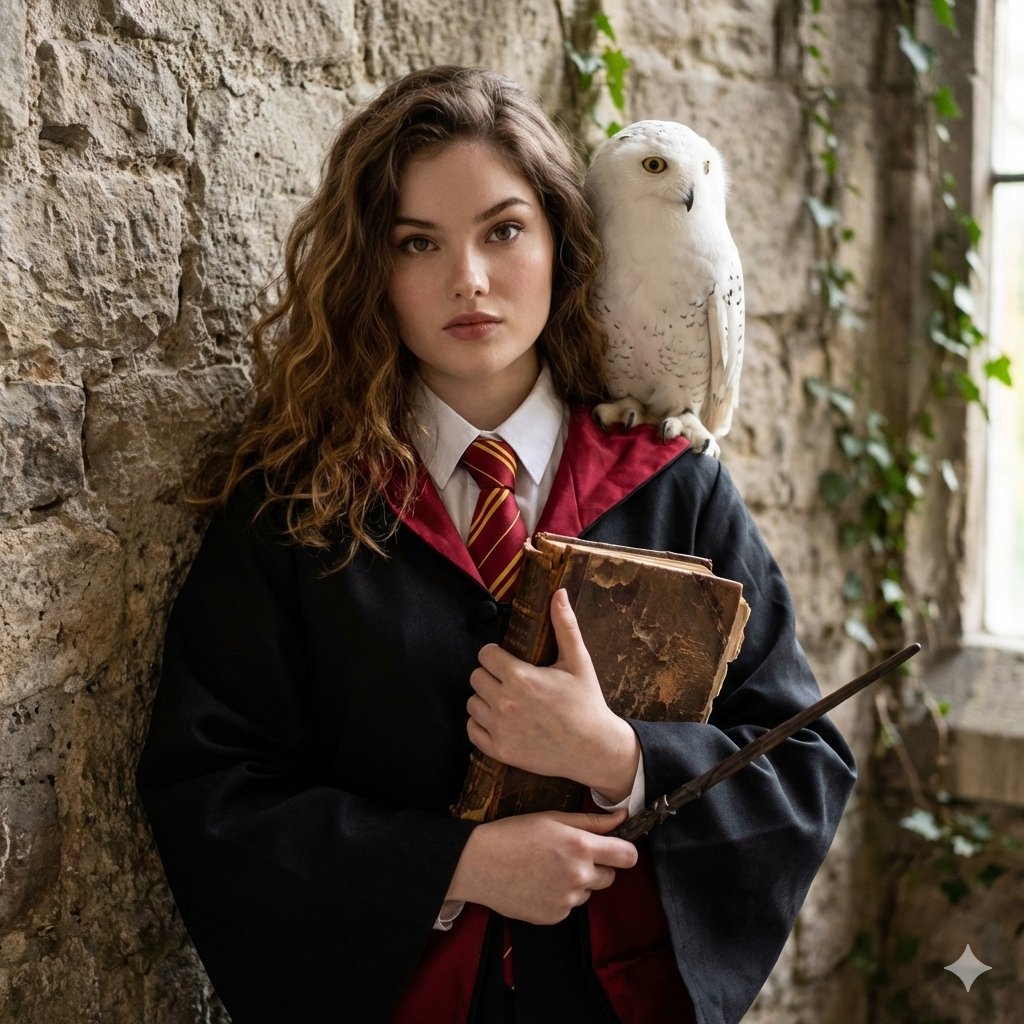
Hogwarts-Style Photoshoot Portrait
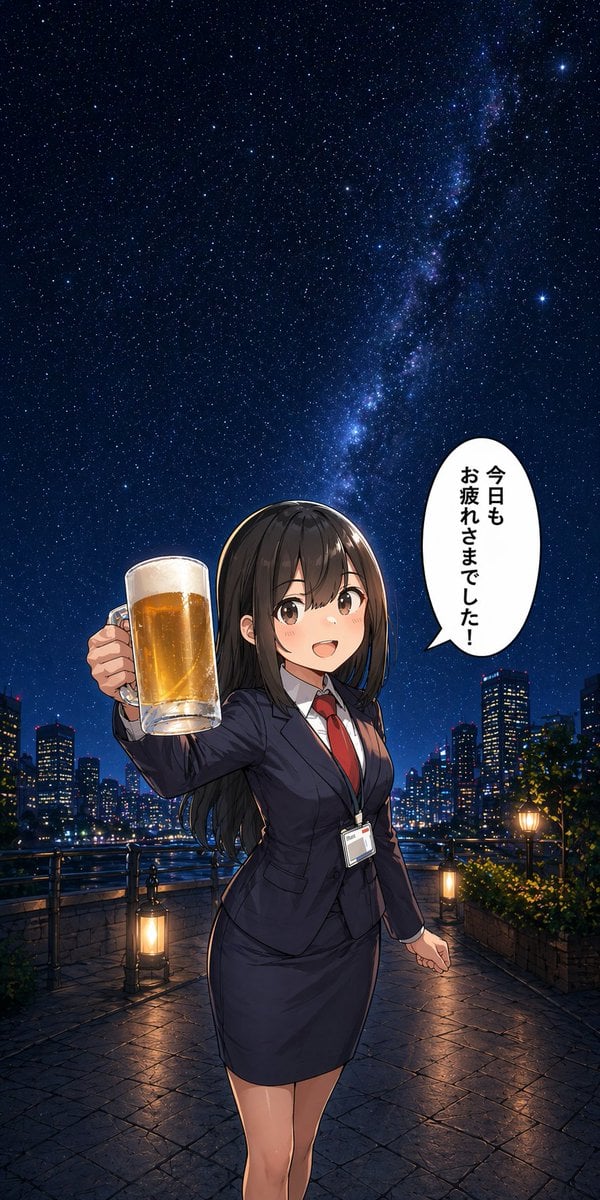
Anime Office Lady Beer Toast at Night

Flashy VTuber Debut Stream Thumbnail
Exploded View Product Photography Prompt
Luxury Spa Day on Yacht Trio Prompt

Nano Banana Pro Prompt for High-Visibility 3D Thumbnail Design
Browse template categories
Y2K Chrome Plush Product Render questions
How do I use the Y2K Chrome Plush Product Render template?
Add your photo if the template asks for one, edit the prompt if you like — the template's model and format are already selected — and press Generate. Your version opens in PicX Studio.
Can I customize the Y2K Chrome Plush Product Render template?
Yes. You can change the subject, setting, lighting, mood, format, and available model controls before creating your image.
Is the Y2K Chrome Plush Product Render template free?
Opening and editing this template is free. Generating uses credits, shown on the Generate button when you are signed in.
Which AI model should I use?
Start with Nano Banana 2, which is the model associated with this template. You can compare another compatible model for a different finish.
Looking for something else? Browse all templates.

Your photo, any look
Thousands of ready templates for every top image and video model, from one credit balance.