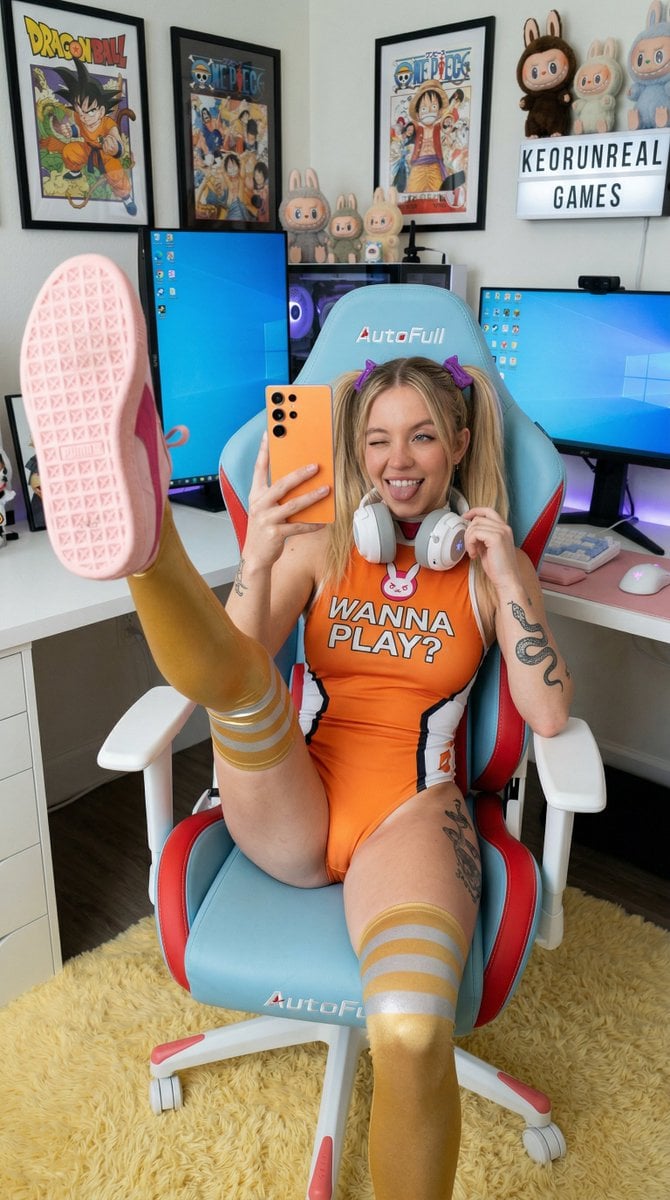
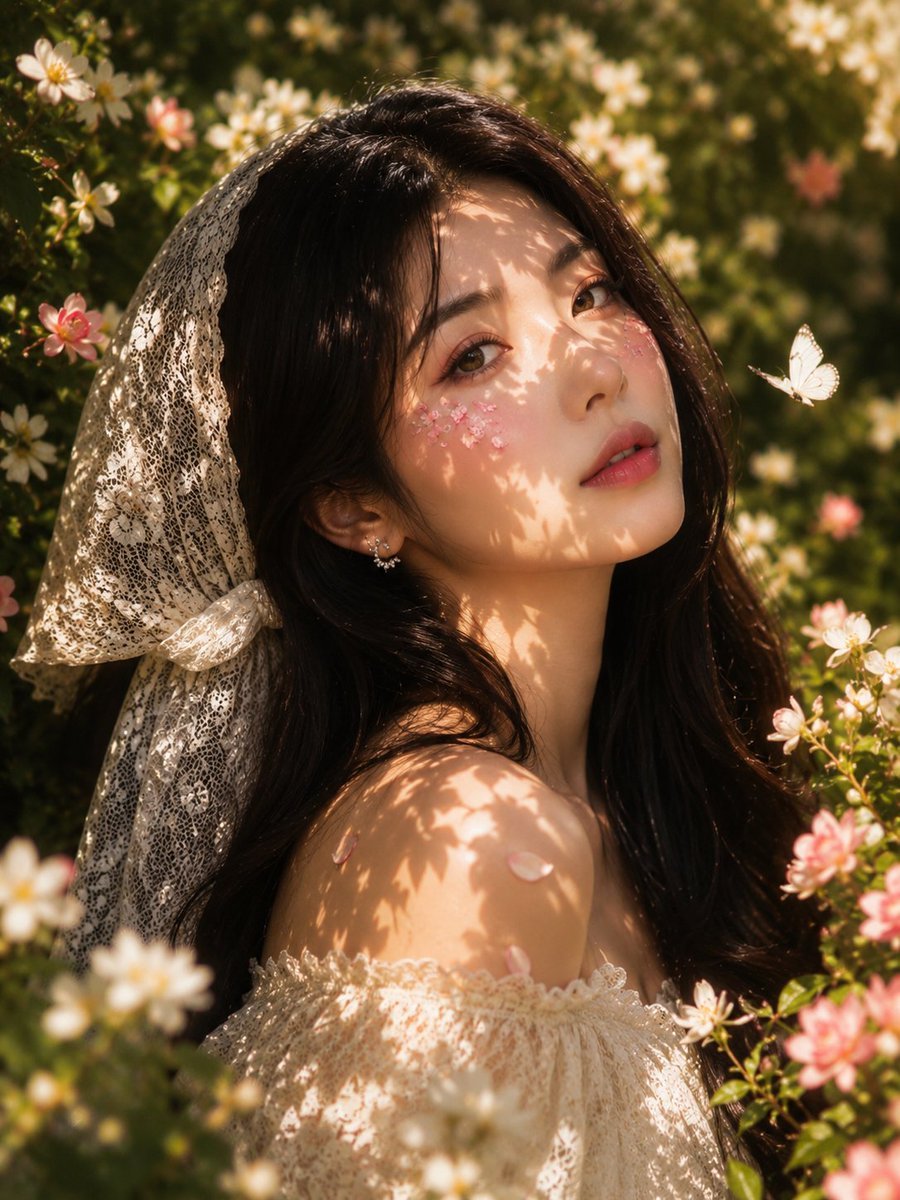
How do I use the Photo-Referenced Character Portrait template?
Edit the prompt in the box under the preview — the template's model and format are already selected — and press Generate. Your version appears right on this page.
Photo-Referenced Character Portrait is a ready photo look.

Use the uploaded photo as the exact facial reference and preserve the person’s identity with maximum accuracy. Keep the same facial structure, proportions, eyes, nose, lips, jawline, cheeks, and natural features without reshaping, slimming, enlarging, beautifying, or applying any artificial face filter. Create an authentic early-2000s Y2K flash photograph with strong direct frontal camera flash, bright natural highlights, subtle digital-camera grain, realistic exposure falloff, and a raw DSLR look that feels like a real celebrity paparazzi beauty shot rather than CGI. Give the subject extremely long, thick, luxurious chestnut-brown hair with huge crown volume, glamorous blown-out waves, dimensional brunette highlights, individual visible strands, natural flyaways, and a dramatic hair halo surrounding the face, with the hair taking up around half of the frame. Use an extreme low-angle camera positioned clearly below eye level, with the head slightly tilted back, chin raised, and eyes looking upward, while the face fills around 65–70% of the frame in a very tight beauty-editorial crop with minimal clothing and shoulders visible. The expression should intentionally contrast with the glamorous styling: playful, awkward, weird, slightly chaotic, and naturally funny, like an unexpected candid moment. Keep the lips naturally proportioned while giving them a soft pink ombré tone, hydrated glossy finish, subtle highlights, and realistic texture. Preserve authentic skin detail including pores, peach fuzz, fine texture, natural imperfections, and realistic flash reflections, avoiding plastic or overly smooth skin. Add subtle imperfections such as tiny exposure variations, realistic flash hotspots, and gentle digital-camera grain to make the image feel genuinely photographed. Overall, create a photorealistic luxury hair and beauty campaign with a nostalgic Y2K celebrity aesthetic, premium editorial quality, realistic hair and skin, natural lighting behavior, and an unmistakably authentic photographic appearance.
Use the uploaded photo as the exact facial reference and preserve the person’s identity with maximum accuracy. Keep the same facial structure, proportions, eyes, nose, lips, jawline, cheeks, and natural features without reshaping, slimming, enlarging, beautifying, or applying any artificial face filter. Create an authentic early-2000s Y2K flash photograph with strong direct frontal camera flash, bright natural highlights, subtle digital-camera grain, realistic exposure falloff, and a raw DSLR look that feels like a real celebrity paparazzi beauty shot rather than CGI. Give the subject extremely long, thick, luxurious chestnut-brown hair with huge crown volume, glamorous blown-out waves, dimensional brunette highlights, individual visible strands, natural flyaways, and a dramatic hair halo surrounding the face, with the hair taking up around half of the frame. Use an extreme low-angle camera positioned clearly below eye level, with the head slightly tilted back, chin raised, and eyes looking upward, while the face fills around 65–70% of the frame in a very tight beauty-editorial crop with minimal clothing and shoulders visible. The expression should intentionally contrast with the glamorous styling: playful, awkward, weird, slightly chaotic, and naturally funny, like an unexpected candid moment. Keep the lips naturally proportioned while giving them a soft pink ombré tone, hydrated glossy finish, subtle highlights, and realistic texture. Preserve authentic skin detail including pores, peach fuzz, fine texture, natural imperfections, and realistic flash reflections, avoiding plastic or overly smooth skin. Add subtle imperfections such as tiny exposure variations, realistic flash hotspots, and gentle digital-camera grain to make the image feel genuinely photographed. Overall, create a photorealistic luxury hair and beauty campaign with a nostalgic Y2K celebrity aesthetic, premium editorial quality, realistic hair and skin, natural lighting behavior, and an unmistakably authentic photographic appearance.
Edit the prompt in the box under the preview — the template's model and format are already selected — and press Generate. Your version appears right on this page.
Yes. You can change the subject, setting, lighting, mood, format, and available model controls before creating your image.
Opening and editing this template is free. Generating uses credits, shown on the Generate button when you are signed in.
Choose a compatible model in PicX Studio based on the style, speed, and output controls your project needs.
Follow a topic to a crawlable collection of related PicX Studio templates.