How do I use the Photorealistic Mirror Selfie Prompt template?
Choose the primary action to open PicX Studio with the available template settings. Review the model and format, personalize the creative direction, and generate when ready.
Standalone photorealistic bathroom mirror-selfie prompt for nano-banana-2: pose, outfit, accessories, and lighting fully specified without requiring a missing reference image. Change the subject, setting, or lighting one variable at a time.
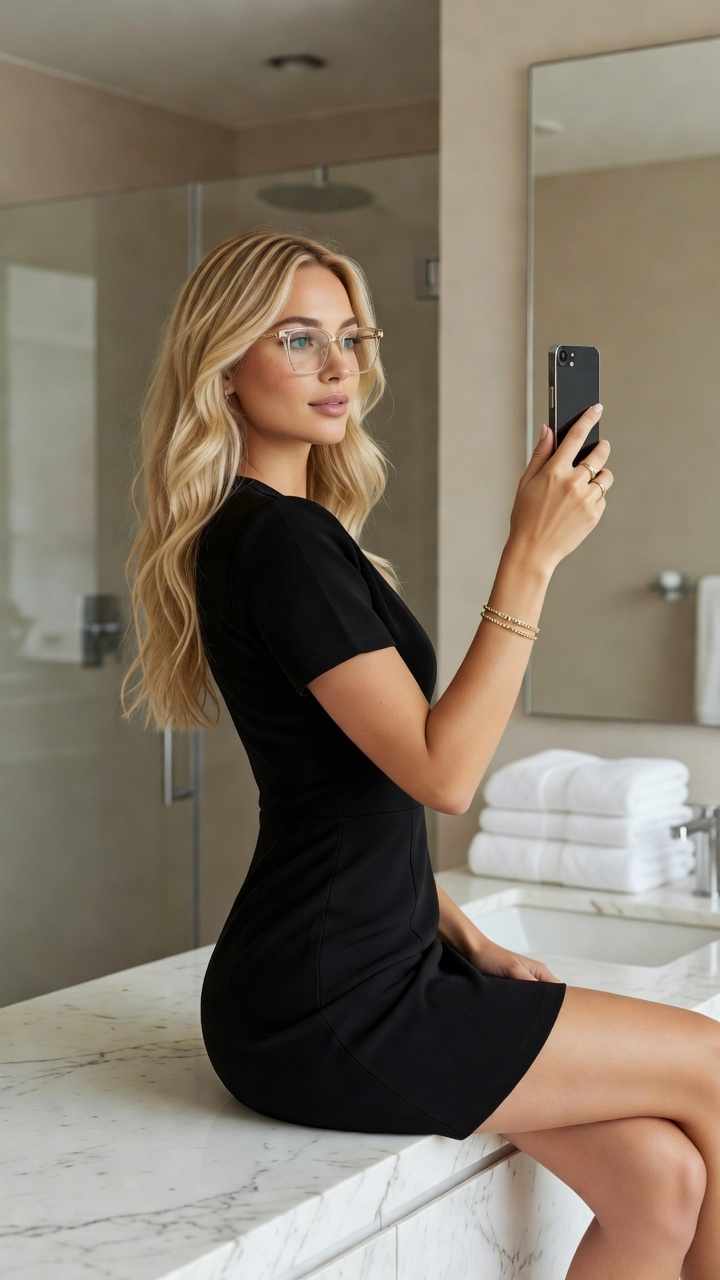
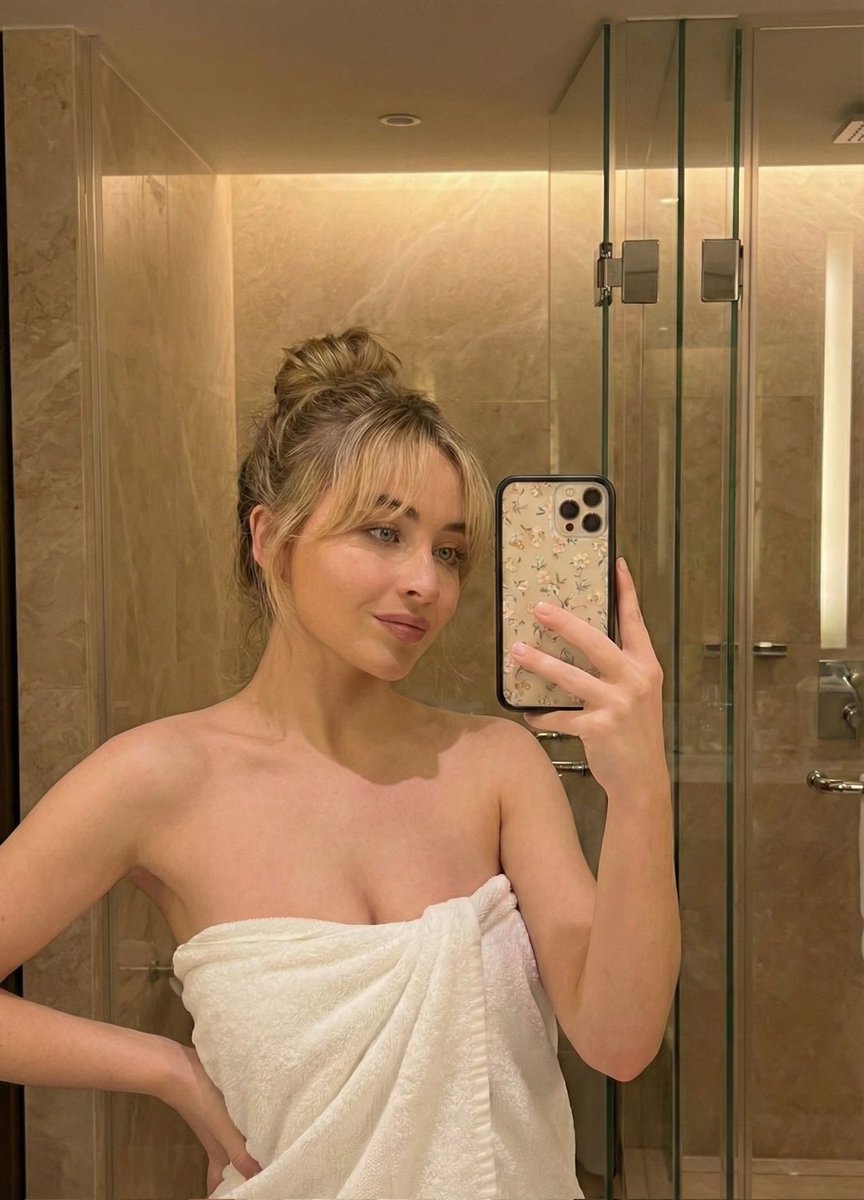
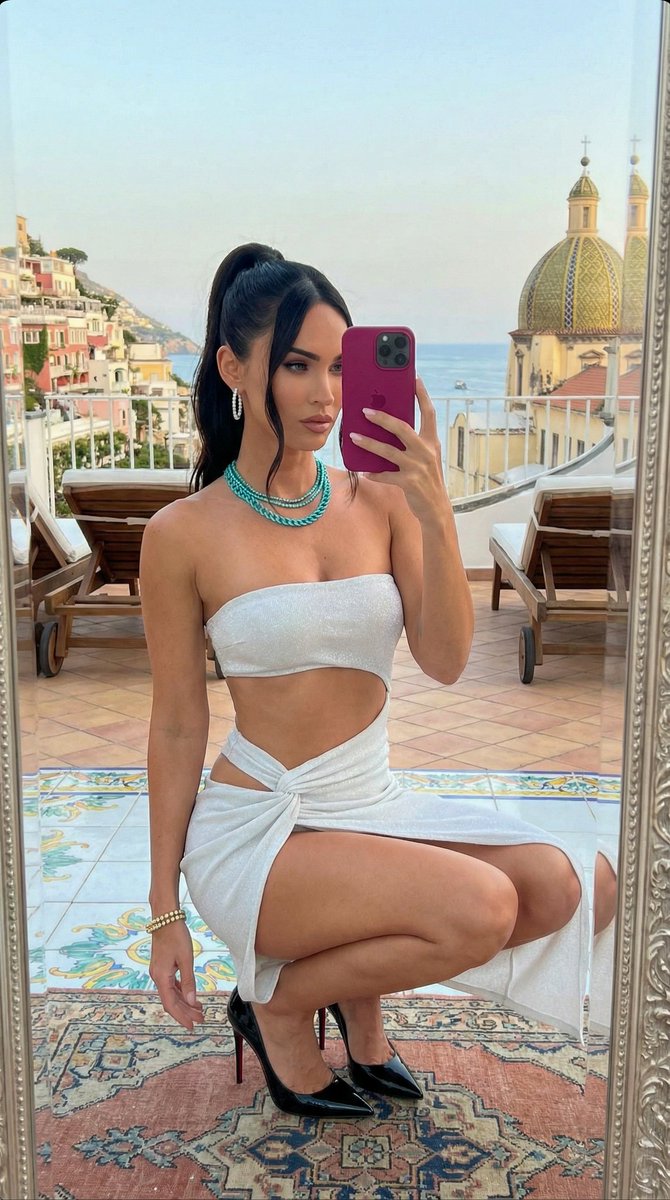
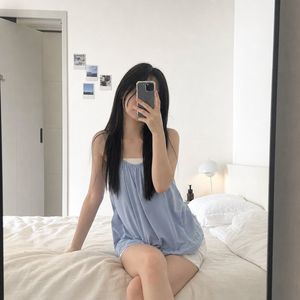
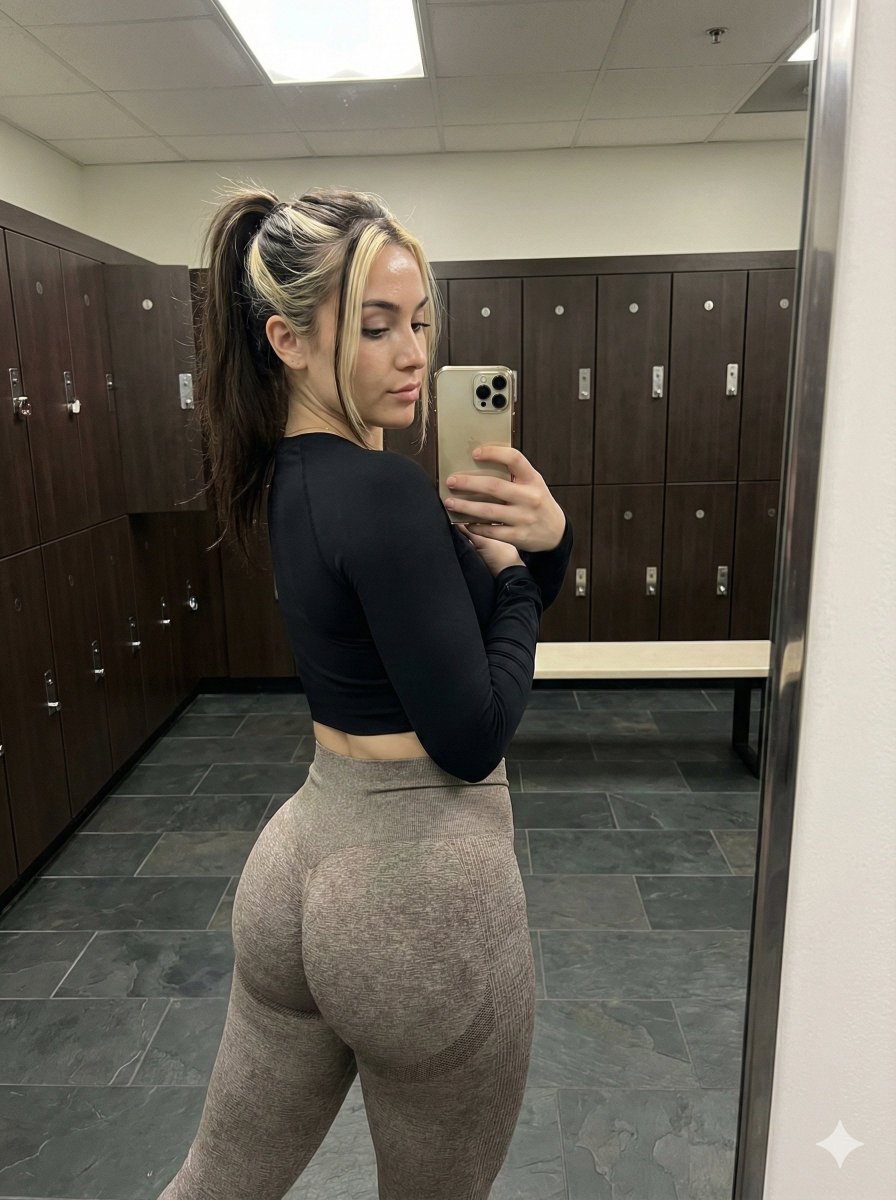
Photorealistic vertical phone mirror-selfie of a young woman sitting on the edge of a modern bathroom marble counter, body slightly turned to the side while looking over her shoulder toward the mirror. She holds a smartphone up in one hand to capture the photo. Long wavy blonde hair, natural makeup, large clear-framed glasses. Fitted black short-sleeve bodycon dress that sits snug at the waist and hips. Simple gold jewelry — thin bracelets and a ring. Setting: modern minimal bathroom with light neutral walls, glass shower enclosure, folded towels, marble countertop, soft natural daylight. Accurate mirror reflection physics, realistic smartphone selfie framing and depth, sharp detail, natural skin texture (not plastic), authentic casual aesthetic. Portrait orientation, high-resolution photorealism.
Choose the primary action to open PicX Studio with the available template settings. Review the model and format, personalize the creative direction, and generate when ready.
Yes. You can change the subject, setting, lighting, mood, format, and available model controls before creating your image.
This template is free to open and customize. Generation usage is shown in PicX Studio before you create.
Start with Nano Banana 2, which is the model associated with this template. You can compare another compatible model for a different finish.
Follow a topic to a crawlable collection of related PicX Studio templates.
43,474 public templates available. Verified via the PicX Studio public templates API; refreshed hourly.




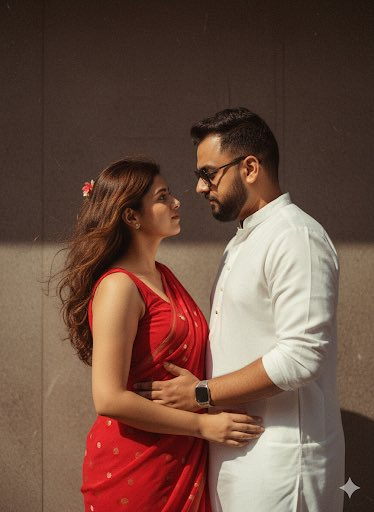
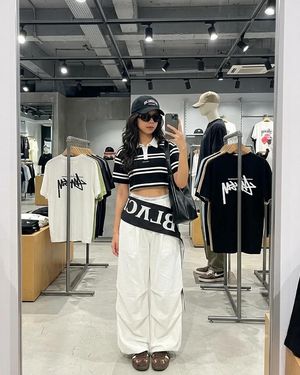

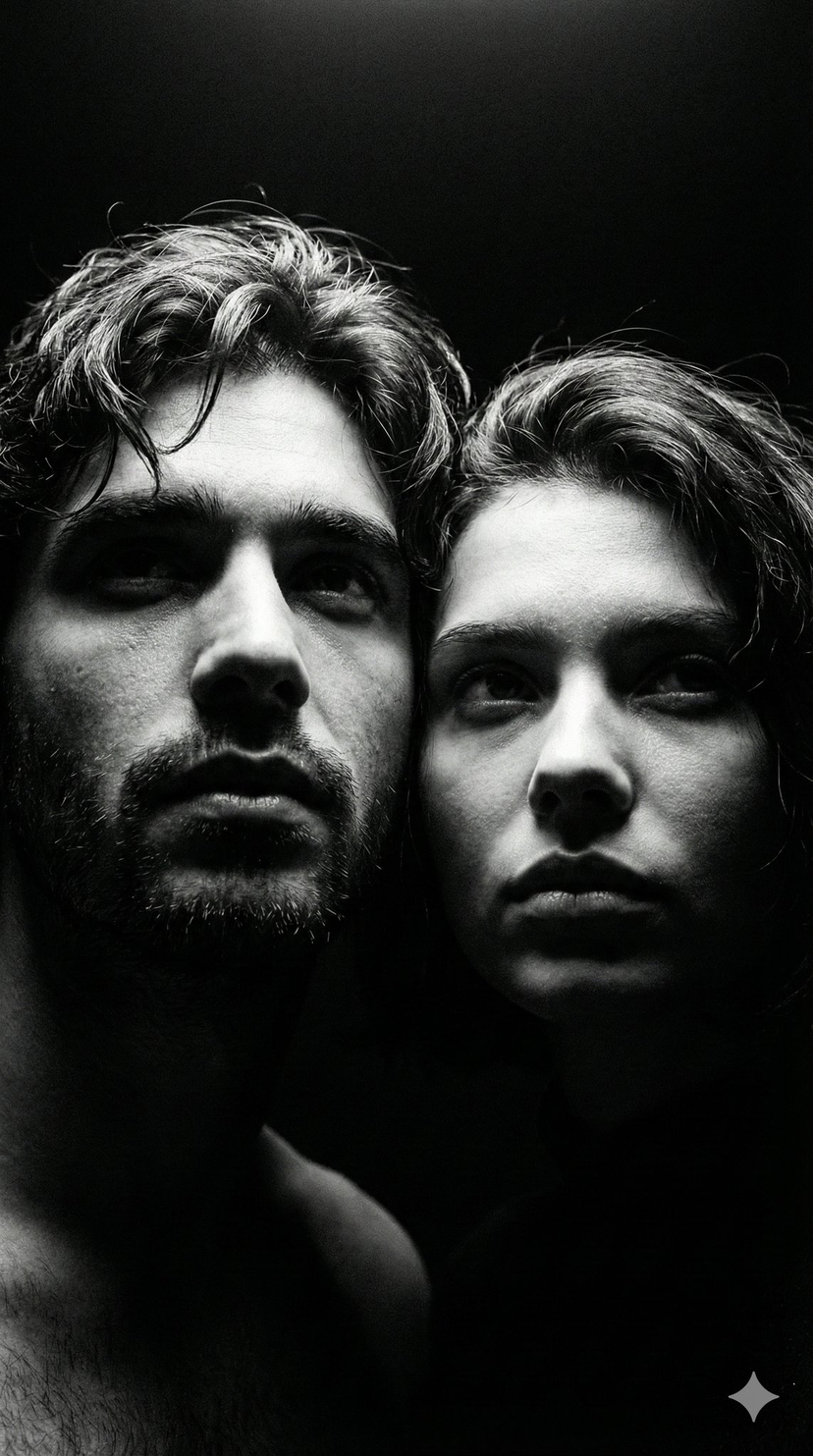



![86-hyper-realistic-ai-selfie-prompt-generat — Raw iPhone [model] photo, [shot type] of [character details: age, ethnicity, specific features], [hair with imperf](/_next/image?url=https%3A%2F%2Fcdn.picxstudio.com%2Fuploads%2Fpost86_img0_c444d40d-a07d-4013-8b75-e692799481c0.jpg&w=828&q=100)

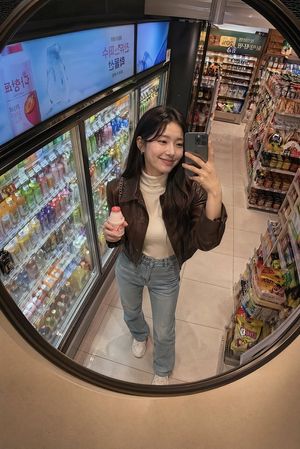






![Naive doodle-style subject illustration — A doodle-style {argument name="subject" default="[subject]"}, naive lines, humorous shape exaggeration](https://pbs.twimg.com/media/G6Wl2YxbsAARB2b.jpg)






















![Technical Infographic Sheet Product Specification Template — Create a branded technical infographic of a [{argument name="product name" default="PRODUCT NAME"}]](https://pbs.twimg.com/media/HCnWqiOX0AAMPnq.jpg)

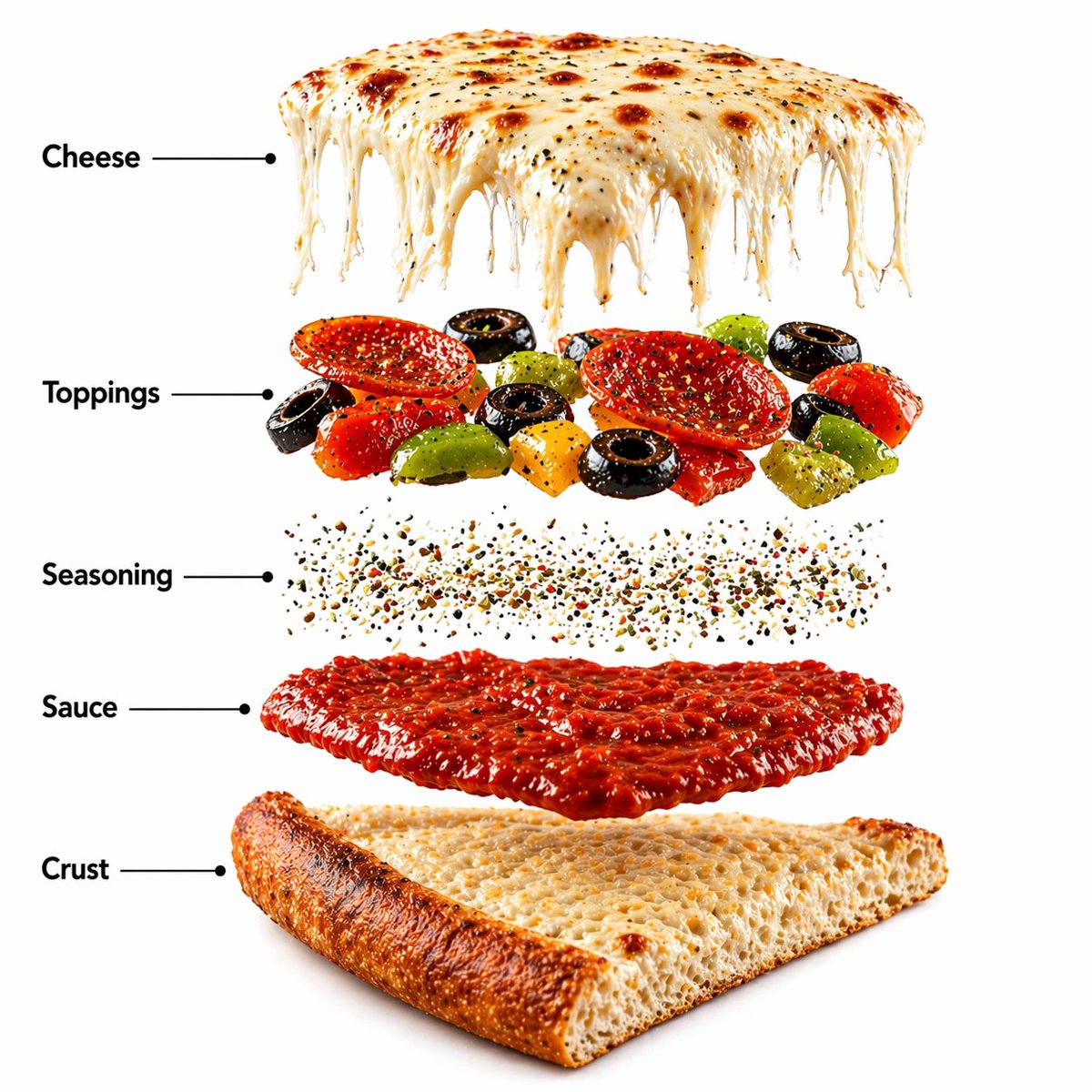


![Exploded View Product Photography — [ {argument name="product name" default="Nintendo game"} ], high-end product advertising, white seamless background, explode](https://pbs.twimg.com/media/G-e7-58bQAM5PY1.jpg)