
Romantic Sunset Album Cover
A cinematic square album cover featuring two lovers silhouetted against a giant sunset over the sea, ideal for romantic indie pop artwork.
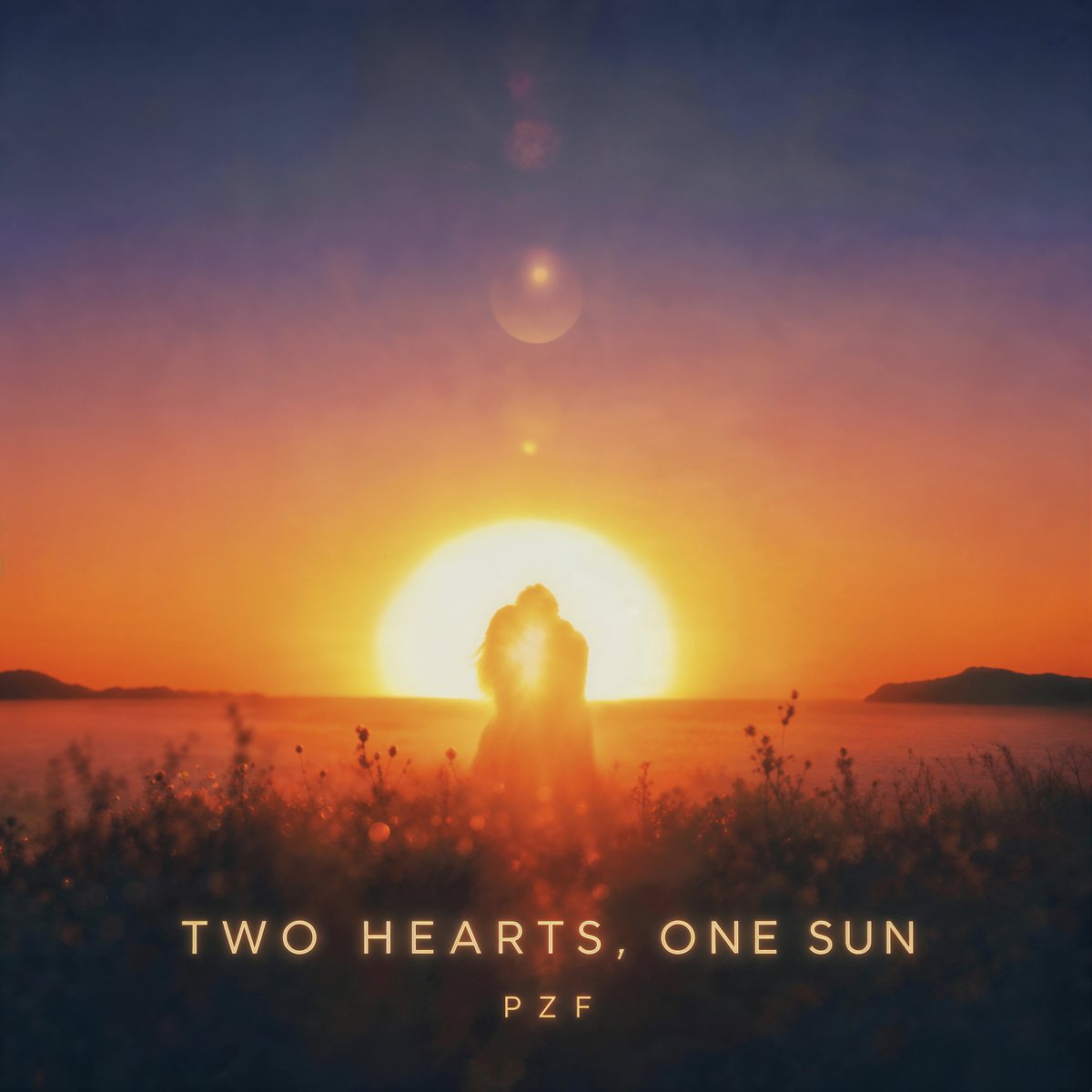
- Prompt included
- Model and format preset
- Free template
The prompt behind this image
Copy the exact prompt behind Romantic Sunset Album Cover, or open it in the studio and make it yours.
Create a square cinematic album cover for a romantic indie pop song titled {argument name="song title" default="TWO HEARTS, ONE SUN"}. The scene shows two lovers as a single dark silhouette embracing and kissing or leaning forehead-to-forehead in the exact center of the frame, standing in soft wild grass by a calm sea at sunset. A huge glowing sun sits directly behind their bodies on the horizon, creating a bright golden halo that merges their silhouettes. The sky is a smooth dramatic gradient from deep navy blue at the top through violet and rose into saturated orange near the horizon, with subtle haze, lens flare orbs, and dreamy atmospheric bloom. Low dark island silhouettes appear far left and far right across the water. The foreground is shadowy, with delicate out-of-focus grasses, seed heads, and small bokeh highlights, creating depth. Use warm orange, gold, and red tones contrasted with cool blue shadows; romantic, nostalgic, cinematic, slightly painterly-photographic, soft focus, high dynamic range, no hard outlines. Add centered bottom typography: the title in widely spaced uppercase elegant sans-serif letters, glowing pale gold, and a smaller artist name beneath it reading {argument name="artist name" default="PZF"}. Keep the composition minimal and symmetrical, with the couple and sun perfectly aligned, no extra people, no buildings, no border, no watermark.
How to use Romantic Sunset Album Cover in 3 steps
- 1Upload ImagePNG, JPG or paste
Add your photo
Upload the photo the template builds on. The prompt, model and format are already set.
- 2…a portrait of your subject in softgolden-hour light, 85mm…
Personalize
Edit the subject and creative details for your destination.
- 3Generate
Generate
Press Generate — your image is created in PicX Studio, so you can compare it with the original and refine one variable at a time.
More like this
Templates with the same subject, style or setup. Open one to see its prompt.
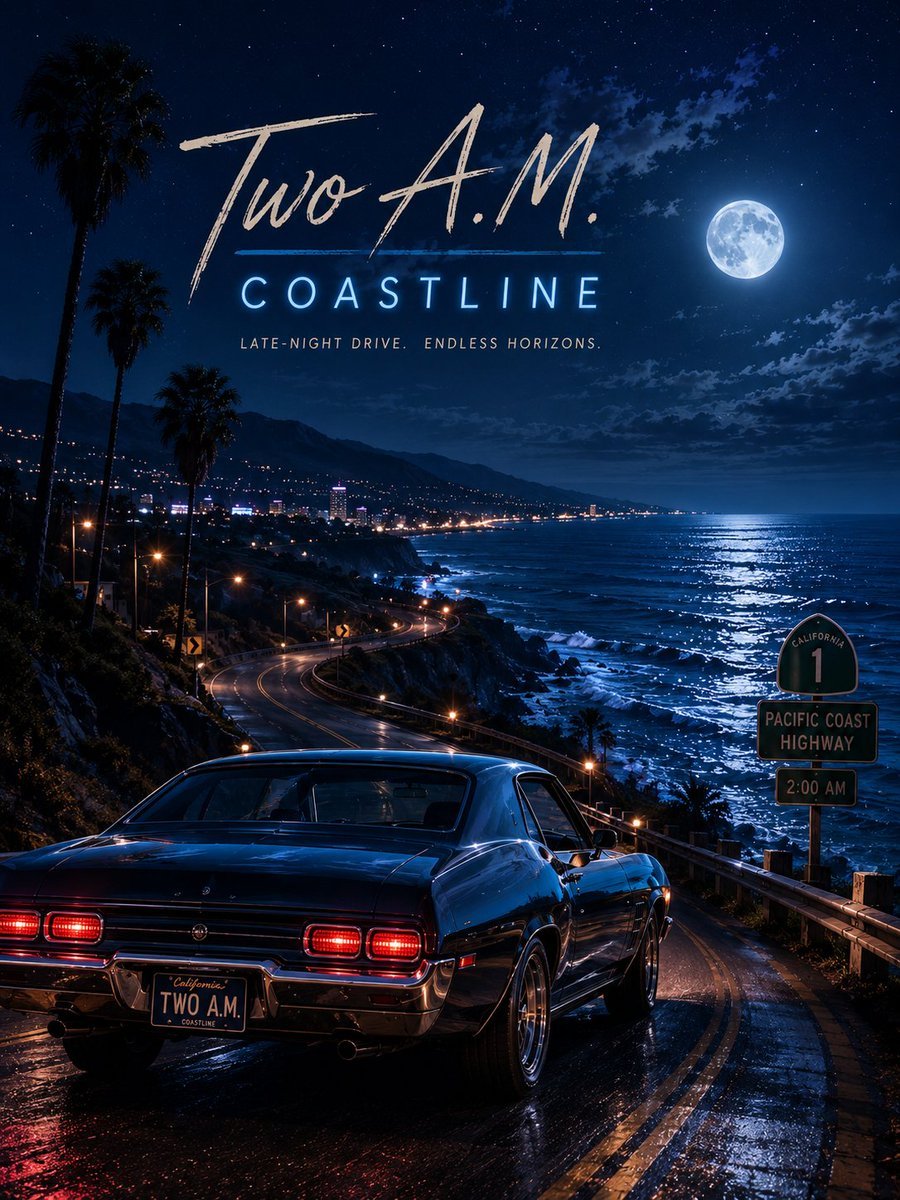
Two A.M. Coastline Album Cover

Music Album Cover Abstract Liquid Mercury
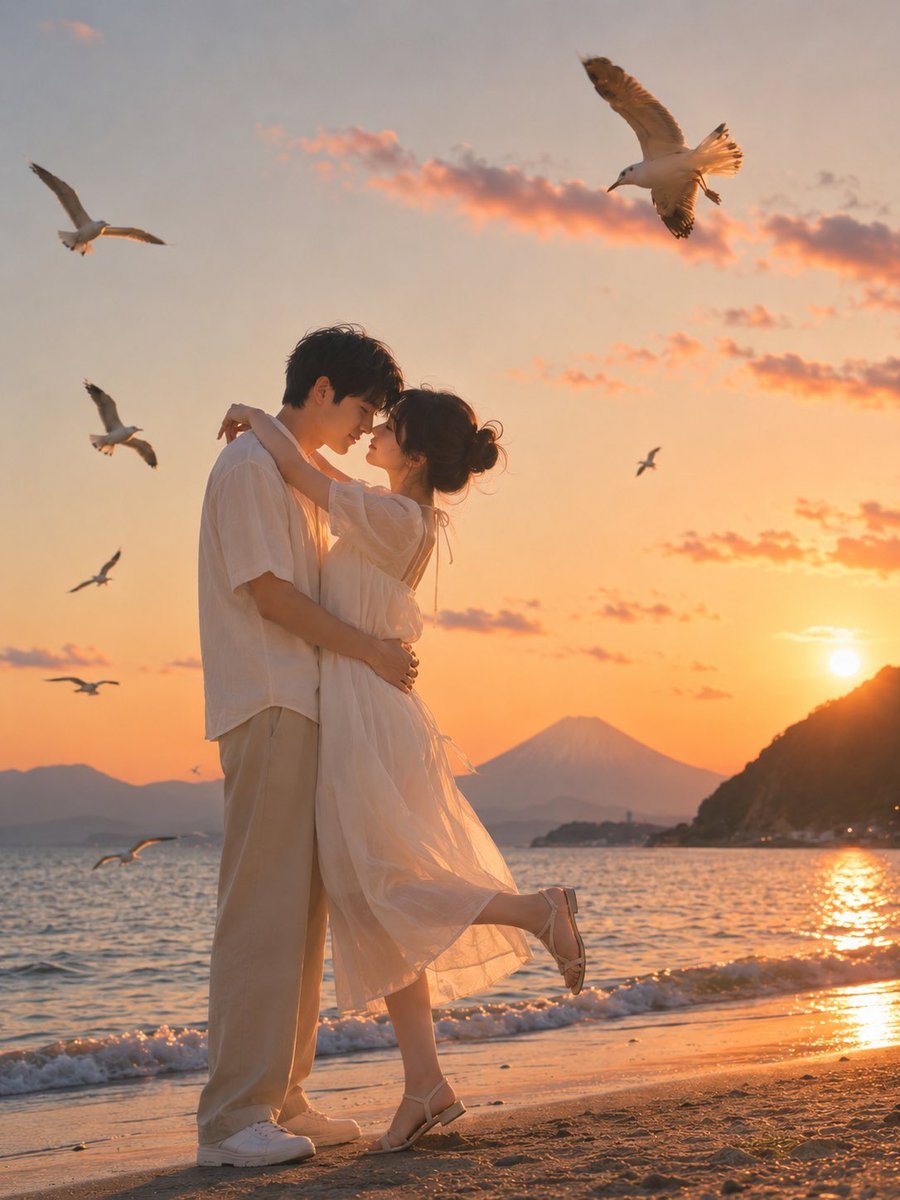
Romantic Zushi Beach Sunset Couple

Sparkling Seaside Anime Album Cover

Japanese Musician Album Cover

Ornate A-Un Kimono Album Cover
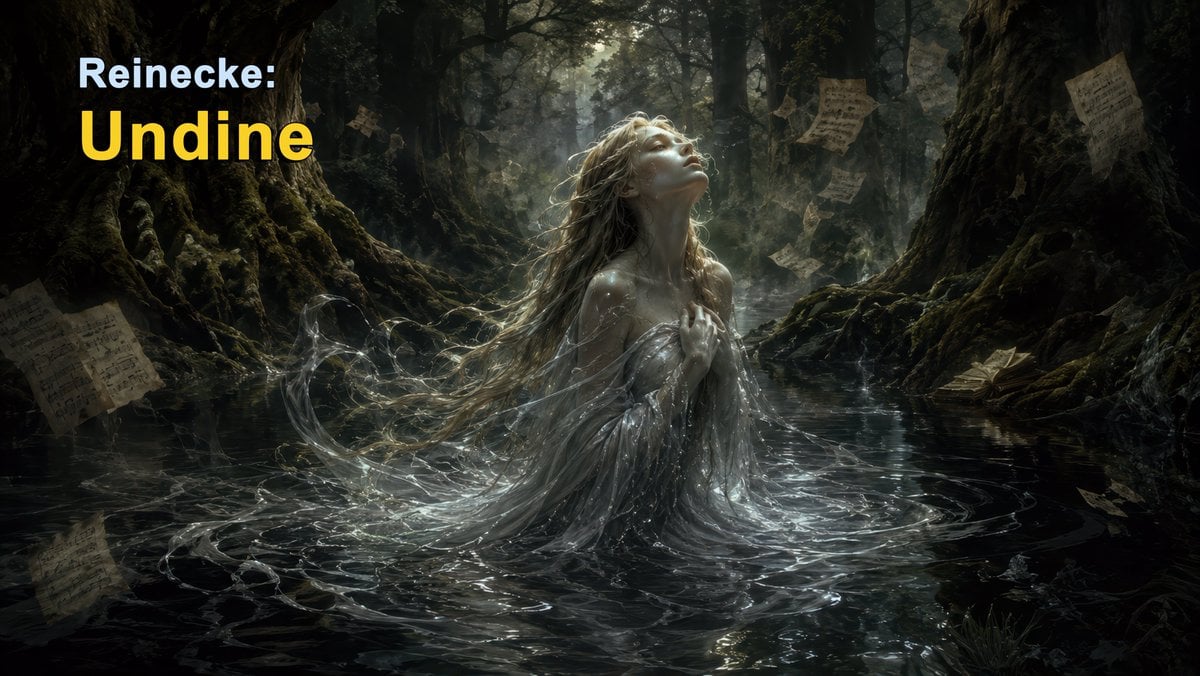
Dark Forest Undine Album Cover

Monochrome Visual-Kei Album Cover
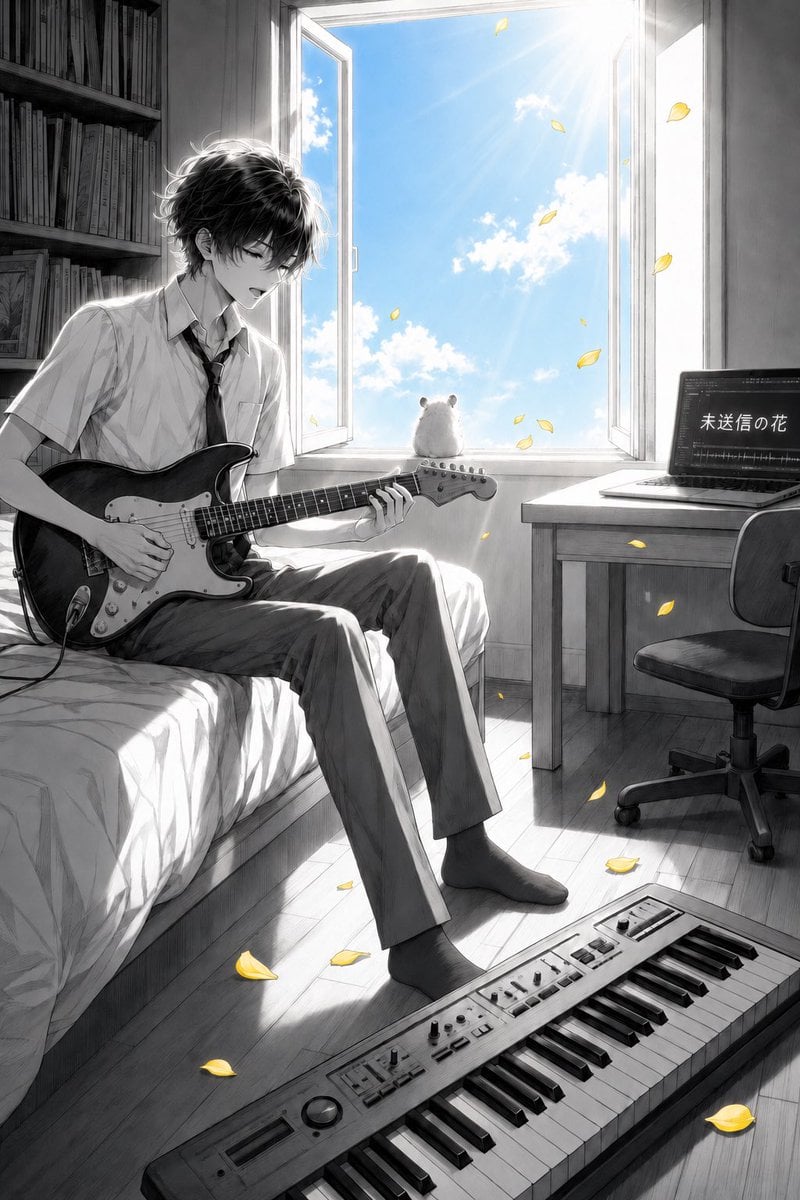
Anime Bedroom Guitar Album Cover

Mountain Lake Sunset Landscape

Artistic Arborpunk Garden Observatory Complex

Anime Cherry Blossom Rock Album Cover
Make it yours
Romantic Sunset Album Cover works as-is. These are the safest ways to change it without losing the look.
Change one field
Copy a single group, rewrite it, and generate again so you can see what that field is doing.
Keep the frame, change the subject
Hold the composition and light of Romantic Sunset Album Cover, then swap wardrobe, props or the person for a new take.
| If the result… | Why | Fix |
|---|---|---|
| The result drifts from the preview | Too many fields changed at once. | Reuse Romantic Sunset Album Cover as-is first, then change one group — subject, light, or setting. |
| The model over-stylizes the scene | The prose prompt leaves finish and camera underspecified. | Add one camera or lighting sentence and stay on GPT Image 2. |
More GPT Image 2 templates
Other prompts made for GPT Image 2.

Six VTuber Japanese Logo Sheet

Realistic Portrait of Woman and Deer

The Vista Modular Condo Poster

AI Model Routing Comparison Infographic

2.5D Anime Art Board

Isometric Productivity Desk Scene

New York Double Exposure Poster

Four-Panel AI Landscape Comparison

Japanese Tatami Lifestyle Magazine Cover

NESCAFÉ Coffee Map Poster
More image prompts
Fresh picks from across the catalog.
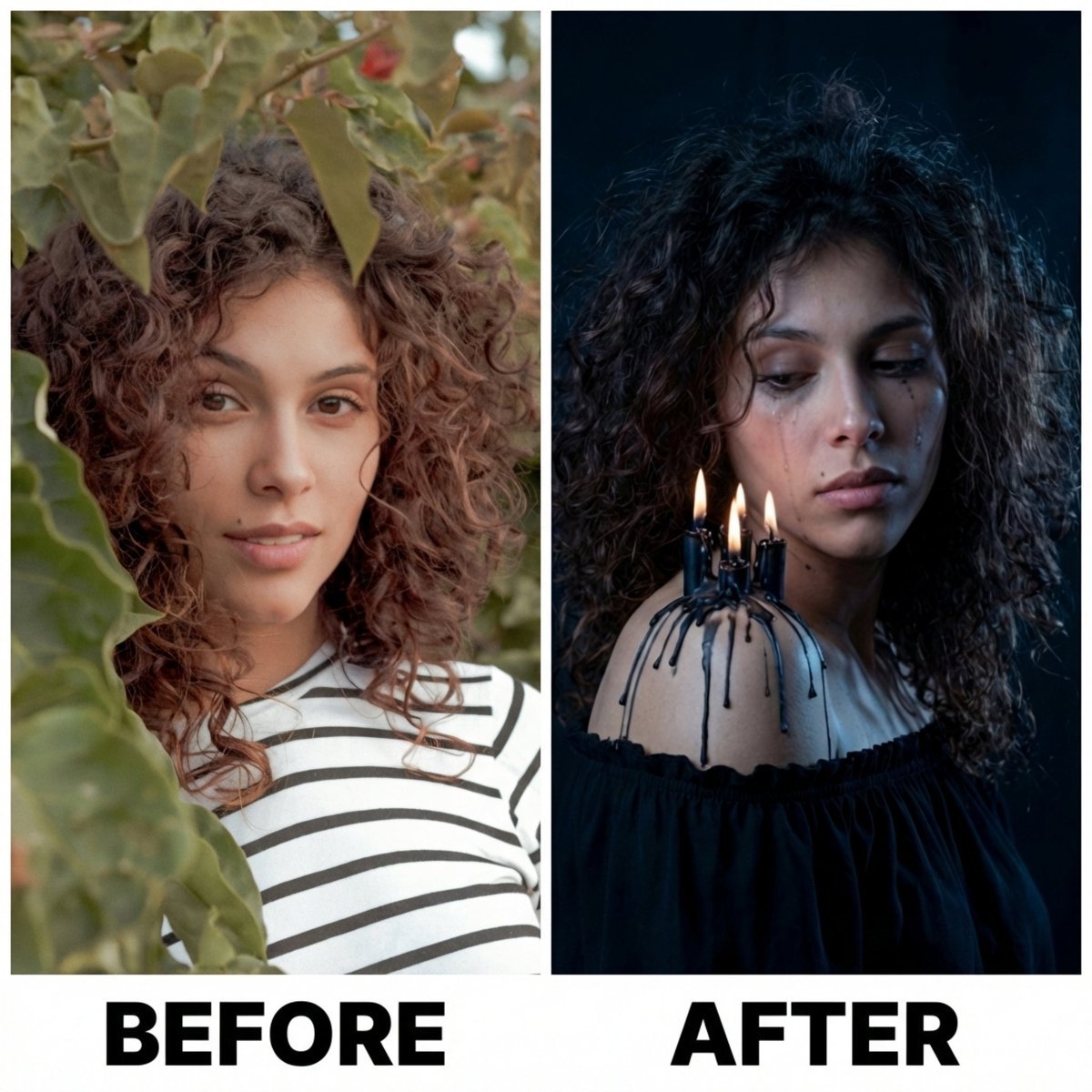
Moody Portrait with Dripping Candles
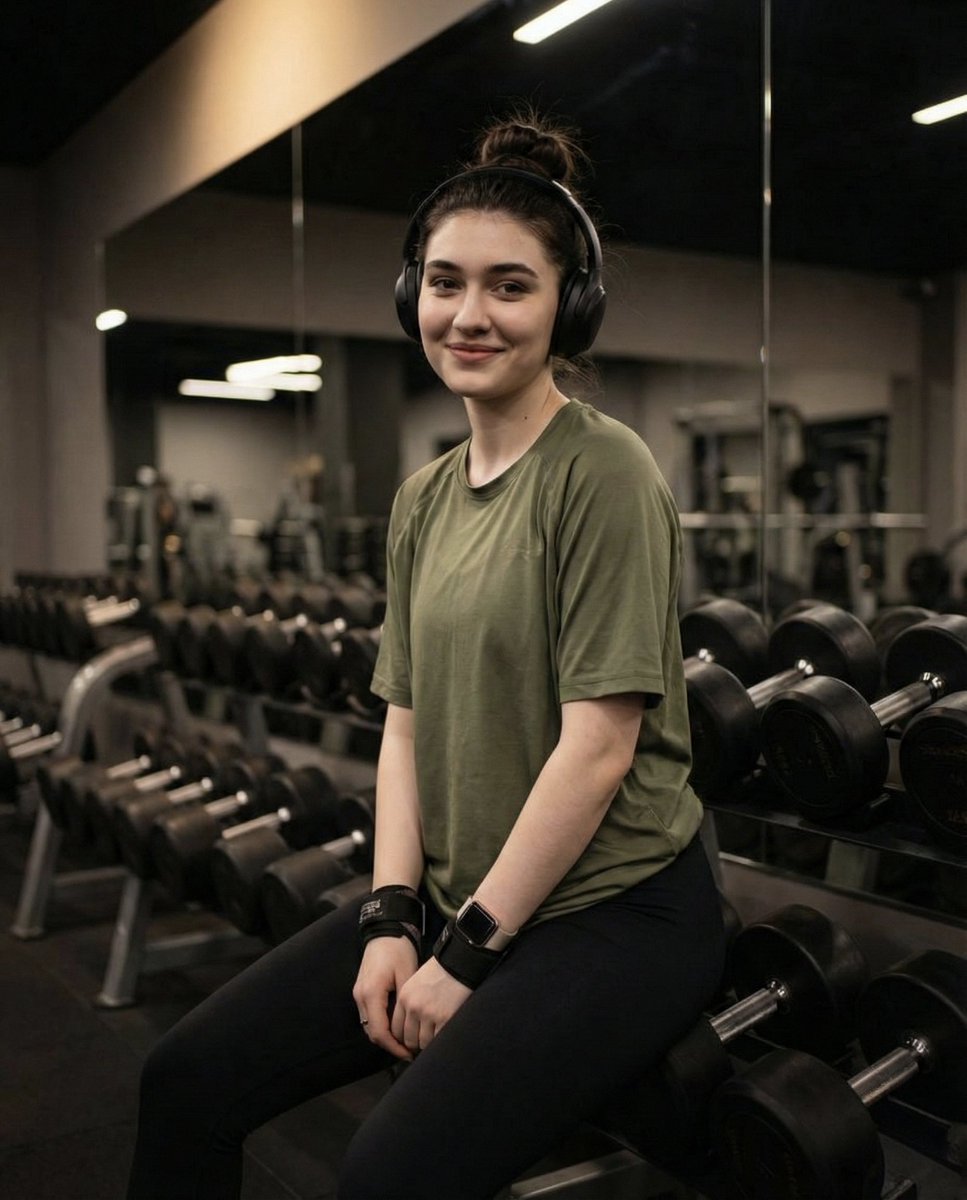
Moody Fitness Influencer Gym Portrait
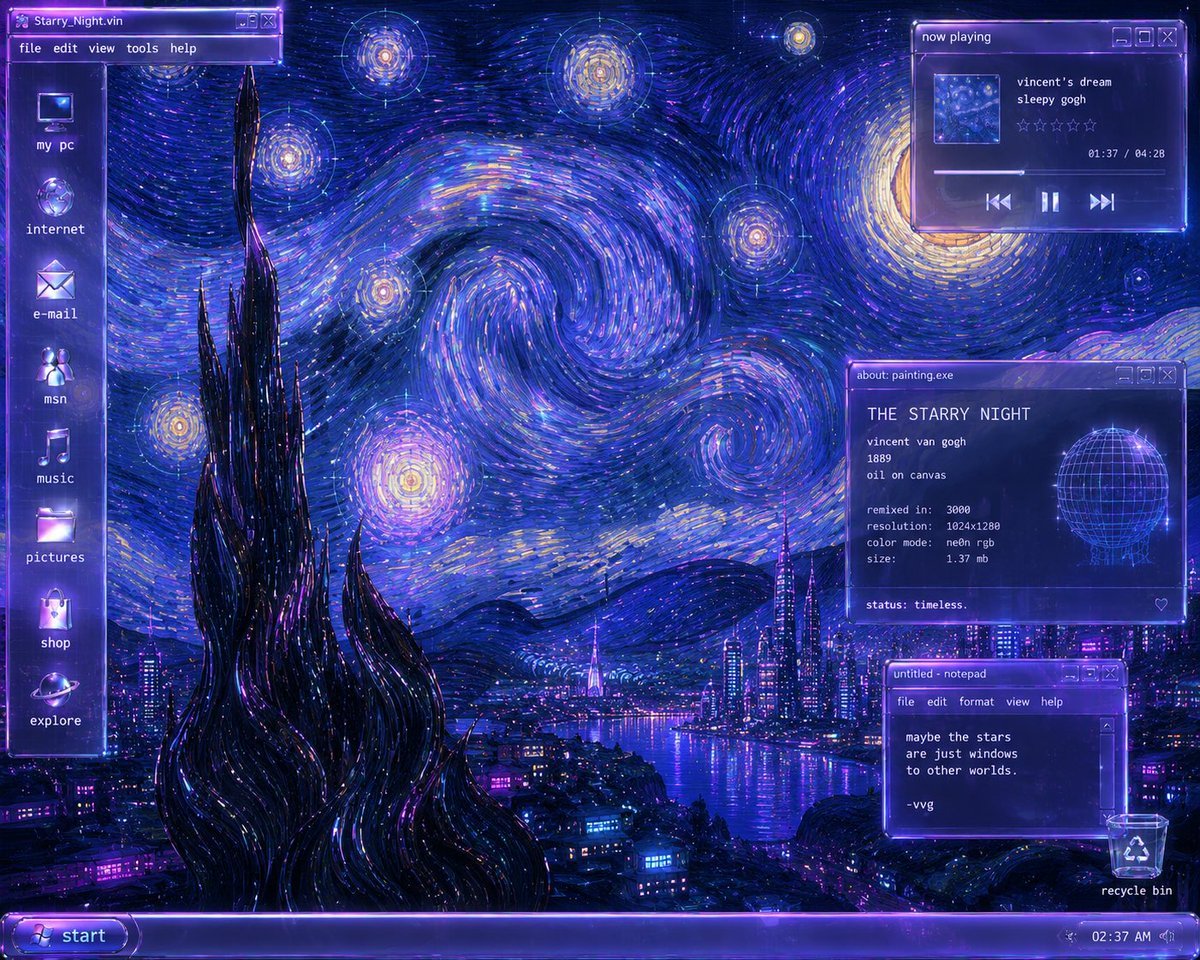
Y2K Starry Night Desktop
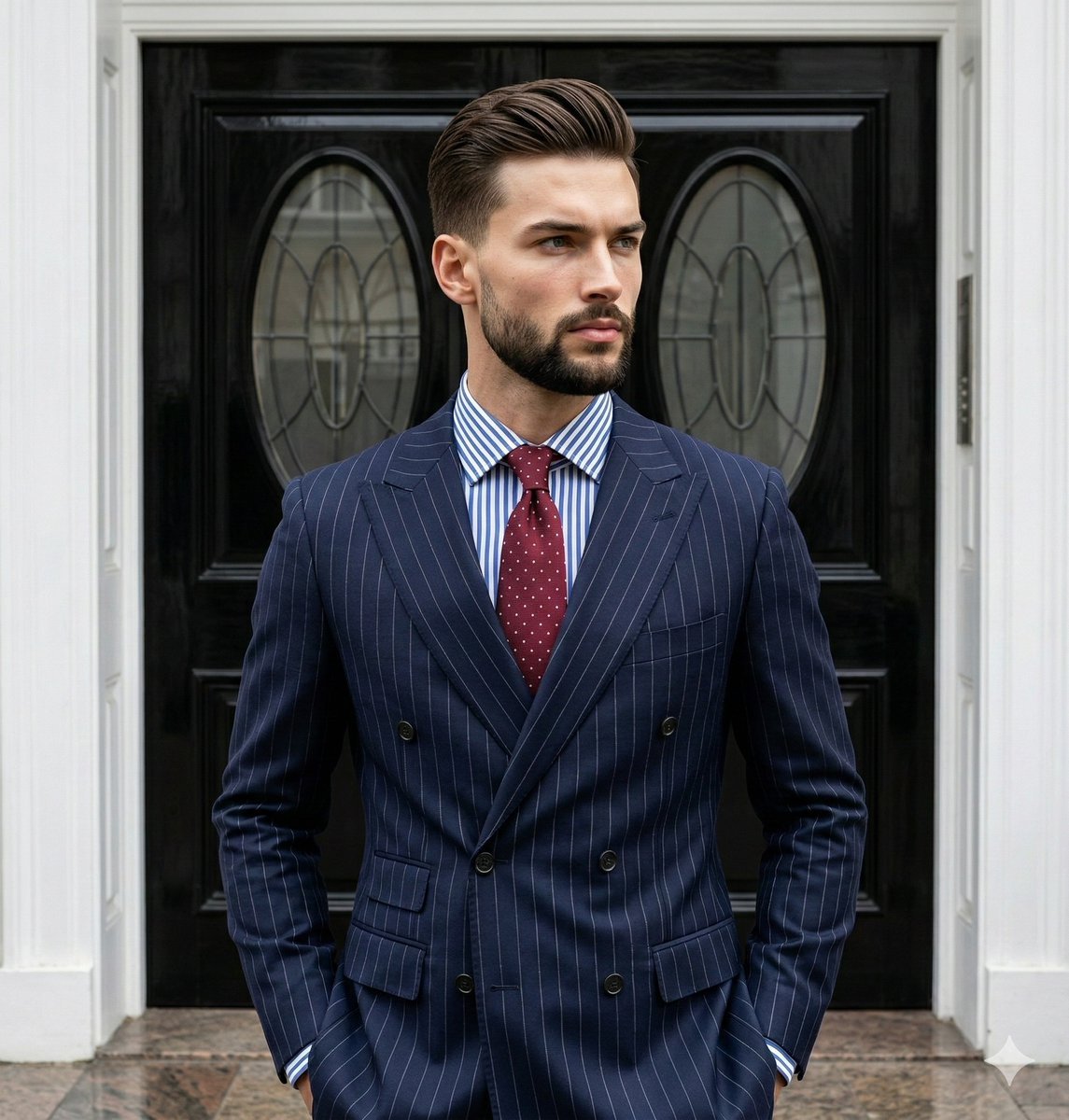
Editorial Menswear Portrait Analysis Prompt
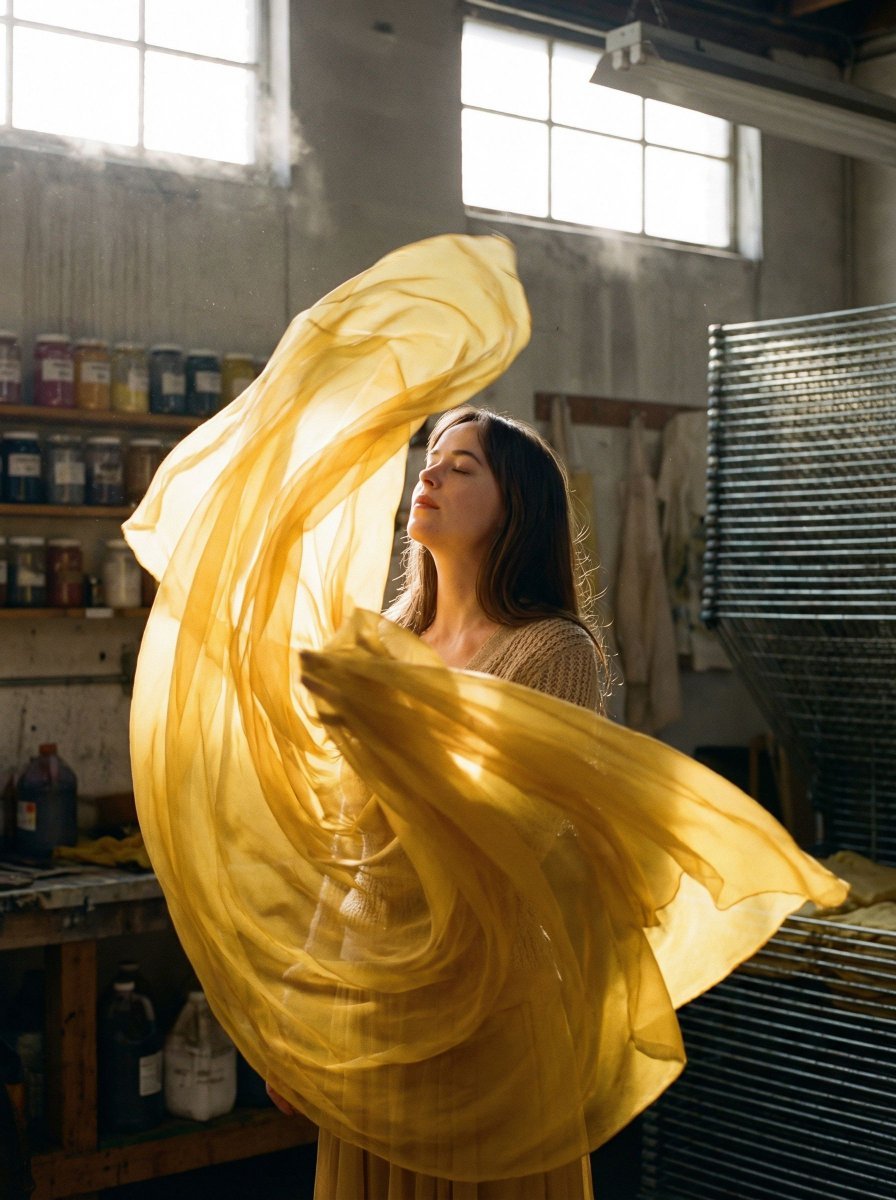
Surreal Fashion Portrait in a Textile Dye Workshop

Anime Movie Poster Prompt: Chibi Character and Road Bike
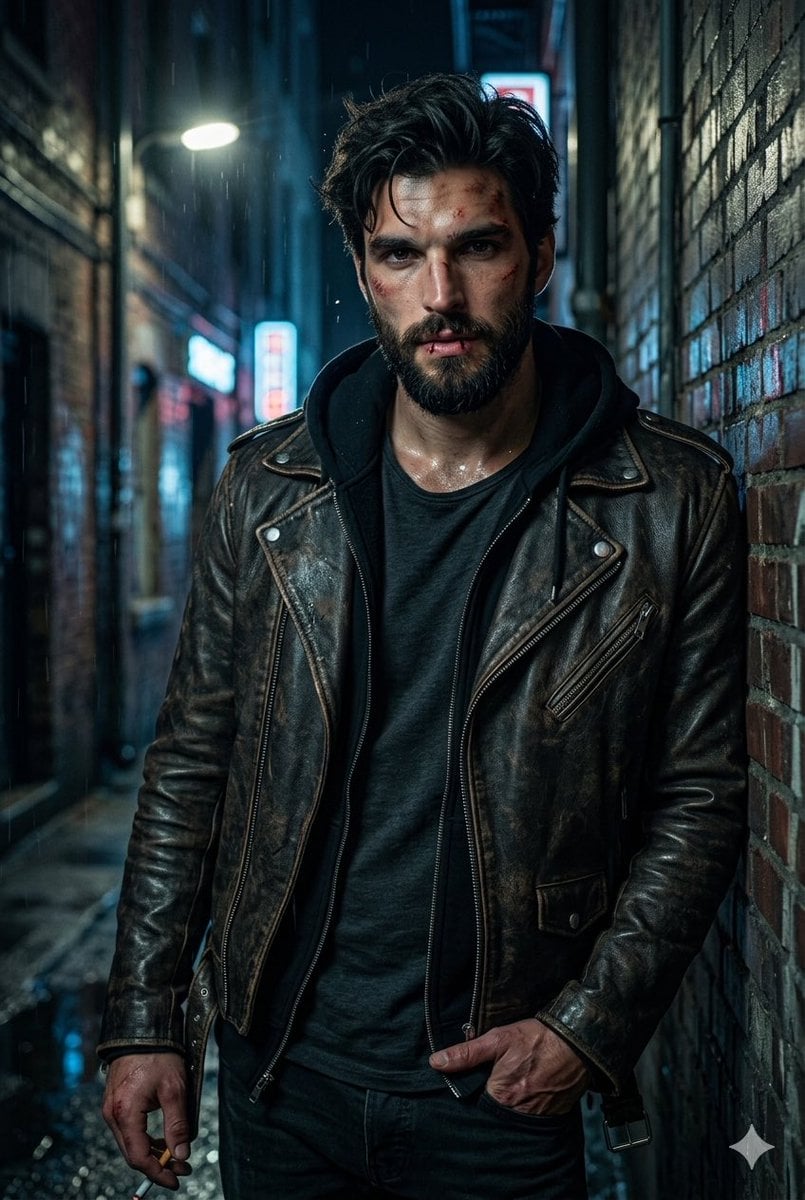
Rugged Urban Portrait
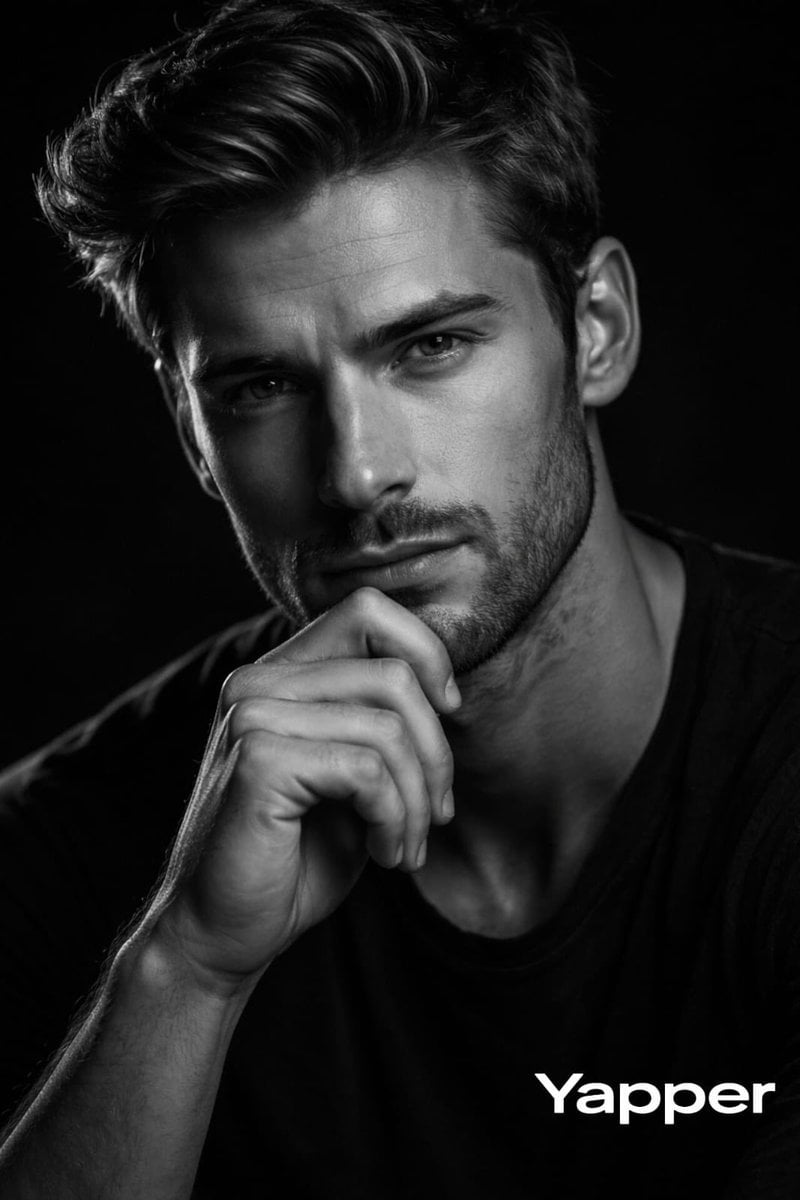
Cinematic Black and White Portrait with Low-Key Lighting
Ambition Visual Metaphor Poster
Infographic Generation Request
Browse template categories
Romantic Sunset Album Cover questions
How do I use the Romantic Sunset Album Cover template?
Add your photo if the template asks for one, edit the prompt if you like — the template's model and format are already selected — and press Generate. Your version opens in PicX Studio.
Can I customize the Romantic Sunset Album Cover template?
Yes. You can change the subject, setting, lighting, mood, format, and available model controls before creating your image.
Is the Romantic Sunset Album Cover template free?
Opening and editing this template is free. Generating uses credits, shown on the Generate button when you are signed in.
Which AI model should I use?
Start with GPT Image 2, which is the model associated with this template. You can compare another compatible model for a different finish.
Looking for something else? Browse all templates.

Your photo, any look
Thousands of ready templates for every top image and video model, from one credit balance.