
3D CG Ethereal Starry Fairy
A detailed prompt for generating a high-precision 3D CG illustration of a dreamlike oriental fairy in a galaxy-themed dress.
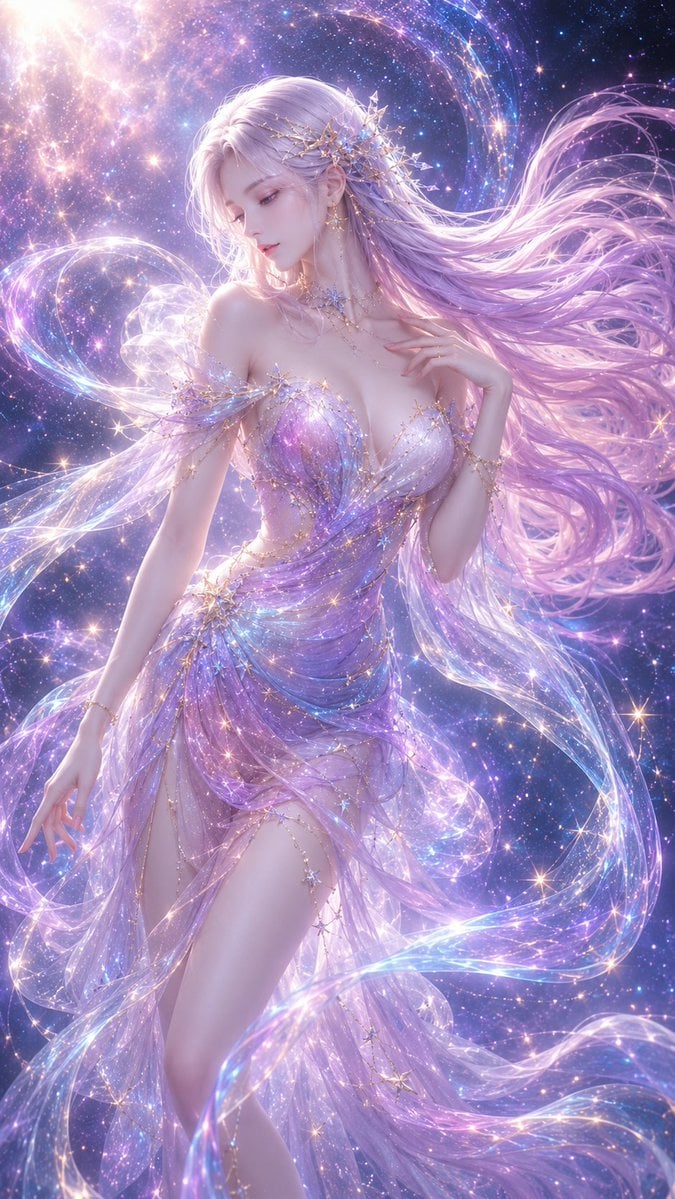
- Prompt included
- Model and format preset
- Free template
The prompt behind this image
Copy the exact prompt behind 3D CG Ethereal Starry Fairy, or open it in the studio and make it yours.
An adult Eastern-fantasy female character, in a dreamy galaxy-fairy style, with a high-precision 3D CG illustration texture, 9:16 vertical composition, the frame filled with a holographic galaxy, streaming light particles, ribbons of the Milky Way, and soft misty glow. The character is positioned center-left in the frame, framed from half-body to mid-thigh, her body in an elegant, dynamic S-curve standing pose. Her upper body tilts slightly to one side, her waist naturally cinched and gently twisted, her hips forming a soft curve in the opposite direction, one shoulder raised slightly, the other relaxed naturally — the overall pose looks as if she is slowly turning within the galaxy, both light and full of feminine softness. Her head is tilted slightly downward, her face shown in a two-thirds profile, her gaze gentle, quiet, and dreamy, her expression cool and elegant. She has delicate, soft East Asian fantasy features, fair translucent skin with soft subsurface scattering and pearl-like highlights, a clean and refined facial contour, a slender nose bridge, soft lips, and long lashes. Her long hair is a gradient of pale silvery white and light pinkish purple, the strands lifted by a stellar wind and billowing widely toward the right side of the frame, forming a strongly flowing curve that echoes her S-curve body line. Her outfit is a dreamy galaxy gown, the material light and translucent yet elegantly restrained, with a soft sheer-tulle structure at the shoulders, and galaxy-like gradient streaming-light patterns at the chest and waist, in colors dominated by light pink, pale blue, lavender purple, and pearl white, with touches of golden stardust here and there. The dress looks as though nebulae and sheer fabric have merged together, light and flowing, forming a spiral streaming-light band around her body that emphasizes her waistline, shoulder-and-neck line, and overall S-curve pose, without being deliberately revealing. The background is a dreamy cosmic galaxy space, with an overall tone of light pink, pale blue, lavender purple, and soft gold, filled with fine starlight, stardust particles, streaming galaxy lines, and semi-transparent holographic light ribbons. Light falls softly from the upper left, forming a gentle rim light along her hair, shoulders and neck, cheeks, and the edges of her gown. The image has a strong sense of atmosphere, with soft glow, overall as if floating within a galactic dream. Composition requirements: the character's body line should form a clear yet natural S-curve; the shoulders, waist, and hips should form a soft, opposing dynamic; the hair and galaxy ribbons should together form an enveloping flow; the image should retain plenty of dreamy light mist and stardust; the character should be elegant, soft, dreamy, and refined; emphasis should be placed on the soft curves of the female form, the galaxy-fairy aura, and a high-end fantasy feel. Style keywords: dreamy fantasy girl, celestial goddess, galaxy dress, holographic starlight, soft pastel colors, ethereal beauty, elegant S-curve pose, cinematic lighting, ultra detailed 3D CG, soft glow, translucent silk, star particles, romantic fantasy atmosphere, high-end illustration, 16K detail, vertical poster composition Negative prompt: incorrect body proportions, malformed fingers, extra fingers, extra arms, distorted face, asymmetrical eyes, cheap-looking texture, dull grayish tone, dirty color tones, over-sharpening, low resolution, cluttered background, text, watermark, logo.
How to use 3D CG Ethereal Starry Fairy in 3 steps
- 1
Open
The prompt is already in the box next to the preview, with the template's model and format selected.
- 2…a portrait of your subject in softgolden-hour light, 85mm…
Personalize
Edit the subject and creative details for your destination.
- 3Generate
Generate
Press Generate — your image is created in PicX Studio, so you can compare it with the original and refine one variable at a time.
More like this
Templates with the same subject, style or setup. Open one to see its prompt.
Ethereal Fairycore Flower Meadow Portrait
Ethereal Dream Editorial Through Fabric Portrait
Ethereal Rowboat Pastoral Fairytale
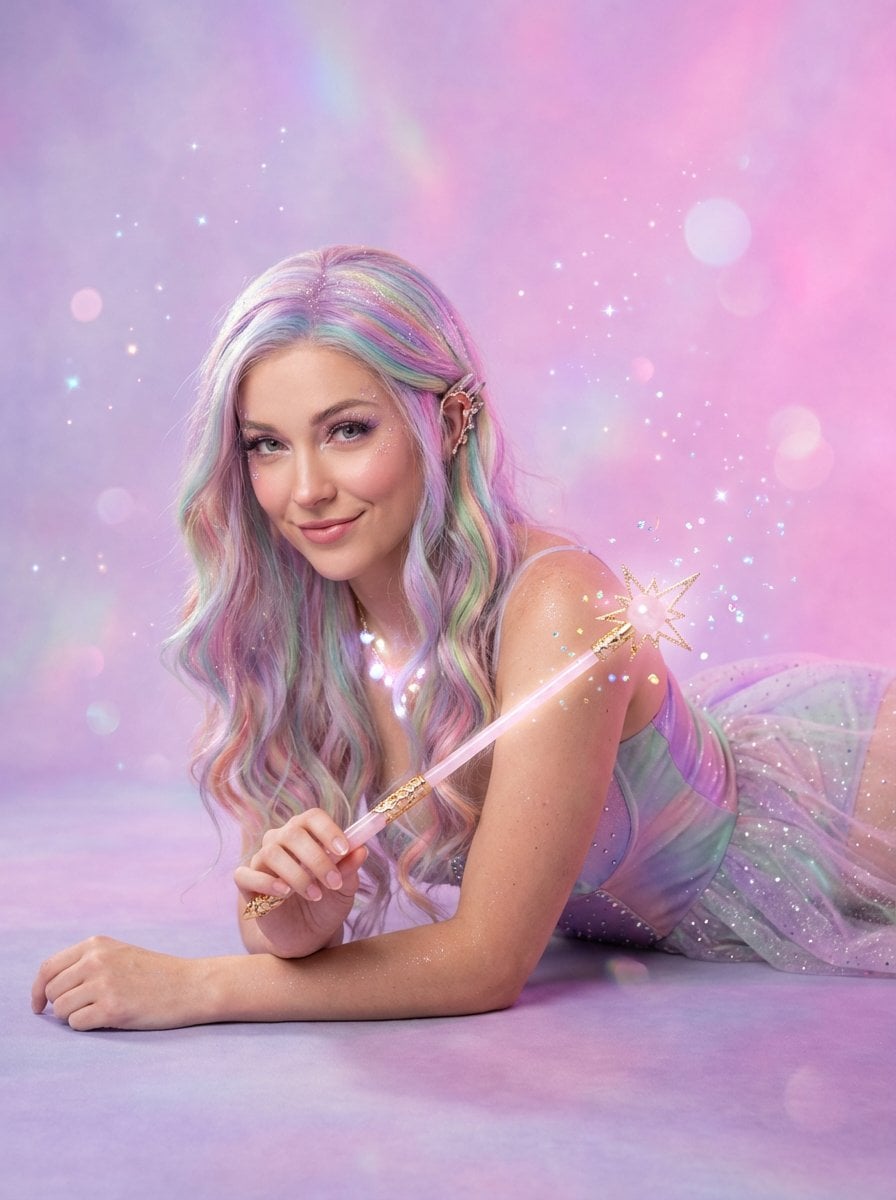
Ethereal Fairy Queen Product Shot
JSON Seedance - Fairy Macro Flight
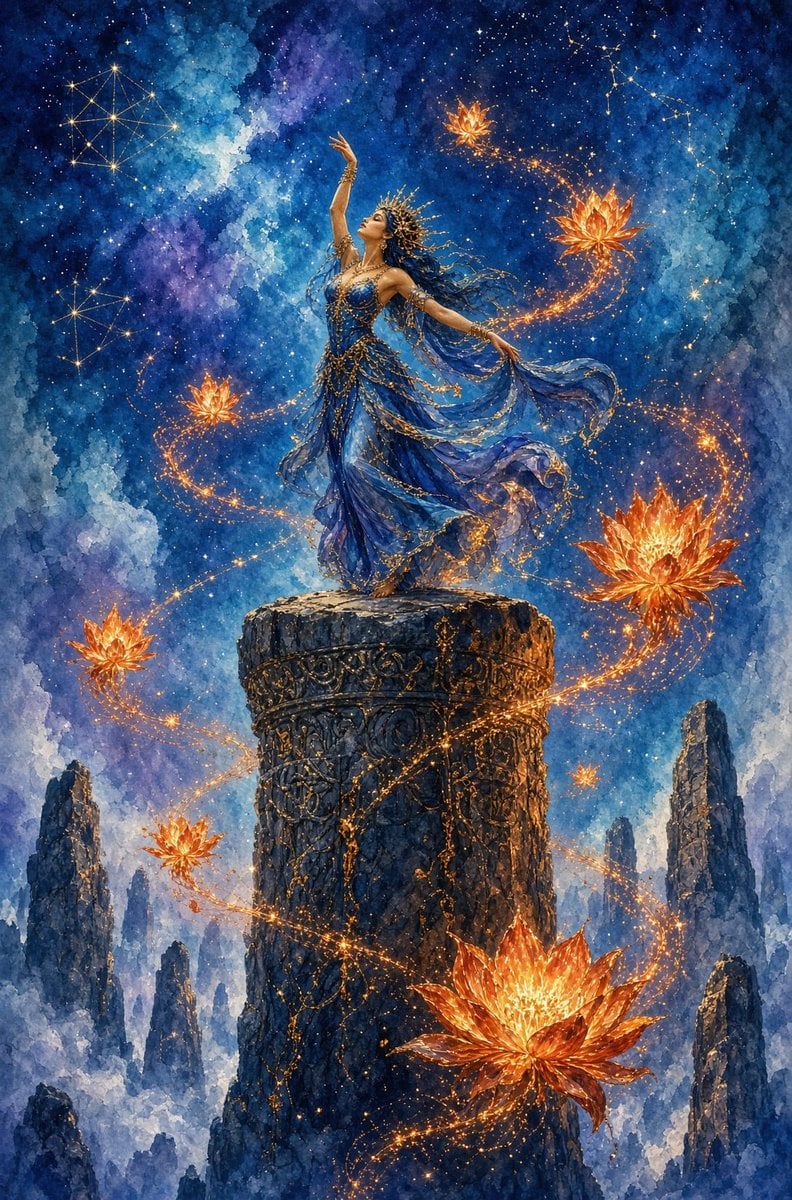
Celestial Goddess on Starry Pillar
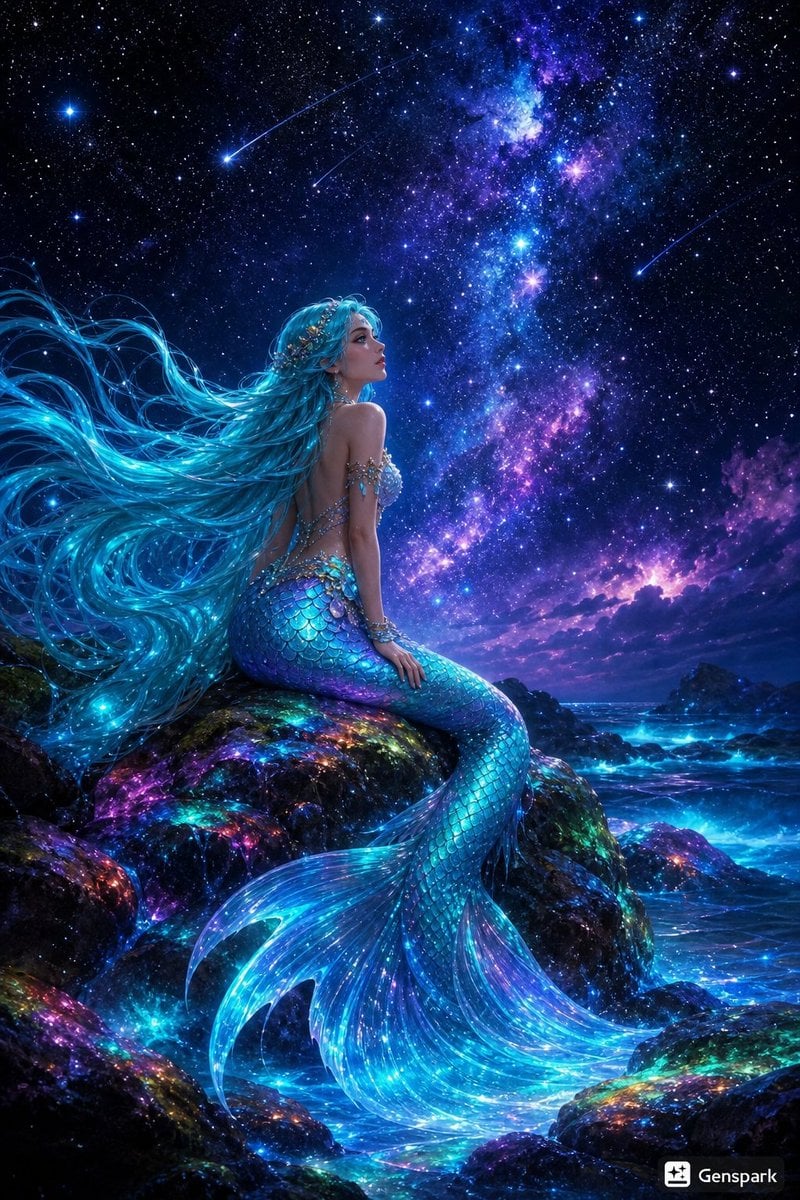
Starry Night Mermaid on Rainbow Reef
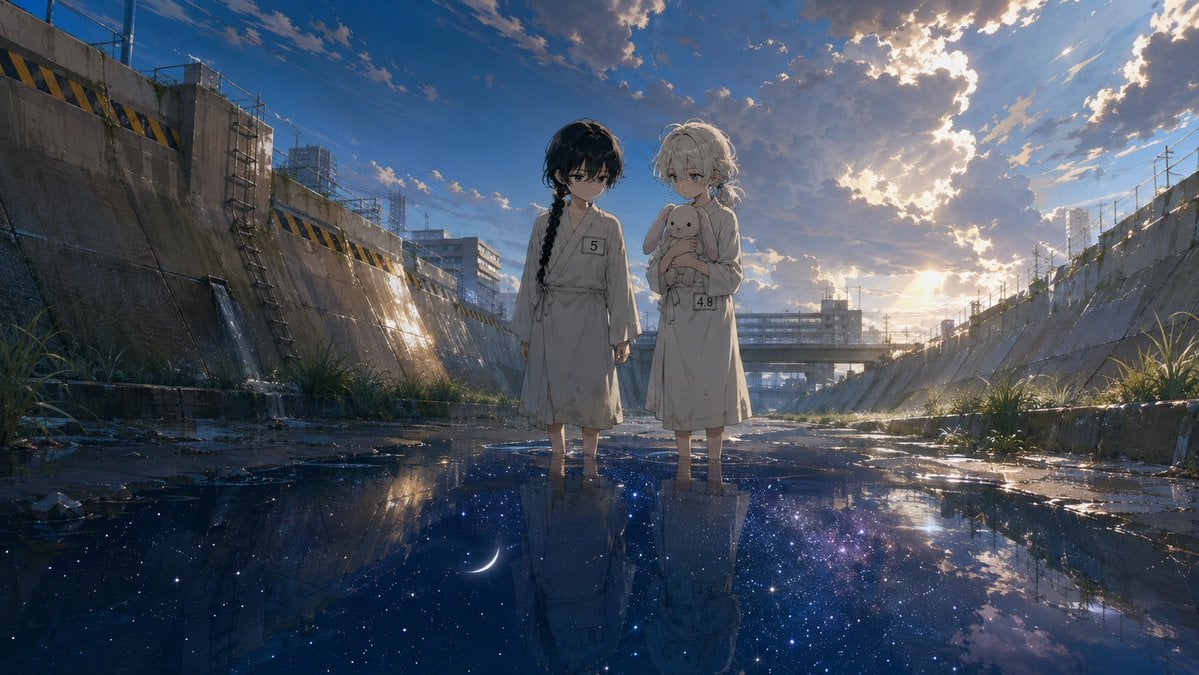
Anime Girls in Starry Flooded Canal
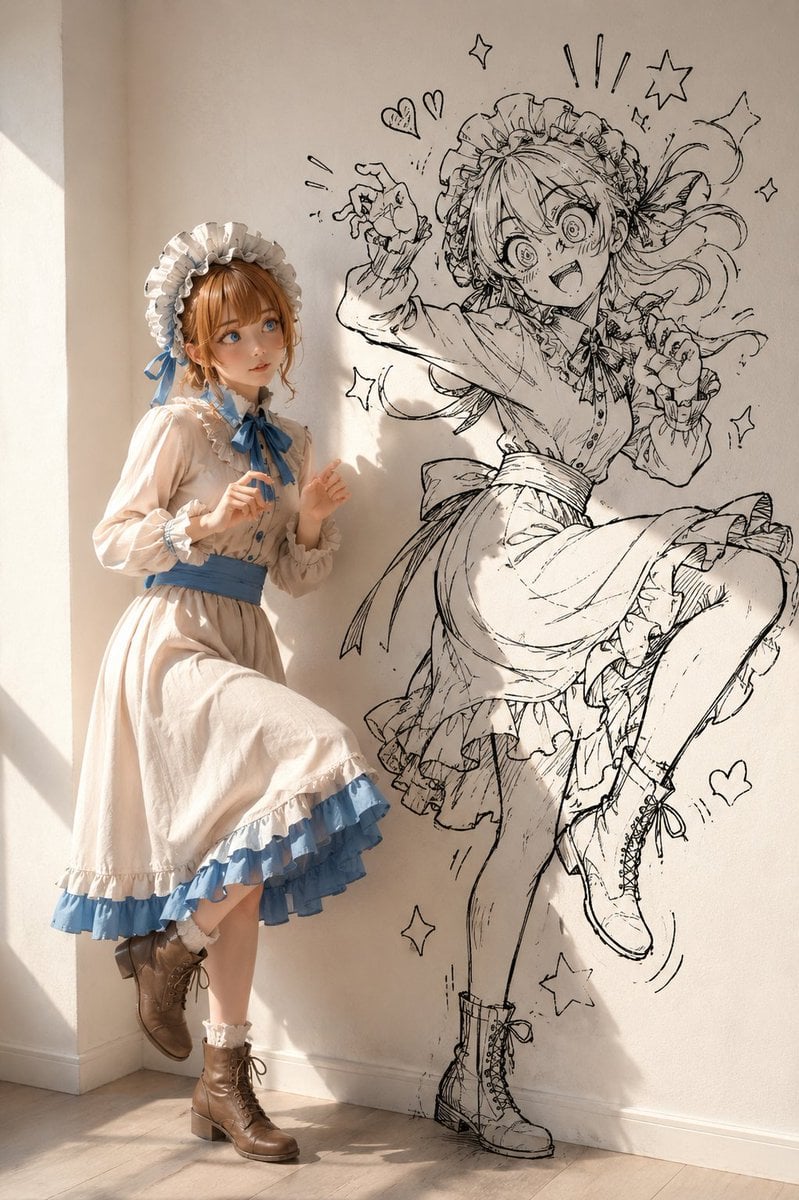
Starry Night Maiden
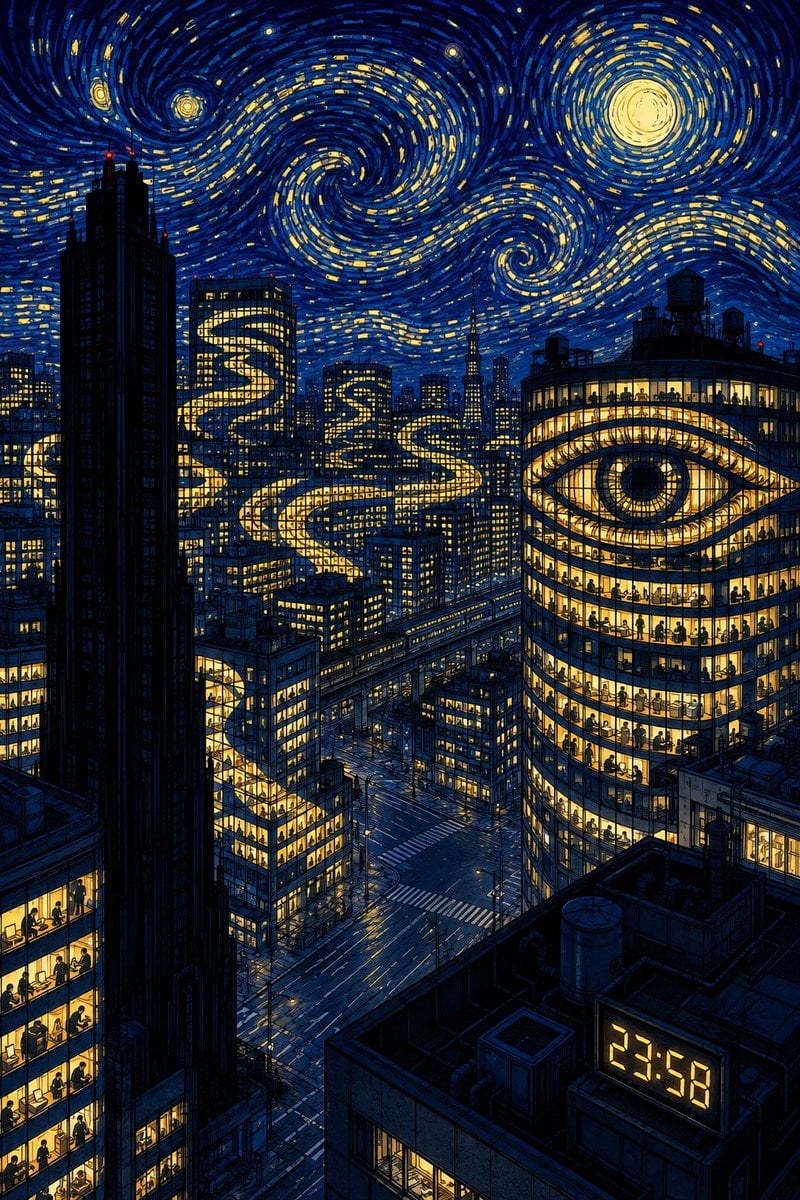
Starry Night Overtime City
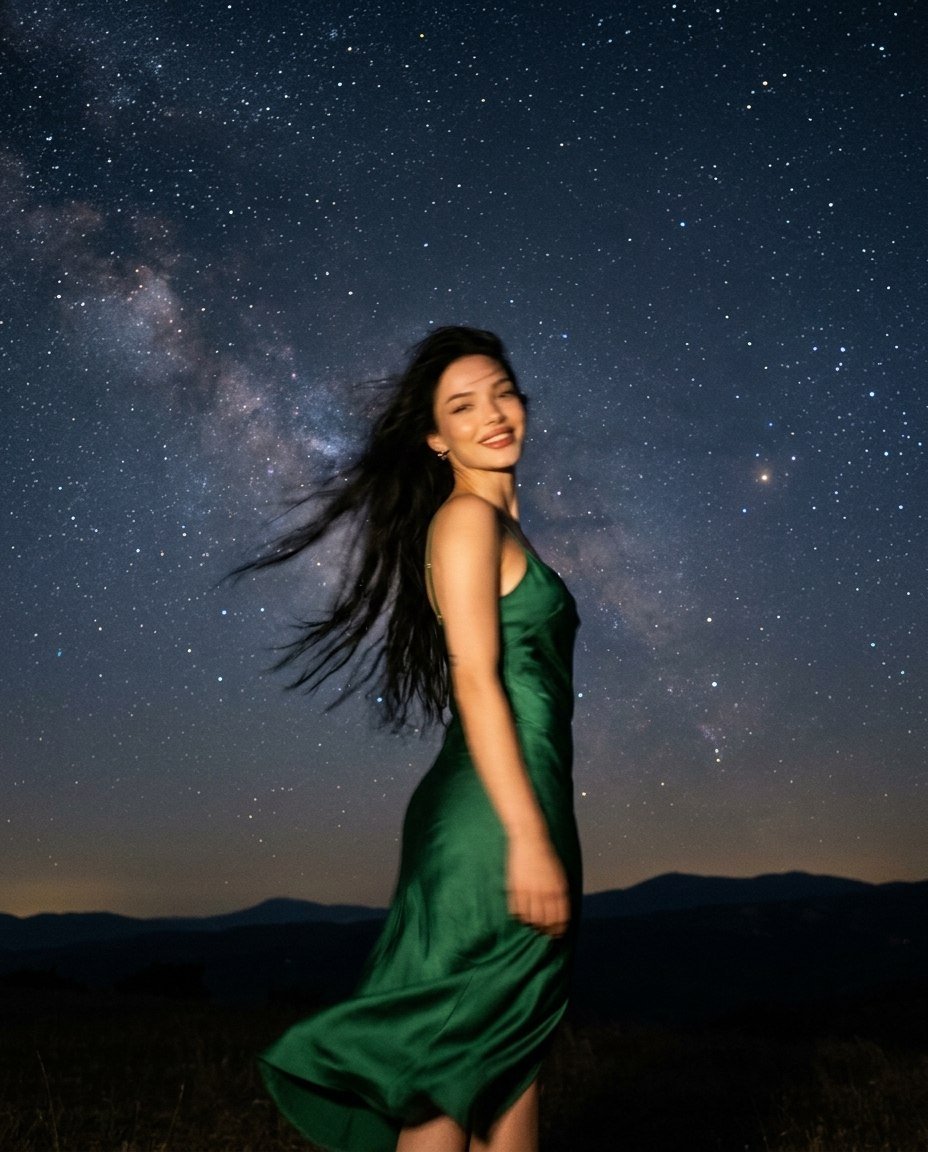
Starry Night Motion Blur Portrait
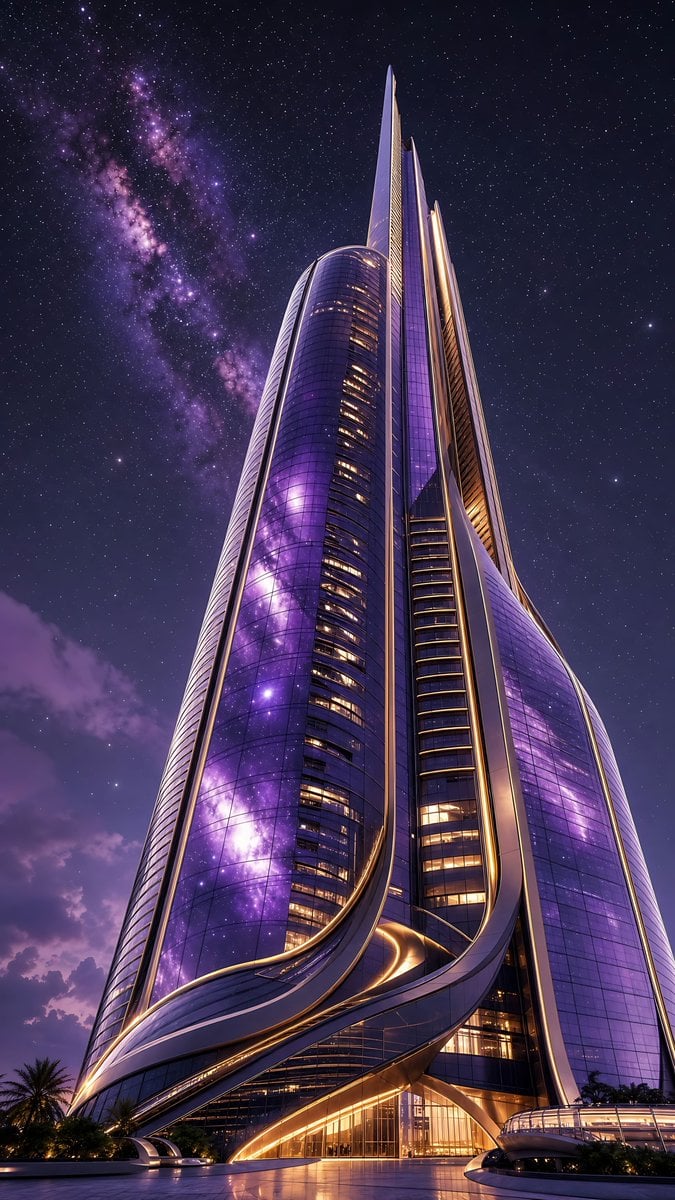
Futuristic Starry Skyscraper Wallpaper
Make it yours
3D CG Ethereal Starry Fairy works as-is. These are the safest ways to change it without losing the look.
Change one field
Copy a single group, rewrite it, and generate again so you can see what that field is doing.
Keep the frame, change the subject
Hold the composition and light of 3D CG Ethereal Starry Fairy, then swap wardrobe, props or the person for a new take.
| If the result… | Why | Fix |
|---|---|---|
| The result drifts from the preview | Too many fields changed at once. | Reuse 3D CG Ethereal Starry Fairy as-is first, then change one group — subject, light, or setting. |
| The model over-stylizes the scene | The prose prompt leaves finish and camera underspecified. | Add one camera or lighting sentence and stay on GPT Image 2. |
More GPT Image 2 templates
Other prompts made for GPT Image 2.

Six VTuber Japanese Logo Sheet

Realistic Portrait of Woman and Deer

The Vista Modular Condo Poster

AI Model Routing Comparison Infographic

2.5D Anime Art Board

Isometric Productivity Desk Scene

New York Double Exposure Poster

Four-Panel AI Landscape Comparison

Japanese Tatami Lifestyle Magazine Cover

NESCAFÉ Coffee Map Poster
More image prompts
Fresh picks from across the catalog.
Editorial Portrait on Scandinavian Interior Stairs
E-commerce Tech Infographic

Concert poster for Google Banana Band

Modern Christmas sale poster design (English)
Ultra-Detailed New Chinese Aesthetic Portrait Prompt (Zhao Lusi Style)
Cinematic Male Rider Portrait
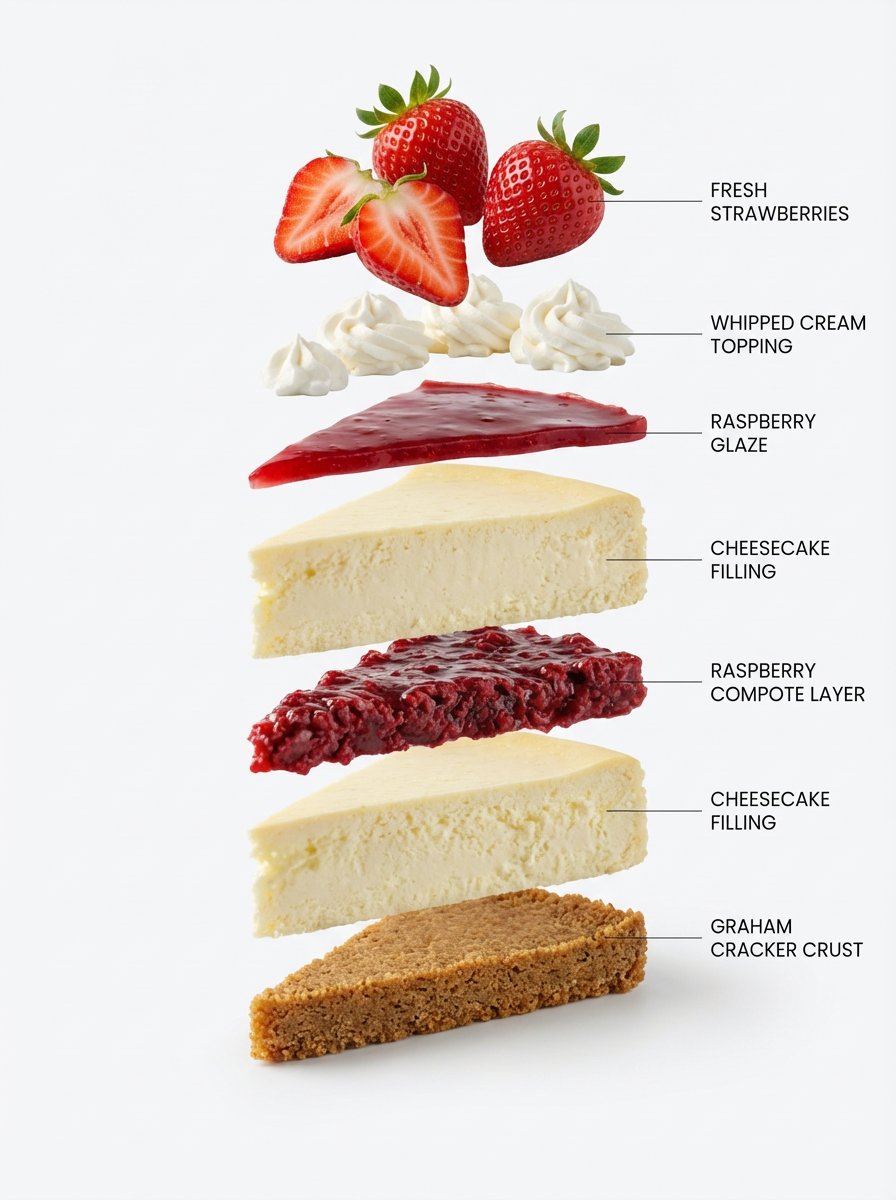
Exploded-View Structural Cutaway for Food Photography

Surreal Whimsical Scale Contrast Scene Prompt
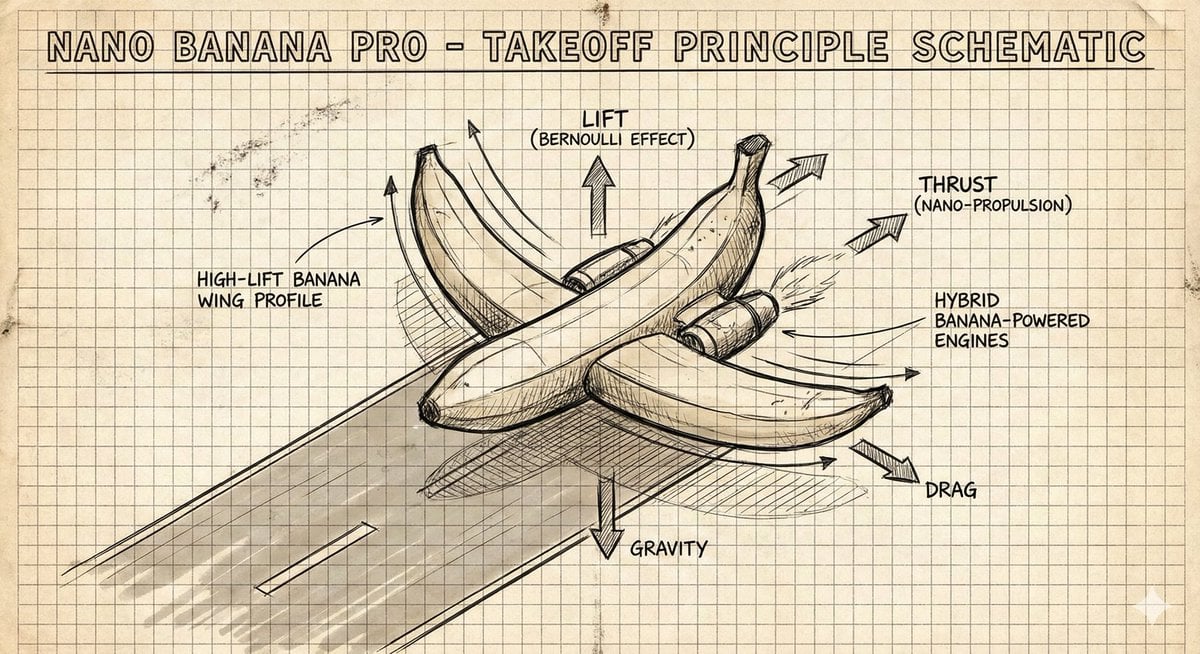
Hand-Drawn Isometric Schematic Diagram Prompt

Generate diagrams from programming explanations
Browse template categories
3D CG Ethereal Starry Fairy questions
How do I use the 3D CG Ethereal Starry Fairy template?
Add your photo if the template asks for one, edit the prompt if you like — the template's model and format are already selected — and press Generate. Your version opens in PicX Studio.
Can I customize the 3D CG Ethereal Starry Fairy template?
Yes. You can change the subject, setting, lighting, mood, format, and available model controls before creating your image.
Is the 3D CG Ethereal Starry Fairy template free?
Opening and editing this template is free. Generating uses credits, shown on the Generate button when you are signed in.
Which AI model should I use?
Start with GPT Image 2, which is the model associated with this template. You can compare another compatible model for a different finish.
Looking for something else? Browse all templates.

Your photo, any look
Thousands of ready templates for every top image and video model, from one credit balance.