
Starry Night Motion Blur Portrait
A complex cinematic prompt designed to simulate long-exposure astrophotography combined with intentional motion blur, creating a dynamic portrait under the Milky Way.
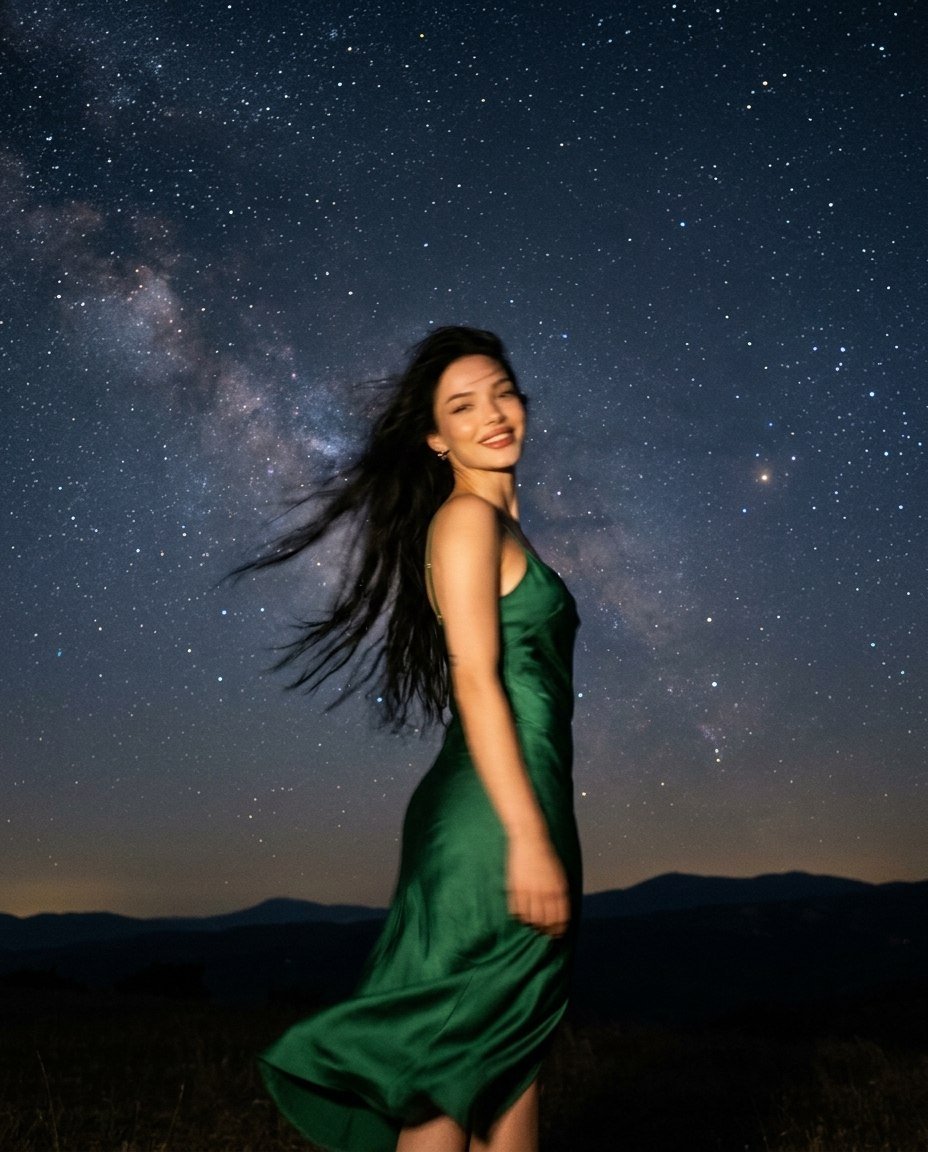
- Prompt included
- Model and format preset
- Free template
The prompt behind this image
Copy the exact prompt behind Starry Night Motion Blur Portrait, or open it in the studio and make it yours.
Preserve the face from the source photo: features, proportions, natural asymmetry, hair colour, skin tone. Face is softened by strong motion blur and out-of-focus blur at the same time, but the silhouette and features match the source. Ignore everything else from the source photo: background, clothing, pose, angle, lighting, composition. Night in a remote location far from city lights. The sky fills most of the frame — a dense scatter of stars, the glowing band of the Milky Way clearly visible running diagonally across the sky, a faint haze of nebulae. A dark horizon below, distant hill silhouettes barely visible. She stands facing the camera. The moment: a sudden gust of wind hits her — her body sways slightly, her head turns, the motion not yet settled. Her face is blurry for two combined reasons: the camera missed focus on her (out-of-focus blur) AND she moved during the shot (motion blur from the sudden gust). Both effects stack together — her face is soft, unfocused, and streaked in the direction of the movement. Facial contours double, features softened and generalized, no single point sharp. Still, the head silhouette and overall expression are guessable, the face stays recognizable by general shape, the features remain correct and attractive. Hair flew apart into long powerful blurred trails from the wind. Her face is lit by a soft warm light from below and in front — like a flashlight or small ground-level source — this light picks her out of the darkness, while the sky behind her stays completely dark and starry, not overexposed. Expression: a warm live smile, lips parted, corners raised — readable through the blur. Not a serious face. Clothing: {argument name="outfit" default="a long flowing slip dress in deep emerald silk"}, thin straps, the hem catching the wind and blurred by the motion, the dark fabric dissolving into the night. Hair: braided into a loose low braid over one shoulder, loose strands flying from the wind. Skin: the warm underlight creates soft upward shadows, detailed texture where untouched by the blur. Colour grading: {argument name="color aesthetic" default="Fujifilm Pacific Blues"} aesthetic — deep saturated blue tones in the sky and Milky Way, a warm contrasting accent from the underlight. Long-exposure astrophotography: stars sharp and detailed, light grain, cinematic quality, vertical composition. --ar 4:5 --raw
How to use Starry Night Motion Blur Portrait in 3 steps
- 1Upload ImagePNG, JPG or paste
Add your photo
Upload the photo the template builds on. The prompt, model and format are already set.
- 2…a portrait of your subject in softgolden-hour light, 85mm…
Personalize
Edit the subject and creative details for your destination.
- 3Generate
Generate
Press Generate — your image is created in PicX Studio, so you can compare it with the original and refine one variable at a time.
More like this
Templates with the same subject, style or setup. Open one to see its prompt.

Underwater Macro Face Portrait

Noir Punk Street Portrait

High Contrast Cinematic Face Portrait

Monochrome Studio Portrait with Colored Lens

Ultra-Realistic Yacht Sunset Portrait
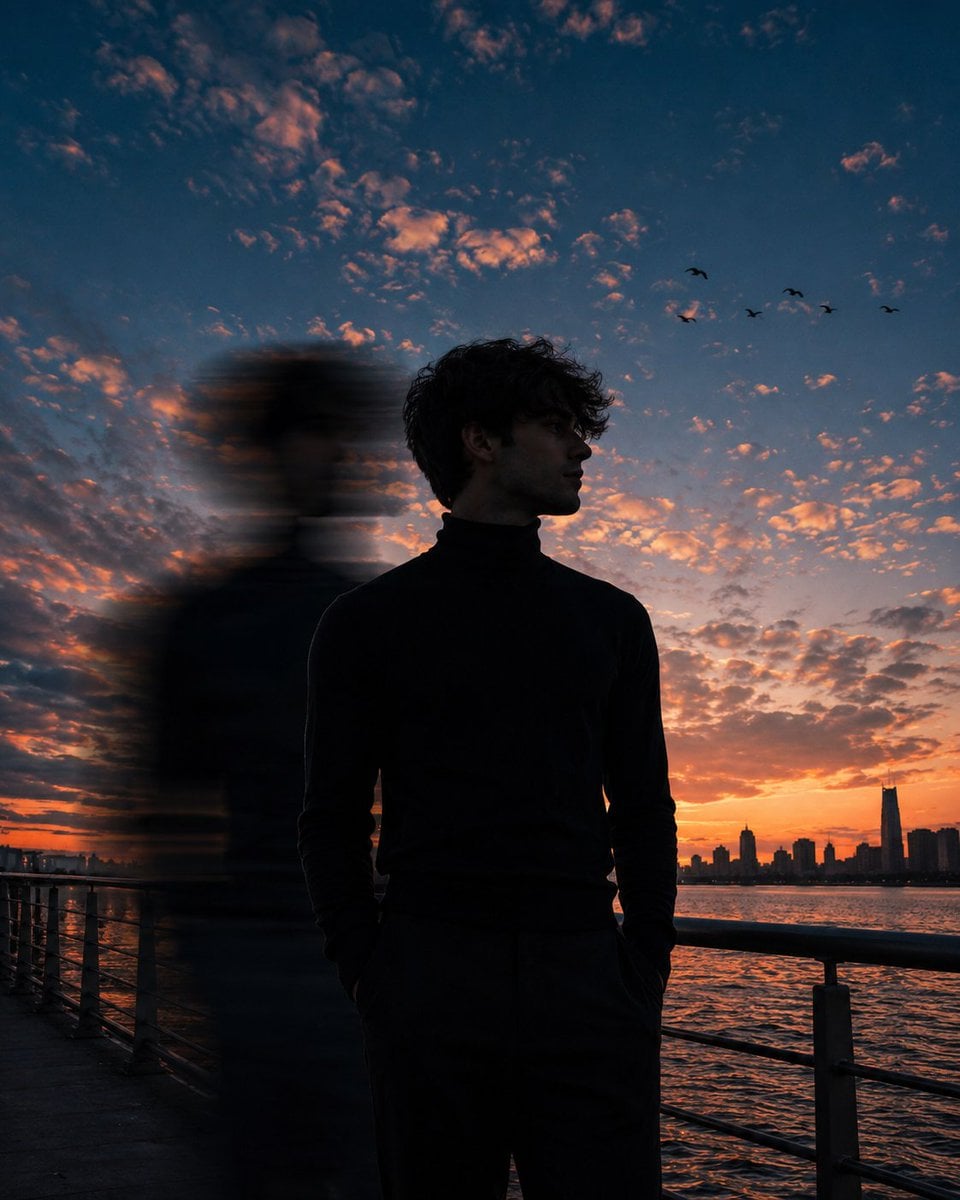
Motion Blur Sunset Portrait
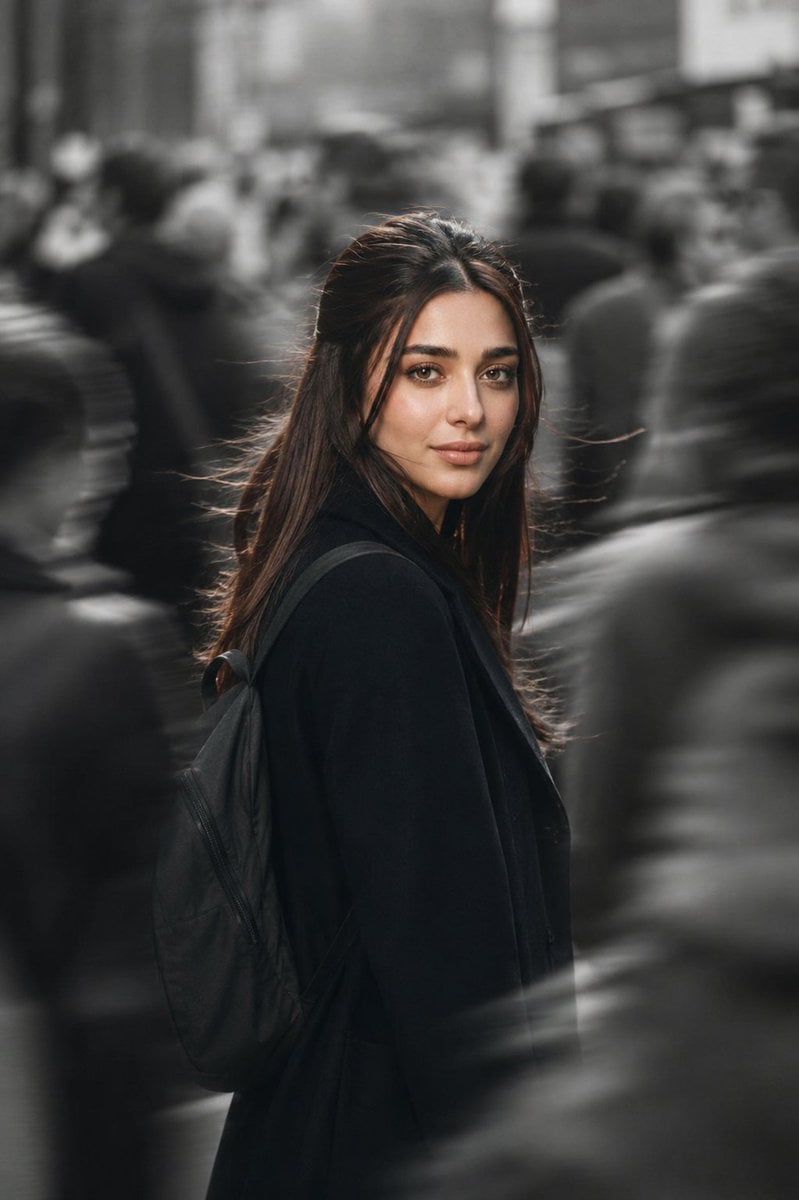
Cinematic City Motion Blur Portrait
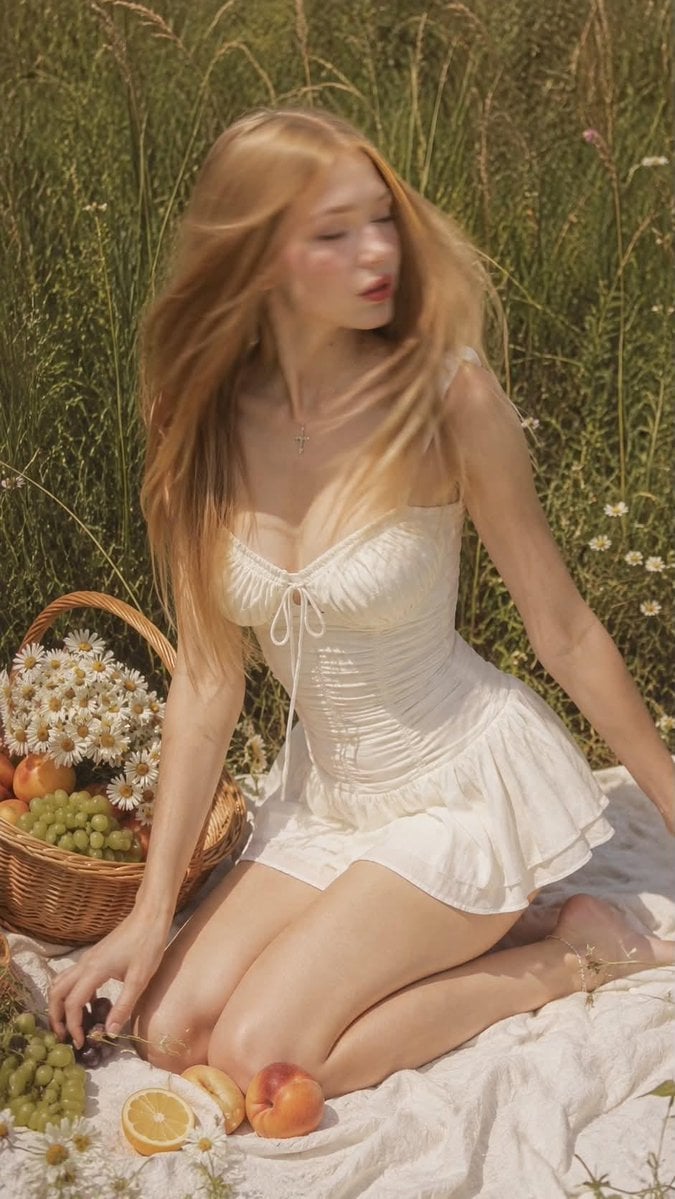
Ultra Realistic Motion Blur Portrait
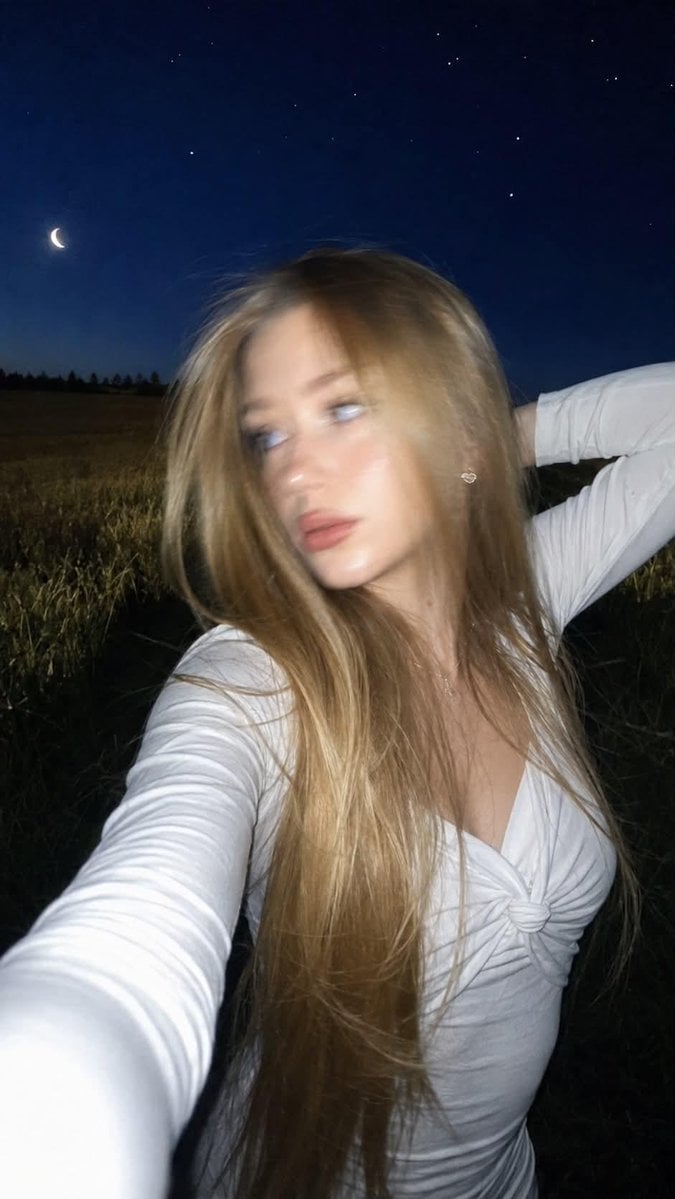
Night Flash iPhone Selfie with Motion Blur
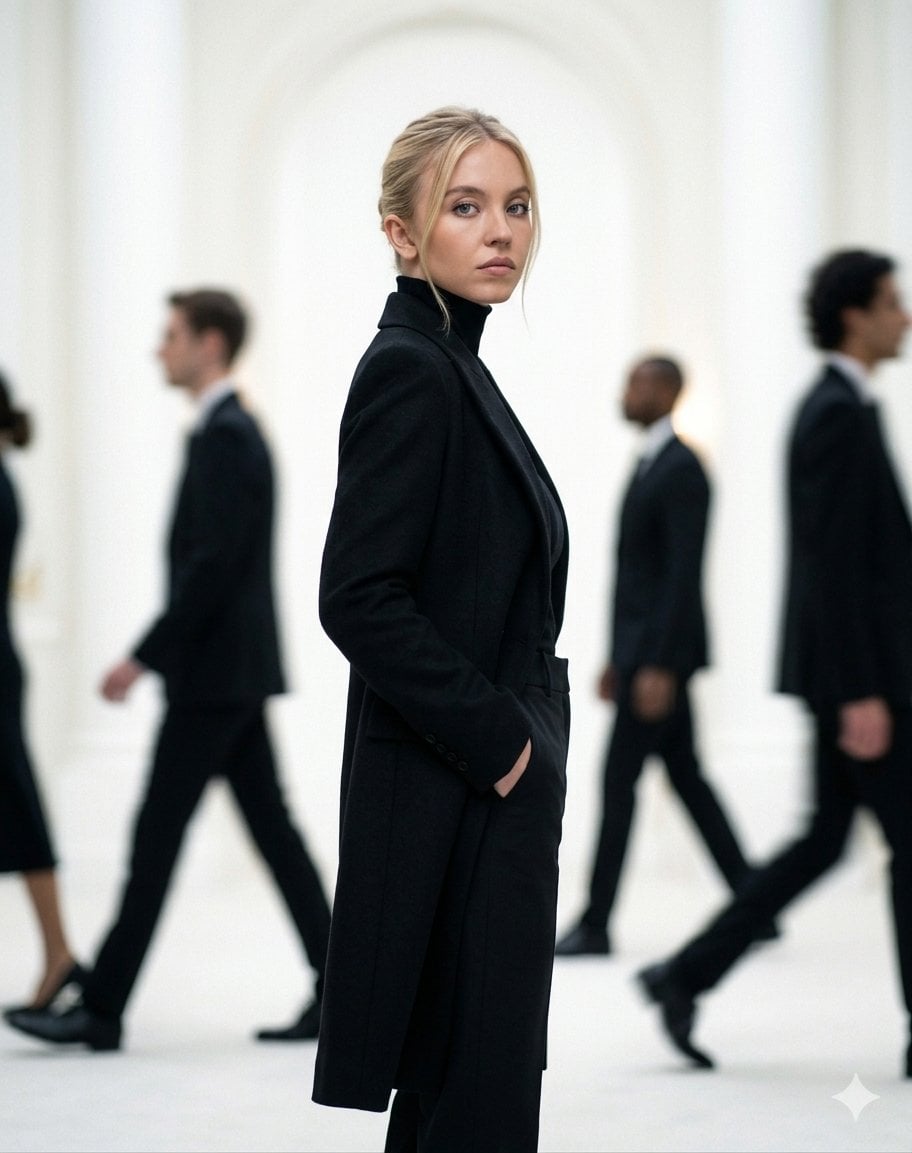
Cinematic Motion Blur Fashion Portrait
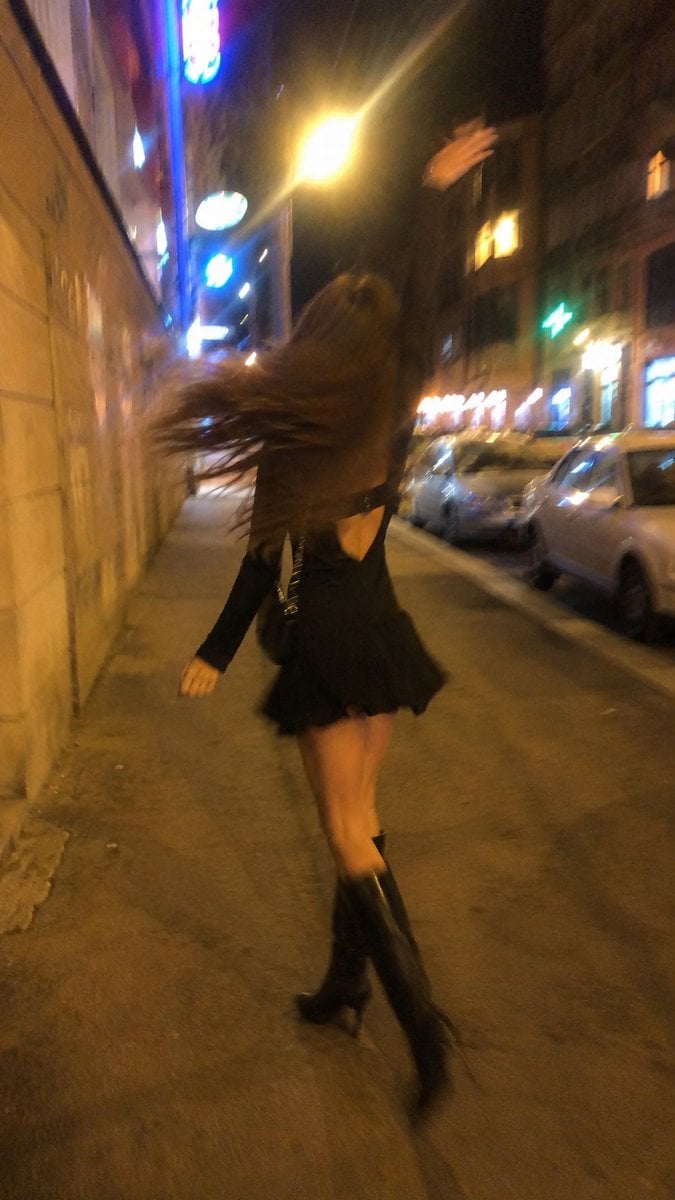
Smartphone Night Motion Blur Photo
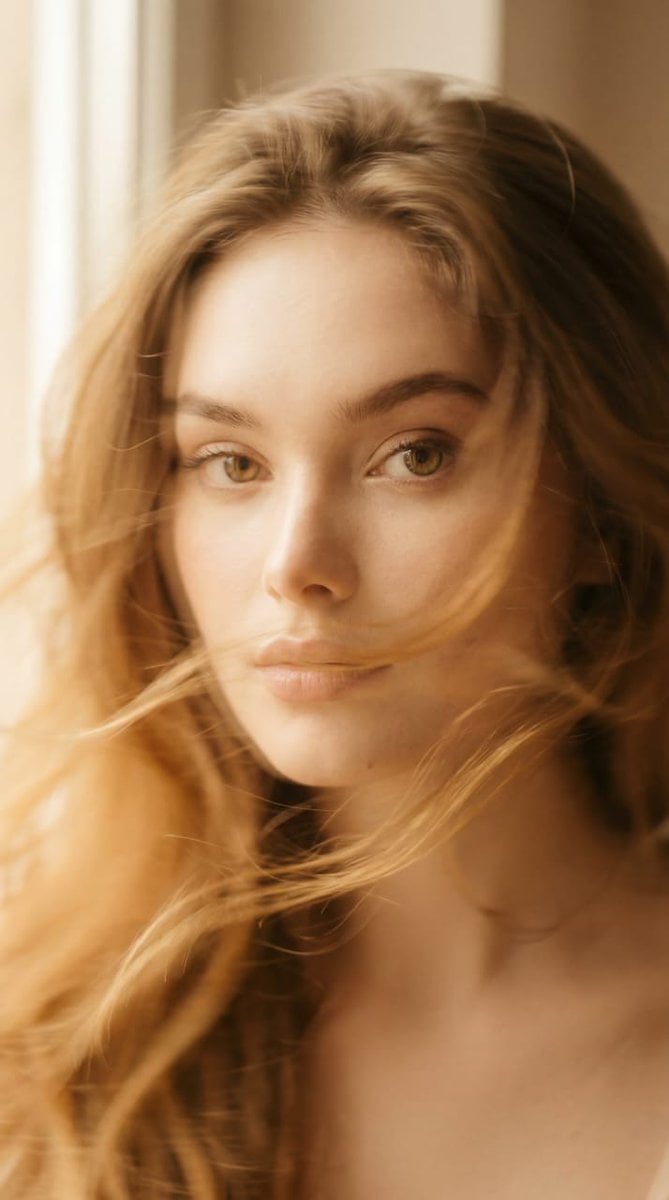
Ethereal Motion Blur Portrait
Make it yours
Starry Night Motion Blur Portrait works as-is. These are the safest ways to change it without losing the look.
Change one field
Copy a single group, rewrite it, and generate again so you can see what that field is doing.
Keep the frame, change the subject
Hold the composition and light of Starry Night Motion Blur Portrait, then swap wardrobe, props or the person for a new take.
| If the result… | Why | Fix |
|---|---|---|
| The result drifts from the preview | Too many fields changed at once. | Reuse Starry Night Motion Blur Portrait as-is first, then change one group — subject, light, or setting. |
| The model over-stylizes the scene | The prose prompt leaves finish and camera underspecified. | Add one camera or lighting sentence and stay on Gemini 3 Pro Image Preview. |
More Gemini 3 Pro Image Preview templates
Other prompts made for Gemini 3 Pro Image Preview.

Creative Character in Pink Office

Avant-Garde Asian Fashion Model

Water-level Bridge Modification

Mushroom Still Life Composition

Whimsical Anthropomorphic Friendly Insect

Cinematic Urban Night Billboard Portrait

Pop Art Summer Fruit Fashion Illustration

Ultra-Realistic iPhone Selfie with Motion Blur

Cinematic Mirror Reflection Portrait

Elegant Men's Twilight Editorial
More image prompts
Fresh picks from across the catalog.
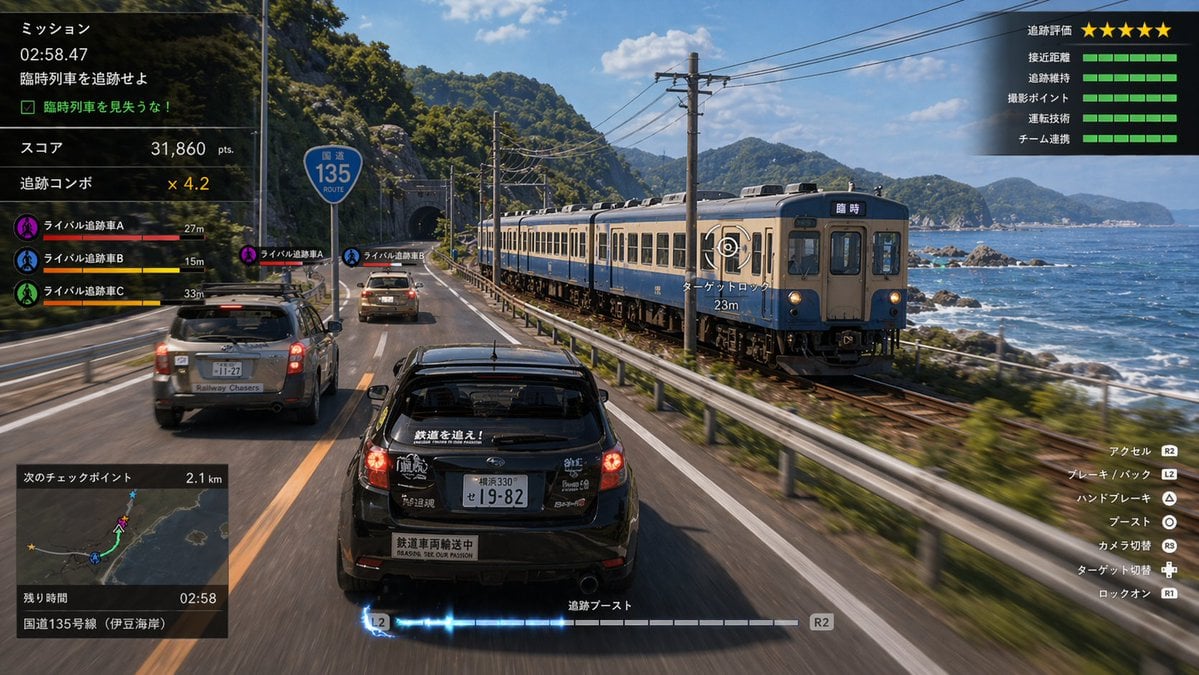
Train Photography Game Simulation
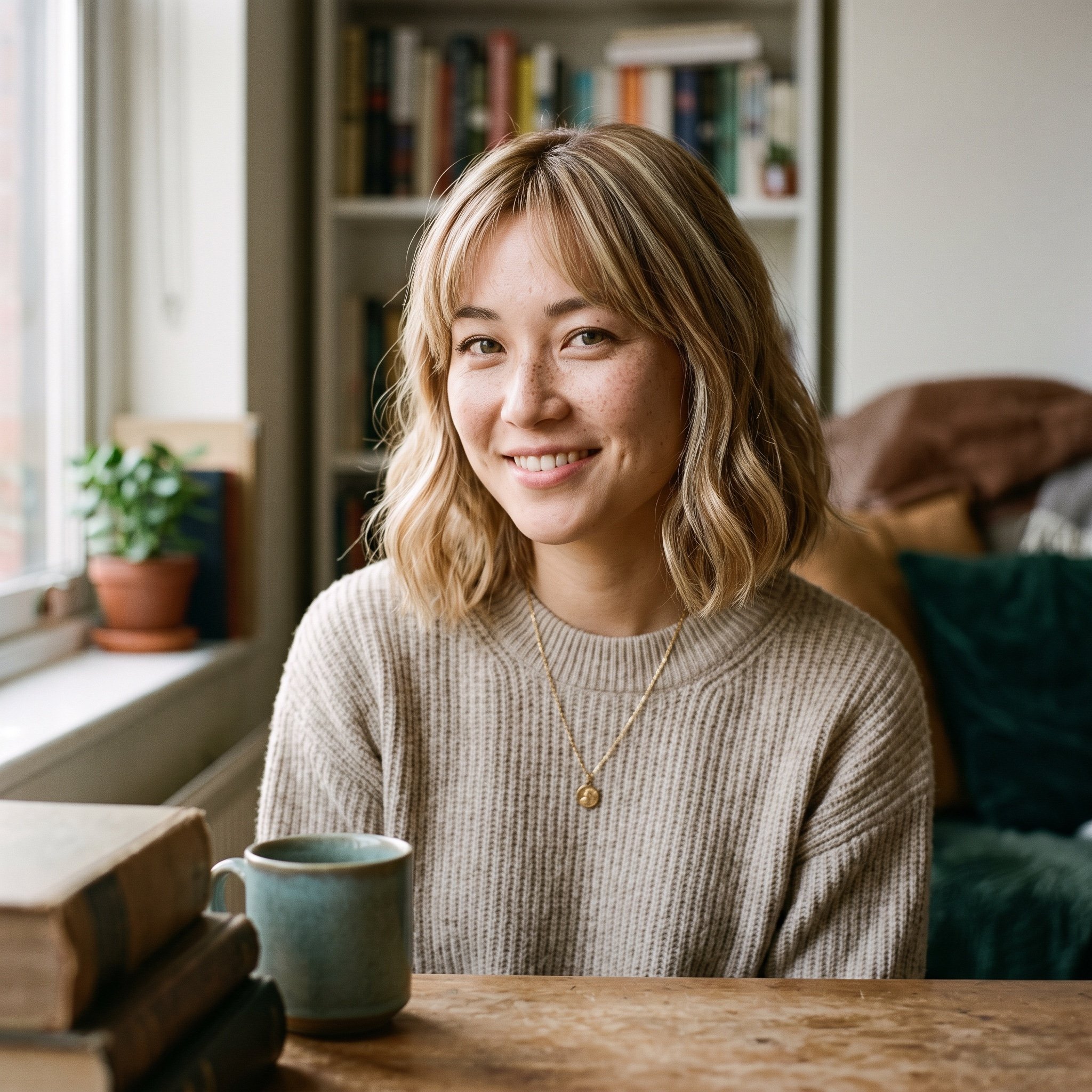
Natural Blonde Woman Portrait Prompts
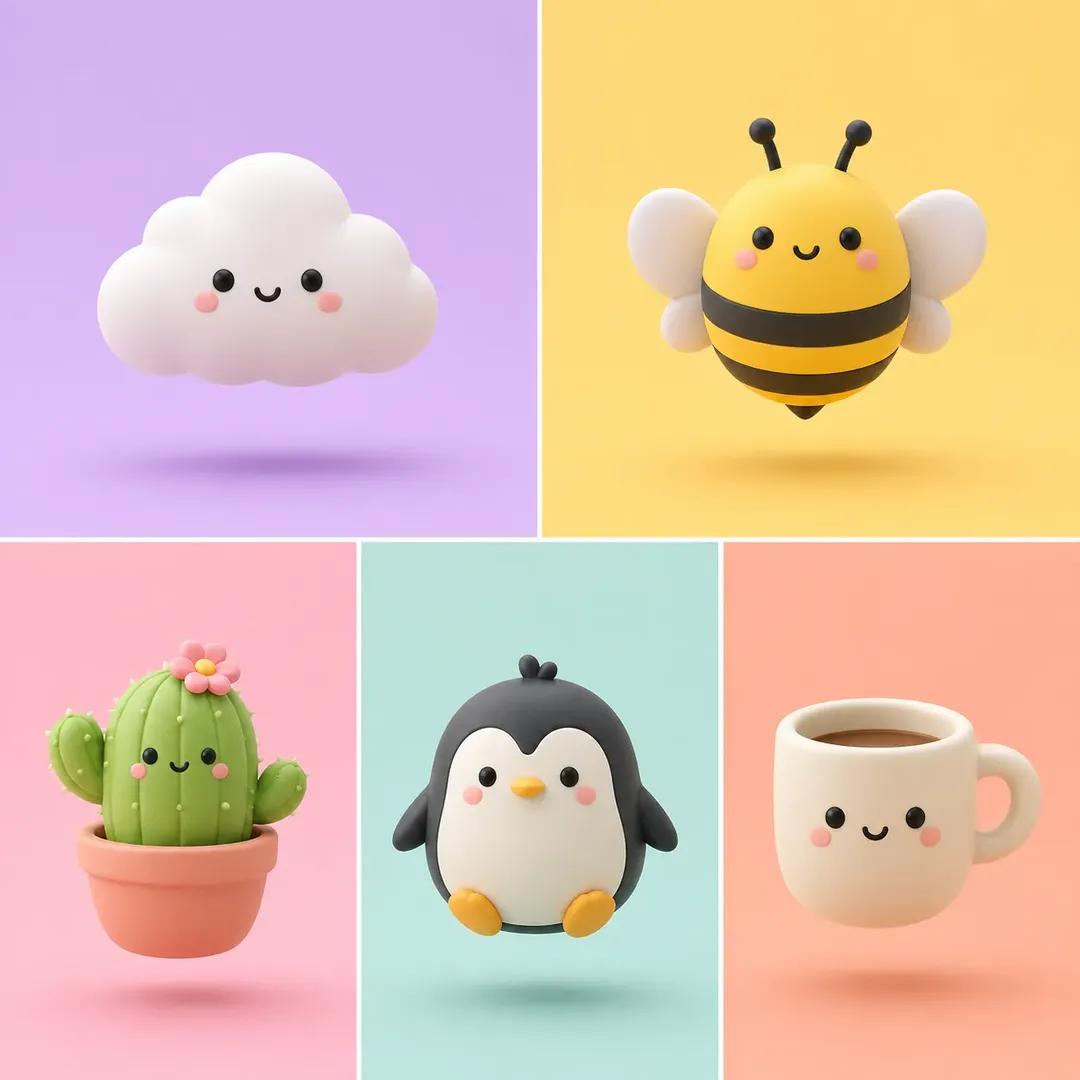
Minimalist 3D Clay Render
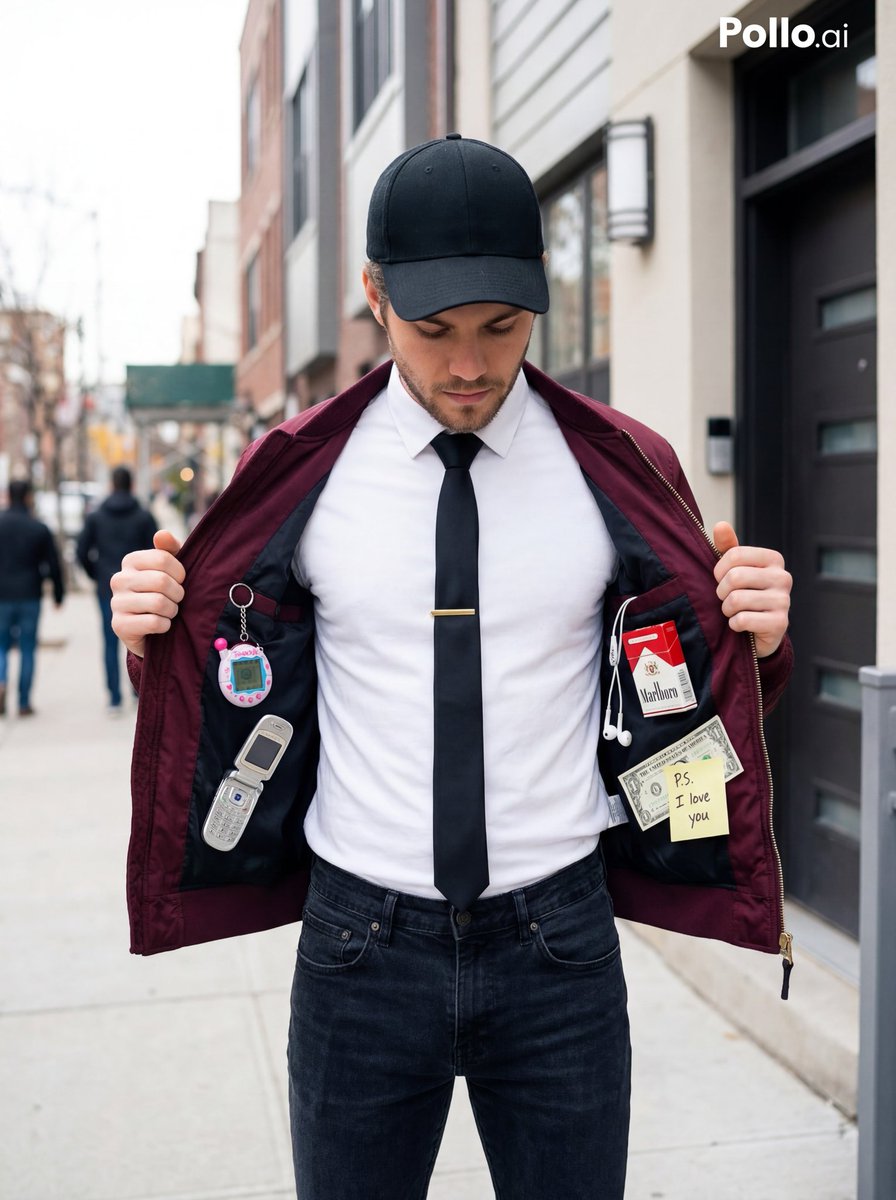
Street Fashion Editorial with 90s Nostalgia Items
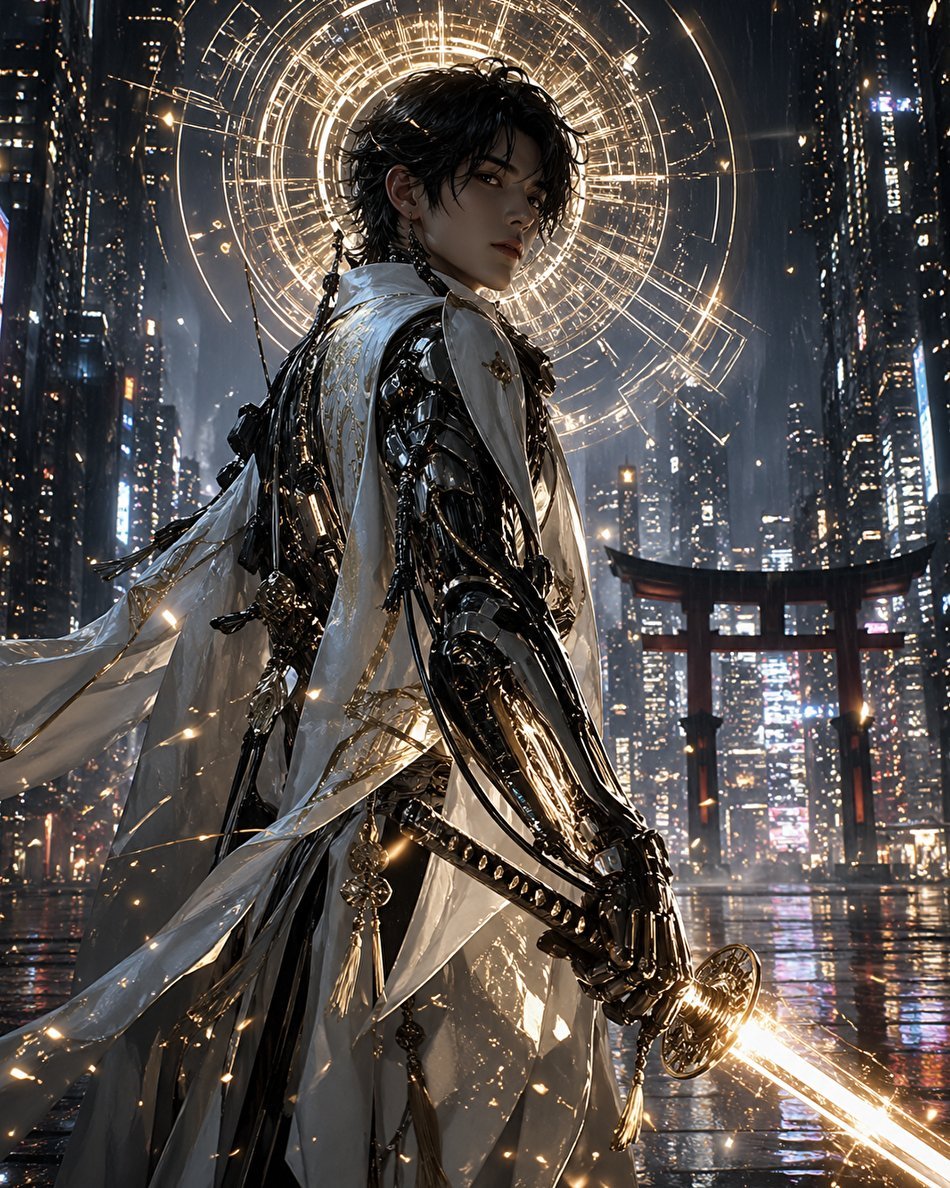
Cyberpunk Izanagi Divine Warrior
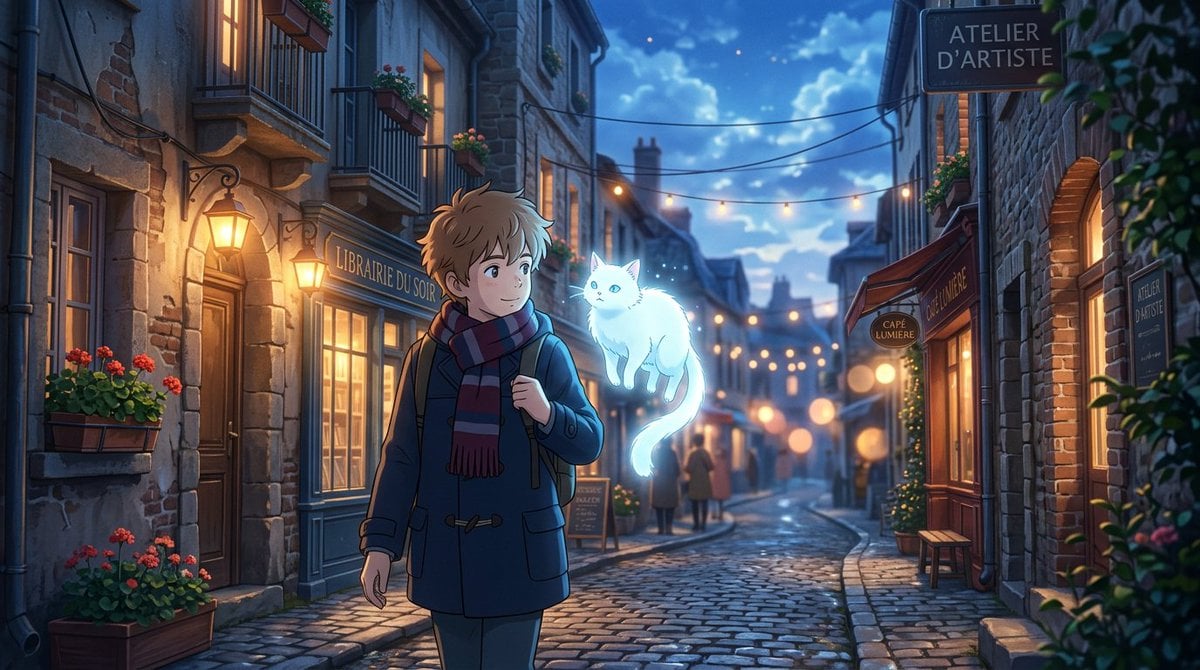
Makoto Shinkai Inspired Anime Cinematic Scene
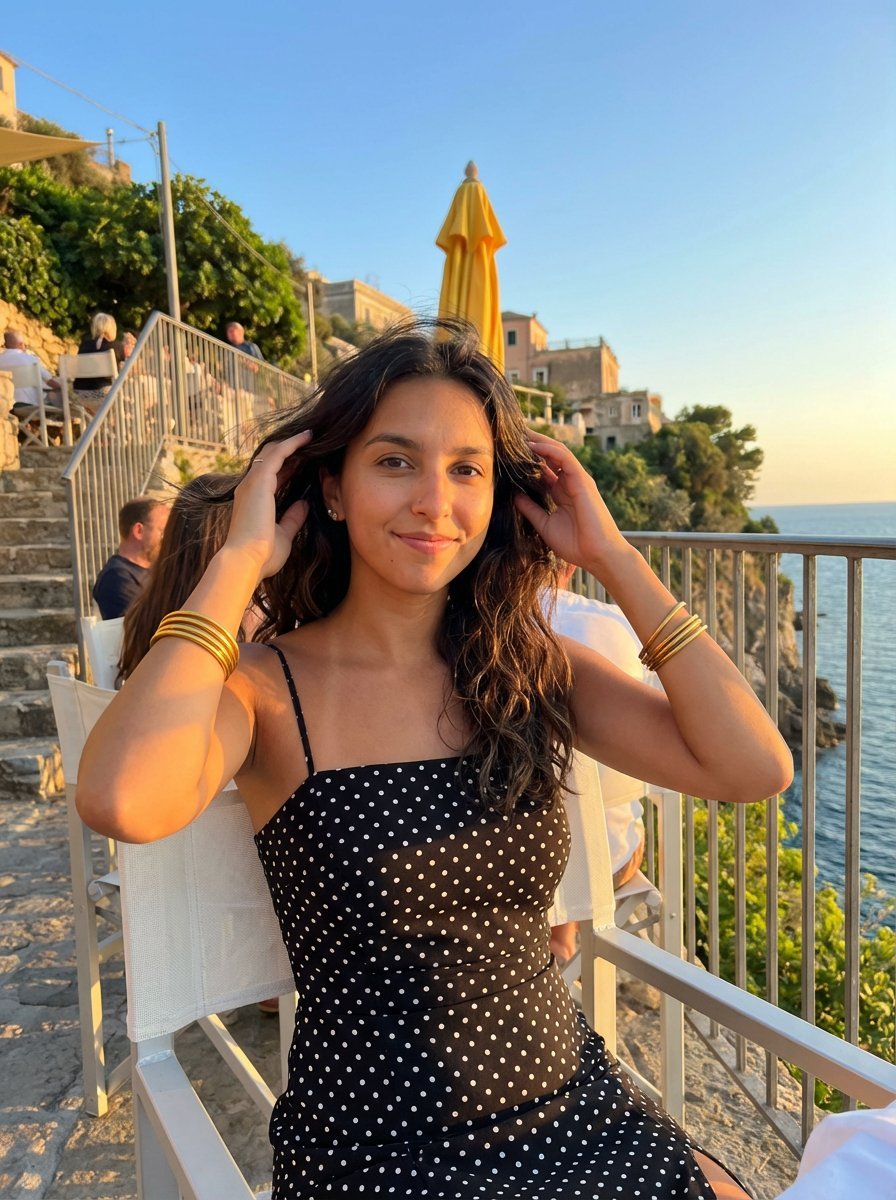
Golden Hour Coastal Lifestyle Photograph
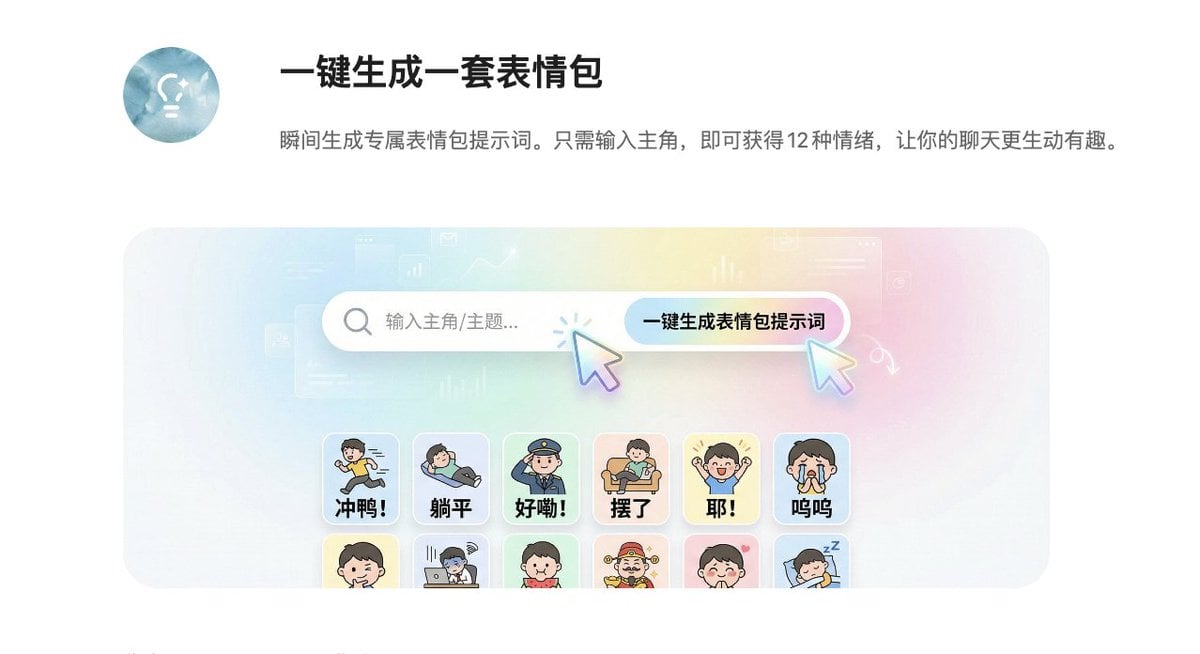
Panel Sticker/Emoji Grid Generation Prompt
Minimalist Fashion Portrait with Sculptural Bodice
Analog clock and Saudi kabsa meal still life
Browse template categories
Starry Night Motion Blur Portrait questions
How do I use the Starry Night Motion Blur Portrait template?
Add your photo if the template asks for one, edit the prompt if you like — the template's model and format are already selected — and press Generate. Your version opens in PicX Studio.
Can I customize the Starry Night Motion Blur Portrait template?
Yes. You can change the subject, setting, lighting, mood, format, and available model controls before creating your image.
Is the Starry Night Motion Blur Portrait template free?
Opening and editing this template is free. Generating uses credits, shown on the Generate button when you are signed in.
Which AI model should I use?
Start with Gemini 3 Pro Image Preview, which is the model associated with this template. You can compare another compatible model for a different finish.
Looking for something else? Browse all templates.

Your photo, any look
Thousands of ready templates for every top image and video model, from one credit balance.