
Panel Sticker/Emoji Grid Generation Prompt
A structured prompt for generating a set of 12 emoji/sticker images in a 4:3 vertical format, where each panel depicts a different emotion or action (e.g., working hard, lying flat, working overtime) with corresponding…
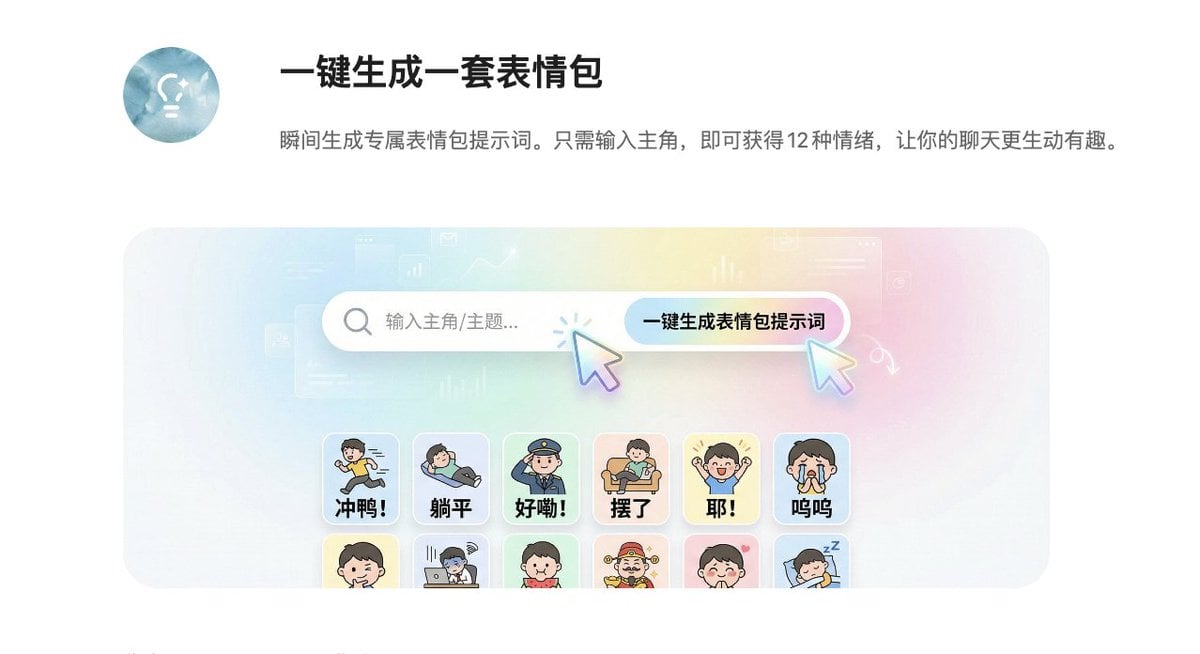
- Prompt included
- Model and format preset
- Premium template
The prompt behind this image
Copy the exact prompt behind Panel Sticker/Emoji Grid Generation Prompt, or open it in the studio and make it yours.
基于提示词生成 4 张图,风格和原图保持一致,每张图 12 个格子,每个格子的提示词如下,图片比例:竖版 4:3: 1 充满干劲 冲鸭! {argument name="subject" default="主角"}奔跑冲刺姿势,四肢张开有力,身后有速度线,表情坚定,画面上方大字"冲鸭!" 2 彻底躺平 躺平 {argument name="subject" default="主角"}四脚朝天躺着,眼睛画成横线,灵魂飘出身体,表情放空,画面上方大字"躺平" 3 收到确认 好嘞! {argument name="subject" default="主角"}立正敬礼动作,表情认真严肃,身体挺直,画面上方大字"好嘞!" 4 偷懒摸鱼 摆了 {argument name="subject" default="主角"}瘫在沙发上,手里拿着零食,眼神放空,姿势慵懒,画面上方大字"摆了" 5 超级开心 耶! {argument name="subject" default="主角"}双手握拳高举庆祝,嘴巴大张笑,周围有星星闪光,画面上方大字"耶!" 6 委屈可怜 呜呜 {argument name="subject" default="主角"}眼睛含泪水汪汪,嘴巴撇着,耳朵耷拉,表情委屈,画面上方大字"呜呜" 7 得意坏笑 嘿嘿 {argument name="subject" default="主角"}侧身歪头,眯眼坏笑,双手搓在一起,神态狡黠,画面上方大字"嘿嘿" 8 打工疲惫 加班 {argument name="subject" default="主角"}趴在电脑前,眼袋明显,旁边放着咖啡杯,表情疲惫,画面上方大字"加班" 9 吃瓜围观 吃瓜 {argument name="subject" default="主角"}双手抱着西瓜啃,眼睛睁大好奇盯着前方,画面上方大字"吃瓜" 10 一夜暴富 暴富! {argument name="subject" default="主角"}戴墨镜和金链子,周围飘着钞票和金元宝,表情得意,画面上方大字"暴富!" 11 害羞脸红 嘻嘻 {argument name="subject" default="主角"}双手捂脸但指缝偷看,脸颊有腮红,表情害羞,画面上方大字"嘻嘻" 12 晚安睡觉 睡了 {argument name="subject" default="主角"}蜷缩成一团盖着小被子,闭眼安睡,旁边有"zzz"符号,画面上方大字"睡了"
How to use Panel Sticker/Emoji Grid Generation Prompt in 3 steps
- 1
Open
The prompt is already in the box next to the preview, with the template's model and format selected.
- 2…a portrait of your subject in softgolden-hour light, 85mm…
Personalize
Edit the subject and creative details for your destination.
- 3Generate
Generate
Press Generate — your image is created in PicX Studio, so you can compare it with the original and refine one variable at a time.
More like this
Templates with the same subject, style or setup. Open one to see its prompt.

Pixar 6-Panel Streethero Expression Grid

Headphones Lifestyle Nine Panel Grid
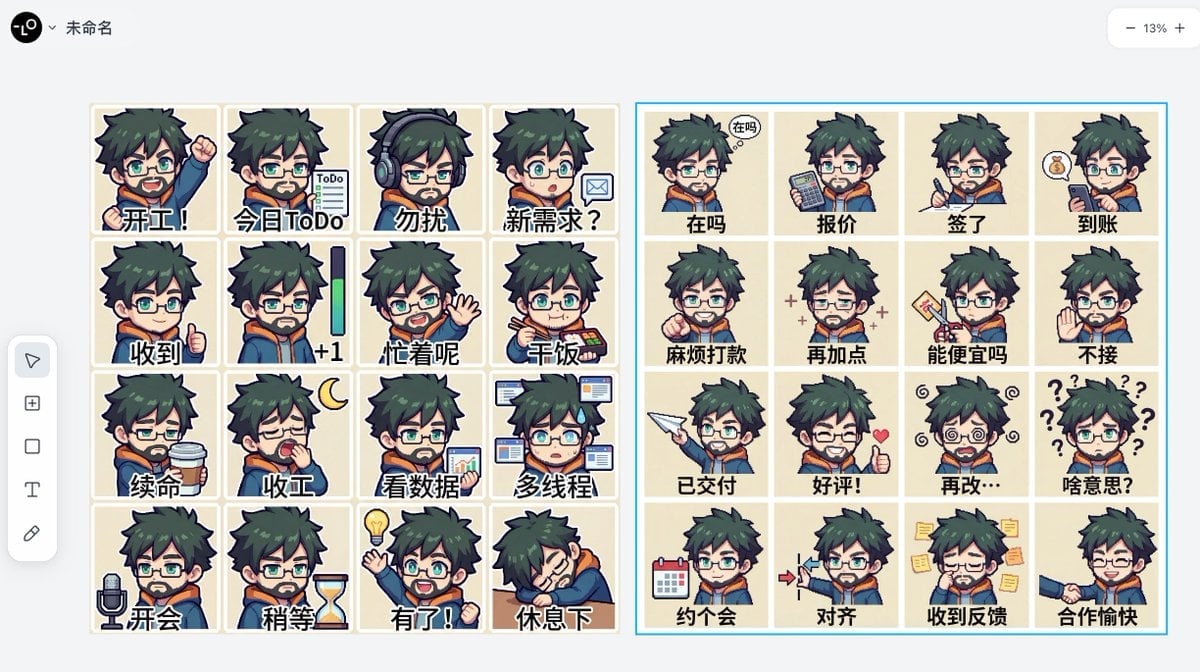
Panel Emoji Pack Generation Prompt
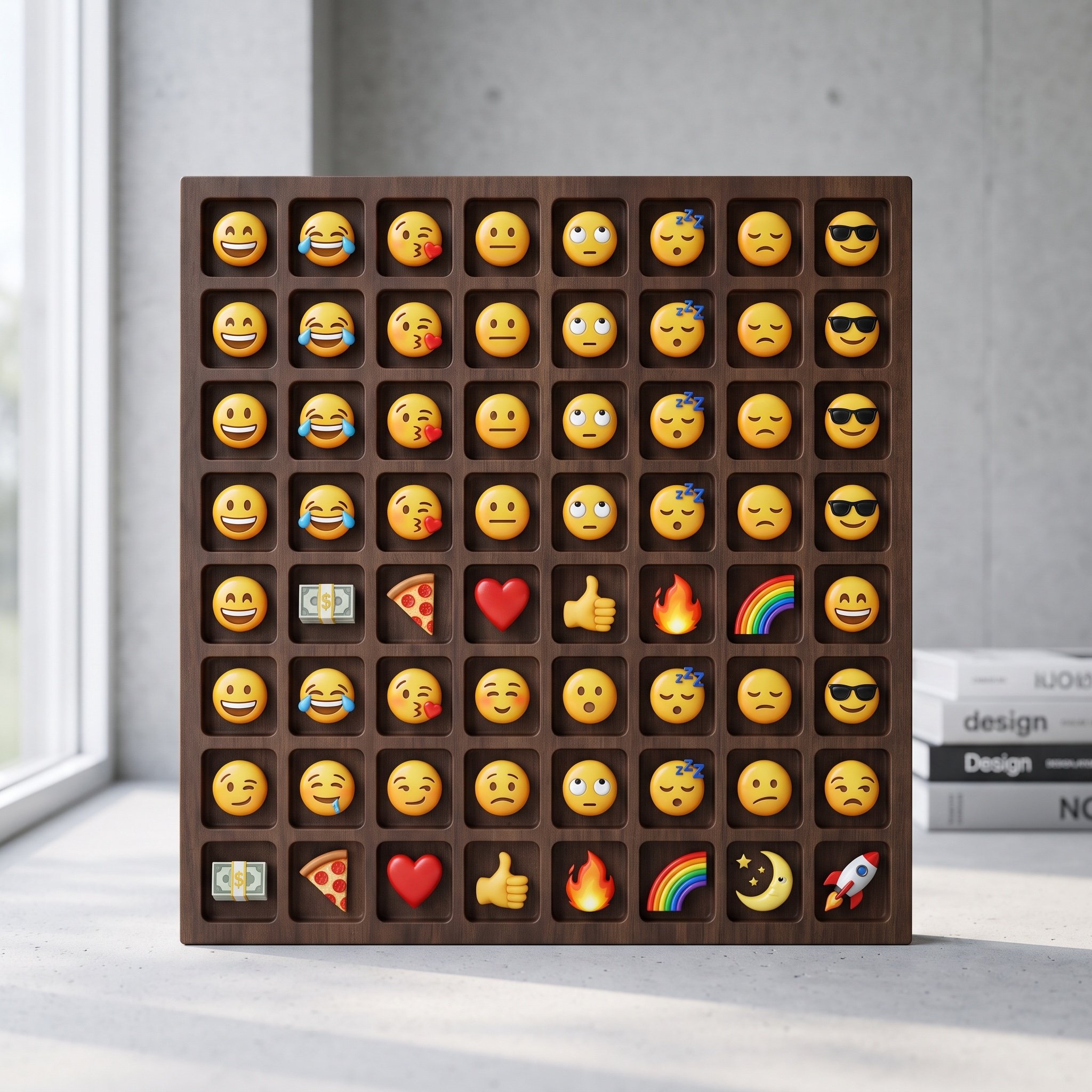
Logo-Based Emoji Grid Generation
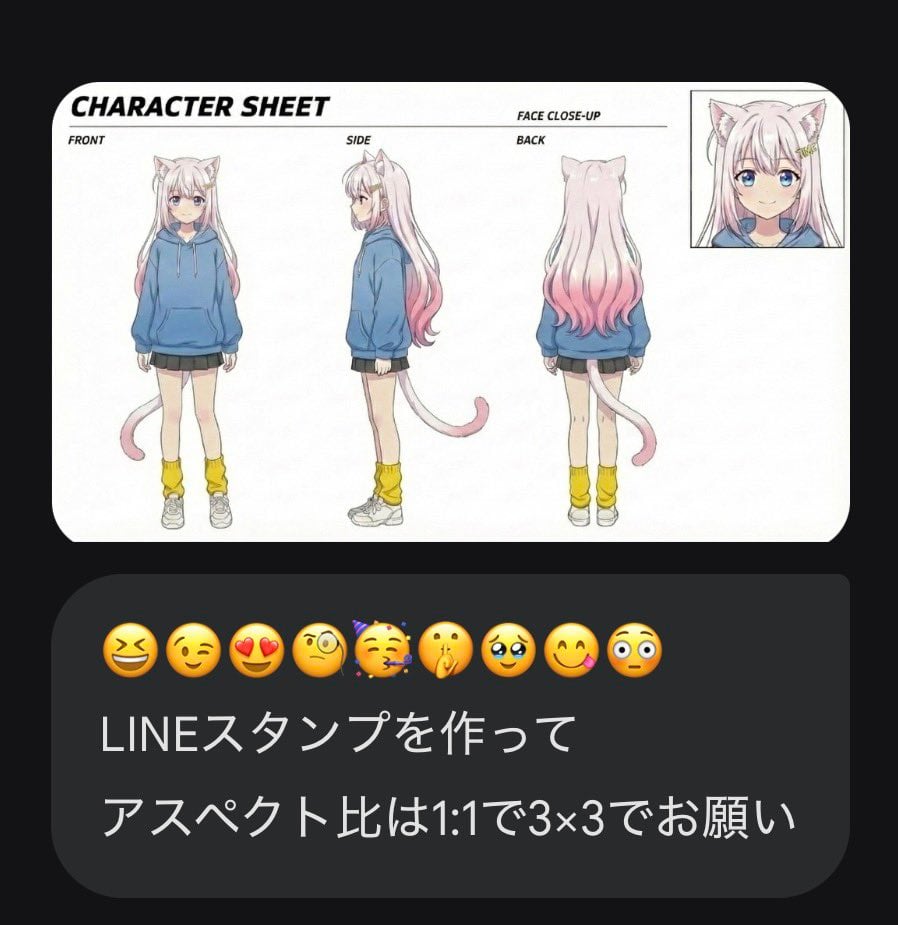
LINE Sticker Generation Prompt with Emojis
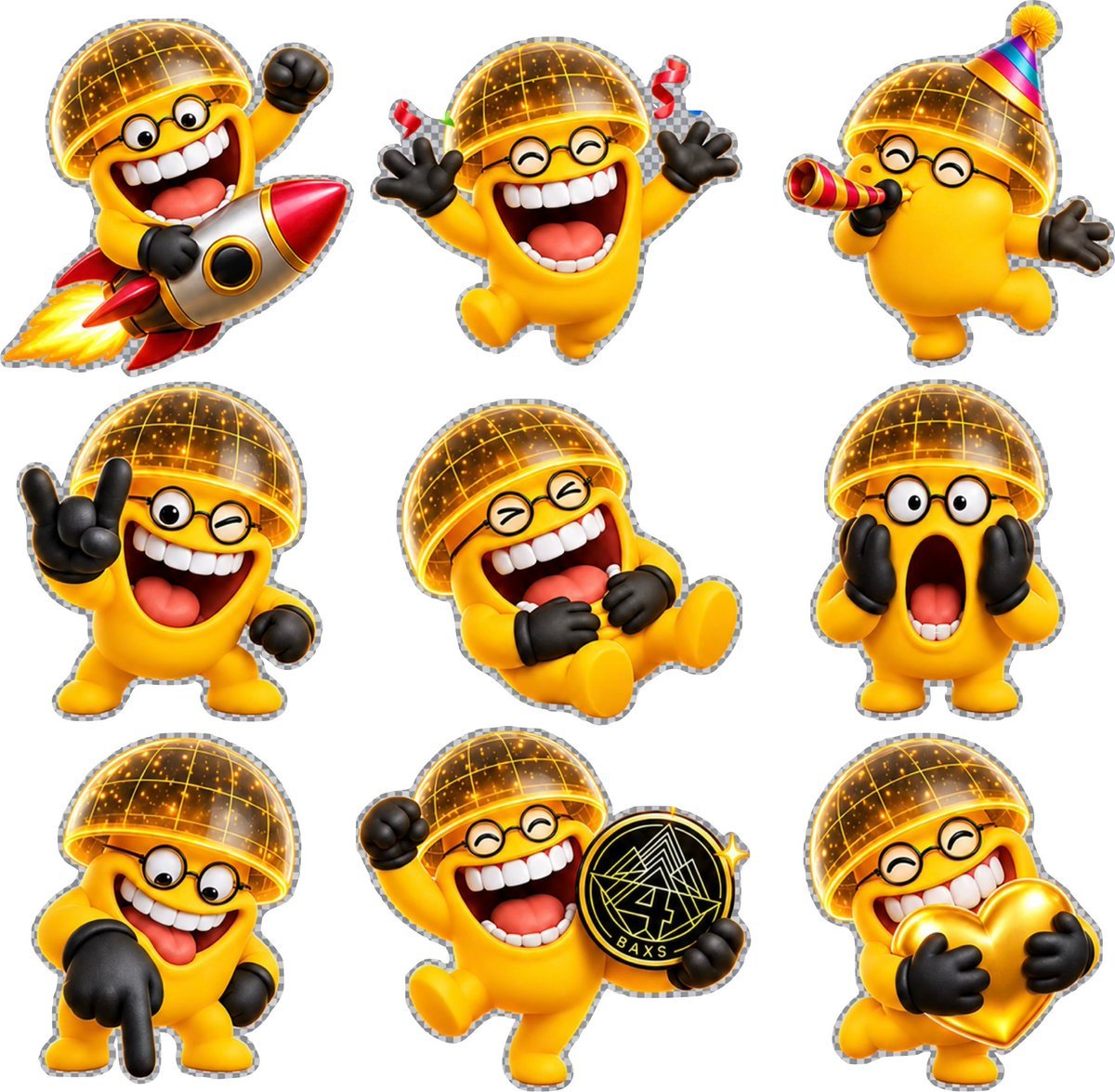
3D Emoji Sticker Sheet

Anime Girl Generation Grid

Korean Luxury Fashion Editorial 2x2 Grid Series

Minimalist Fashion Editorial Split Layout

Ultra-Realistic Vogue-Style Editorial Fashion Grid
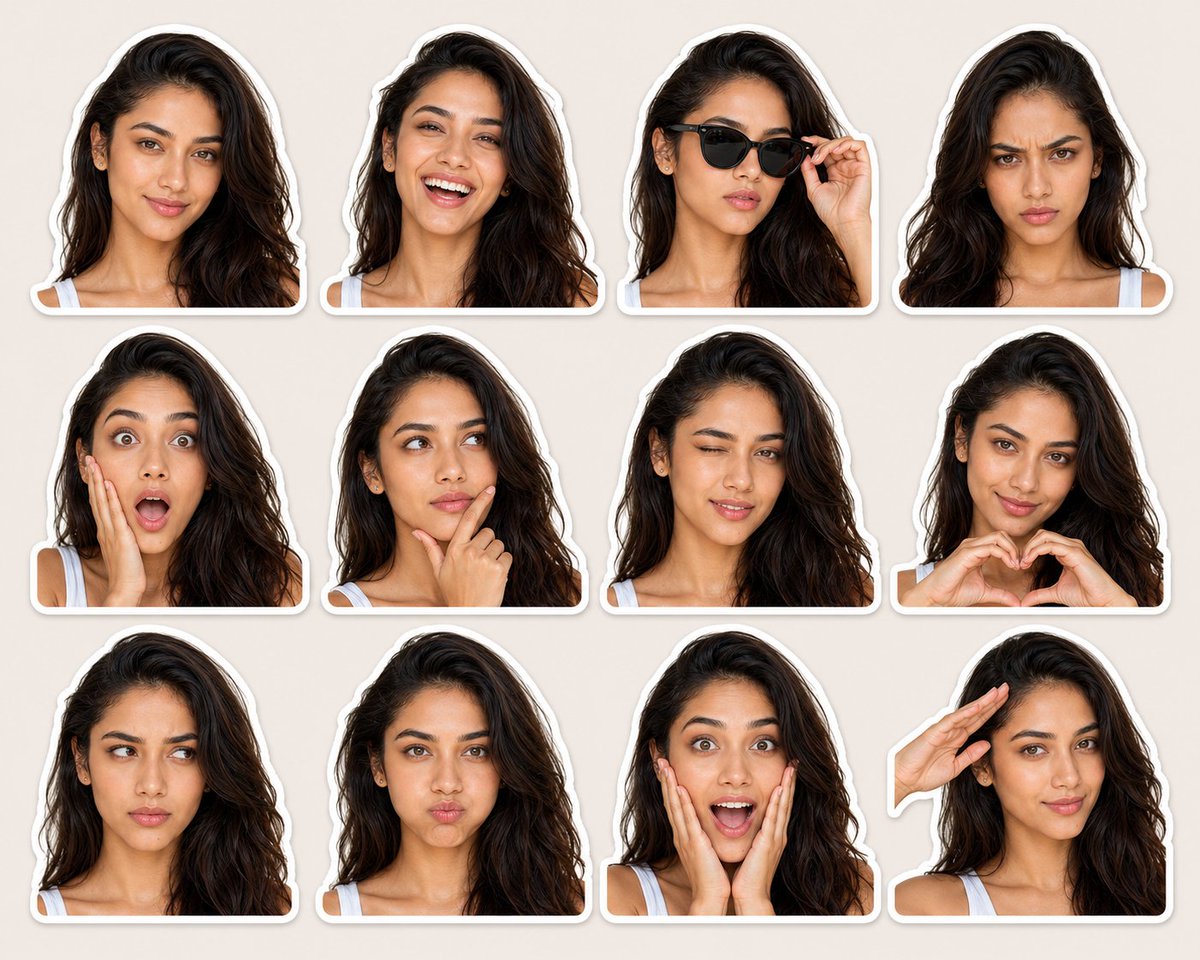
Expression-Rich Sticker Pack Grid
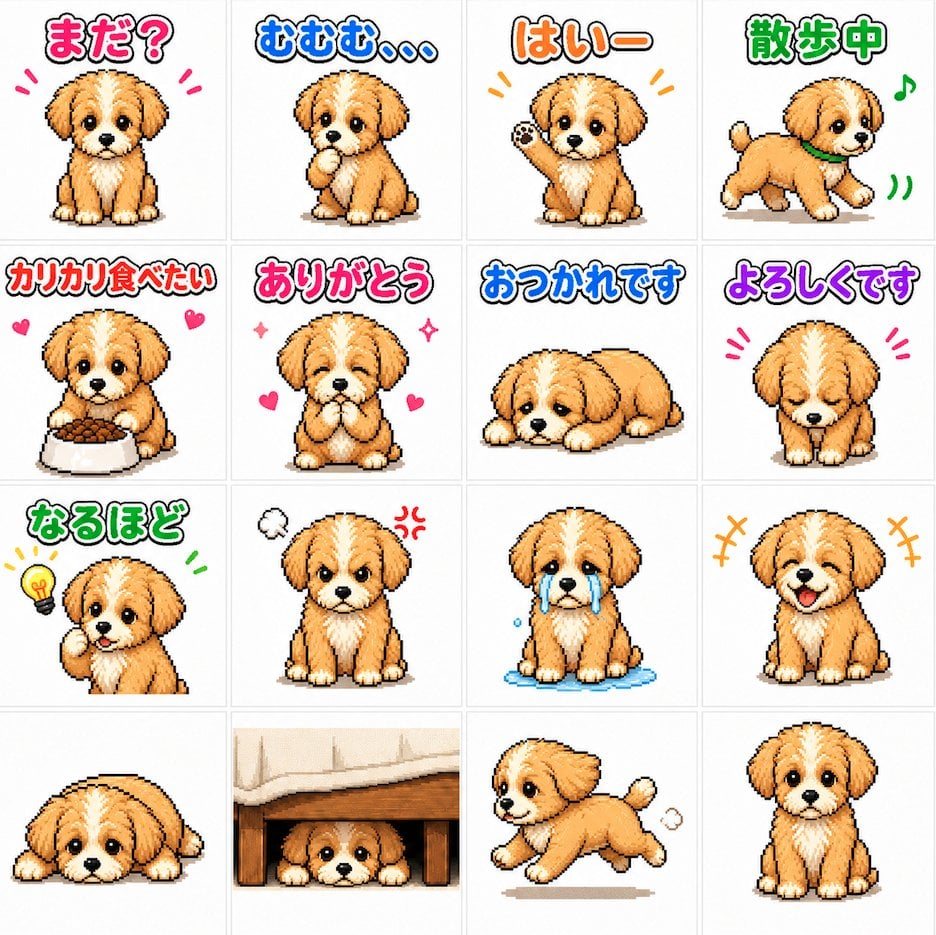
Cute Puppy LINE Sticker Grid
Make it yours
Panel Sticker/Emoji Grid Generation Prompt works as-is. These are the safest ways to change it without losing the look.
Change one field
Copy a single group, rewrite it, and generate again so you can see what that field is doing.
Keep the frame, change the subject
Hold the composition and light of 12-Panel Sticker/Emoji Grid Generation Prompt, then swap wardrobe, props or the person for a new take.
| If the result… | Why | Fix |
|---|---|---|
| The result drifts from the preview | Too many fields changed at once. | Reuse 12-Panel Sticker/Emoji Grid Generation Prompt as-is first, then change one group — subject, light, or setting. |
| The model over-stylizes the scene | The prose prompt leaves finish and camera underspecified. | Add one camera or lighting sentence and stay on Nano Banana 2. |
More Nano Banana 2 templates
Other prompts made for Nano Banana 2.

Photorealistic Leaf Shaped Like a Dragon

K-Pop Idol Portrait Grid for Rapid Selection

Poetic Rain Forest Portrait During Golden Hour

Urban Street Portrait with Cartoon Inner Self Duo

Candid Nighttime Photo with Cat Prompt

High-Concept 3D Diorama Generation Prompt

Cinematic Futuristic Studio Portrait Template

Skincare Editorial Photography Collage Prompt

Hyper-Realistic Commercial Product Photography (Splash Effect)

Hyper-Realistic Nightclub Portrait Prompt
More image prompts
Fresh picks from across the catalog.
AI Gallery Portrait UI Screenshot
Neon Arena Concert Ad Poster
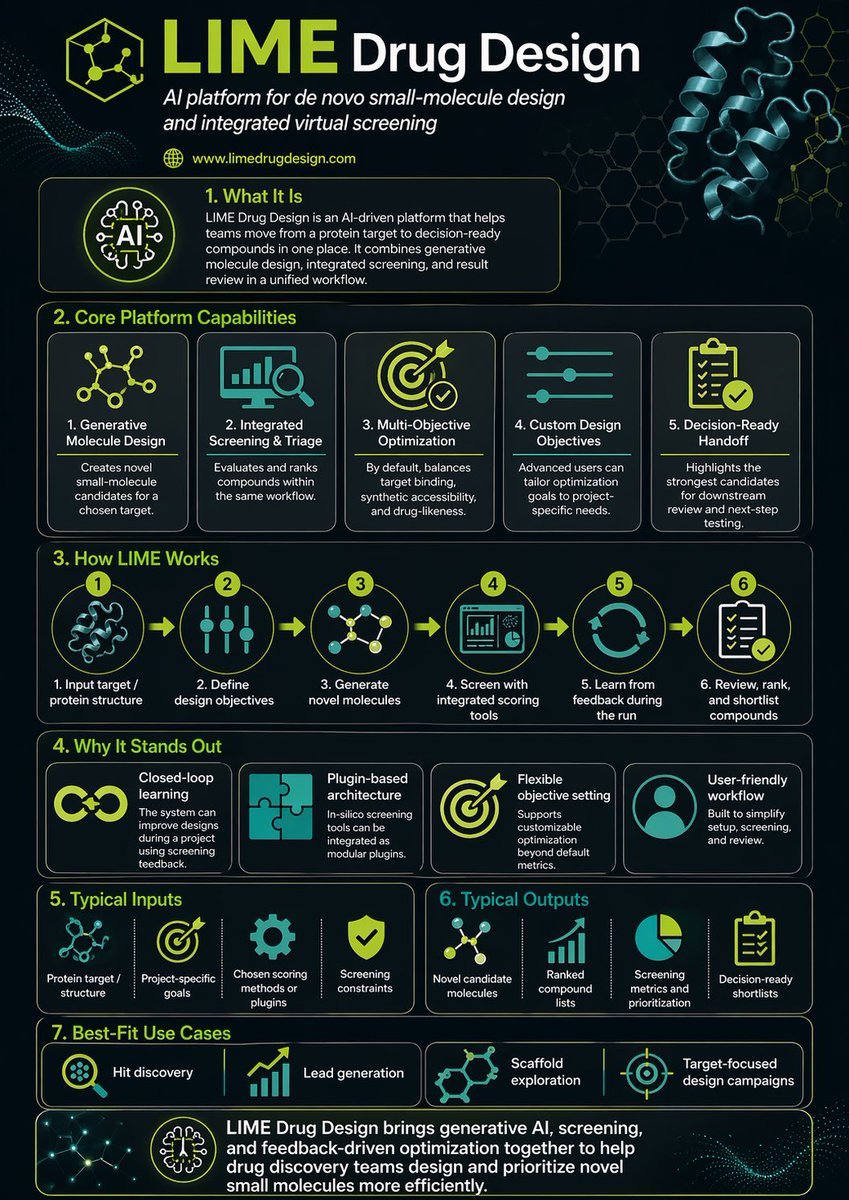
Scientific Infographic for Pharmaceutical Research
Neumorphic Smart UI Kit
Realistic Macro Photograph of an Ear with Earring
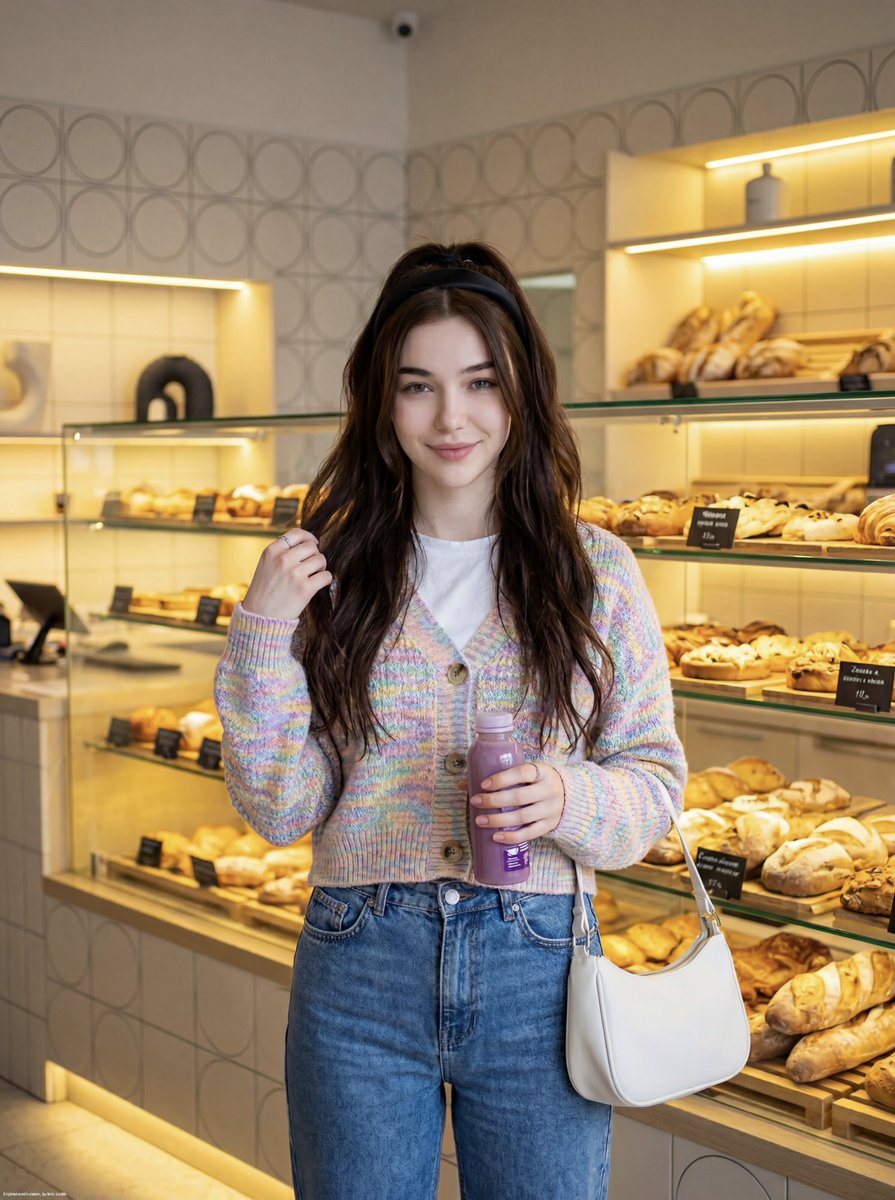
Cute Lifestyle Photo in a Modern Bakery

Jade Texture Application
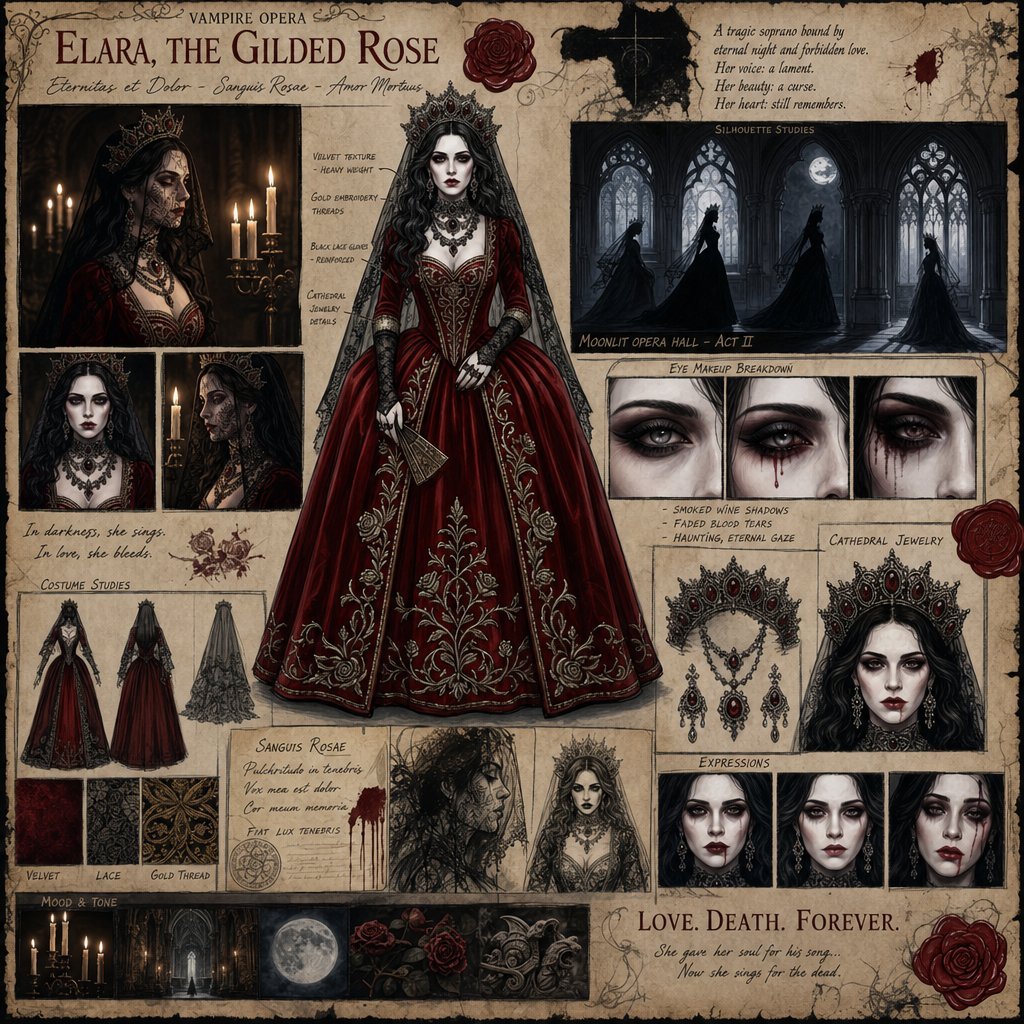
Dark Gothic Vampire Opera Character Design
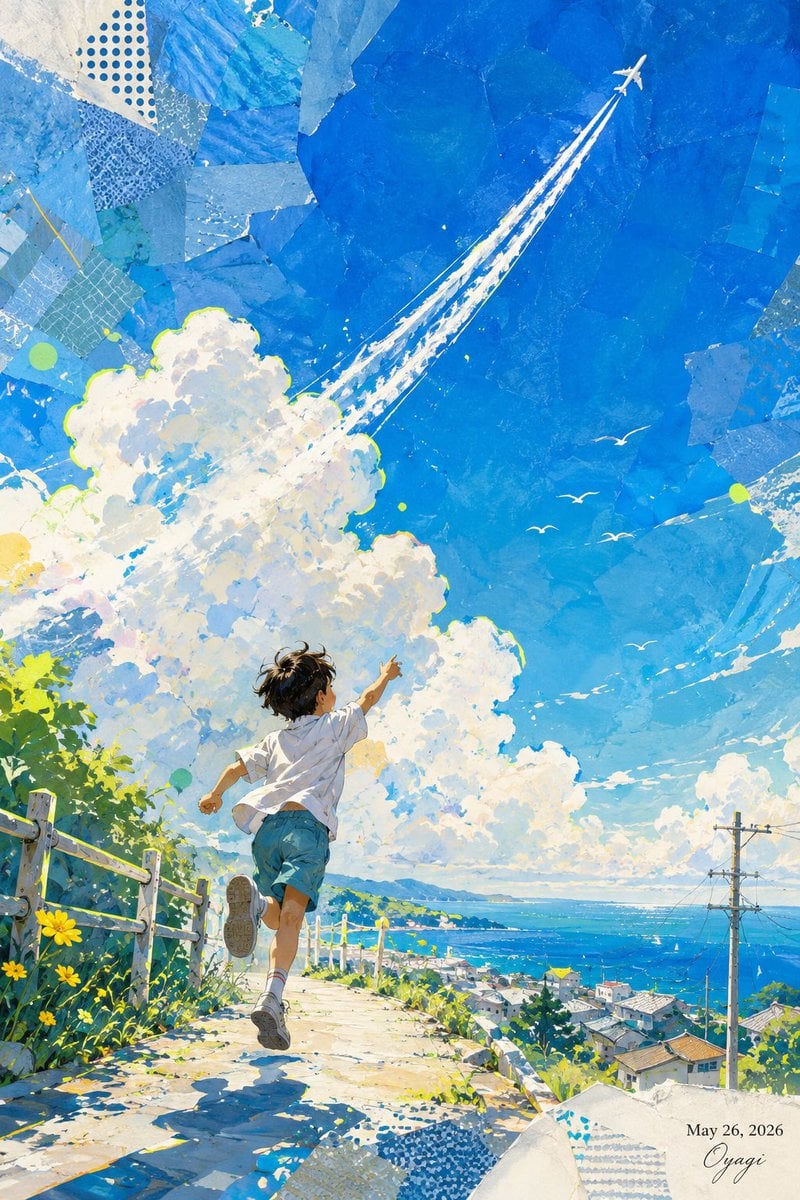
Boy Chasing Airplane Contrail
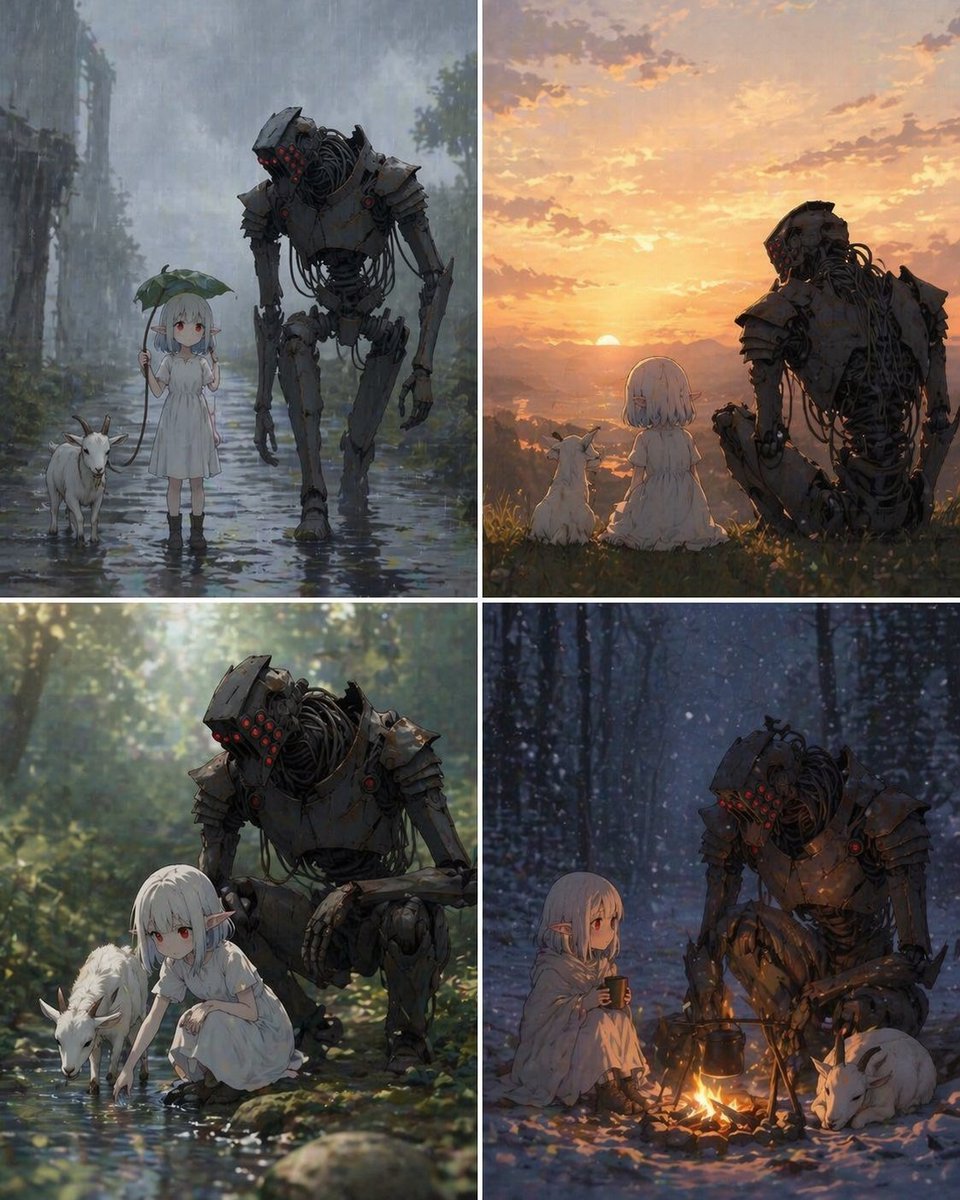
Four-Panel Girl, Robot, and Goat Story
Browse template categories
Panel Sticker/Emoji Grid Generation Prompt questions
How do I use the 12-Panel Sticker/Emoji Grid Generation Prompt template?
Add your photo if the template asks for one, edit the prompt if you like — the template's model and format are already selected — and press Generate. Your version opens in PicX Studio.
Can I customize the 12-Panel Sticker/Emoji Grid Generation Prompt template?
Yes. You can change the subject, setting, lighting, mood, format, and available model controls before creating your image.
Is the 12-Panel Sticker/Emoji Grid Generation Prompt template free?
Opening and editing this template is free. Generating uses credits, shown on the Generate button when you are signed in.
Which AI model should I use?
Start with Nano Banana 2, which is the model associated with this template. You can compare another compatible model for a different finish.
Looking for something else? Browse all templates.

Your photo, any look
Thousands of ready templates for every top image and video model, from one credit balance.