How do I use the Smartphone Night Motion Blur Photo template?
Edit the prompt in the box under the preview — the template's model and format are already selected — and press Generate. Your version appears right on this page.
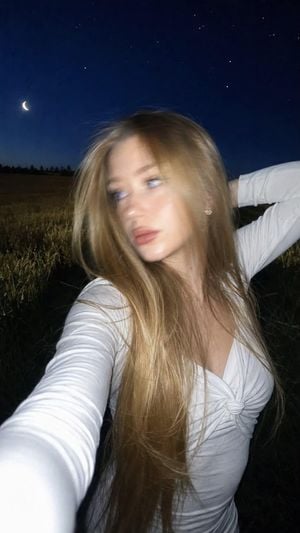
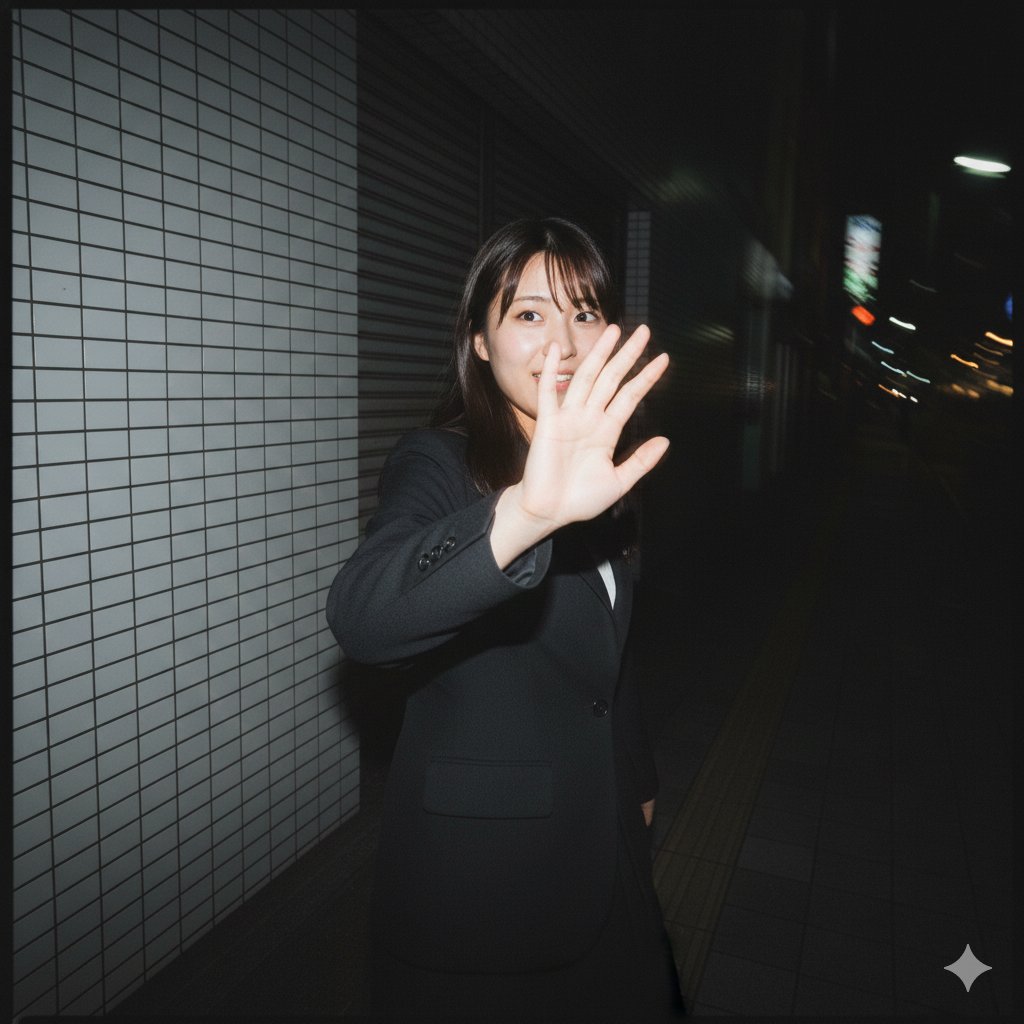
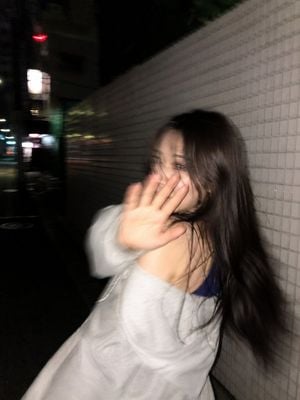
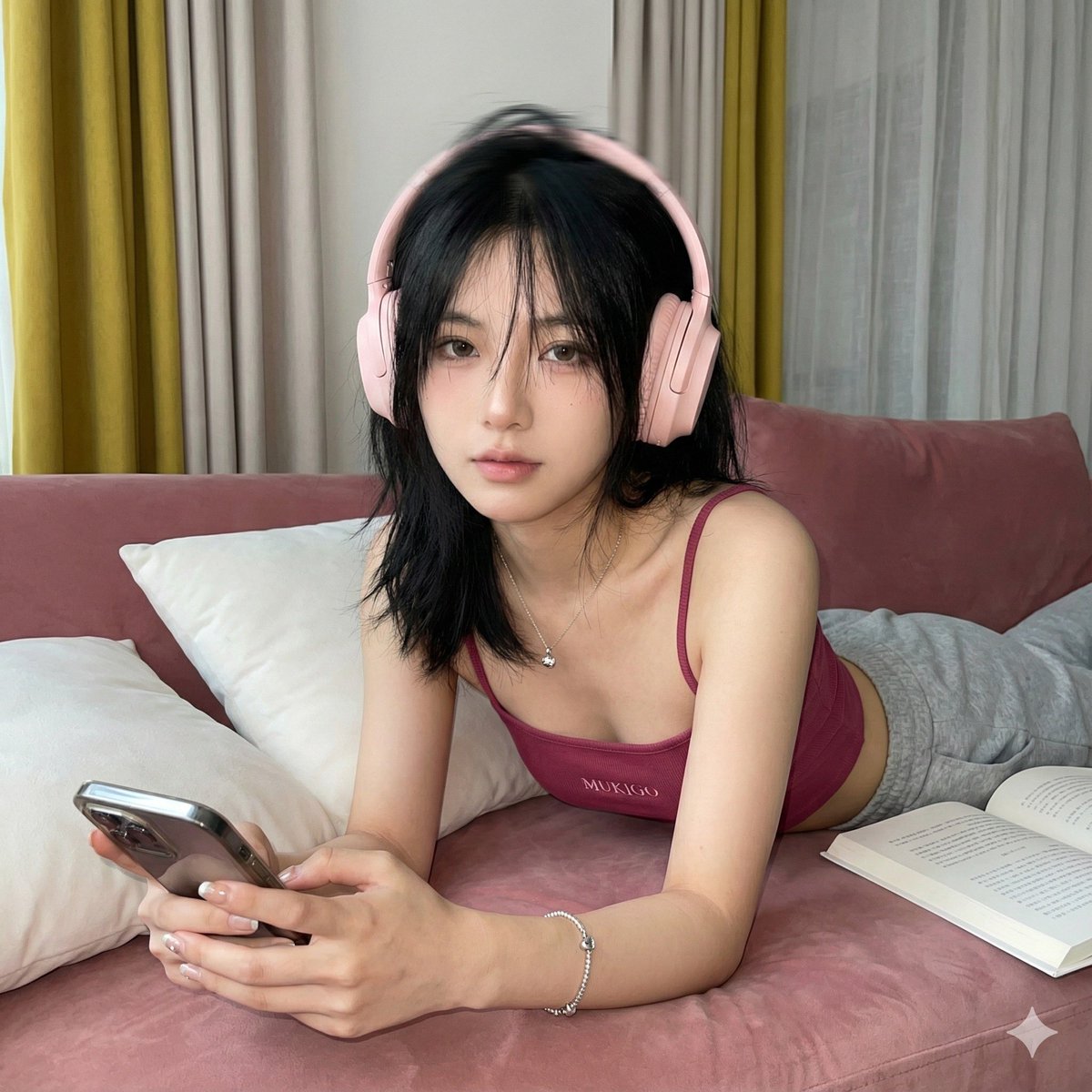
A structured JSON prompt designed to generate hyper-realistic, low-quality smartphone photos with heavy motion blur of a woman on a night out.

{ "objective": "Generate a hyper-realistic, low-quality smartphone photo capturing a spontaneous night-out moment with strong motion blur and fluid movement.", "subject": { "description": "{argument name="subject" default="extremely beautiful woman"}", "features": [ "long flowing hair", "slender silhouette", "face partially obscured due to motion blur", "carefree, energetic presence" ] }, "outfit": { "style": "{argument name="outfit style" default="night out"}", "details": [ "short black dress or skirt", "dark top", "knee-high boots", "small shoulder bag" ] }, "pose": { "body_language": [ "walking or spinning forward", "one arm raised above head", "hair swinging dynamically", "captured mid-motion" ], "expression": "not clearly visible due to motion blur, candid and unposed" }, "scene": { "location": "{argument name="location" default="urban street at night"}", "details": [ "warm streetlights casting yellow glow", "neon signs and shop lights above", "parked cars along the street", "narrow city sidewalk with buildings on both sides", "slightly gritty, real environment" ] }, "camera_style": { "type": "smartphone", "angle": "slightly behind and off-center", "framing": "full-body vertical shot", "quality": [ "intentionally low quality", "heavy motion blur", "slight overexposure from lights", "grain and noise", "imperfect focus" ] }, "lighting": { "type": "mixed night lighting", "details": [ "warm sodium streetlights", "cool neon highlights", "uneven exposure", "light streaking due to motion" ] }, "mood": "carefree, spontaneous, nightlife energy, slightly chaotic but aesthetic", "effects": [ "strong motion blur on subject", "light streaks from lamps and neon", "camera shake", "grainy texture", "soft focus and imperfect clarity" ], "negative_prompt": [ "sharp focus", "studio lighting", "posed fashion shot", "high resolution clarity", "clean perfect image", "tripod stability", "overly detailed face" ] }
{ "objective": "Generate a hyper-realistic, low-quality smartphone photo capturing a spontaneous night-out moment with strong motion blur and fluid movement.", "subject": { "description": "{argument name="subject" default="extremely beautiful woman"}", "features": [ "long flowing hair", "slender silhouette", "face partially obscured due to motion blur", "carefree, energetic presence" ] }, "outfit": { "style": "{argument name="outfit style" default="night out"}", "details": [ "short black dress or skirt", "dark top", "knee-high boots", "small shoulder bag" ] }, "pose": { "body_language": [ "walking or spinning forward", "one arm raised above head", "hair swinging dynamically", "captured mid-motion" ], "expression": "not clearly visible due to motion blur, candid and unposed" }, "scene": { "location": "{argument name="location" default="urban street at night"}", "details": [ "warm streetlights casting yellow glow", "neon signs and shop lights above", "parked cars along the street", "narrow city sidewalk with buildings on both sides", "slightly gritty, real environment" ] }, "camera_style": { "type": "smartphone", "angle": "slightly behind and off-center", "framing": "full-body vertical shot", "quality": [ "intentionally low quality", "heavy motion blur", "slight overexposure from lights", "grain and noise", "imperfect focus" ] }, "lighting": { "type": "mixed night lighting", "details": [ "warm sodium streetlights", "cool neon highlights", "uneven exposure", "light streaking due to motion" ] }, "mood": "carefree, spontaneous, nightlife energy, slightly chaotic but aesthetic", "effects": [ "strong motion blur on subject", "light streaks from lamps and neon", "camera shake", "grainy texture", "soft focus and imperfect clarity" ], "negative_prompt": [ "sharp focus", "studio lighting", "posed fashion shot", "high resolution clarity", "clean perfect image", "tripod stability", "overly detailed face" ] }
Edit the prompt in the box under the preview — the template's model and format are already selected — and press Generate. Your version appears right on this page.
Yes. You can change the subject, setting, lighting, mood, format, and available model controls before creating your image.
Opening and editing this template is free. Generating uses credits, shown on the Generate button when you are signed in.
Start with Nano Banana 2, which is the model associated with this template. You can compare another compatible model for a different finish.
Follow a topic to a crawlable collection of related PicX Studio templates.