How do I use the Photoreal Ocean Sunset Minecraft UI template?
Choose the primary action to open PicX Studio with the available template settings. Review the model and format, personalize the creative direction, and generate when ready.
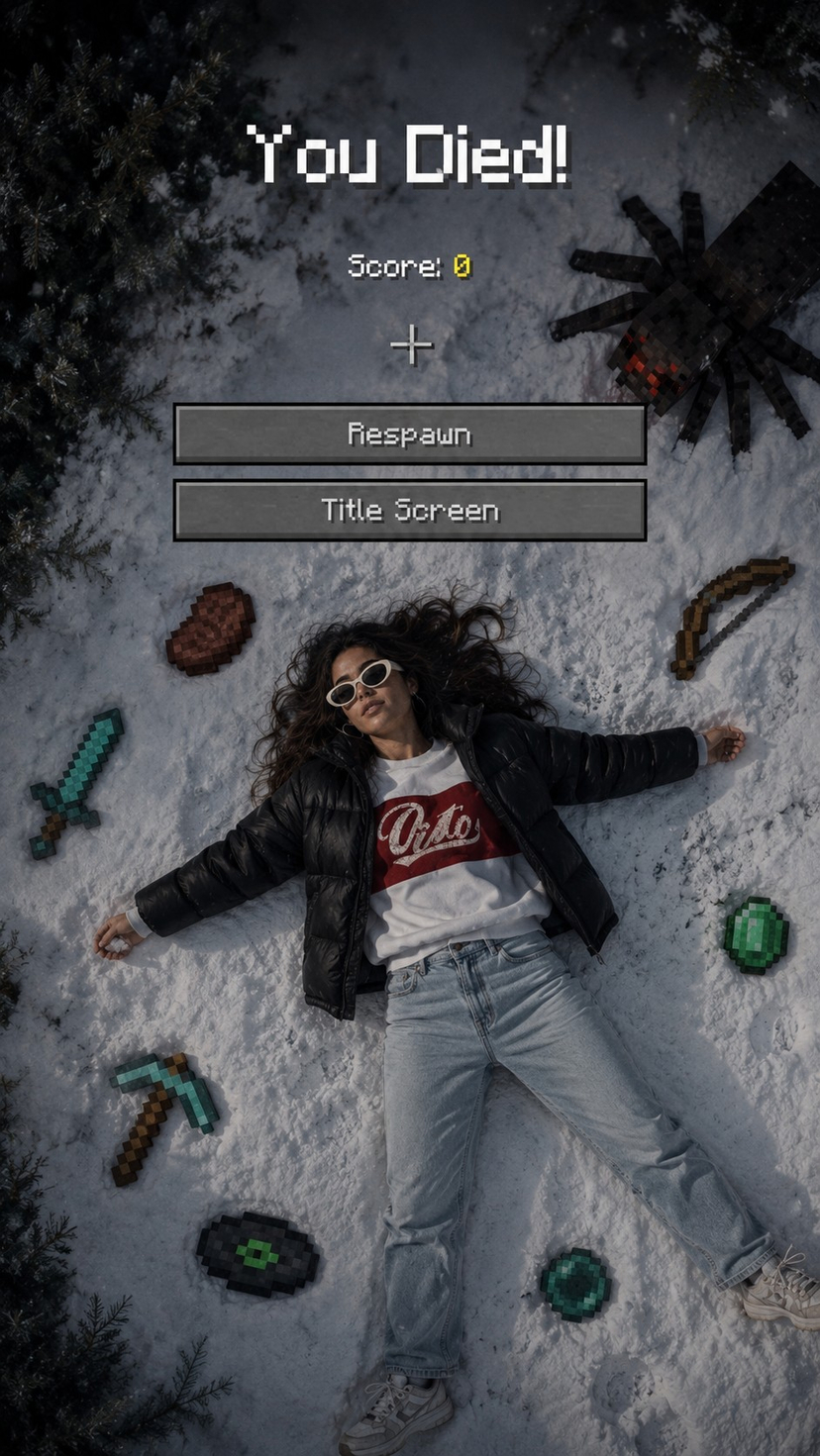
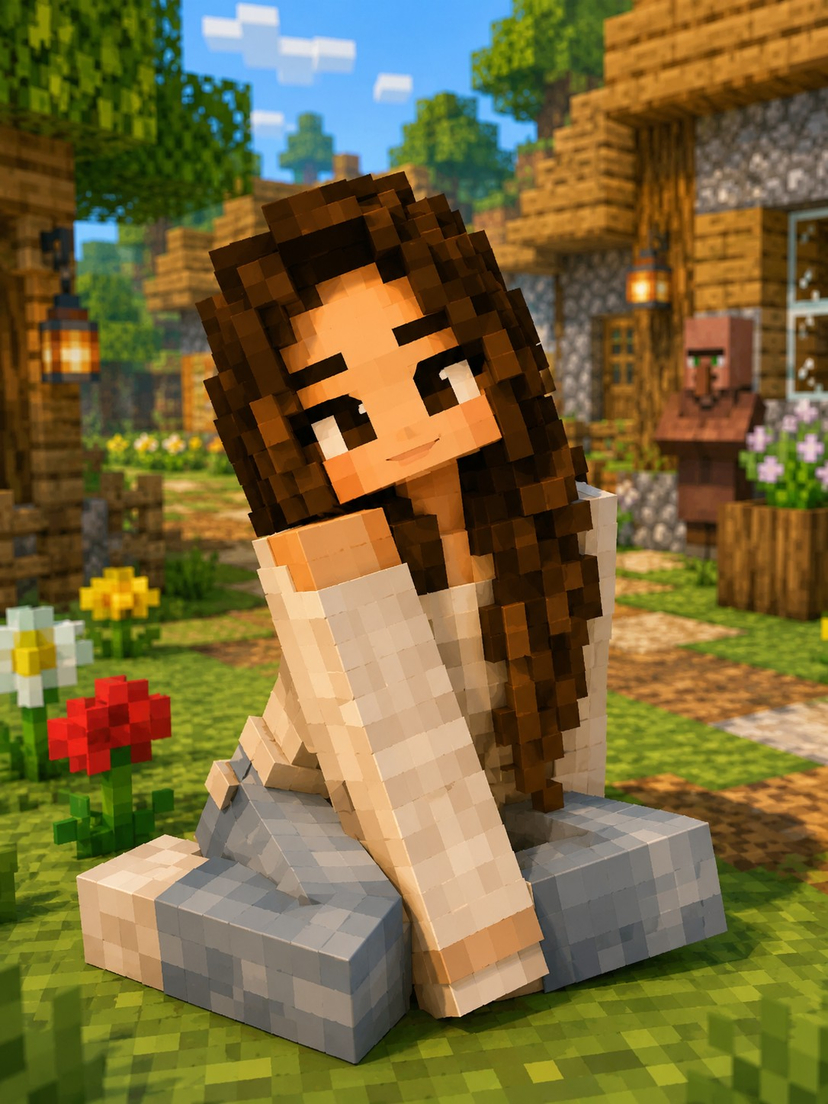
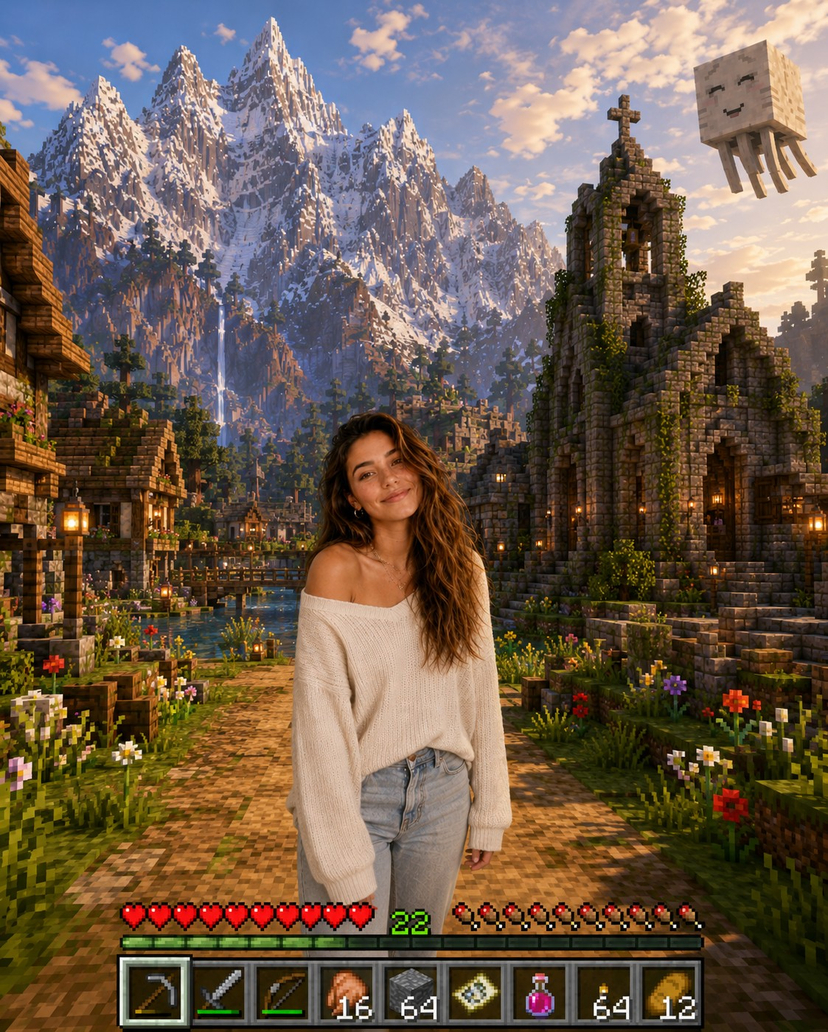
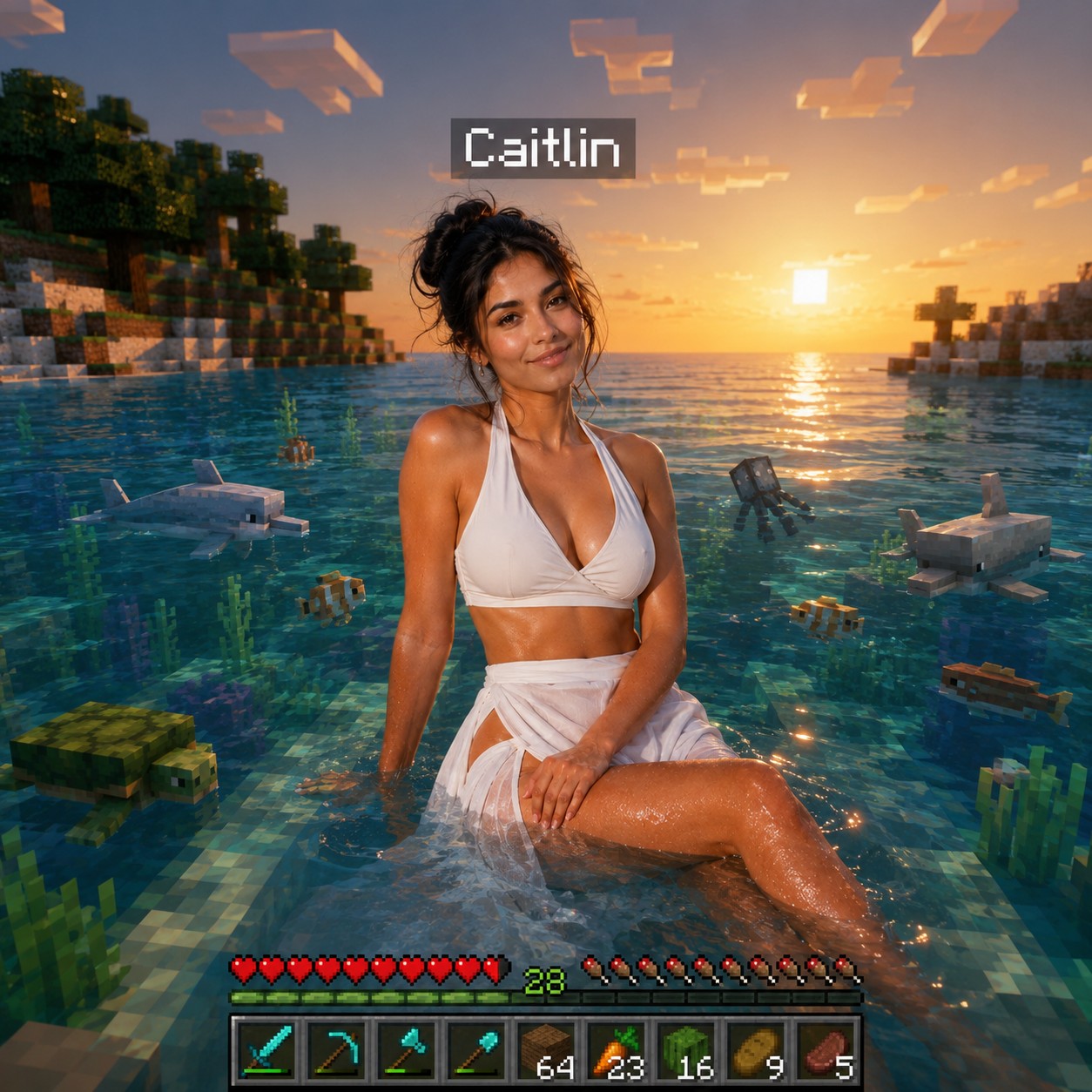
Photoreal person in a Minecraft ocean at vibrant sunset with blocky aquatic life, floating name tag, golden horizon, and diamond-tool hotbar UI. (free to use) — Free AI image template on PicX Studio.
Transform this image into a breathtaking Minecraft-inspired scene, placing the person at the center of a serene, expansive Minecraft ocean during a vibrant sunset. The subject must remain completely human and photorealistic, preserving their original facial identity, clothing, and natural proportions as they sit amidst the waves. Surround the subject with crystal-clear turquoise water teeming with blocky water animals and aquatic life. Floating precisely above the subject is a Minecraft-style floating name tag reading 'Caitlin' in the classic game font. In the background, render the soft, golden light of the setting sun reflecting off the voxel water surface, stretching toward a warm, atmospheric horizon. At the bottom of the frame, overlay a detailed Minecraft Java Edition user interface, including a high-resolution item bar stocked with diamond tools and various vegetables. Blend the realistic subject seamlessly into the voxel environment with accurate lighting, soft shadows, and a wide-angle DSLR perspective. Ultra-detailed, 8K quality, Instagram-ready format with vibrant, cinematic sunset lighting.
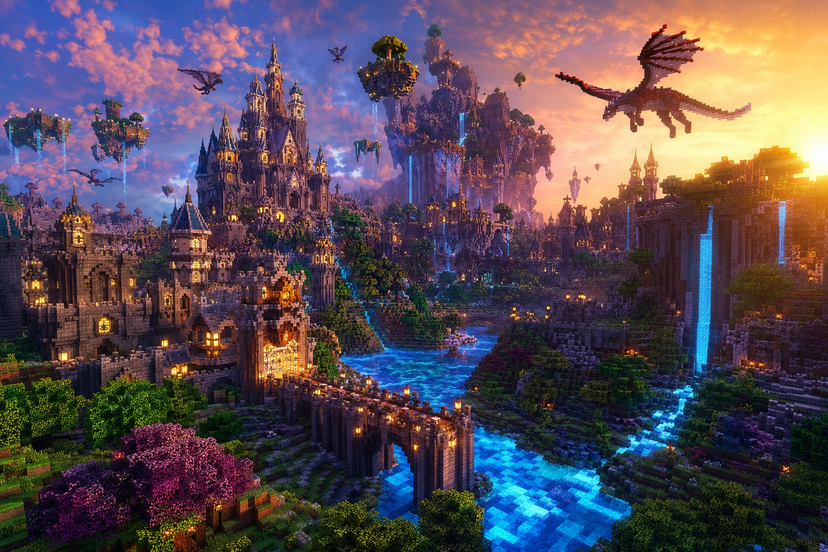
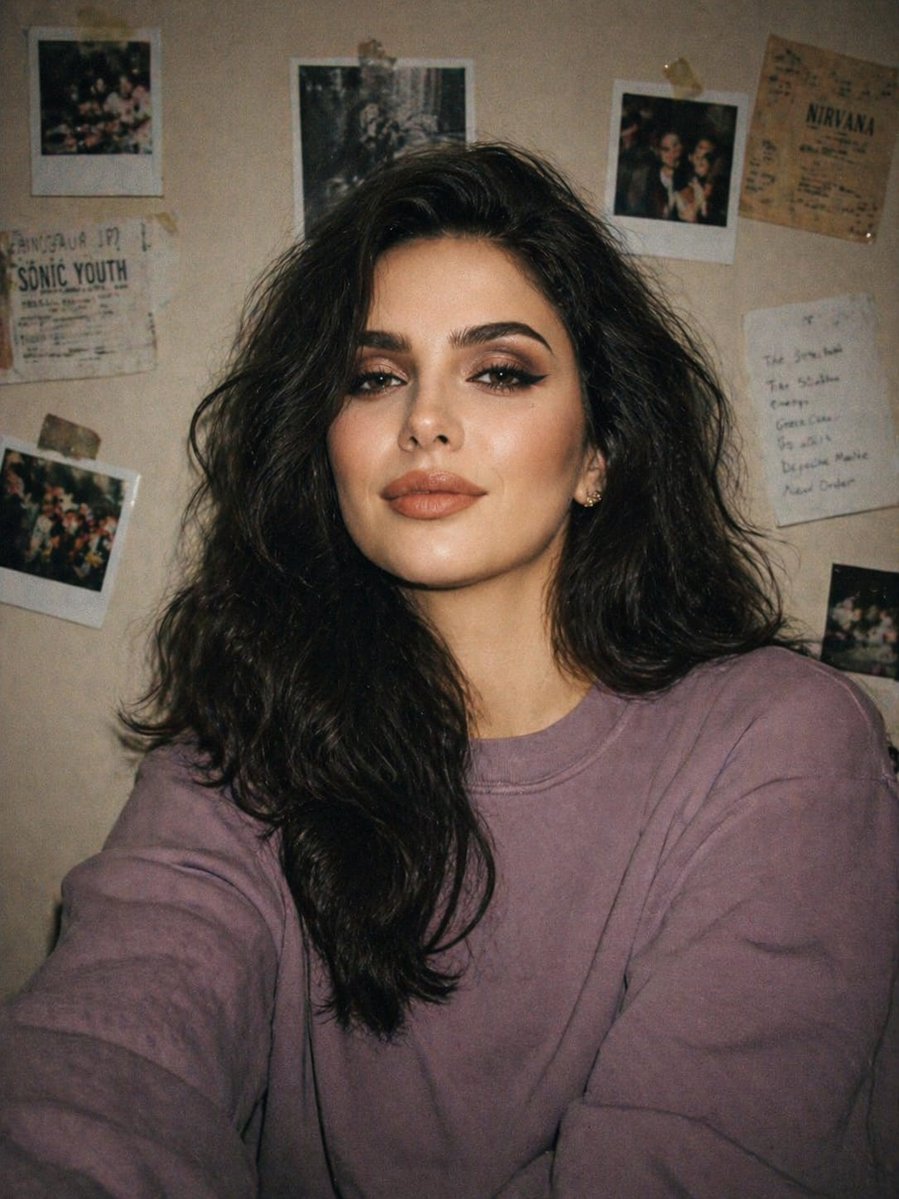
Use Photoreal Ocean Sunset Minecraft UI to plan an AI image around art style projects, image-to-image generation, themes such as minecraft and photoreal. Match the preview's composition first, then personalize the subject, setting, and mood for your own project.
Use the primary action to load the template settings in PicX Studio.
Adjust the subject and creative details for your destination.
Create the image, compare the result with the preview, and refine one variable at a time.
A continuous mix — similar concepts first, woven with same-model prompts and fresh picks from the catalog.
Choose the primary action to open PicX Studio with the available template settings. Review the model and format, personalize the creative direction, and generate when ready.
Yes. You can change the subject, setting, lighting, mood, format, and available model controls before creating your image.
This template is free to open and customize. Generation usage is shown in PicX Studio before you create.
Start with image-to-image, which is the model associated with this template. You can compare another compatible model for a different finish.
Follow a topic to a crawlable collection of related PicX Studio templates.
39,157 public templates available. Verified via the PicX Studio public templates API; refreshed hourly.
A continuous mix — similar concepts first, woven with same-model prompts and fresh picks from the catalog.