
Tropical Villa Ceylon Selfie
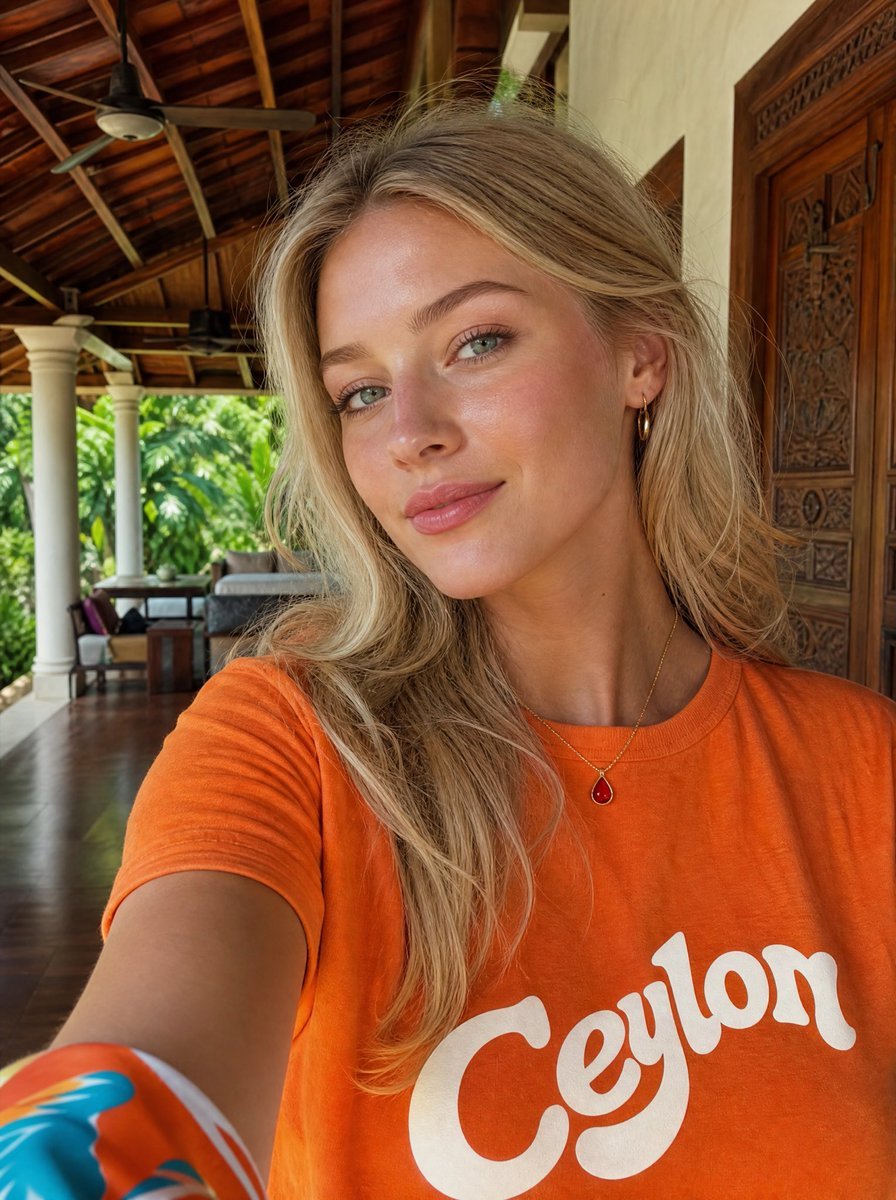
A realistic vacation selfie prompt featuring a woman in a Ceylon T-shirt on an open-air tropical villa veranda.
- Prompt included
- Model and format preset
- Free template
The prompt behind this image
Copy the exact prompt behind Tropical Villa Ceylon Selfie, or open it in the studio and make it yours.
Create a realistic travel selfie photo of a woman at a tropical luxury villa. The camera is held at arm’s length in portrait orientation, close to the subject, with her upper torso filling the lower half of the frame. She has long tousled {argument name="hair color" default="blonde"} hair falling over one shoulder, a casual relaxed pose, small gold hoop earrings, a thin gold necklace with a red teardrop pendant, and a bright {argument name="shirt color" default="orange"} T-shirt with large retro white script text reading {argument name="shirt text" default="Ceylon"} across the chest. Her face is intentionally obscured by a centered flat square privacy block in a warm tan skin-tone color, covering the facial features from forehead to chin. Show one extended arm entering from the lower left with a colorful patterned sleeve or scarf edge visible. The background is an open-air villa veranda with a dark polished wooden floor, carved wooden double doors on the right, cream walls, white columns, tropical green foliage outside, lounge seating in the distance, and a high exposed timber roof with beams and two ceiling fans. Use natural daylight, warm tropical colors, realistic phone-camera perspective, shallow but still recognizable background detail, candid vacation aesthetic, no extra people, no watermark, no additional text besides the shirt lettering.
How to use Tropical Villa Ceylon Selfie in 3 steps
- 1Upload ImagePNG, JPG or paste
Add your photo
Upload the photo the template builds on. The prompt, model and format are already set.
- 2…a portrait of your subject in softgolden-hour light, 85mm…
Personalize
Edit the subject and creative details for your destination.
- 3Generate
Generate
Press Generate — your image is created in PicX Studio, so you can compare it with the original and refine one variable at a time.
More like this
Templates with the same subject, style or setup. Open one to see its prompt.

Tropical Vacation Selfie — Nano Banana (Chryzleen)

Photoreal Village Lanterns Minecraft Scene

Photoreal Selfie Minecraft Village Ghast UI
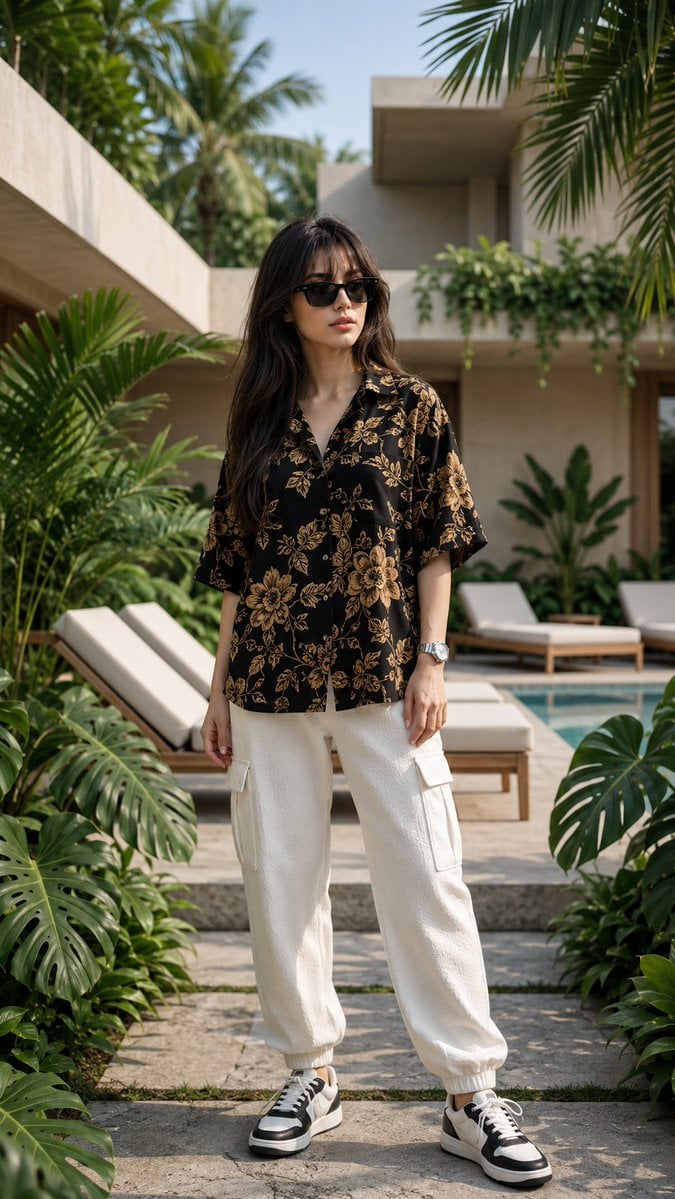
Luxury Tropical Villa Fashion Portrait

Rooftop Fisheye — Cat-Ear Balaclava at Golden Hour

Felt & Knit 3D Character — Photo-Exact Face, Pixar-Quality Plush Figurine

Eid al-Adha Cute Chaos — Fisheye Selfie with Farm Selfie, Mosque & Animals

Cat Photobomb Selfie — 0.5x Wide Angle Café Chaos

Gen Z Triple Selfie Collage — Y2K Flash Photography

Surreal Cat Astronaut — Humanoid Face Freefall

Photoreal Snow Biome Name Tag UI

Photoreal Selfie Minecraft Block World
Make it yours
Tropical Villa Ceylon Selfie works as-is. These are the safest ways to change it without losing the look.
Change one field
Copy a single group, rewrite it, and generate again so you can see what that field is doing.
Keep the frame, change the subject
Hold the composition and light of Tropical Villa Ceylon Selfie, then swap wardrobe, props or the person for a new take.
| If the result… | Why | Fix |
|---|---|---|
| The result drifts from the preview | Too many fields changed at once. | Reuse Tropical Villa Ceylon Selfie as-is first, then change one group — subject, light, or setting. |
| The model over-stylizes the scene | The prose prompt leaves finish and camera underspecified. | Add one camera or lighting sentence and stay on GPT Image 2. |
More GPT Image 2 templates
Other prompts made for GPT Image 2.

Six VTuber Japanese Logo Sheet

Realistic Portrait of Woman and Deer

The Vista Modular Condo Poster

AI Model Routing Comparison Infographic

2.5D Anime Art Board

Isometric Productivity Desk Scene

New York Double Exposure Poster

Four-Panel AI Landscape Comparison

Japanese Tatami Lifestyle Magazine Cover

NESCAFÉ Coffee Map Poster
More image prompts
Fresh picks from across the catalog.

Flat UI/Startup Style Illustration Prompt
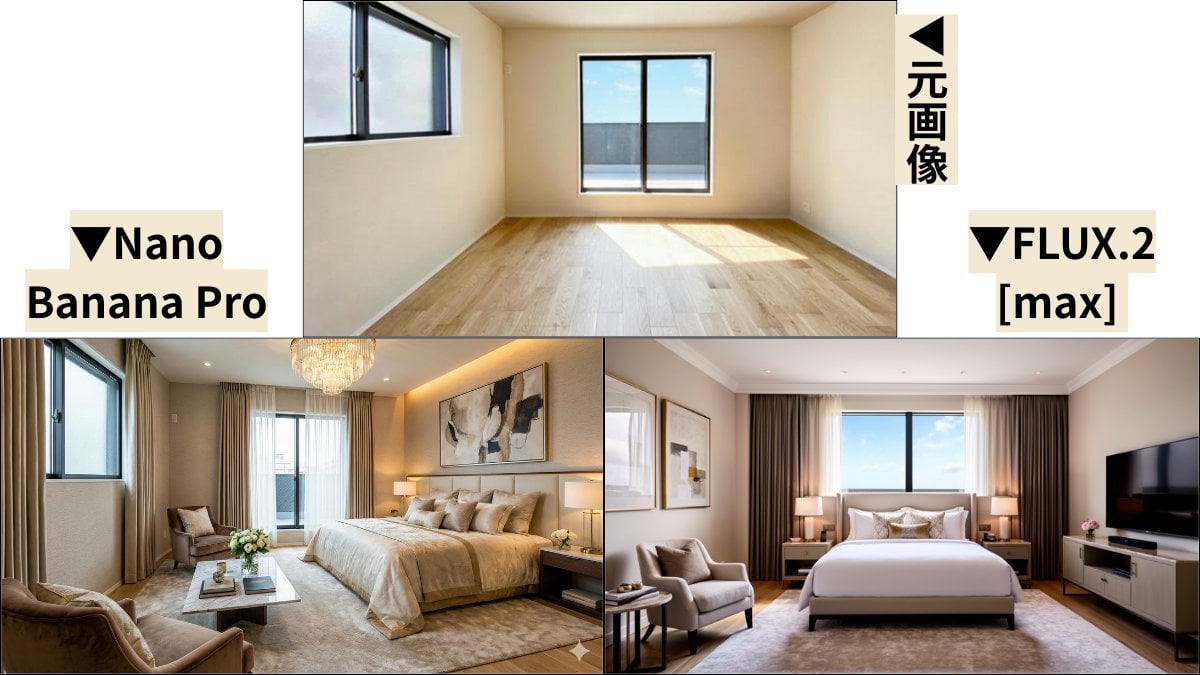
Room Transformation to Five-Star Hotel Suite
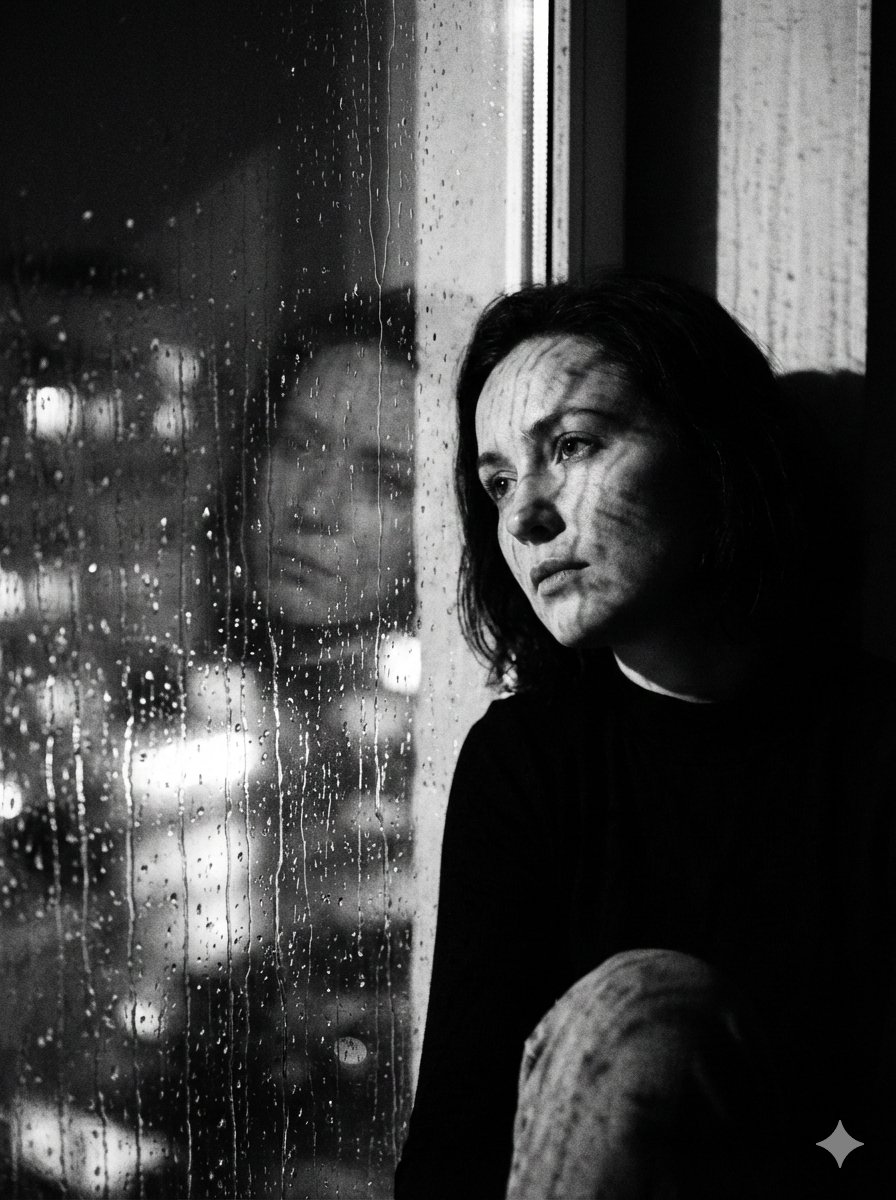
Black and White Rainy Window Portrait Prompt
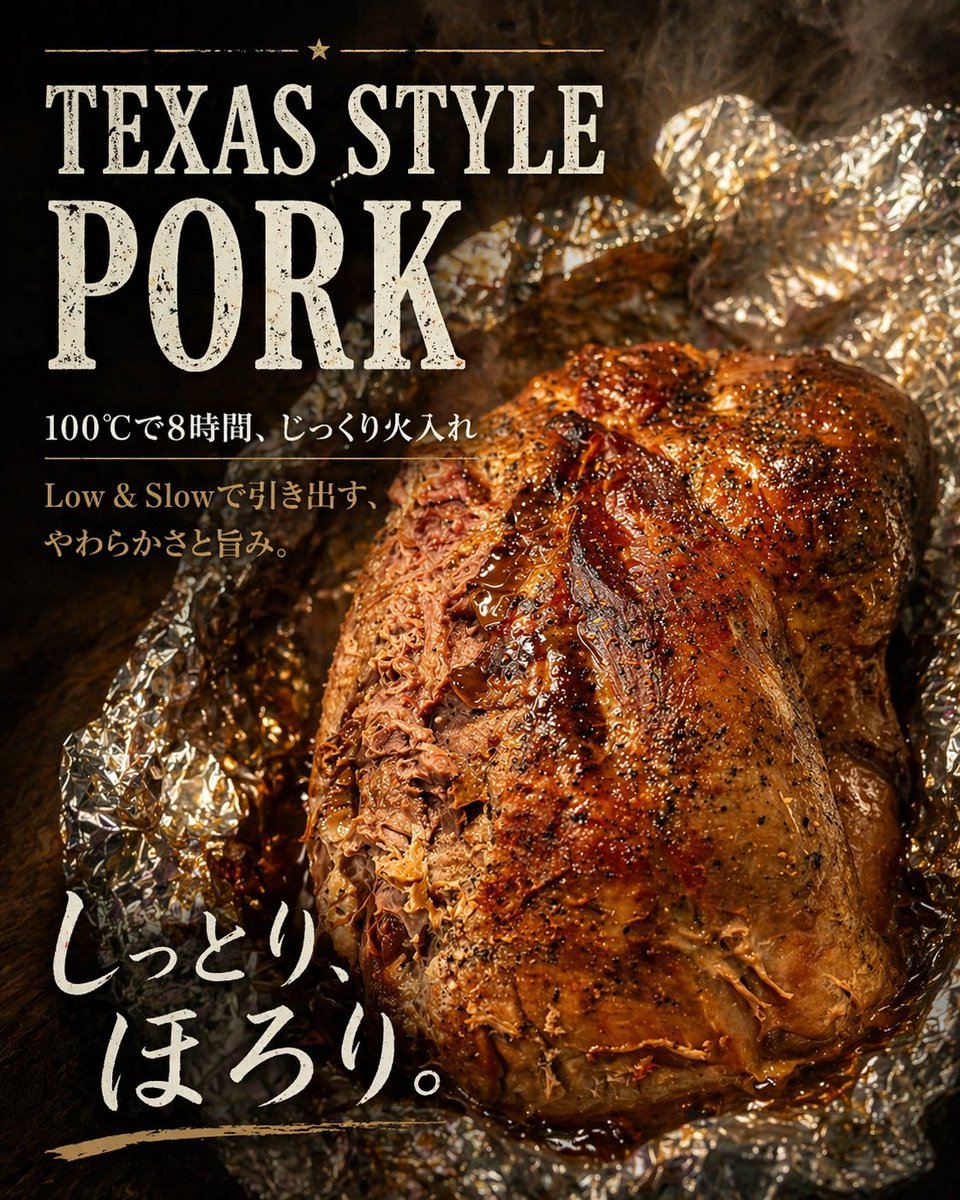
Texas-Style Pork Poster
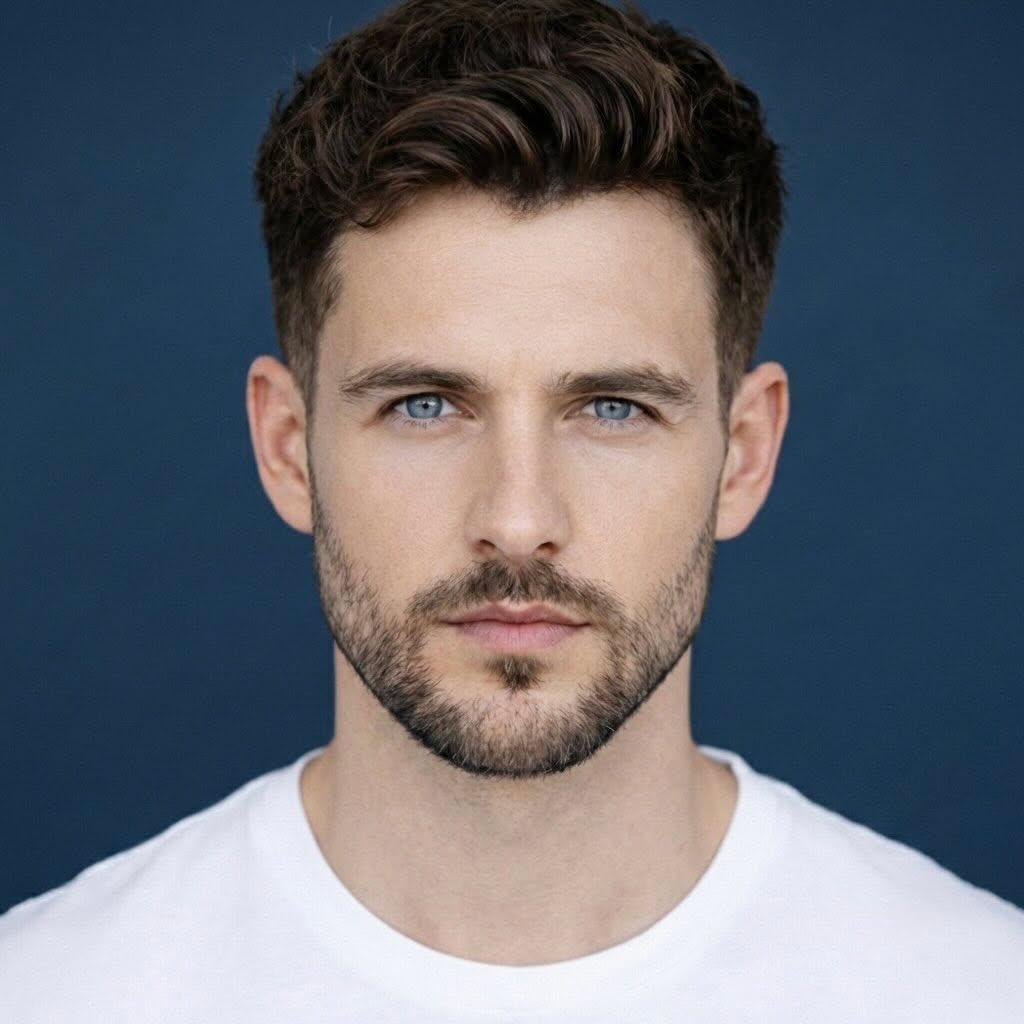
Ultra-Realistic Close-Up Portrait of Handsome Young Man
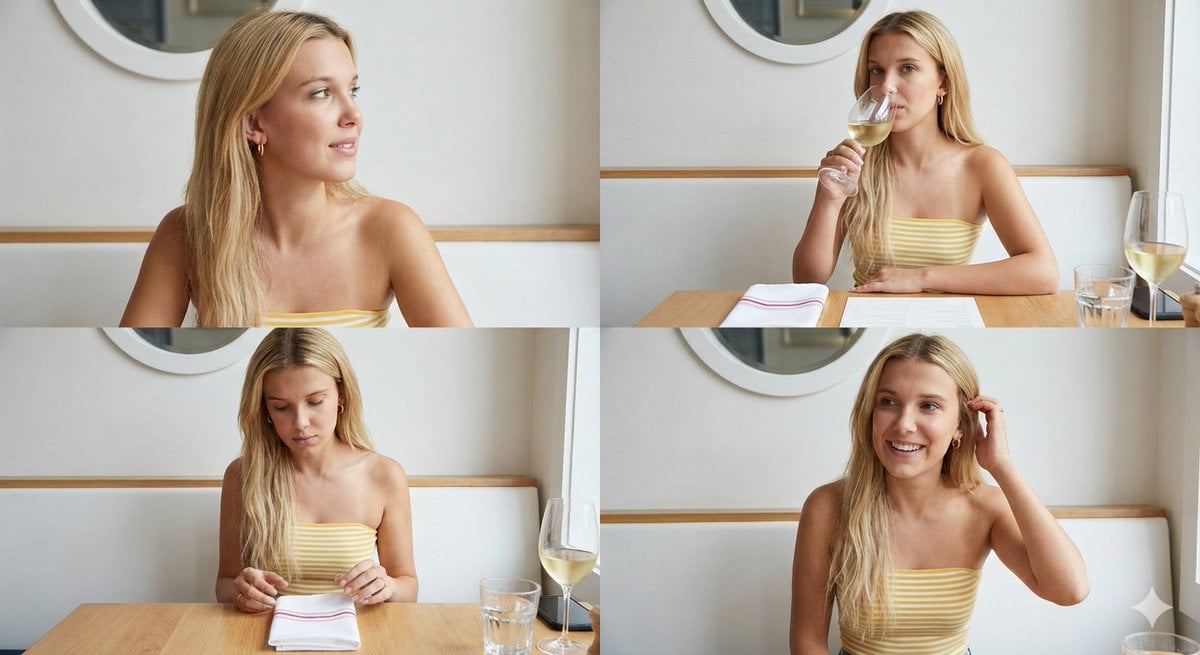
Four-Image Summer Lifestyle Editorial Collage Prompt
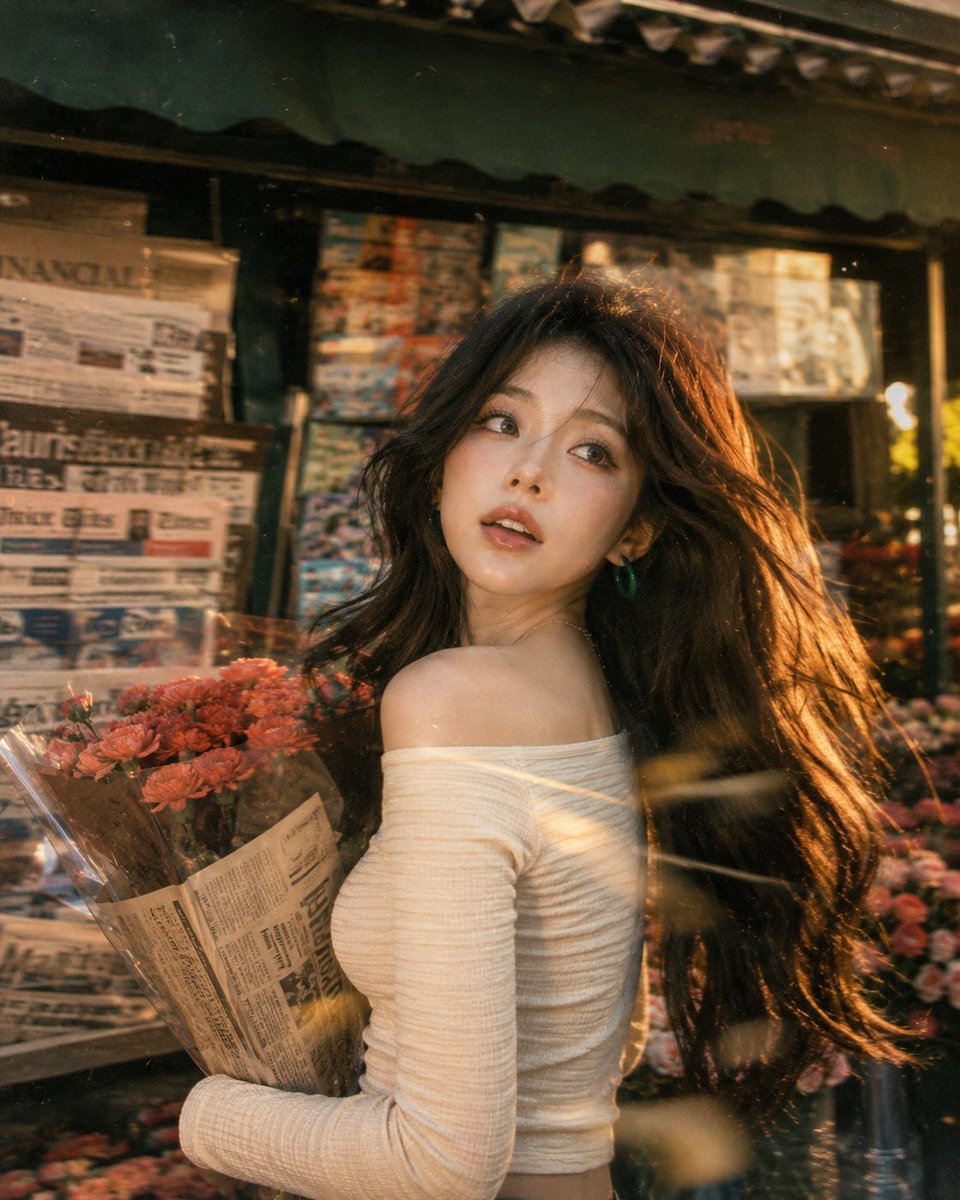
Vintage Fujifilm Film Portrait
Bull Running into the Camera
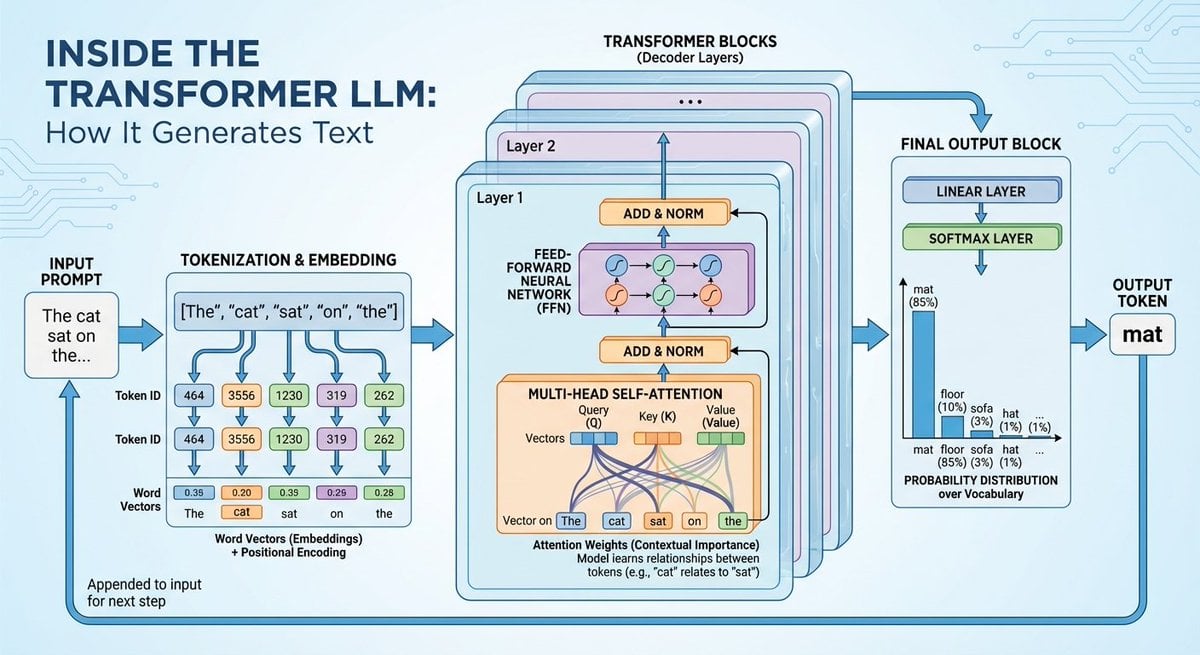
Space shuttle diagram in space

Animation Style - Framer Motion
Browse template categories
Tropical Villa Ceylon Selfie questions
How do I use the Tropical Villa Ceylon Selfie template?
Add your photo if the template asks for one, edit the prompt if you like — the template's model and format are already selected — and press Generate. Your version opens in PicX Studio.
Can I customize the Tropical Villa Ceylon Selfie template?
Yes. You can change the subject, setting, lighting, mood, format, and available model controls before creating your image.
Is the Tropical Villa Ceylon Selfie template free?
Opening and editing this template is free. Generating uses credits, shown on the Generate button when you are signed in.
Which AI model should I use?
Start with GPT Image 2, which is the model associated with this template. You can compare another compatible model for a different finish.
Looking for something else? Browse all templates.

Your photo, any look
Thousands of ready templates for every top image and video model, from one credit balance.