How do I use the Summer Rooftop Film Aesthetic template?
Choose the primary action to open PicX Studio with the available template settings. Review the model and format, personalize the creative direction, and generate when ready.
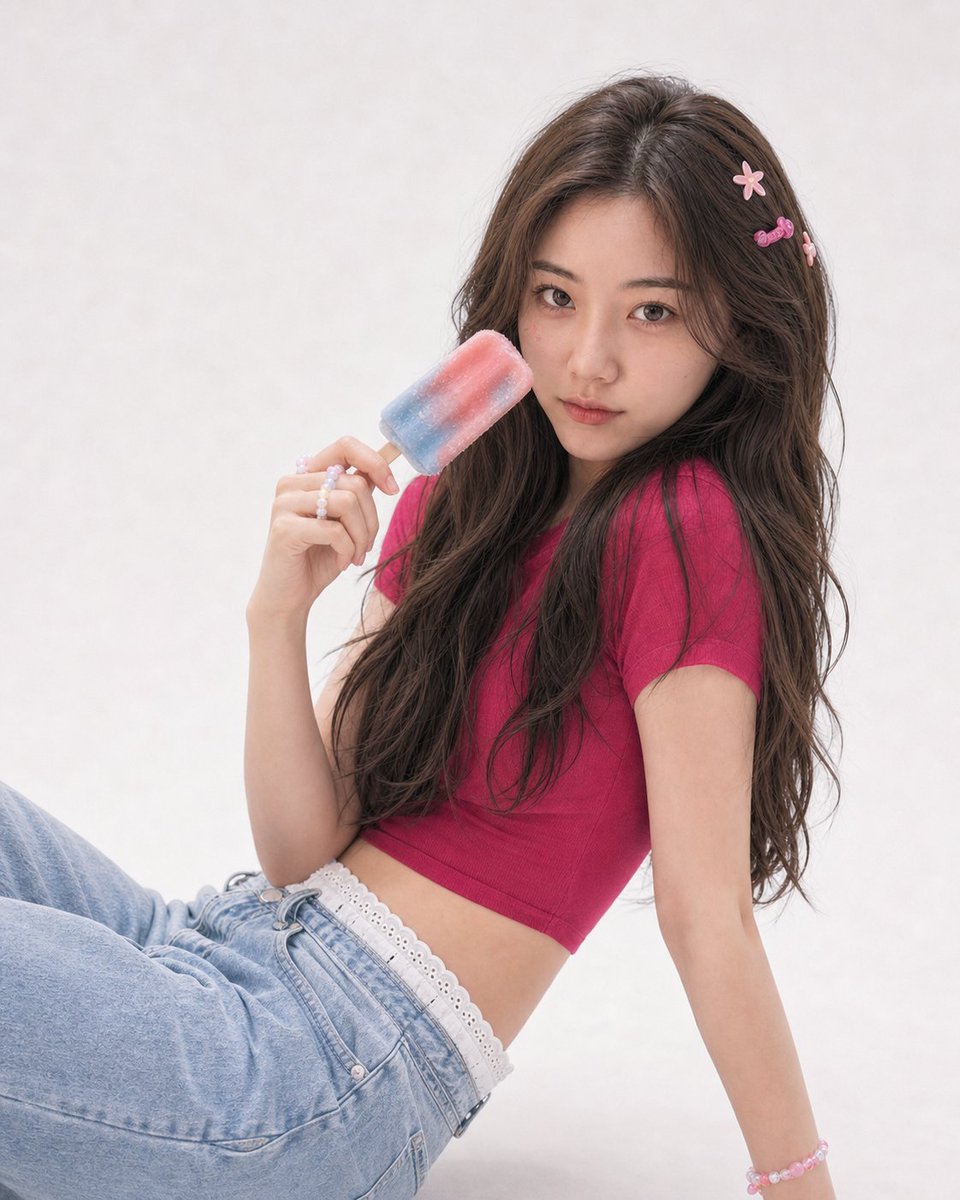
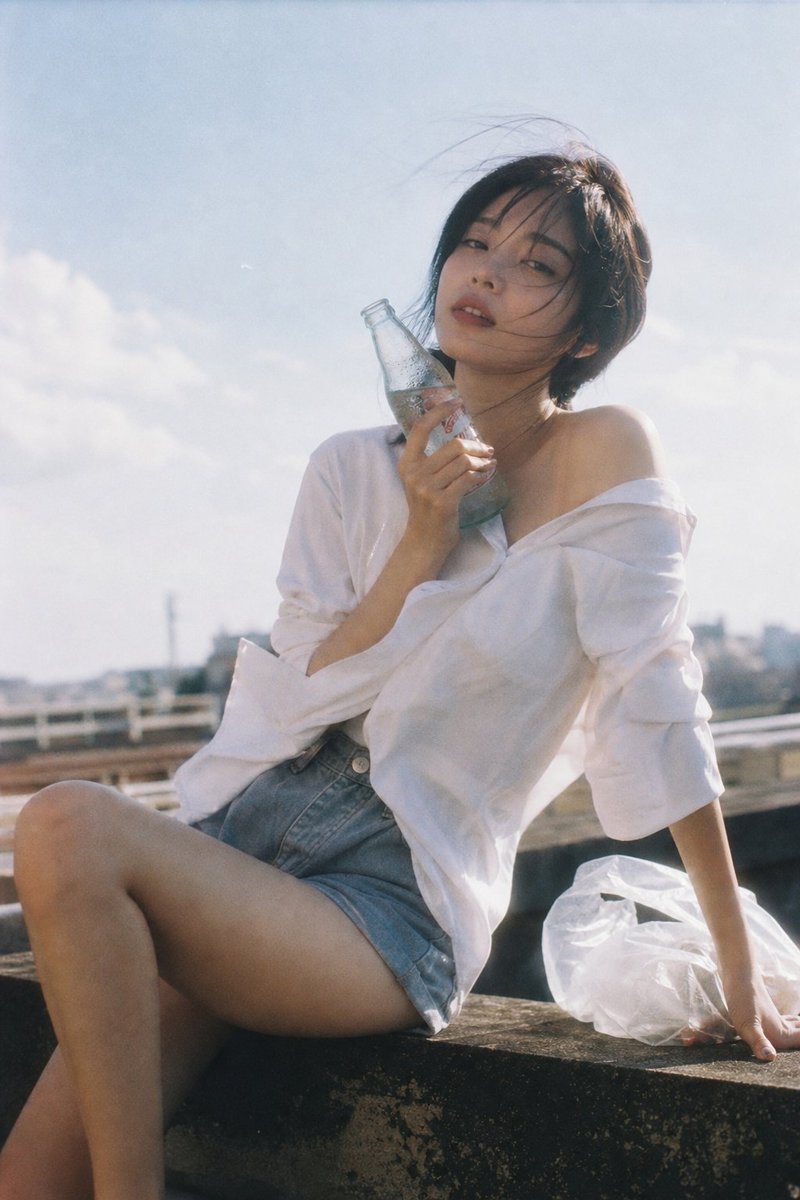
A nostalgic summer rooftop portrait with a 35mm film aesthetic, featuring soft sunlight and a relaxed, breezy atmosphere. (free to use) — Free AI image template on PicX Studio.
Japanese negative film aesthetic, {argument name="setting" default="rooftop summer scene"}, soft natural sunlight, slight overexposure highlights, low contrast, muted faded colors, subtle grain a stunning beautiful young woman with subtle sensual presence, natural body line, effortless charm wearing a slightly {argument name="clothing" default="oversized white shirt loosely unbuttoned at the collar"}, paired with high-waisted shorts; shirt softly moving in the wind, occasionally slipping off one shoulder holding a {argument name="prop" default="cold glass bottle drink with condensation"}, one hand lifting it near her neck or cheek, fingers lightly touching the surface subject sitting or leaning on rooftop edge, body relaxed but with slight weight shift, one hand supporting behind, torso subtly opening, one knee bent and the other leg softly extended hair gently blown by summer wind, loose strands across face expression calm and distant, lips slightly parted, looking toward camera or slightly away open sky, minimal environment, a light plastic bag resting beside her moving slightly with the wind imperfect composition, quiet isolated mood, nostalgic and reflective, “memory-like realism”, subtle sensuality through natural gesture --2:3
Use Summer Rooftop Film Aesthetic to plan an AI image around gpt-image-2 generation, themes such as en and gpt-image-2. Match the preview's composition first, then personalize the subject, setting, and mood for your own project.
Use the primary action to load the template settings in PicX Studio.
Adjust the subject and creative details for your destination.
Create the image, compare the result with the preview, and refine one variable at a time.
A continuous mix — similar concepts first, woven with same-model prompts and fresh picks from the catalog.
Choose the primary action to open PicX Studio with the available template settings. Review the model and format, personalize the creative direction, and generate when ready.
Yes. You can change the subject, setting, lighting, mood, format, and available model controls before creating your image.
This template is free to open and customize. Generation usage is shown in PicX Studio before you create.
Start with gpt-image-2, which is the model associated with this template. You can compare another compatible model for a different finish.
Follow a topic to a crawlable collection of related PicX Studio templates.
39,157 public templates available. Verified via the PicX Studio public templates API; refreshed hourly.
A continuous mix — similar concepts first, woven with same-model prompts and fresh picks from the catalog.