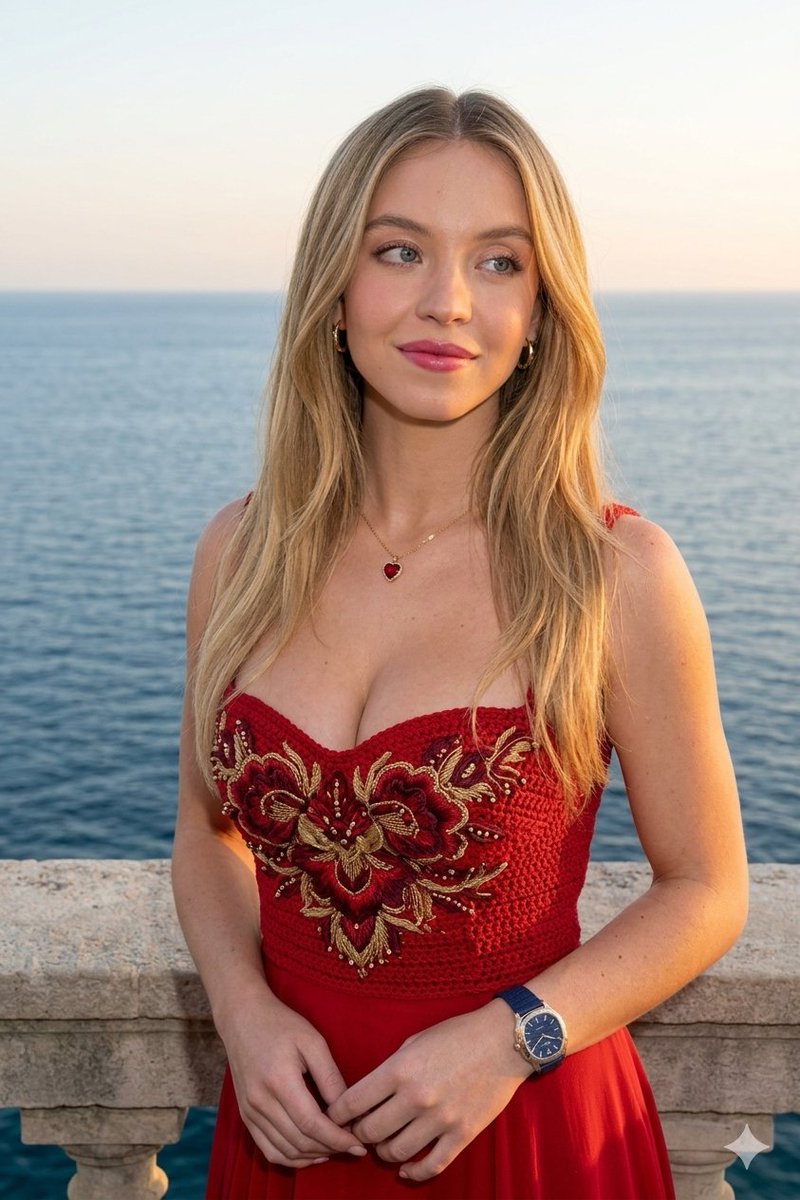
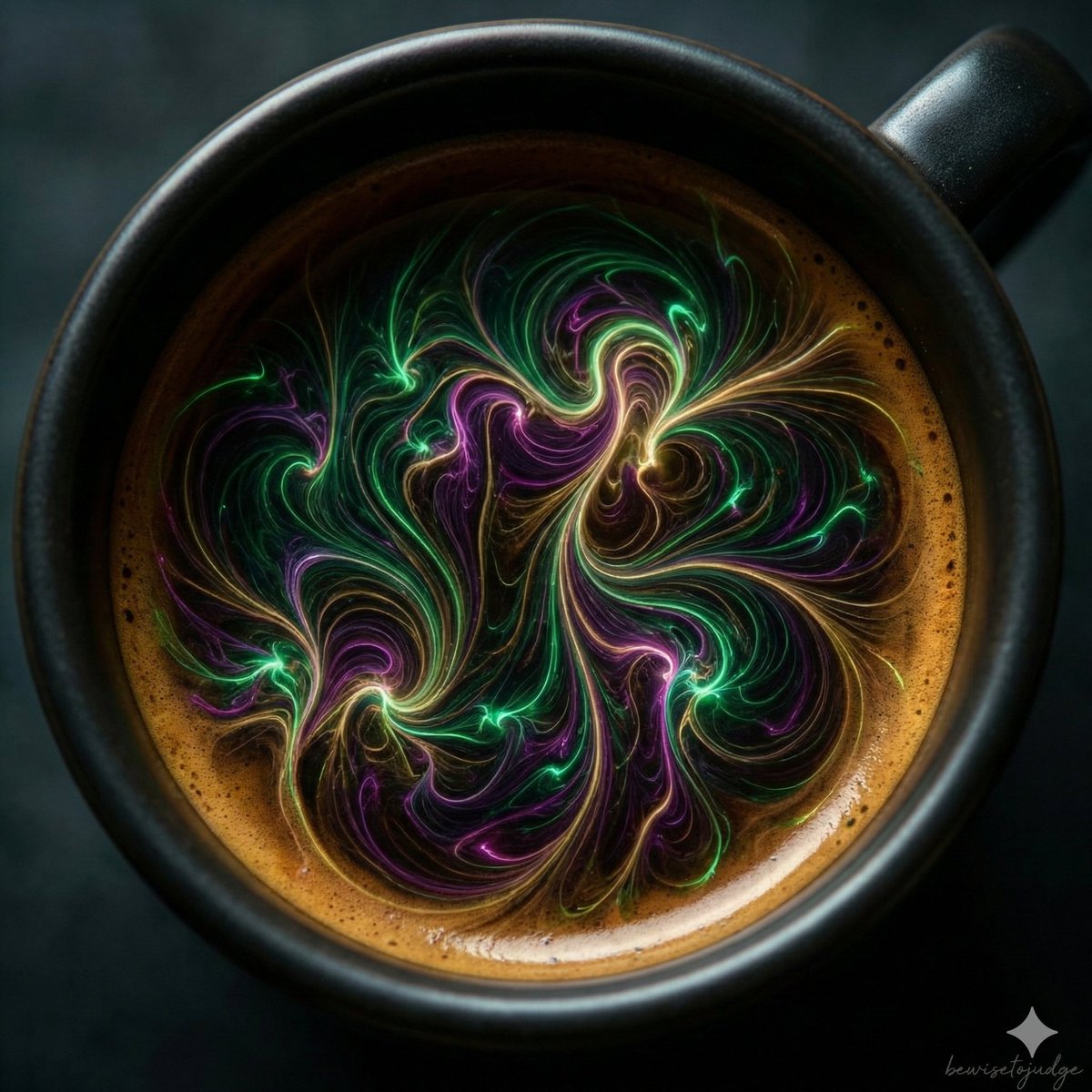
How do I use the Surreal Zero-Gravity Explosion Portrait template?
Choose the primary action to open PicX Studio with the available template settings. Review the model and format, personalize the creative direction, and generate when ready.
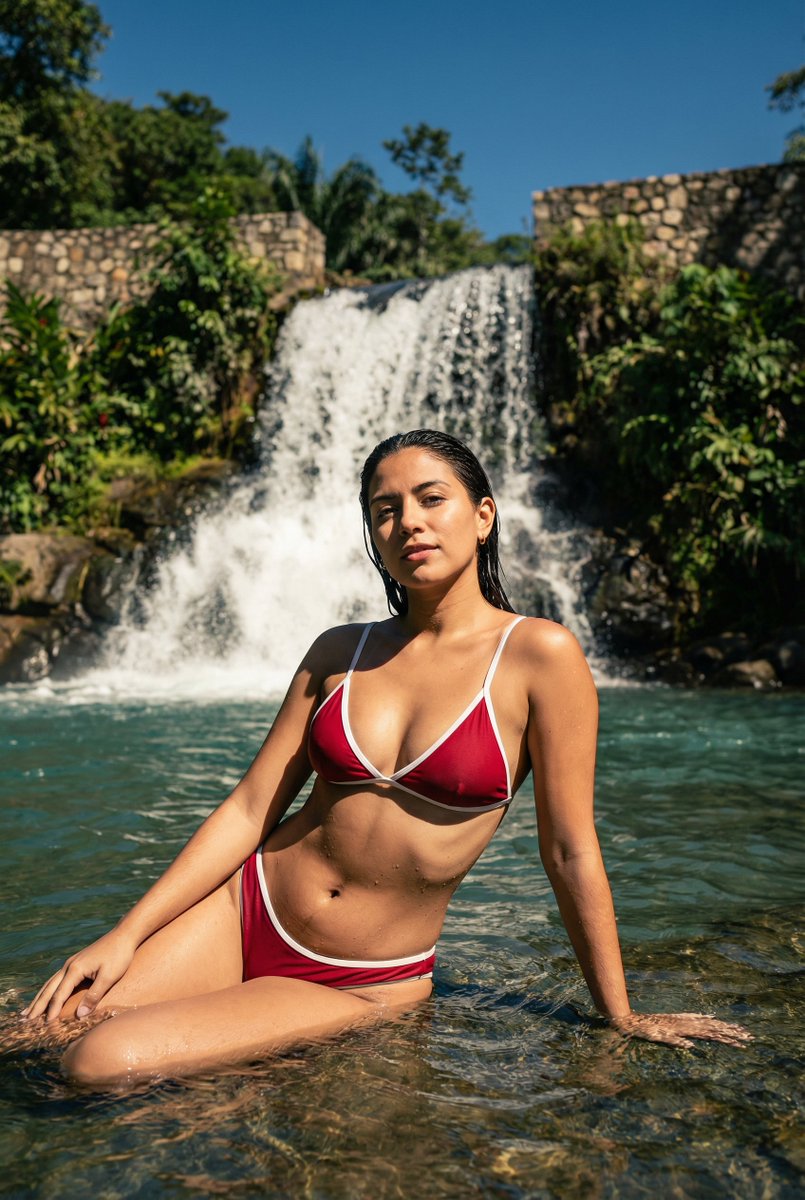
A highly technical prompt for generating a photographic surrealist shot of a subject (Elizabeth Olsen) standing in a chaotic, zero-gravity explosion of hundreds of summer artifacts inside a vintage poolside cabana. Change the subject, setting, or lighting one variable at a time.

A photographic surrealist shot of The Protagonist, appearing as a detached observer, standing amidst a chaotic zero-gravity explosion inside a cluttered vintage poolside cabana. The subject wears a high-fashion, textured swimwear piece. The environment is densely packed with hundreds of summer artifacts frozen in mid-air: melting ice cream cones, retro sunglasses, striped towels, splashes of chlorinated water, and inflatable beach balls, all suspended as if time has stopped. The lighting is a mix of harsh, directional sunlight casting sharp, long shadows across the floating debris, combined with a cool-toned, ghostly fill light. The composition utilizes a severe Vertigo Dutch Angle (25-degree tilt) to induce disorientation. Shot on a Hasselblad H6D-100c with a wide 35mm lens, high aperture (f/11) to keep the dense clutter in focus, processed with the grain and color shift of Kodak Ektachrome E100 film. Hyper-realistic textures, practical effect aesthetic, no CGI feel.
Choose the primary action to open PicX Studio with the available template settings. Review the model and format, personalize the creative direction, and generate when ready.
Yes. You can change the subject, setting, lighting, mood, format, and available model controls before creating your image.
This template is free to open and customize. Generation usage is shown in PicX Studio before you create.
Start with Nano Banana 2, which is the model associated with this template. You can compare another compatible model for a different finish.
Follow a topic to a crawlable collection of related PicX Studio templates.
43,474 public templates available. Verified via the PicX Studio public templates API; refreshed hourly.











![Pop Art Superhero Explosion Poster — [Subject] bursting forth in a Pop Art Powerhouse explosion of vibrant colors and bold outlines. Use a Ben-Day dot pattern a](https://images.meigen.ai/tweets/2075580941272019292/0.jpg)

![Naive doodle-style subject illustration — A doodle-style {argument name="subject" default="[subject]"}, naive lines, humorous shape exaggeration](https://pbs.twimg.com/media/G6Wl2YxbsAARB2b.jpg)