How do I use the Paparazzi-Style Candid Shot of Woman in NYC template?
Choose the primary action to open PicX Studio with the available template settings. Review the model and format, personalize the creative direction, and generate when ready.
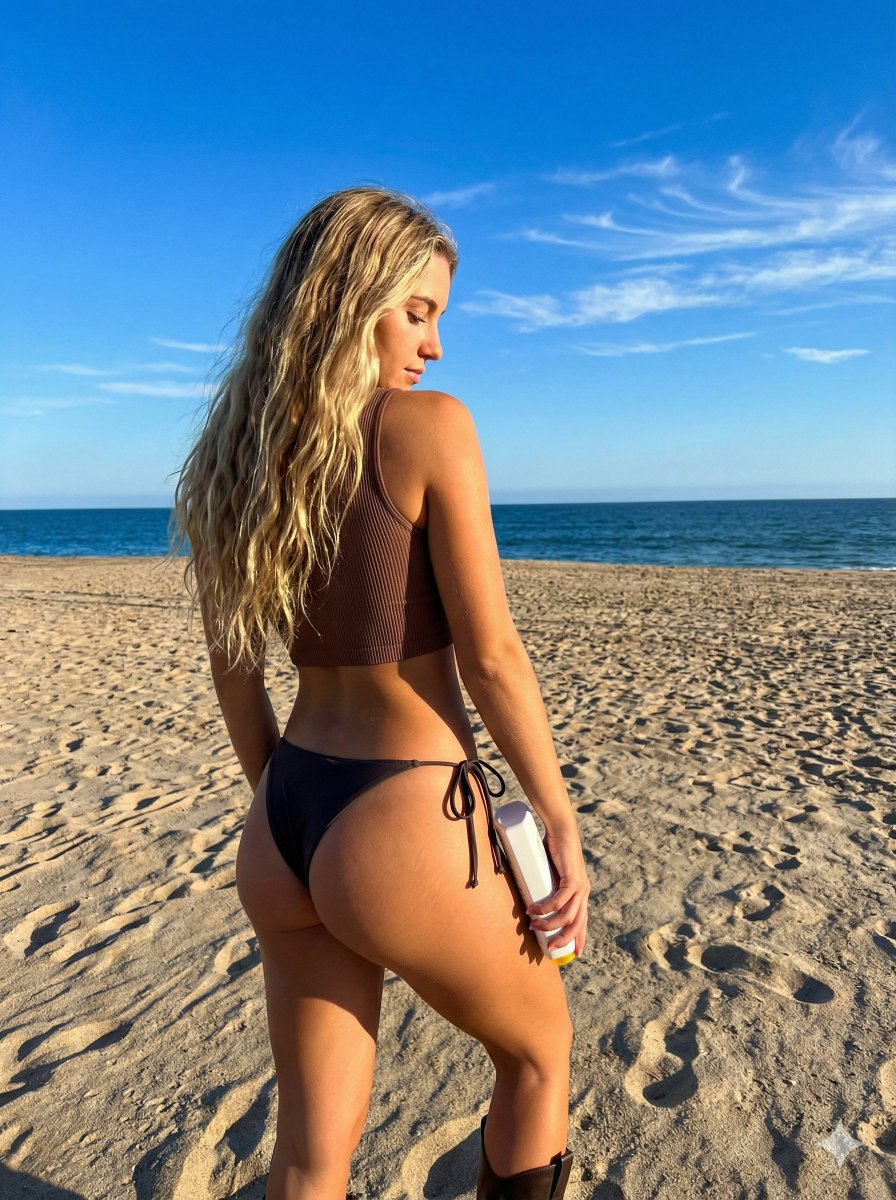
A detailed prompt for generating a photorealistic, candid, paparazzi-style full-body shot of a young woman (Anya Taylor Joy likeness) walking on a busy New York City sidewalk, specifying her outfit (crop top with text, leather mini skirt, knee-high boots) and the gritty urban background elements. Change the subject, setting, or lighting one variable at a time.

{ "prompt": "A photorealistic candid paparazzi-style full-body shot of a young woman with long straight platinum blonde hair walking down a busy New York City sidewalk. She is wearing a white baby tee crop top with the text '{argument name="shirt text" default="I <3 COWBOYS"}' in pink glittery font, a short black leather mini skirt, and black knee-high leather boots. She is wearing dark cat-eye sunglasses and clutching a black purse and phone. The background features typical urban scenery including construction scaffolding, a white delivery truck, a trash bin, and blurred pedestrians, shot with natural daylight and high-resolution texture." }
Choose the primary action to open PicX Studio with the available template settings. Review the model and format, personalize the creative direction, and generate when ready.
Yes. You can change the subject, setting, lighting, mood, format, and available model controls before creating your image.
This template is free to open and customize. Generation usage is shown in PicX Studio before you create.
Start with Nano Banana 2, which is the model associated with this template. You can compare another compatible model for a different finish.
Follow a topic to a crawlable collection of related PicX Studio templates.
43,474 public templates available. Verified via the PicX Studio public templates API; refreshed hourly.











![Naive doodle-style subject illustration — A doodle-style {argument name="subject" default="[subject]"}, naive lines, humorous shape exaggeration](https://pbs.twimg.com/media/G6Wl2YxbsAARB2b.jpg)