
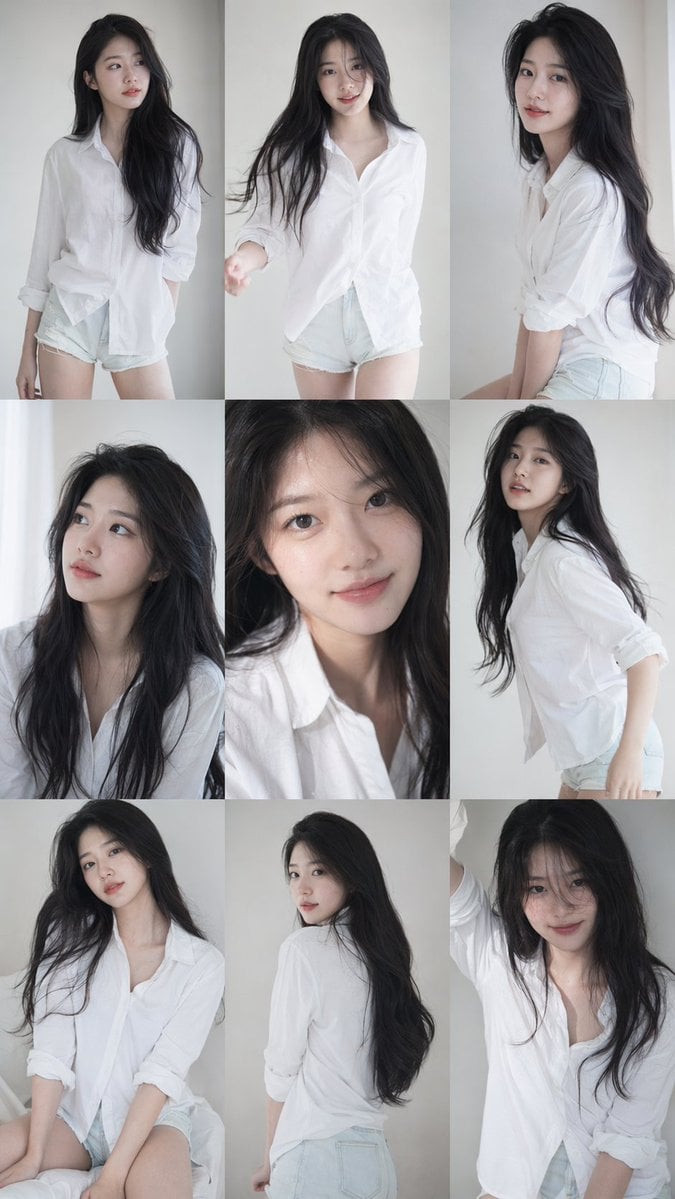
Korean Idol Photocard Grid Collage
A detailed prompt for creating a 3x3 grid of consistent Korean idol portrait photoshoots with a soft, natural aesthetic.
- Prompt included
- Model and format preset
- Free template
The prompt behind this image
Copy the exact prompt behind Korean Idol Photocard Grid Collage, or open it in the studio and make it yours.
9:16 vertical — 3x3 grid collage (nine images) forming a Korean idol portrait photoshoot series. One young Korean female idol, maintaining 100% consistency in facial features, proportions, hairstyle, and identity across all nine shots.\n\nNatural, ultra-realistic skin texture, no retouching, no smoothing. Clean idol-style minimal makeup, soft glow, subtle imperfections.\n\nHair: long, voluminous dark hair, slightly tousled, natural loose flow, slight movement — consistent across all frames.\n\nOutfit: white shirt + short bottoms (or simple neutral-toned outfit), Korean idol photoshoot styling, youthful and clean. Same outfit across all frames.\n\nSetting: minimal studio or simple indoor environment, plain wall, soft window light. Focus on subject.\n\nLighting: soft diffused natural light, gentle highlights, low contrast, slightly airy tones, subtle film-like softness.\n\nCamera: intimate portrait photography, slightly handheld feel, minor grain, slight blur in motion frames, imperfect framing.\n\nFrame layout (3x3):\nTop row: standing naturally/side gaze | facing camera/casual mid-motion | slight side angle/candid\nMiddle row: looking slightly upward/thoughtful | close-up/direct eye contact/idol smile | body turning/mid-motion\nBottom row: seated or leaning/relaxed | back partially turned/looking over shoulder | standing close/playful soft expression\n\nMood: Korean idol photobook/photocard aesthetic, intimate, soft, natural, everyday charm. Ultra-realistic 8K, subtle analog film grain, natural imperfections, soft dreamy tone.
How to use Korean Idol Photocard Grid Collage in 3 steps
- 1
Open
The prompt is already in the box next to the preview, with the template's model and format selected.
- 2…a portrait of your subject in softgolden-hour light, 85mm…
Personalize
Edit the subject and creative details for your destination.
- 3Generate
Generate
Press Generate — your image is created in PicX Studio, so you can compare it with the original and refine one variable at a time.
More like this
Templates with the same subject, style or setup. Open one to see its prompt.

Urban Fashion Editorial Collage Streetwear Poster

Korean Luxury Fashion Editorial 2x2 Grid Series

Paris Travel Collage Grid - Face Reference
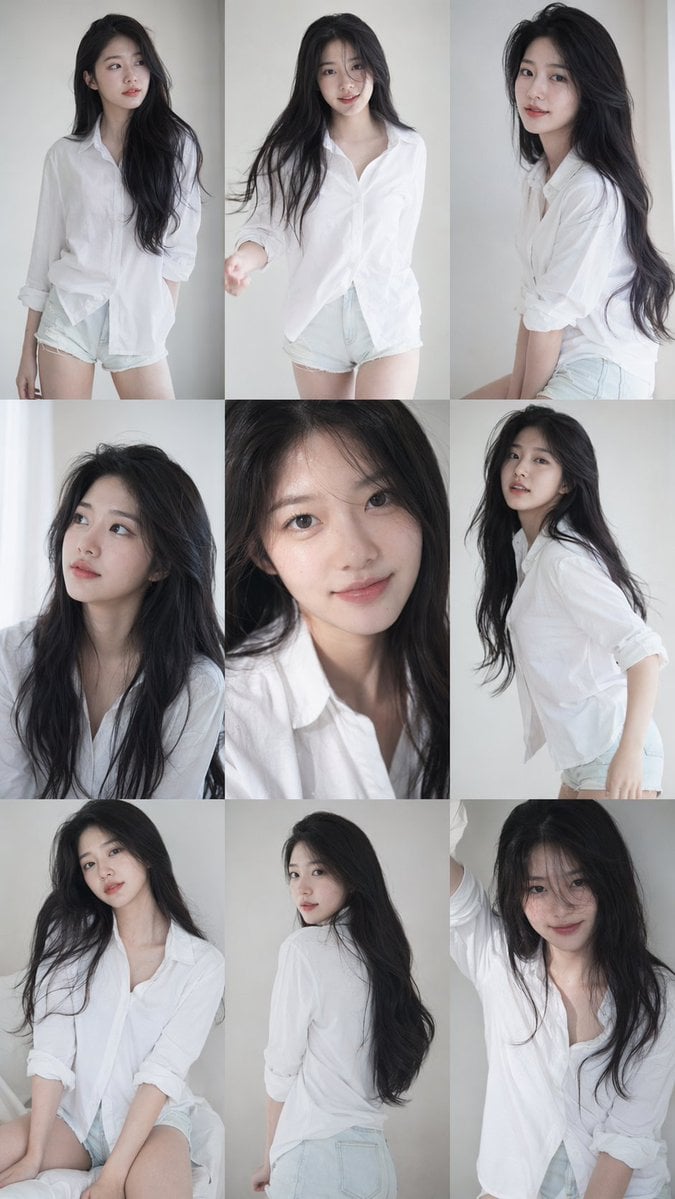
Korean Idol Photobook Collage

Grid K-Pop Idol Photocard Style Prompt (JSON)

Paper Cut Finale Fireworks

Paper Cut Garden Maze

Paper Cut Rooftop Concert

Paper Cut Bicycle Coast

Paper Cut Castle Gate

Paper Cut Kitchen Chaos

Paper Cut Carnival Ride
Make it yours
Korean Idol Photocard Grid Collage works as-is. These are the safest ways to change it without losing the look.
Change one field
Copy a single group, rewrite it, and generate again so you can see what that field is doing.
Keep the frame, change the subject
Hold the composition and light of Korean Idol Photocard Grid Collage, then swap wardrobe, props or the person for a new take.
| If the result… | Why | Fix |
|---|---|---|
| The result drifts from the preview | Too many fields changed at once. | Reuse Korean Idol Photocard Grid Collage as-is first, then change one group — subject, light, or setting. |
| The model over-stylizes the scene | The prose prompt leaves finish and camera underspecified. | Add one camera or lighting sentence and stay on GPT Image 2. |
More GPT Image 2 templates
Other prompts made for GPT Image 2.

Six VTuber Japanese Logo Sheet

Realistic Portrait of Woman and Deer

The Vista Modular Condo Poster

AI Model Routing Comparison Infographic

2.5D Anime Art Board

Isometric Productivity Desk Scene

New York Double Exposure Poster

Four-Panel AI Landscape Comparison

Japanese Tatami Lifestyle Magazine Cover

NESCAFÉ Coffee Map Poster
More image prompts
Fresh picks from across the catalog.
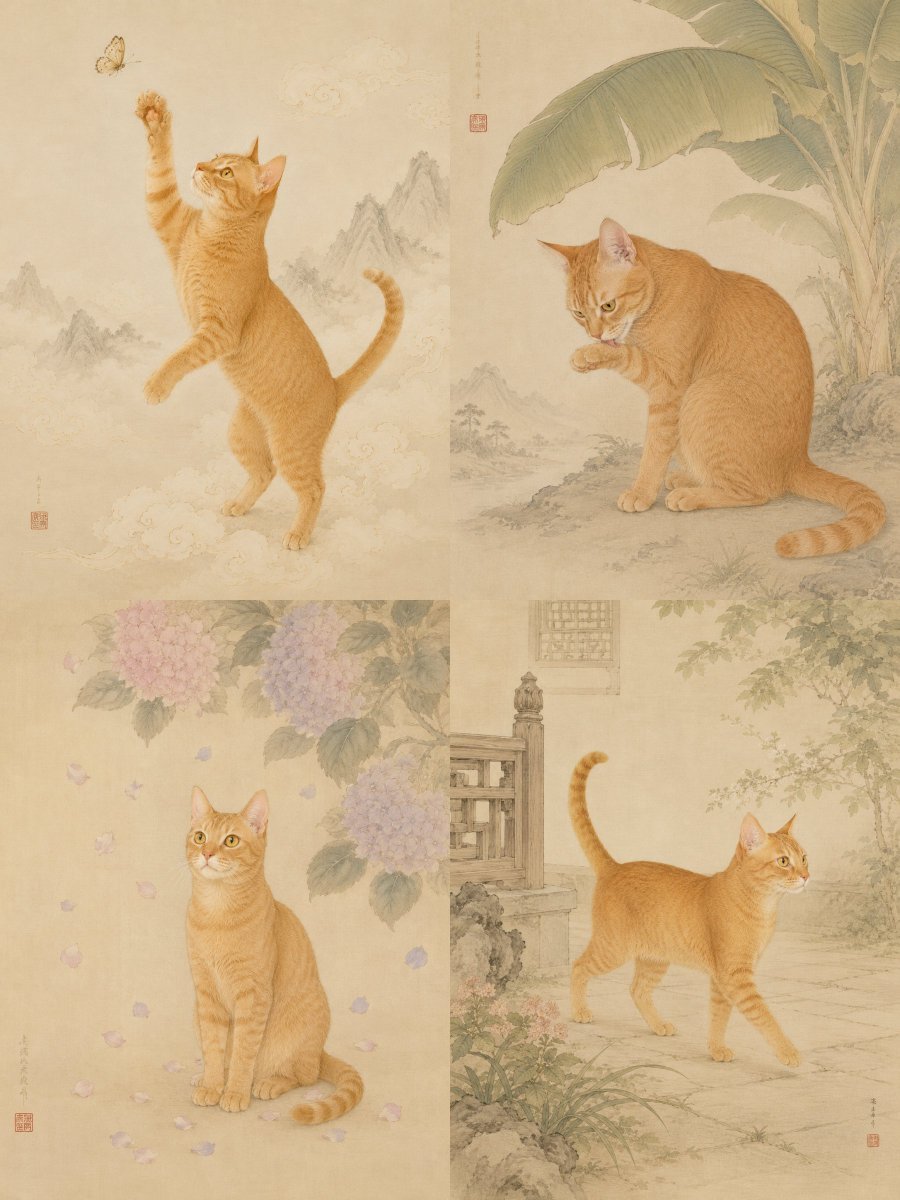
Oriental Gongbi Style Pet Portrait
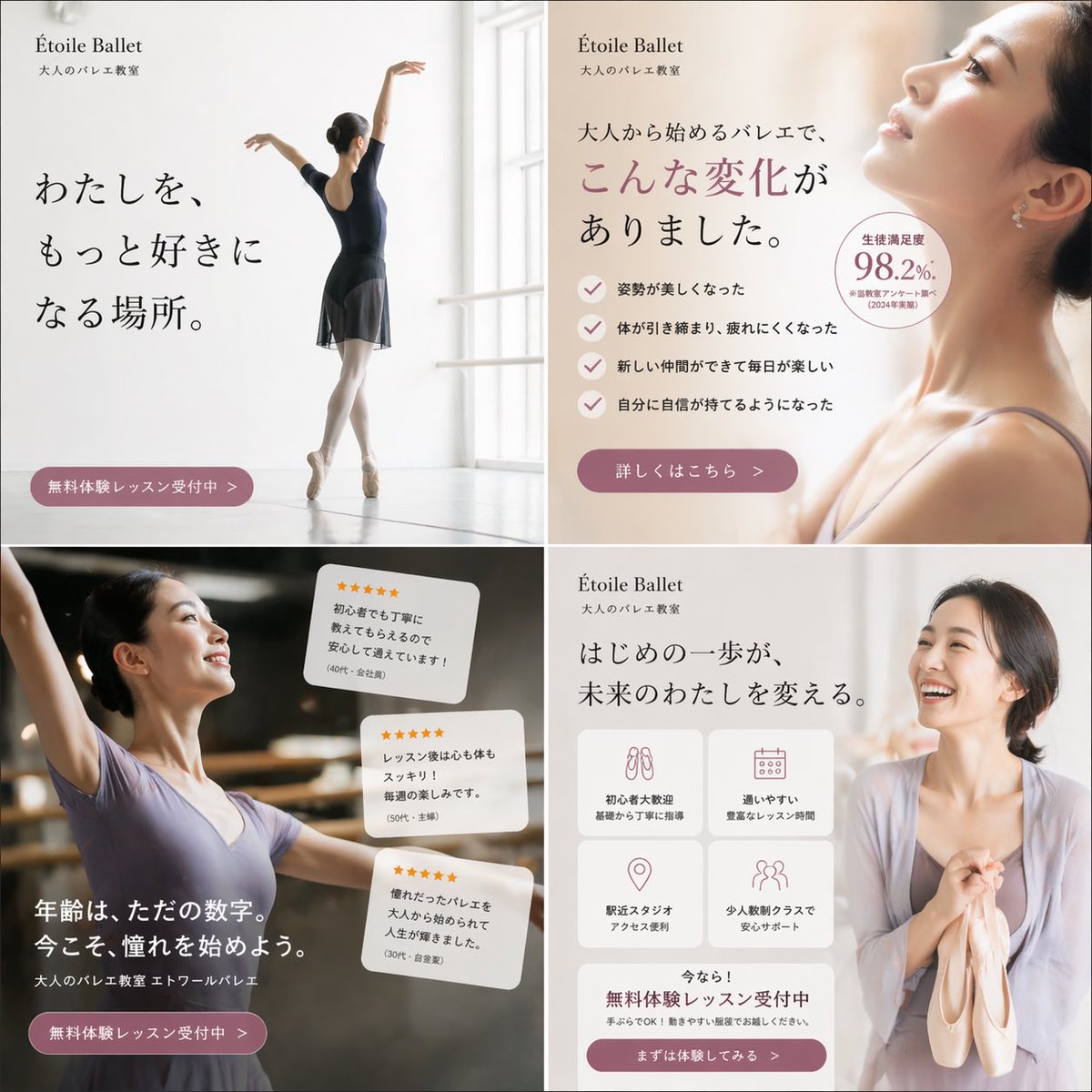
Elegant Ballet School Promo Grid

Photorealistic Product Advertising Shot
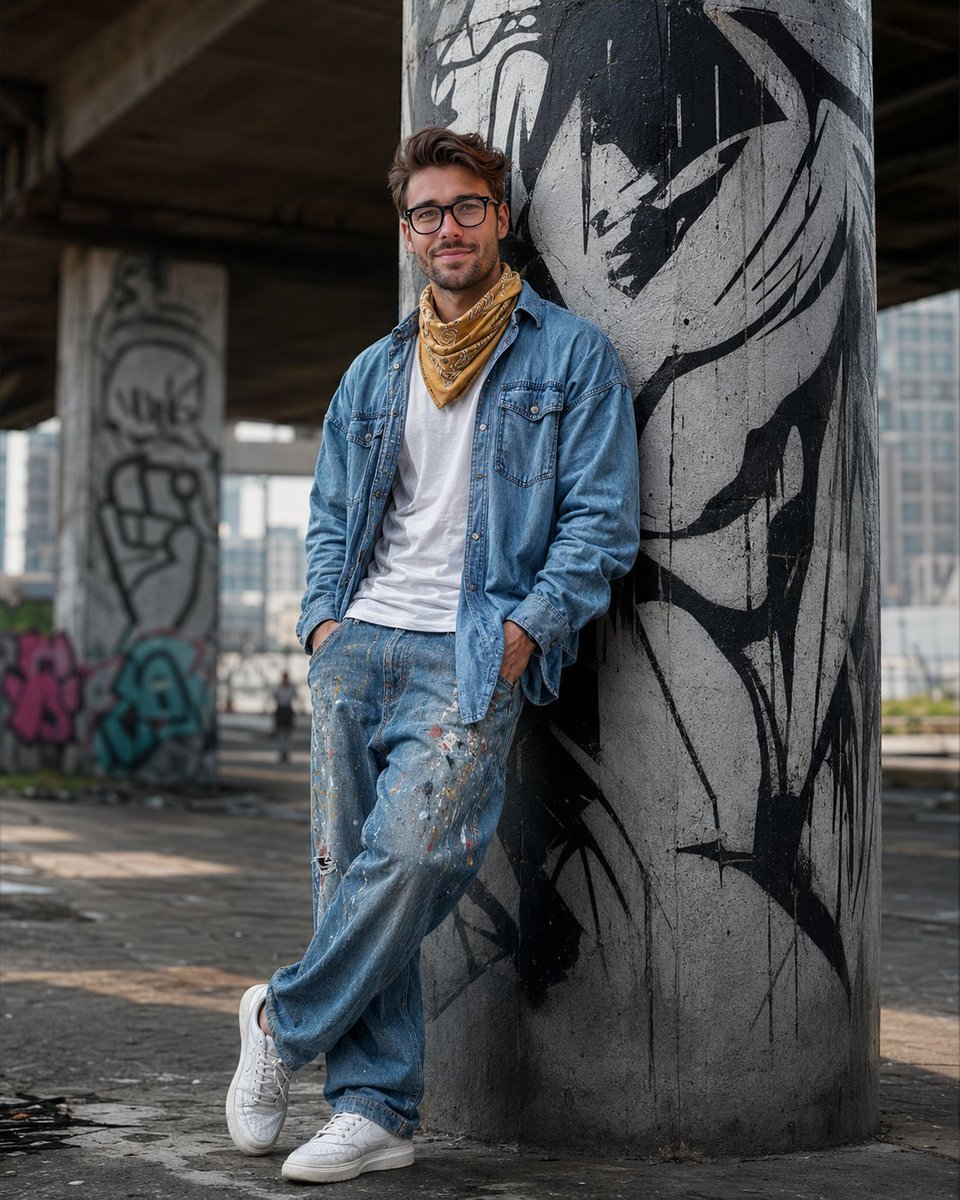
South Asian Streetwear Portrait

Seven Chibi Samurai Ink Poster
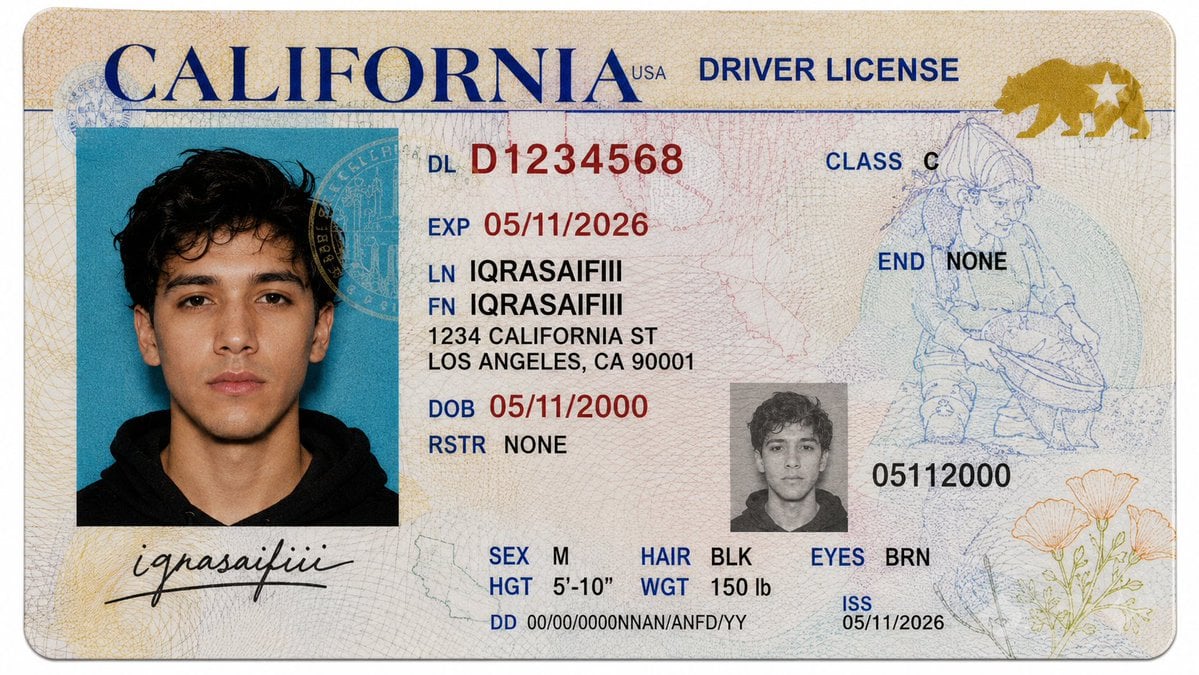
Realistic Driver License Mockup

Alpine Snow Portrait with Trapper Hat
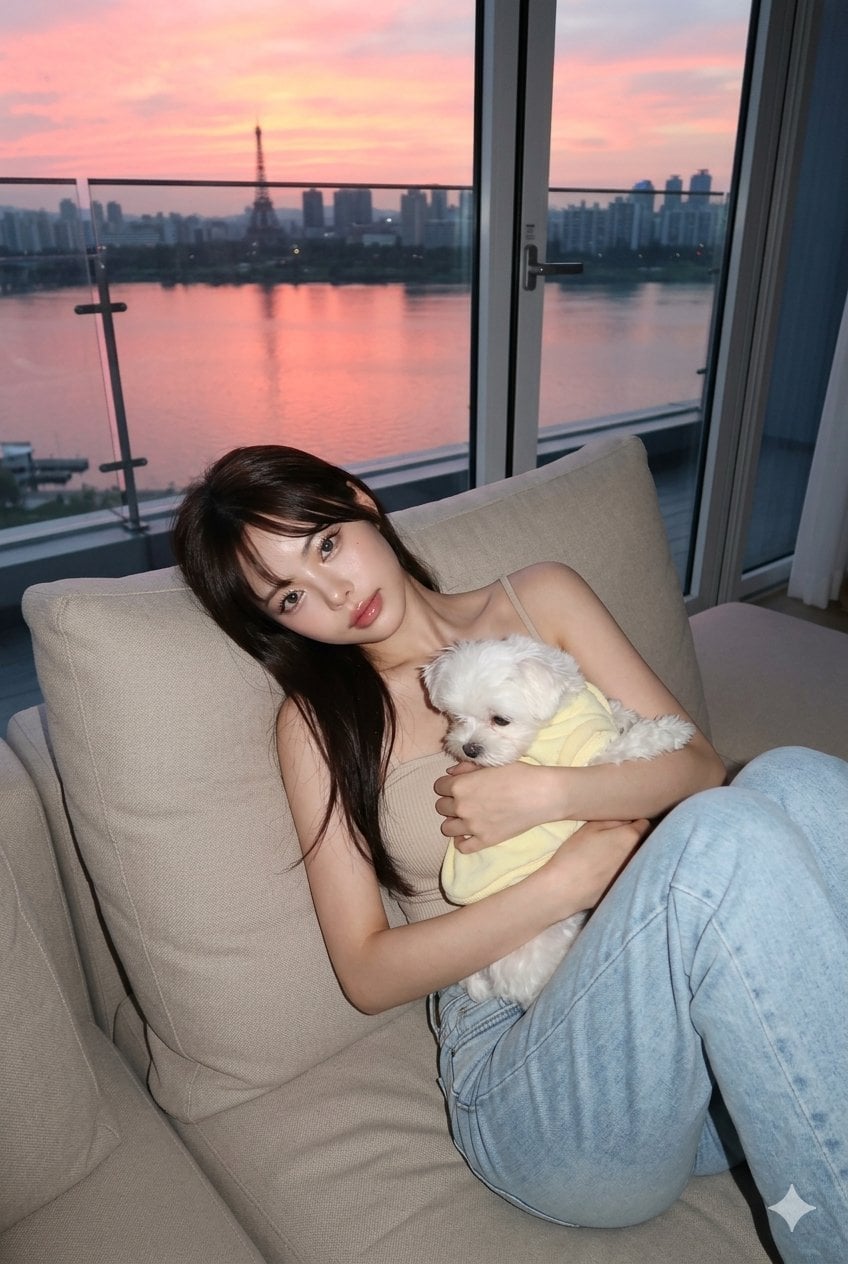
untitled
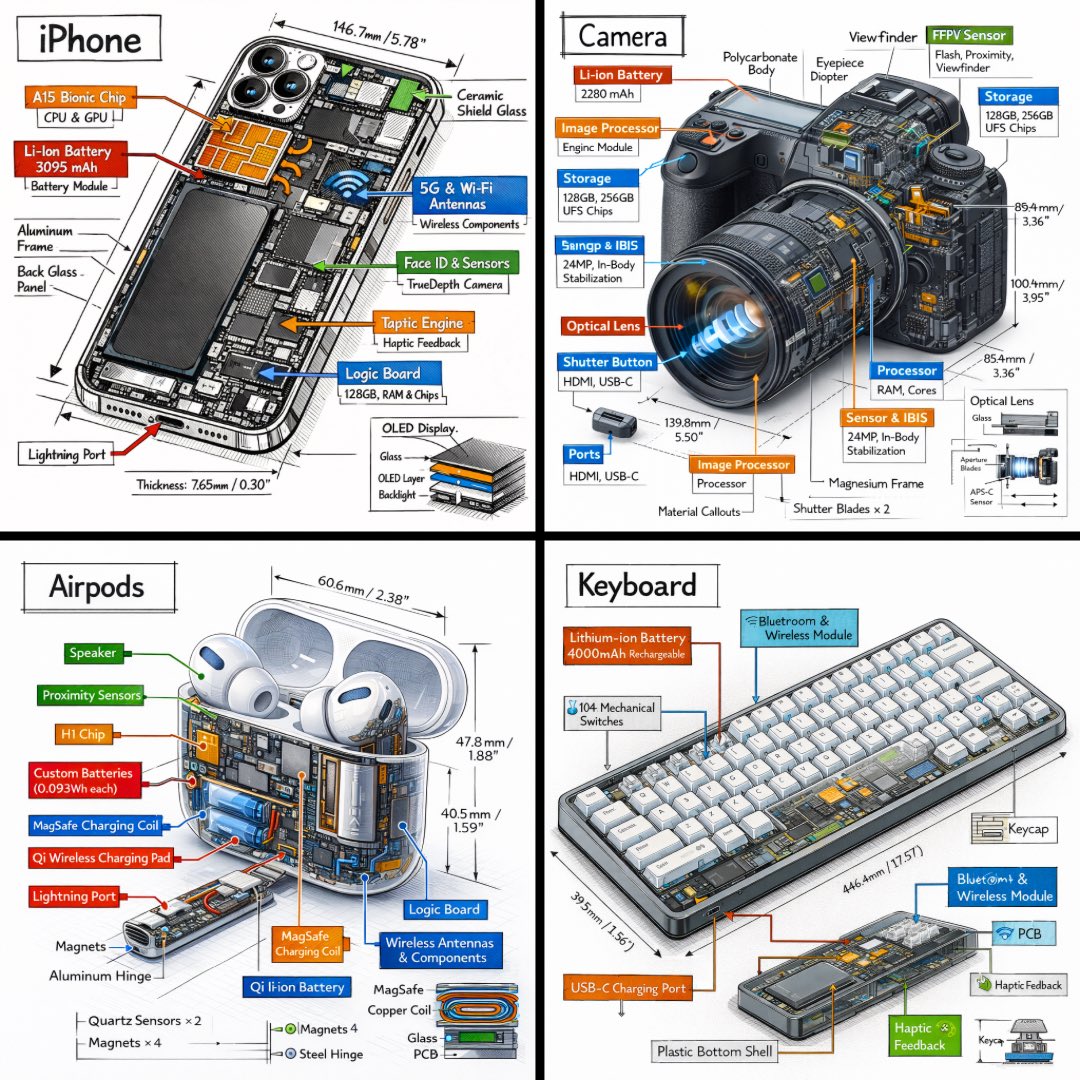
Technical Isometric Teardown Infographic
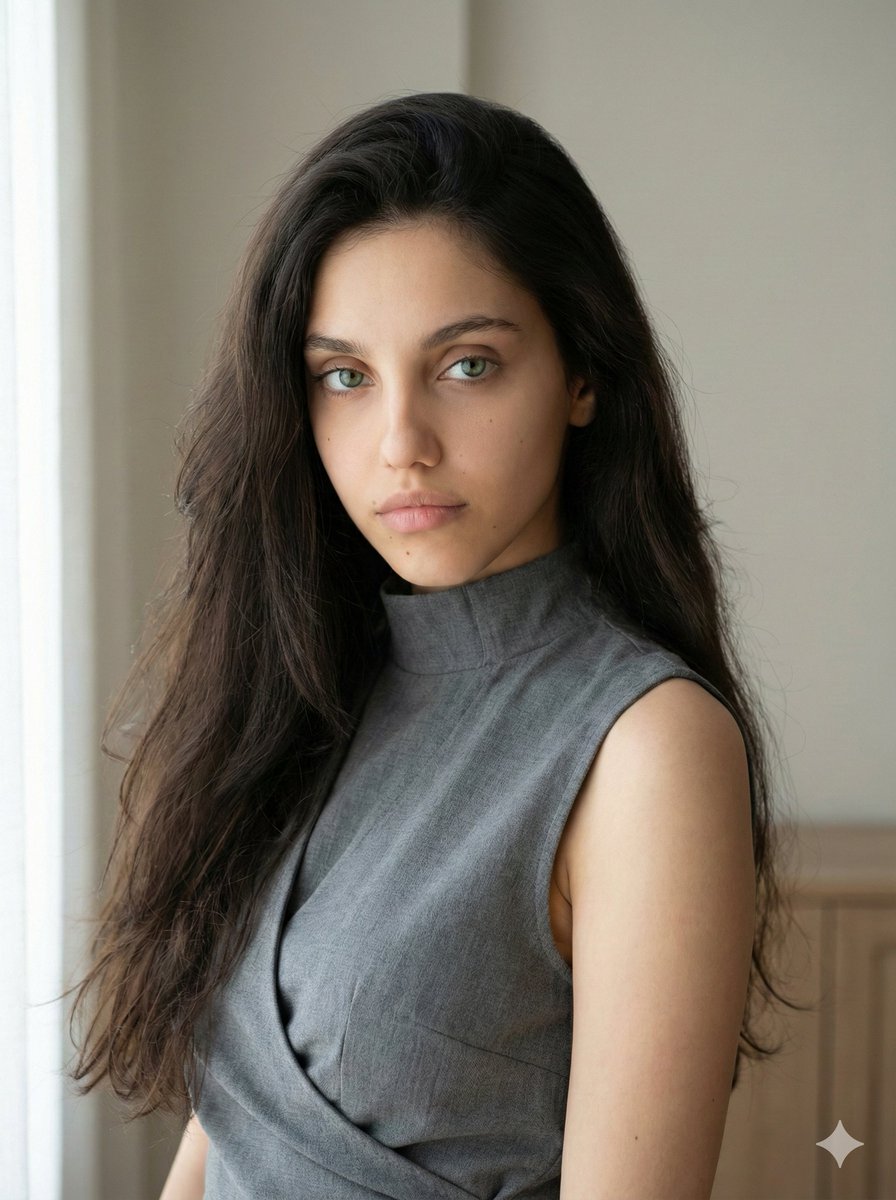
Minimalist Fashion Portrait with Sculptural Bodice
Browse template categories
Korean Idol Photocard Grid Collage questions
How do I use the Korean Idol Photocard Grid Collage template?
Add your photo if the template asks for one, edit the prompt if you like — the template's model and format are already selected — and press Generate. Your version opens in PicX Studio.
Can I customize the Korean Idol Photocard Grid Collage template?
Yes. You can change the subject, setting, lighting, mood, format, and available model controls before creating your image.
Is the Korean Idol Photocard Grid Collage template free?
Opening and editing this template is free. Generating uses credits, shown on the Generate button when you are signed in.
Which AI model should I use?
Start with GPT Image 2, which is the model associated with this template. You can compare another compatible model for a different finish.
Looking for something else? Browse all templates.

Your photo, any look
Thousands of ready templates for every top image and video model, from one credit balance.