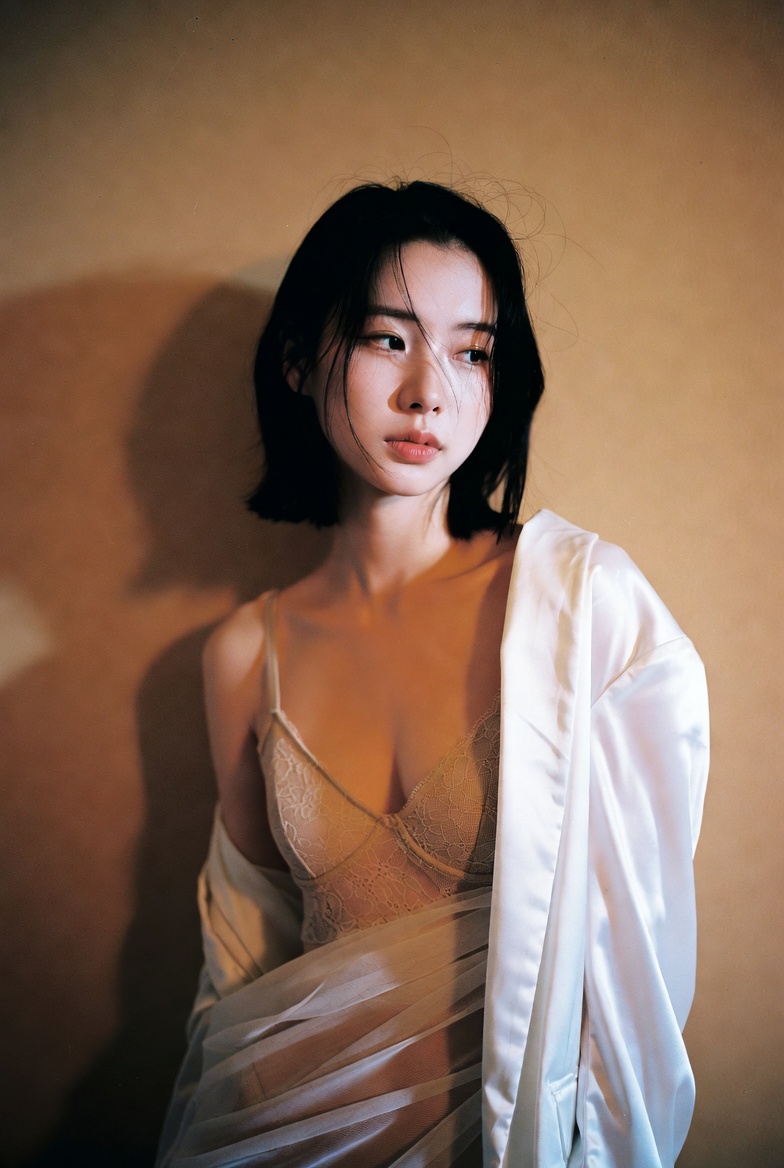
How do I use the Modern Fashion Editorial Portrait template?
Choose the primary action to open PicX Studio with the available template settings. Review the model and format, personalize the creative direction, and generate when ready.
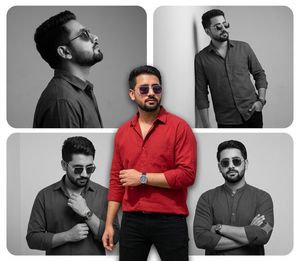
A prompt for generating a cinematic portrait of a stylish young man indoors, focusing on warm ambient lighting, ultra-realistic textures, and a modern fashion editorial vibe, featuring a burnt-orange corduroy jacket. Change the subject, setting, or lighting one variable at a time.

A stylish young man standing indoors in a modern, softly lit environment. He has thick, voluminous dark hair swept back naturally and a well-groomed short beard. He is wearing dark round sunglasses, giving a confident, composed expression while looking slightly to the side. Outfit consists of a {argument name="jacket color and material" default="burnt-orange corduroy hooded jacket with button-down front and chest pockets"}, layered over a plain white crew-neck t-shirt, paired with fitted blue jeans. Hands casually placed in his pockets, relaxed masculine posture. Warm ambient lighting with soft wall lights in the background, shallow depth of field, cinematic portrait photography style. Ultra-realistic textures, natural skin tones, sharp focus on subject, professional DSLR quality, high detail, modern fashion editorial vibe. Negative Prompt (optional): blurry, low resolution, overexposed, cartoon, anime, artificial lighting, exaggerated features, bad anatomy, extra limbs, distorted face, plastic skin
Choose the primary action to open PicX Studio with the available template settings. Review the model and format, personalize the creative direction, and generate when ready.
Yes. You can change the subject, setting, lighting, mood, format, and available model controls before creating your image.
This template is free to open and customize. Generation usage is shown in PicX Studio before you create.
Start with Nano Banana 2, which is the model associated with this template. You can compare another compatible model for a different finish.
Follow a topic to a crawlable collection of related PicX Studio templates.
43,474 public templates available. Verified via the PicX Studio public templates API; refreshed hourly.














![Naive doodle-style subject illustration — A doodle-style {argument name="subject" default="[subject]"}, naive lines, humorous shape exaggeration](https://pbs.twimg.com/media/G6Wl2YxbsAARB2b.jpg)













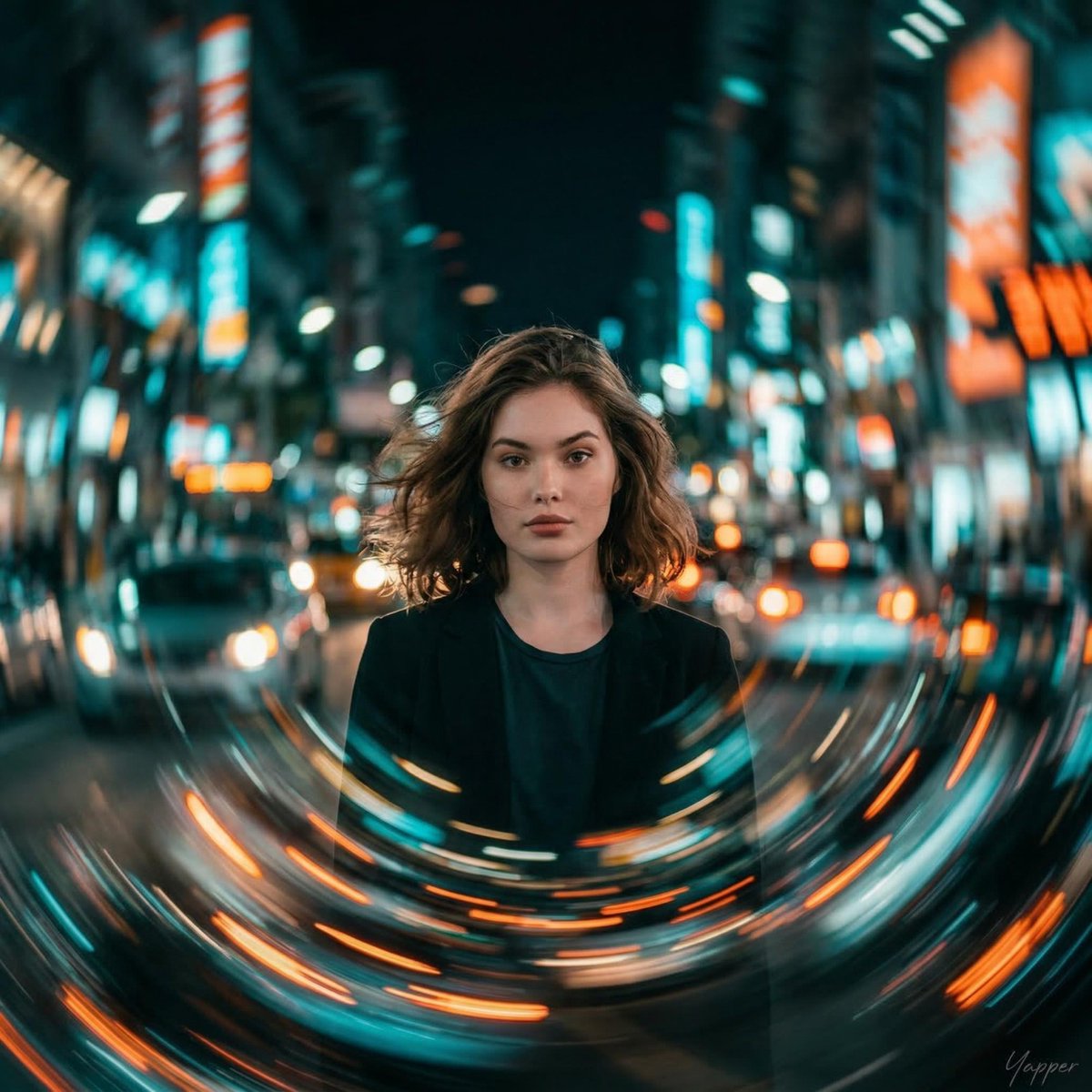
![Surrealist Fashion Advertising Poster — High fashion surrealist advertising poster. {argument name="background color" default="[Background Color]"} minimalist s](https://cms-assets.youmind.com/media/1780564660421_n6xnpk_HJ28oiaa0AAy0vq.jpg)

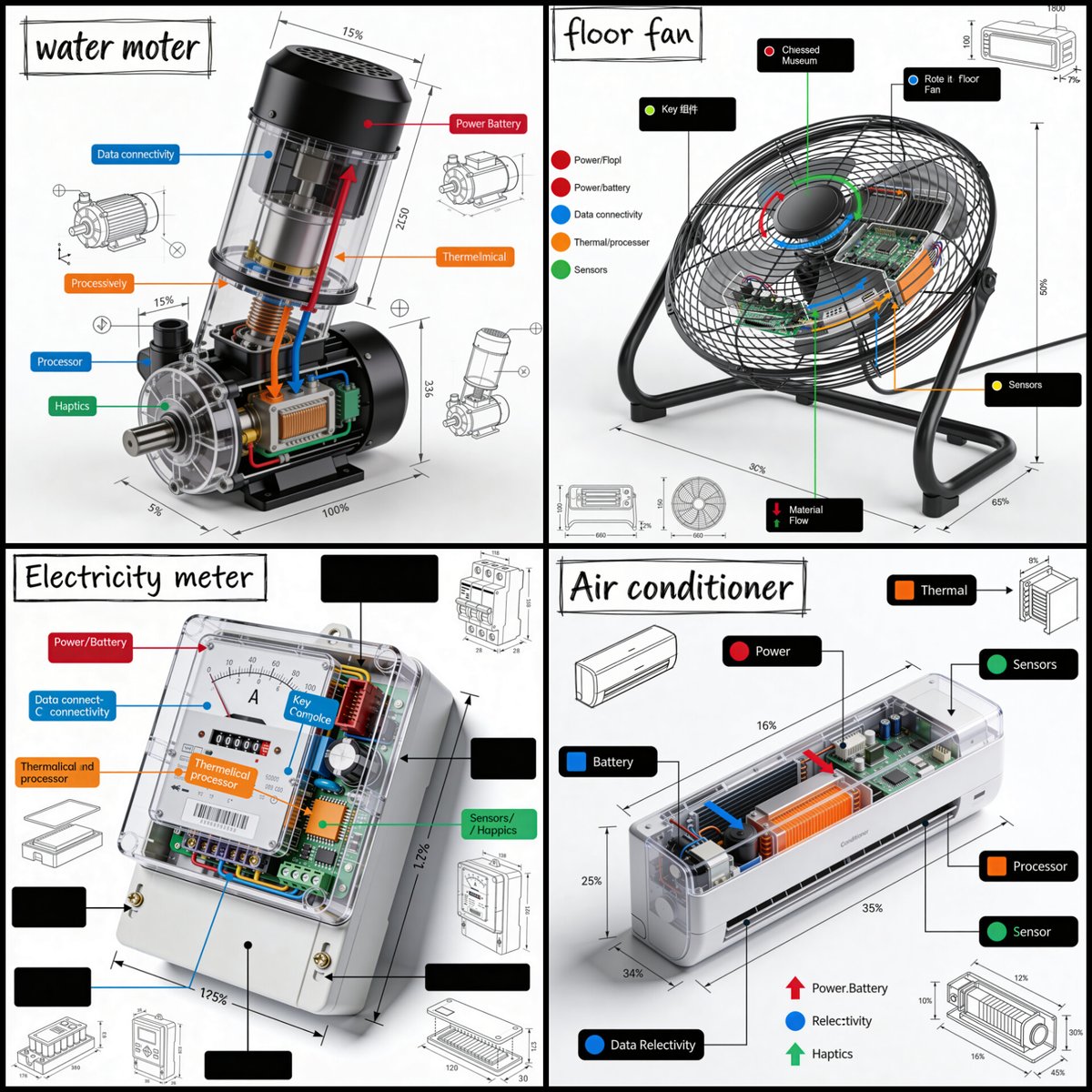
![Technical Cross-Section Diagram — Hyper-detailed technical cross-section diagram of a {argument name="object" default="[type here object]"} rendered in a dark e](https://cms-assets.youmind.com/media/1777539320782_lipcbg_HHEf1rVbUAEy-2z.jpg)
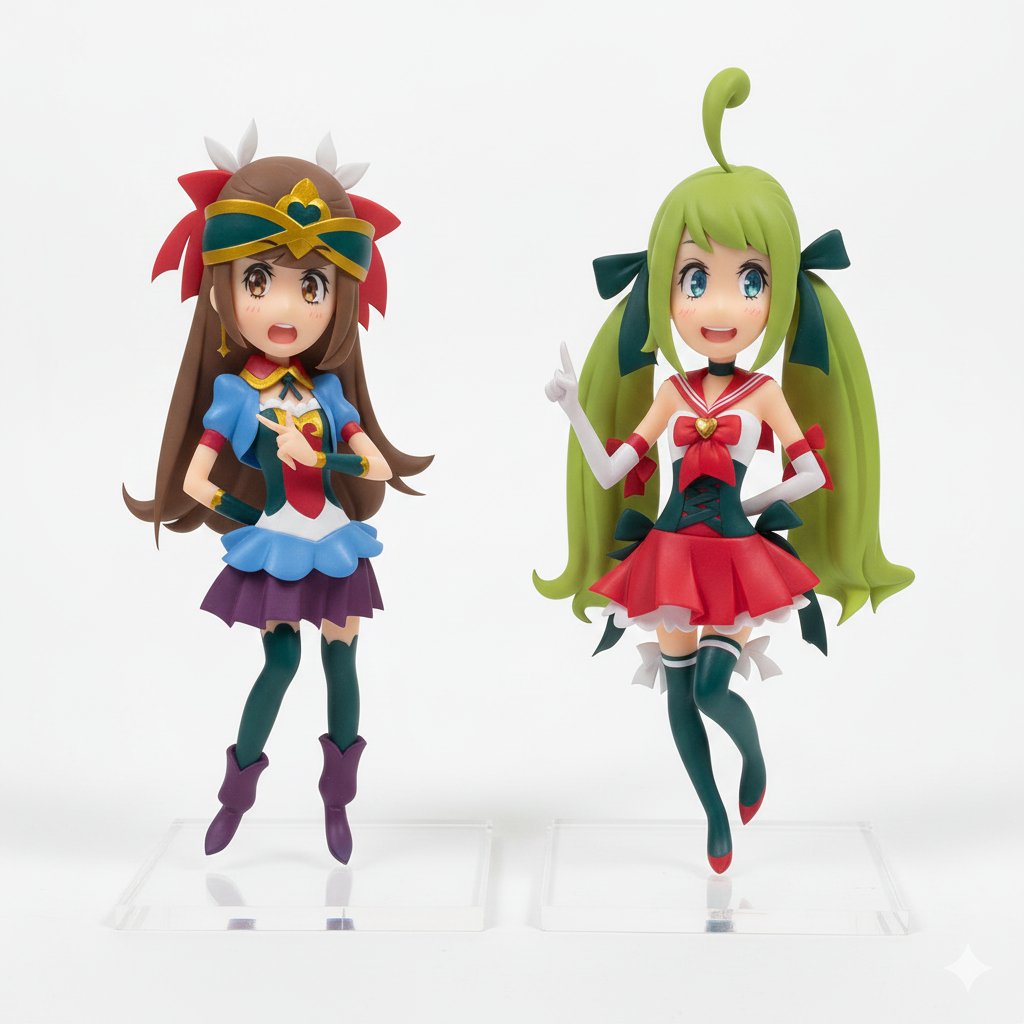
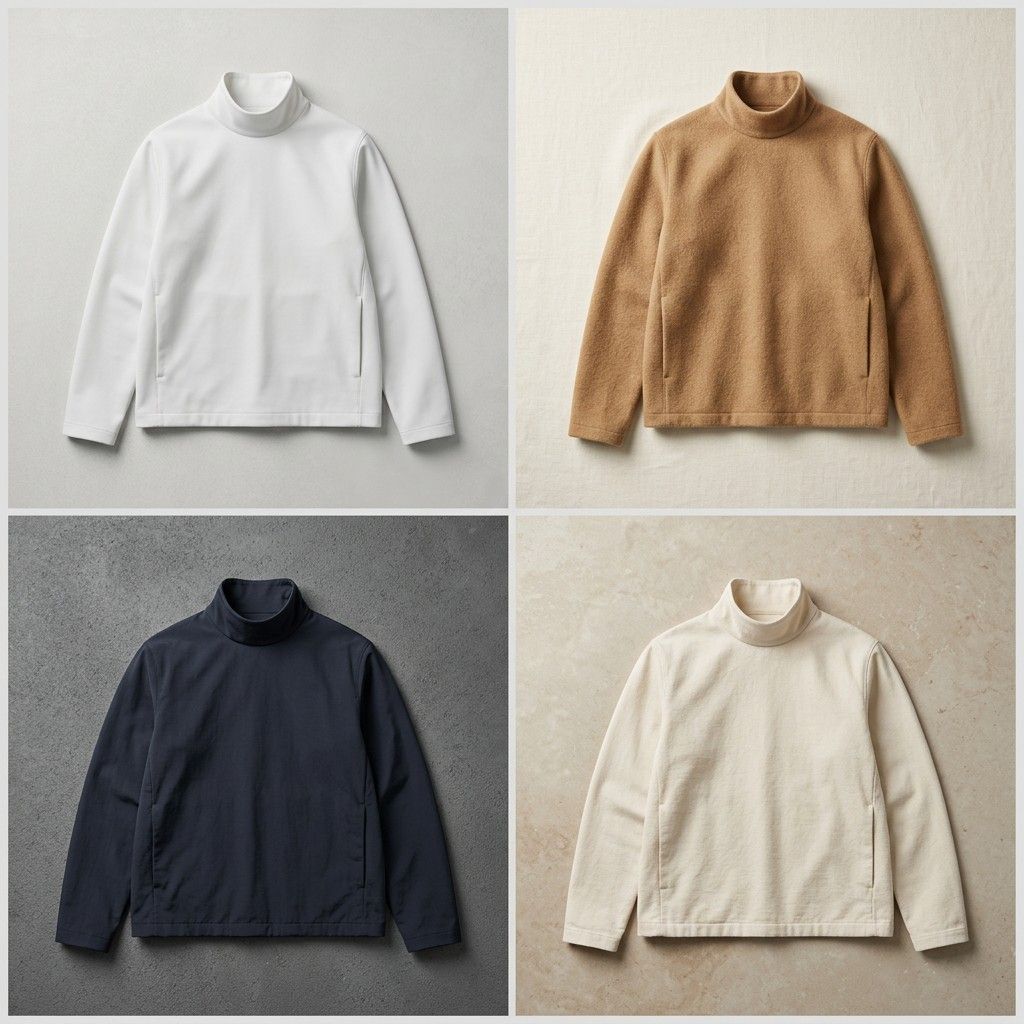

![8K Ultra-Realistic Luxury Product Flat-Lay — A luxurious lifestyle {argument name="product" default="[PRODUCT]"} flat-lay composition placed on a…](https://pbs.twimg.com/media/HAS3C0VbsAAJuTi.jpg)





![Exploded View Product Photography — [ {argument name="product name" default="Nintendo game"} ], high-end product advertising, white seamless background, explode](https://pbs.twimg.com/media/G-e7-58bQAM5PY1.jpg)
![Mecha Character Concept Showcase — Create a high-end, asymmetric editorial CHARACTER CONCEPT SHOWCASE from these inputs:
[STYLE]: {argument name="art style" de](https://cms-assets.youmind.com/media/1780045860648_45rlud_HJZ0ChDbwAAH5uV.jpg)