How do I use the Fashion - City Sidewalk Chic template?
Choose the primary action to open PicX Studio with the available template settings. Review the model and format, personalize the creative direction, and generate when ready.
A ready image prompt for PicX Studio. Change the subject, setting, or lighting one variable at a time.

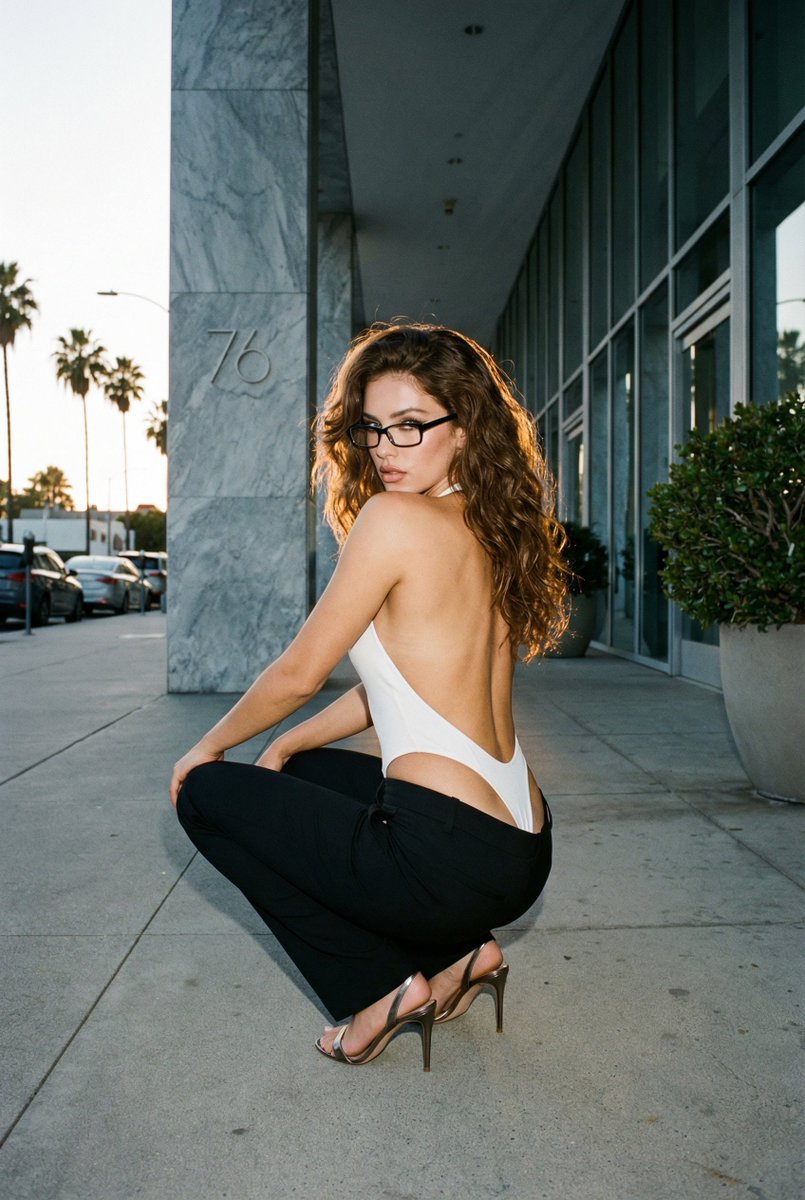
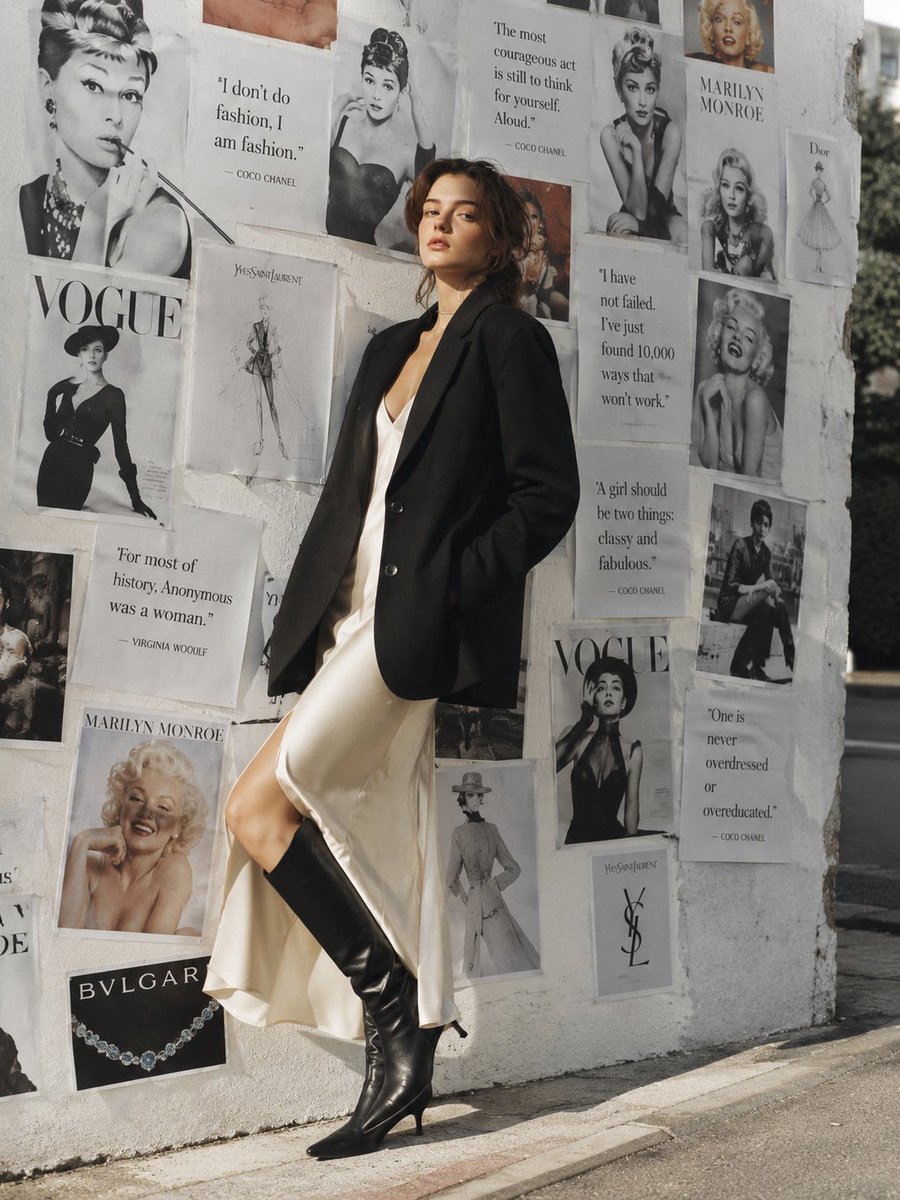
A woman stands on a city sidewalk, her body angled three-quarters toward the camera, left shoulder resting lightly against a rough stone wall, weight shifted onto her right leg, hips cocked in a confident lean. Her left arm hangs relaxed at her side. She wears a white V-neck crop top made of ribbed cotton jersey, the fabric hugging her torso with a subtle stretch, the short sleeves ending just above her biceps. A beige leather mini skirt sits high on her waist, the hem falling mid-thigh with a slight A-line flare, the fabric catching soft daylight in a smooth, matte finish. Over it, a long beige coat drapes to her knees, the heavyweight twill fabric flowing in vertical folds from her shoulders, the wide lapels framing her upper body. Below, matching beige leather pointed-toe heels lift her stance, the polished surface reflecting faint highlights, the slender stiletto heels adding height. Behind her, soft-focus pink hydrangeas bloom against the stone wall, while blurred classical architecture lines the street. The camera frames her in a full-length shot from a low angle, emphasizing her confident posture. Soft, diffused natural daylight creates gentle shadows under the coat's folds and along the wall, with warm highlights on the shoes. The mood is elegant and chic, with a neutral palette of cream, beige, and white tones.
Choose the primary action to open PicX Studio with the available template settings. Review the model and format, personalize the creative direction, and generate when ready.
Yes. You can change the subject, setting, lighting, mood, format, and available model controls before creating your image.
This template is free to open and customize. Generation usage is shown in PicX Studio before you create.
Choose a compatible model in PicX Studio based on the style, speed, and output controls your project needs.
Follow a topic to a crawlable collection of related PicX Studio templates.
43,474 public templates available. Verified via the PicX Studio public templates API; refreshed hourly.

















![Refractive High Fashion Editorial Portrait — "Refractive photography",
"Fine art portrait"
],
"photography_style": {
"genre": "High-end fashion edit](https://pbs.twimg.com/media/G9ys-IDaQAA5ZWL.jpg)







![Abstract Geometry Portrait in Zen Space — [SUBJECT] abstracted into simple geometric forms, floating in a monochromatic zen space. Clean lines…](https://pbs.twimg.com/media/G-XuVCybEAA3w9c.jpg)