
Google Gemini Nano Banana 2 Chatgpt Grok
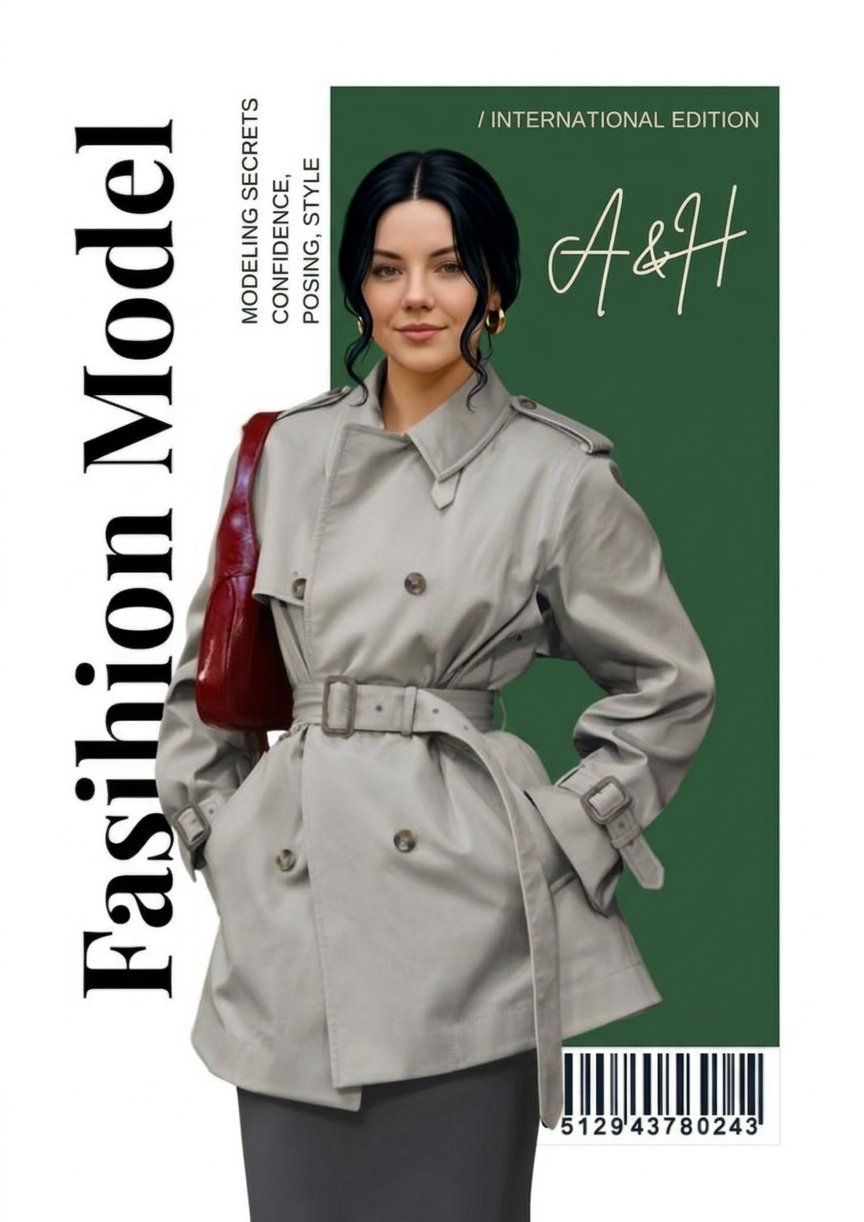
Google Gemini Nano Banana 2 Chatgpt Grok is a ready photo look for Nano Banana.
- Prompt included
- Model and format preset
- Free template
The prompt behind this image
Copy the exact prompt behind Google Gemini Nano Banana 2 Chatgpt Grok, or open it in the studio and make it yours.
Minimalist editorial fashion magazine cover design on a clean light grey/white background. Left side contains a large vertical serif title “Fashion Model” in bold black editorial font running from bottom to top. Next to it place small vertical text: “MODELING SECRETS CONFIDENCE, POSING, STYLE”. Center of the poster: A female fashion model standing confidently, hands in pockets, wearing a beige trench coat with belt tied at the waist, double-breasted buttons, structured collar and sleeves straps. She is wearing dark grey trousers. Model appearance: fair skin, symmetrical face, soft natural makeup, black hair parted in the middle and tied back with loose front strands, wearing gold hoop earrings. She is carrying a dark red leather shoulder bag on her left shoulder. Behind the model place a vertical deep green rectangular panel. On the top of the green panel write: “/ INTERNATIONAL EDITION” Below it place the handwritten script logo “A&H” in elegant cream/light beige color. Bottom right corner include a magazine style barcode with numbers. Style: high-end Vogue style fashion editorial, minimalist layout, studio lighting, clean shadows, ultra realistic, professional fashion photography, sharp details, magazine cover composition, 4k quality.
How to use Google Gemini Nano Banana 2 Chatgpt Grok in 3 steps
- 1
Open
The prompt is already in the box next to the preview, with the template's model and format selected.
- 2…a portrait of your subject in softgolden-hour light, 85mm…
Personalize
Edit the subject and creative details for your destination.
- 3Generate
Generate
Press Generate — your image is created in PicX Studio, so you can compare it with the original and refine one variable at a time.
More like this
Templates with the same subject, style or setup. Open one to see its prompt.

Google Gemini Nano Banana Pro

Comparing Realism Keywords in Midjourney

Cinema Date Popcorn Realistic By Nano Ba

Nano Banana 2 High Fashion Sports Campai

Couture Fashion Editorial Woman and Drag

Ive Yujin Fashion Portrait in Blue

Nano Banana 2 Editorial Fashion Portrait

Caution Tape Fashion — Industrial Editorial

Couple Goals from the Google Gemini Nano

Found Photograph: Us, 1970

80s Couple Studio Portrait

80s College Gate
Make it yours
Google Gemini Nano Banana 2 Chatgpt Grok works as-is. These are the safest ways to change it without losing the look.
Change one field
Copy a single group, rewrite it, and generate again so you can see what that field is doing.
Keep the frame, change the subject
Hold the composition and light of 120-google-gemini-nano-banana-2-chatgpt-grok, then swap wardrobe, props or the person for a new take.
| If the result… | Why | Fix |
|---|---|---|
| The result drifts from the preview | Too many fields changed at once. | Reuse 120-google-gemini-nano-banana-2-chatgpt-grok as-is first, then change one group — subject, light, or setting. |
| The model over-stylizes the scene | The prose prompt leaves finish and camera underspecified. | Add one camera or lighting sentence and stay on Nano Banana. |
More Nano Banana templates
Other prompts made for Nano Banana.










More image prompts
Fresh picks from across the catalog.
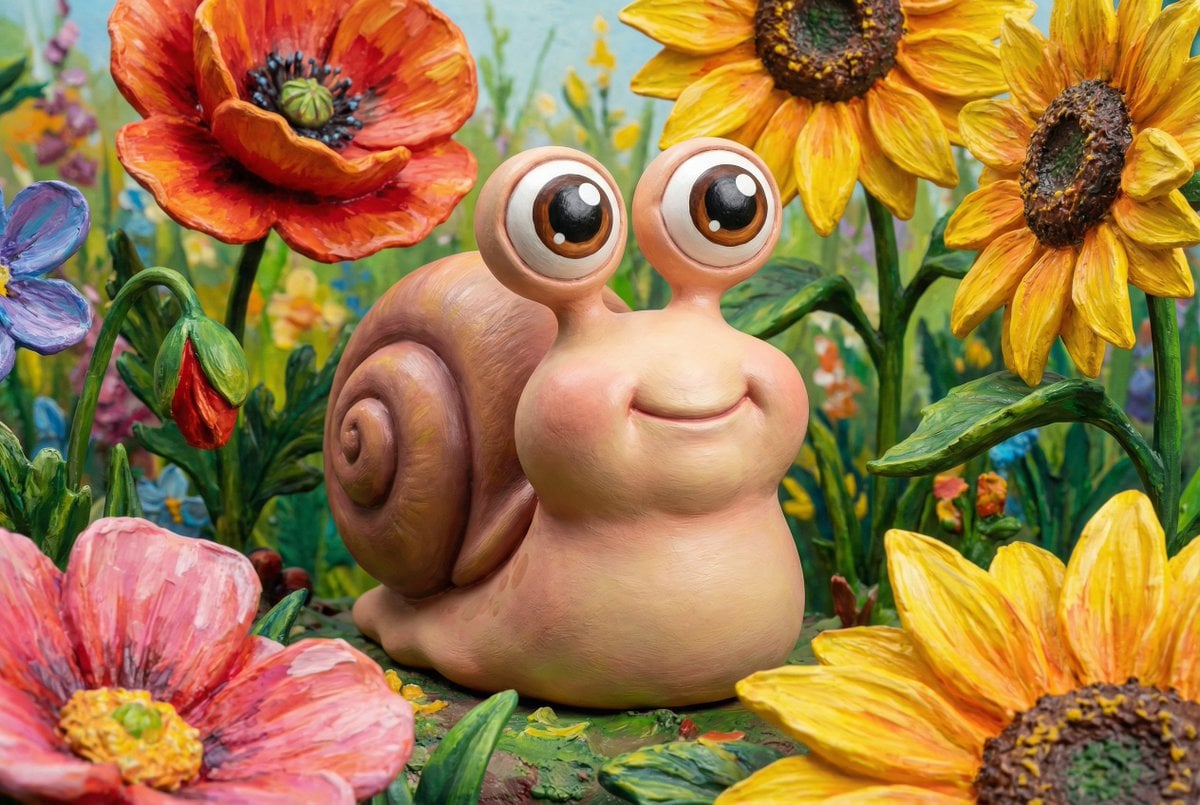
Painted Chibi Snail Macro View

Teal and Orange Neon Urban Portrait
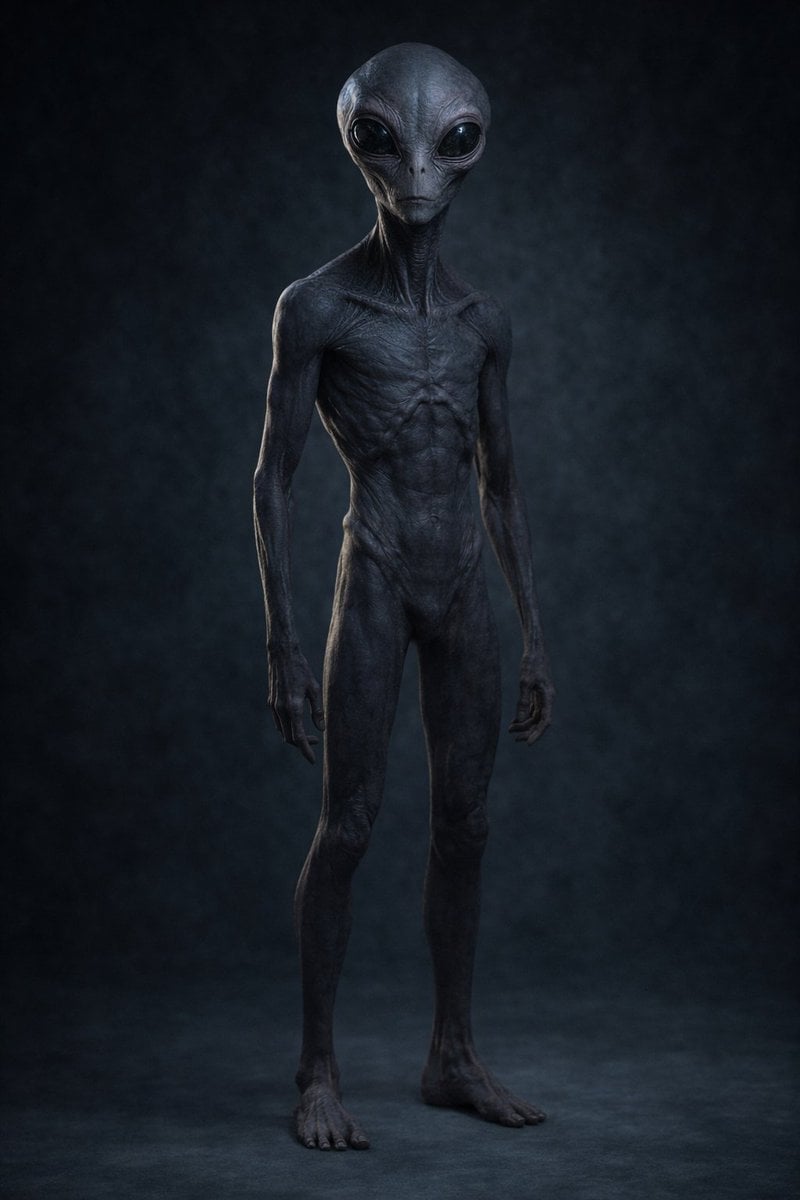
Uncanny Full-Body Alien Portrait
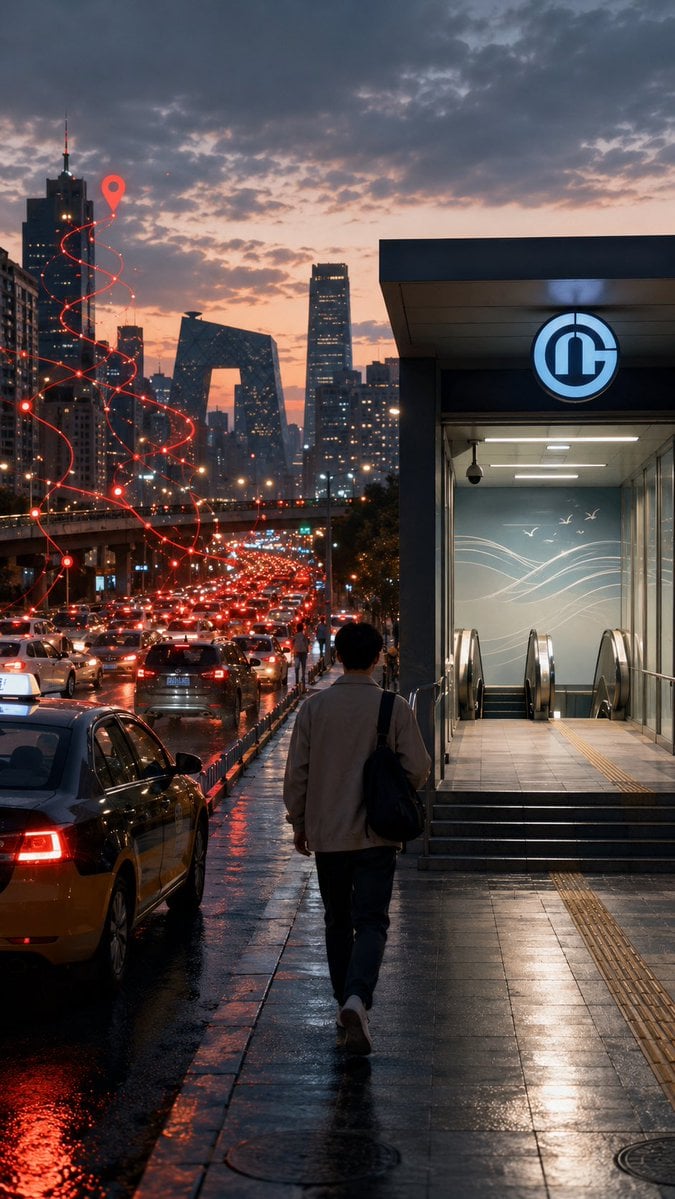
Rainy Beijing Metro Commute
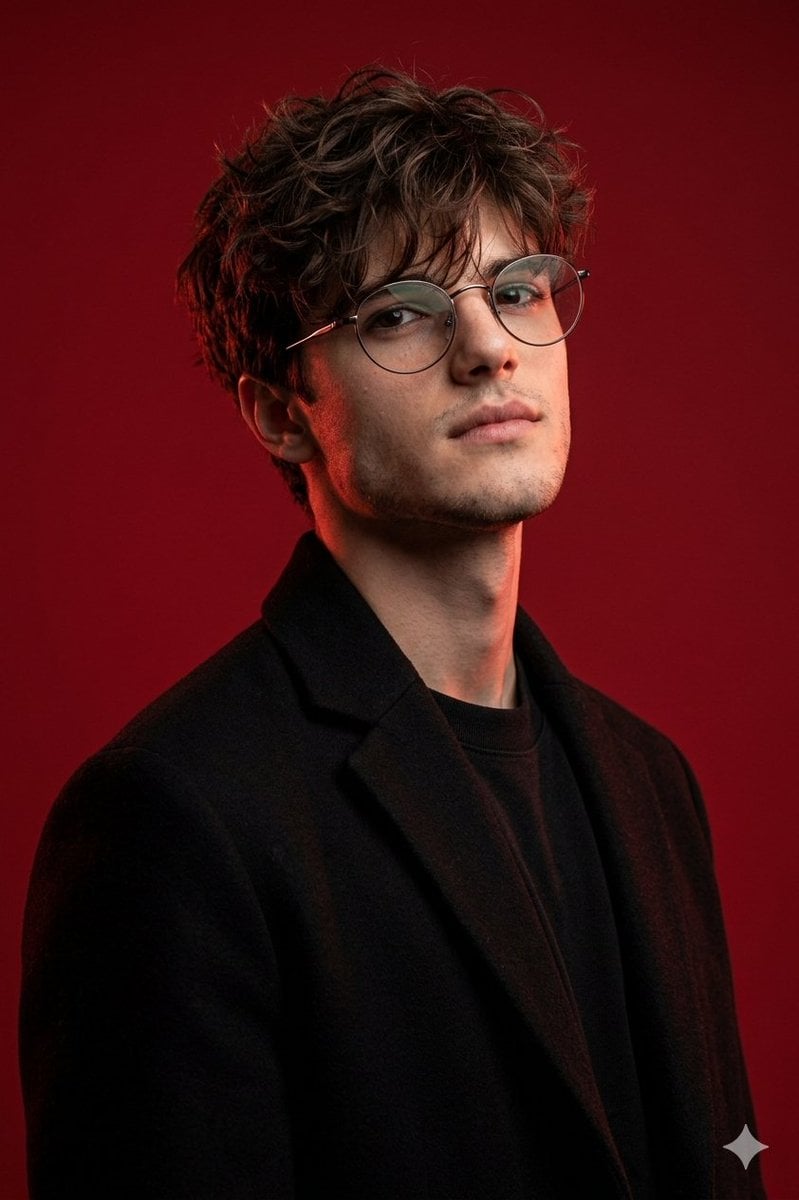
Brutal Studio Red Backdrop Portrait
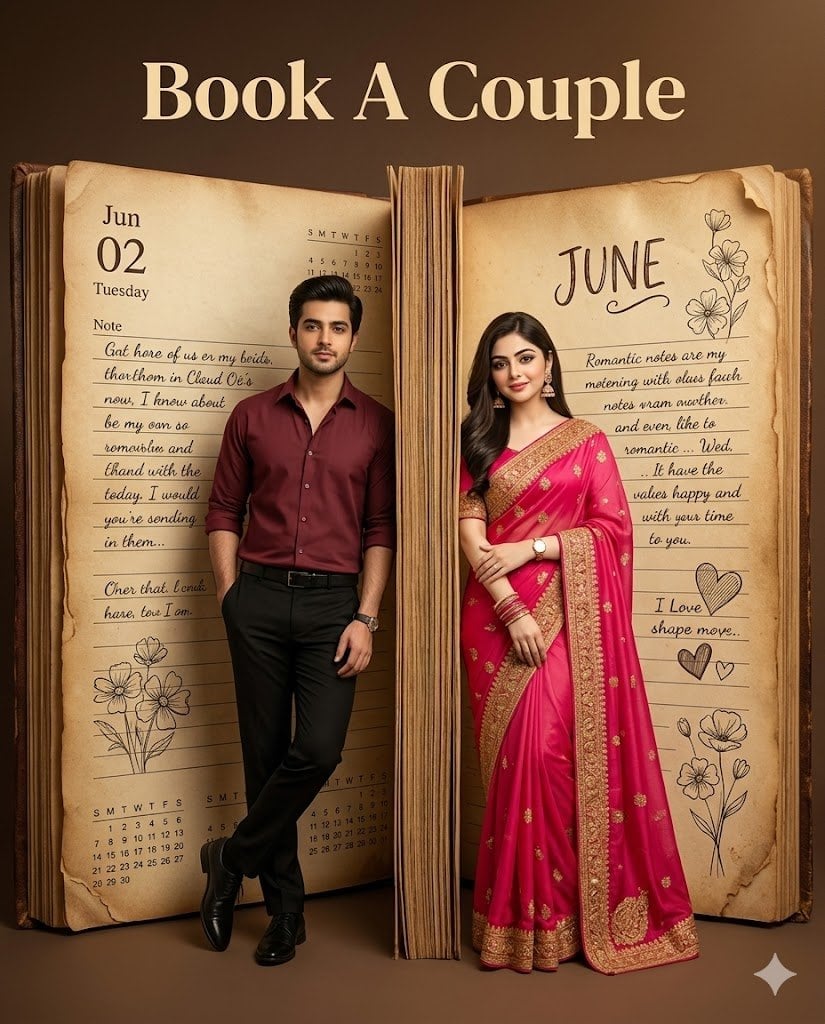
Giant Vintage Diary Couple Poster

Magazine Cover Prompt using Nano Banana Extension
Character consistency with outfit change prompt

Cinematic Autumn Portrait of Man with Vintage Motorcycle
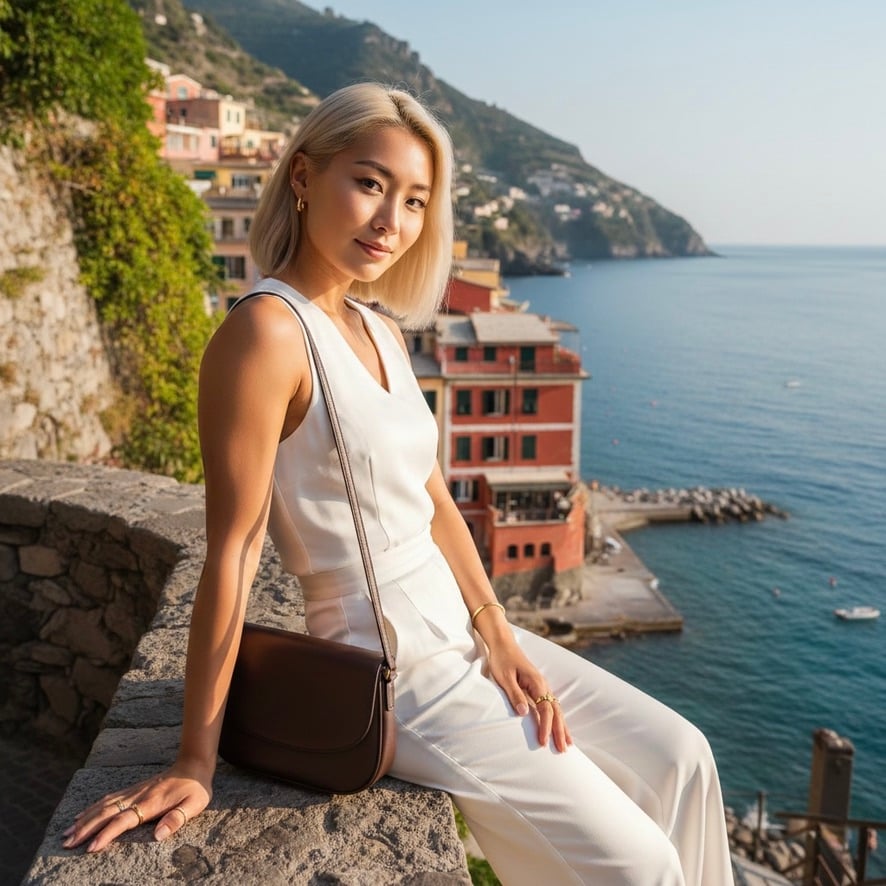
Quiet Luxury Mediterranean Vacation Portrait
Browse template categories
Google Gemini Nano Banana 2 Chatgpt Grok questions
How do I use the 120-google-gemini-nano-banana-2-chatgpt-grok template?
Add your photo if the template asks for one, edit the prompt if you like — the template's model and format are already selected — and press Generate. Your version opens in PicX Studio.
Can I customize the 120-google-gemini-nano-banana-2-chatgpt-grok template?
Yes. You can change the subject, setting, lighting, mood, format, and available model controls before creating your image.
Is the 120-google-gemini-nano-banana-2-chatgpt-grok template free?
Opening and editing this template is free. Generating uses credits, shown on the Generate button when you are signed in.
Which AI model should I use?
Start with Nano Banana, which is the model associated with this template. You can compare another compatible model for a different finish.
Looking for something else? Browse all templates.

Your photo, any look
Thousands of ready templates for every top image and video model, from one credit balance.