
Rainy Beijing Metro Commute
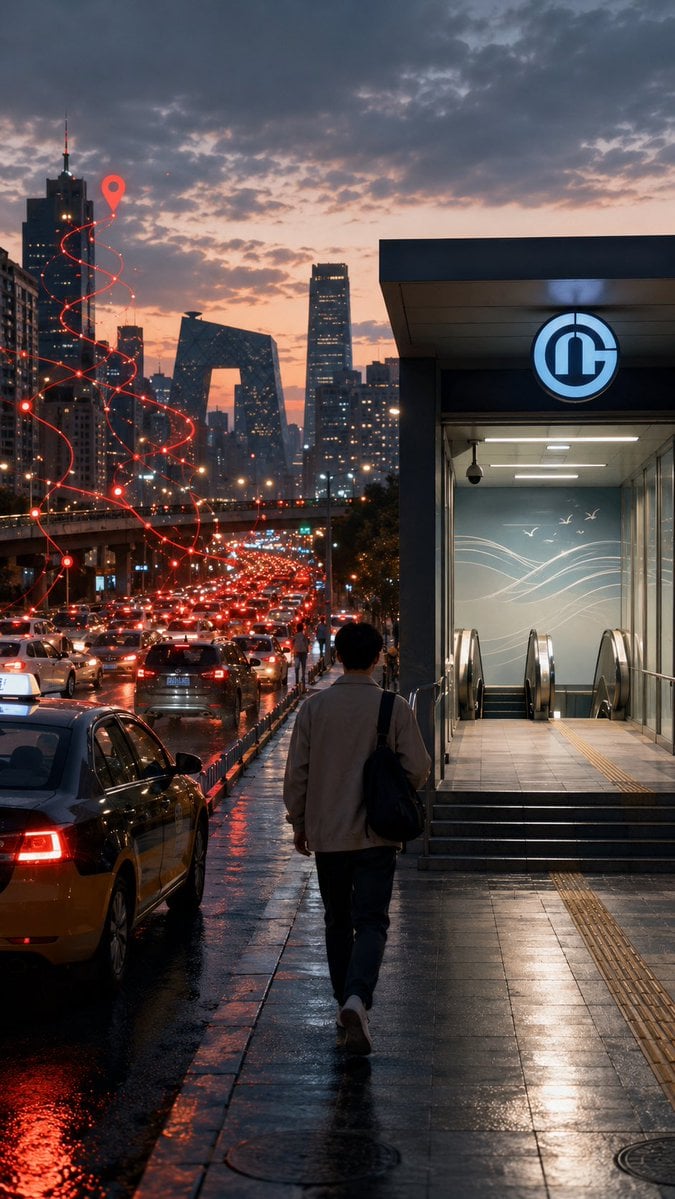
A cinematic vertical urban scene contrasting traffic congestion with a calm walk toward a subway entrance, useful for illustrating modern commuting choices.
- Prompt included
- Model and format preset
- Free template
The prompt behind this image
Copy the exact prompt behind Rainy Beijing Metro Commute, or open it in the studio and make it yours.
Create a cinematic vertical street-photography scene in {argument name="city" default="Beijing"} at dusk after rain, showing a lone commuter walking away from the camera on a glossy wet sidewalk toward a brightly lit subway entrance on the right. The subway entrance has a modern gray rectangular canopy, glass walls, stairs and escalators descending inside, cool fluorescent interior lighting, tactile yellow paving strips, and a circular blue-and-white metro logo above the doorway. On the left, a congested multi-lane road is packed with cars and taxis, their red brake lights reflecting across puddles and black asphalt. In the distance, show a dense skyline with recognizable modern high-rises, including the CCTV Headquarters-shaped building, under a dramatic cloudy sunset sky with peach, purple, and blue tones. Add a stylized glowing red navigation route overlay rising above the traffic: one continuous spiral path made of thin red lines, small connected nodes, and a large red map pin near the upper left skyline, symbolizing route uncertainty and traffic delay. The pedestrian is a young adult man seen from behind, average build, wearing {argument name="commuter outfit" default="a light beige jacket, dark trousers, white sneakers, and a black shoulder bag"}, walking with a calm but slightly weary posture. Use realistic proportions, moody urban atmosphere, high detail, wet reflections, shallow cinematic contrast, soft haze, and a documentary photo look. No visible captions, no watermark, no extra text.
How to use Rainy Beijing Metro Commute in 3 steps
- 1Upload ImagePNG, JPG or paste
Add your photo
Upload the photo the template builds on. The prompt, model and format are already set.
- 2…a portrait of your subject in softgolden-hour light, 85mm…
Personalize
Edit the subject and creative details for your destination.
- 3Generate
Generate
Press Generate — your image is created in PicX Studio, so you can compare it with the original and refine one variable at a time.
More like this
Templates with the same subject, style or setup. Open one to see its prompt.
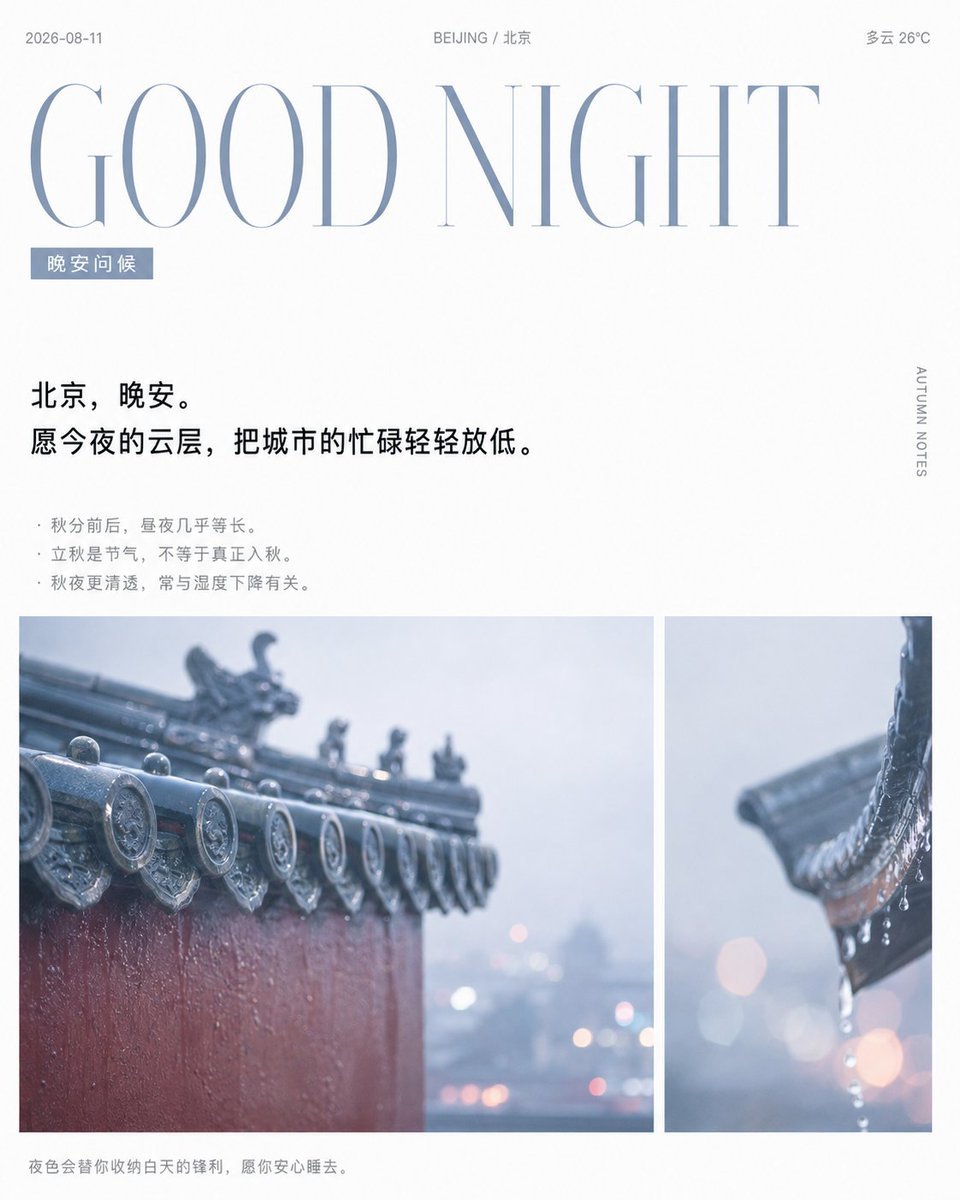
Rainy Beijing Good Night Poster
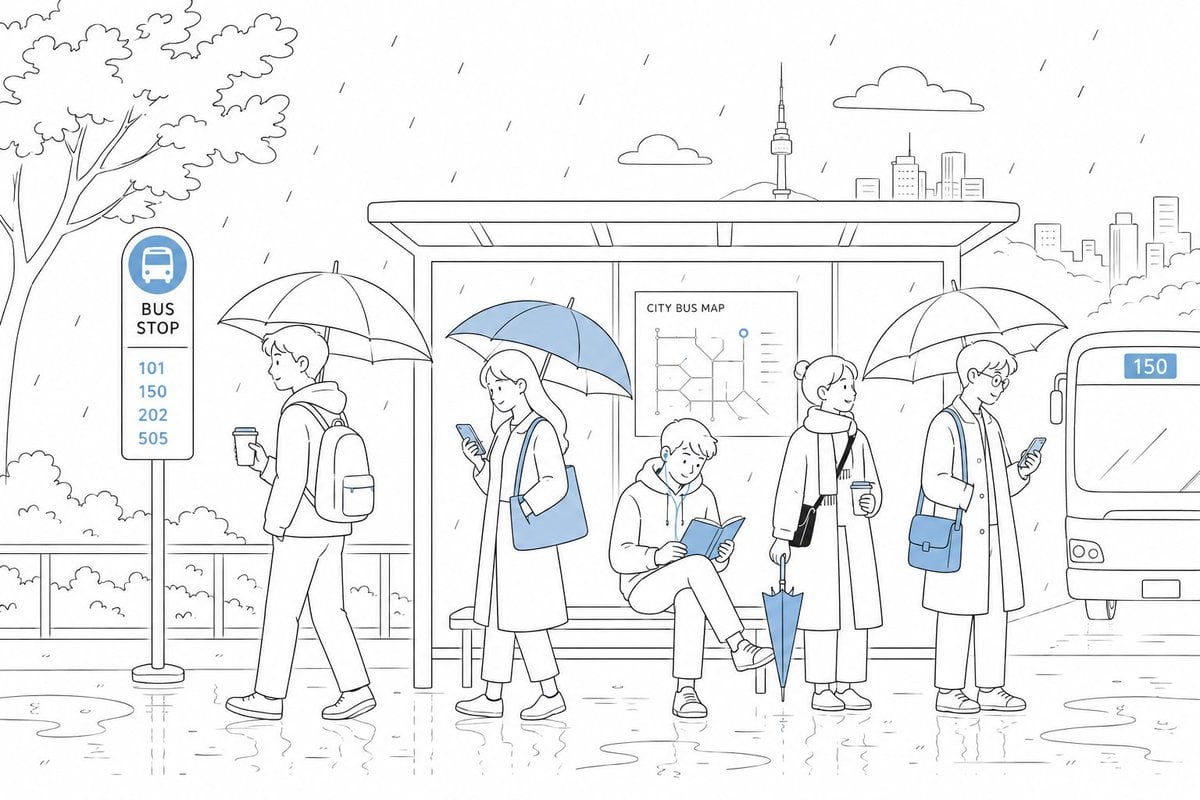
Cute Rainy Bus Stop Commute
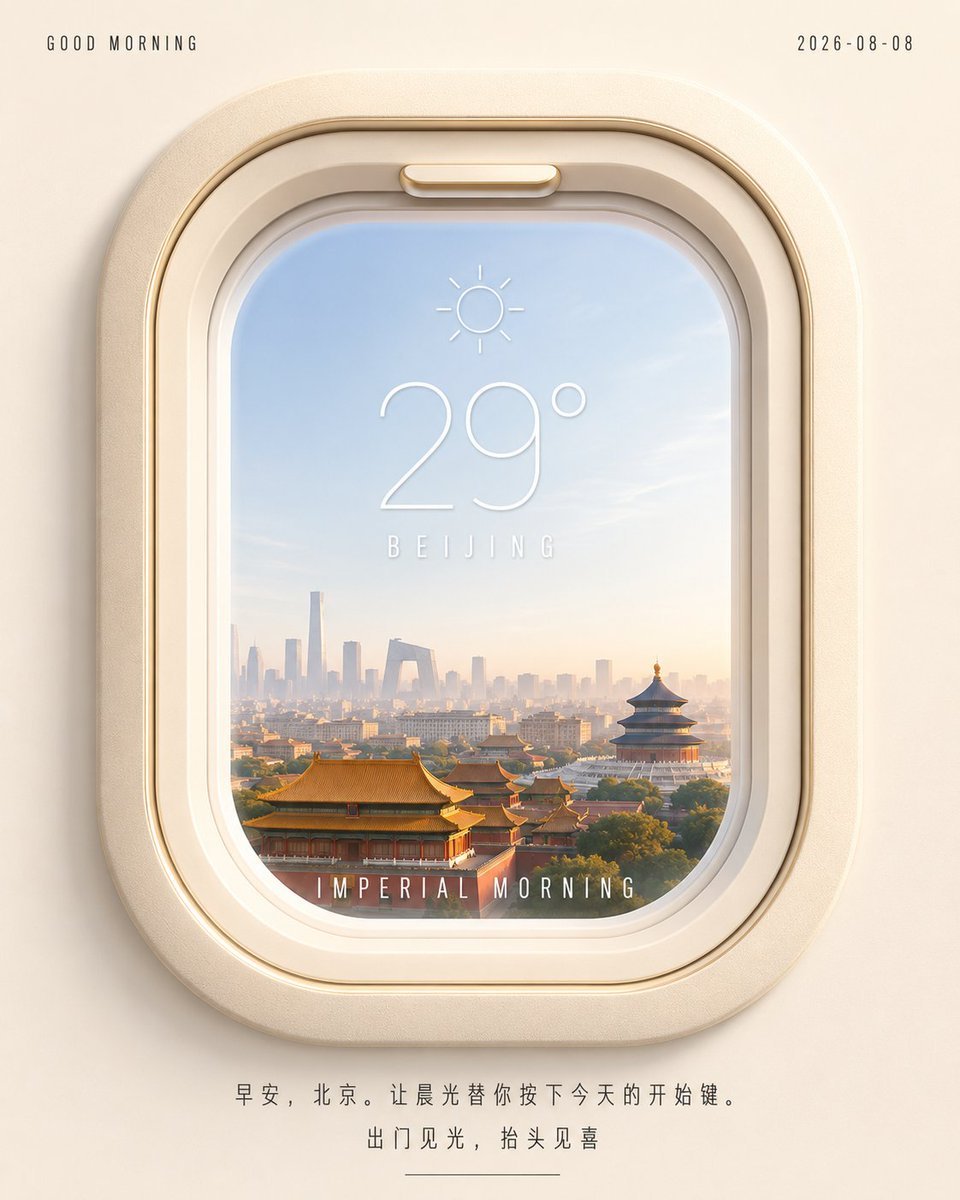
Beijing Airplane Window Morning Poster
Rainy Cottage Garden With Sheep
1985 Beijing Hutong Street Photography

Transparent Beijing Morning Poster
CCTV Surveillance Thriller Metro Station
Soft Miniature Beijing Morning Poster
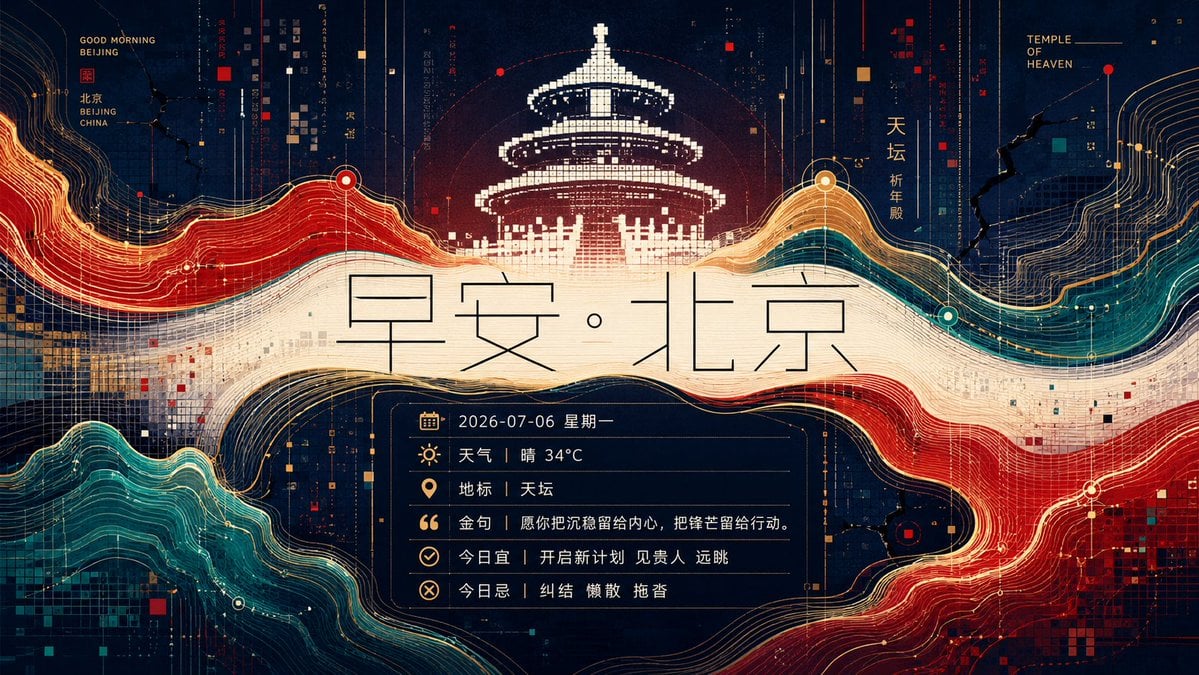
Futuristic Good Morning Beijing Poster
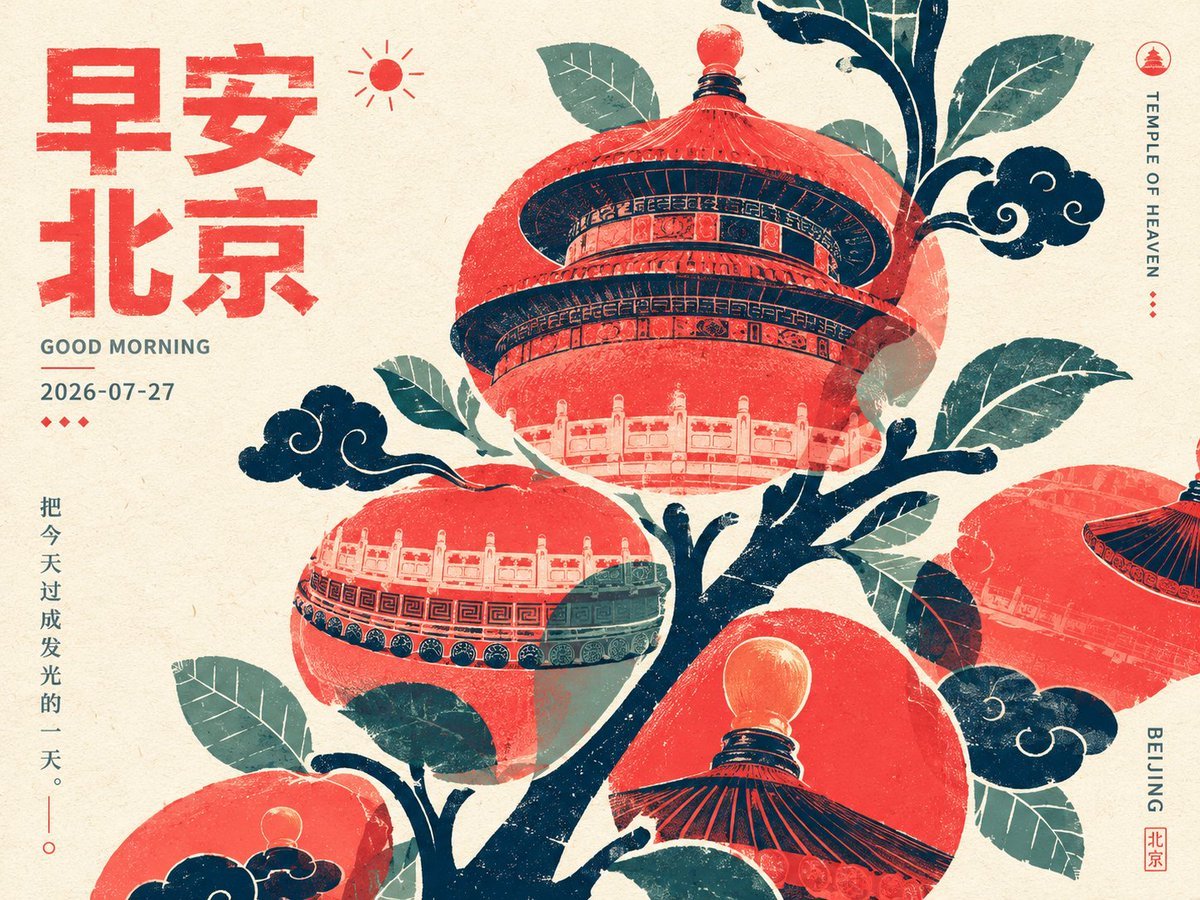
Retro Beijing Morning Fruit Poster
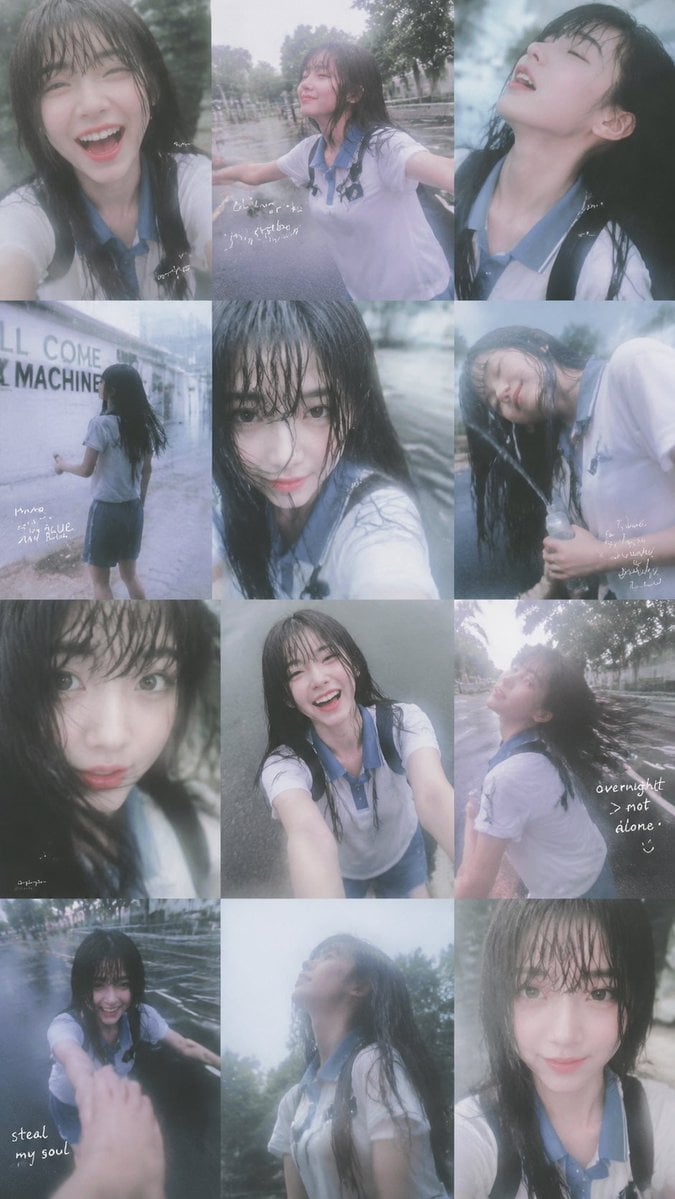
Rainy Schoolgirl Photo Diary Collage

Rainy Monsoon Fashion Collage
Make it yours
Rainy Beijing Metro Commute works as-is. These are the safest ways to change it without losing the look.
Change one field
Copy a single group, rewrite it, and generate again so you can see what that field is doing.
Keep the frame, change the subject
Hold the composition and light of Rainy Beijing Metro Commute, then swap wardrobe, props or the person for a new take.
| If the result… | Why | Fix |
|---|---|---|
| The result drifts from the preview | Too many fields changed at once. | Reuse Rainy Beijing Metro Commute as-is first, then change one group — subject, light, or setting. |
| The model over-stylizes the scene | The prose prompt leaves finish and camera underspecified. | Add one camera or lighting sentence and stay on GPT Image 2. |
More GPT Image 2 templates
Other prompts made for GPT Image 2.

Six VTuber Japanese Logo Sheet

Realistic Portrait of Woman and Deer

The Vista Modular Condo Poster

AI Model Routing Comparison Infographic

2.5D Anime Art Board

Isometric Productivity Desk Scene

New York Double Exposure Poster

Four-Panel AI Landscape Comparison

Japanese Tatami Lifestyle Magazine Cover

NESCAFÉ Coffee Map Poster
More image prompts
Fresh picks from across the catalog.
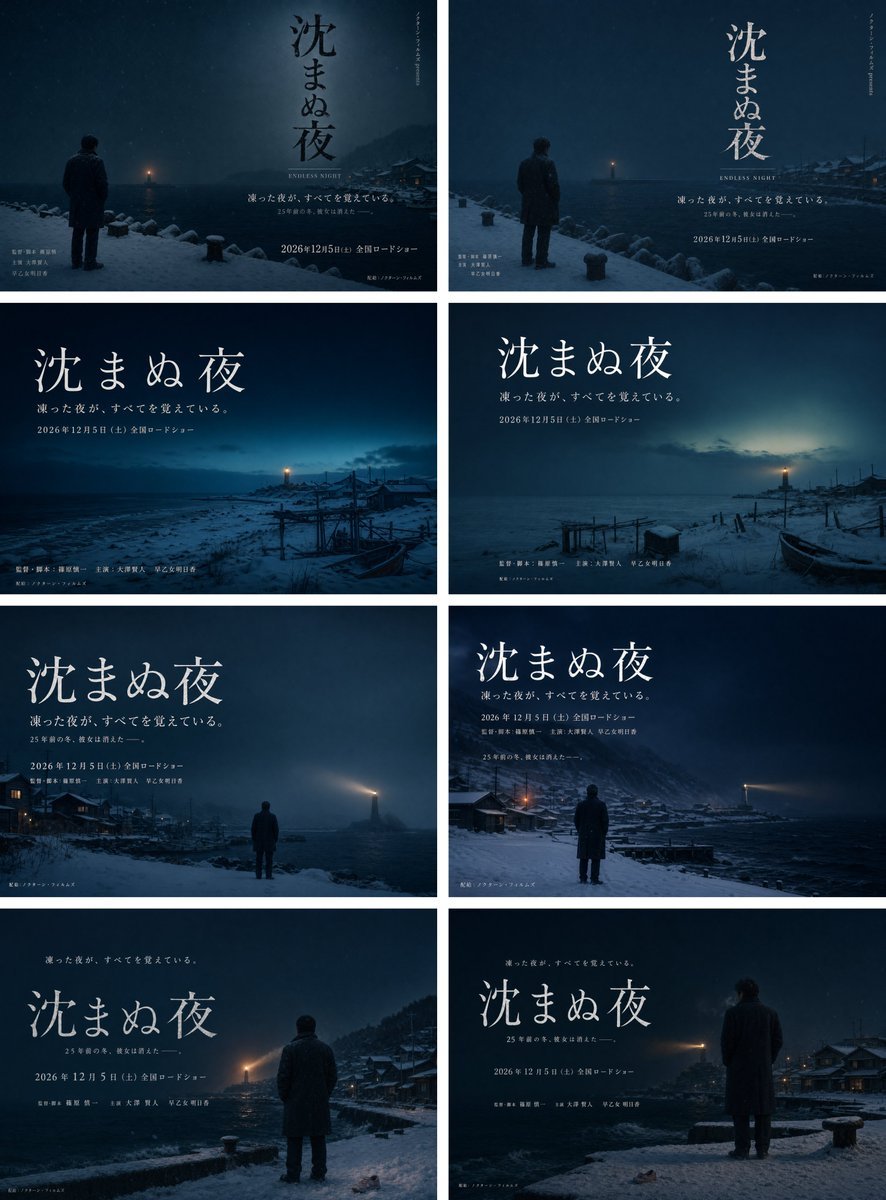
Snowy Japanese Film Poster Grid
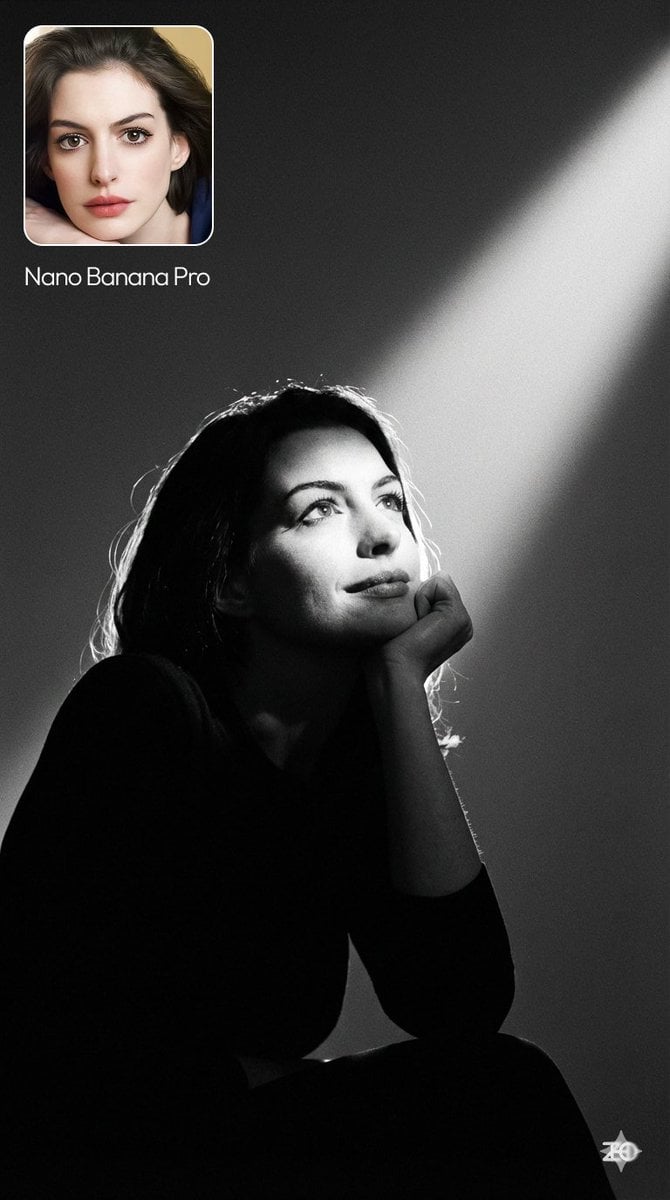
Moody cinematic portrait from a photo
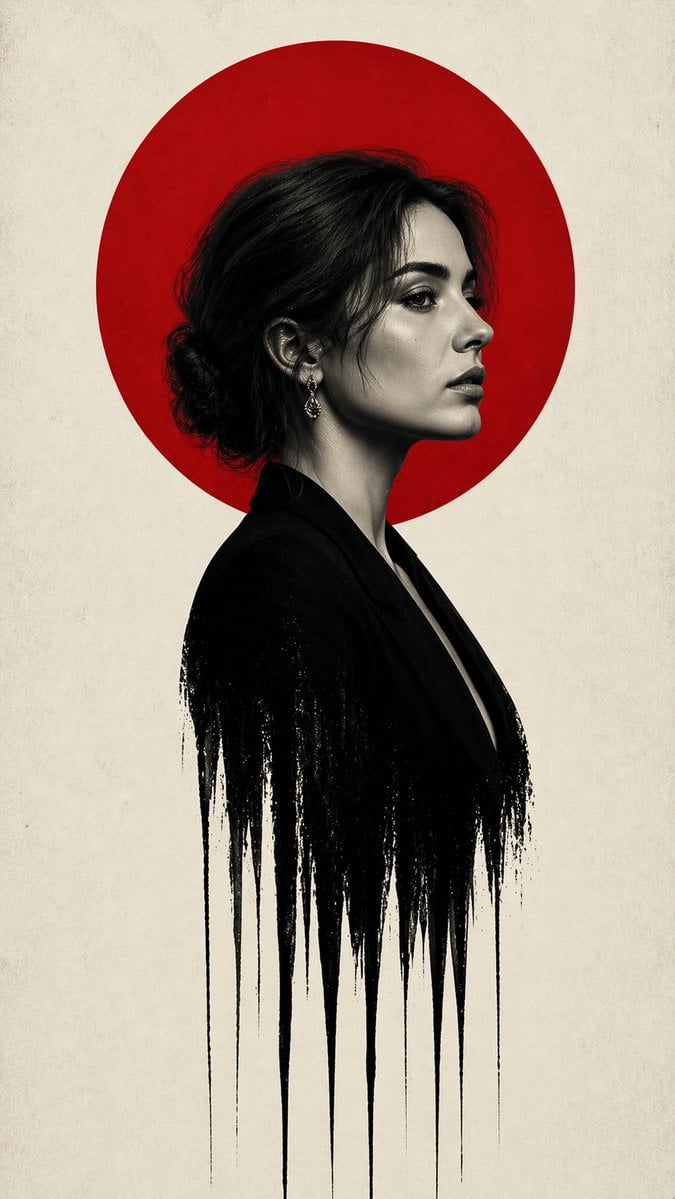
Noir Woman With Red Halo Poster

Luxury Perfume Splash Ad
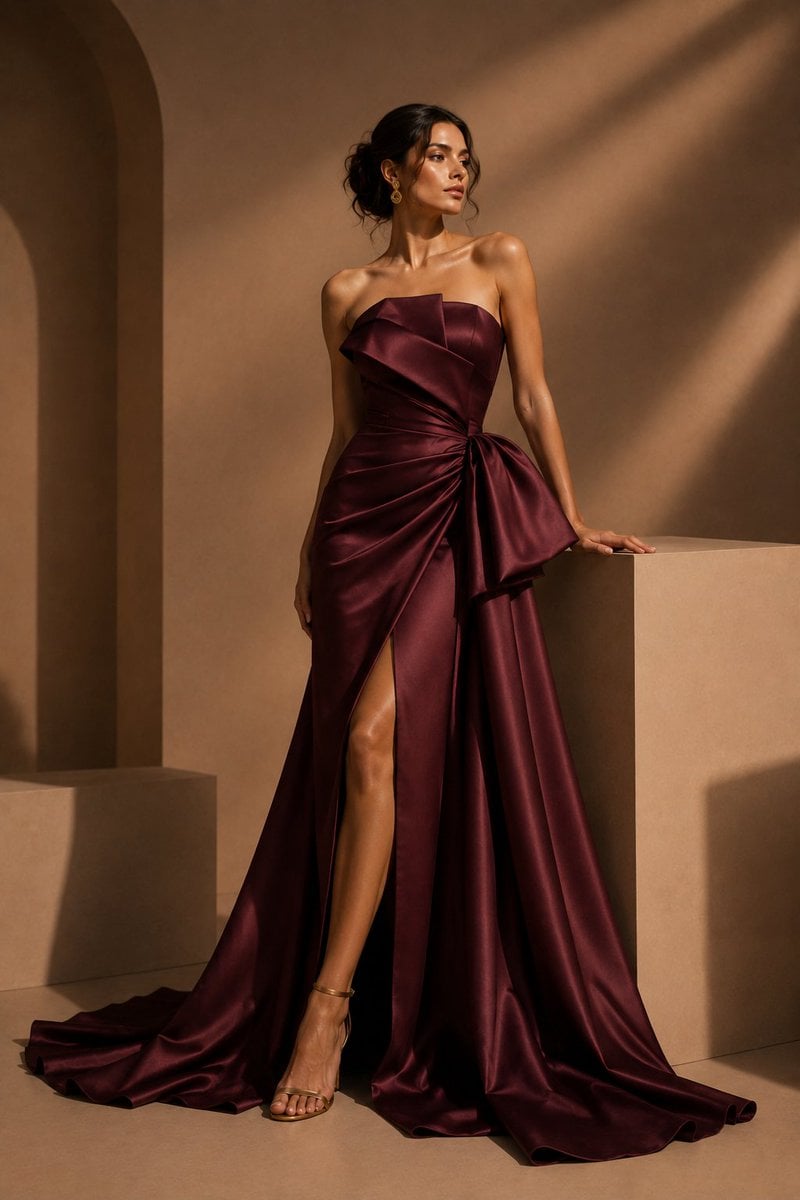
Burgundy Satin Couture Editorial
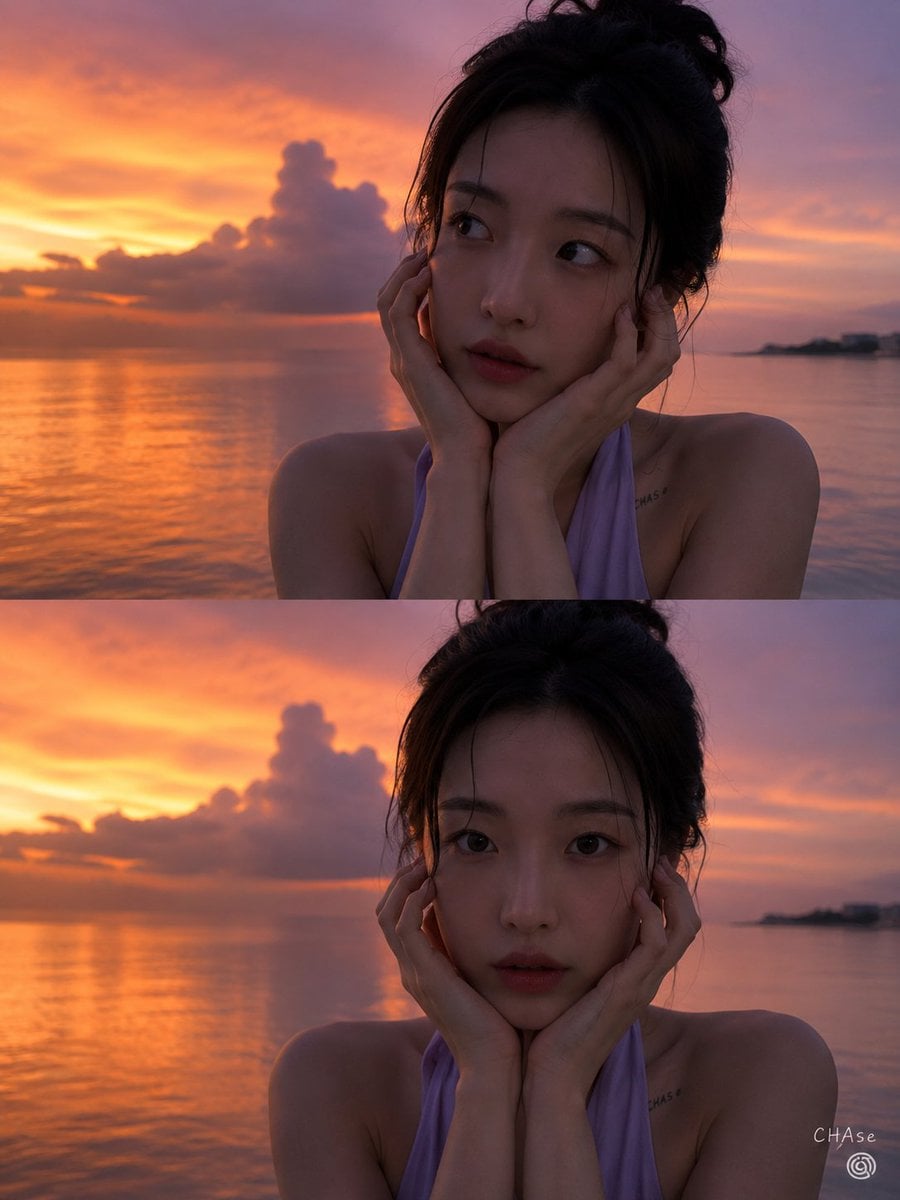
Magic Hour Sunset Portrait
Paper Texture Swatch Grid
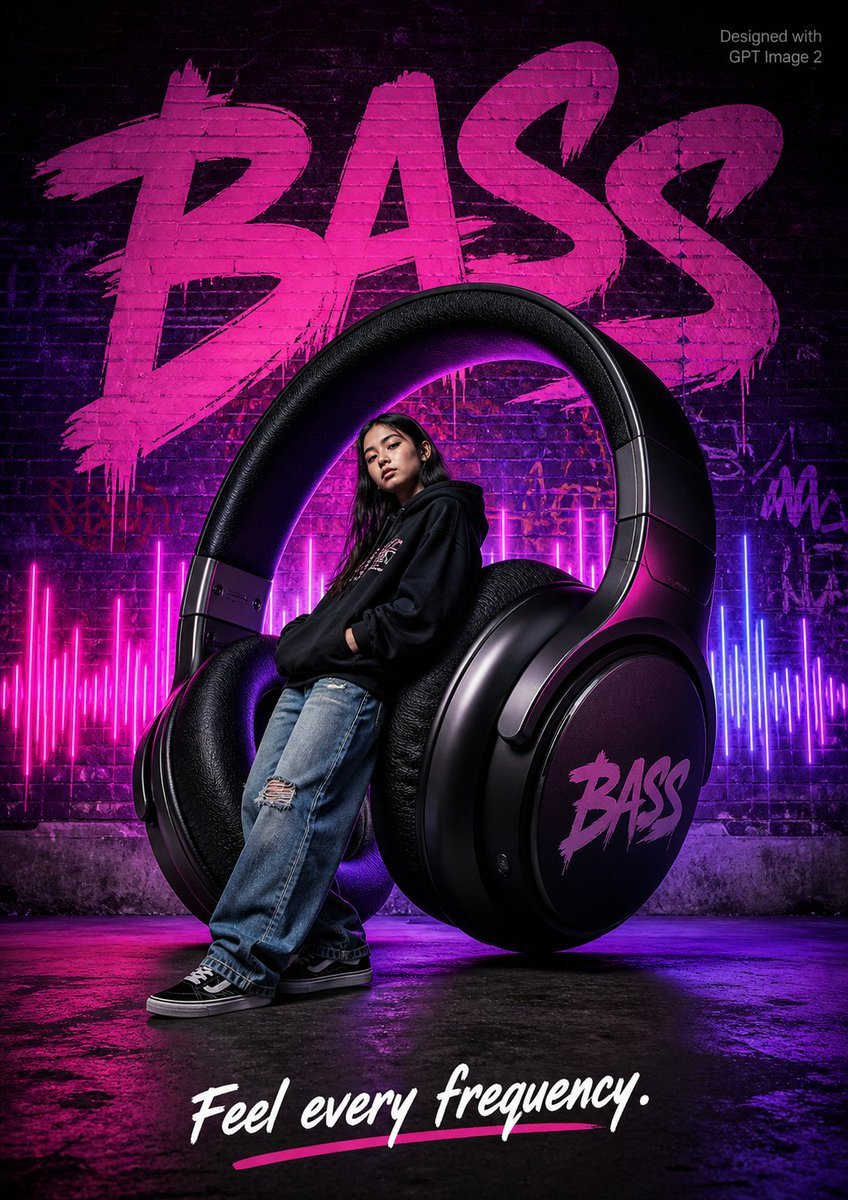
Streetwear BASS Headphones Poster

Candid Holiday Portrait with Sequin Dress and Red Hair
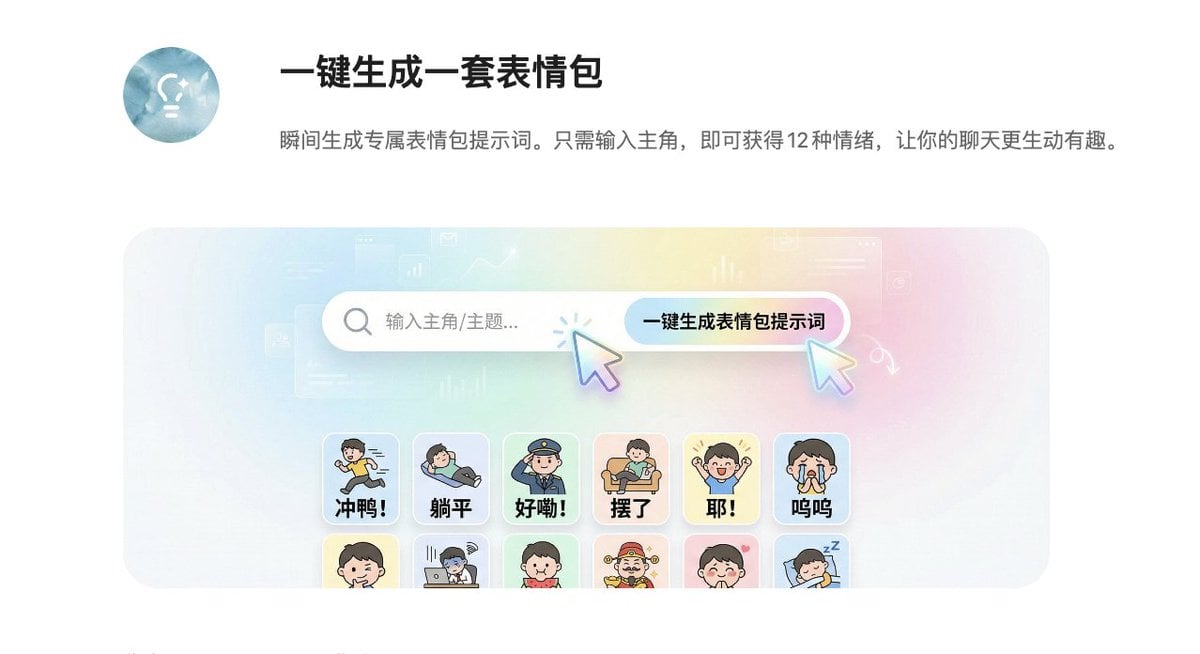
Panel Sticker/Emoji Grid Generation Prompt
Browse template categories
Rainy Beijing Metro Commute questions
How do I use the Rainy Beijing Metro Commute template?
Add your photo if the template asks for one, edit the prompt if you like — the template's model and format are already selected — and press Generate. Your version opens in PicX Studio.
Can I customize the Rainy Beijing Metro Commute template?
Yes. You can change the subject, setting, lighting, mood, format, and available model controls before creating your image.
Is the Rainy Beijing Metro Commute template free?
Opening and editing this template is free. Generating uses credits, shown on the Generate button when you are signed in.
Which AI model should I use?
Start with GPT Image 2, which is the model associated with this template. You can compare another compatible model for a different finish.
Looking for something else? Browse all templates.

Your photo, any look
Thousands of ready templates for every top image and video model, from one credit balance.