
Cute Rainy Bus Stop Commute
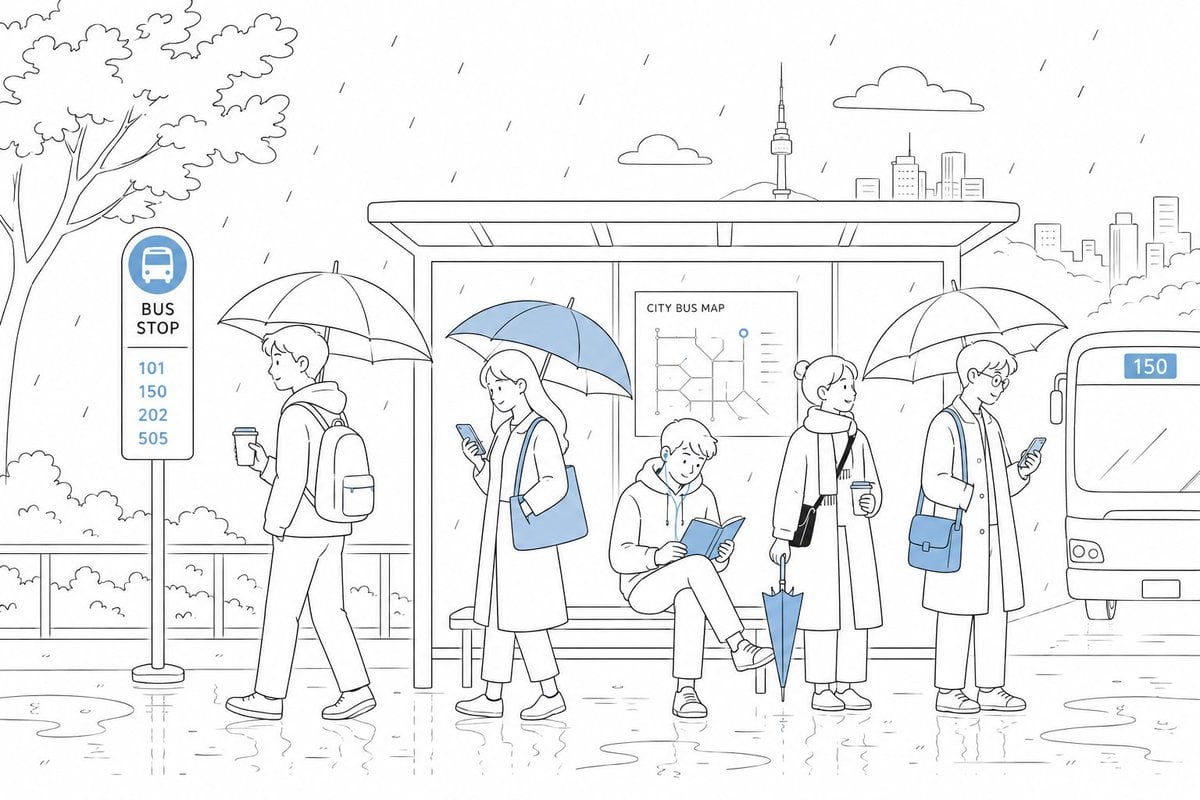
A minimalist blue-accent line illustration of five commuters waiting at a rainy city bus stop, suitable for cozy editorial or social media visuals.
- Prompt included
- Model and format preset
- Free template
The prompt behind this image
Copy the exact prompt behind Cute Rainy Bus Stop Commute, or open it in the studio and make it yours.
Create a cute minimalist line-art illustration of a rainy city commute at a bus stop, in a clean Japanese stationery / coloring-book style with mostly black outlines on a white background and selective soft blue accents. Wide horizontal canvas, calm spacious composition. Show a modern covered bus shelter centered in the image with a bench and a poster labeled “CITY BUS MAP” containing a simple route diagram. Add light diagonal rain strokes across the whole scene, puddles and subtle reflections on the wet pavement. Include exactly 5 commuters: 1 person on the far left walking past the stop under a clear umbrella, wearing a hoodie and backpack, holding a takeaway cup; 1 woman left-center standing under a blue-and-white umbrella, looking at a smartphone, wearing a long coat and carrying a blue tote bag; 1 seated person in the shelter reading an open blue book; 1 standing person right-center under a clear umbrella, wearing a long coat and scarf, holding a coffee cup and a closed blue umbrella pointed down; 1 person on the far right under a clear umbrella, looking at a smartphone, wearing a long coat and carrying a blue shoulder bag. Faces should be blank or softly obscured, no detailed facial features. On the far left, add a bus stop sign with a blue bus icon and the text “BUS STOP” plus exactly 4 route numbers: 101, 150, 202, 505. On the right edge, show the front half of a city bus arriving with a blue route display reading {argument name="bus route number" default="150"}. Background details include a leafy tree on the left, bushes and railing behind the pedestrians, a simple skyline on the right, two small clouds, and a slender tower behind the shelter. Use blue only for key accents: umbrellas, bags, book, bus route signs, map marker, and route numbers. Keep the mood gentle, cozy, and adorable, with thin precise outlines, rounded forms, lots of white space, no photorealism, no harsh shadows, no extra people, and no watermark.
How to use Cute Rainy Bus Stop Commute in 3 steps
- 1Upload ImagePNG, JPG or paste
Add your photo
Upload the photo the template builds on. The prompt, model and format are already set.
- 2…a portrait of your subject in softgolden-hour light, 85mm…
Personalize
Edit the subject and creative details for your destination.
- 3Generate
Generate
Press Generate — your image is created in PicX Studio, so you can compare it with the original and refine one variable at a time.
More like this
Templates with the same subject, style or setup. Open one to see its prompt.

Toon Cartoon Rainy Bus Stop

Paper Cut Rainy Bus Stop

Pixel Limited Rainy Bus Stop

Watercolor Anim Rainy Bus Stop

Motion Graphics Rainy Bus Stop
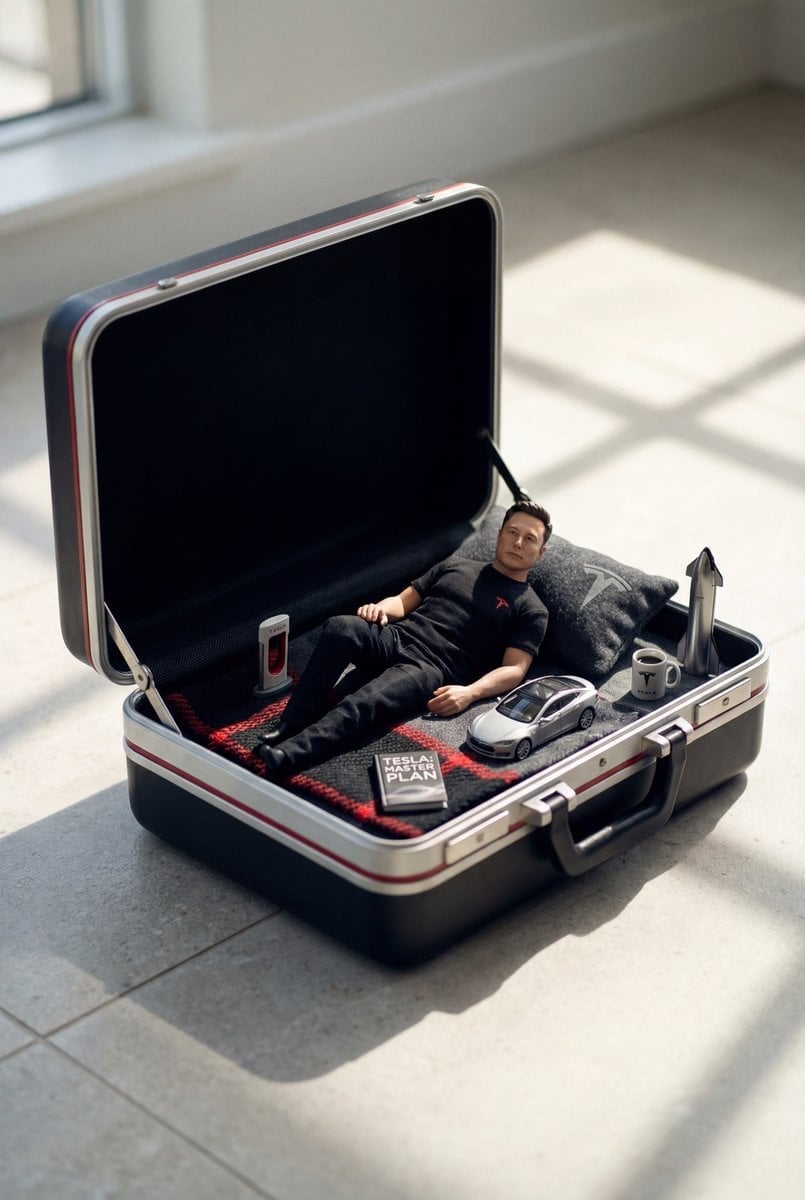
Stop Motion Rainy Bus Stop

CGI 3D Rainy Bus Stop

Cel 2D Rainy Bus Stop

Minecraft Homage Illustrious Style
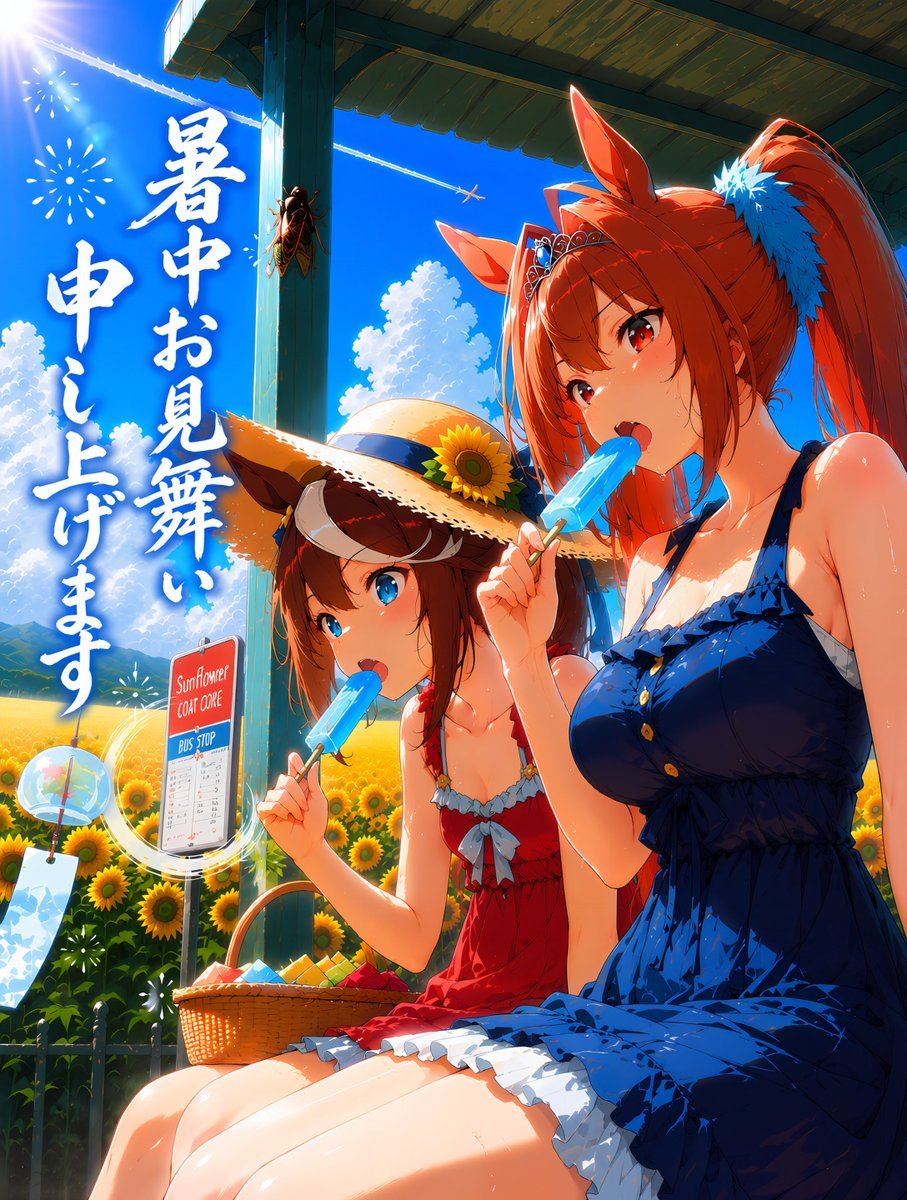
Summer Horse Girls at Bus Stop
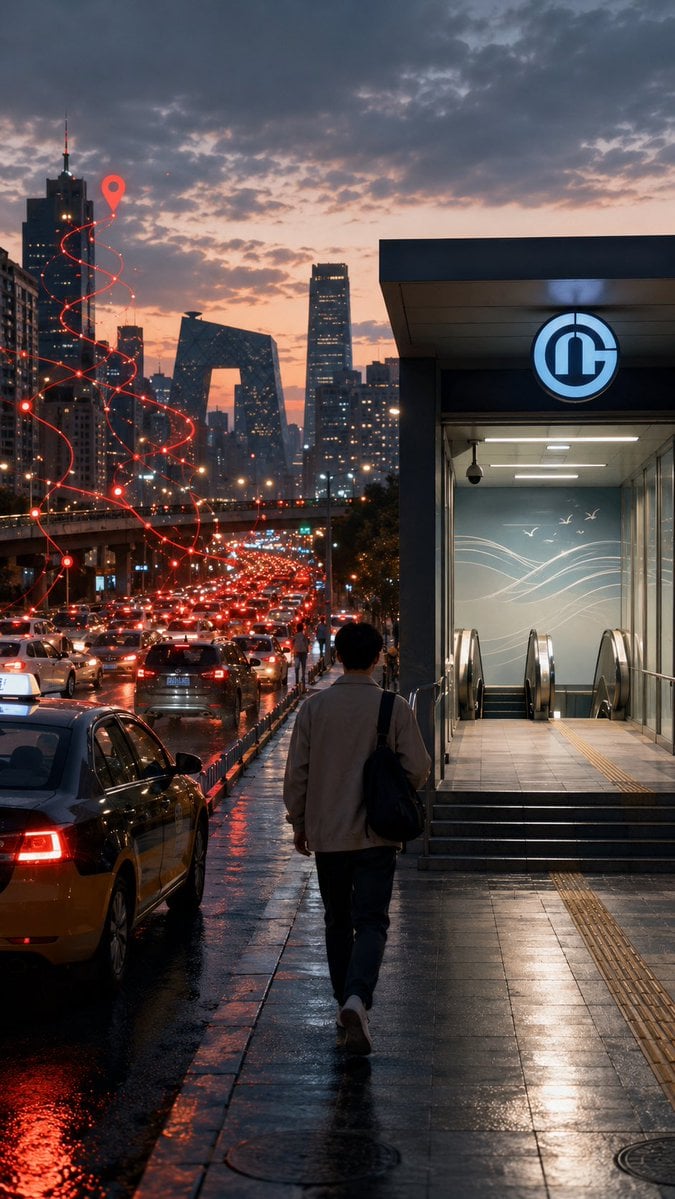
Rainy Beijing Metro Commute
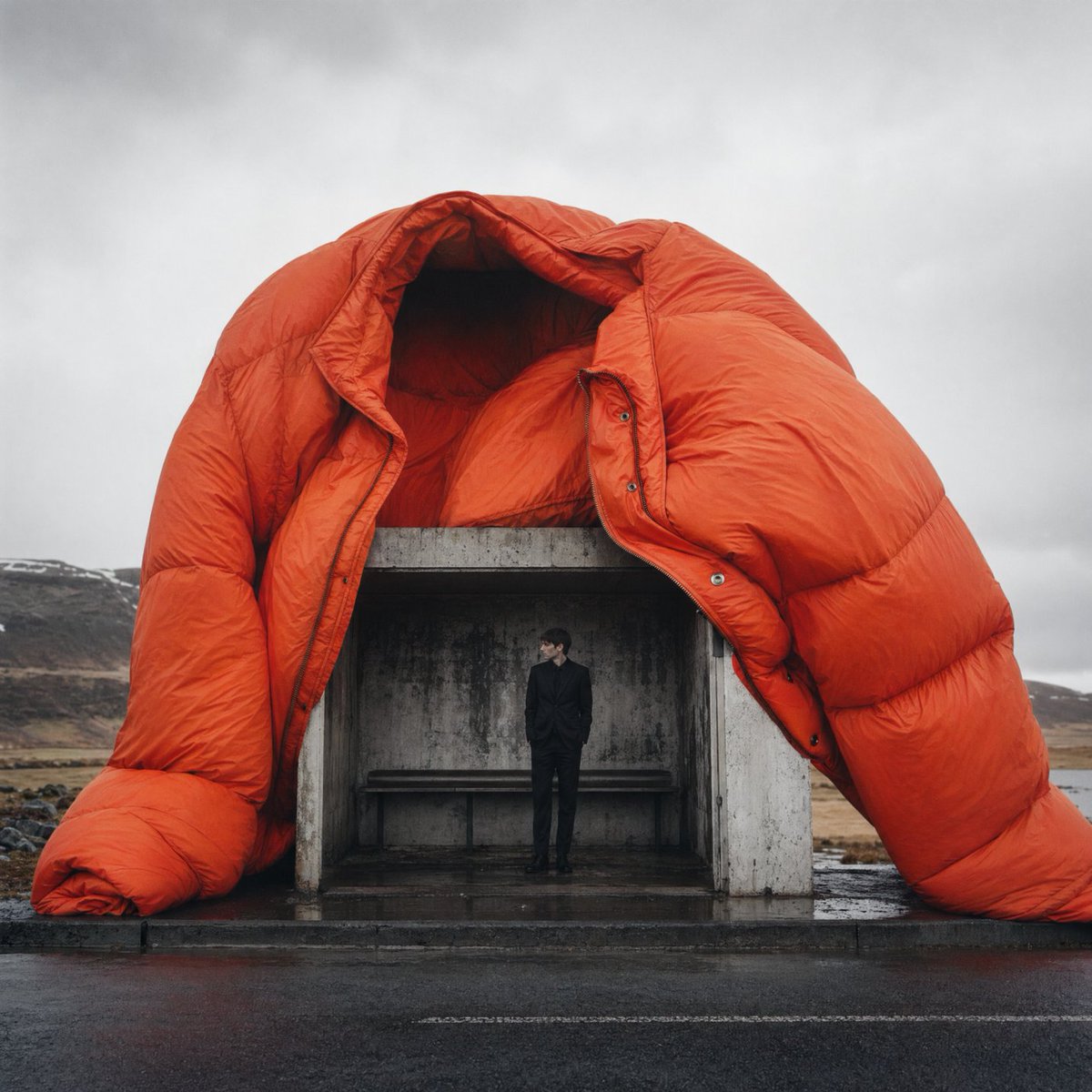
Surreal Orange Puffer Bus Stop Editorial
Make it yours
Cute Rainy Bus Stop Commute works as-is. These are the safest ways to change it without losing the look.
Change one field
Copy a single group, rewrite it, and generate again so you can see what that field is doing.
Keep the frame, change the subject
Hold the composition and light of Cute Rainy Bus Stop Commute, then swap wardrobe, props or the person for a new take.
| If the result… | Why | Fix |
|---|---|---|
| The result drifts from the preview | Too many fields changed at once. | Reuse Cute Rainy Bus Stop Commute as-is first, then change one group — subject, light, or setting. |
| The model over-stylizes the scene | The prose prompt leaves finish and camera underspecified. | Add one camera or lighting sentence and stay on GPT Image 2. |
More GPT Image 2 templates
Other prompts made for GPT Image 2.

Six VTuber Japanese Logo Sheet

Realistic Portrait of Woman and Deer

The Vista Modular Condo Poster

AI Model Routing Comparison Infographic

2.5D Anime Art Board

Isometric Productivity Desk Scene

New York Double Exposure Poster

Four-Panel AI Landscape Comparison

Japanese Tatami Lifestyle Magazine Cover

NESCAFÉ Coffee Map Poster
More image prompts
Fresh picks from across the catalog.
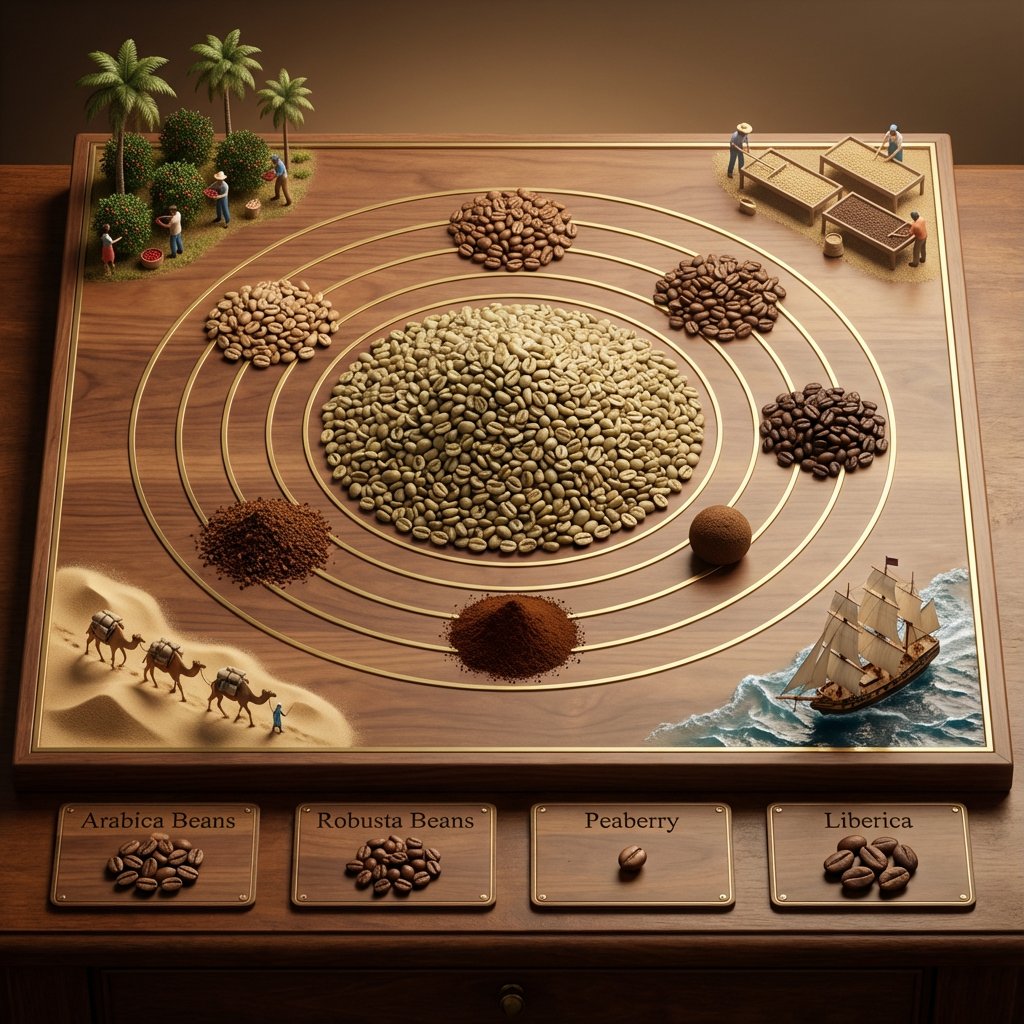
Educational Commodity Universe Diorama Prompt

Zootropolis Couple Mirror Selfie Prompt
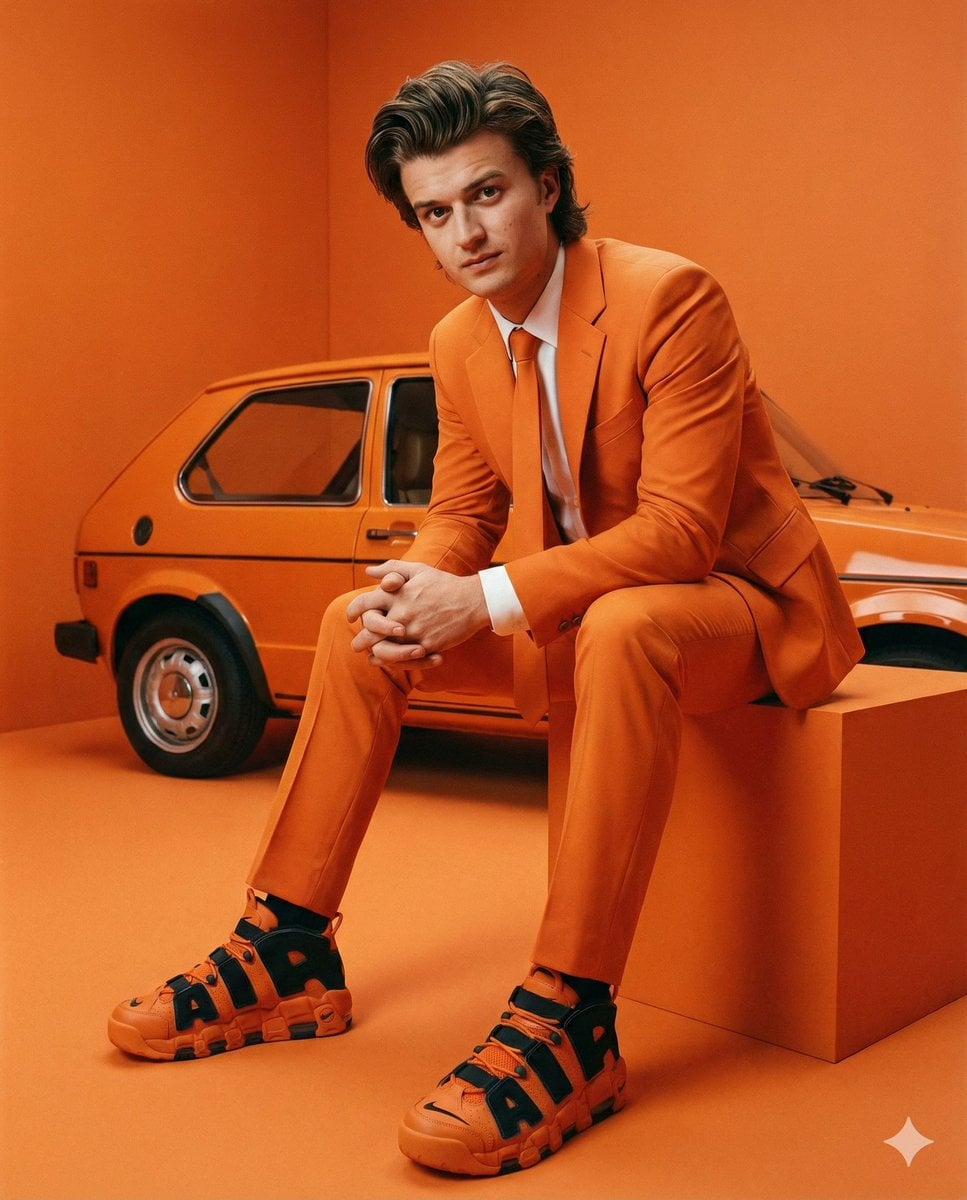
Steve Harrington Tangerine Fashion Editorial Prompt
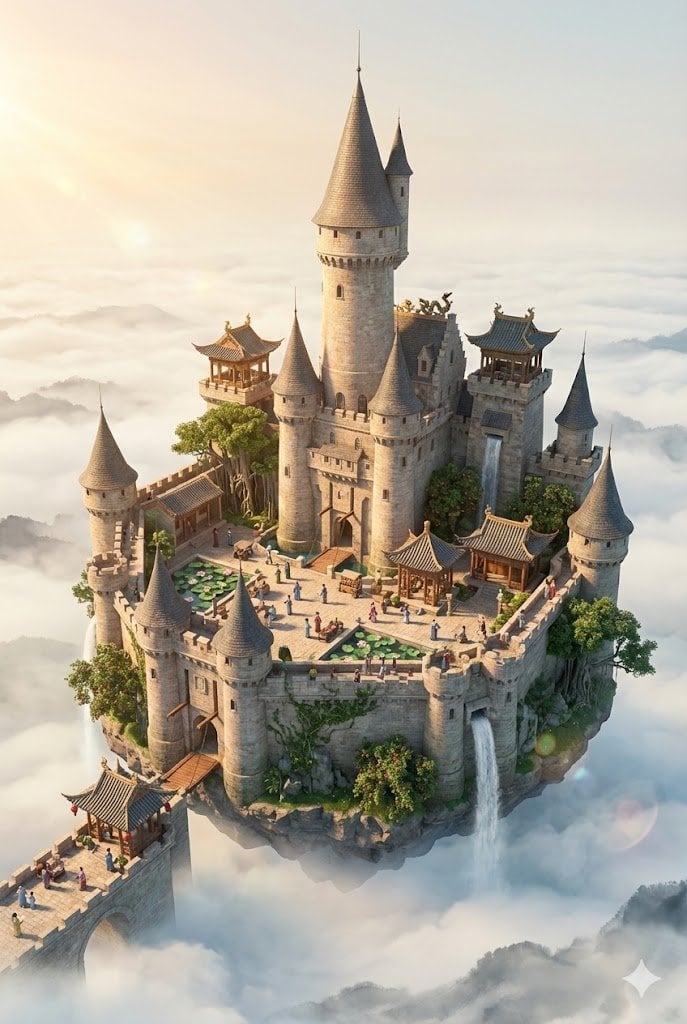
Floating Sky Castle Digital Art Poster Prompt
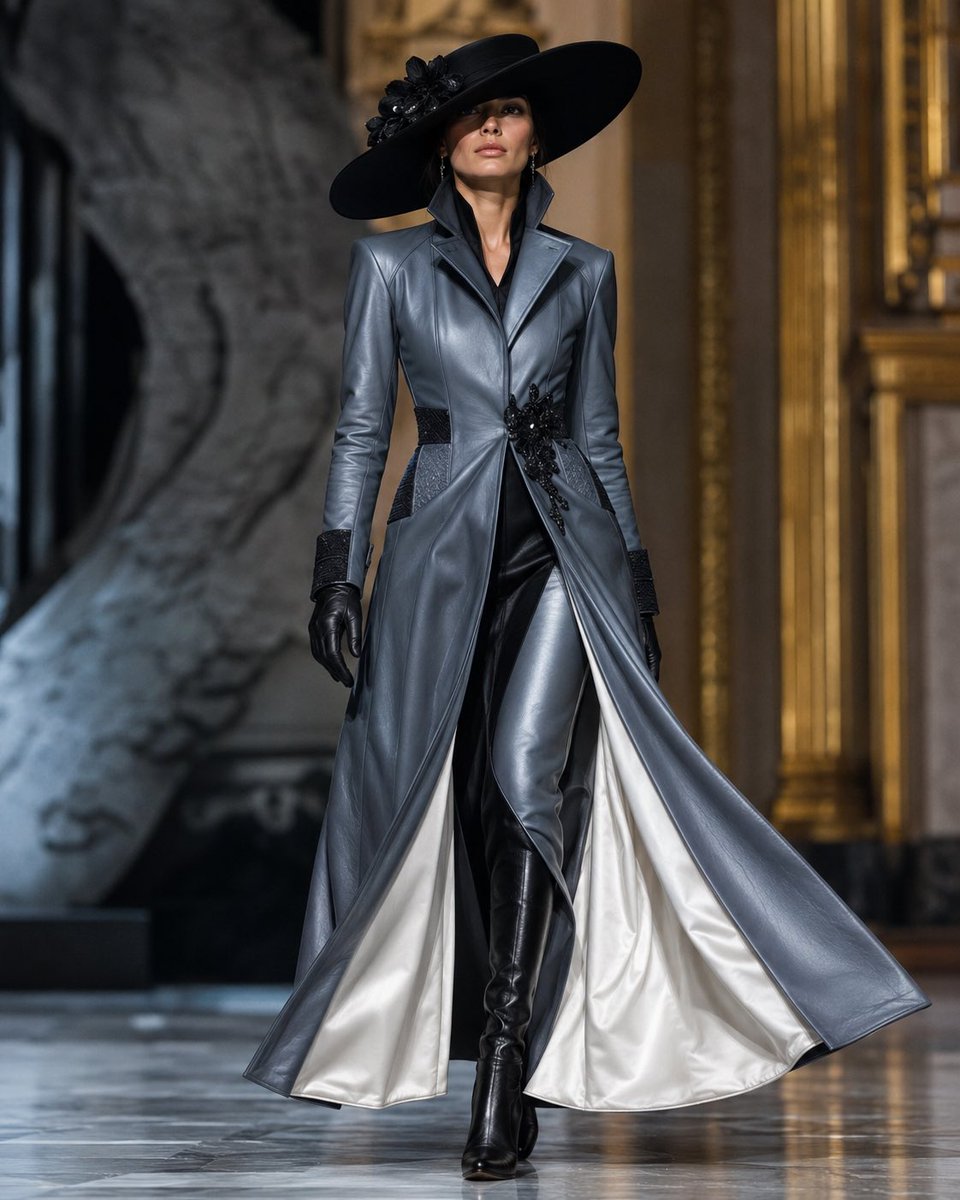
Couture Leather Runway Model

Photorealistic Café Lifestyle Shot Prompt
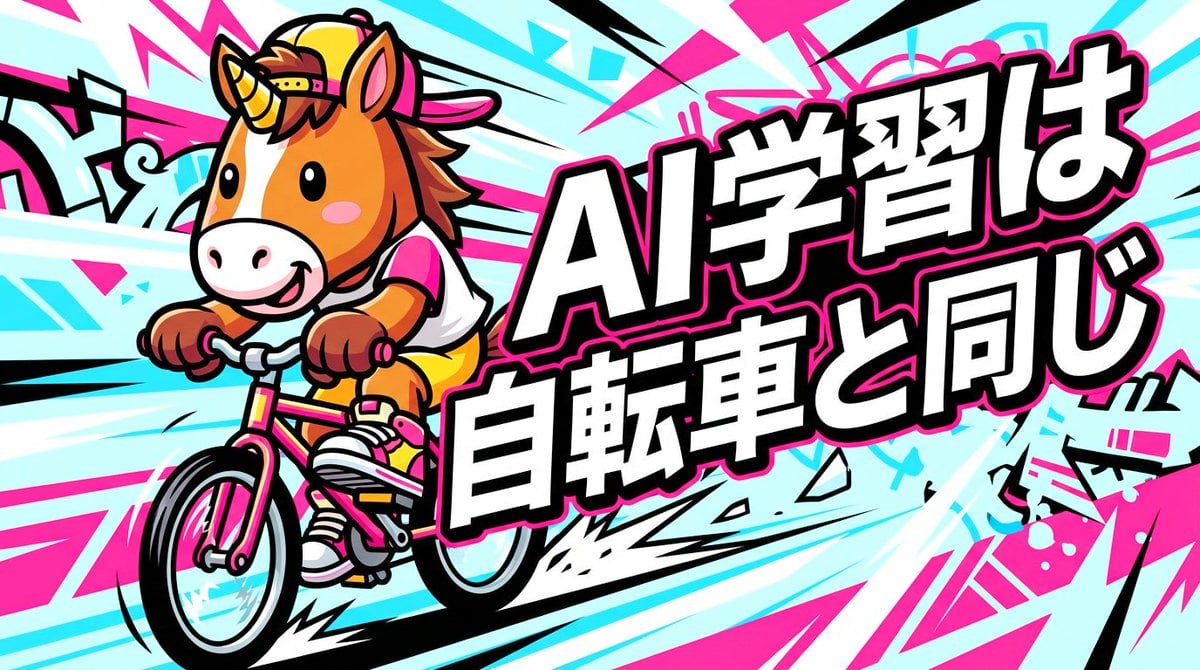
Nano Banana Pro Thumbnail Generation: Street & Pop Style

Hyper-Realistic Mermaid Sovereign Portrait
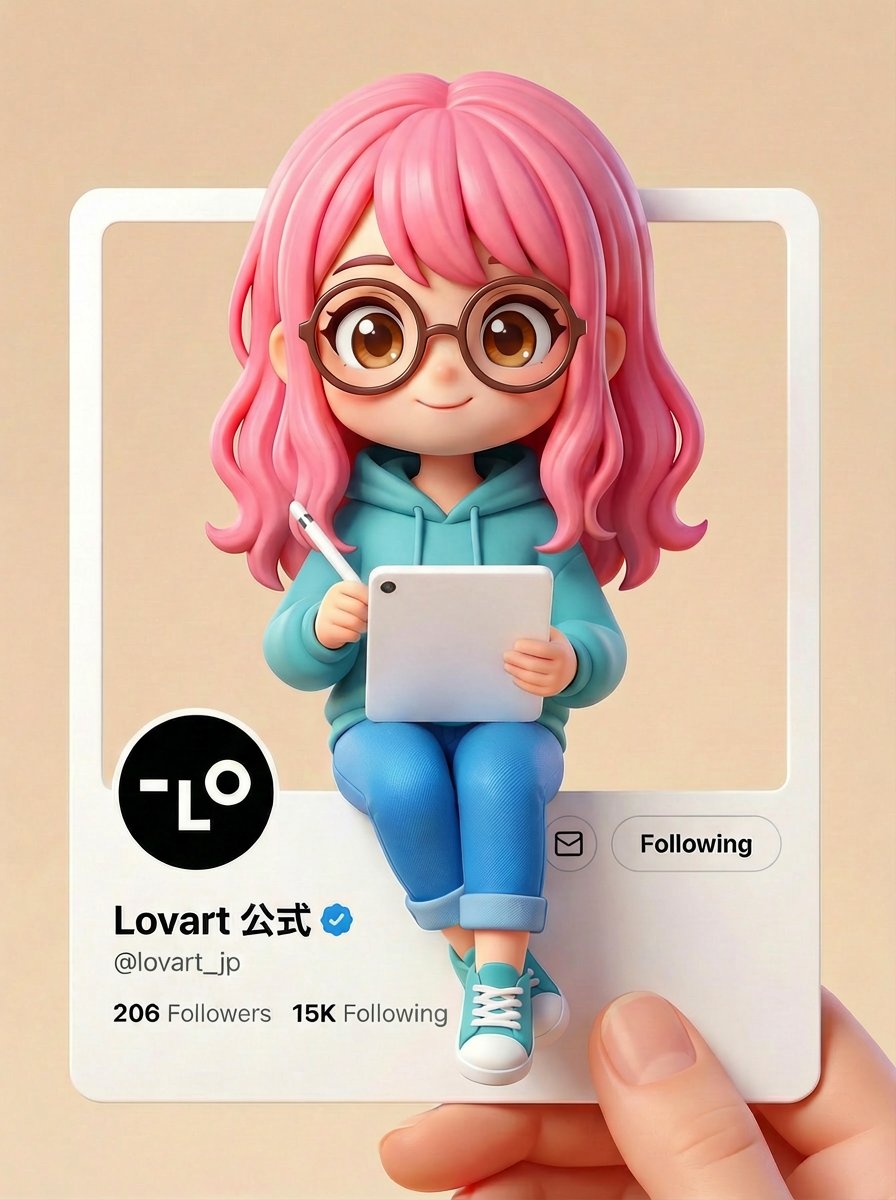
Pixar/Disney Style X (Twitter) Profile Card Prompt

Vintage Bollywood Editorial Portrait
Browse template categories
Cute Rainy Bus Stop Commute questions
How do I use the Cute Rainy Bus Stop Commute template?
Add your photo if the template asks for one, edit the prompt if you like — the template's model and format are already selected — and press Generate. Your version opens in PicX Studio.
Can I customize the Cute Rainy Bus Stop Commute template?
Yes. You can change the subject, setting, lighting, mood, format, and available model controls before creating your image.
Is the Cute Rainy Bus Stop Commute template free?
Opening and editing this template is free. Generating uses credits, shown on the Generate button when you are signed in.
Which AI model should I use?
Start with GPT Image 2, which is the model associated with this template. You can compare another compatible model for a different finish.
Looking for something else? Browse all templates.

Your photo, any look
Thousands of ready templates for every top image and video model, from one credit balance.