
Educational Commodity Universe Diorama Prompt
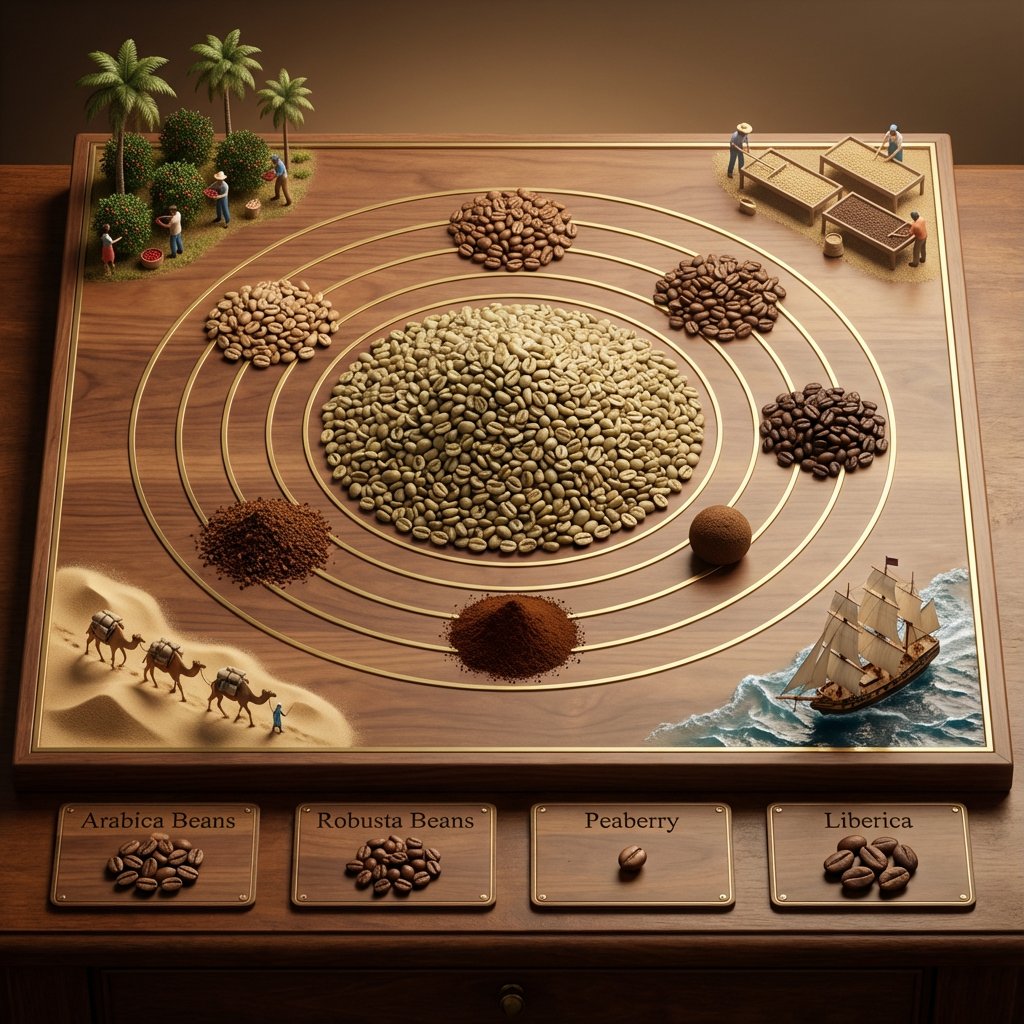
An educational, highly structured prompt template designed to generate an isometric tabletop photography image of a 'Commodity Universe' diorama.
- Prompt included
- Model and format preset
- Free template
The prompt behind this image
Copy the exact prompt behind Educational Commodity Universe Diorama Prompt, or open it in the studio and make it yours.
<instruction> for {argument name="commodity" default="Coffee"} Input A is a Historic Commodity or Resource (e.g., Spices, Tea, Silk, Coffee, Gold). Deconstruct the commodity into 3 Educational Assets: The Core : Identify the most common or valuable raw form. (e.g., Spices -> A pile of Black Peppercorns. Tea -> A mound of Black Tea leaves. Gold -> A large Nugget). The Varieties: Identify 4-5 distinct variations or colors. (e.g., Spices -> Red Paprika, Yellow Turmeric, Brown Cinnamon. Tea -> Green, White, Oolong, Matcha). The Transit : Identify the historical method of transport. (e.g., Camel Caravans, East Indiaman Ships, Steam Trains). 2. Container Goal: "Commodity Universe" Educational Diorama. The Base: A large, square Polished Walnut or Oak Board sitting on a library table. The Layout: A radial/circular design in the center, flanked by narrative vignettes in the corners. 3. The Centerpiece The Metaphor: The commodity is the center of the world. The Sun: A massive, textured pile of the "Core" material (Step 1) sits in the exact center. The Orbit: Inlaid gold or brass rings ripple out from the center. The Planets: Smaller mounds or spheres of the "Varieties" (Step 1) orbit the center, creating a colorful spectrum of textures (powders, grains, solids). 4. Narrative Corners The Origin (Top Corners): Miniature dioramas sculpted directly onto the board showing the harvesting process (e.g., tiny figures picking tea leaves, mining gold, or shaking spice trees). The Journey (Bottom Corners): Miniature dioramas showing the "Transit" (Step 1). Detail: Use Resin for water (ships) or Sand for deserts (camels). 5. The Footer: Placement: Along the bottom edge of the board. Format: Three or four rectangular Wooden Plaques embedded in the table. Content: The name of a specific variety (e.g., "Cinnamon") engraved in serif text, with a physical sample of that ingredient piled on the plaque. Output: ONE image, 1:1 Aspect Ratio, Isometric Tabletop Photography, "Museum Display" aesthetic, Warm Tones. </instruction>
How to use Educational Commodity Universe Diorama Prompt in 3 steps
- 1
Open
The prompt is already in the box next to the preview, with the template's model and format selected.
- 2…a portrait of your subject in softgolden-hour light, 85mm…
Personalize
Edit the subject and creative details for your destination.
- 3Generate
Generate
Press Generate — your image is created in PicX Studio, so you can compare it with the original and refine one variable at a time.
More like this
Templates with the same subject, style or setup. Open one to see its prompt.

Isometric Process Educational Diorama

Layered Paper Cut Forest Diorama

Soft Handcrafted Paper-Cut Layered Illustration

Isometric Brand Store Diorama

FIFA World Cup — Brazil National Pass Diorama

Skin Comparison Portrait — Nano Banana Pro

敦煌纸雕飞天 — 3D Layered Paper Cutout

01 Skincare Split Portrait — Nano Banana 2
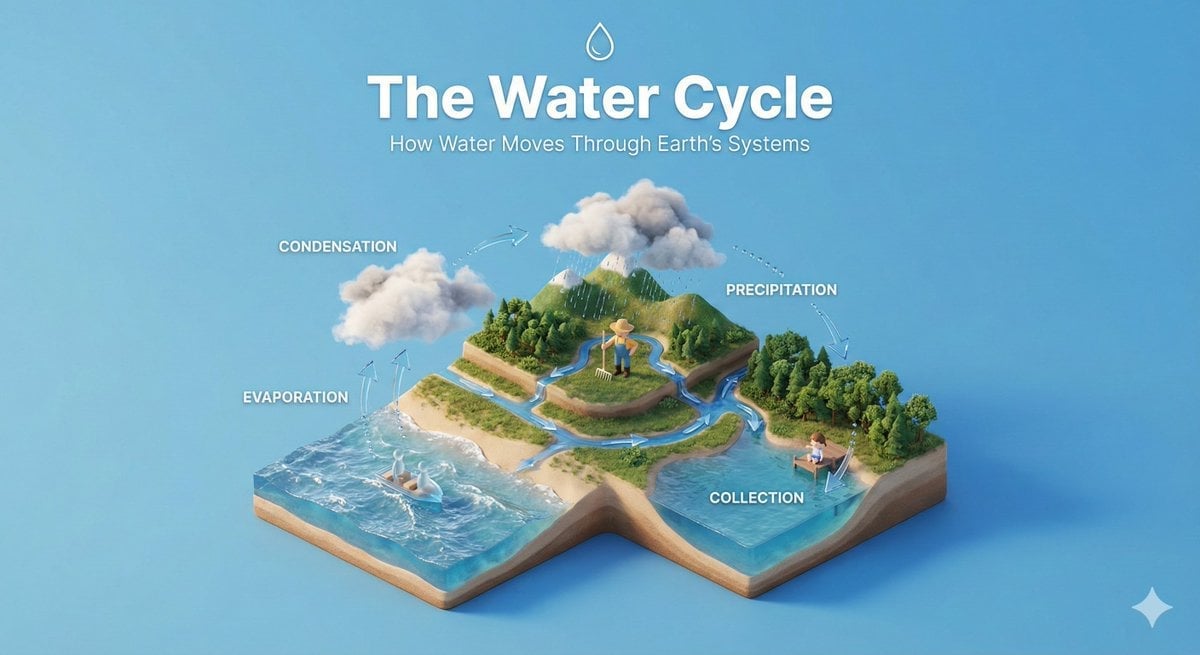
Isometric Educational Process Diorama
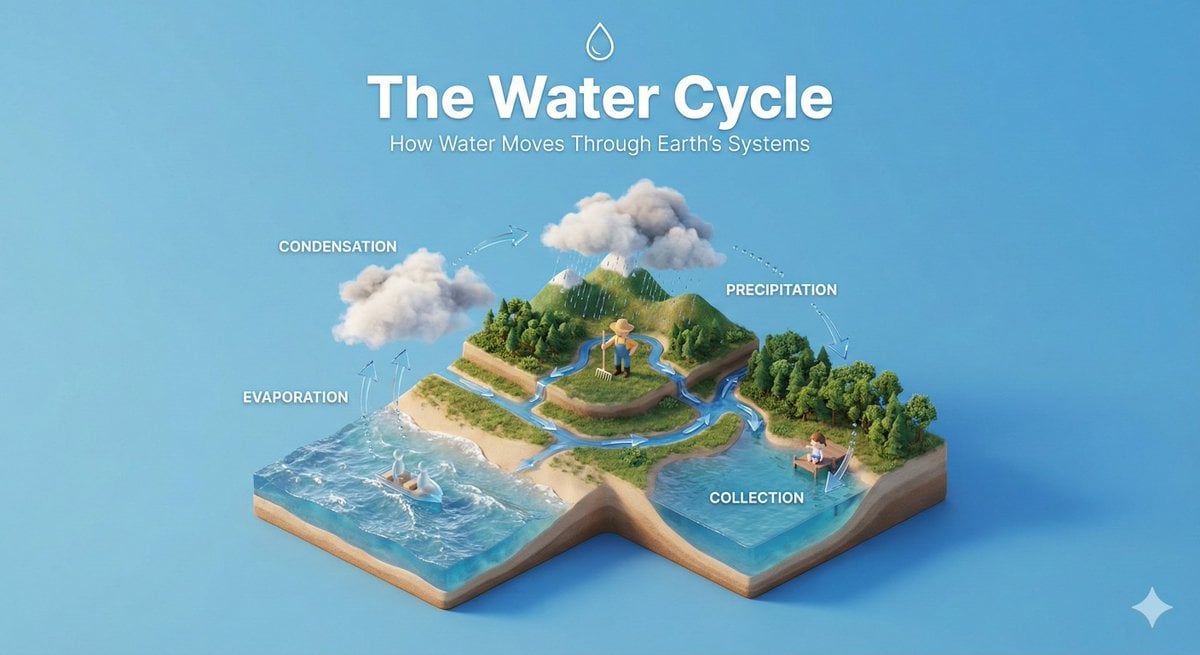
Clear, 45 top-down isometric miniature 3D educational diorama explaining
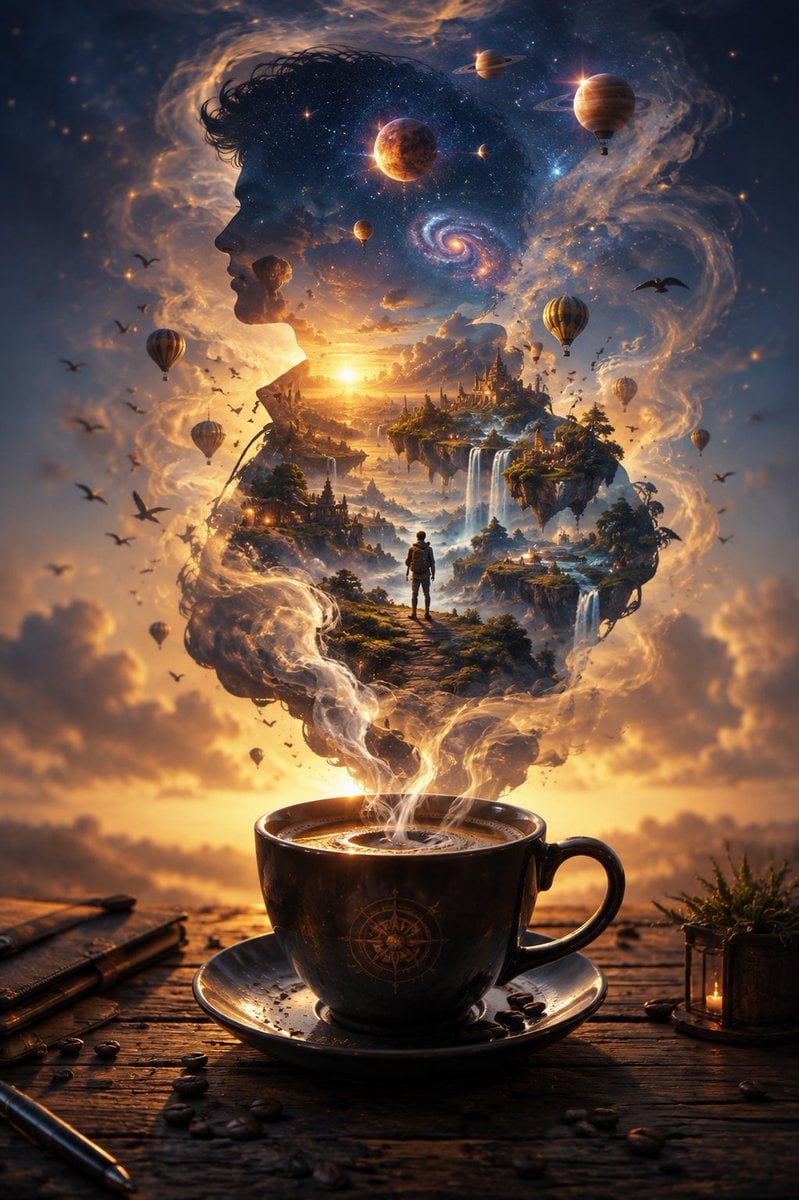
Universe Escaping a Coffee Cup
Preschool Educational Vocabulary Card
Make it yours
Educational Commodity Universe Diorama Prompt works as-is. These are the safest ways to change it without losing the look.
Change one field
Copy a single group, rewrite it, and generate again so you can see what that field is doing.
Keep the frame, change the subject
Hold the composition and light of Educational Commodity Universe Diorama Prompt, then swap wardrobe, props or the person for a new take.
| If the result… | Why | Fix |
|---|---|---|
| The result drifts from the preview | Too many fields changed at once. | Reuse Educational Commodity Universe Diorama Prompt as-is first, then change one group — subject, light, or setting. |
| The model over-stylizes the scene | The prose prompt leaves finish and camera underspecified. | Add one camera or lighting sentence and stay on Nano Banana 2. |
More Nano Banana 2 templates
Other prompts made for Nano Banana 2.

Photorealistic Leaf Shaped Like a Dragon

K-Pop Idol Portrait Grid for Rapid Selection

Poetic Rain Forest Portrait During Golden Hour

Urban Street Portrait with Cartoon Inner Self Duo

Candid Nighttime Photo with Cat Prompt

High-Concept 3D Diorama Generation Prompt

Cinematic Futuristic Studio Portrait Template

Skincare Editorial Photography Collage Prompt

Hyper-Realistic Commercial Product Photography (Splash Effect)

Hyper-Realistic Nightclub Portrait Prompt
More image prompts
Fresh picks from across the catalog.

High-Fashion Mirror Selfie Identity Reference
Superhero Athleisure Mirror Selfie Prompt

Cinematic Vector Fashion Portrait
Childlike Jazz Beat Crayon Lesson

Character Prompt with Drinking Action for Anifusion/Nano Banana
Image-to-Painting Reproduction Prompt
Anime Ensemble Movie Poster
Structured Prompt for Fashion Editorial with Oversized Product
Four-Panel Science Concept Poster
Commercial Perfume Photography Prompt for Nano Banana Pro
Browse template categories
Educational Commodity Universe Diorama Prompt questions
How do I use the Educational Commodity Universe Diorama Prompt template?
Add your photo if the template asks for one, edit the prompt if you like — the template's model and format are already selected — and press Generate. Your version opens in PicX Studio.
Can I customize the Educational Commodity Universe Diorama Prompt template?
Yes. You can change the subject, setting, lighting, mood, format, and available model controls before creating your image.
Is the Educational Commodity Universe Diorama Prompt template free?
Opening and editing this template is free. Generating uses credits, shown on the Generate button when you are signed in.
Which AI model should I use?
Start with Nano Banana 2, which is the model associated with this template. You can compare another compatible model for a different finish.
Looking for something else? Browse all templates.

Your photo, any look
Thousands of ready templates for every top image and video model, from one credit balance.