
Magic Hour Sunset Portrait
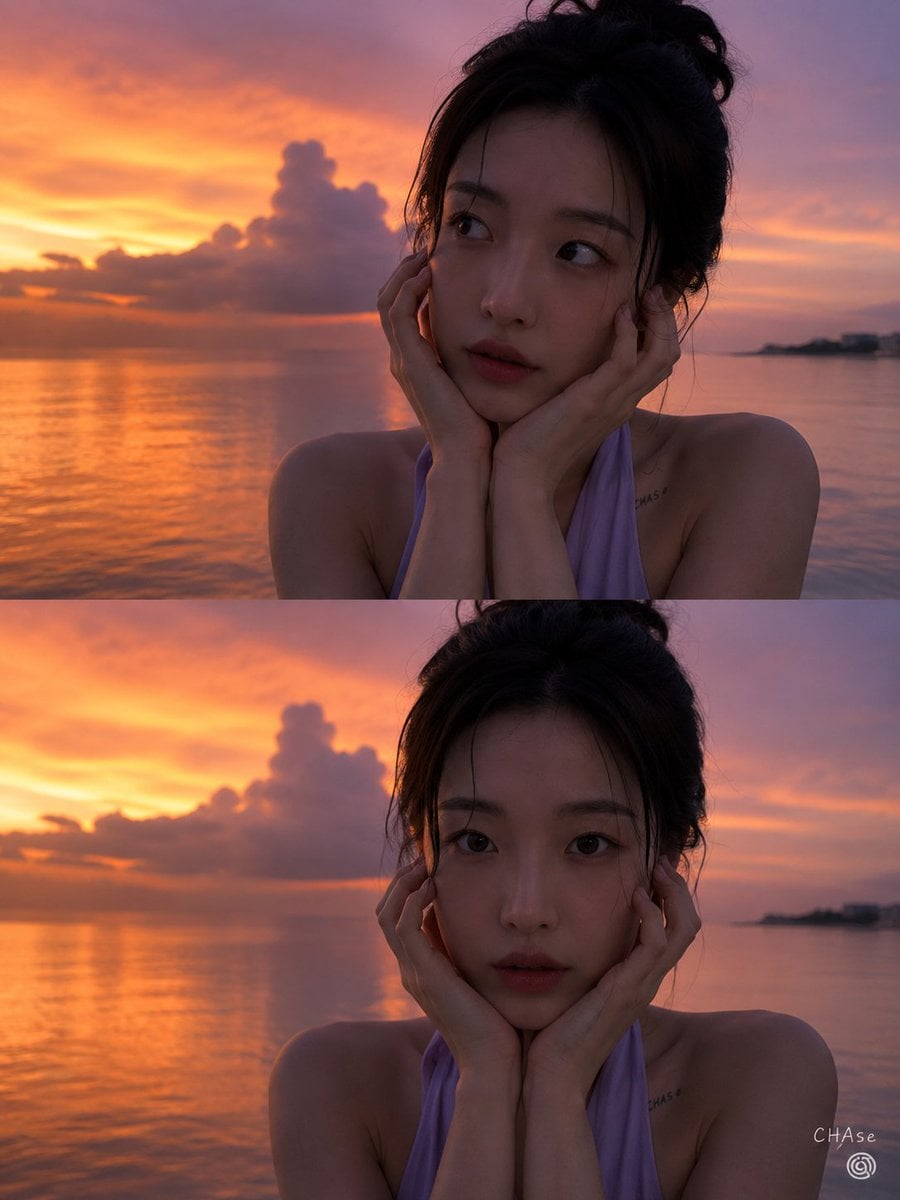
A highly detailed prompt for a realistic vertical split-screen portrait of a person during magic hour by the sea, captured in a smartphone style.
- Prompt included
- Model and format preset
- Free template
The prompt behind this image
Copy the exact prompt behind Magic Hour Sunset Portrait, or open it in the studio and make it yours.
[Person] See {argument name="person" default="image 1"} for reference. [Person's Pose and Expression] This is a two-panel composition with two photos of the same framing placed side by side, one above the other. In both photos, the person leans close to the camera with both hands gently cupping their cheeks. In the upper photo, the gaze is turned slightly to the upper right, giving a wistful, playful expression, while in the lower photo, round, clear eyes look straight at the camera, showing a natural, lovable expression. [Person's Outfit] Wearing a pale purple halter-neck top that ties with a thin strap behind the neck. Near the right collarbone, there is a small, faint "CHAse" lettering tattoo, giving a simple yet clear accent point. [Person's Hairstyle and Makeup Details] The hair looks damp or slightly wet, black, and naturally swept up and tied back in an updo. A few thin, moist strands of the fringe fall naturally along the forehead and around the eyes, adding a fresh, clean feel. The makeup is a nearly bare-faced style, clear and dewy, keeping the clear skin texture as it is, with only a very faint hint of color given to the lips. [Lighting and Light Direction] The soft glow of a fantastical magic-hour sunset, as the sun sinks below the horizon, wraps around the right side of the frame. The main light source is positioned behind the person in a backlit composition, forming a subtle silhouette along the person's shoulder line. However, since the overall scene is dark, strong shadows fall across the face, creating deep shading. There is no lighting at all directed at the face. It's a realistic photo that looks as though it were taken straight from an actual smartphone camera. [Texture and Color Mood] The orange glow filling half the sky on the left side of the frame, along with the purple sunset, is reflected directly onto the calm sea, creating a mysterious, romantic mood. The right side of the frame is somewhat dark. There's a soft, fine noise-grain texture characteristic of a low-light smartphone camera, and the texture of the person's moist skin and hair creates a cozy, intimate feeling. [Film and Camera Lens Depth, Angle] This is a vertical two-panel layout, with one frame divided into two shots, top and bottom. It's a front-facing, eye-level close-up shot that focuses on the person's upper body above the bust and their facial expression. The subject, the person, is precisely in focus, while the distant horizon and cloud shapes spreading out behind them are naturally and softly thrown out of focus, drawing the viewer into the person's emotional expression. The person is positioned on the right side of the frame, and the sunset is beyond the left side of the frame. [Background Elements (optional)] A vast, calm sea stretches out beneath a magnificent, grand sunset. In the sky, huge purple cumulus clouds combined with deep orange dramatically fill the scene, and the nearly rippleless sea reflects the sky's colors transparently, like a mirror. At the far right edge of the horizon, the faint silhouette of an island or coastal buildings sits low in the distance. [Signature] In the bottom right, a small Threads logo (operated by Meta) is placed, and above it, in white cursive handwriting, "CHAse" is written small, like a signature. 3:4 ratio
How to use Magic Hour Sunset Portrait in 3 steps
- 1Upload ImagePNG, JPG or paste
Add your photo
Upload the photo the template builds on. The prompt, model and format are already set.
- 2…a portrait of your subject in softgolden-hour light, 85mm…
Personalize
Edit the subject and creative details for your destination.
- 3Generate
Generate
Press Generate — your image is created in PicX Studio, so you can compare it with the original and refine one variable at a time.
More like this
Templates with the same subject, style or setup. Open one to see its prompt.

80s Golden Hour Cinema

Rooftop Fisheye — Cat-Ear Balaclava at Golden Hour
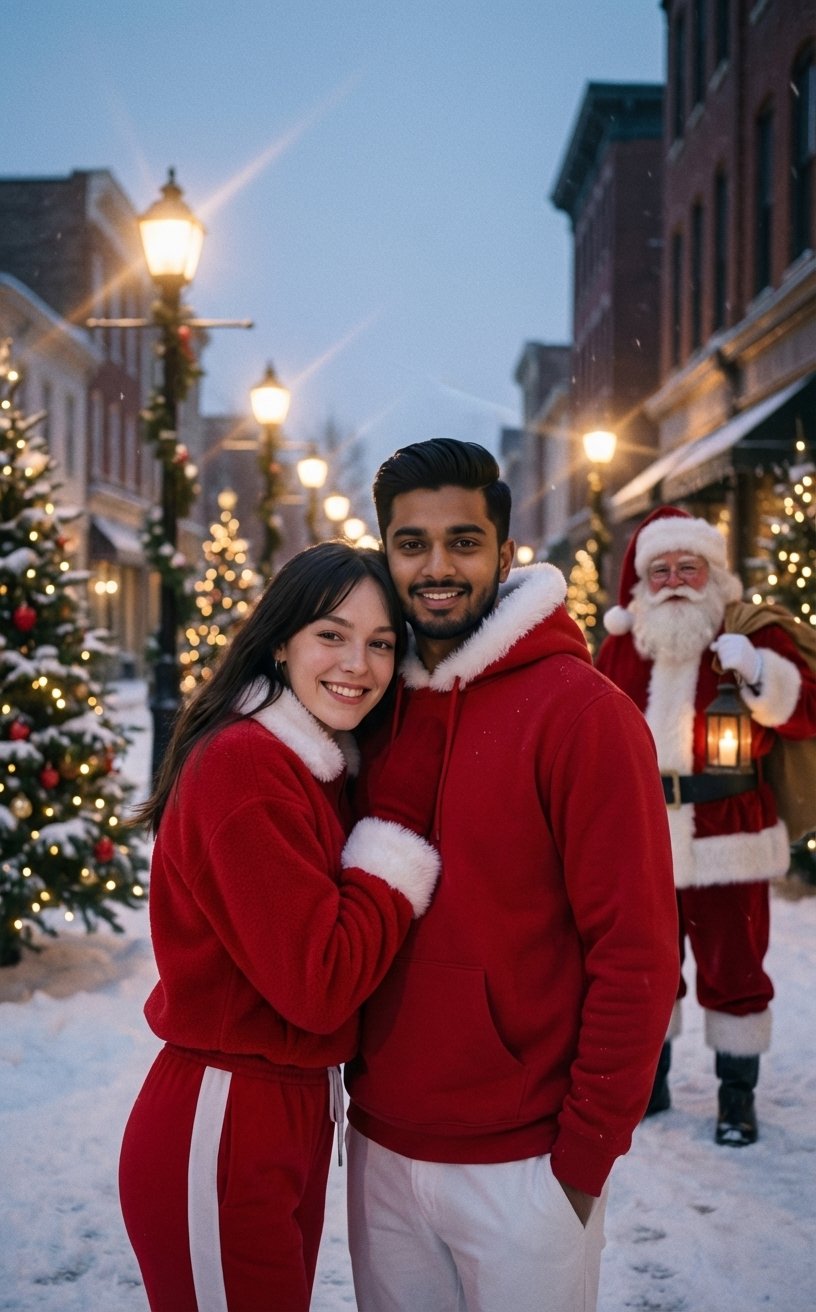
Festive Couple Holiday Magic Template

Found Photograph: Us, 1970

80s Couple Studio Portrait

80s Bollywood Star

Me in 1985

1985 Studio Portrait

Hyper-Realistic Minecraft POV Portrait
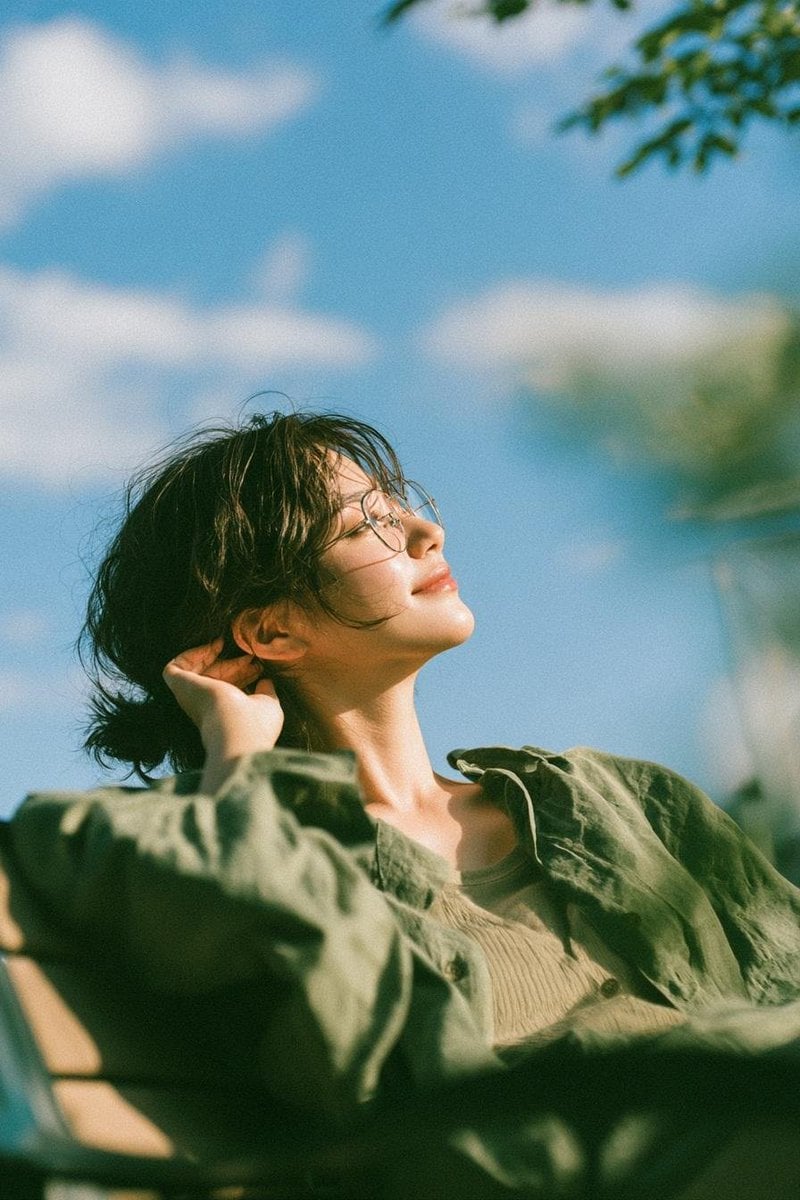
Cinematic Golden Hour Garden Portrait
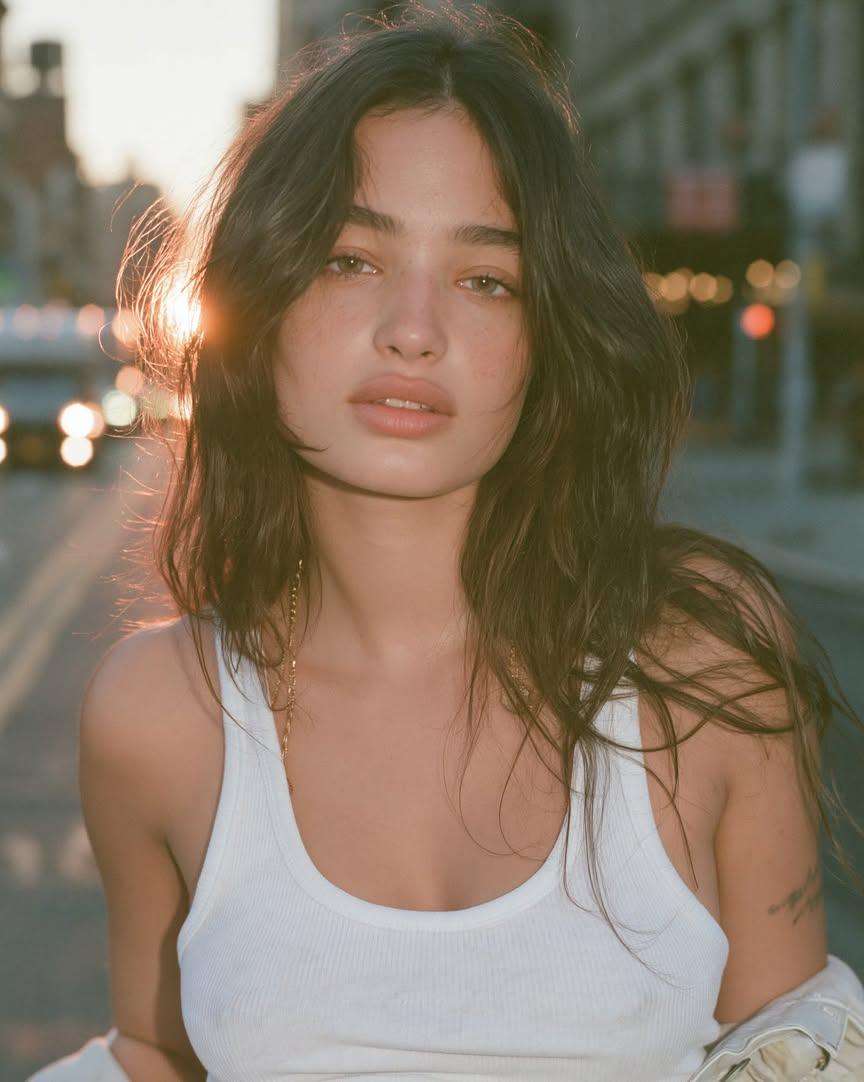
Cinematic Golden Hour Urban Portrait
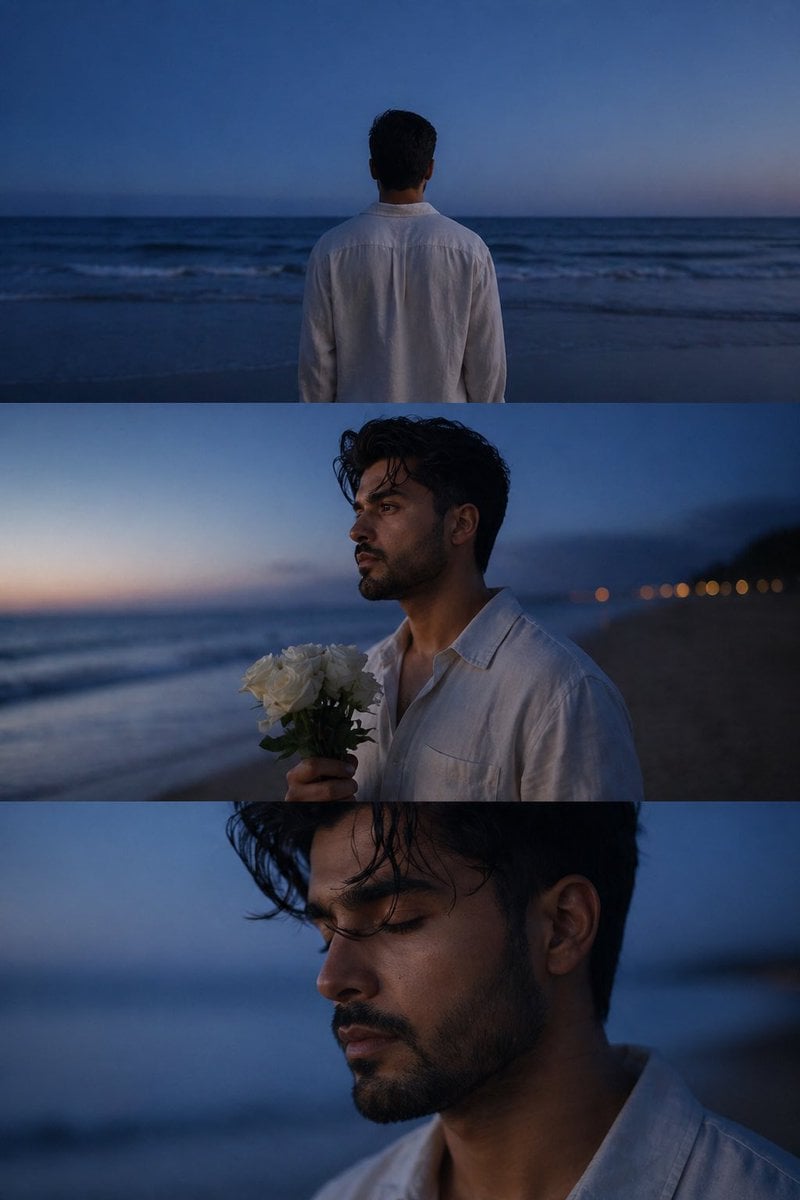
Melancholic blue hour portrait
Make it yours
Magic Hour Sunset Portrait works as-is. These are the safest ways to change it without losing the look.
Change one field
Copy a single group, rewrite it, and generate again so you can see what that field is doing.
Keep the frame, change the subject
Hold the composition and light of Magic Hour Sunset Portrait, then swap wardrobe, props or the person for a new take.
| If the result… | Why | Fix |
|---|---|---|
| The result drifts from the preview | Too many fields changed at once. | Reuse Magic Hour Sunset Portrait as-is first, then change one group — subject, light, or setting. |
| The model over-stylizes the scene | The prose prompt leaves finish and camera underspecified. | Add one camera or lighting sentence and stay on GPT Image 2. |
More GPT Image 2 templates
Other prompts made for GPT Image 2.

Six VTuber Japanese Logo Sheet

Realistic Portrait of Woman and Deer

The Vista Modular Condo Poster

AI Model Routing Comparison Infographic

2.5D Anime Art Board

Isometric Productivity Desk Scene

New York Double Exposure Poster

Four-Panel AI Landscape Comparison

Japanese Tatami Lifestyle Magazine Cover

NESCAFÉ Coffee Map Poster
More image prompts
Fresh picks from across the catalog.
Sweet Japanese-style girl at subway door

Subject-to-Enamel Pin Conversion
Custom Hollywood Hills Sign Generator
Minimal Cinematic New Year 2026 Portrait
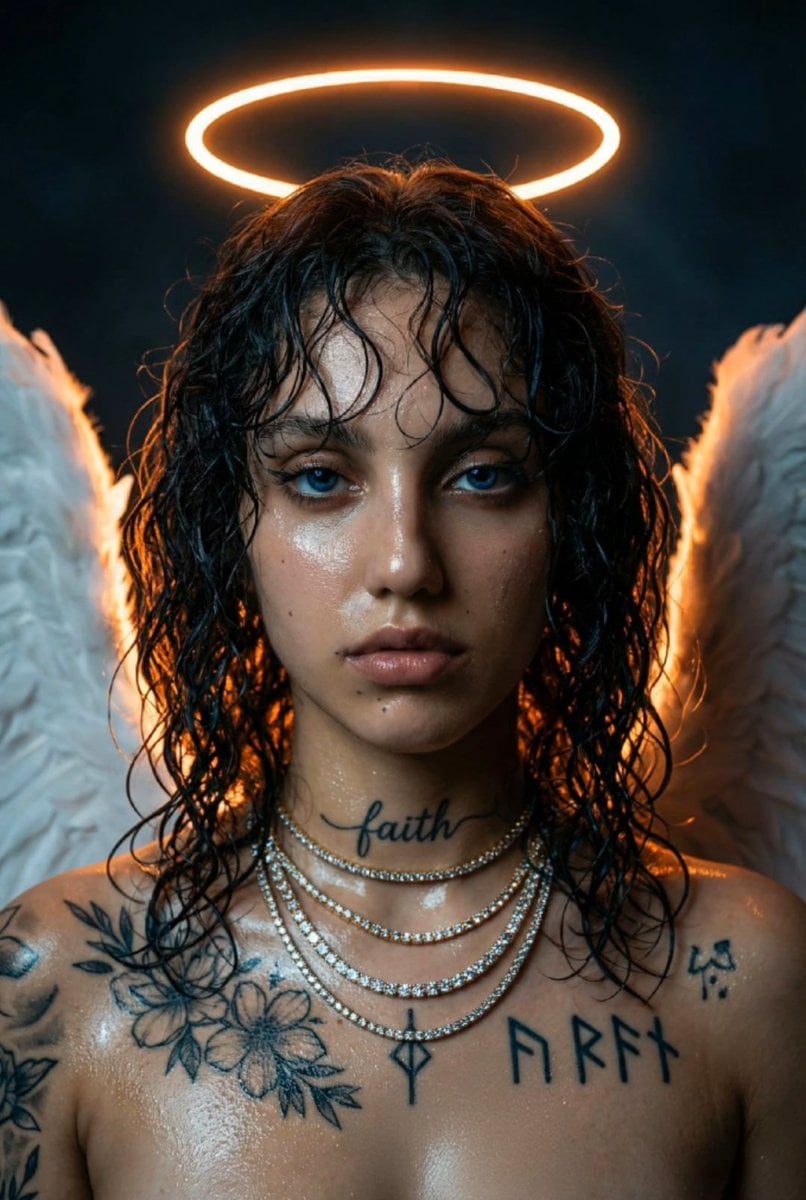
Dark Fantasy Neon Portrait with Glowing Halo Prompt
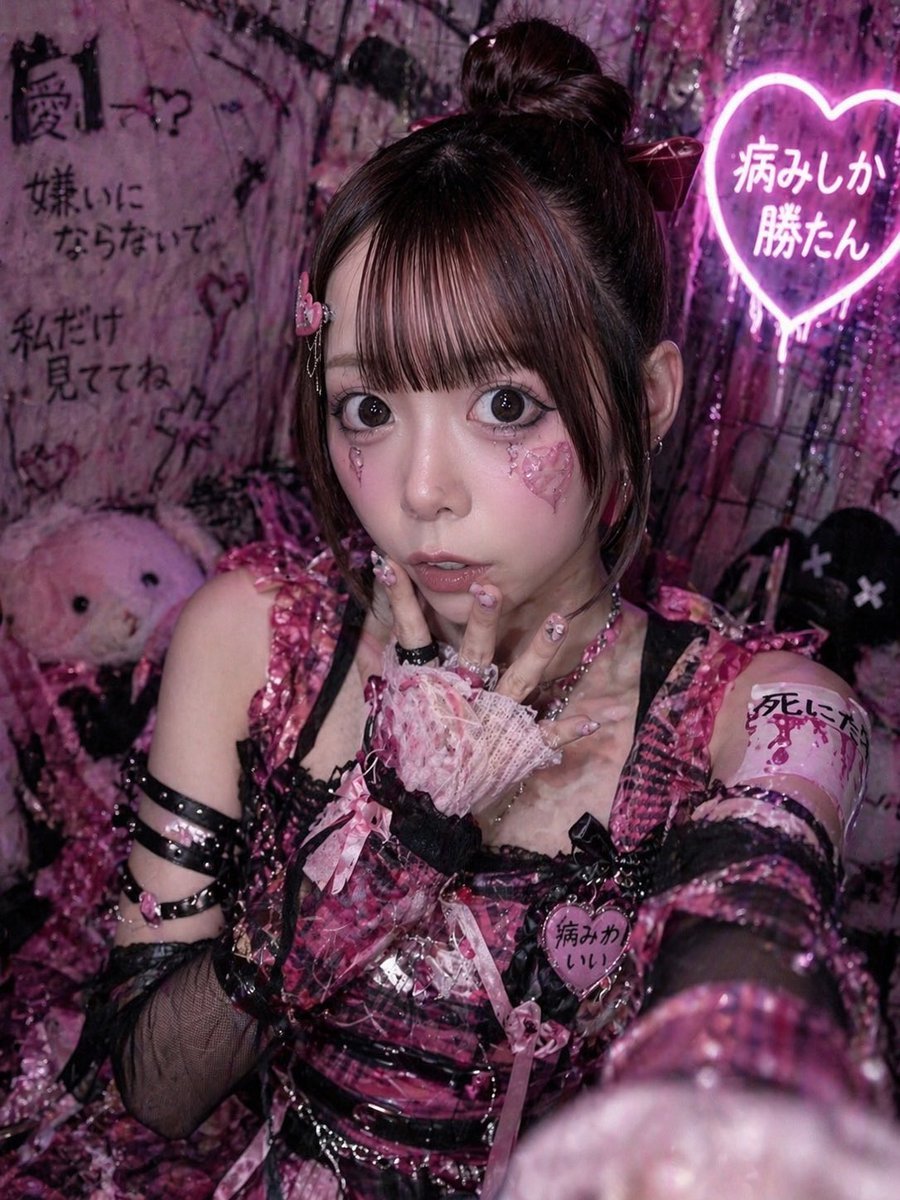
Yami Kawaii Idol Selfie
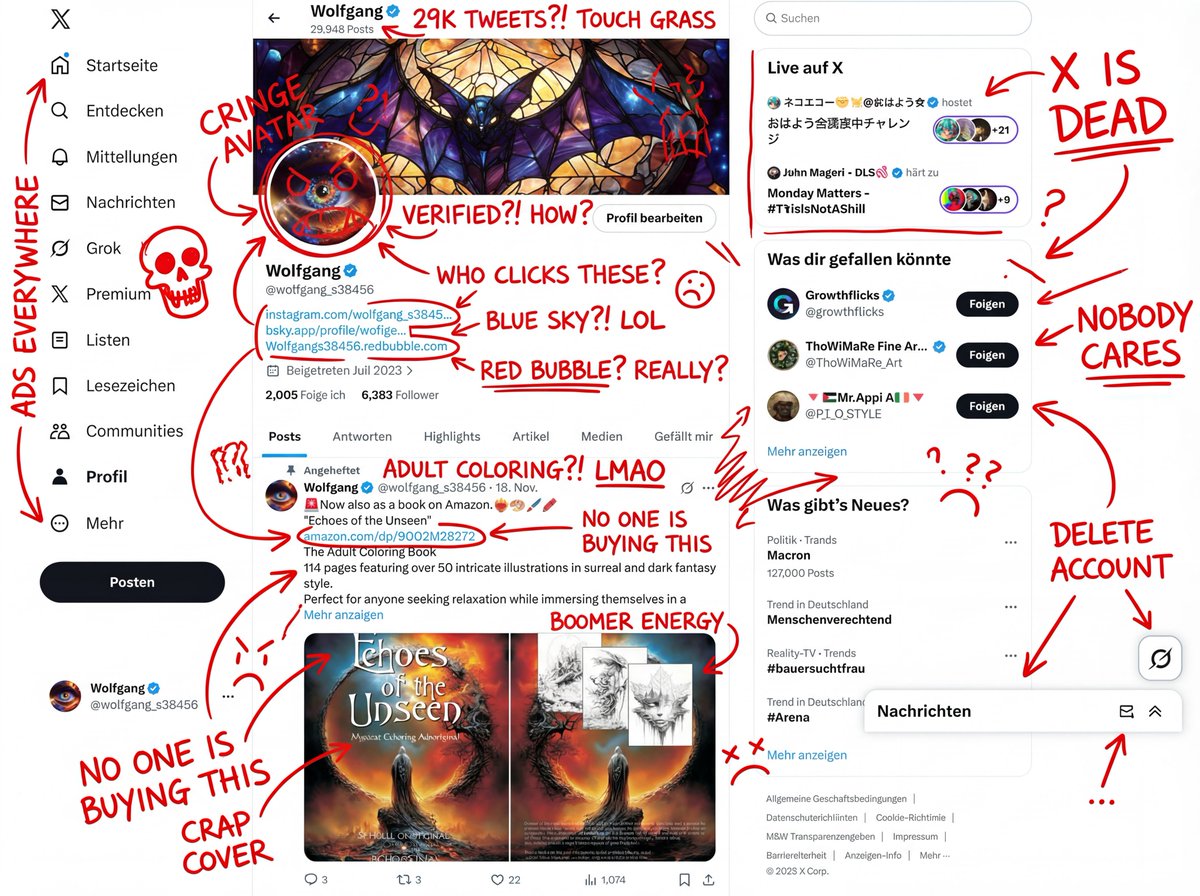
Image Overlay Prompt for Insane Roast Scribble
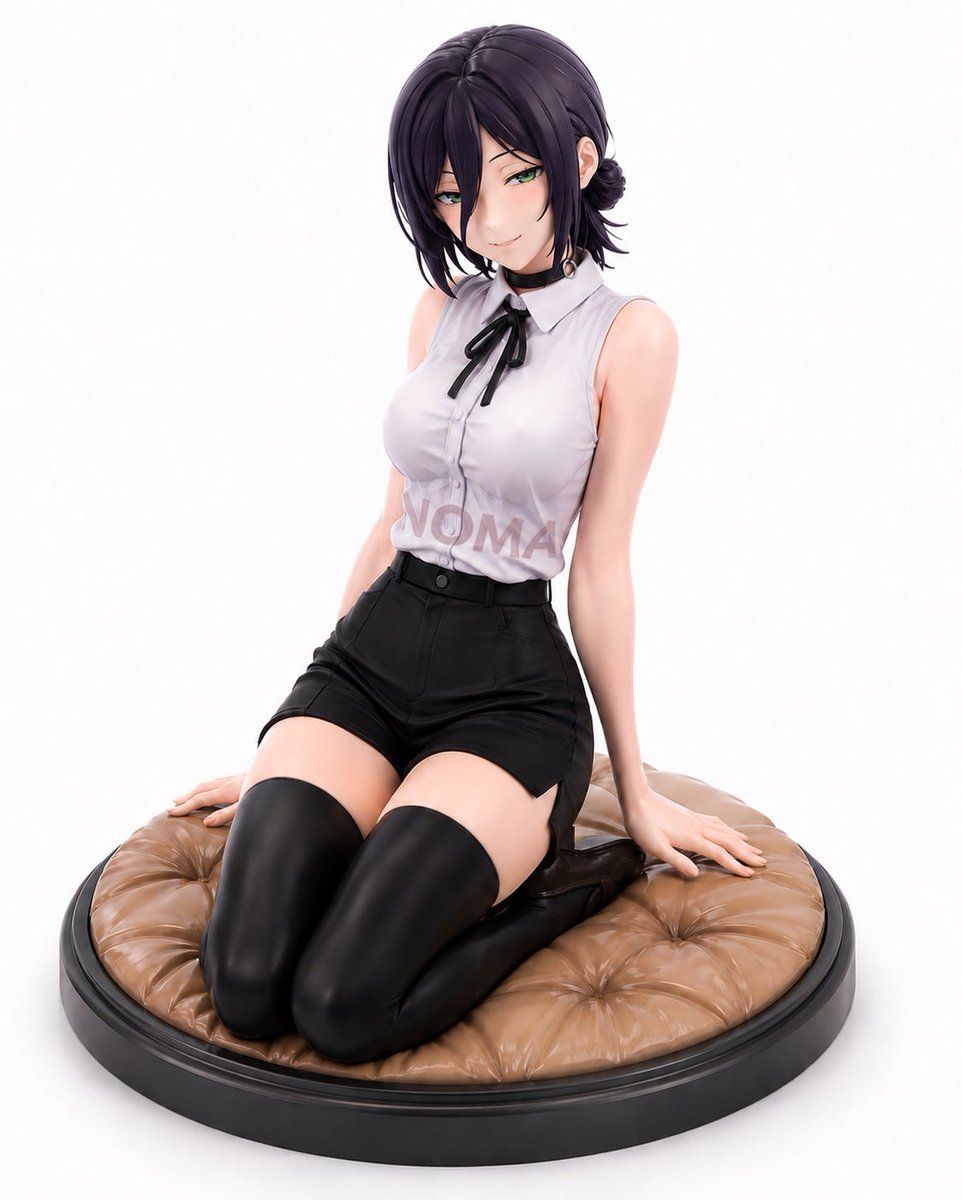
Reze Prize Figure Product Shot
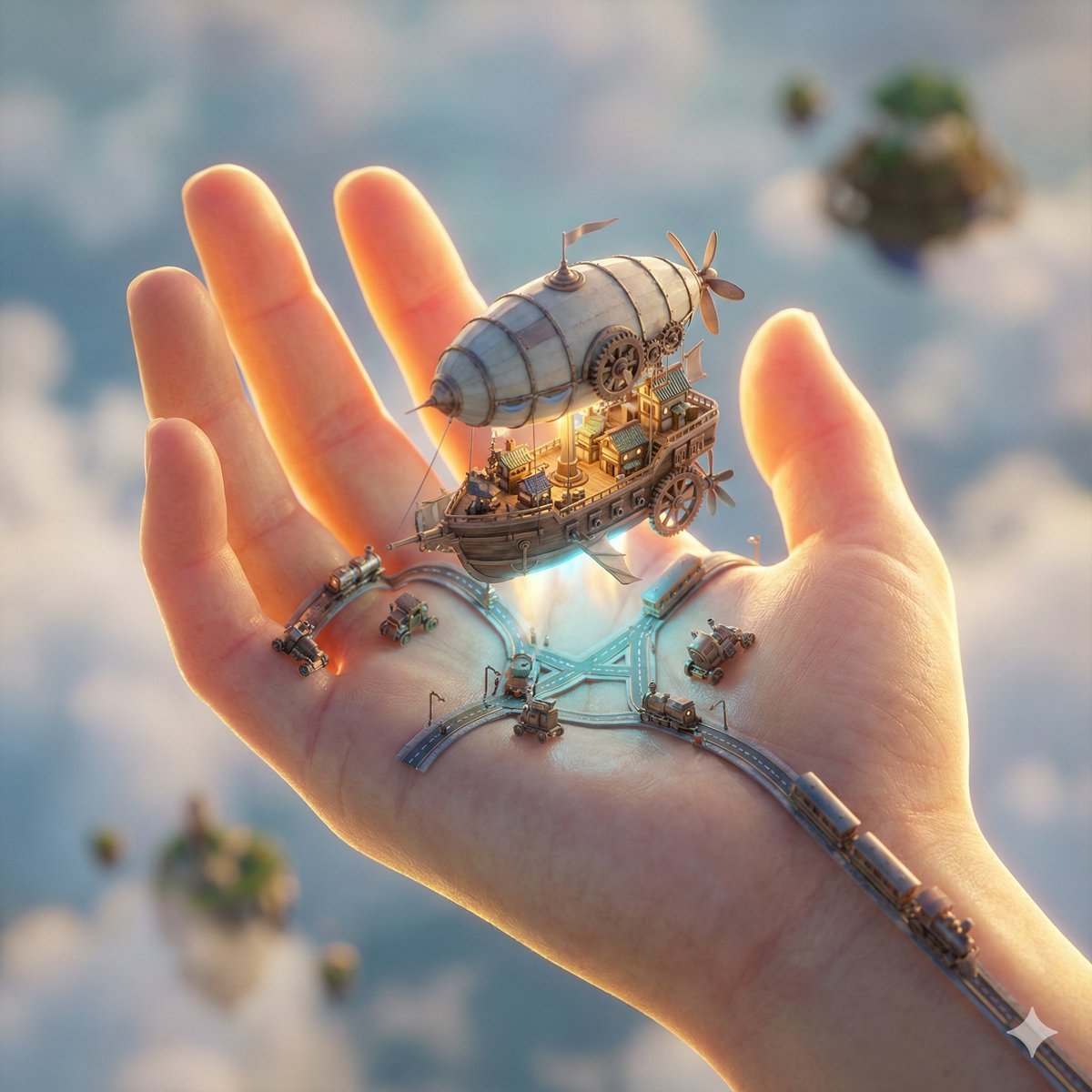
City in Hand Micro-World Prompt
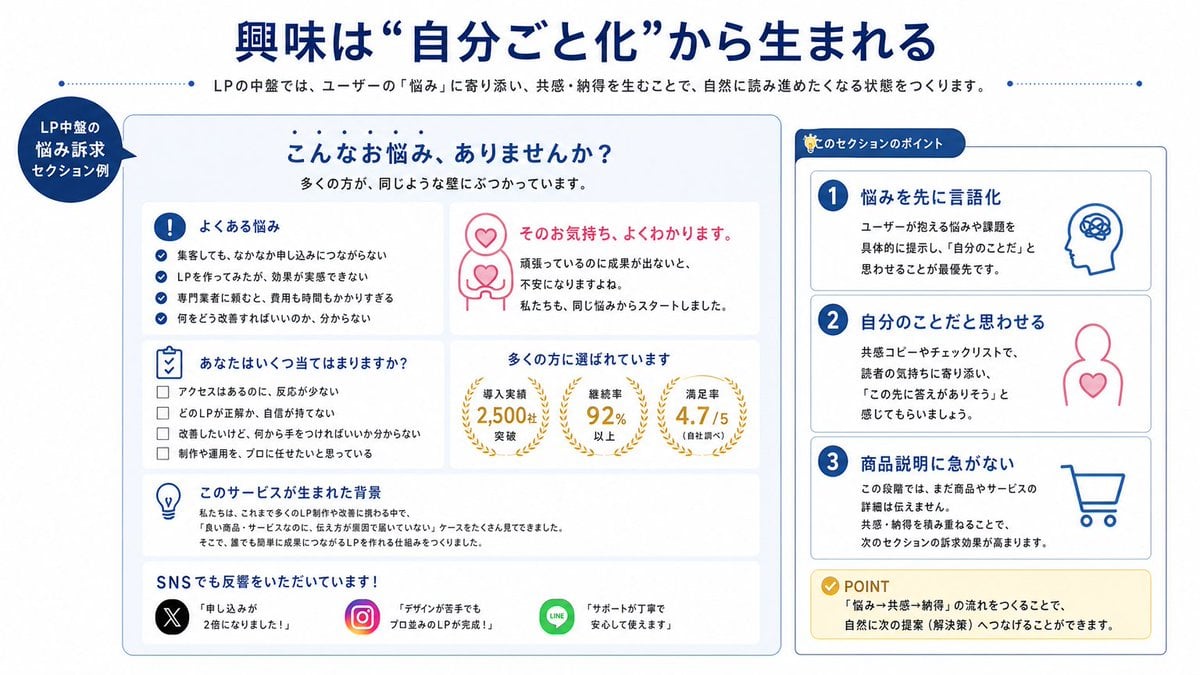
Japanese LP Empathy Infographic
Browse template categories
Magic Hour Sunset Portrait questions
How do I use the Magic Hour Sunset Portrait template?
Add your photo if the template asks for one, edit the prompt if you like — the template's model and format are already selected — and press Generate. Your version opens in PicX Studio.
Can I customize the Magic Hour Sunset Portrait template?
Yes. You can change the subject, setting, lighting, mood, format, and available model controls before creating your image.
Is the Magic Hour Sunset Portrait template free?
Opening and editing this template is free. Generating uses credits, shown on the Generate button when you are signed in.
Which AI model should I use?
Start with GPT Image 2, which is the model associated with this template. You can compare another compatible model for a different finish.
Looking for something else? Browse all templates.

Your photo, any look
Thousands of ready templates for every top image and video model, from one credit balance.