
Japanese Eel Derby Logo
This prompt generates a polished Japanese mascot logo with eel-integrated lettering, water effects, and racing-inspired accents for branding or social media visuals.
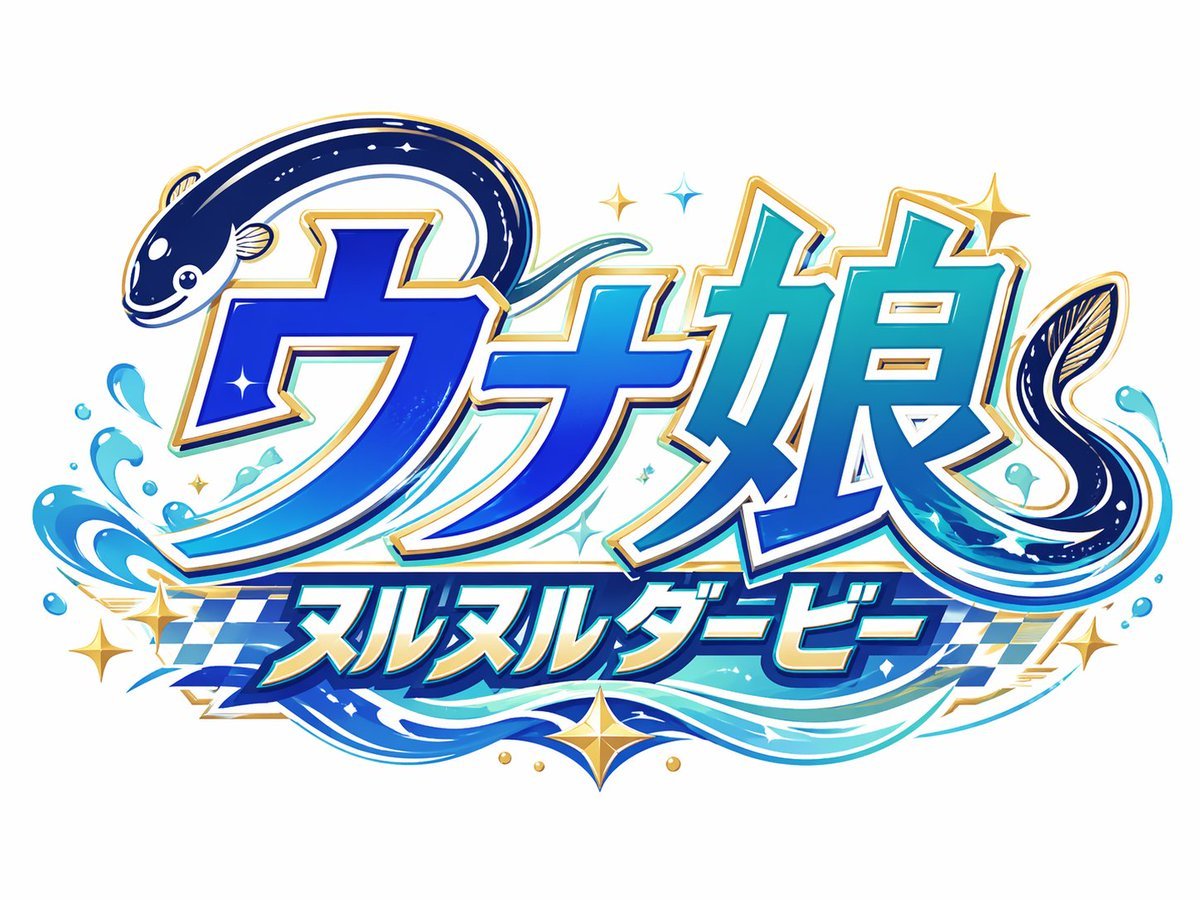
- Prompt included
- Model and format preset
- Free template
The prompt behind this image
Copy the exact prompt behind Japanese Eel Derby Logo, or open it in the studio and make it yours.
Create a bold Japanese logo on a clean light gray background for a fictional racing-themed eel character brand. The main text should be large stylized katakana/kanji reading {argument name="main logo text" default="ウナ娘"}, with a smaller subtitle banner below reading {argument name="subtitle text" default="ヌルヌルダービー"}. Integrate exactly 2 eel illustrations into the lettering: one dark navy eel curling over the top left of the first character with a cute smiling face and pale belly markings, and one second eel forming a sweeping curl around the right side of the final character. Use a vivid aquatic palette with deep cobalt blue, electric blue, cyan, teal, white highlights, and metallic gold edging. The lettering should have thick white inner borders, gold outer trim, subtle drop shadows, and a glossy high-energy arcade mascot style. Add dynamic water splash effects around the bottom left and lower right, flowing wave ribbons beneath the text, exactly 6 gold star-shaped sparkles scattered around the logo, and exactly 4 small blue diamond-like sparkle accents near the center and top. Behind the subtitle, include a blue-and-white checkered racing flag pattern stretching horizontally. The overall composition should feel playful, premium, and fast-paced, combining marine motifs with horse-racing or derby energy, rendered as crisp vector-like logo art with polished gradients and strong sticker-style outlines.
How to use Japanese Eel Derby Logo in 3 steps
- 1Upload ImagePNG, JPG or paste
Add your photo
Upload the photo the template builds on. The prompt, model and format are already set.
- 2…a portrait of your subject in softgolden-hour light, 85mm…
Personalize
Edit the subject and creative details for your destination.
- 3Generate
Generate
Press Generate — your image is created in PicX Studio, so you can compare it with the original and refine one variable at a time.
More like this
Templates with the same subject, style or setup. Open one to see its prompt.

Minecraft Japanese Research Lab Exploration

Japanese Architectural Concrete Studio Fashion Campaign

Japanese Minimalist Concrete Studio Fashion Editorial

Blue Backdrop Luxury Fashion Portrait Campaign

Moss Logo Minimalist Brand Flat Lay

Japanese Film Reflection Idol

Six VTuber Japanese Logo Sheet

Japanese Kawaii Logo Model Comparison
Realistic Unaju Grilled Eel Box
Anime Aquarium Garden Eel Day
Unified Illustration and Logo Collage
Cinematic Tropical Island Brand Logo
Make it yours
Japanese Eel Derby Logo works as-is. These are the safest ways to change it without losing the look.
Change one field
Copy a single group, rewrite it, and generate again so you can see what that field is doing.
Keep the frame, change the subject
Hold the composition and light of Japanese Eel Derby Logo, then swap wardrobe, props or the person for a new take.
| If the result… | Why | Fix |
|---|---|---|
| The result drifts from the preview | Too many fields changed at once. | Reuse Japanese Eel Derby Logo as-is first, then change one group — subject, light, or setting. |
| The model over-stylizes the scene | The prose prompt leaves finish and camera underspecified. | Add one camera or lighting sentence and stay on GPT Image 2. |
More GPT Image 2 templates
Other prompts made for GPT Image 2.

Realistic Portrait of Woman and Deer

The Vista Modular Condo Poster

AI Model Routing Comparison Infographic

2.5D Anime Art Board

Isometric Productivity Desk Scene

New York Double Exposure Poster

Four-Panel AI Landscape Comparison

Japanese Tatami Lifestyle Magazine Cover

NESCAFÉ Coffee Map Poster

Brutalist Cogito Chinese Typography Poster
More image prompts
Fresh picks from across the catalog.
Synthetic iPhone Photos Metadata Screenshot
Masterpiece Anime Fantasy Girl
8K Cinematic Winter Portrait in Jammu & Kashmir

Vintage Rubber Hose Cartoon Transformation
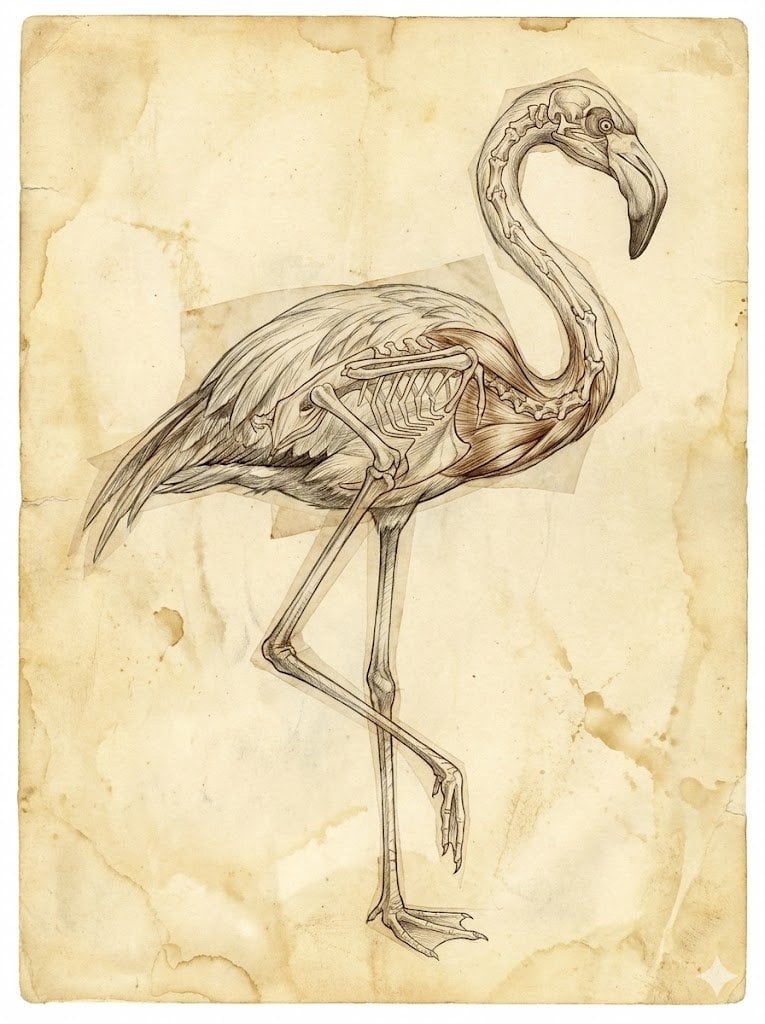
Renaissance Anatomical Study of a Flamingo
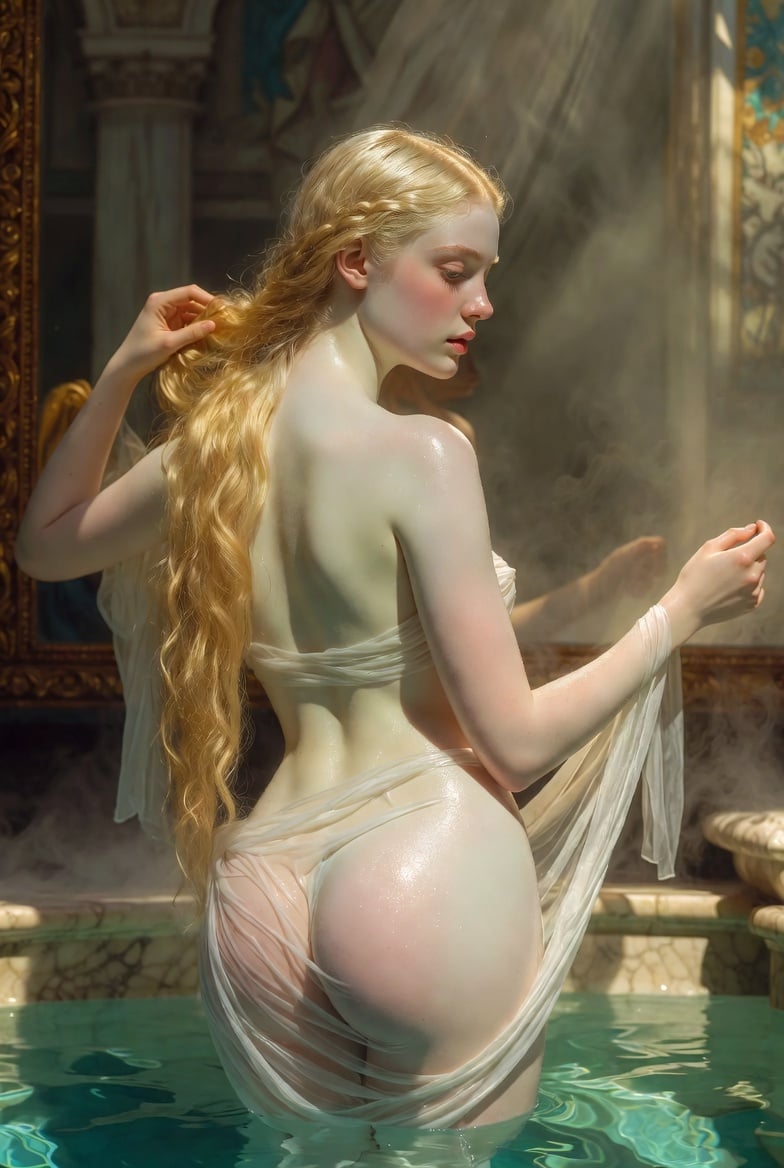
Renaissance Bathing Portrait
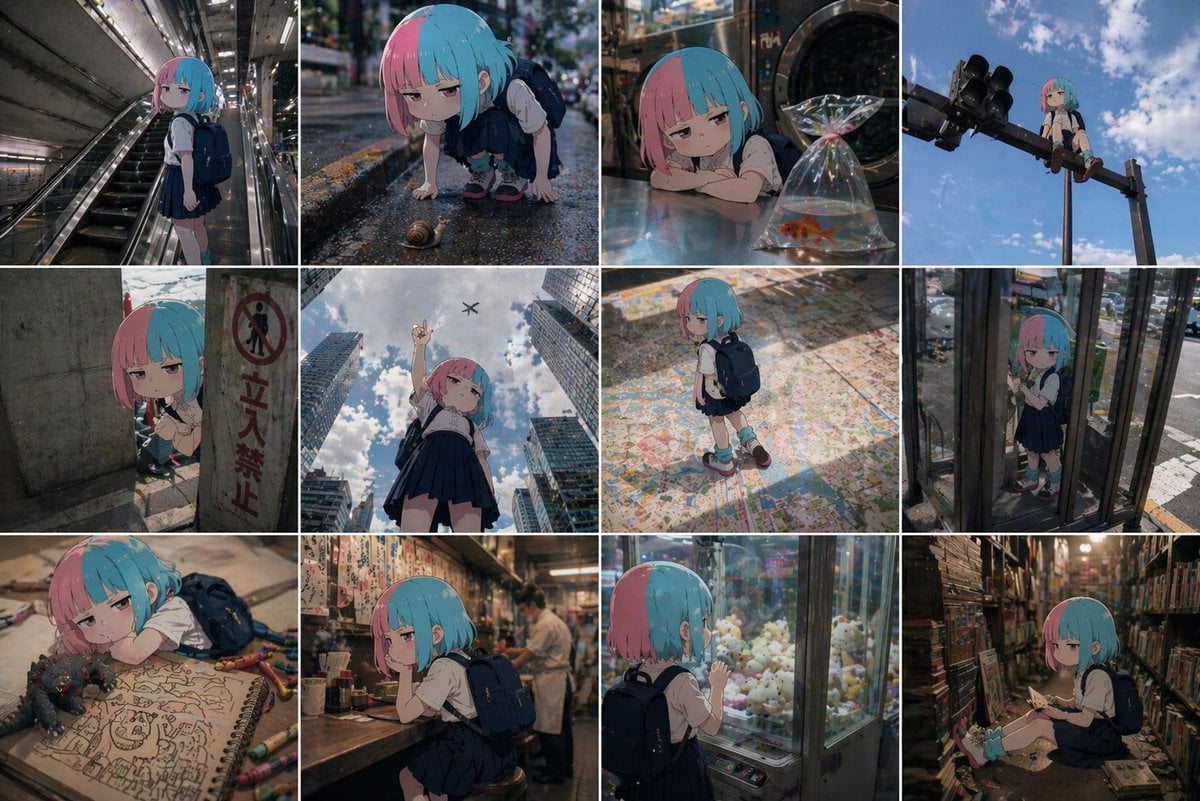
Anime Character in Real World Grid
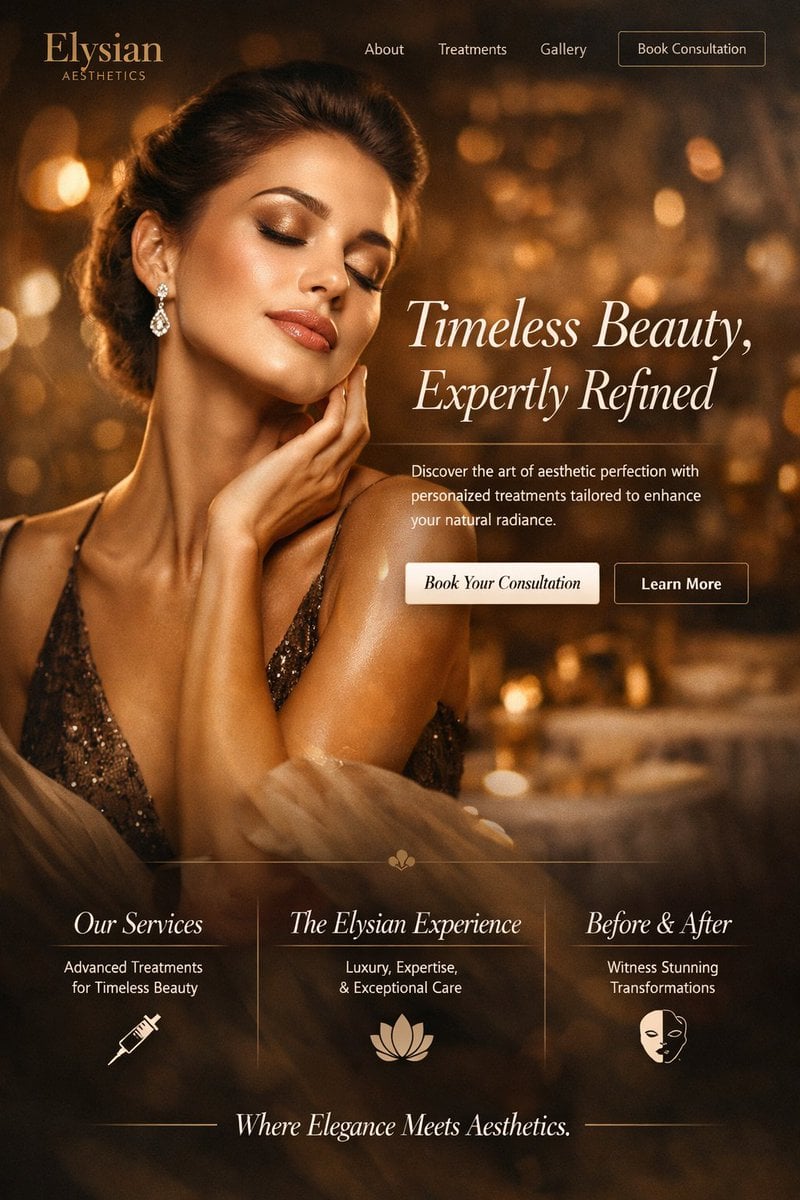
Luxury Aesthetics Website Mockup
Real Object and Doodle Composite Art
Pixar 3D Character Portrait with Fennec Fox
Browse template categories
Japanese Eel Derby Logo questions
How do I use the Japanese Eel Derby Logo template?
Add your photo if the template asks for one, edit the prompt if you like — the template's model and format are already selected — and press Generate. Your version opens in PicX Studio.
Can I customize the Japanese Eel Derby Logo template?
Yes. You can change the subject, setting, lighting, mood, format, and available model controls before creating your image.
Is the Japanese Eel Derby Logo template free?
Opening and editing this template is free. Generating uses credits, shown on the Generate button when you are signed in.
Which AI model should I use?
Start with GPT Image 2, which is the model associated with this template. You can compare another compatible model for a different finish.
Looking for something else? Browse all templates.

Your photo, any look
Thousands of ready templates for every top image and video model, from one credit balance.