
Anime Aquarium Garden Eel Day
Generates a detailed anime aquarium scene with two animal-eared characters celebrating Garden Eel Day, suitable for character art or social media posts.
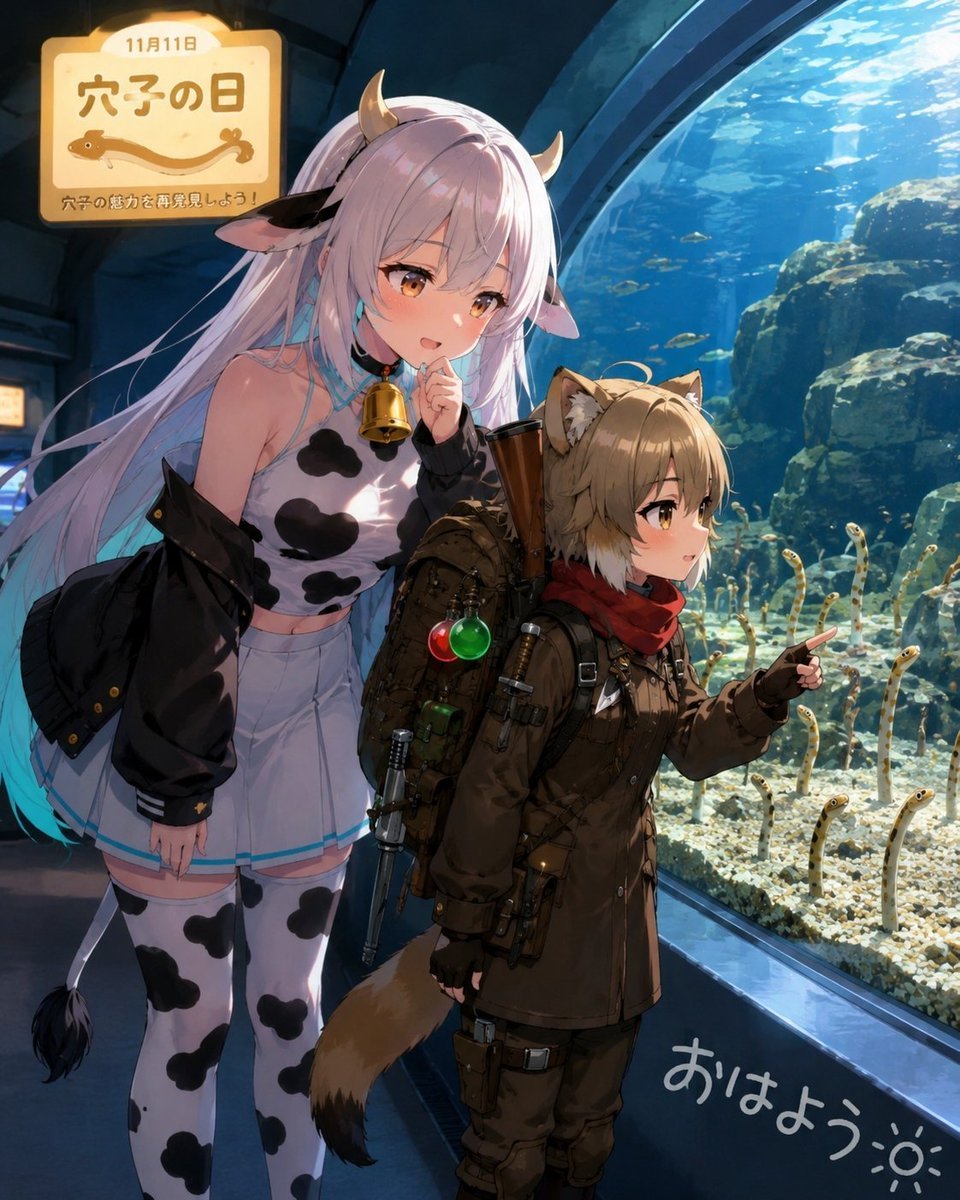
- Prompt included
- Model and format preset
- Free template
The prompt behind this image
Copy the exact prompt behind Anime Aquarium Garden Eel Day, or open it in the studio and make it yours.
Create a polished anime-style vertical illustration set inside a modern public aquarium on the morning of {argument name="date text" default="11月11日"}. Show exactly two main characters standing in front of a huge curved glass tank filled with blue water, rocky reef formations, bright caustic sunlight, scattered tiny fish silhouettes, and exactly 16 visible spotted garden eels rising from the sandy bottom. On the left is a tall gentle cow-girl character named {argument name="character name" default="Muumuu Bell"}: very long pale lavender-white hair with turquoise tips, small tan cow horns, cow ears, golden-brown eyes, a soft curious smile, one finger near her mouth, a large gold cowbell at her neck, a sleeveless white cow-print top, pale shorts or mini skirt with blue trim, white thigh-high cow-print stockings, a black oversized jacket slipping off her shoulders, and a thin cow tail with a black tuft. On the right is a shorter adventurous cat/wolf-eared boy: sandy blond hair, amber eyes, animal ears, fluffy brown tail, dark brown expedition coat, red scarf, black gloves, utility belts, pouches, backpack, small tools, and a long rifle-like prop strapped to his pack; he points excitedly toward the garden eels. Include a warm glowing sign in the upper left with rounded corners and Japanese text: large title {argument name="sign title" default="穴子の日"}, smaller top date, a simple eel icon, and a small subtitle meaning “rediscover the charm of garden eels.” Add handwritten white Japanese greeting text {argument name="greeting text" default="おはよう"} with a small sun doodle near the bottom right on the aquarium floor/glass area. Use cinematic composition, soft rim lighting from the tank, detailed anime rendering, expressive faces, high detail clothing accessories, aquarium ambience, deep blue background, warm sign light, no watermark, no extra characters.
How to use Anime Aquarium Garden Eel Day in 3 steps
- 1Upload ImagePNG, JPG or paste
Add your photo
Upload the photo the template builds on. The prompt, model and format are already set.
- 2…a portrait of your subject in softgolden-hour light, 85mm…
Personalize
Edit the subject and creative details for your destination.
- 3Generate
Generate
Press Generate — your image is created in PicX Studio, so you can compare it with the original and refine one variable at a time.
More like this
Templates with the same subject, style or setup. Open one to see its prompt.










Make it yours
Anime Aquarium Garden Eel Day works as-is. These are the safest ways to change it without losing the look.
Change one field
Copy a single group, rewrite it, and generate again so you can see what that field is doing.
Keep the frame, change the subject
Hold the composition and light of Anime Aquarium Garden Eel Day, then swap wardrobe, props or the person for a new take.
| If the result… | Why | Fix |
|---|---|---|
| The result drifts from the preview | Too many fields changed at once. | Reuse Anime Aquarium Garden Eel Day as-is first, then change one group — subject, light, or setting. |
| The model over-stylizes the scene | The prose prompt leaves finish and camera underspecified. | Add one camera or lighting sentence and stay on GPT Image 2. |
More GPT Image 2 templates
Other prompts made for GPT Image 2.

Six VTuber Japanese Logo Sheet

Realistic Portrait of Woman and Deer

The Vista Modular Condo Poster

AI Model Routing Comparison Infographic

2.5D Anime Art Board

Isometric Productivity Desk Scene

New York Double Exposure Poster

Four-Panel AI Landscape Comparison

Japanese Tatami Lifestyle Magazine Cover

NESCAFÉ Coffee Map Poster
More image prompts
Fresh picks from across the catalog.

Dua Lipa Editorial Portrait (Brutalist Concrete Setting)
Botanical Luxury Product Design Prompt
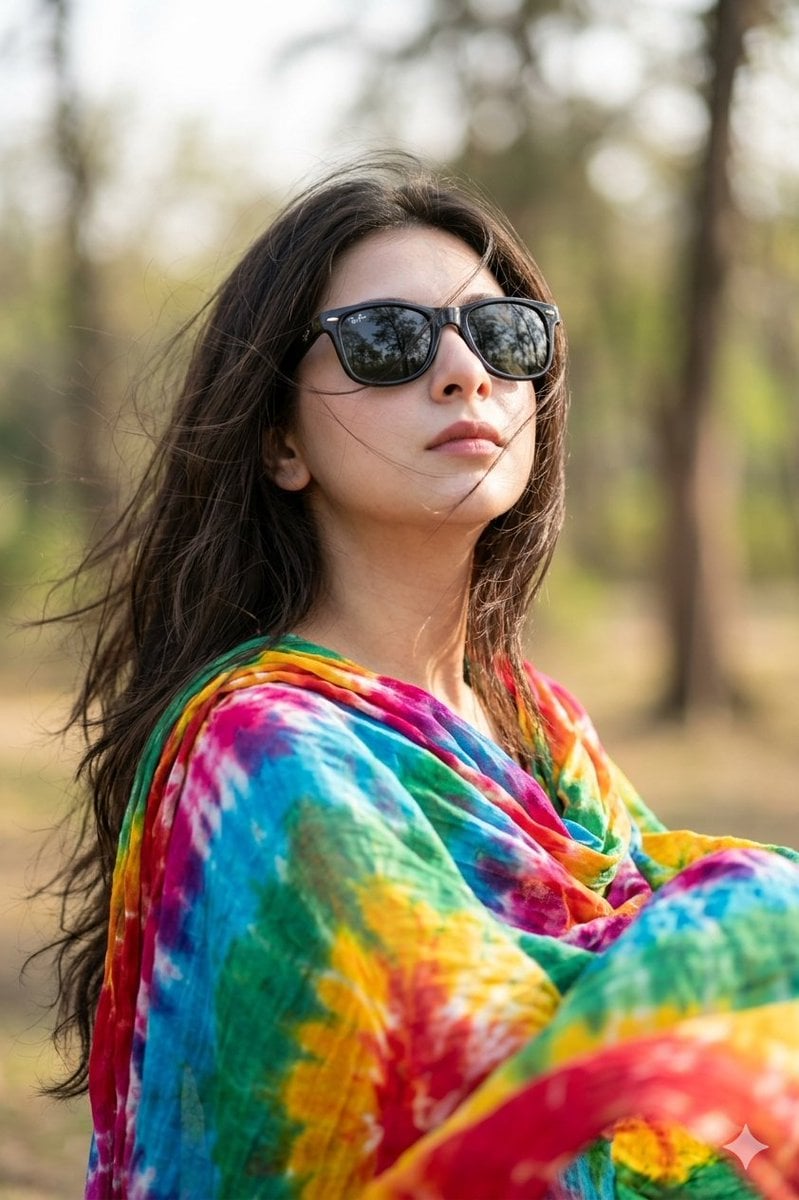
Hyper-realistic Portrait Prompt with Face Consistency
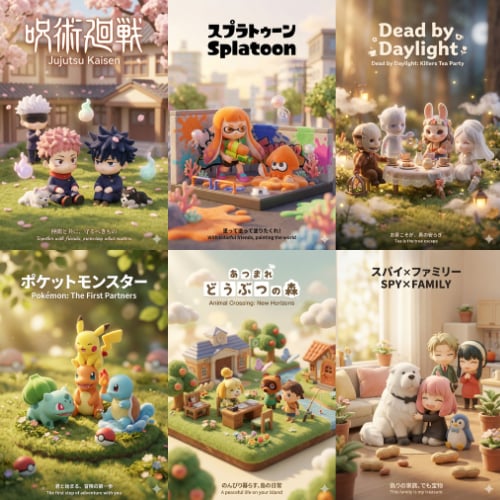
3D Q-Version Healing Toy Movie Poster Prompt Template (Pokémon Example)
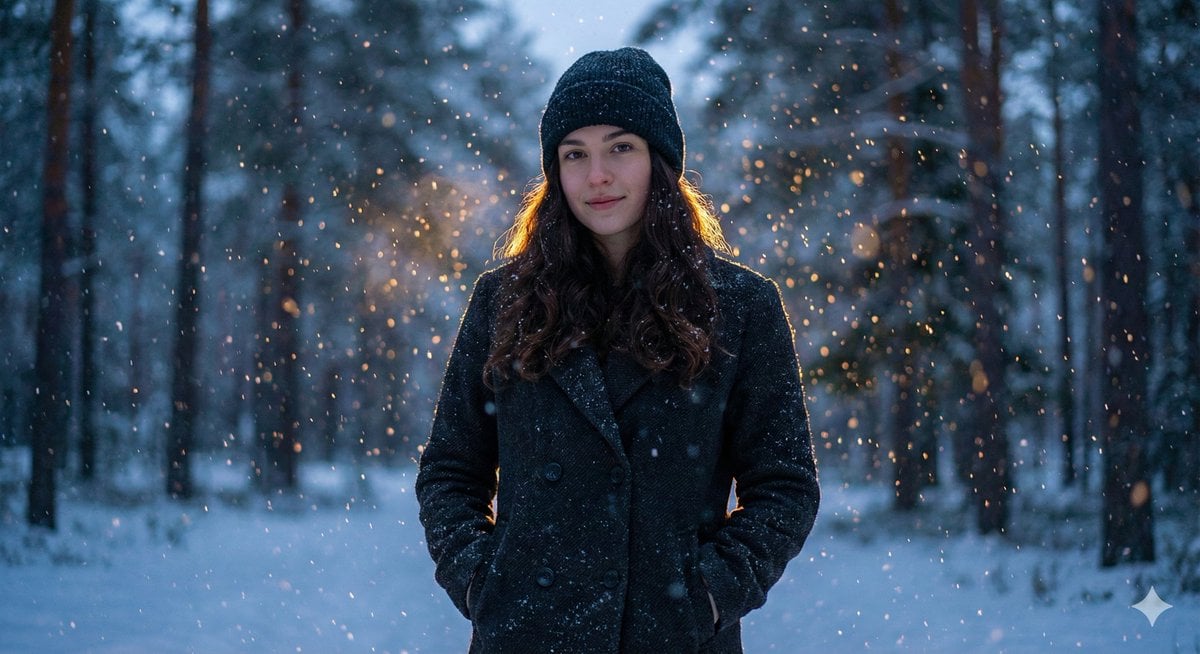
Cinematic Winter Portrait with Teal and Orange Grading

Editorial SaaS Receipt Ad
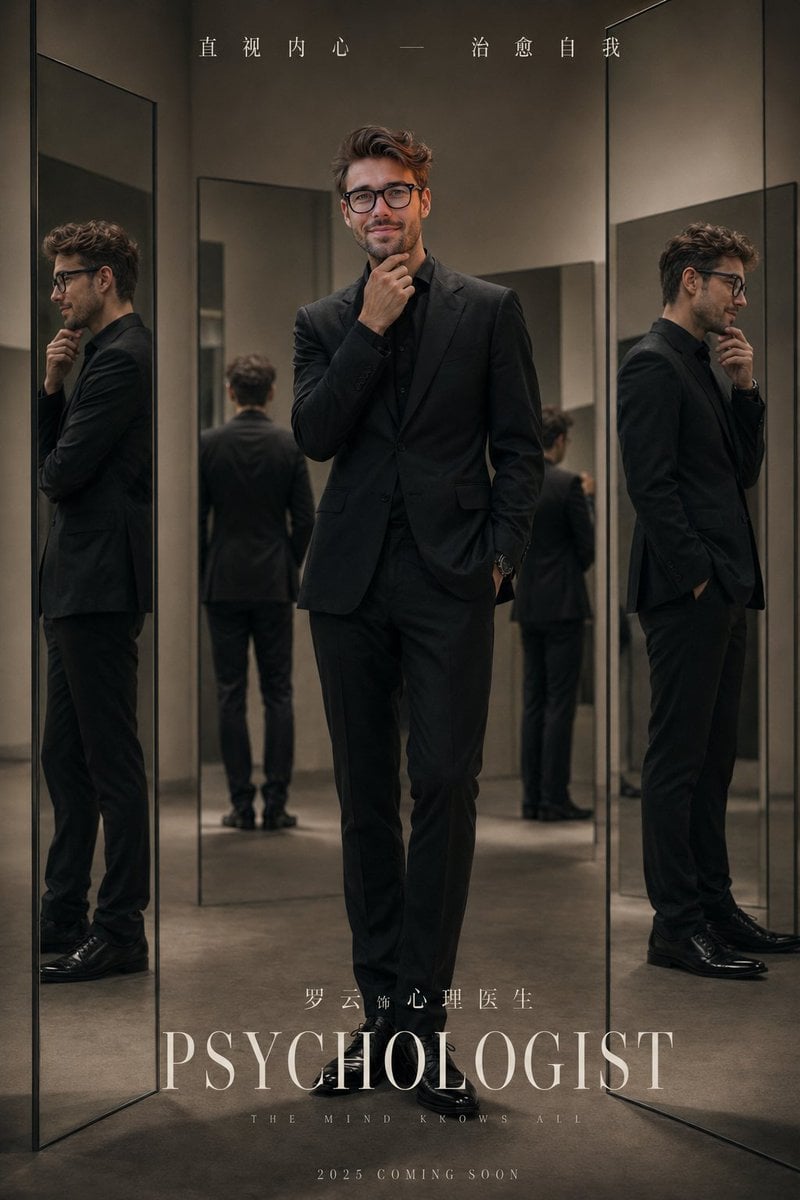
Minimalist Studio Mirror Portrait
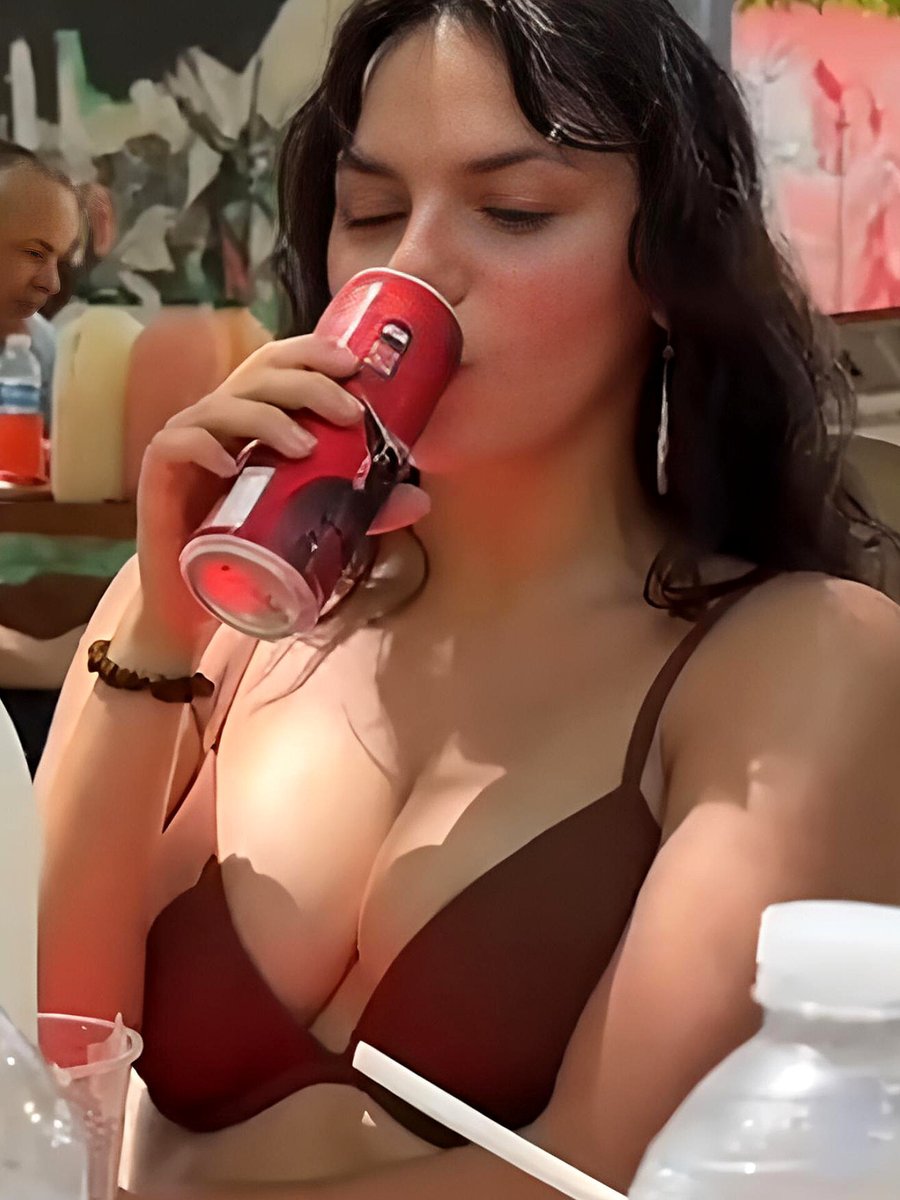
Dafne Keen Candid Outdoor Drink Shot

Glamorous Christmas Sleigh Full Body Shot
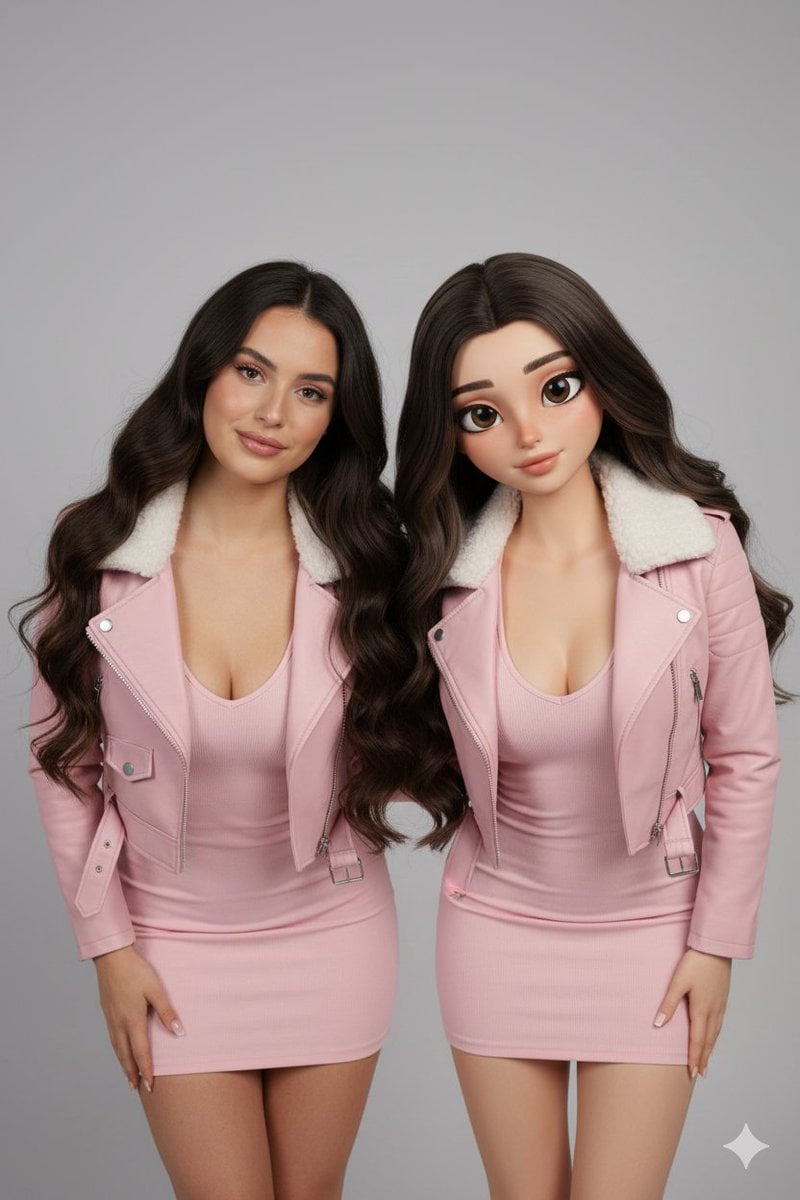
Realistic Human vs. 3D Character Side-by-Side Prompt
Browse template categories
Anime Aquarium Garden Eel Day questions
How do I use the Anime Aquarium Garden Eel Day template?
Add your photo if the template asks for one, edit the prompt if you like — the template's model and format are already selected — and press Generate. Your version opens in PicX Studio.
Can I customize the Anime Aquarium Garden Eel Day template?
Yes. You can change the subject, setting, lighting, mood, format, and available model controls before creating your image.
Is the Anime Aquarium Garden Eel Day template free?
Opening and editing this template is free. Generating uses credits, shown on the Generate button when you are signed in.
Which AI model should I use?
Start with GPT Image 2, which is the model associated with this template. You can compare another compatible model for a different finish.
Looking for something else? Browse all templates.

Your photo, any look
Thousands of ready templates for every top image and video model, from one credit balance.