
Urban Street Fashion Japanese Portrait
A highly detailed prompt for a realistic full-body portrait of a young Japanese woman in vintage street wear, leaning against concrete in a narrow back alley.
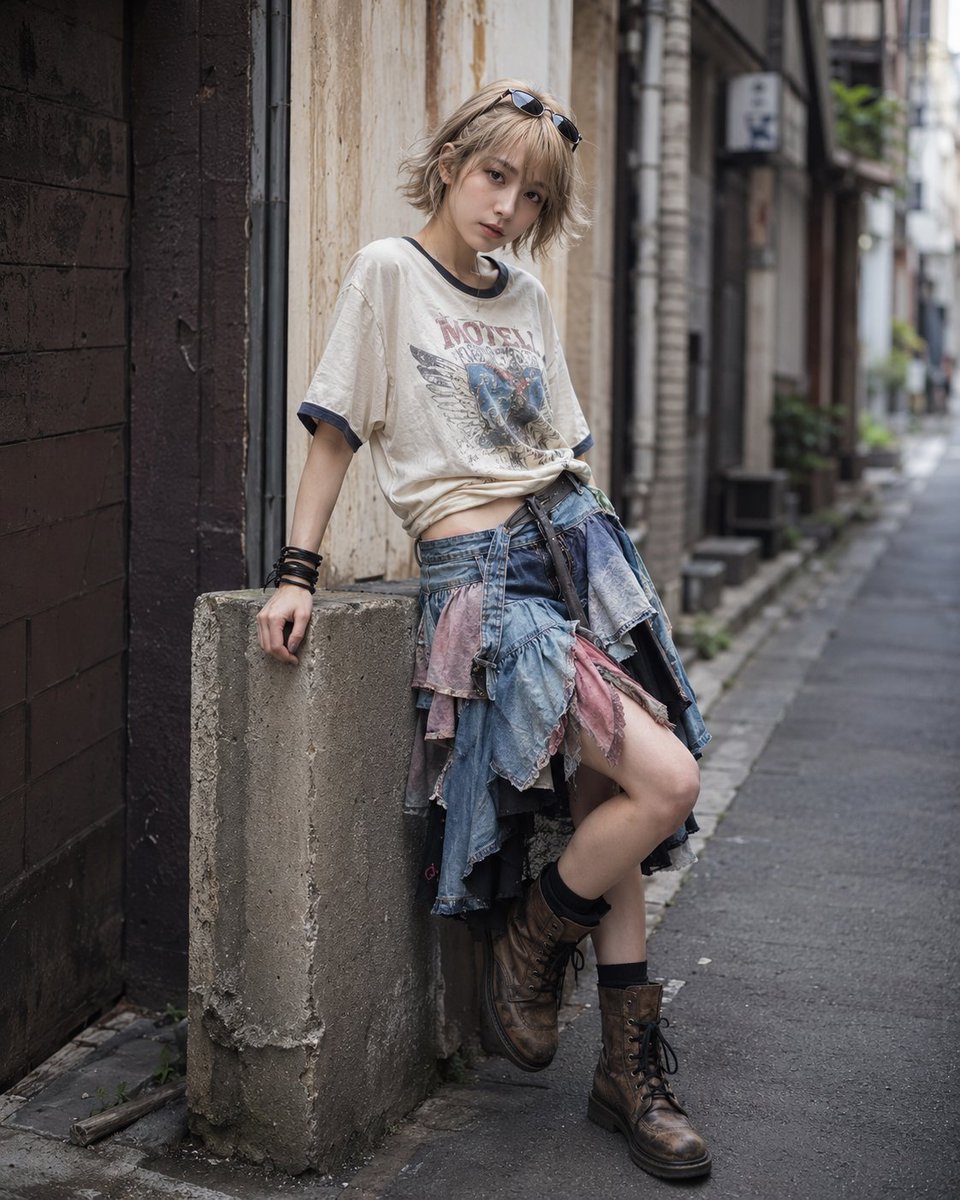
- Prompt included
- Model and format preset
- Free template
The prompt behind this image
Copy the exact prompt behind Urban Street Fashion Japanese Portrait, or open it in the studio and make it yours.
A highly realistic full-body portrait of a {argument name="subject" default="young adult Japanese woman with an idol-like appearance"}, recreated from a stylized fashion figure into a real human subject. She has a small well-balanced face, clear fair skin, soft natural makeup, large expressive dark brown eyes, a delicate nose, softly defined lips, and a gentle slightly shy expression. Her head is tilted slightly downward while her eyes look toward the camera, creating a sweet and slightly melancholic mood. She has short messy layered light-blonde hair with soft waves, a tousled bob silhouette with loose strands around the face, and sunglasses resting casually on top of her head. She wears an {argument name="top" default="oversized off-white vintage graphic T-shirt with navy sleeve trim"}, slightly loose and naturally wrinkled, revealing a small portion of her waist. Around her hips is a layered deconstructed denim skirt with multiple ruffled panels, faded blue fabric, muted pink accents, and darker inner layers, creating a voluminous asymmetrical silhouette. She wears stacked black leather bracelets on one wrist, black socks, and worn brown lace-up high-top boots with scuffed leather, realistic creases, and aged soles. Pose and composition: full-body vertical fashion portrait, leaning casually against a weathered concrete block or short pillar, one leg bent forward and the other supporting her weight, relaxed but stylish posture, slightly low camera angle, centered subject, editorial framing, 85mm lens look, shallow depth of field. Background: a {argument name="location" default="quiet narrow Japanese back alley"}, muted urban atmosphere, concrete walls, aged building surfaces, subtle utility pipes, a little street clutter, slightly worn pavement, soft depth blur in the background, no crowd, no cars dominating the scene. The alley should feel cinematic, intimate, and realistic rather than busy. Lighting: soft natural daylight with gentle diffusion, as if shot in open shade inside a back alley, subtle highlights on the hair, soft shadows under the skirt and boots, natural skin texture, realistic fabric folds, balanced contrast, no harsh sunlight. Style: ultra-realistic photography, high-end street fashion editorial, photorealistic, natural human proportions, realistic skin pores, detailed hair strands, detailed clothing texture, cinematic but clean, muted tones with faded denim blue, off-white, dusty brown, and soft pink accents. 8k detail, professional fashion photography.
How to use Urban Street Fashion Japanese Portrait in 3 steps
- 1
Open
The prompt is already in the box next to the preview, with the template's model and format selected.
- 2…a portrait of your subject in softgolden-hour light, 85mm…
Personalize
Edit the subject and creative details for your destination.
- 3Generate
Generate
Press Generate — your image is created in PicX Studio, so you can compare it with the original and refine one variable at a time.
More like this
Templates with the same subject, style or setup. Open one to see its prompt.

Nano Banana 2 High Fashion Sports Campai

Couture Fashion Editorial Woman and Drag

Ive Yujin Fashion Portrait in Blue

Nano Banana 2 Editorial Fashion Portrait

Caution Tape Fashion — Industrial Editorial

Nano Banana - Street Paris T-Shirt
Modern Urban Streetwear Portrait
Urban Fashion Symmetrical Portrait

Street-Art Inspired Urban Portrait
Cinematic Urban Street Portrait
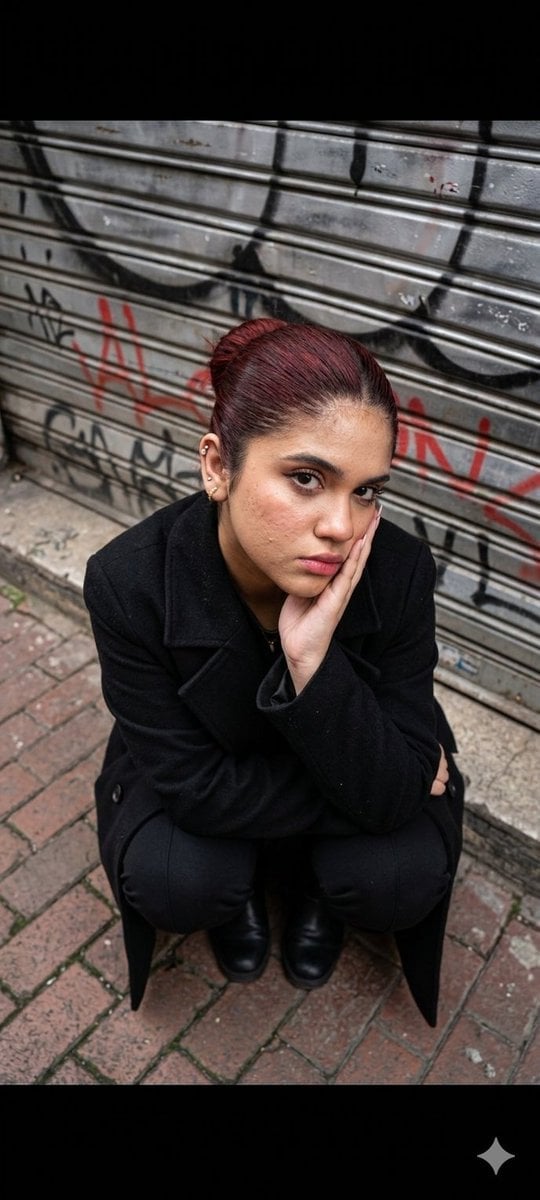
Urban Fashion Portrait
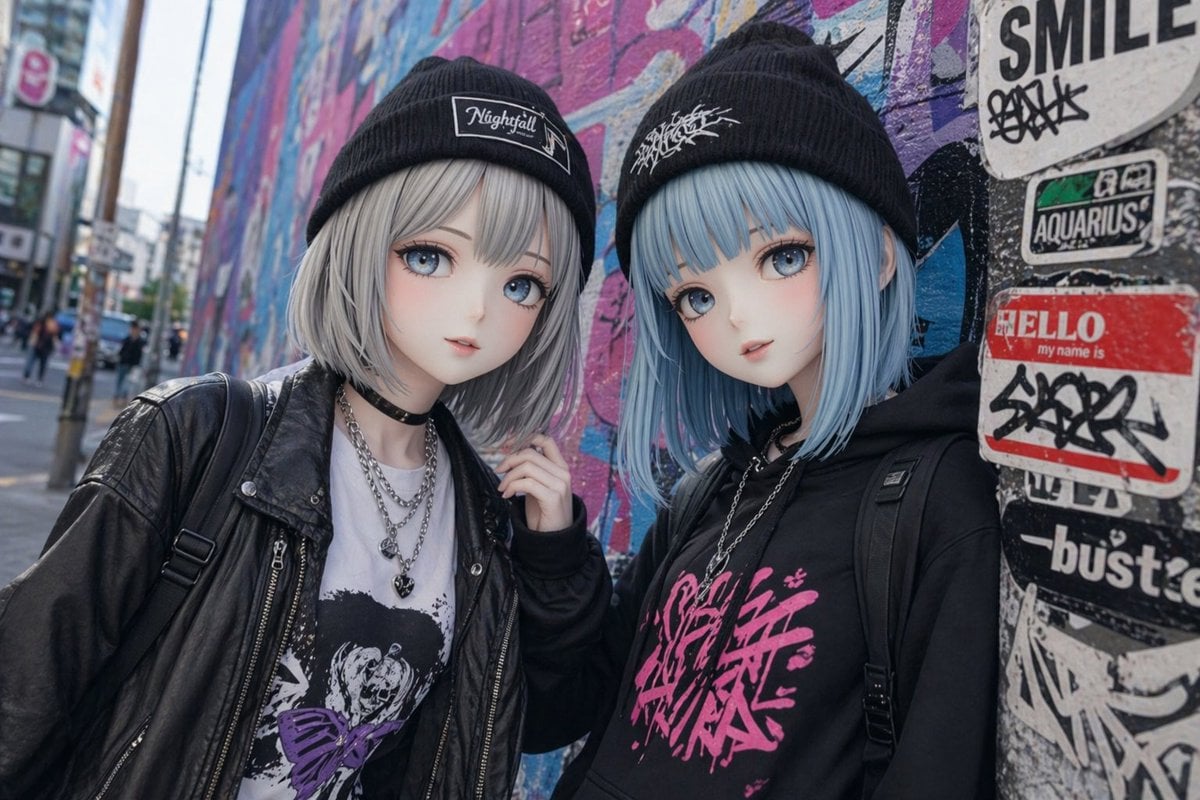
Kawaii Street Fashion Duo Portrait
Make it yours
Urban Street Fashion Japanese Portrait works as-is. These are the safest ways to change it without losing the look.
Change one field
Copy a single group, rewrite it, and generate again so you can see what that field is doing.
Keep the frame, change the subject
Hold the composition and light of Urban Street Fashion Japanese Portrait, then swap wardrobe, props or the person for a new take.
| If the result… | Why | Fix |
|---|---|---|
| The result drifts from the preview | Too many fields changed at once. | Reuse Urban Street Fashion Japanese Portrait as-is first, then change one group — subject, light, or setting. |
| The model over-stylizes the scene | The prose prompt leaves finish and camera underspecified. | Add one camera or lighting sentence and stay on GPT Image 2. |
More GPT Image 2 templates
Other prompts made for GPT Image 2.

Six VTuber Japanese Logo Sheet

Realistic Portrait of Woman and Deer

The Vista Modular Condo Poster

AI Model Routing Comparison Infographic

2.5D Anime Art Board

Isometric Productivity Desk Scene

New York Double Exposure Poster

Four-Panel AI Landscape Comparison

Japanese Tatami Lifestyle Magazine Cover

NESCAFÉ Coffee Map Poster
More image prompts
Fresh picks from across the catalog.
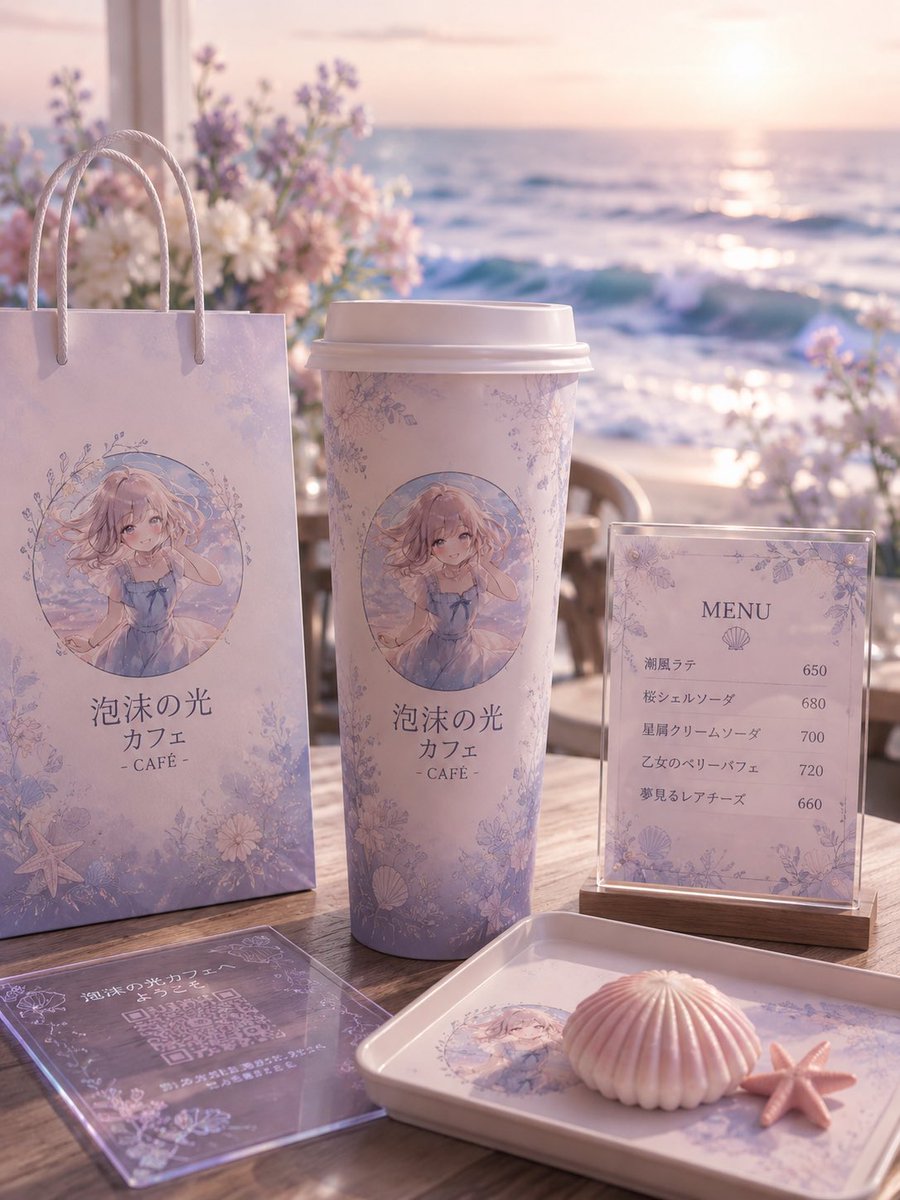
Pastel Seaside Anime Cafe Mockup
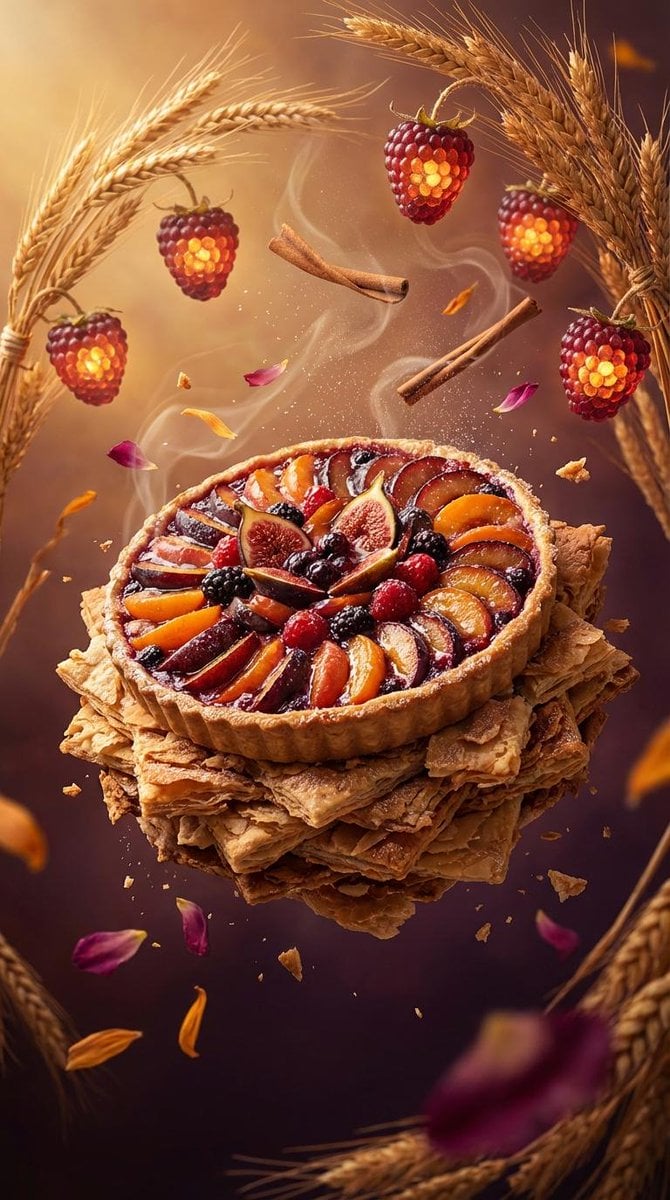
Rustic Fruit Tart Floating in a Dream Orchard (Video Prompt)
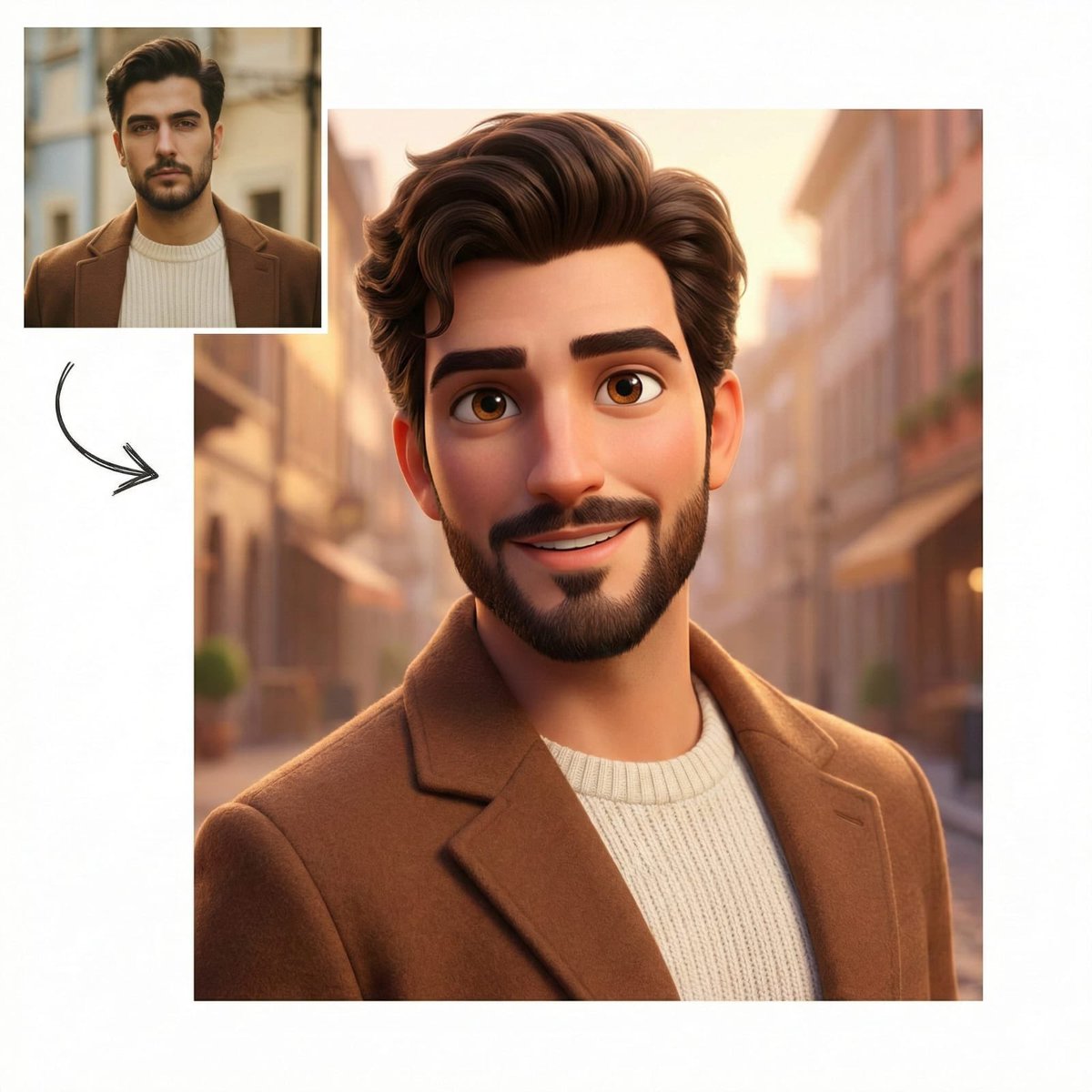
Pixar-Style Character Comparison Prompt
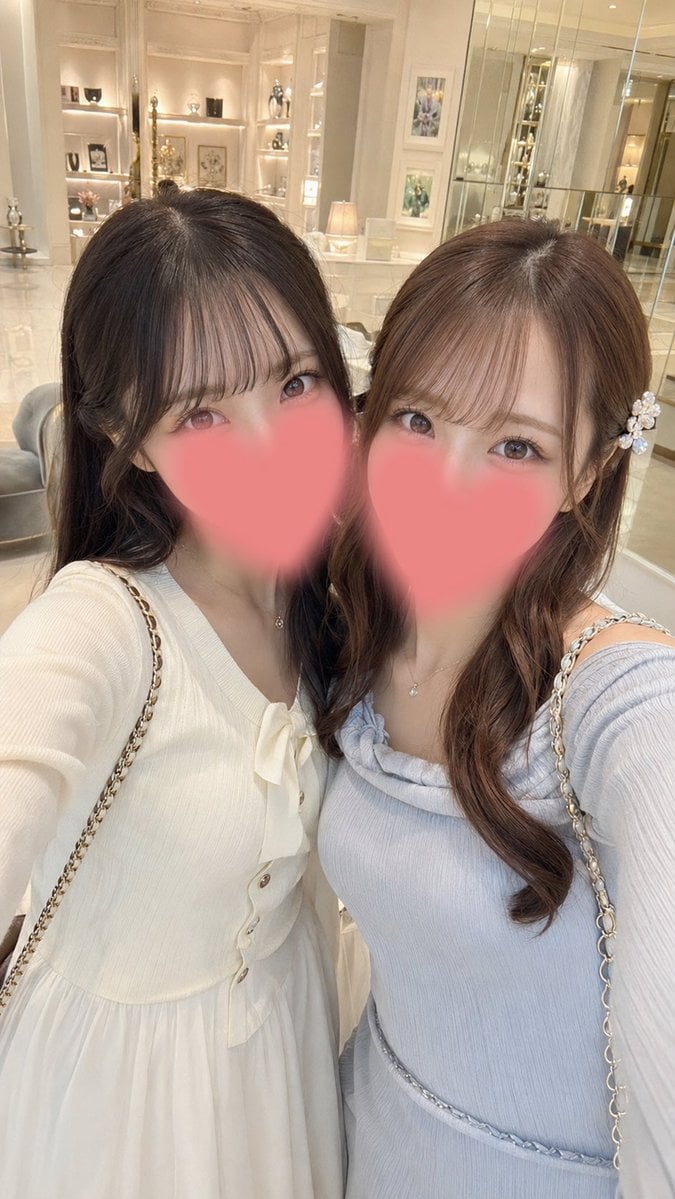
Luxury Boutique Two-Woman Selfie
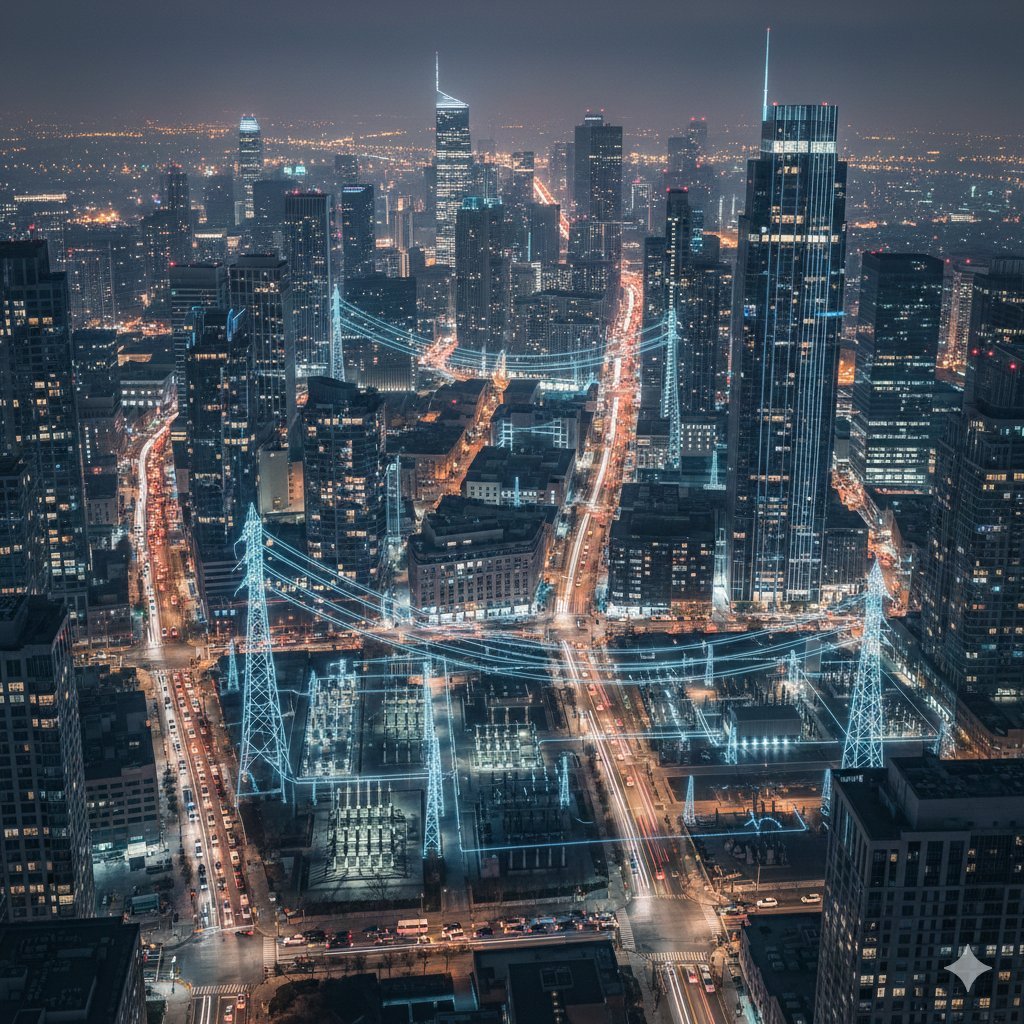
Cinematic Night City with Visible Power Grid
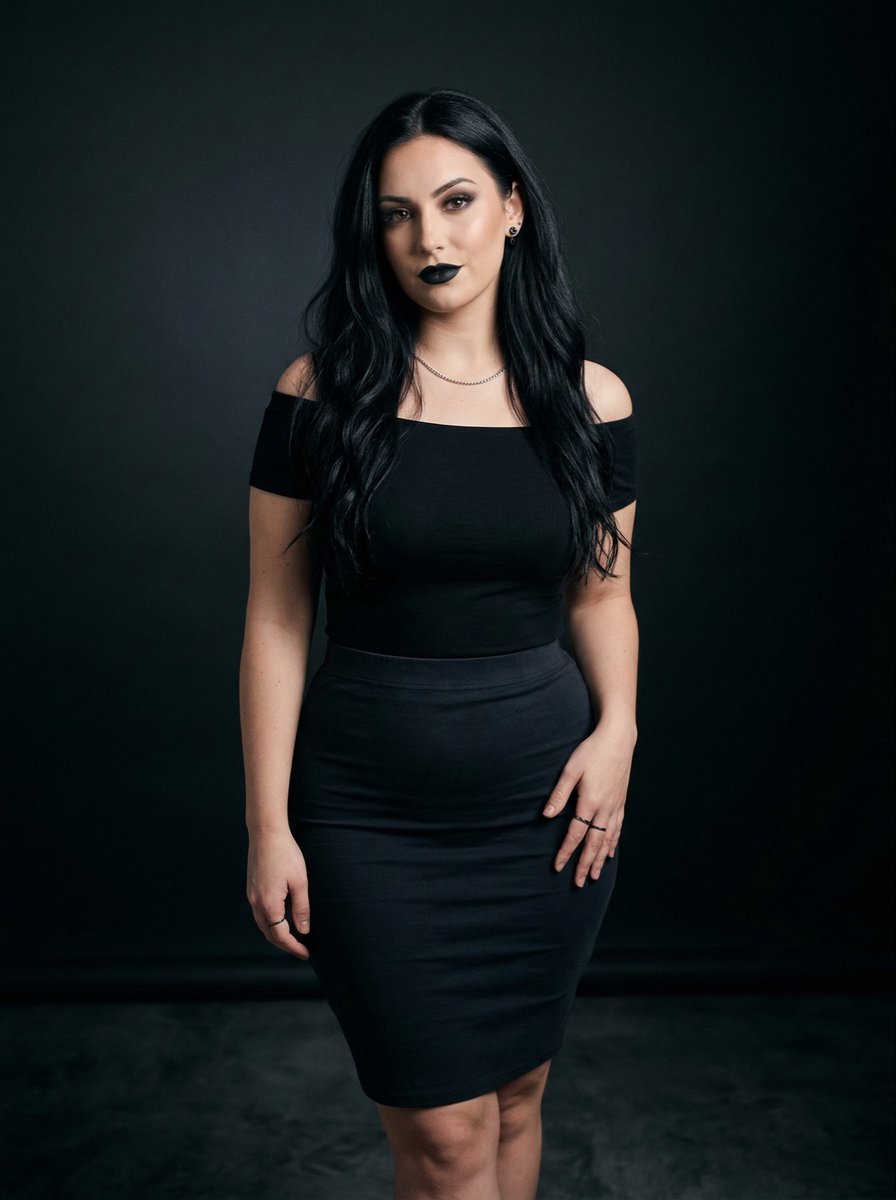
Black on Black Sultry Portrait
Seedance 2 0 Bullet Time Selfie Modular

2x2 Japanese Banner Ad Grid
Floating Instagram Creator Portrait
untitled
Browse template categories
Urban Street Fashion Japanese Portrait questions
How do I use the Urban Street Fashion Japanese Portrait template?
Add your photo if the template asks for one, edit the prompt if you like — the template's model and format are already selected — and press Generate. Your version opens in PicX Studio.
Can I customize the Urban Street Fashion Japanese Portrait template?
Yes. You can change the subject, setting, lighting, mood, format, and available model controls before creating your image.
Is the Urban Street Fashion Japanese Portrait template free?
Opening and editing this template is free. Generating uses credits, shown on the Generate button when you are signed in.
Which AI model should I use?
Start with GPT Image 2, which is the model associated with this template. You can compare another compatible model for a different finish.
Looking for something else? Browse all templates.

Your photo, any look
Thousands of ready templates for every top image and video model, from one credit balance.