
Cinematic Cyberpunk Woman Portrait
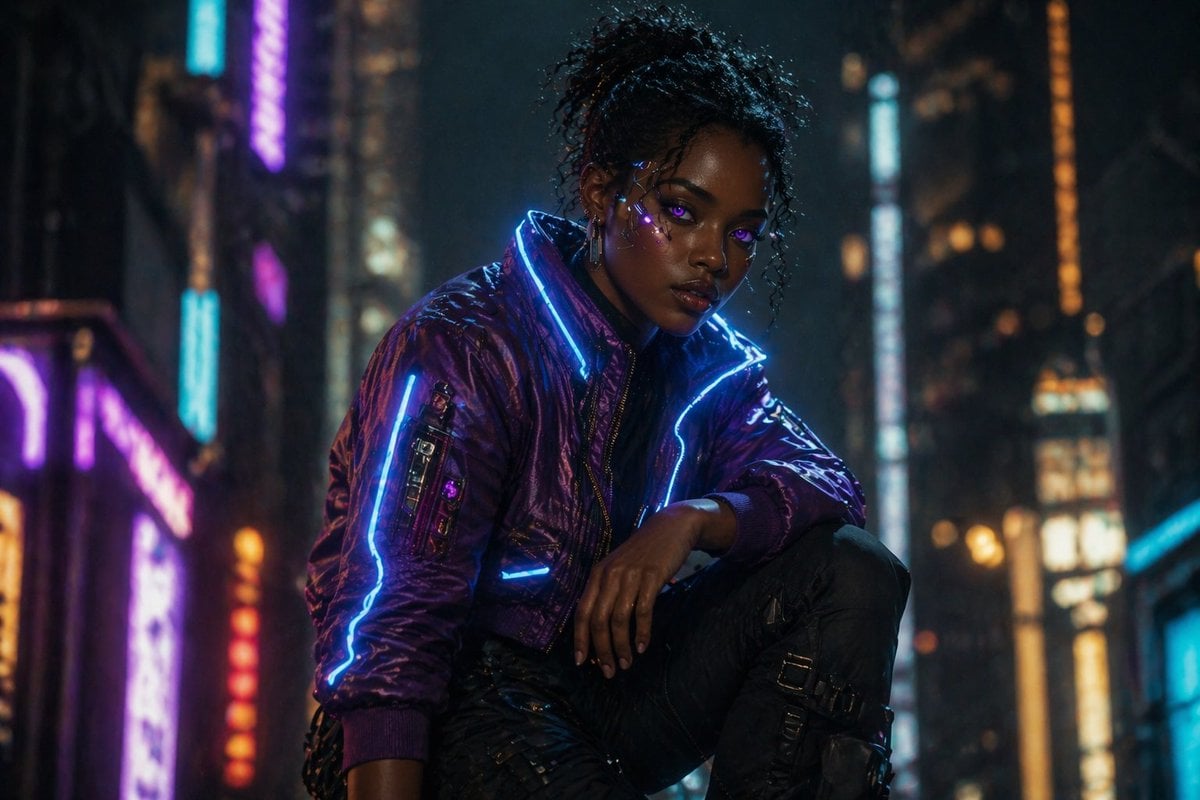
A photoreal cinematic cyberpunk portrait prompt for generating a stylish neon-lit female character in a futuristic city with film-still realism.
- Prompt included
- Model and format preset
- Free template
The prompt behind this image
Copy the exact prompt behind Cinematic Cyberpunk Woman Portrait, or open it in the studio and make it yours.
Cinematic Hollywood film still of a {argument name="subject" default="dark-skinned woman"} in a rainy neon cyberpunk city at night, framed as a medium full-body portrait with the subject crouching low in the street, one knee raised and one arm resting casually on it, facing camera with a confident, calm presence. Shot on ARRI Alexa 65 with Panavision anamorphic lenses, subtle organic Kodak Vision3 film grain, shallow depth of field, creamy oval bokeh, dramatic volumetric cinematic lighting, high contrast, glossy reflections, premium blockbuster color grading. The subject has dark curly hair pulled up in a messy high tied style with loose wet strands, 1 visible dangling metallic earring, and minimal visible cybernetic facial circuitry with 2 glowing eye implants implied by the cybernetic design. Outfit has 3 key pieces: a metallic {argument name="jacket color" default="purple"} bomber jacket with bright {argument name="led trim color" default="neon blue"} LED piping tracing the collar, zipper line, chest seam, and both sleeves; a dark inner top; and black designer tactical pants with fitted panels and 2 visible buckle straps around the knee and thigh area. Add 1 illuminated tech module on the upper sleeve of the jacket. Background is a dense futuristic alley or street canyon with tall blurred buildings, wet atmosphere, vertical neon signage in cyan, magenta, blue, and warm amber, soft fog, and distant practical lights. Emphasize glossy fabric texture, rain-slick urban mood, moody blue-purple palette, realistic skin detail, luxe sci-fi fashion editorial energy, and a photoreal cinematic portrait aesthetic.
How to use Cinematic Cyberpunk Woman Portrait in 3 steps
- 1Upload ImagePNG, JPG or paste
Add your photo
Upload the photo the template builds on. The prompt, model and format are already set.
- 2…a portrait of your subject in softgolden-hour light, 85mm…
Personalize
Edit the subject and creative details for your destination.
- 3Generate
Generate
Press Generate — your image is created in PicX Studio, so you can compare it with the original and refine one variable at a time.
More like this
Templates with the same subject, style or setup. Open one to see its prompt.
Couture Fashion Editorial Woman and Drag

Found Photograph: Us, 1970

80s Couple Studio Portrait

80s Bollywood Star

80s Golden Hour Cinema

Me in 1985

1985 Studio Portrait

Hyper-Realistic Minecraft POV Portrait

Rooftop Fisheye — Cat-Ear Balaclava at Golden Hour
Rainy Café Window Moody Portrait

Spider-Man 2099 Cyberpunk Neon Future City
2025 Aesthetic Photography
Make it yours
Cinematic Cyberpunk Woman Portrait works as-is. These are the safest ways to change it without losing the look.
Change one field
Copy a single group, rewrite it, and generate again so you can see what that field is doing.
Keep the frame, change the subject
Hold the composition and light of Cinematic Cyberpunk Woman Portrait, then swap wardrobe, props or the person for a new take.
| If the result… | Why | Fix |
|---|---|---|
| The result drifts from the preview | Too many fields changed at once. | Reuse Cinematic Cyberpunk Woman Portrait as-is first, then change one group — subject, light, or setting. |
| The model over-stylizes the scene | The prose prompt leaves finish and camera underspecified. | Add one camera or lighting sentence and stay on GPT Image 2. |
More GPT Image 2 templates
Other prompts made for GPT Image 2.

Six VTuber Japanese Logo Sheet

Realistic Portrait of Woman and Deer

The Vista Modular Condo Poster

AI Model Routing Comparison Infographic

2.5D Anime Art Board

Isometric Productivity Desk Scene

New York Double Exposure Poster

Four-Panel AI Landscape Comparison

Japanese Tatami Lifestyle Magazine Cover

NESCAFÉ Coffee Map Poster
More image prompts
Fresh picks from across the catalog.
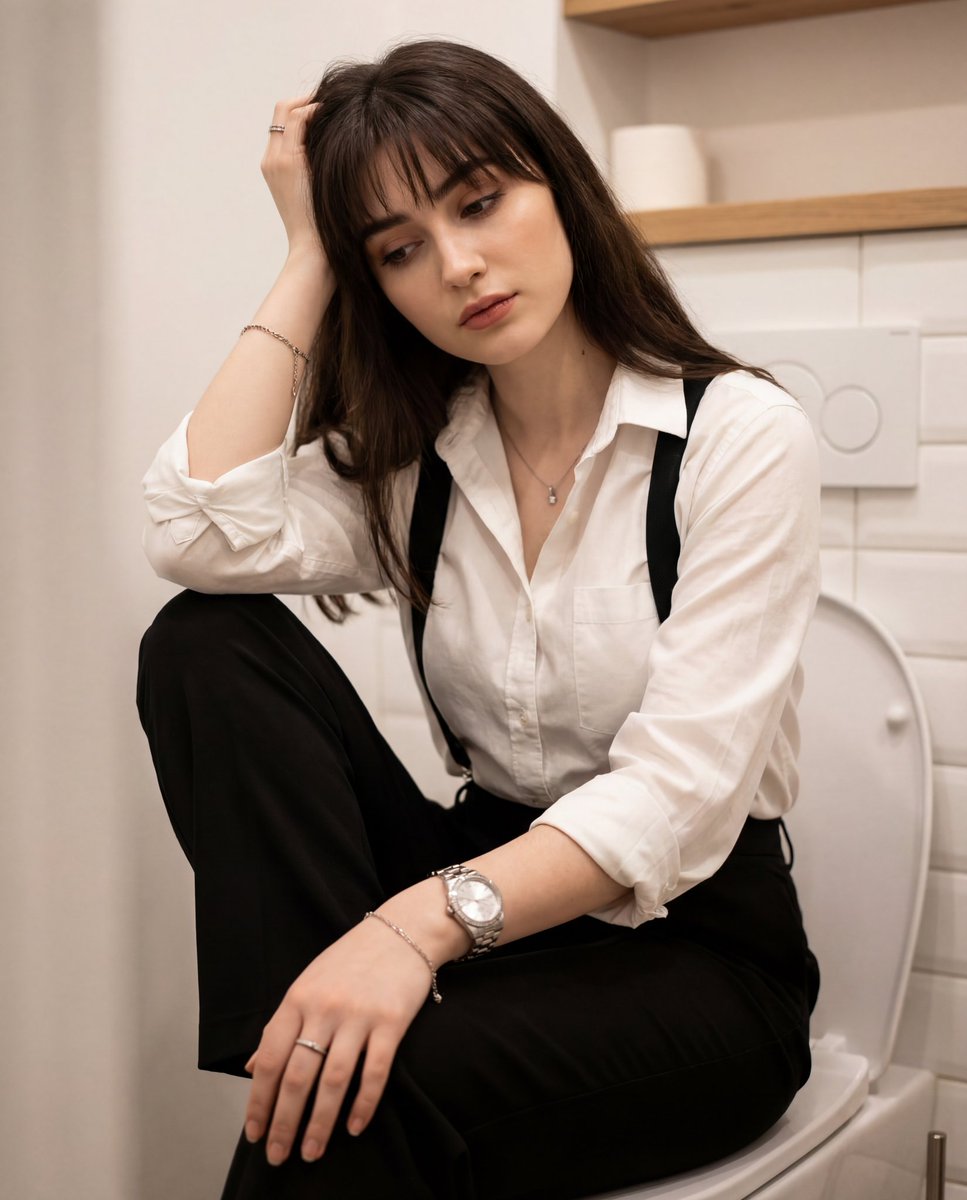
Introspective Portrait in a Bathroom with Identity Lock
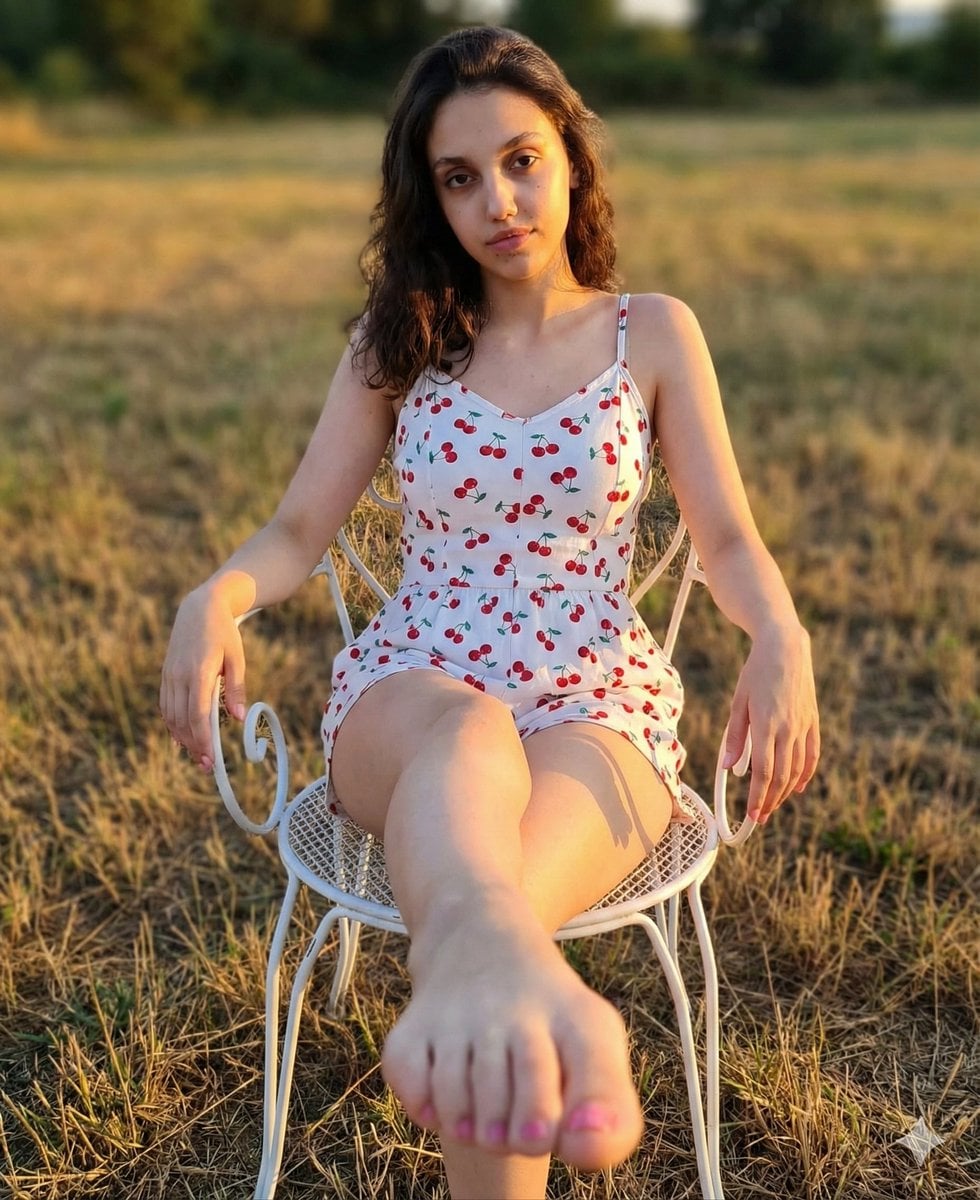
Golden Hour Romper and Bare Foot Prompt
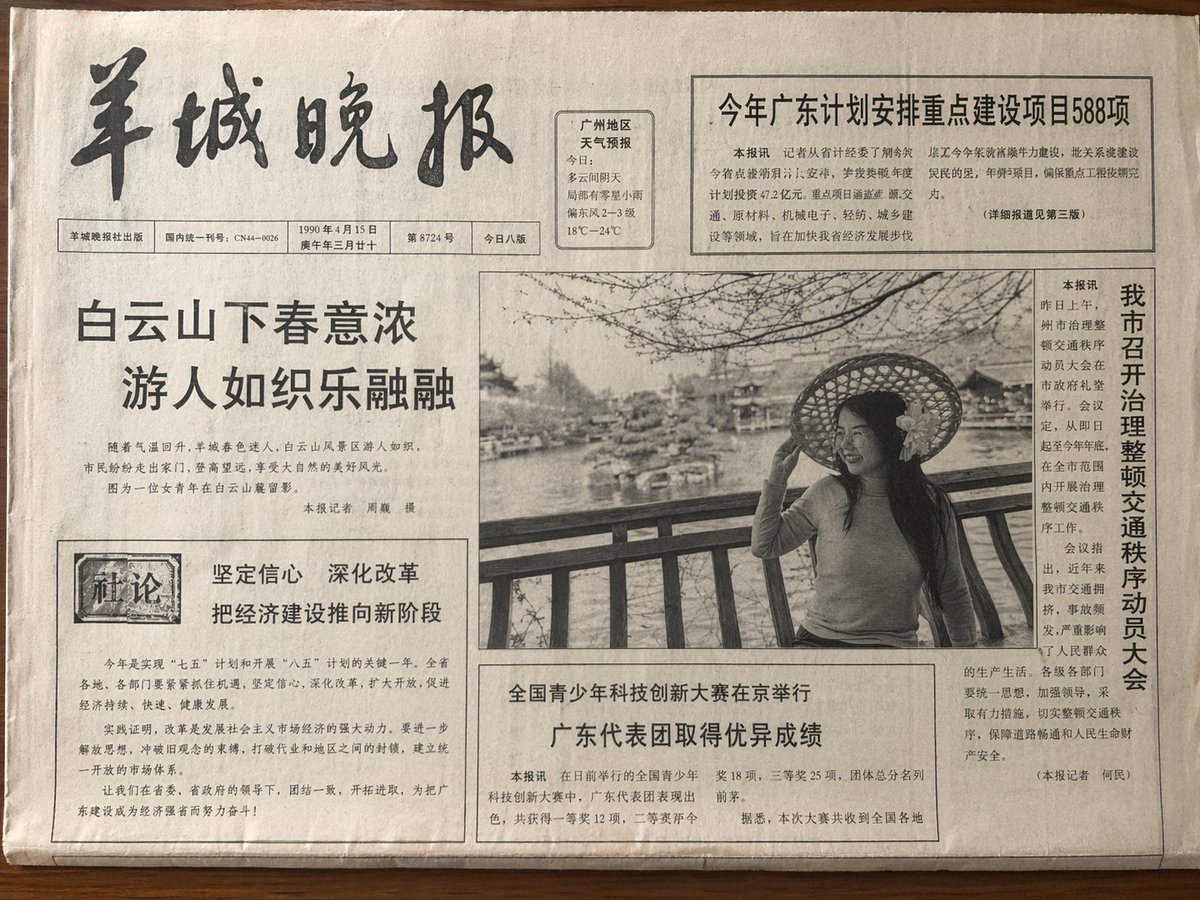
Vintage Newspaper Front Page
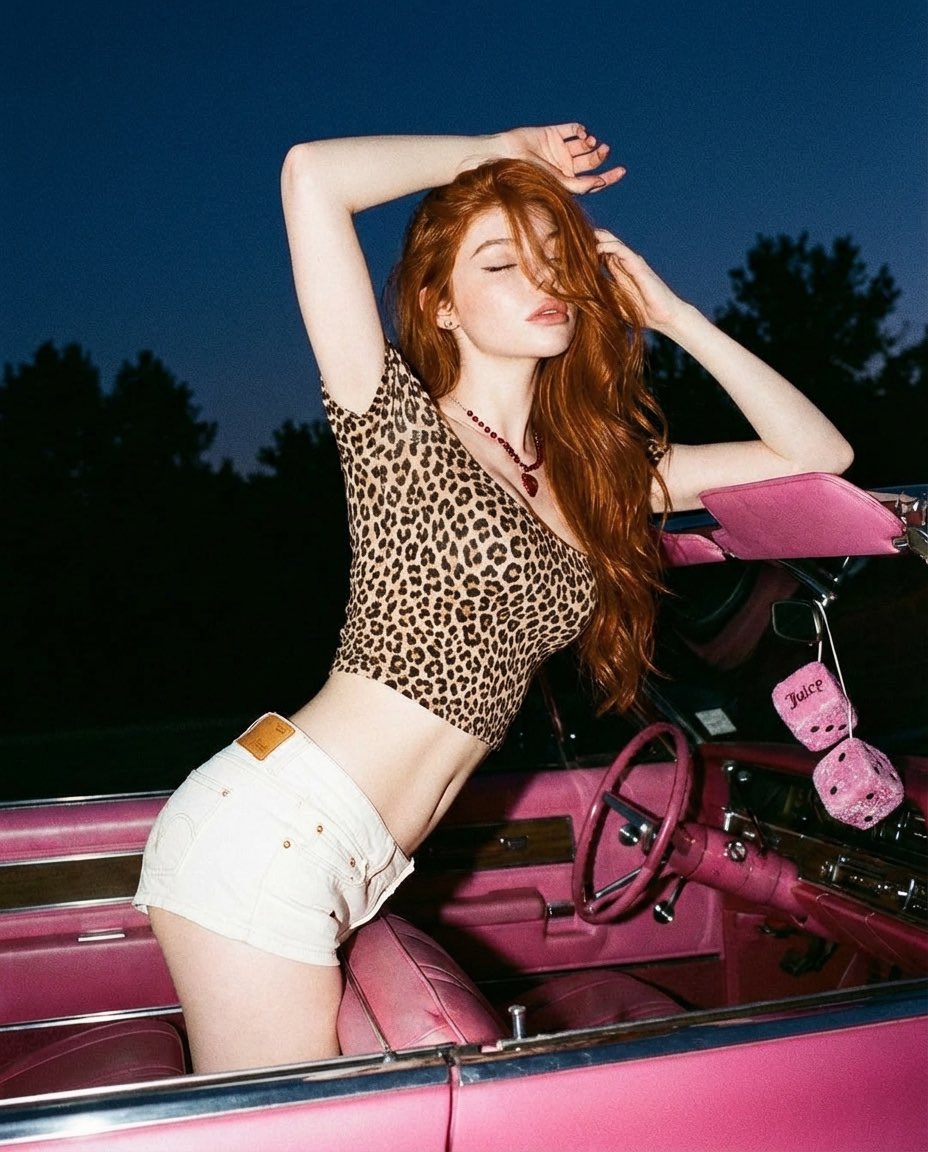
Y2K Retro Glamour Photoshoot
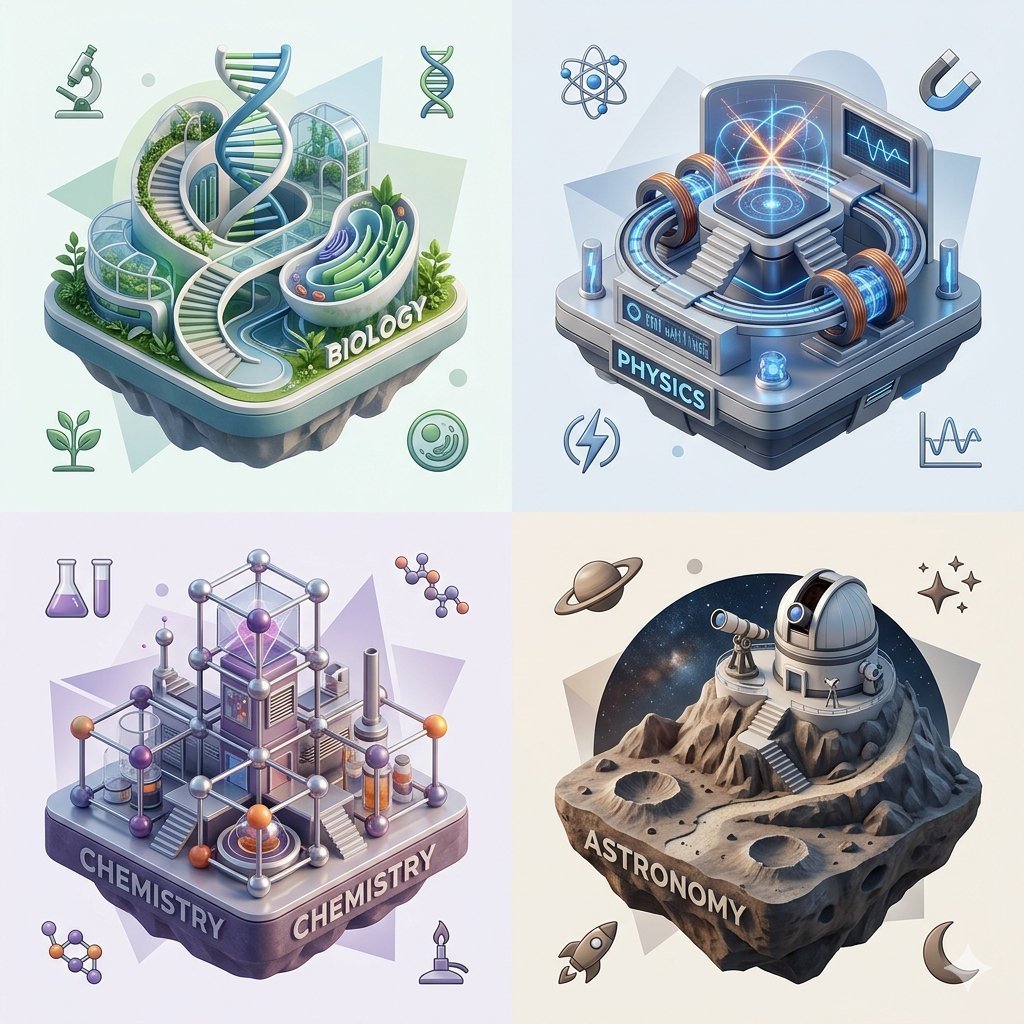
Isometric Science Concept Diorama Grid

3x3 Grid Character Consistency Prompt

Infographic from pasted text
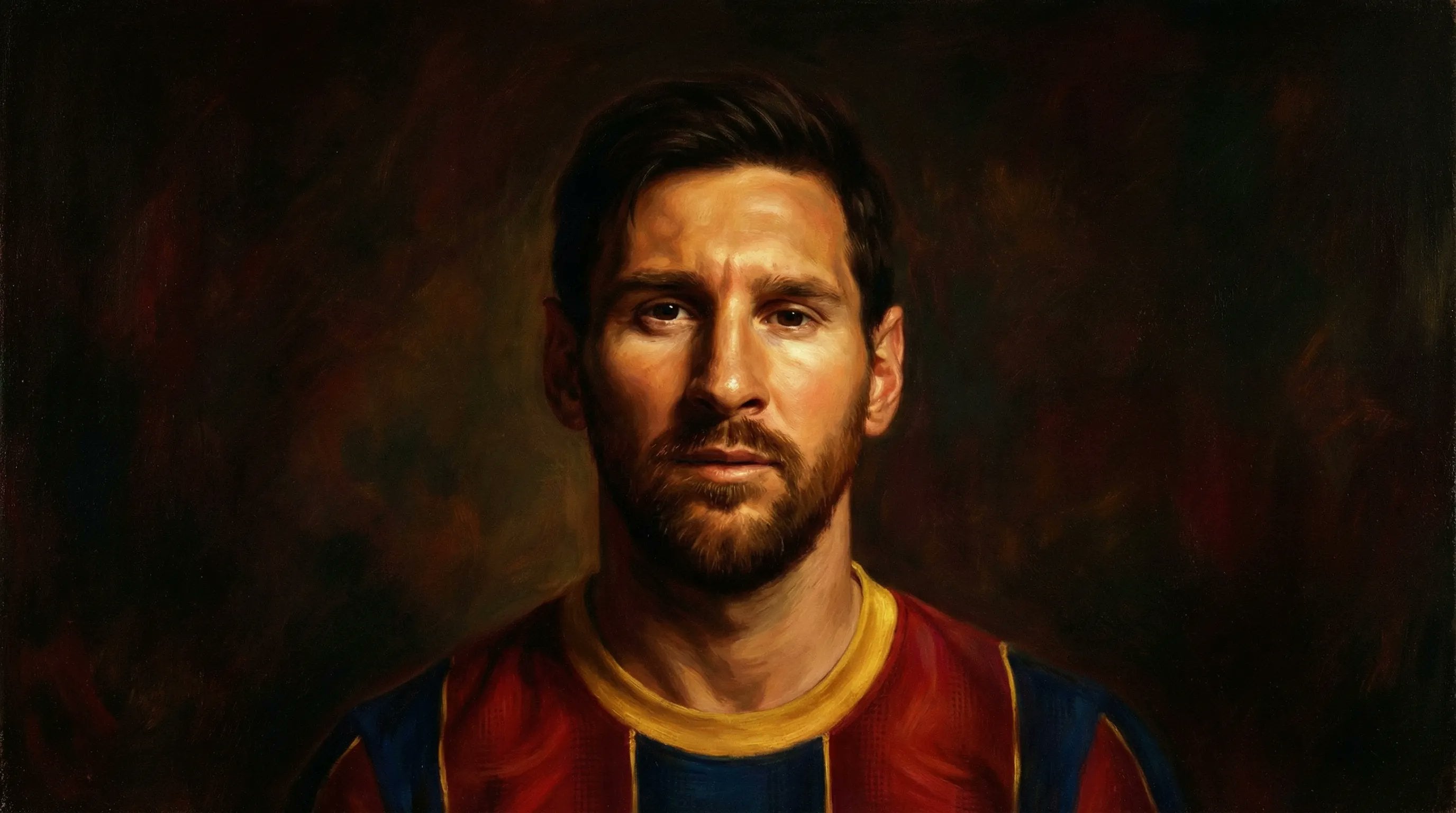
Noir Portrait in 90s Megacity Style

Sushi Kata/Forms Movement Arrangement on a Wooden Board
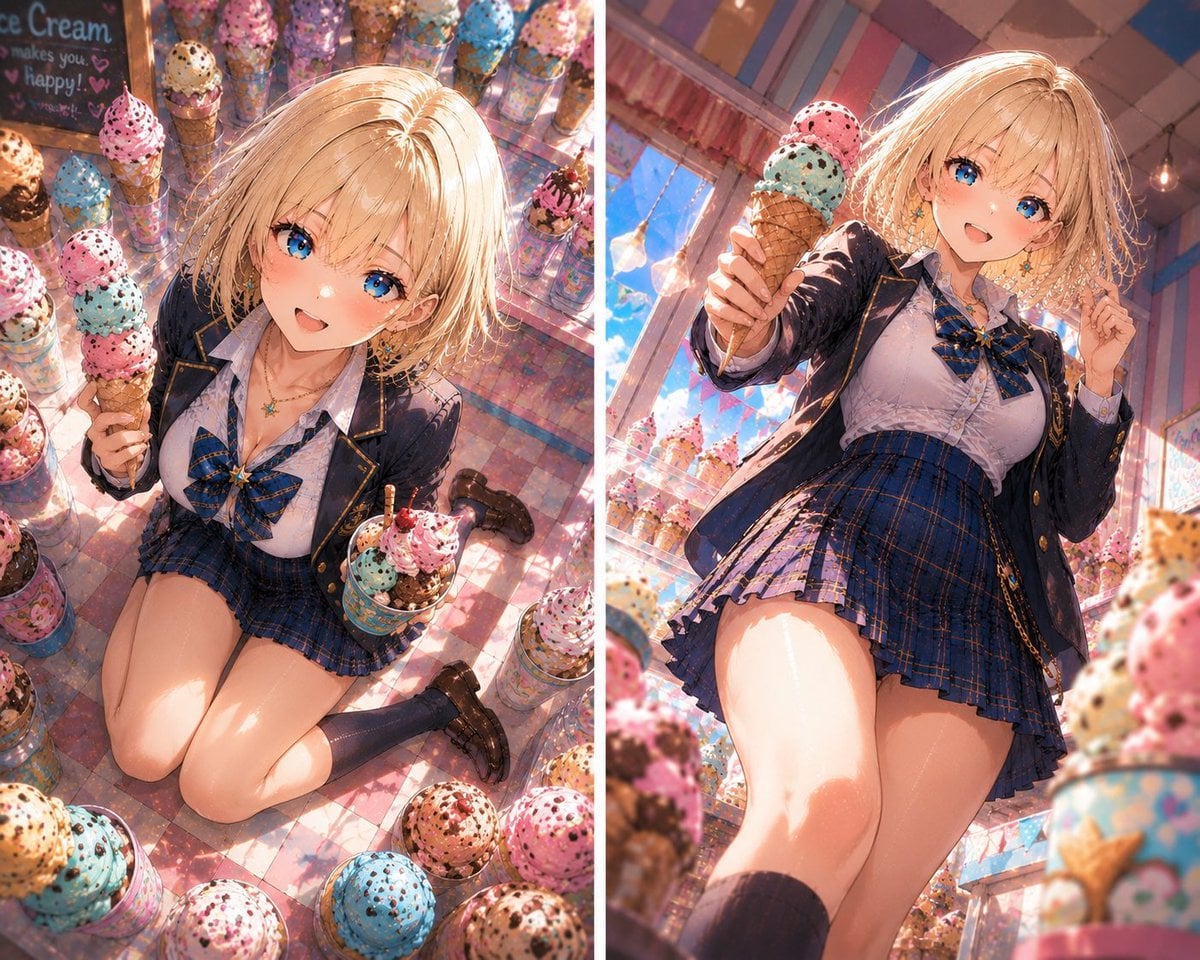
Blonde Anime Ice Cream Shop Diptych
Browse template categories
Cinematic Cyberpunk Woman Portrait questions
How do I use the Cinematic Cyberpunk Woman Portrait template?
Add your photo if the template asks for one, edit the prompt if you like — the template's model and format are already selected — and press Generate. Your version opens in PicX Studio.
Can I customize the Cinematic Cyberpunk Woman Portrait template?
Yes. You can change the subject, setting, lighting, mood, format, and available model controls before creating your image.
Is the Cinematic Cyberpunk Woman Portrait template free?
Opening and editing this template is free. Generating uses credits, shown on the Generate button when you are signed in.
Which AI model should I use?
Start with GPT Image 2, which is the model associated with this template. You can compare another compatible model for a different finish.
Looking for something else? Browse all templates.

Your photo, any look
Thousands of ready templates for every top image and video model, from one credit balance.