
Fashion Portrait - Snowy Warrior
Cinematic vertical portrait, heavy leather armor with fur cloak, snowy winter battlefield, cinematic film grain.
- Prompt included
- Model and format preset
- Free template
The prompt behind this image
Copy the exact prompt behind Fashion Portrait - Snowy Warrior, or open it in the studio and make it yours.
Image from subject, cinematic vertical medium portrait shot, slight low-angle. The subject stands with their body facing forward, gazing stoically and intensely off-camera to the right. Wearing heavy, weathered dark leather armor with thick cross-body straps, a massive dark fur cloak draped heavily over the shoulders, black leather gloves, and a black studded leather belt holding a sword with a carved white animal-head pommel. All clothing is dusted with heavy snow. Standing outdoors in a blurred, snowy winter courtyard or battlefield setting. Out-of-focus background figures in dark winter cloaks and atmospheric haze add depth. Thick, heavy snowfall fills the frame in the foreground and background. Bleak, cold cinematic color grading. Desaturated color palette with icy cyan and steel-blue undertones in the shadows. Soft, diffused, overcast natural daylight with low overall saturation. High micro-contrast between the dark, textured leather and fur against the bright white snowflakes. Heavy cinematic film grain, shallow depth of field with heavy background bokeh, gritty and raw winter texture.
How to use Fashion Portrait - Snowy Warrior in 3 steps
- 1
Open
The prompt is already in the box next to the preview, with the template's model and format selected.
- 2…a portrait of your subject in softgolden-hour light, 85mm…
Personalize
Edit the subject and creative details for your destination.
- 3Generate
Generate
Press Generate — your image is created in PicX Studio, so you can compare it with the original and refine one variable at a time.
More like this
Templates with the same subject, style or setup. Open one to see its prompt.
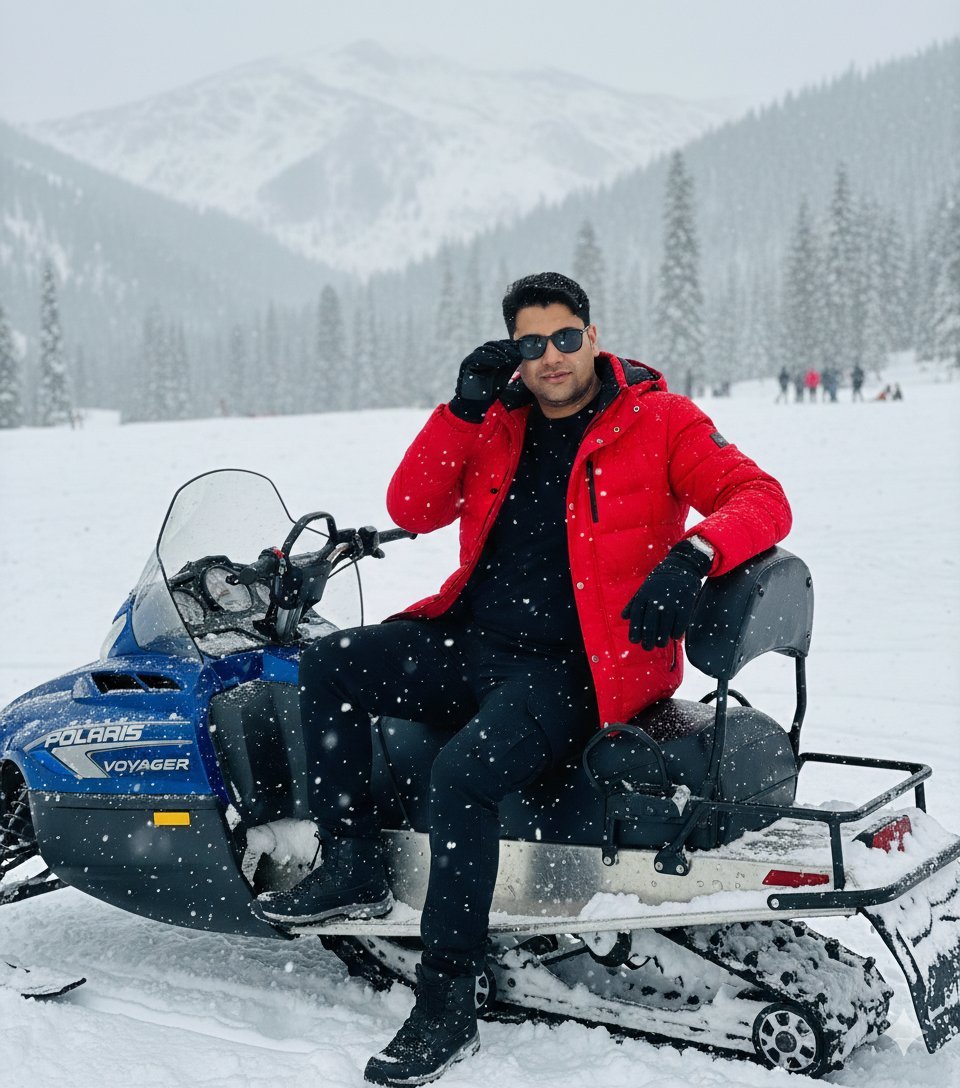
Snowy Locations Views Winter Special
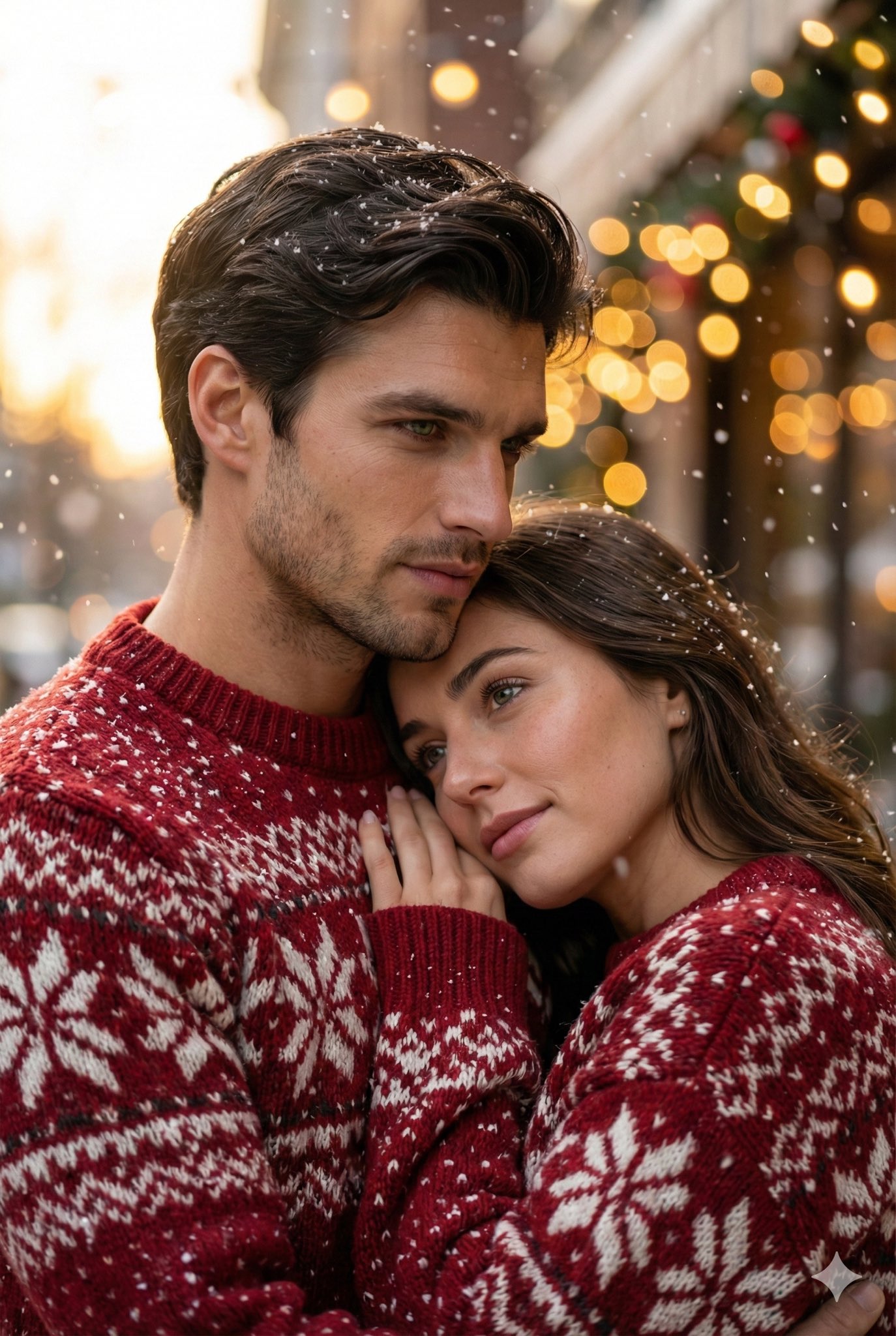
A Snowy Couple Portrait

Nano Banana 2 High Fashion Sports Campai

Couture Fashion Editorial Woman and Drag

Ive Yujin Fashion Portrait in Blue

Nano Banana 2 Editorial Fashion Portrait

Caution Tape Fashion — Industrial Editorial
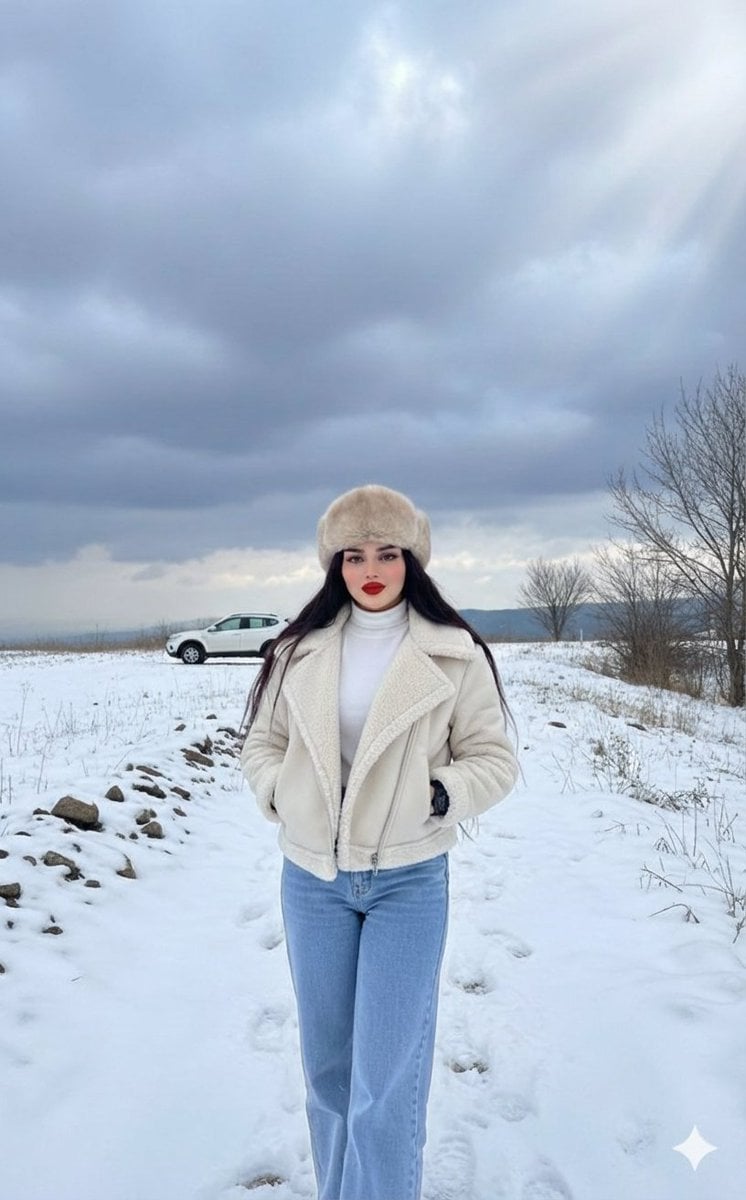
Winter Fashion Editorial in Snowy Field
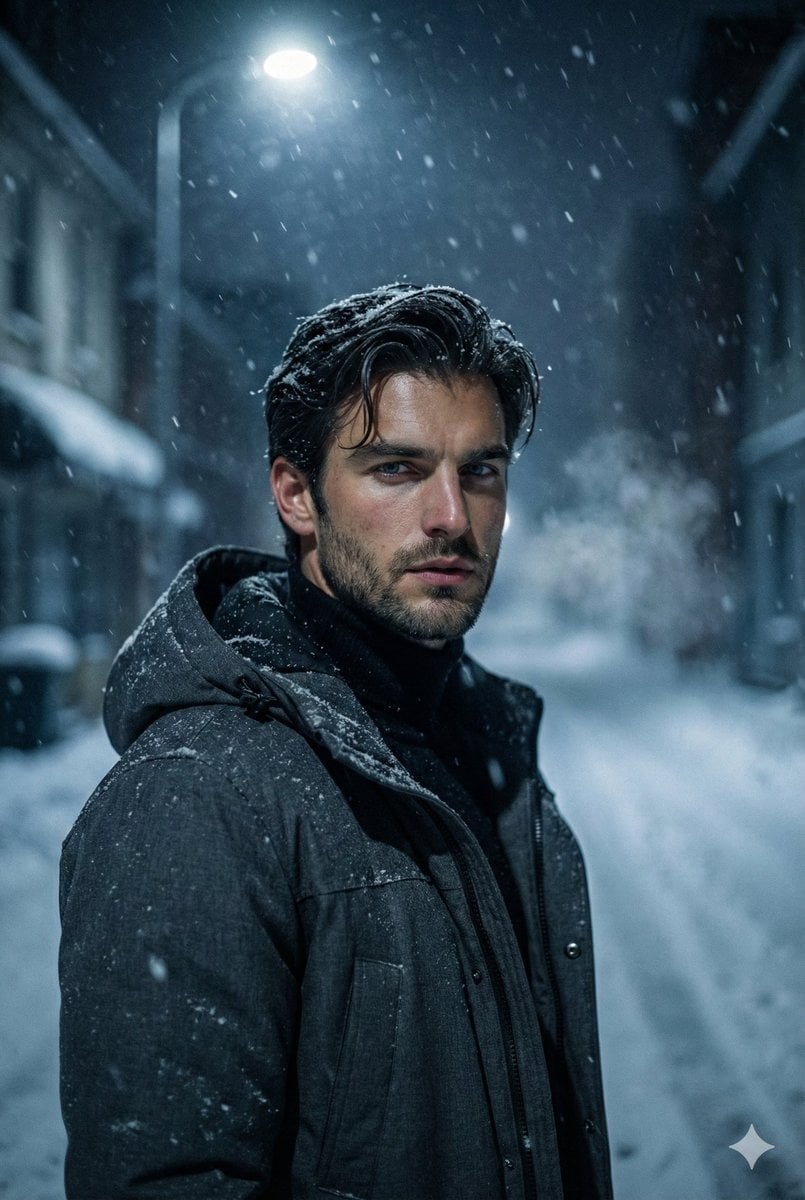
Winter Noir Cinematic Portrait of Man in Snowy Street
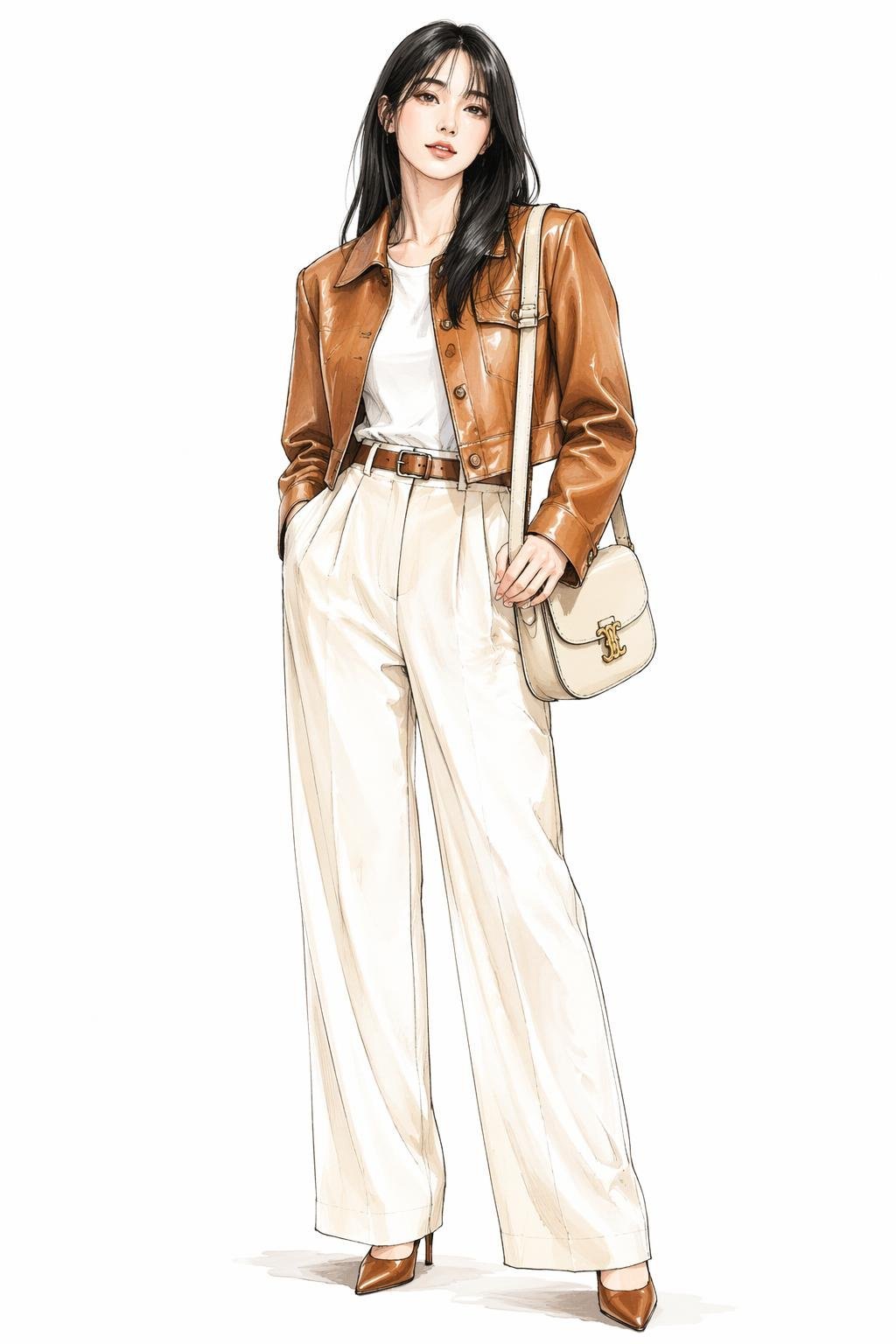
Leather Jacket Cream Trousers Fashion Sketch
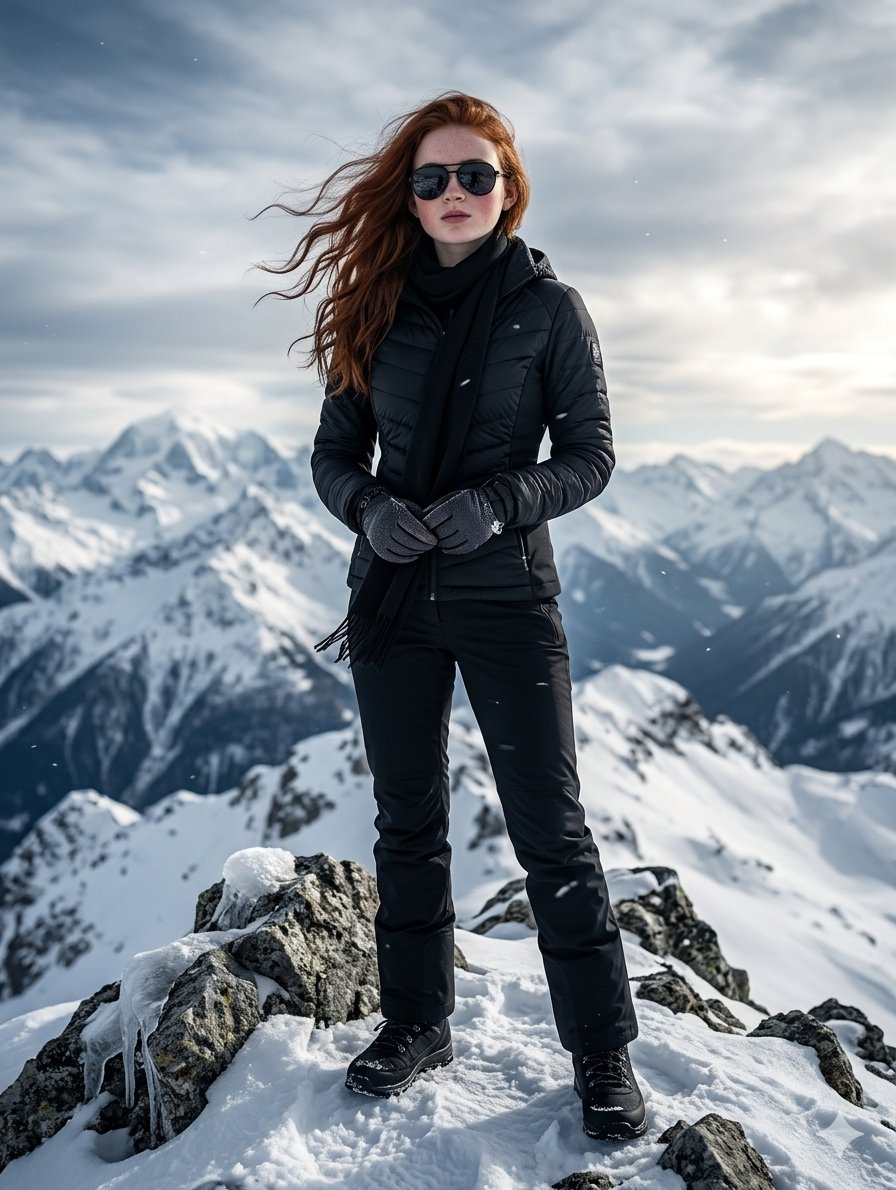
Cinematic Portrait of English Woman on Snowy Mountain
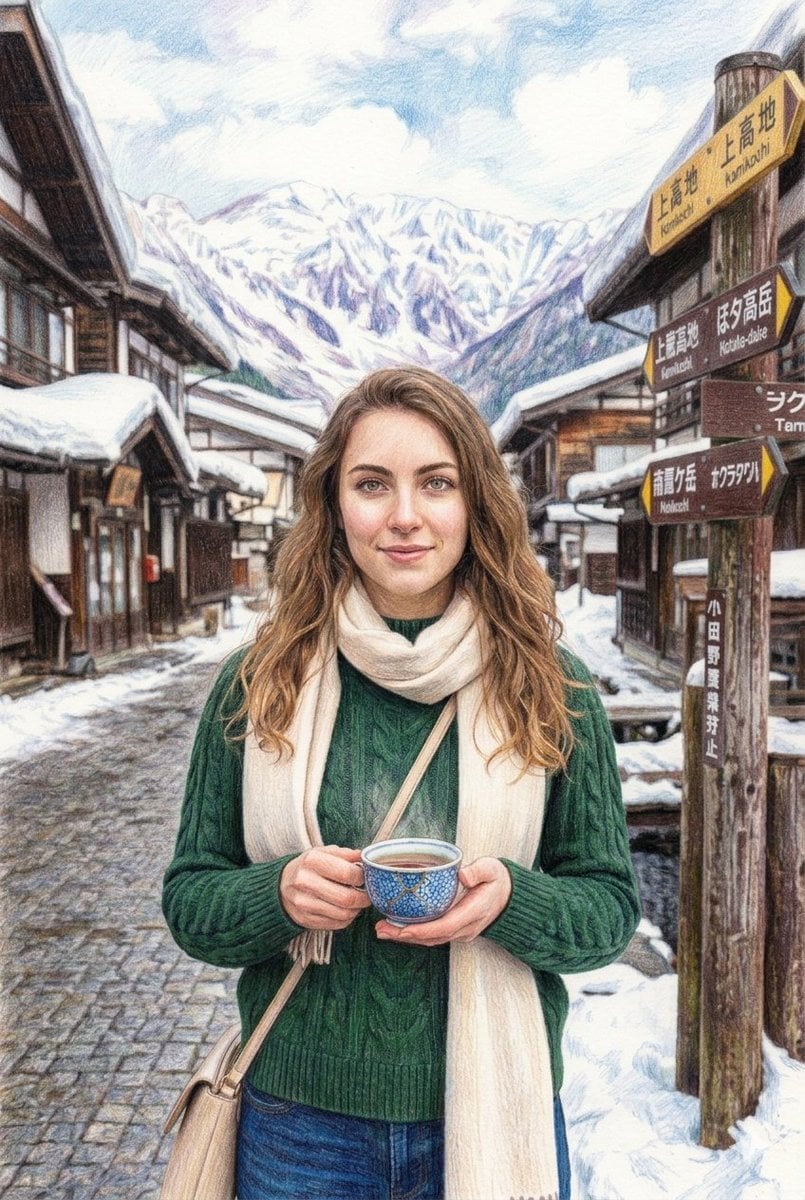
Snowy Japanese Village Winter Illustration
Make it yours
Fashion Portrait - Snowy Warrior works as-is. These are the safest ways to change it without losing the look.
Change one field
Copy a single group, rewrite it, and generate again so you can see what that field is doing.
Keep the frame, change the subject
Hold the composition and light of Fashion Portrait - Snowy Warrior, then swap wardrobe, props or the person for a new take.
| If the result… | Why | Fix |
|---|---|---|
| The result drifts from the preview | Too many fields changed at once. | Reuse Fashion Portrait - Snowy Warrior as-is first, then change one group — subject, light, or setting. |
| The model over-stylizes the scene | The prose prompt leaves finish and camera underspecified. | Add one camera or lighting sentence and stay on Nano Banana. |
More Nano Banana templates
Other prompts made for Nano Banana.










More image prompts
Fresh picks from across the catalog.
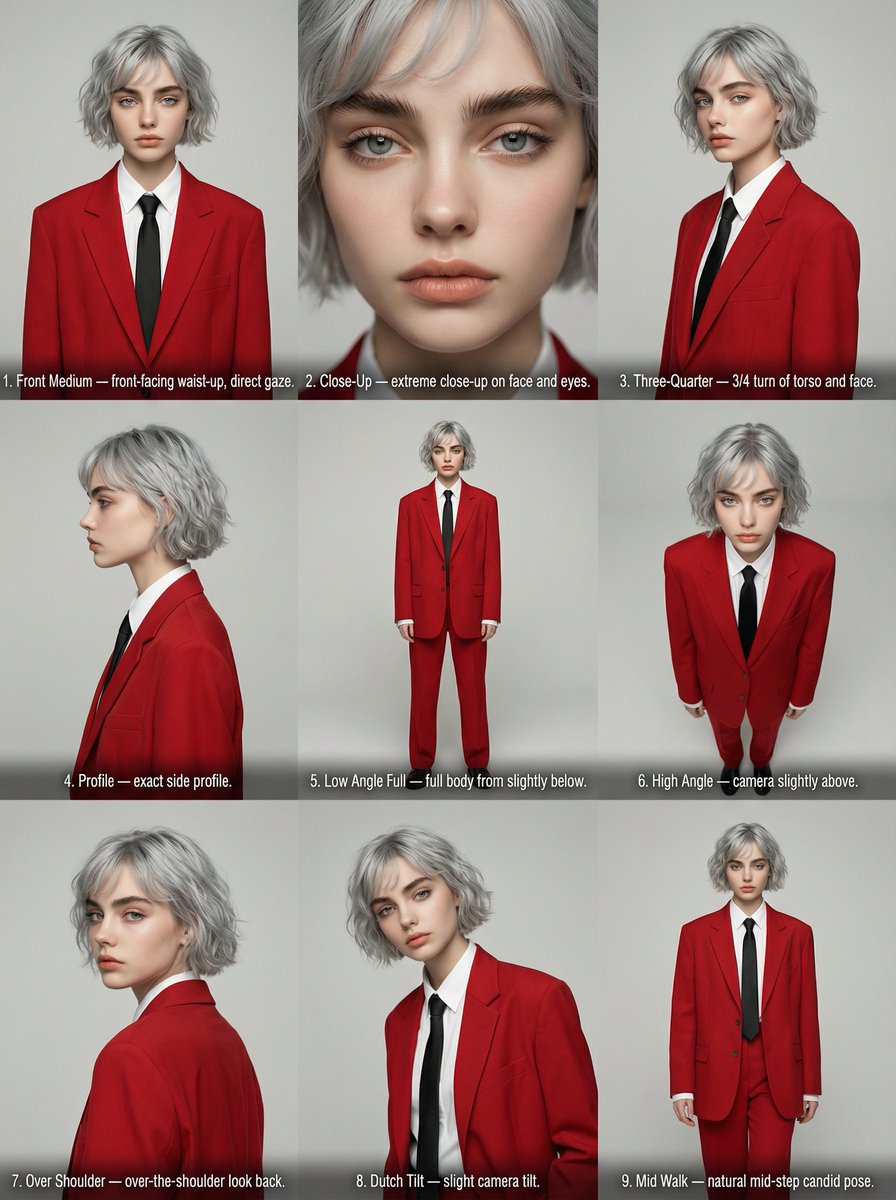
Editorial Angle Reference Sheet Grid
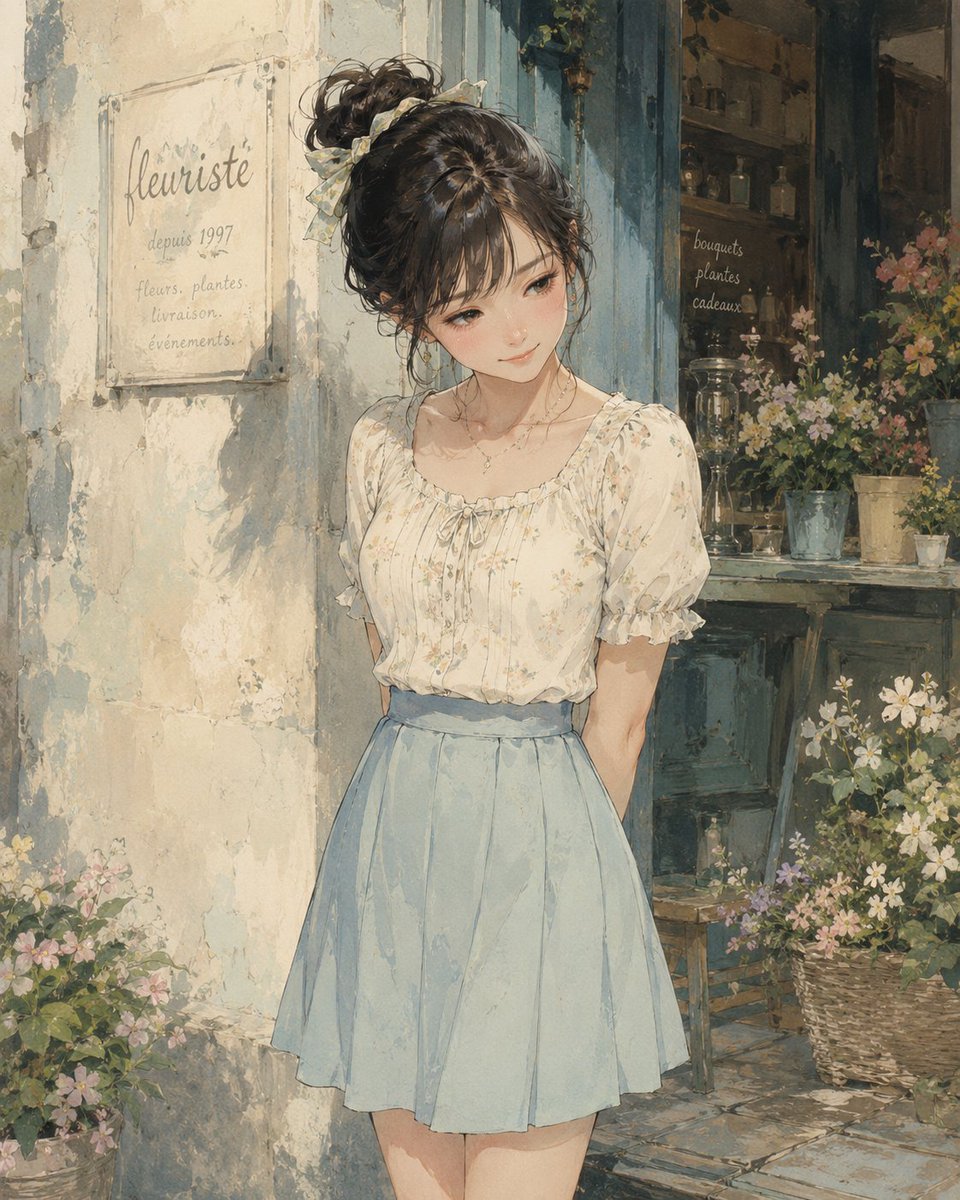
Watercolor Flower Shop Portrait
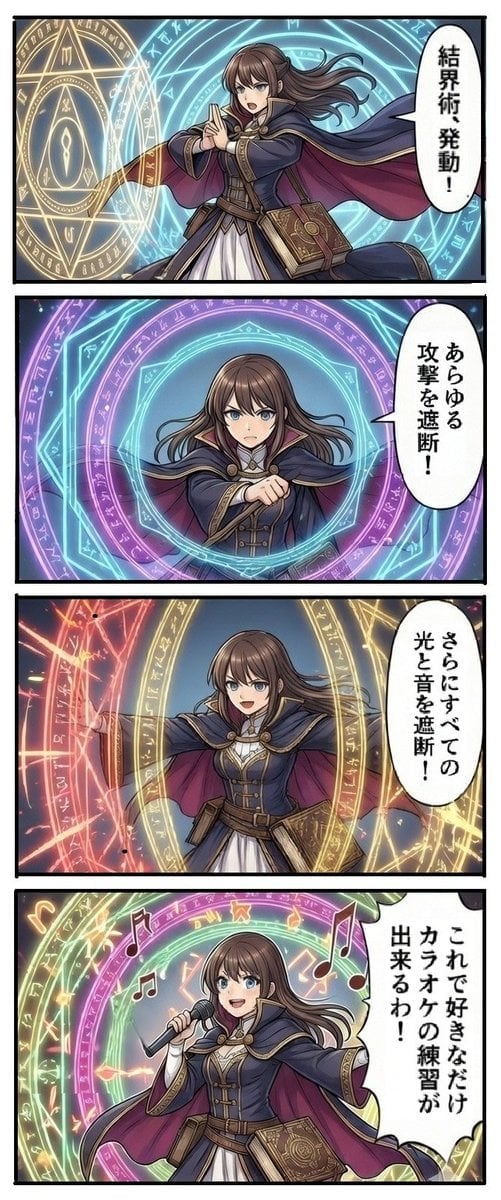
Magic Barrier Technique Drawing Test
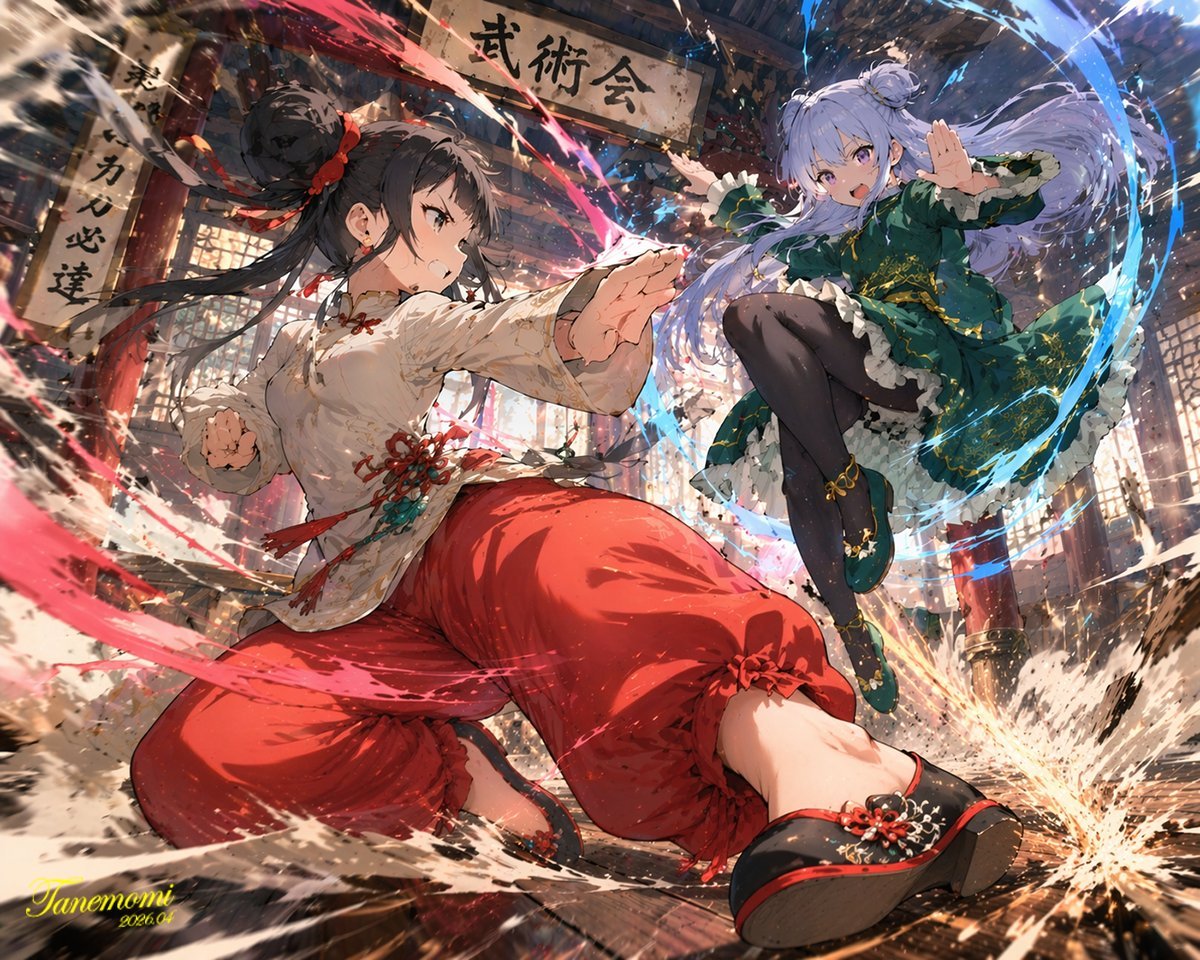
Gpt2 Anime Martial Arts Battle Illustration
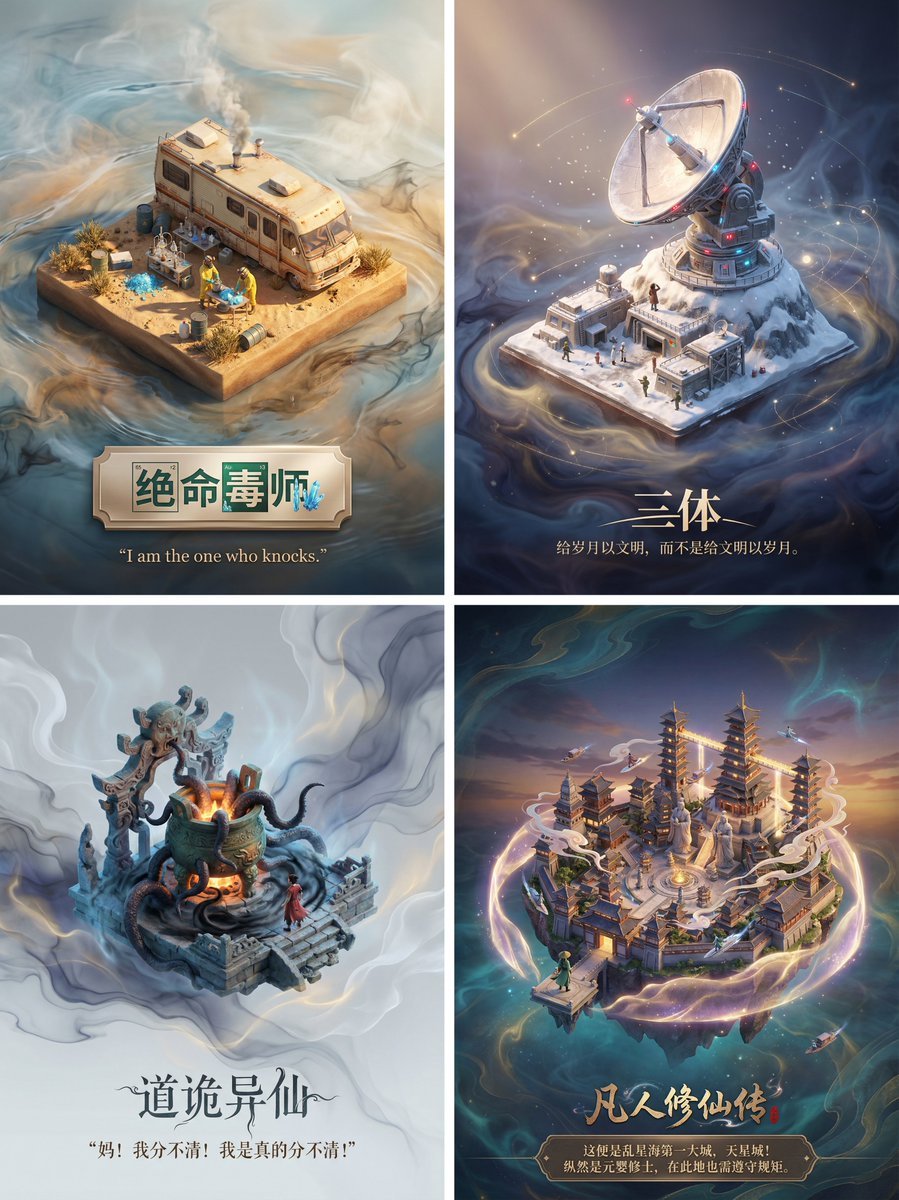
3D Diorama Poster for Film/Novel Scenes
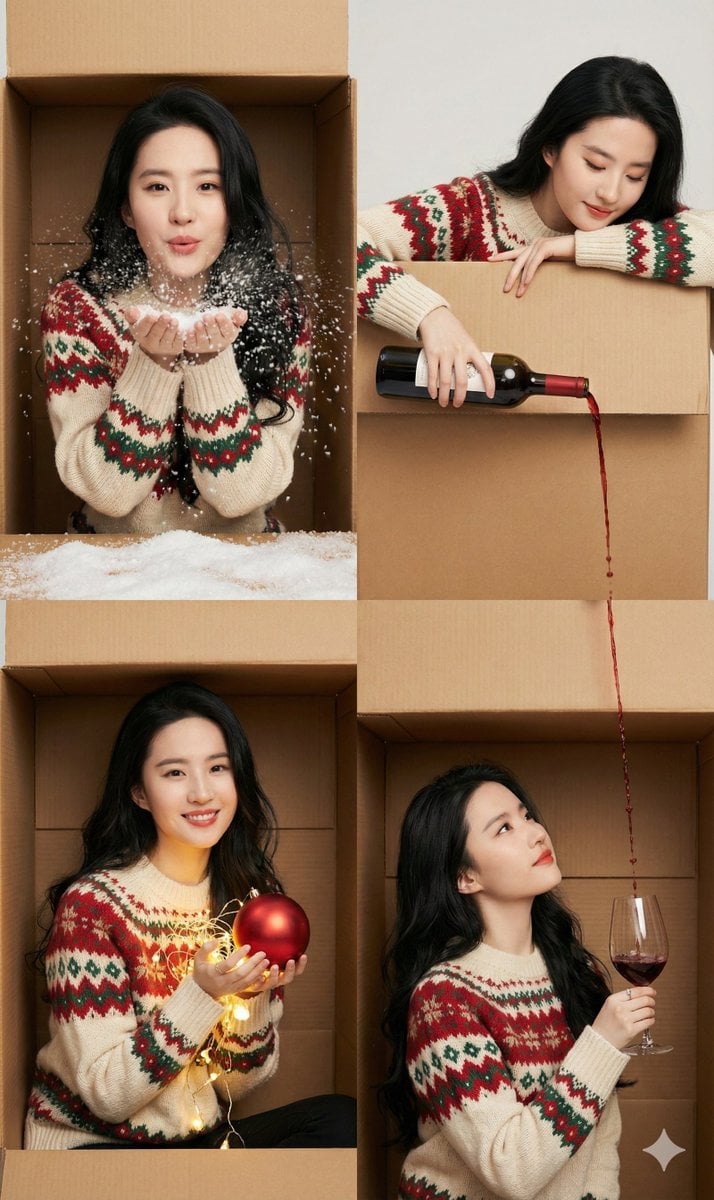
Seamless 2x2 Christmas Box Challenge Photo Collage
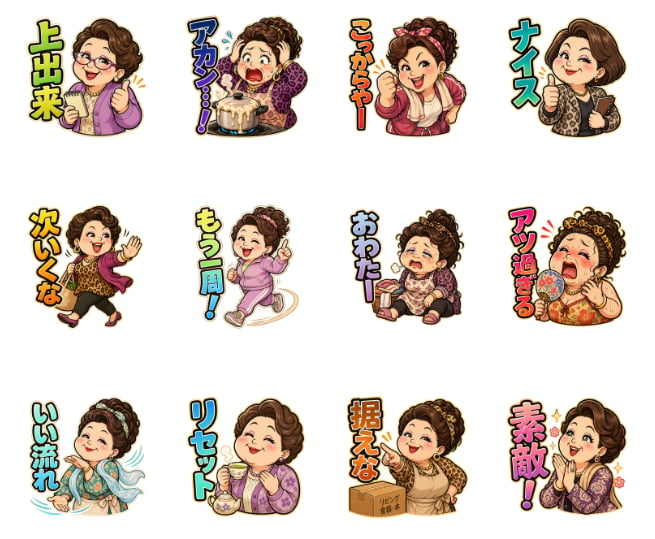
Pachinko Auntie LINE Sticker Sheet
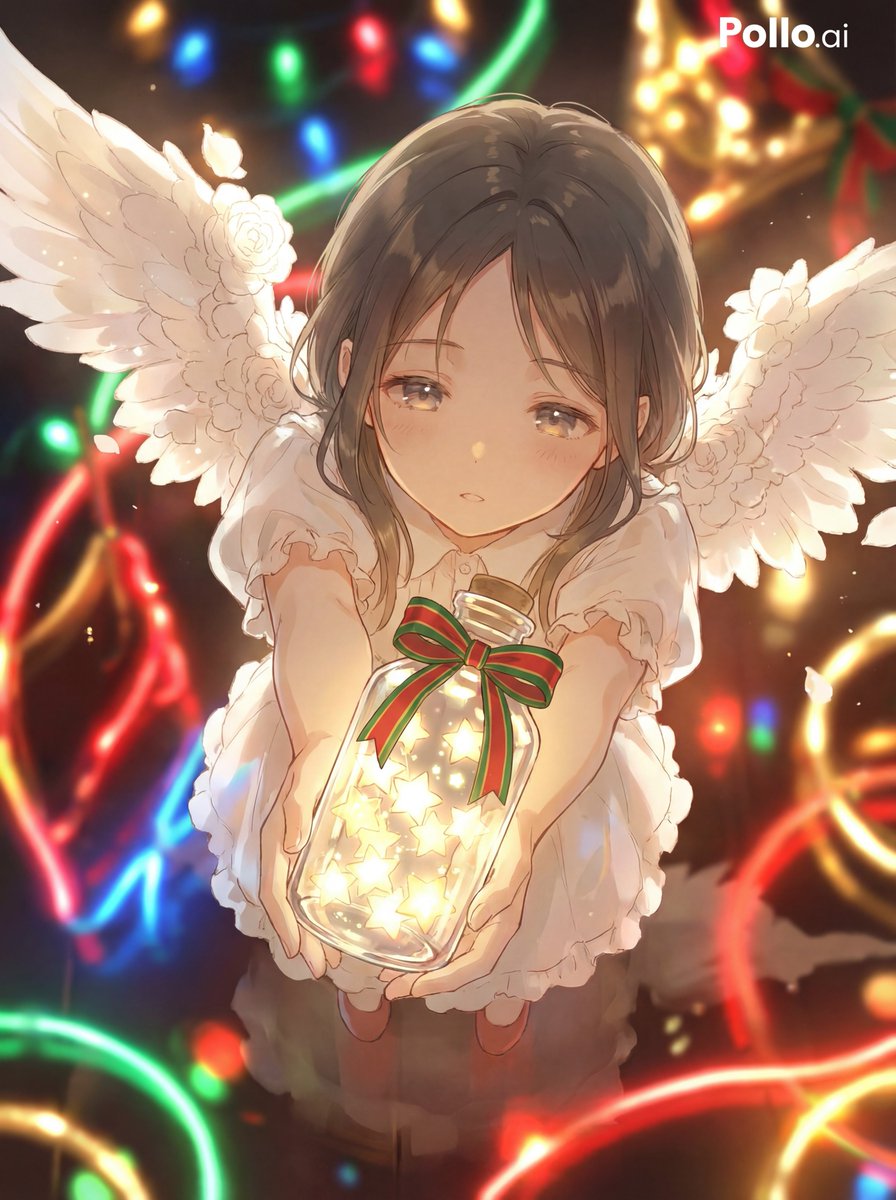
Star Present Image Generation
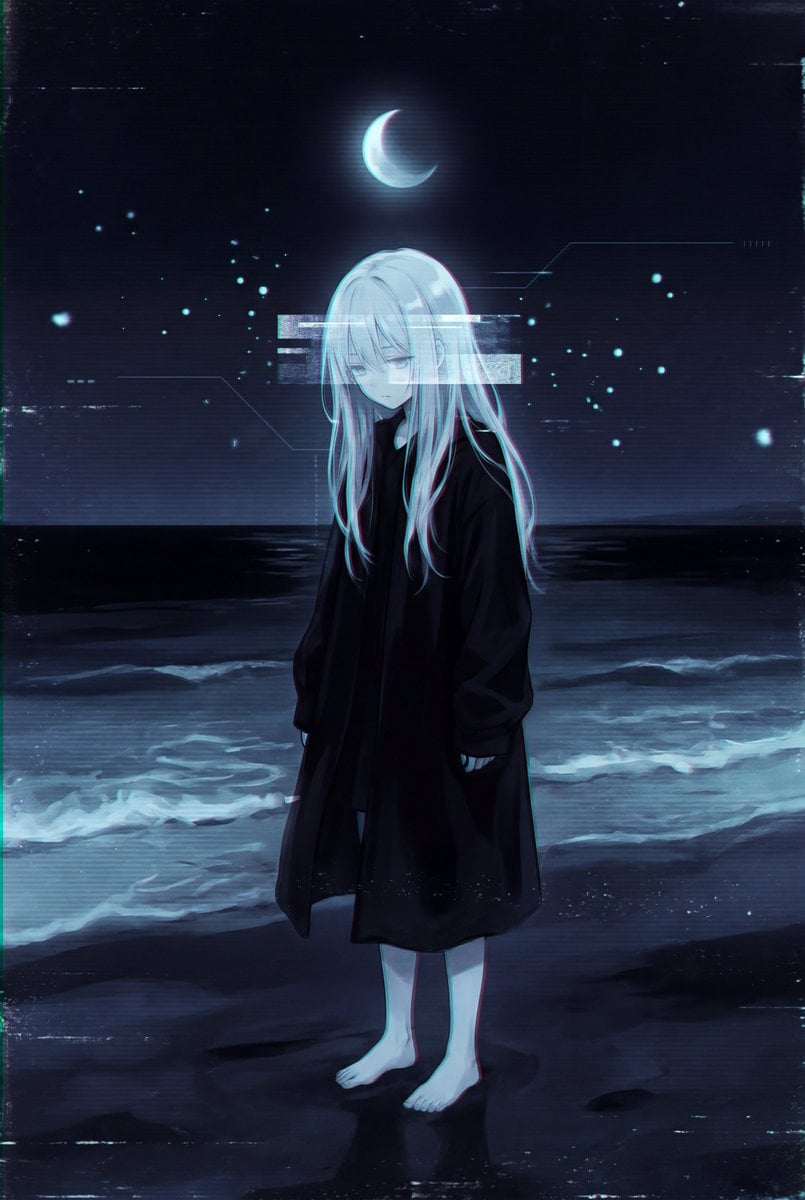
Dark Liminal Anime Illustration
Pink-Haired Anime Female Hero
Browse template categories
Fashion Portrait - Snowy Warrior questions
How do I use the Fashion Portrait - Snowy Warrior template?
Add your photo if the template asks for one, edit the prompt if you like — the template's model and format are already selected — and press Generate. Your version opens in PicX Studio.
Can I customize the Fashion Portrait - Snowy Warrior template?
Yes. You can change the subject, setting, lighting, mood, format, and available model controls before creating your image.
Is the Fashion Portrait - Snowy Warrior template free?
Opening and editing this template is free. Generating uses credits, shown on the Generate button when you are signed in.
Which AI model should I use?
Start with Nano Banana, which is the model associated with this template. You can compare another compatible model for a different finish.
Looking for something else? Browse all templates.

Your photo, any look
Thousands of ready templates for every top image and video model, from one credit balance.