
Dark Liminal Anime Illustration
A detailed prompt for creating a melancholic anime illustration featuring a lone character on a nocturnal beach with VHS glitch effects and a surreal atmosphere.
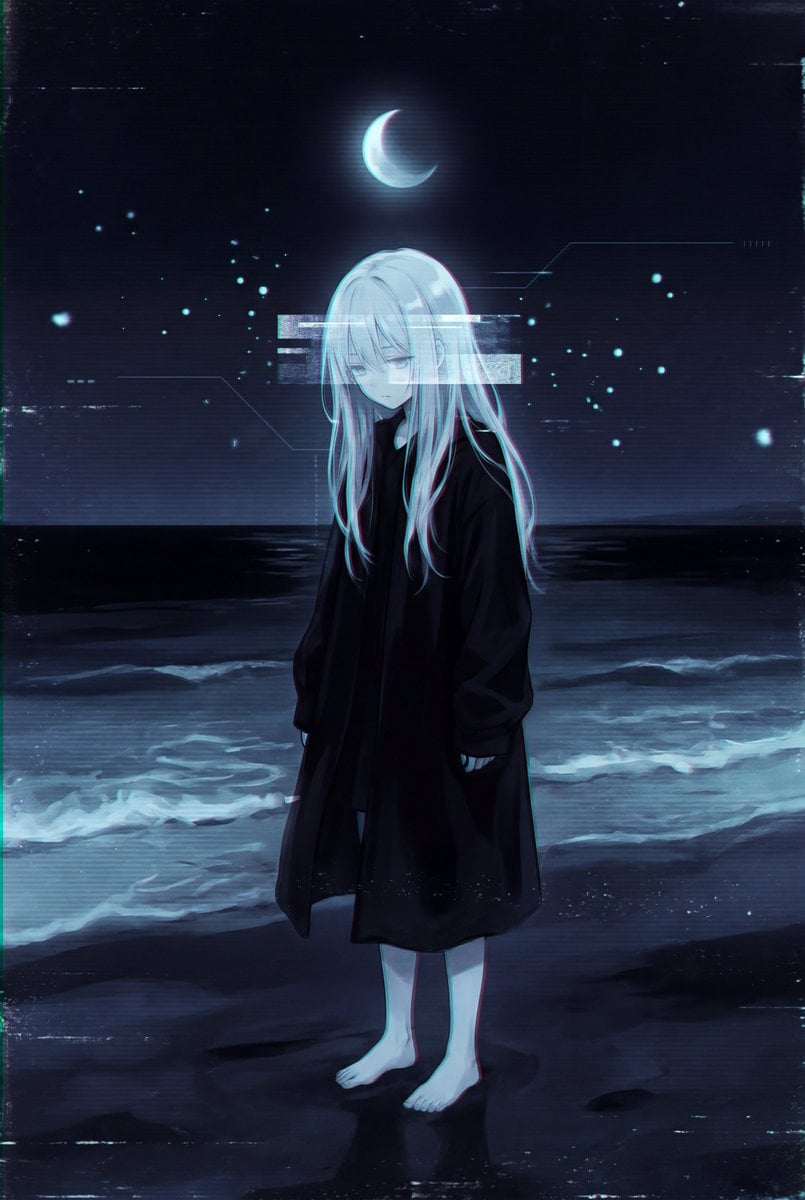
- Prompt included
- Model and format preset
- Free template
The prompt behind this image
Copy the exact prompt behind Dark Liminal Anime Illustration, or open it in the studio and make it yours.
{ "style": "dark liminal anime illustration with lo-fi cyber melancholia, surreal nocturnal beach scene, minimalist atmospheric digital painting, distressed VHS aesthetic, low-detail anime rendering with painterly softness, experimental Japanese internet art style", "composition": "vertical centered composition with full-body character standing alone on shoreline, subject positioned slightly below center frame, static front-facing pose with lowered head, horizon line crossing upper-middle background, crescent moon centered directly above character head, glowing rectangular overlay obscuring upper torso area, symmetrical spacing with heavy negative darkness surrounding subject", "subject": "{argument name="character description" default="young anime girl"} with long {argument name="hair color" default="pale white hair"} hanging loosely and partially wind-swept, eyes hidden by downward head tilt and hair shadow, emotionless melancholic posture, {argument name="outfit" default="oversized long black coat"} reaching lower legs, bare pale feet standing on wet sand, thin fragile body proportions, arms hanging straight downward, subtle translucent rendering with faint glow embedded in hair and body silhouette", "background": "dark nighttime ocean shoreline with calm black-blue sea extending across width of frame, faint wave foam illuminated near shore, dim horizon line separating sea and sky, deep navy-black sky with isolated glowing crescent moon above subject, sparse glitch particles and scattered luminous dots floating across scene, geometric HUD-like white line overlays in bottom right corner and around subject area", "lighting": "extremely low-key nocturnal lighting with soft cold moon illumination, diffuse blue-white glow reflecting on sand and waves, subtle bloom around moon and overlay rectangle, minimal contrast separation in dark regions, gentle ambient luminance, muted highlights with soft edge diffusion, faint CRT-like brightness bleed", "color_palette": "restricted monochromatic palette dominated by black, deep navy, muted indigo, cold cyan, pale blue-white, faded gray, and dim turquoise accents, heavily desaturated with only subtle luminous highlights", "textures": "heavy VHS grain, distressed digital compression artifacts, CRT scanline softness, analog noise buildup in shadows, subtle chromatic aberration around glowing edges, rough painterly blending, low-resolution anime linework, atmospheric haze, faint pixel breakup, distressed texture layering, noisy gradients, edge blur and imperfect rendering fidelity", "effects": "large glowing white rectangular glitch overlay centered across chest and face area containing faded duplicate portrait imagery, scattered digital particles and floating light specks throughout scene, vertical HUD marker lines flanking character, subtle digital distortion bands, moon glow bloom, low-opacity glitch fragmentation around lower body, faint screen tearing artifacts, CRT-style luminance bleed, geometric interface overlays in lower-right corner", "mood": "isolated, melancholic, drea"}
How to use Dark Liminal Anime Illustration in 3 steps
- 1
Open
The prompt is already in the box next to the preview, with the template's model and format selected.
- 2…a portrait of your subject in softgolden-hour light, 85mm…
Personalize
Edit the subject and creative details for your destination.
- 3Generate
Generate
Press Generate — your image is created in PicX Studio, so you can compare it with the original and refine one variable at a time.
More like this
Templates with the same subject, style or setup. Open one to see its prompt.












Make it yours
Dark Liminal Anime Illustration works as-is. These are the safest ways to change it without losing the look.
Change one field
Copy a single group, rewrite it, and generate again so you can see what that field is doing.
Keep the frame, change the subject
Hold the composition and light of Dark Liminal Anime Illustration, then swap wardrobe, props or the person for a new take.
| If the result… | Why | Fix |
|---|---|---|
| The result drifts from the preview | Too many fields changed at once. | Reuse Dark Liminal Anime Illustration as-is first, then change one group — subject, light, or setting. |
| The model over-stylizes the scene | The prose prompt leaves finish and camera underspecified. | Add one camera or lighting sentence and stay on GPT Image 2. |
More GPT Image 2 templates
Other prompts made for GPT Image 2.

Six VTuber Japanese Logo Sheet

Realistic Portrait of Woman and Deer

The Vista Modular Condo Poster

AI Model Routing Comparison Infographic

2.5D Anime Art Board

Isometric Productivity Desk Scene

New York Double Exposure Poster

Four-Panel AI Landscape Comparison

Japanese Tatami Lifestyle Magazine Cover

NESCAFÉ Coffee Map Poster
More image prompts
Fresh picks from across the catalog.
Ultra-Photorealistic Gym Mirror Selfie Prompt
LMGT3-Class Car Inspired Sea Iguana
Burgundy Gown Fashion Reference Grid
Aerial Photo to Land-Cover Map
Celestial Xianxia Fairy Palace
Ancient Egyptian Ritual with Alien Entity Prompt
Miniature Burger Factory Render
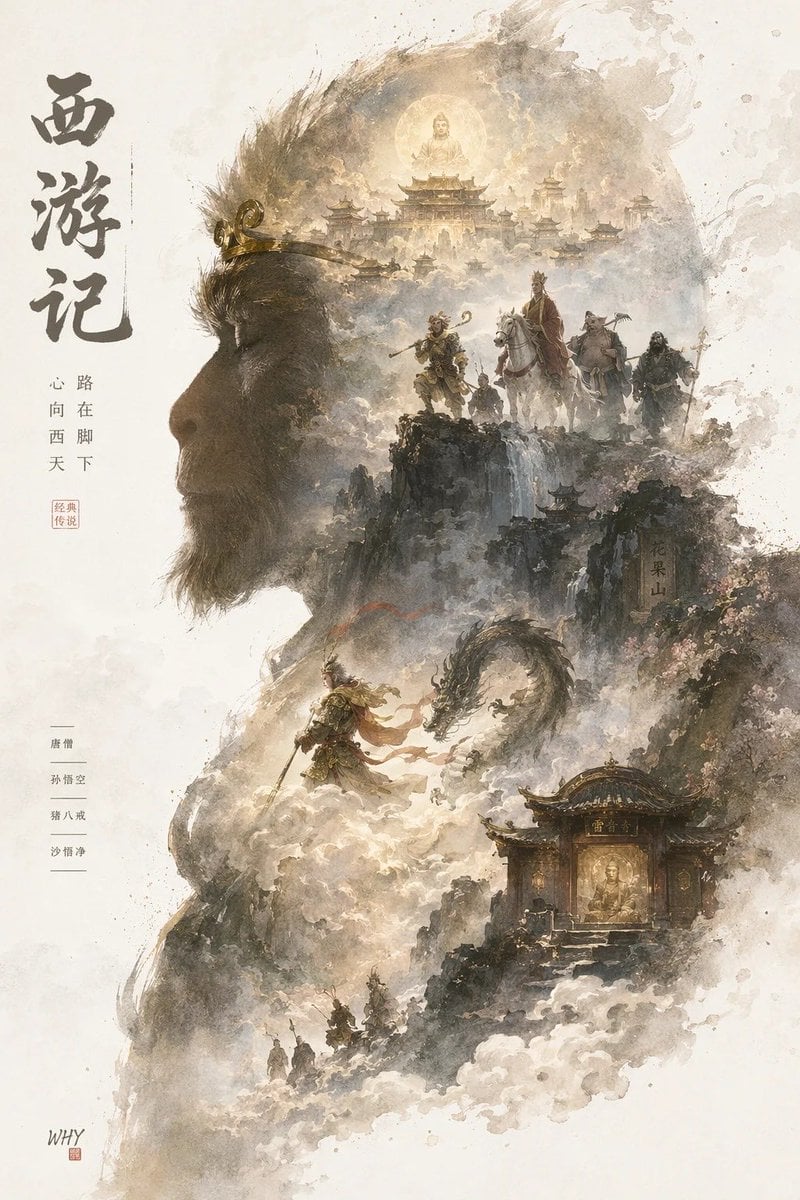
Epic Silhouetted World Poster
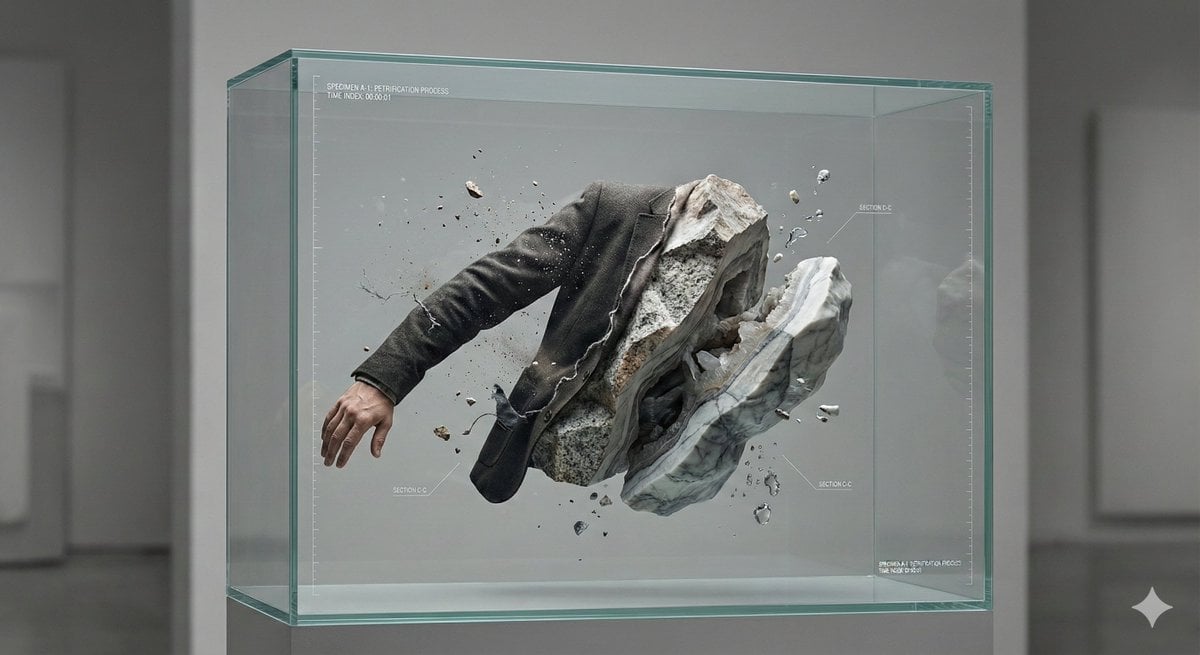
Surreal Abstract Concept Contained in a Display Case
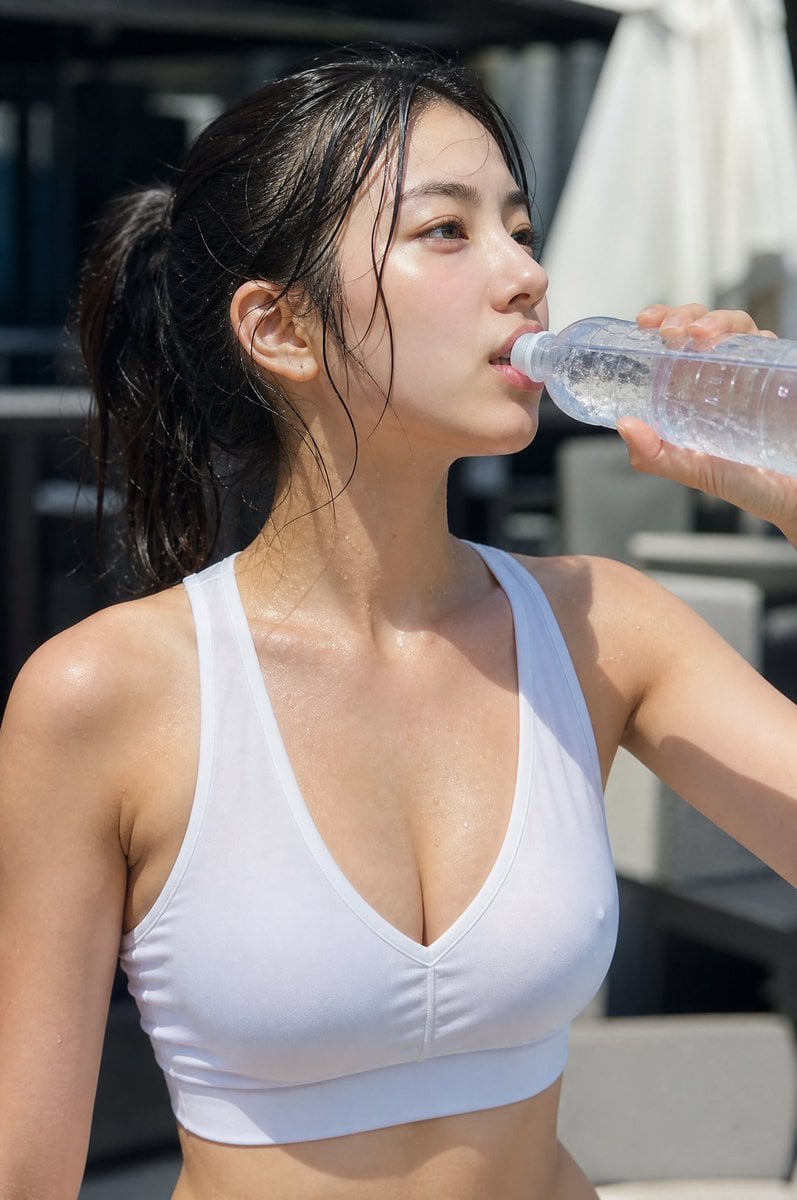
Minimalist Athletic Fashion Close-up
Browse template categories
Dark Liminal Anime Illustration questions
How do I use the Dark Liminal Anime Illustration template?
Add your photo if the template asks for one, edit the prompt if you like — the template's model and format are already selected — and press Generate. Your version opens in PicX Studio.
Can I customize the Dark Liminal Anime Illustration template?
Yes. You can change the subject, setting, lighting, mood, format, and available model controls before creating your image.
Is the Dark Liminal Anime Illustration template free?
Opening and editing this template is free. Generating uses credits, shown on the Generate button when you are signed in.
Which AI model should I use?
Start with GPT Image 2, which is the model associated with this template. You can compare another compatible model for a different finish.
Looking for something else? Browse all templates.

Your photo, any look
Thousands of ready templates for every top image and video model, from one credit balance.