How do I use the Winter Fashion Editorial in Snowy Field template?
Choose the primary action to open PicX Studio with the available template settings. Review the model and format, personalize the creative direction, and generate when ready.
A structured JSON prompt for generating a photorealistic fashion editorial image set in a vast, snowy field during winter. Change the subject, setting, or lighting one variable at a time.

{ "type": "image_prompt", "subject": { "gender": "female", "age": "young adult", "appearance": { "hair": "long, straight, dark", "expression": "serious, elegant", "makeup": "subtle glamorous makeup with bold red matte lipstick" }, "pose": "standing confidently, hands in pockets", "gaze": "looking directly at the camera" }, "clothing": { "hat": "{argument name="hat type" default="fluffy beige fur ushanka"}", "jacket": "cream-colored shearling aviator jacket with thick sherpa lining and collar", "top": "white turtleneck sweater", "pants": "light blue high-waisted wide-leg jeans" }, "environment": { "season": "winter", "setting": "vast open snowy field", "details": [ "patches of grass and rocks", "bare trees in the background", "white SUV parked distantly to the left" ], "atmosphere": "cold winter atmosphere" }, "lighting": { "type": "natural", "conditions": "dramatic overcast cloudy sky with rays of sunlight breaking through" }, "style": { "genre": "fashion editorial", "look": "photorealistic", "composition": "cinematic", "detail_level": "high detail" }, "camera": { "framing": "medium to full body", "perspective": "eye-level", "focus": "sharp subject with expansive background" }, "mood": "confident, elegant, dramatic" }
Choose the primary action to open PicX Studio with the available template settings. Review the model and format, personalize the creative direction, and generate when ready.
Yes. You can change the subject, setting, lighting, mood, format, and available model controls before creating your image.
This template is free to open and customize. Generation usage is shown in PicX Studio before you create.
Start with Nano Banana 2, which is the model associated with this template. You can compare another compatible model for a different finish.
© 2026 PicX Studio. All rights reserved.

Follow a topic to a crawlable collection of related PicX Studio templates.
43,474 public templates available. Verified via the PicX Studio public templates API; refreshed hourly.








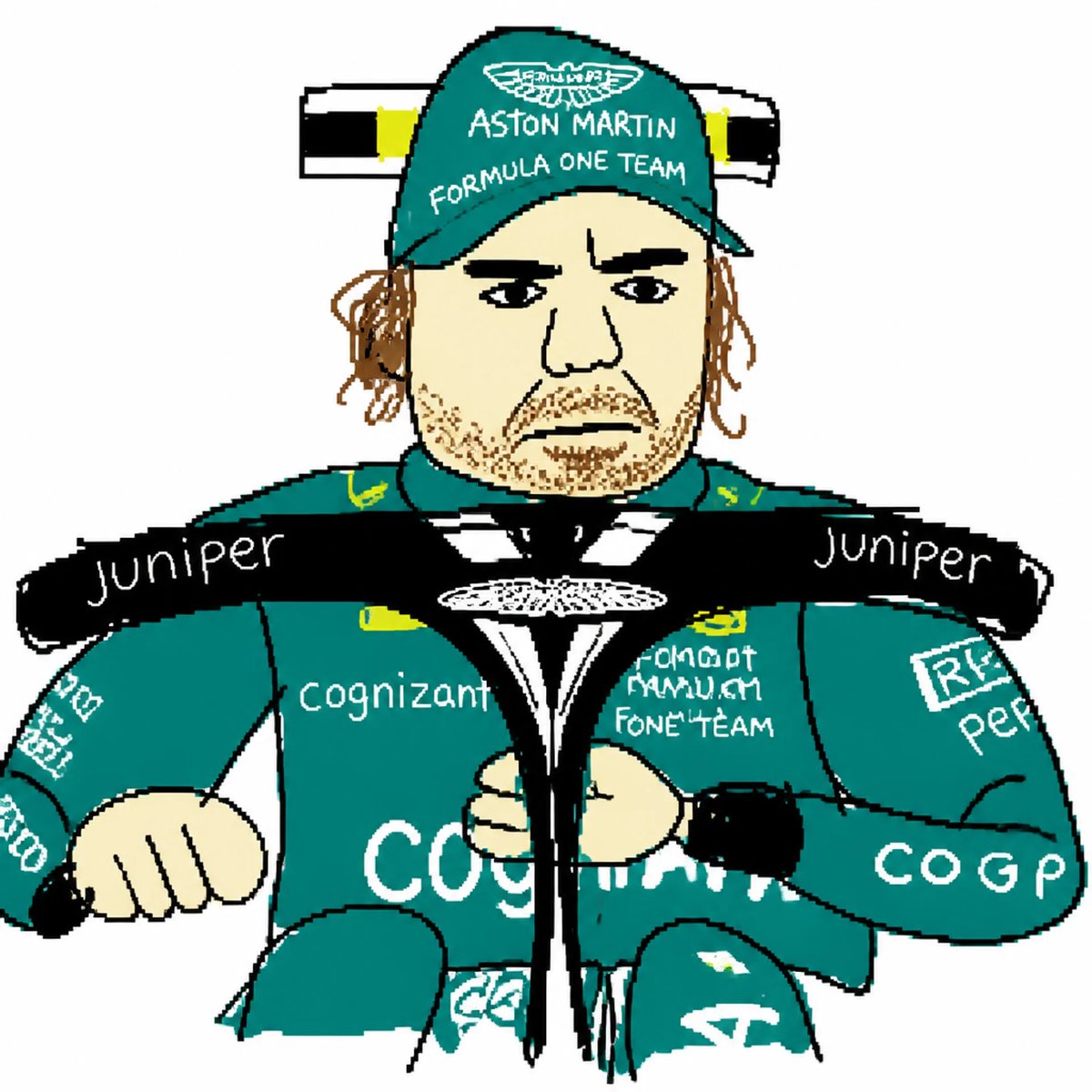
![Naive doodle-style subject illustration — A doodle-style {argument name="subject" default="[subject]"}, naive lines, humorous shape exaggeration](https://pbs.twimg.com/media/G6Wl2YxbsAARB2b.jpg)











![3D Brand Advertisement Mockup — Create a creative 3D advertisement for {argument name="brand name" default="[type here any brand]"}, featuring a surreal object](https://cms-assets.youmind.com/media/1777797558748_mza2yv_HHSbDkyb0AAOqEr.jpg)








![Miniature Diorama Prompt (Tilt-Shift) — A cozy miniature diorama of {argument name="activity" default="[ACTIVITY]"}, tiny handcrafted figures with subtle expres](https://pbs.twimg.com/media/G83m0ZjXUAAvNHx.jpg)