
Anime Ninja Action Triptych
A three-panel cinematic anime storyboard showing a masked ninja in Kyoto progressing from tense preparation to explosive sword action to a blossom-filled cathartic finale, ideal for dramatic visual prompt generation.
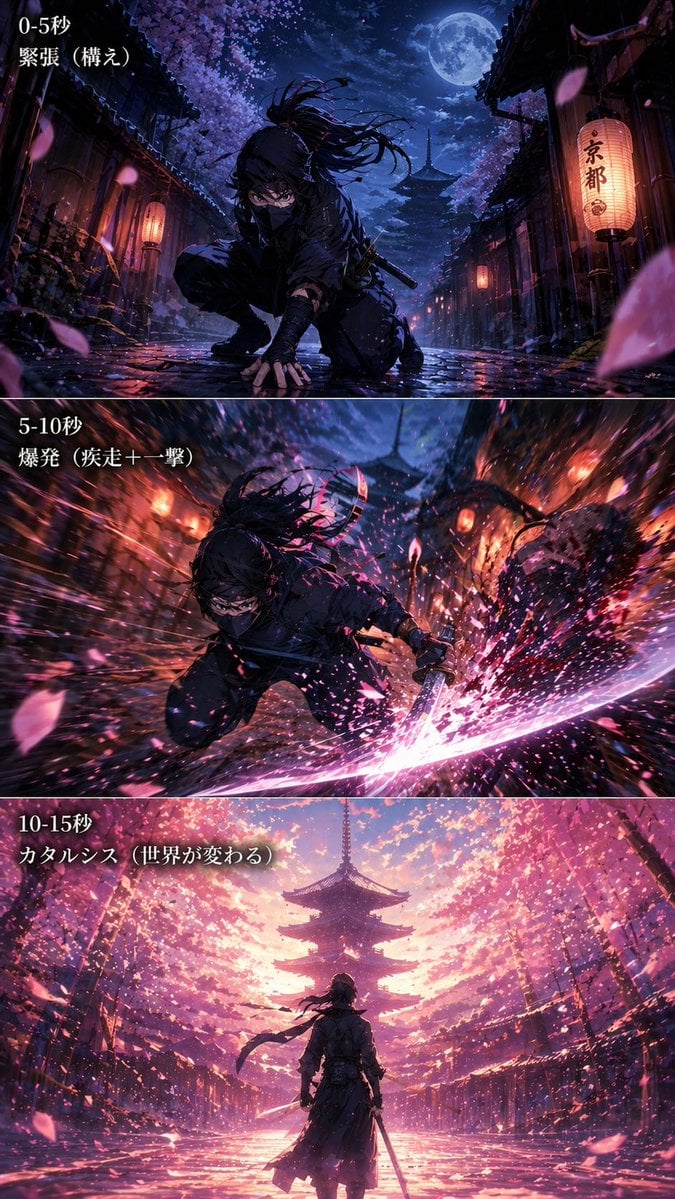
- Prompt included
- Model and format preset
- Free template
The prompt behind this image
Copy the exact prompt behind Anime Ninja Action Triptych, or open it in the studio and make it yours.
- Type
- cinematic anime triptych action storyboard
- Style
- ultra-detailed anime illustration, dramatic lighting, painterly effects, high contrast, dynamic motion blur, glossy wet surfaces, cinematic composition
- Subject › Character
- {argument name="character type" default="masked ninja swordsman"}
- Subject › Gender Presentation
- androgynous young adult
- Subject › Outfit
- black shinobi hood and face covering, dark layered tactical kimono-style clothing, fingerless gloves or wrapped hands, black boots, katana at the waist or in hand
- Subject › Features
- long dark hair tied in a high ponytail whipping in the wind, intense glowing eyes visible above the mask, low agile combat posture
- Setting › Location
- {argument name="setting" default="old Kyoto street"}
- Setting › Environment
- traditional wooden machiya buildings on both sides, hanging paper lanterns, wet reflective stone pavement, cherry blossom trees arching overhead, five-story pagoda centered in the distant background
- Setting › Time
- full moon night transitioning into radiant dawn-like bloom light
- Setting › Weather
- light wind with dense falling sakura petals
- Layout › Format
- 3 stacked horizontal panels separated by thin borders
- Layout › Sections › 0 › Title
- 0-5秒
- Layout › Sections › 0 › Subtitle
- 緊張(構え)
- Layout › Sections › 0 › Position
- top
- Layout › Sections › 0 › Count
- 1
- Layout › Sections › 0 › Labels
- 0-5秒, 緊張(構え)
- Layout › Sections › 0 › Scene
- the character crouches low in the middle of the street with one hand touching the wet ground, preparing to strike; moon overhead, lantern glow, deep indigo and violet palette, tense stillness
- Layout › Sections › 1 › Title
- 5-10秒
- Layout › Sections › 1 › Subtitle
- 爆発(疾走+一撃)
- Layout › Sections › 1 › Position
- middle
- Layout › Sections › 1 › Count
- 1
- Layout › Sections › 1 › Labels
- 5-10秒, 爆発(疾走+一撃)
- Layout › Sections › 1 › Scene
- the character lunges forward in a burst of speed and slashes with a katana; explosive motion lines, bright pink-white sword arc, sparks and petals flying outward, heavy radial blur, orange lanterns streaking past
- Layout › Sections › 2 › Title
- 10-15秒
Raw JSON
{"type":"cinematic anime triptych action storyboard","style":"ultra-detailed anime illustration, dramatic lighting, painterly effects, high contrast, dynamic motion blur, glossy wet surfaces, cinematic composition","subject":{"character":"{argument name=\"character type\" default=\"masked ninja swordsman\"}","gender_presentation":"androgynous young adult","outfit":["black shinobi hood and face covering","dark layered tactical kimono-style clothing","fingerless gloves or wrapped hands","black boots","katana at the waist or in hand"],"features":["long dark hair tied in a high ponytail whipping in the wind","intense glowing eyes visible above the mask","low agile combat posture"]},"setting":{"location":"{argument name=\"setting\" default=\"old Kyoto street\"}","environment":["traditional wooden machiya buildings on both sides","hanging paper lanterns","wet reflective stone pavement","cherry blossom trees arching overhead","five-story pagoda centered in the distant background"],"time":"full moon night transitioning into radiant dawn-like bloom light","weather":"light wind with dense falling sakura petals"},"layout":{"format":"3 stacked horizontal panels separated by thin borders","sections":[{"title":"0-5秒","subtitle":"緊張(構え)","position":"top","count":1,"labels":["0-5秒","緊張(構え)"],"scene":"the character crouches low in the middle of the street with one hand touching the wet ground, preparing to strike; moon overhead, lantern glow, deep indigo and violet palette, tense stillness"},{"title":"5-10秒","subtitle":"爆発(疾走+一撃)","position":"middle","count":1,"labels":["5-10秒","爆発(疾走+一撃)"],"scene":"the character lunges forward in a burst of speed and slashes with a katana; explosive motion lines, bright pink-white sword arc, sparks and petals flying outward, heavy radial blur, orange lanterns streaking past"},{"title":"10-15秒","subtitle":"カタルシス(世界が変わる)","position":"bottom","count":1,"labels":["10-15秒","カタルシス(世界が変わる)"],"scene":"rear view of the character standing still at the center of the street holding the sword down, facing the pagoda; the whole world transformed into a glowing storm of pink blossoms and warm light, petals filling the sky, serene victorious atmosphere"}],"section_count":3},"text":{"visible_text_count":6,"items":["0-5秒","緊張(構え)","5-10秒","爆発(疾走+一撃)","10-15秒","カタルシス(世界が変わる)"]},"color_script":{"panel_1":"midnight blue, violet, black, lantern amber, moonlit silver","panel_2":"crimson, magenta, orange, hot pink, white energy","panel_3":"luminous pink, peach, lavender, gold, soft white"},"composition_notes":["low camera angle in the first two panels","strong central vanishing point toward the pagoda in all 3 panels","petals used as a recurring visual motif across all panels","progression from tension to explosive action to emotional release","highly cinematic anime key visual quality"],"quality":"masterpiece, ultra high detail, sharp focus on character, rich atmosphere, visually spectacular"}How to use Anime Ninja Action Triptych in 3 steps
- 1Upload ImagePNG, JPG or paste
Add your photo
Upload the photo the template builds on. The prompt, model and format are already set.
- 2…a portrait of your subject in softgolden-hour light, 85mm…
Personalize
Edit the subject and creative details for your destination.
- 3Generate
Generate
Press Generate — your image is created in PicX Studio, so you can compare it with the original and refine one variable at a time.
More like this
Templates with the same subject, style or setup. Open one to see its prompt.
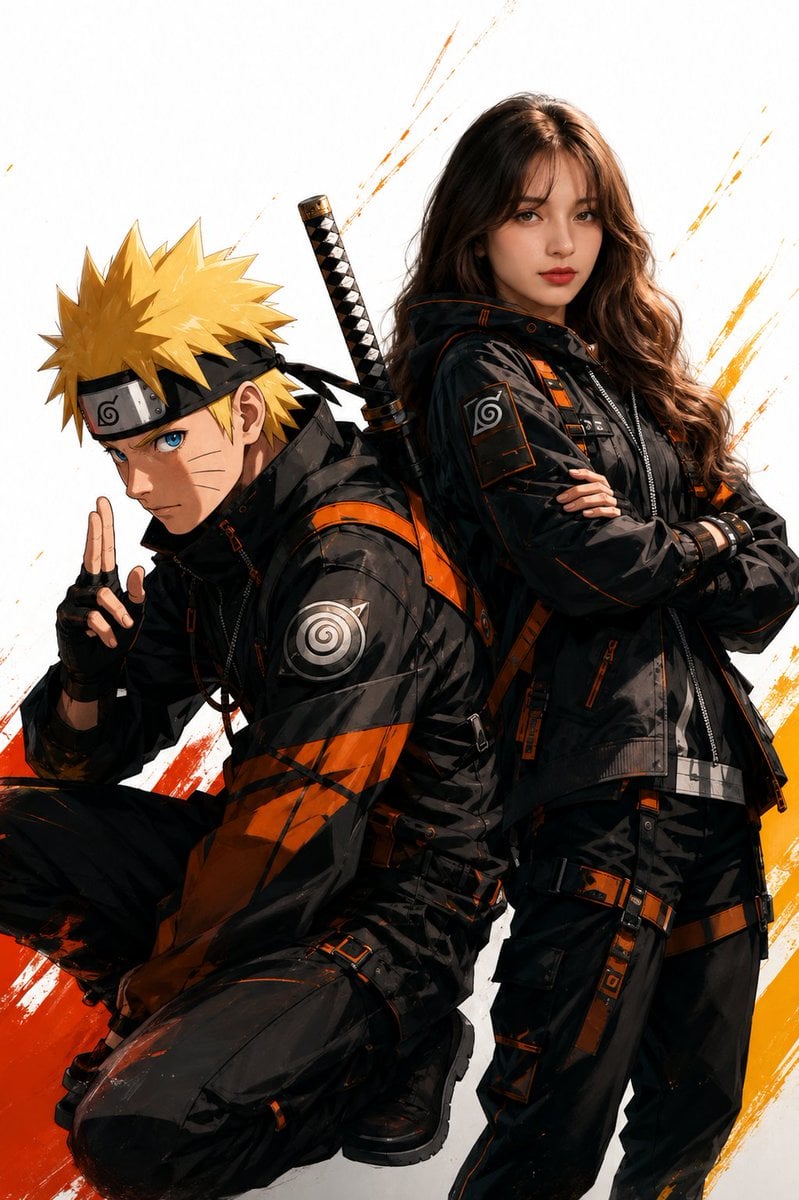
Anime Realistic Ninja Duo Portrait

Chibi Anime Ninja Sticker Sheet
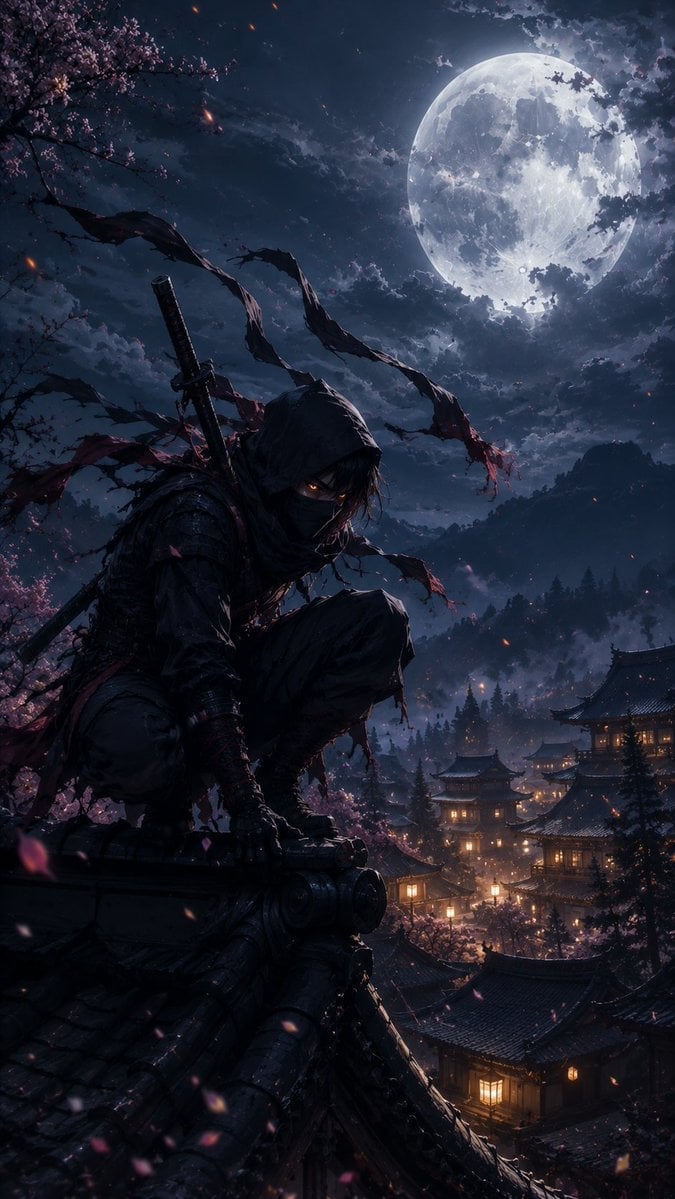
Cinematic Ninja Anime Wallpaper
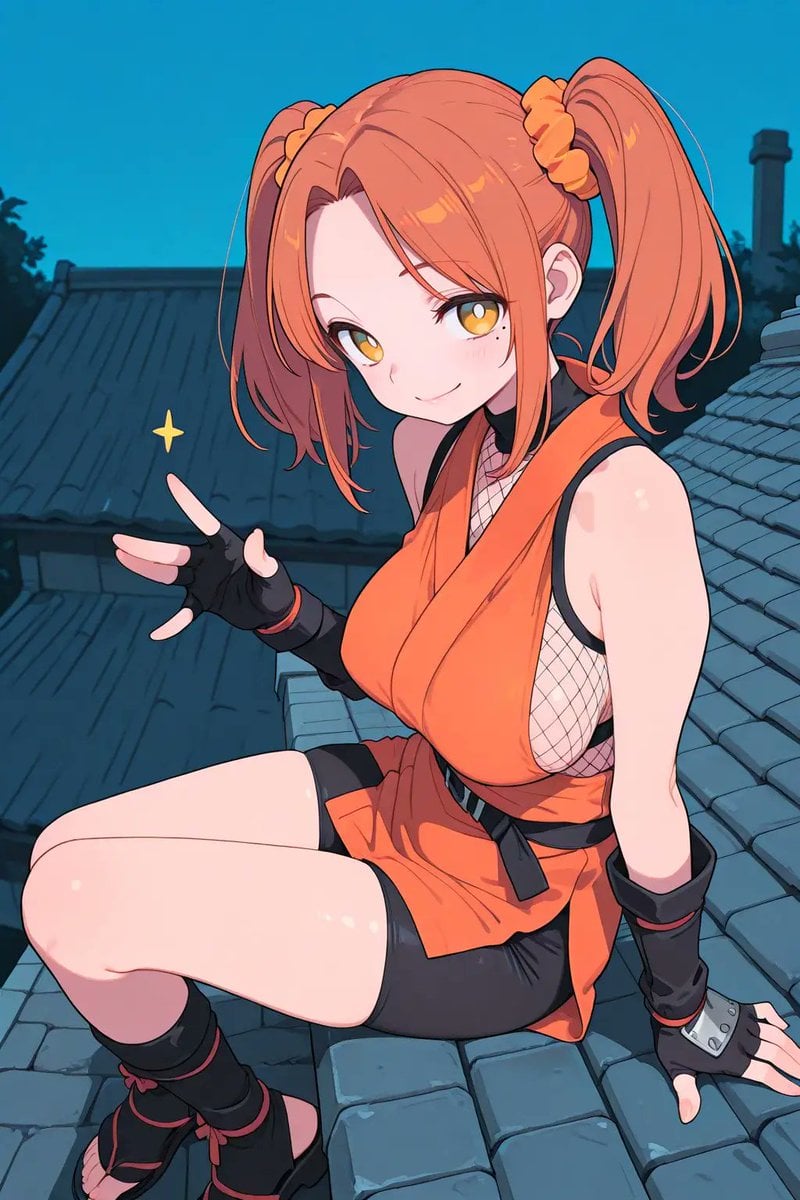
Anime Ninja Girl on Rooftop
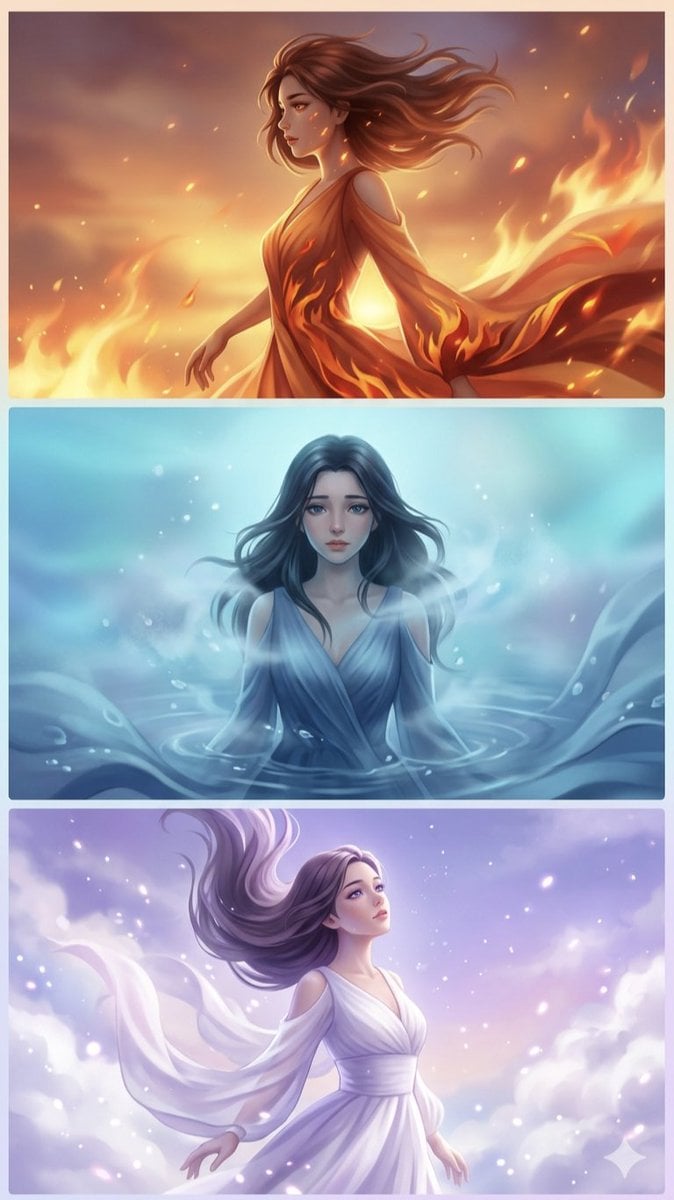
Elemental Spirits Anime Triptych
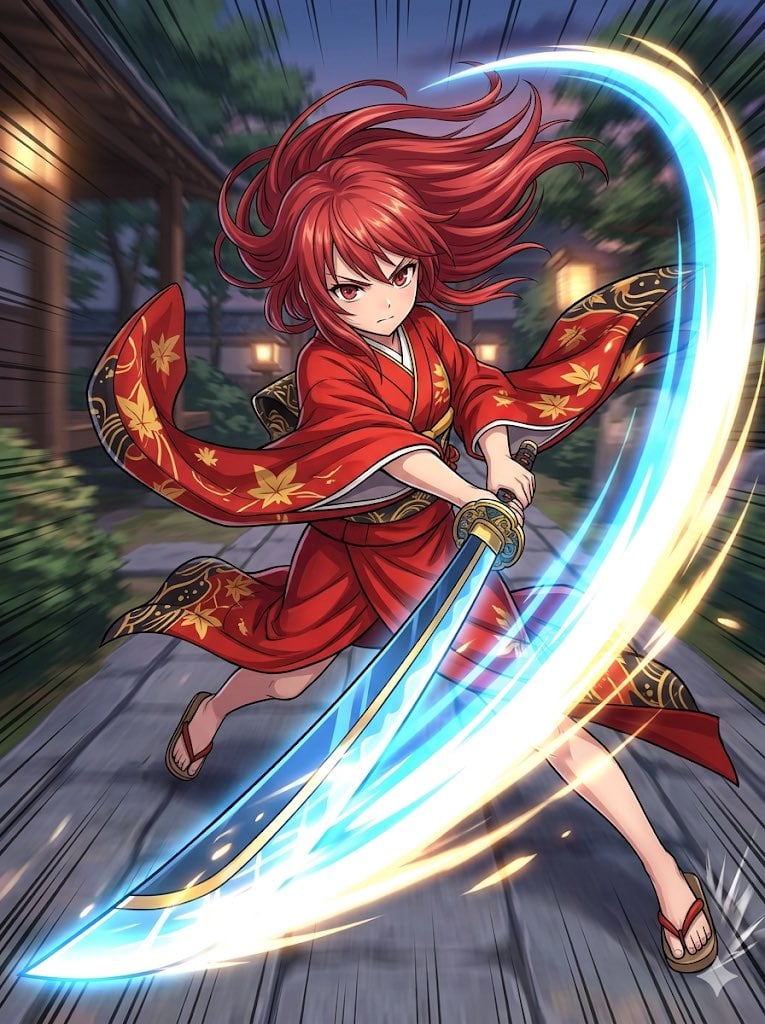
Anime Action Girl in Kimono

Cel 2D Finale Fireworks

Cel 2D Garden Maze

Cel 2D Rooftop Concert

Cel 2D Bicycle Coast

Cel 2D Castle Gate

Cel 2D Kitchen Chaos
Make it yours
Anime Ninja Action Triptych works as-is. These are the safest ways to change it without losing the look.
Swap the setting
Keep the rest of the prompt and replace the location block. The current setting is “{argument name="setting" default="old Kyoto street"}”.
Change one field
Copy a single group, rewrite it, and generate again so you can see what that field is doing.
Keep the frame, change the subject
Hold the composition and light of Anime Ninja Action Triptych, then swap wardrobe, props or the person for a new take.
| If the result… | Why | Fix |
|---|---|---|
| The result drifts from the preview | Too many fields changed at once. | Reuse Anime Ninja Action Triptych as-is first, then change one group — subject, light, or setting. |
| GPT Image 2 ignores part of the JSON | Some models flatten or skip nested keys. | Keep the same values and paste them as a short paragraph instead. |
More GPT Image 2 templates
Other prompts made for GPT Image 2.

Six VTuber Japanese Logo Sheet

Realistic Portrait of Woman and Deer

The Vista Modular Condo Poster

AI Model Routing Comparison Infographic

2.5D Anime Art Board

Isometric Productivity Desk Scene

New York Double Exposure Poster

Four-Panel AI Landscape Comparison

Japanese Tatami Lifestyle Magazine Cover

NESCAFÉ Coffee Map Poster
More image prompts
Fresh picks from across the catalog.
Raw High-Fidelity iPhone 17 Pro Simulation
Avant-Garde Electronic Music Poster
Throne of Ashes Deluxe Box Front
Cockatoo with a Comb-Over
Detailed Storyboard Prompt for Brand Visuals

AI-Generated Face Cinematic Portrait Prompt (Dual-Tone Lighting)

Luxury Editorial Trio in Couture
3D Technical Reference Sheet
Nano Banana Pro branded header image
Magical Fairytale Theme Park Selfie
Browse template categories
Anime Ninja Action Triptych questions
How do I use the Anime Ninja Action Triptych template?
Add your photo if the template asks for one, edit the prompt if you like — the template's model and format are already selected — and press Generate. Your version opens in PicX Studio.
Can I customize the Anime Ninja Action Triptych template?
Yes. You can change the subject, setting, lighting, mood, format, and available model controls before creating your image.
Is the Anime Ninja Action Triptych template free?
Opening and editing this template is free. Generating uses credits, shown on the Generate button when you are signed in.
Which AI model should I use?
Start with GPT Image 2, which is the model associated with this template. You can compare another compatible model for a different finish.
Looking for something else? Browse all templates.

Your photo, any look
Thousands of ready templates for every top image and video model, from one credit balance.