
Red Peaks Beach Streetwear Duo
A low-angle digital fashion illustration of a punk-styled couple with two dogs at a vivid seaside resort, useful for Red Peaks aesthetic concept art.
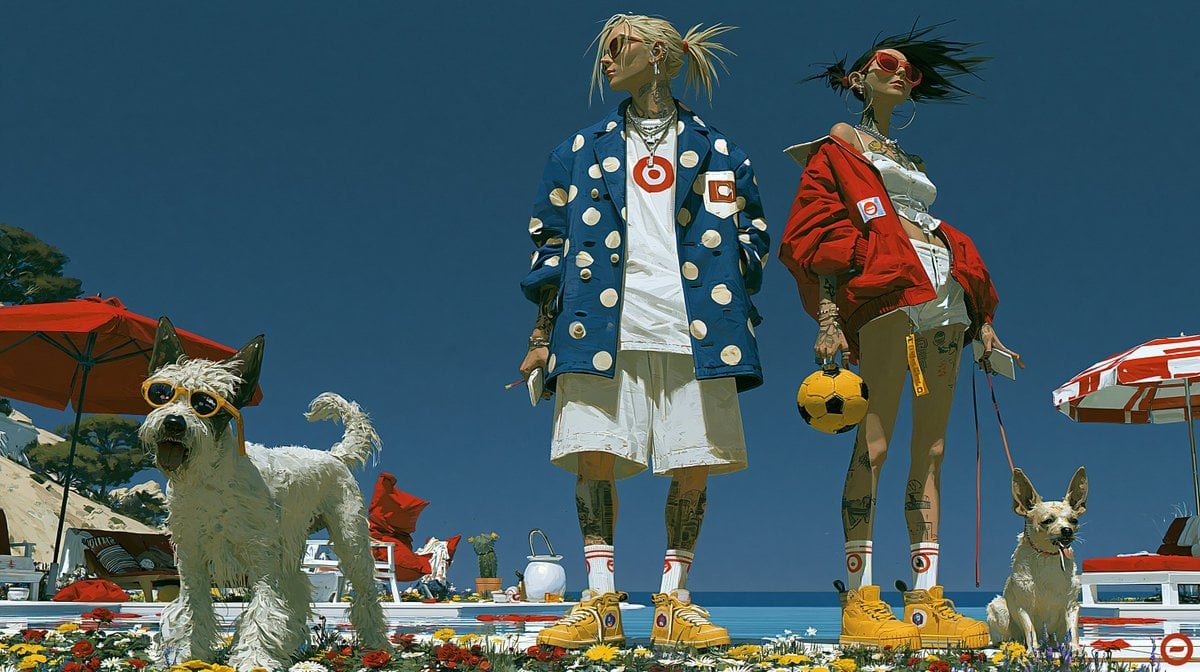
- Prompt included
- Model and format preset
- Free template
The prompt behind this image
Copy the exact prompt behind Red Peaks Beach Streetwear Duo, or open it in the studio and make it yours.
Create a wide cinematic digital illustration in the bold Red Peaks aesthetic: a low-angle fashion editorial scene on a sunlit seaside resort deck under a deep clear blue sky. Center the composition on exactly two punk-styled young adults standing confidently side by side, seen full body from below: on the left, {argument name="male character style" default="a tall slim man with pale blond spiky pigtail hair, visible neck and leg tattoos, layered necklaces, a white T-shirt with a red target logo, oversized white shorts, red-striped white socks, yellow high-top sneakers, and a loose blue coat covered in large cream polka dots and red target patches"}; on the right, {argument name="female character style" default="a tall slim woman with windblown black hair, red sunglasses, hoop earrings, tattoos, a cropped white top and white skirt or shorts, a vivid red oversized jacket with target patches, matching red-striped white socks, and yellow high-top sneakers"}. Include exactly two dogs: one large scruffy white terrier on the far left wearing black sunglasses, standing alert with tail raised, and one small tan dog on the far right sitting calmly on a red leash. The woman holds a small yellow soccer ball-like accessory in one hand and a phone in the other; the man casually holds a phone or small object. Surround them with a luxury beach-club setting: exactly two large umbrellas, one solid red umbrella on the left and one red-and-white striped umbrella on the right, white lounge chairs, red cushions, scattered flowers in the foreground, a bright pool or sea horizon behind them, and hints of rocky coastline and trees at far left. Use saturated red, white, blue, and yellow color blocking, crisp sunlight, strong shadows, painterly yet detailed digital brushwork, high-fashion streetwear attitude, surreal clean composition, no readable text except simple target symbols, no watermark.
How to use Red Peaks Beach Streetwear Duo in 3 steps
- 1Upload ImagePNG, JPG or paste
Add your photo
Upload the photo the template builds on. The prompt, model and format are already set.
- 2…a portrait of your subject in softgolden-hour light, 85mm…
Personalize
Edit the subject and creative details for your destination.
- 3Generate
Generate
Press Generate — your image is created in PicX Studio, so you can compare it with the original and refine one variable at a time.
More like this
Templates with the same subject, style or setup. Open one to see its prompt.

1988 Mall Style

Retro Pop-Art K-Fashion Ultraluxury Campaign Poster

Urban Fashion Editorial Collage Streetwear Poster

Bold Red Contrast Fashion Editorial Newspaper Room

Monochrome Hypebeast Street Fashion Editorial Motion
Monochrome Hypebeast Street Fashion Editorial Motion

Korean Streetwear Minimalist Campaign Portrait

Cinematic Korean Streetwear Street Portrait

Frozen Street Luxe Graffiti Fashion Campaign

Ultra-Stylized High-Fashion Streetwear Poster

Urban Fashion Editorial Collage Poster

Korean Idol Partial Shadow Editorial Portrait
Make it yours
Red Peaks Beach Streetwear Duo works as-is. These are the safest ways to change it without losing the look.
Change one field
Copy a single group, rewrite it, and generate again so you can see what that field is doing.
Keep the frame, change the subject
Hold the composition and light of Red Peaks Beach Streetwear Duo, then swap wardrobe, props or the person for a new take.
| If the result… | Why | Fix |
|---|---|---|
| The result drifts from the preview | Too many fields changed at once. | Reuse Red Peaks Beach Streetwear Duo as-is first, then change one group — subject, light, or setting. |
| The model over-stylizes the scene | The prose prompt leaves finish and camera underspecified. | Add one camera or lighting sentence and stay on GPT Image 2. |
More GPT Image 2 templates
Other prompts made for GPT Image 2.

Six VTuber Japanese Logo Sheet

Realistic Portrait of Woman and Deer

The Vista Modular Condo Poster

AI Model Routing Comparison Infographic

2.5D Anime Art Board

Isometric Productivity Desk Scene

New York Double Exposure Poster

Four-Panel AI Landscape Comparison

Japanese Tatami Lifestyle Magazine Cover

NESCAFÉ Coffee Map Poster
More image prompts
Fresh picks from across the catalog.
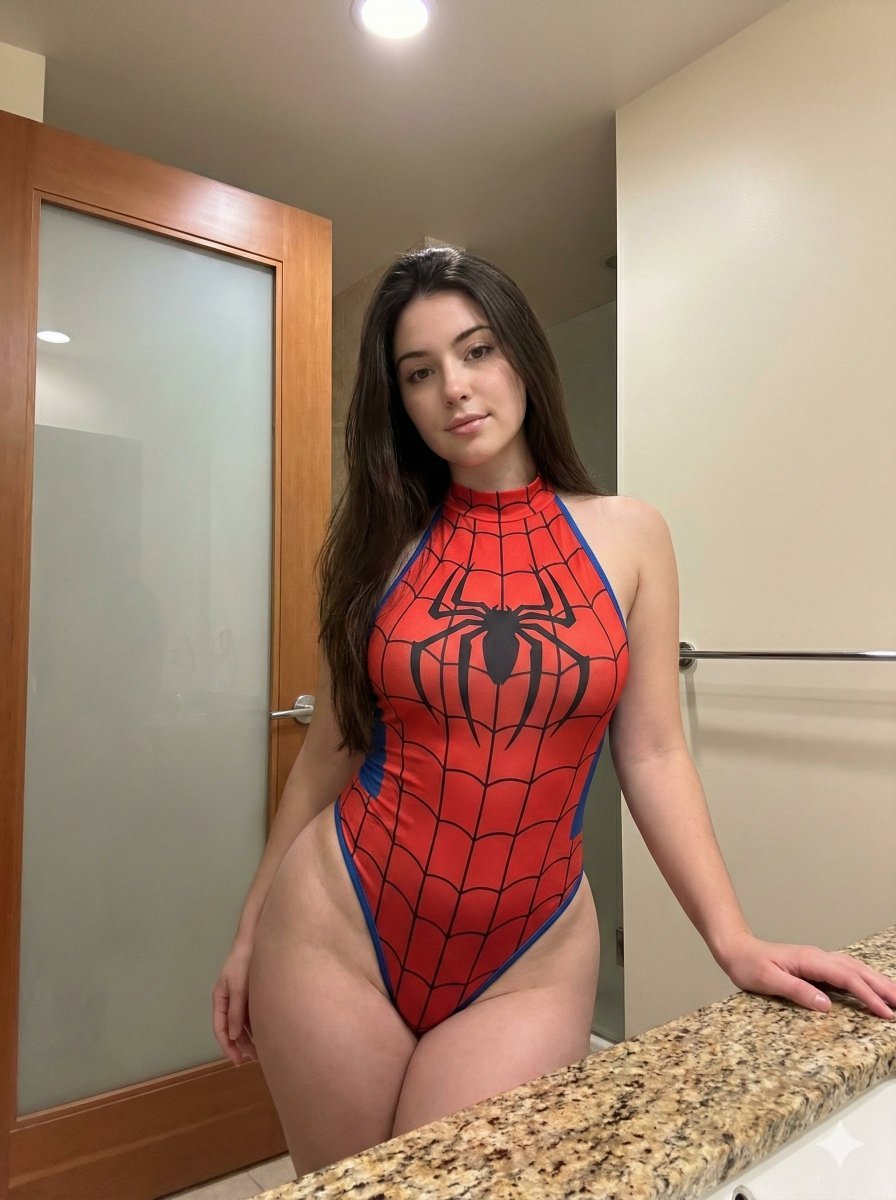
Photorealistic Spider-Girl Cosplay Portrait
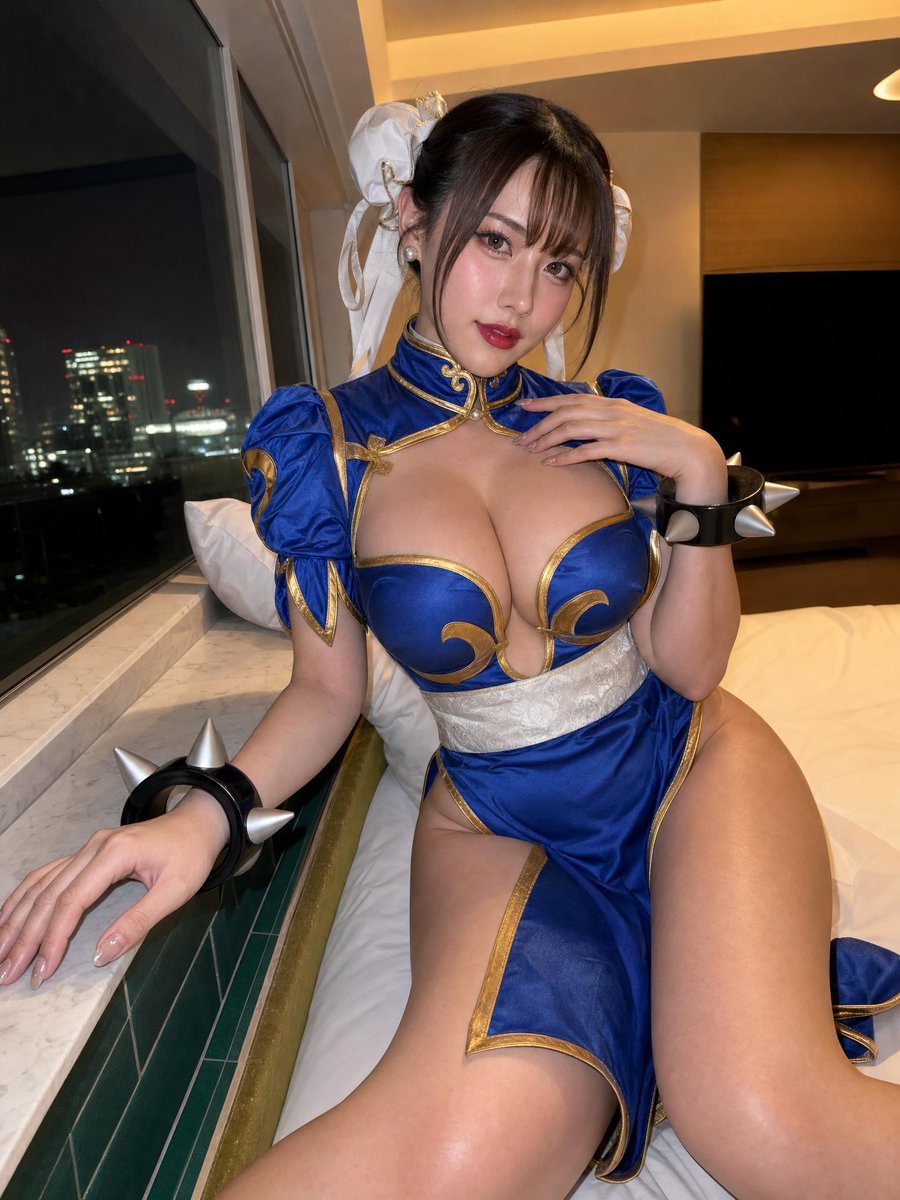
Idol-Style Cosplay Hotel Portrait
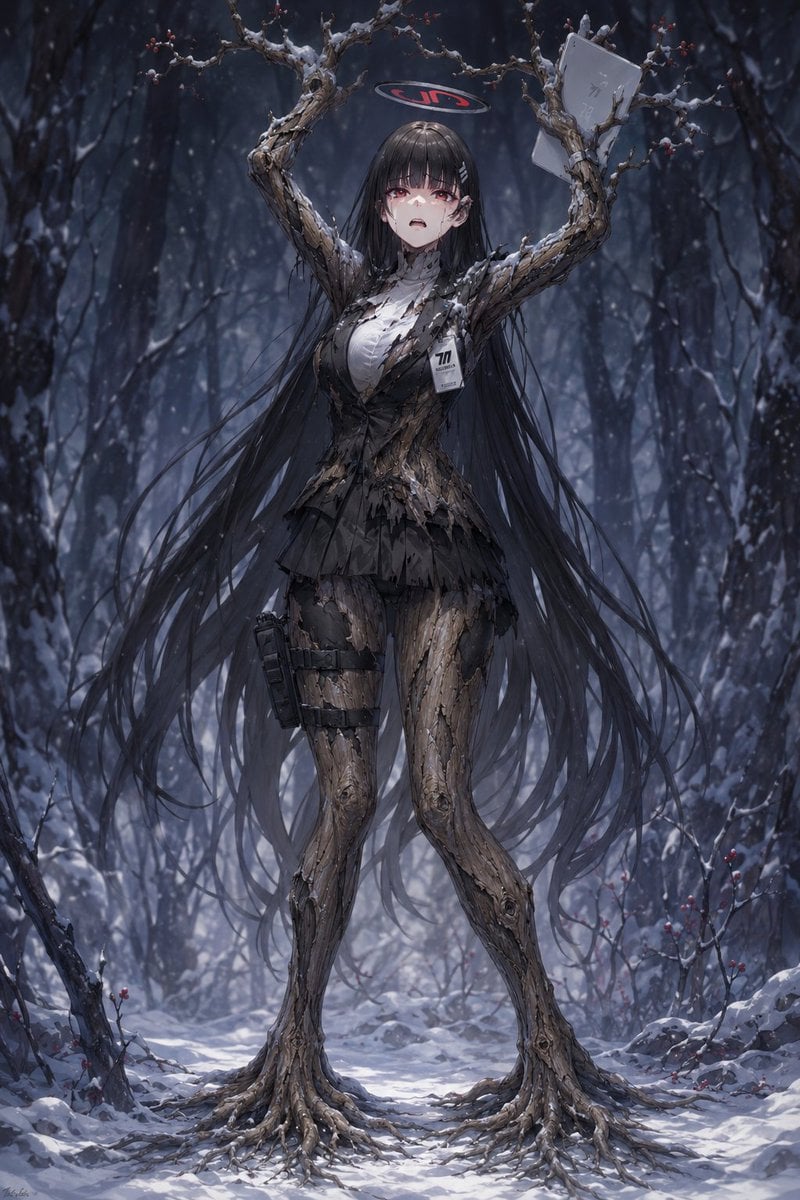
Snow Forest Tree Girl
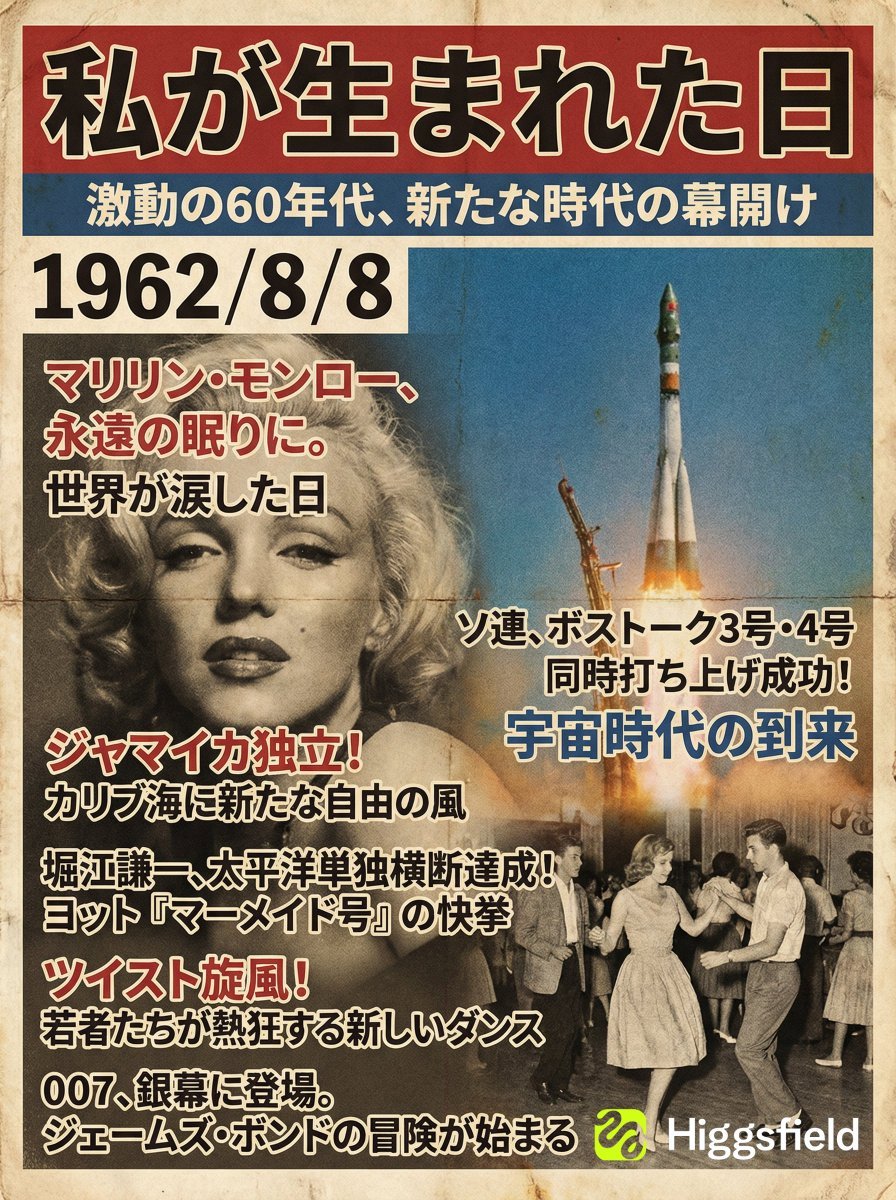
Magazine Cover Generation Based on Birth Date Prompt
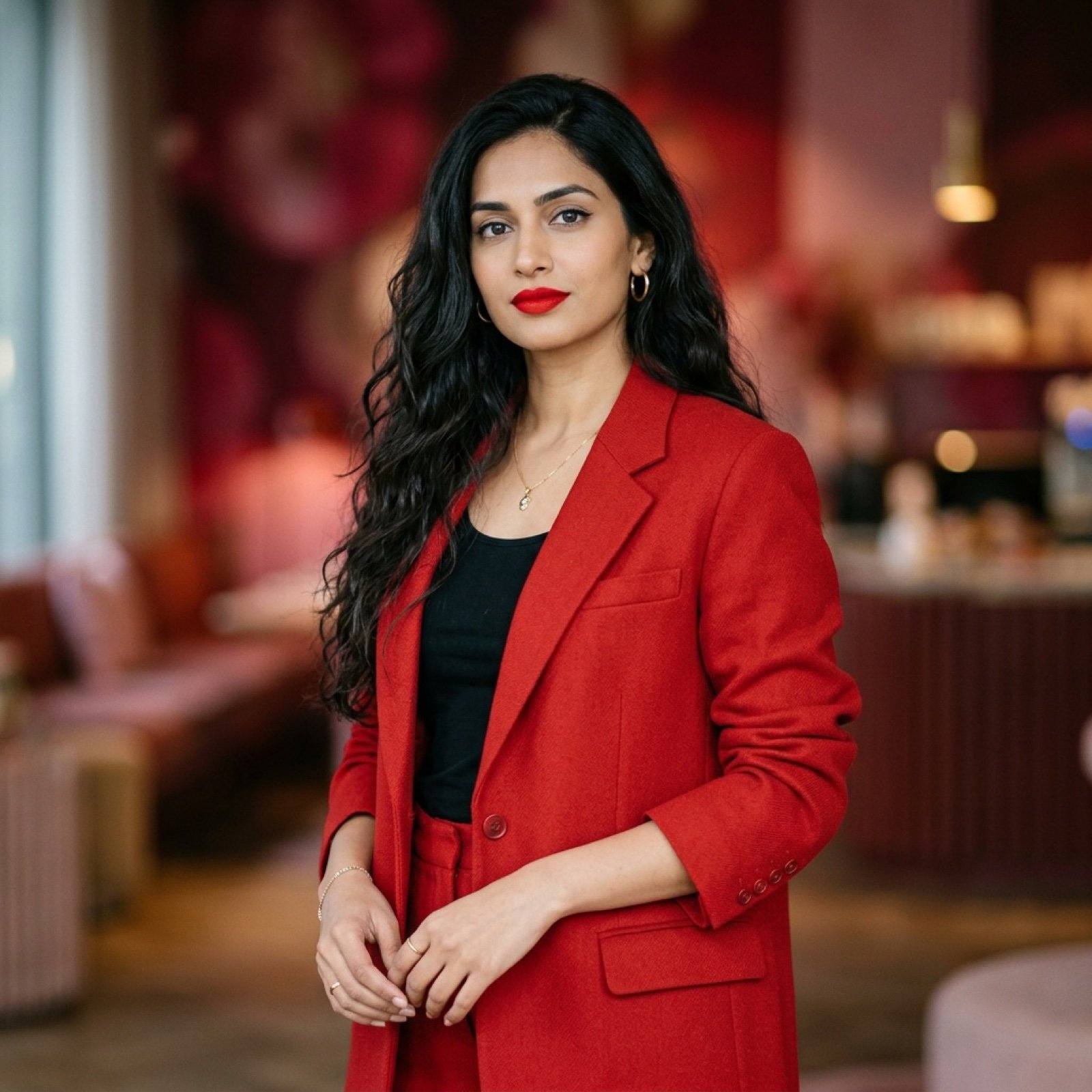
Indian Woman in Red Suit Portrait
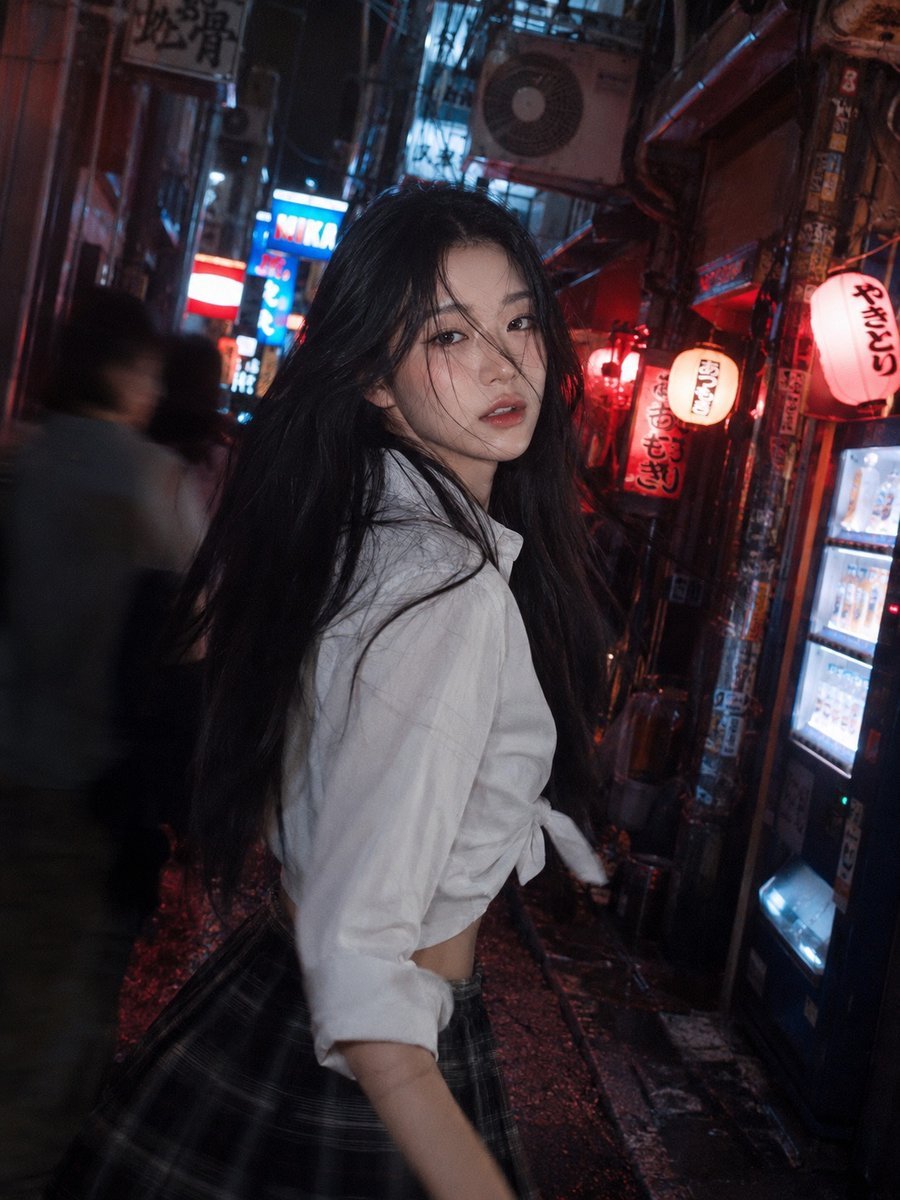
Tokyo Back Alley Neon Snapshot
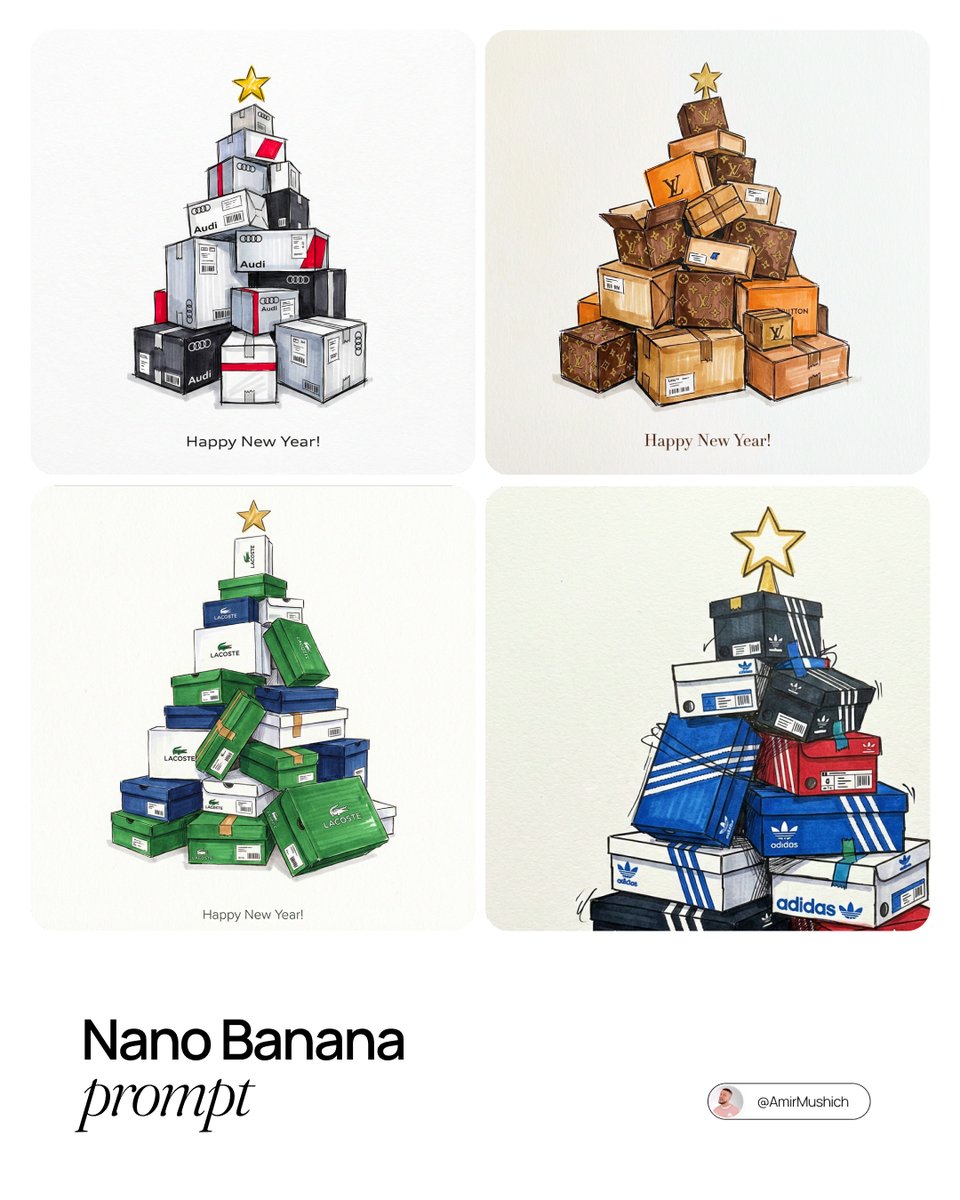
Branded gifts postcard illustration prompt
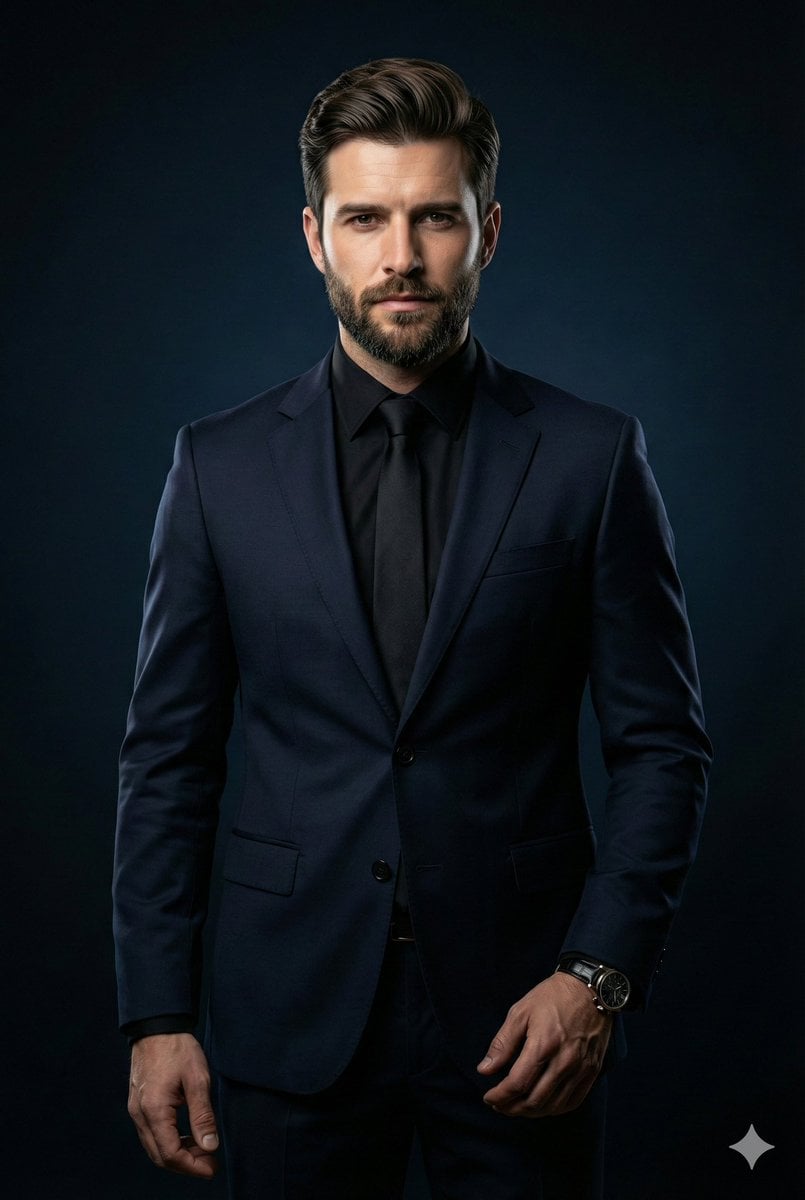
Cinematic Portrait of Middle-Aged Man in Suit
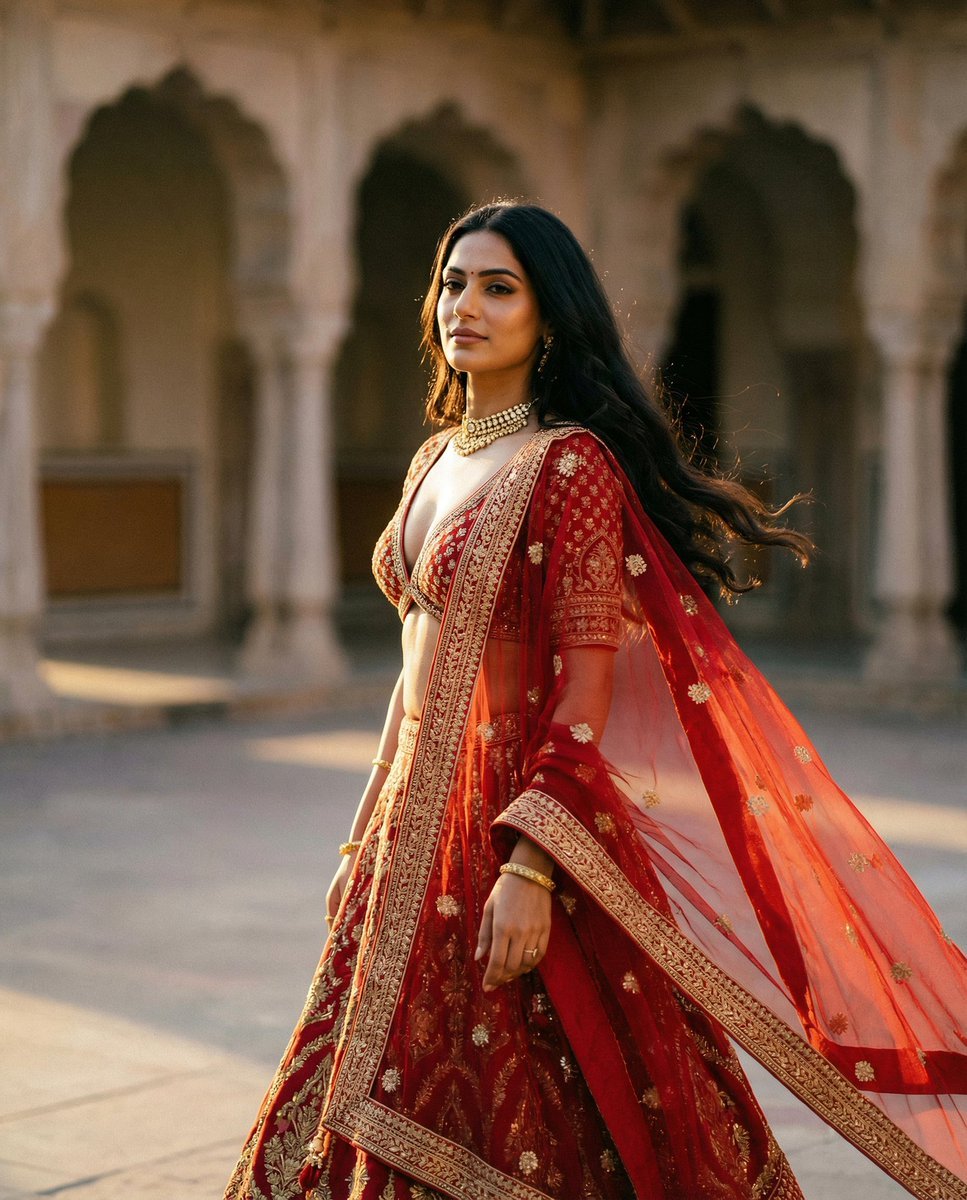
Cinematic Indian Royal Bridal Portrait
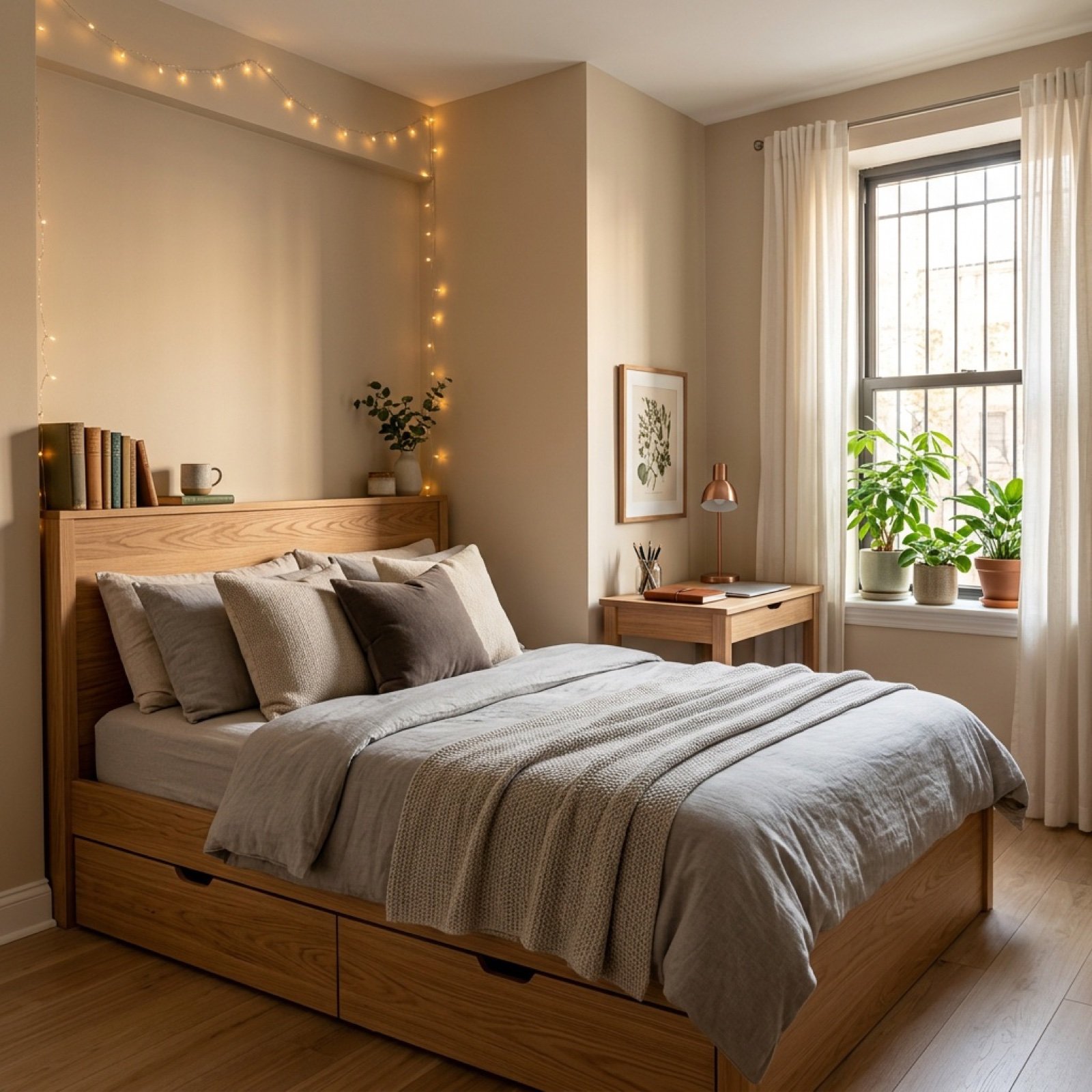
Video Transition Prompt (Room Renovation Timelapse)
Browse template categories
Red Peaks Beach Streetwear Duo questions
How do I use the Red Peaks Beach Streetwear Duo template?
Add your photo if the template asks for one, edit the prompt if you like — the template's model and format are already selected — and press Generate. Your version opens in PicX Studio.
Can I customize the Red Peaks Beach Streetwear Duo template?
Yes. You can change the subject, setting, lighting, mood, format, and available model controls before creating your image.
Is the Red Peaks Beach Streetwear Duo template free?
Opening and editing this template is free. Generating uses credits, shown on the Generate button when you are signed in.
Which AI model should I use?
Start with GPT Image 2, which is the model associated with this template. You can compare another compatible model for a different finish.
Looking for something else? Browse all templates.

Your photo, any look
Thousands of ready templates for every top image and video model, from one credit balance.