
Photorealistic Spider-Girl Cosplay Portrait
A highly detailed JSON prompt for generating a photorealistic image of a woman in a Spider-Man inspired bodysuit, emphasizing an exaggerated hourglass figure and specific anatomical constraints.
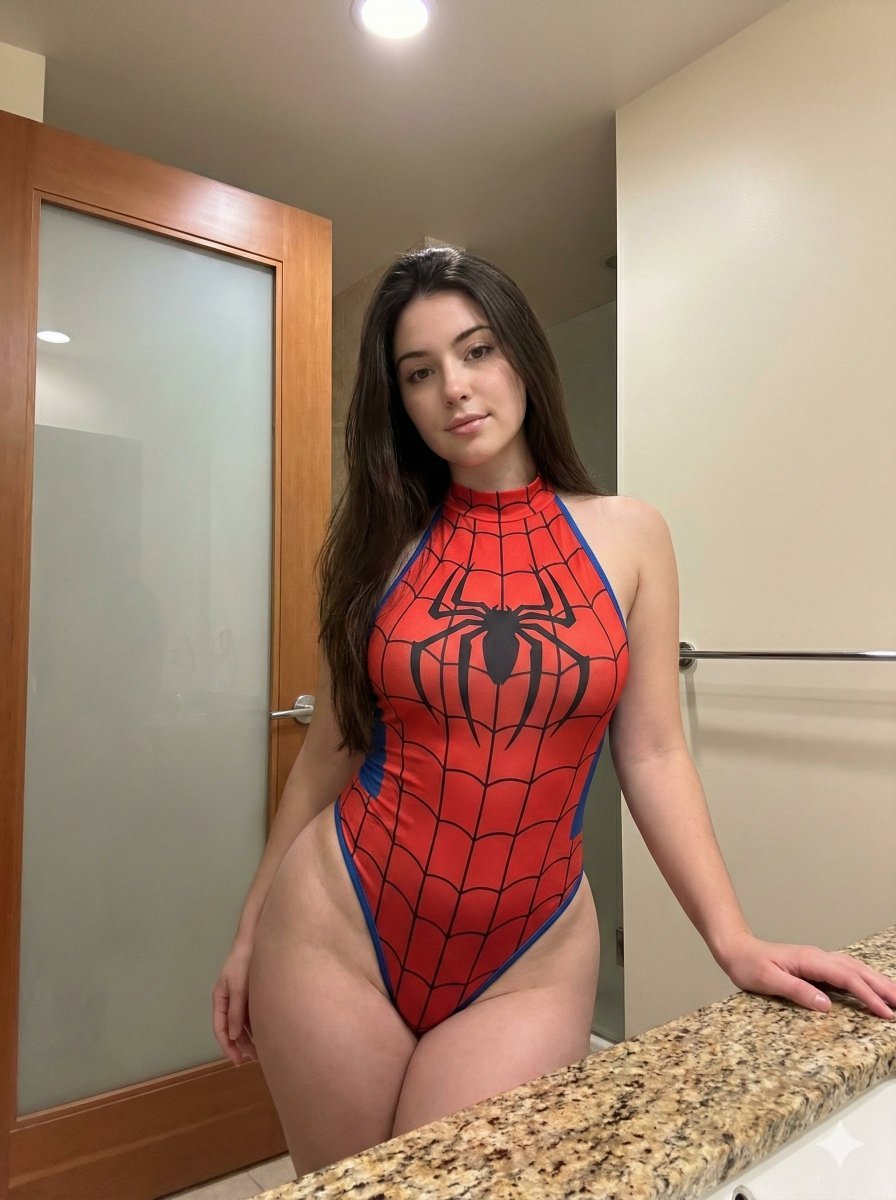
- Prompt included
- Model and format preset
- Free template
The prompt behind this image
Copy the exact prompt behind Photorealistic Spider-Girl Cosplay Portrait, or open it in the studio and make it yours.
{ "subject": { "description": "Young woman with a voluptuous, exaggerated hourglass figure. She has fair skin and long, straight, dark brown to black hair that falls over her shoulders and down her back. Her facial features are symmetrical with full lips, defined eyebrows, and green-hazel eyes.", "apparel": { "item": "Spider-Man inspired bodysuit", "style": "Halter-neck, high-cut leg openings, sleeveless", "color": "Red base with black spider-web pattern and blue trim along the leg openings", "details": "Large black spider emblem centered on the chest, fabric stretches tightly across the body emphasizing curves" }, "anatomy_constraints": { "body_type": "Curvy, heavy hourglass", "bust": "Large, full, and voluminous bust with significant forward projection, tightly contained by the fabric", "hips": "Very wide hips and thick thighs, creating a stark ratio with a narrow waist", "skin": "Smooth texture with natural skin tone variation" } }, "pose": { "posture": "Standing upright with weight shifted to the right hip (viewer's left), creating a pelvic tilt. The torso is angled slightly towards the camera.", "limbs": { "right_arm": "Extended downwards with the hand resting on a granite countertop to the side", "left_arm": "Hanging naturally by the side, partially obscured by the hip", "head": "Tilted very slightly, facing forward" }, "gaze": "Direct eye contact with the camera, soft and neutral expression" }, "environment": { "location": "Indoor bathroom", "elements": [ "Granite or marble countertop with speckled brown and beige pattern (left foreground)", "Wooden door with a tall frosted glass panel (right background)", "Towel bar (background left)", "Neutral cream or off-white walls" ] }, "camera": { "shot_type": "Medium shot (thighs up)", "angle": "Eye-level, slightly frontal", "focal_length": "50mm to 85mm portrait lens", "depth_of_field": "Moderate, keeping the subject sharp while the background is slightly distinct but soft", "framing": "Centered subject, vertical orientation" }, "lighting": { "type": "Soft, diffuse indoor artificial lighting", "direction": "Overhead and slightly frontal", "qualities": "Even illumination on the face and body, creating soft shadows under the bust and along the hips, highlighting the contours of the body and the sheen of the fabric", "shadows": "Soft, natural occlusion shadows" }, "mood_and_expression": { "emotion": "Confident, calm, sultry", "atmosphere": "Casual, domestic, intimate" }, "style_and_realism": { "aesthetic": "Photorealistic smartphone photography", "rendering": "High fidelity, detailed texture on fabric and skin, natural color grading", "fidelity": "Unstylized, strictly adhering to physical proportions of the reference" }, "colors_and_tone": { "palette": "Primary red of the suit, beige and brown of the granite, warm wood tones, neutral cream walls", "contrast": "Natural contrast, not heavily graded", "saturation": "Realistic, with the red of t
How to use Photorealistic Spider-Girl Cosplay Portrait in 3 steps
- 1
Open
The prompt is already in the box next to the preview, with the template's model and format selected.
- 2…a portrait of your subject in softgolden-hour light, 85mm…
Personalize
Edit the subject and creative details for your destination.
- 3Generate
Generate
Press Generate — your image is created in PicX Studio, so you can compare it with the original and refine one variable at a time.
More like this
Templates with the same subject, style or setup. Open one to see its prompt.

Spider-Man Rooftop Golden Hour Cinematic Photo
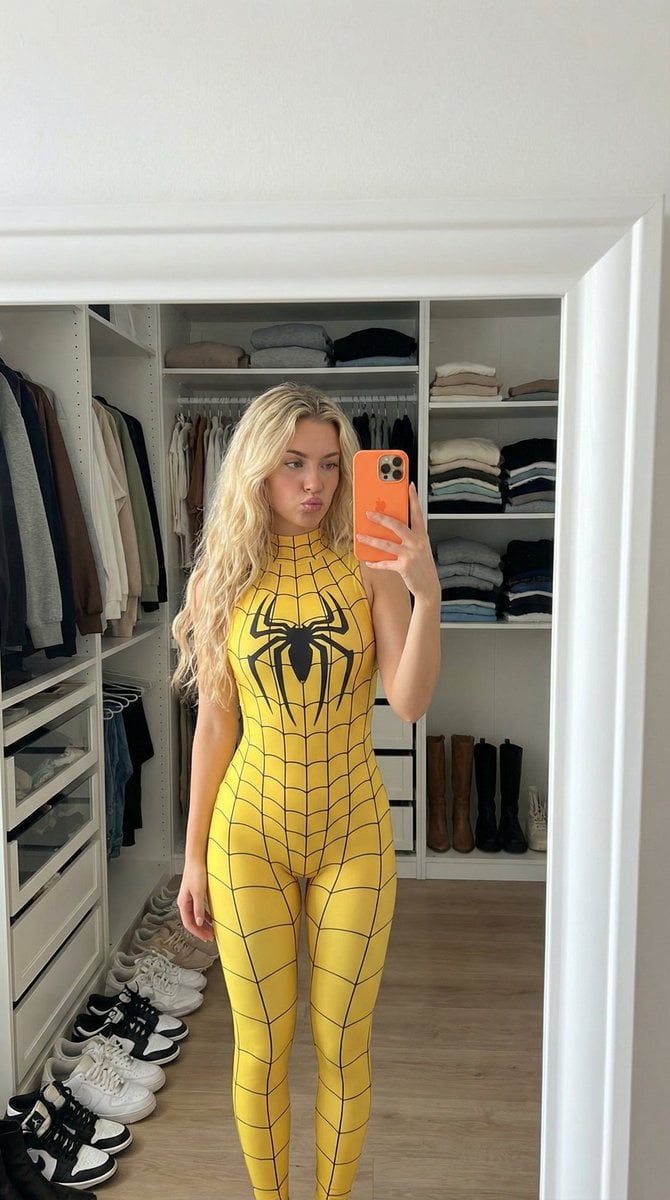
Spider-Girl Cosplay Selfie Prompt (Yellow)
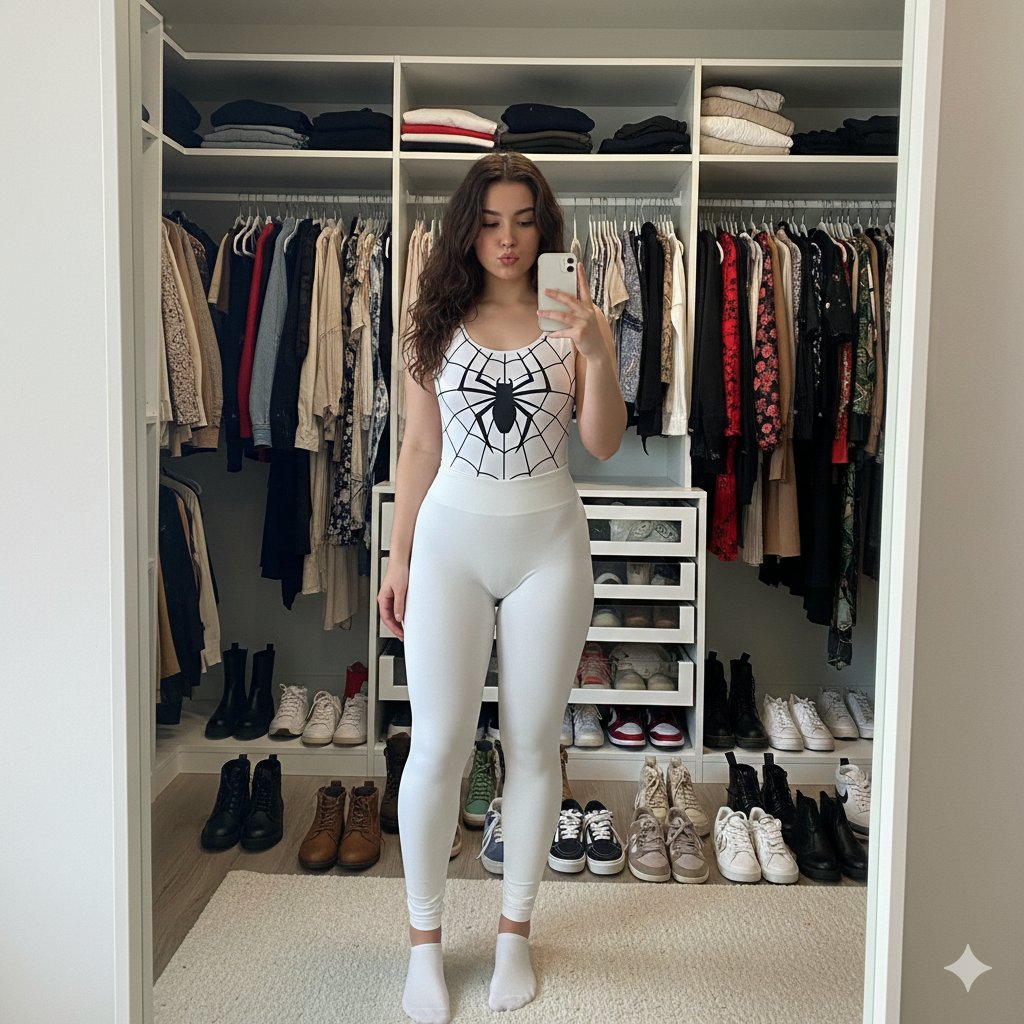
Spider-Girl Cosplay Selfie Prompt (White)
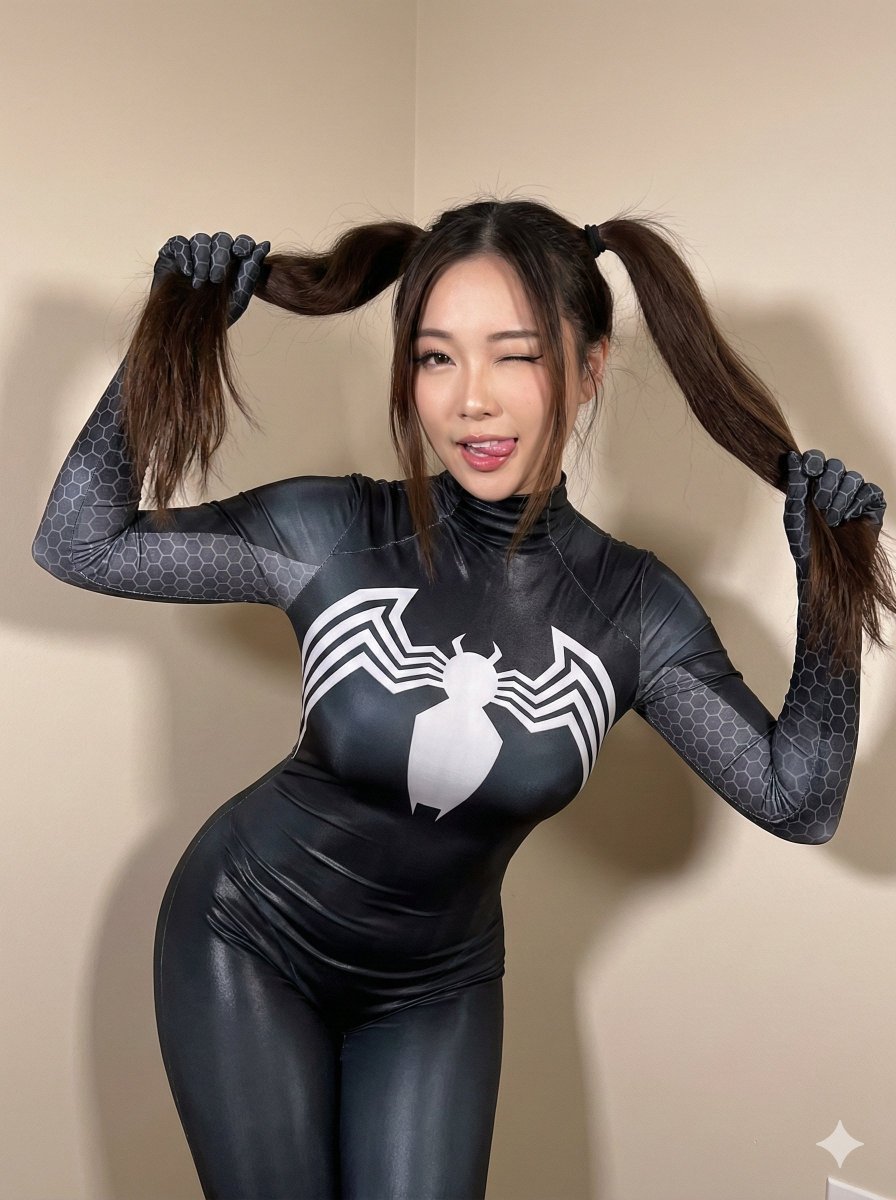
Black Spider Girl Symbiote Cosplay
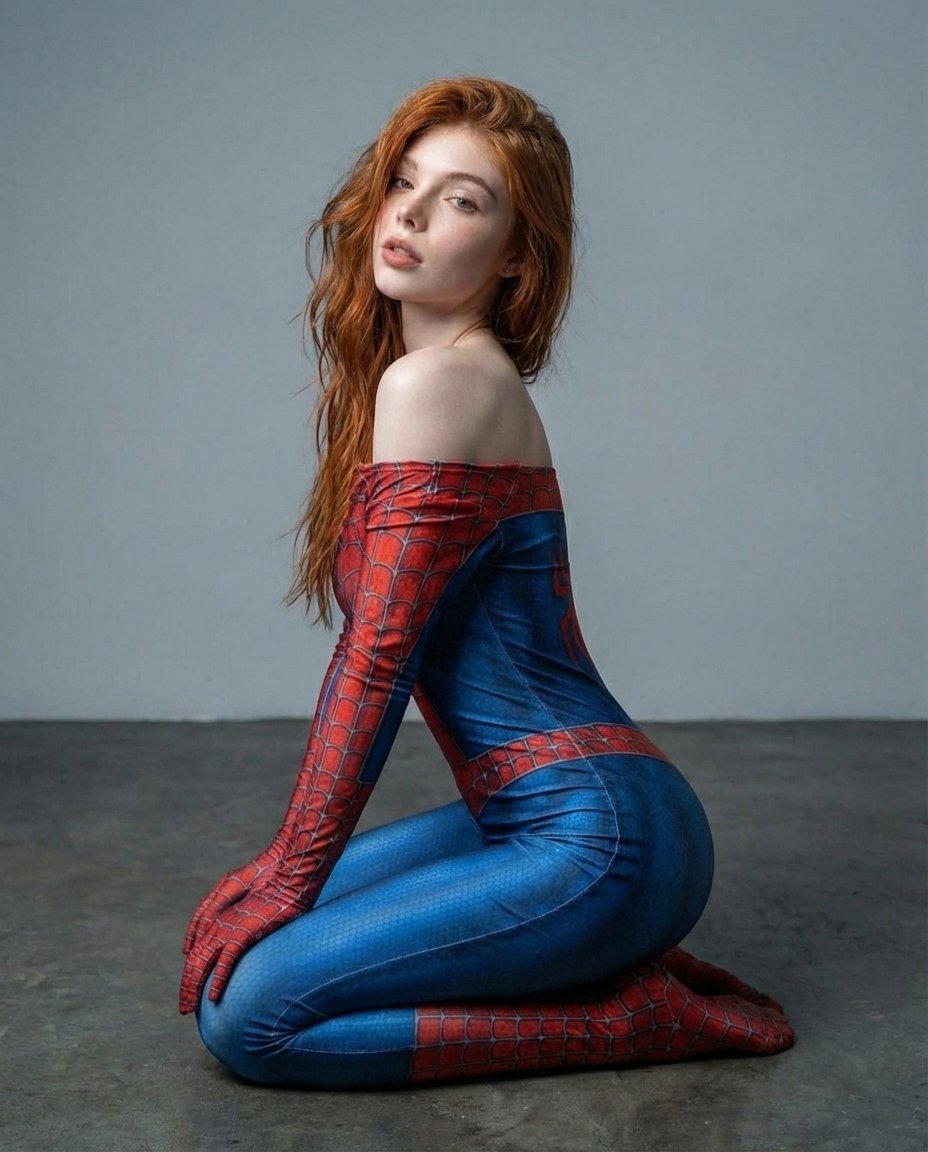
Photorealistic Spider-Themed Bodysuit Portrait

Conceptual Fashion Portrait in Spider We

Found Photograph: Us, 1970

80s Couple Studio Portrait

80s Bollywood Star

80s Golden Hour Cinema

Me in 1985

1985 Studio Portrait
Make it yours
Photorealistic Spider-Girl Cosplay Portrait works as-is. These are the safest ways to change it without losing the look.
Change one field
Copy a single group, rewrite it, and generate again so you can see what that field is doing.
Keep the frame, change the subject
Hold the composition and light of Photorealistic Spider-Girl Cosplay Portrait, then swap wardrobe, props or the person for a new take.
| If the result… | Why | Fix |
|---|---|---|
| The result drifts from the preview | Too many fields changed at once. | Reuse Photorealistic Spider-Girl Cosplay Portrait as-is first, then change one group — subject, light, or setting. |
| The model over-stylizes the scene | The prose prompt leaves finish and camera underspecified. | Add one camera or lighting sentence and stay on Nano Banana 2. |
More Nano Banana 2 templates
Other prompts made for Nano Banana 2.

Photorealistic Leaf Shaped Like a Dragon

K-Pop Idol Portrait Grid for Rapid Selection

Poetic Rain Forest Portrait During Golden Hour

Urban Street Portrait with Cartoon Inner Self Duo

Candid Nighttime Photo with Cat Prompt

High-Concept 3D Diorama Generation Prompt

Cinematic Futuristic Studio Portrait Template

Skincare Editorial Photography Collage Prompt

Hyper-Realistic Commercial Product Photography (Splash Effect)

Hyper-Realistic Nightclub Portrait Prompt
More image prompts
Fresh picks from across the catalog.
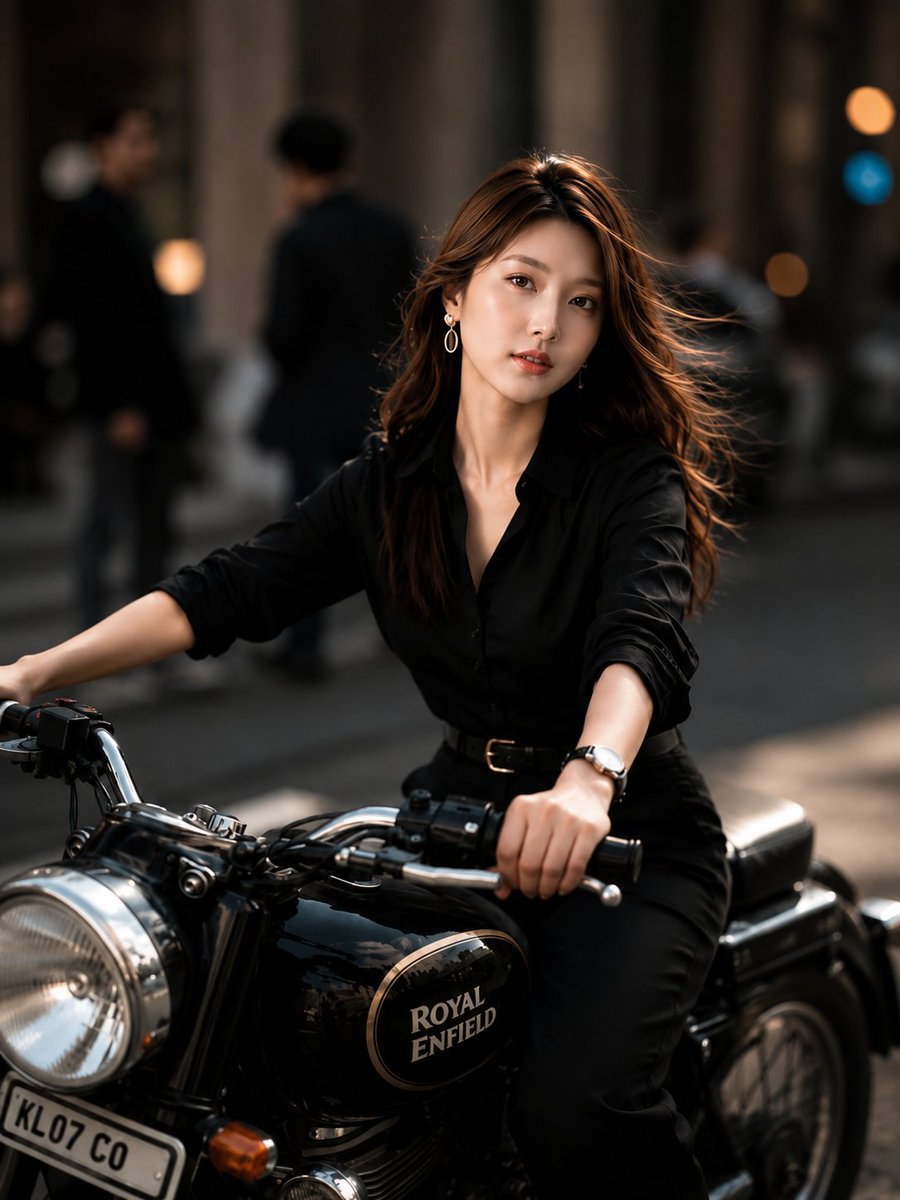
Urban Street Motorcycle Portrait
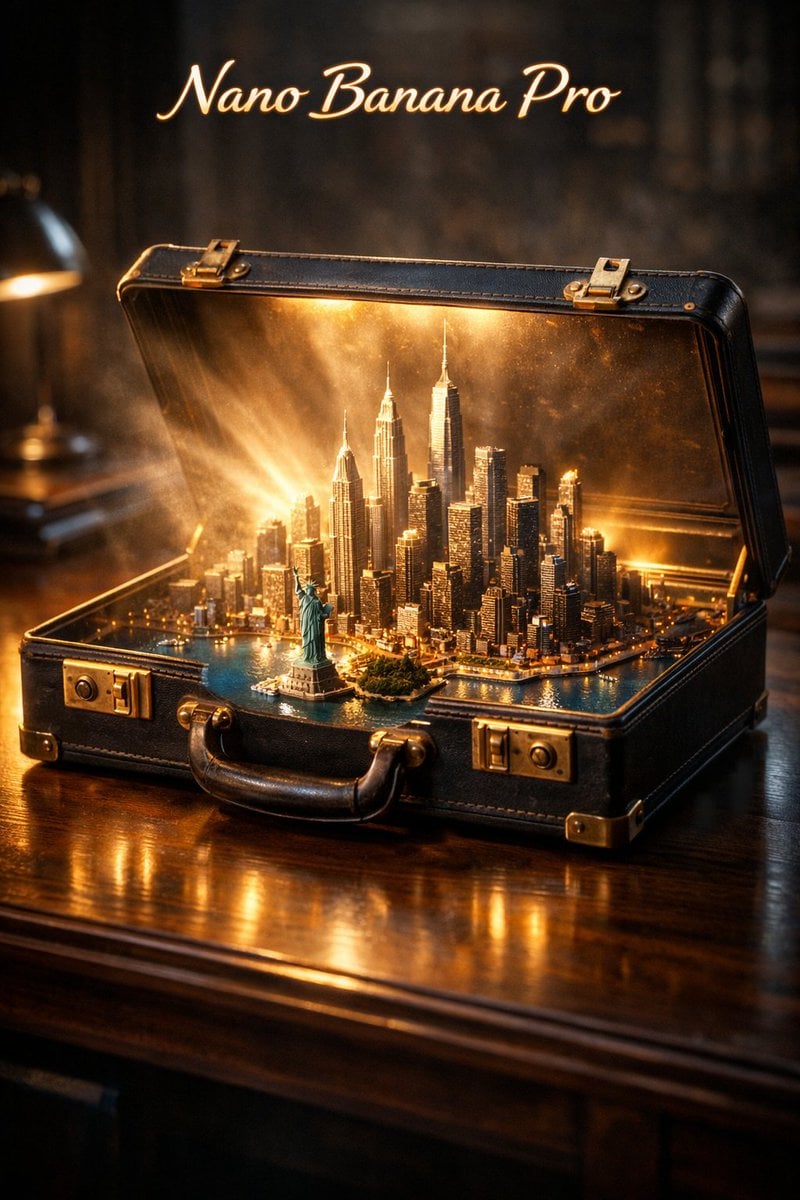
Cinematic Product Reveal of a Vintage Briefcase
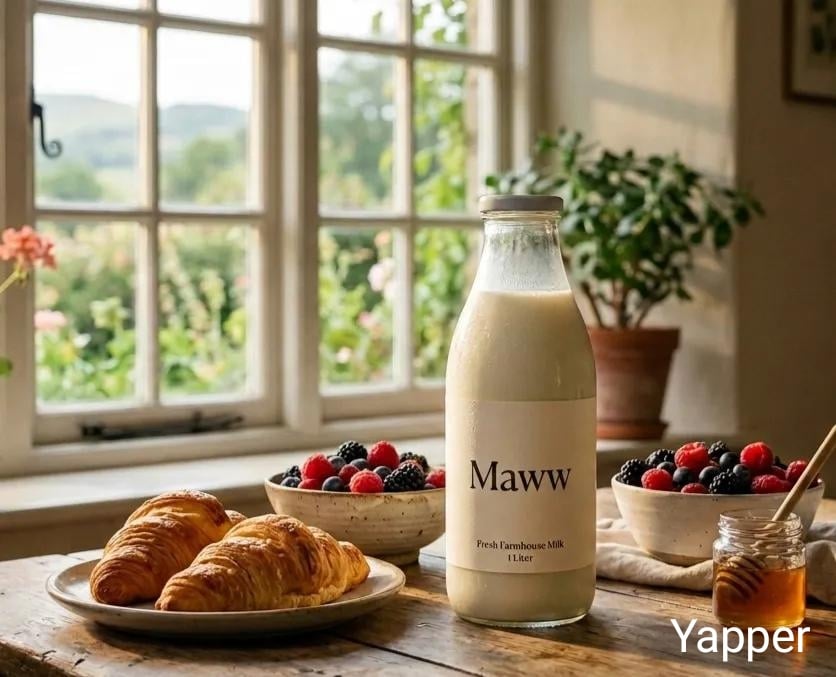
Triple Product Photography Prompt for Nano Banana Pro
Quiet Luxury Winter Editorial Prompt
Reflected World in a Glass Sphere Prompt
Cinematic Face-Locked Portrait with Cigarette
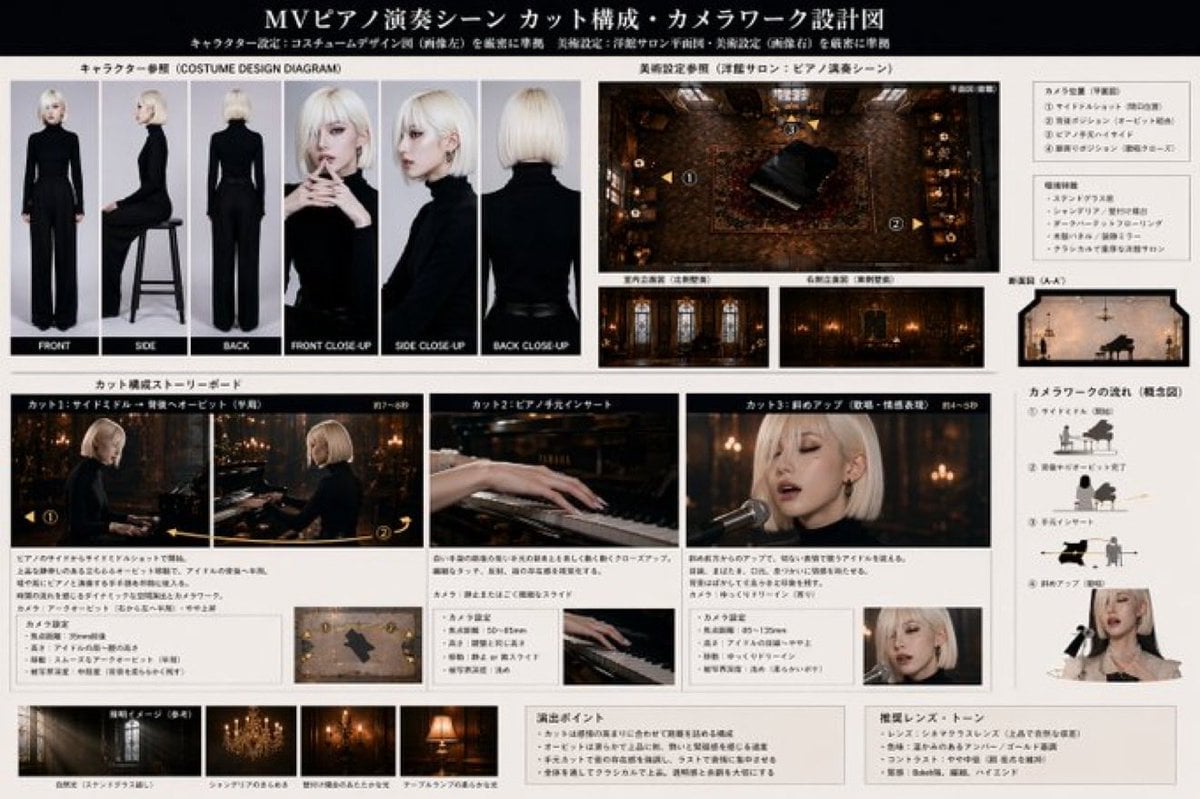
MV Pre-visualization Blueprint
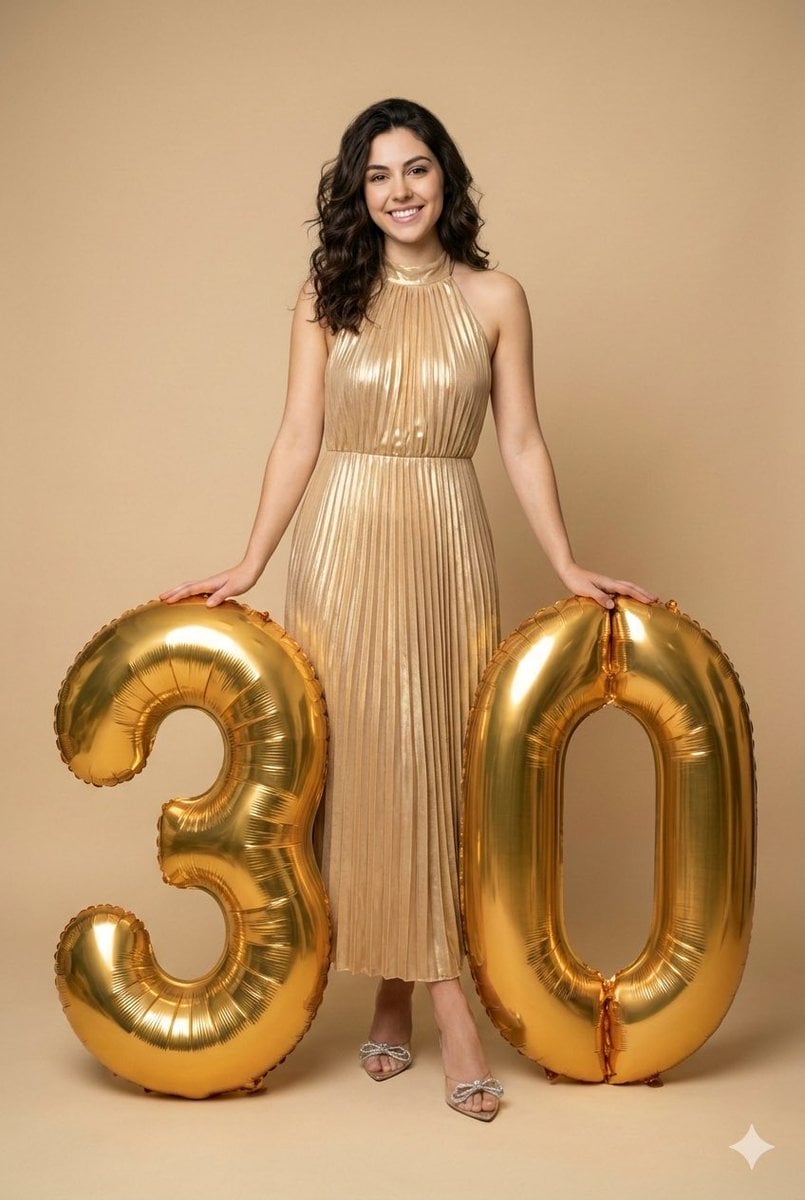
Creative Birthday Portrait with Metallic Balloons
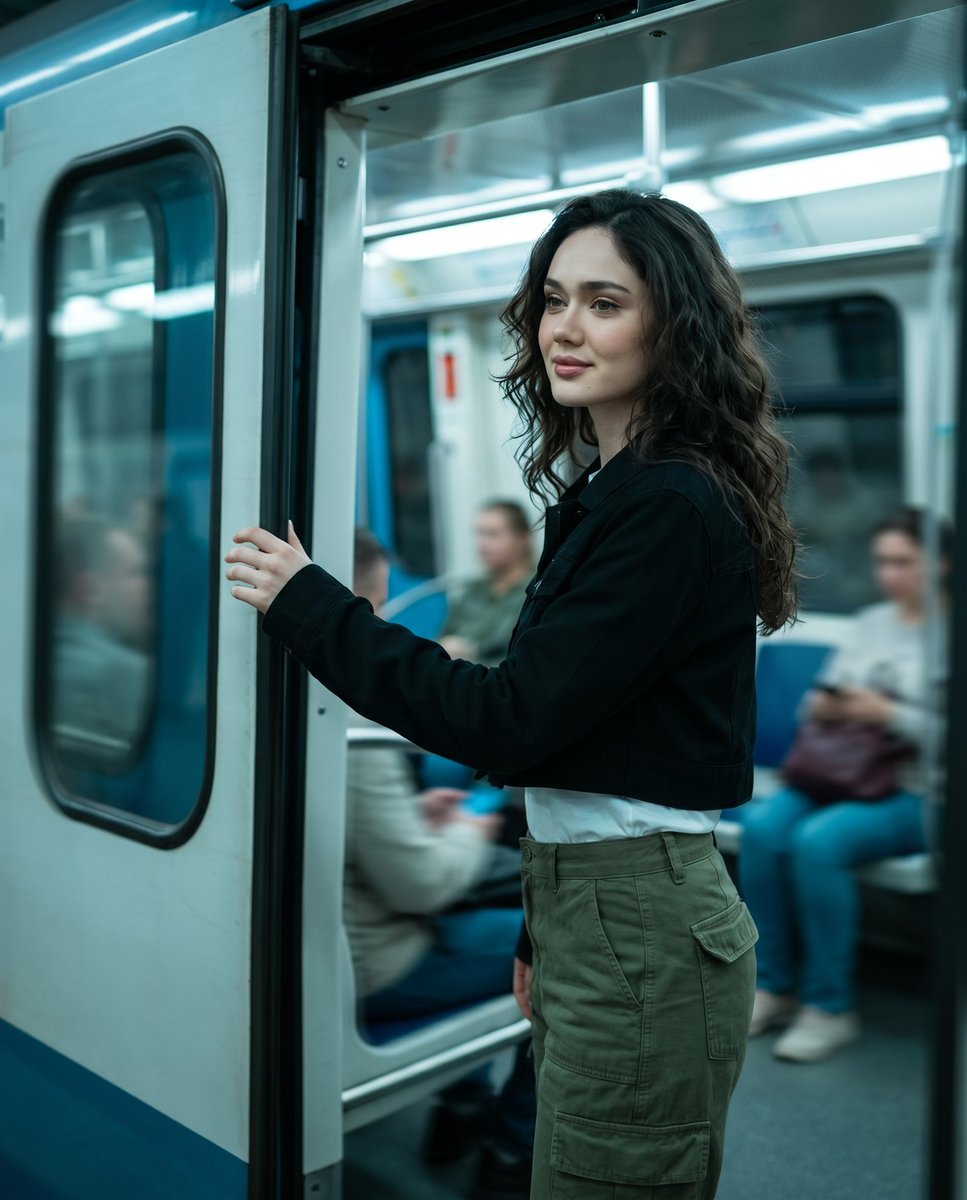
Urban Metro Cinematic Shot
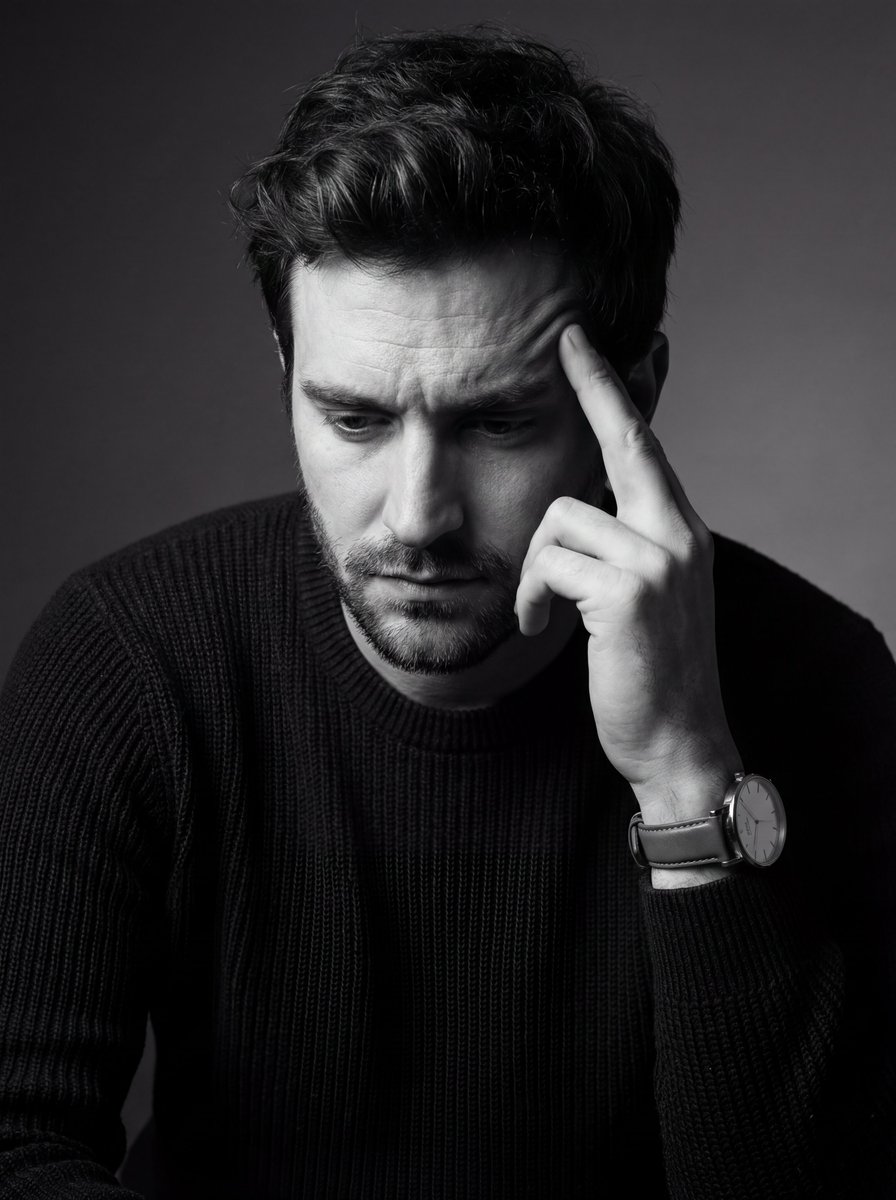
Monochrome Fine Art Portrait with Low-Key Lighting
Browse template categories
Photorealistic Spider-Girl Cosplay Portrait questions
How do I use the Photorealistic Spider-Girl Cosplay Portrait template?
Add your photo if the template asks for one, edit the prompt if you like — the template's model and format are already selected — and press Generate. Your version opens in PicX Studio.
Can I customize the Photorealistic Spider-Girl Cosplay Portrait template?
Yes. You can change the subject, setting, lighting, mood, format, and available model controls before creating your image.
Is the Photorealistic Spider-Girl Cosplay Portrait template free?
Opening and editing this template is free. Generating uses credits, shown on the Generate button when you are signed in.
Which AI model should I use?
Start with Nano Banana 2, which is the model associated with this template. You can compare another compatible model for a different finish.
Looking for something else? Browse all templates.

Your photo, any look
Thousands of ready templates for every top image and video model, from one credit balance.