
Duo Portrait with Detailed Pose and Outfit Specifications
A complex, highly detailed JSON prompt designed to generate an image of two subjects (Subject 1 seated on a sofa, Subject 2 seated on the floor) in a modern living space, specifying precise body positions, clothing…
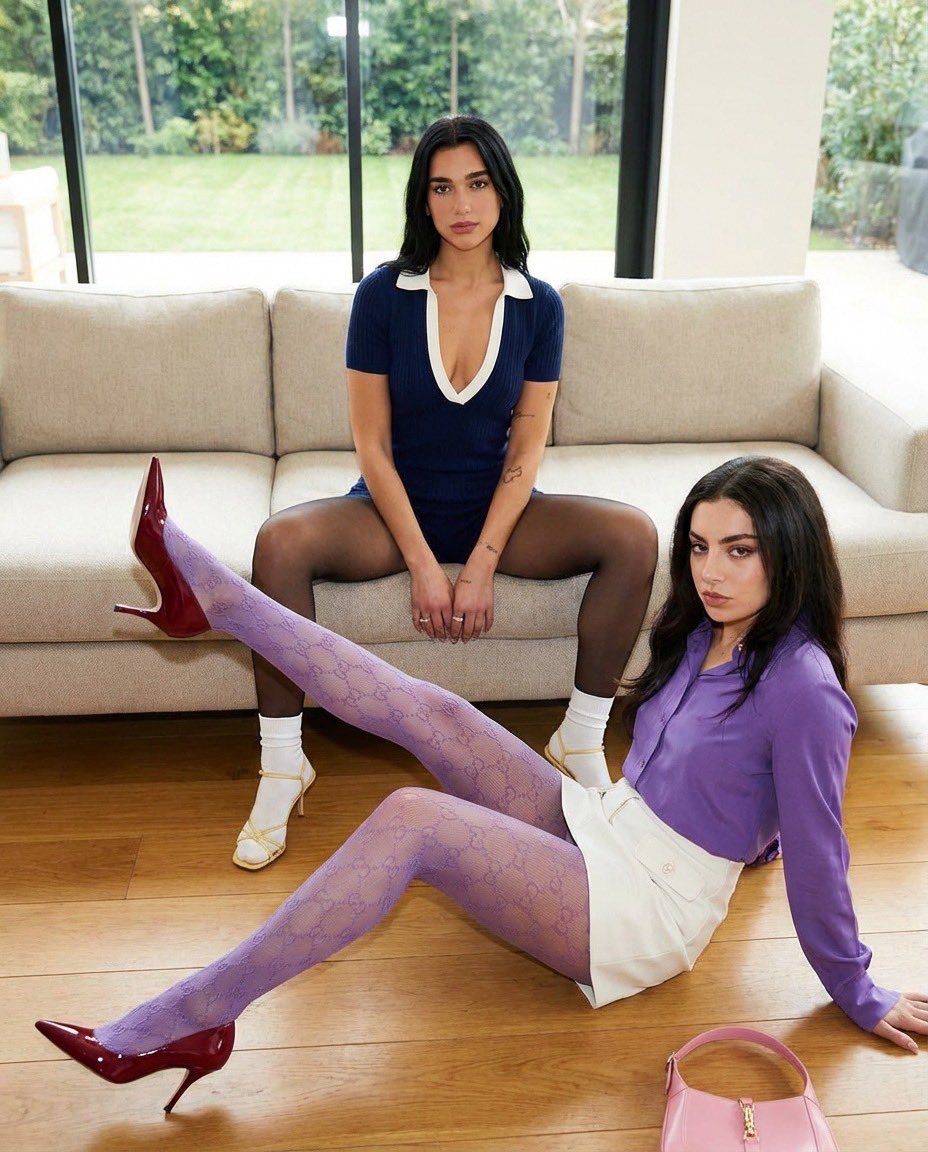
- Prompt included
- Model and format preset
- Premium template
The prompt behind this image
Copy the exact prompt behind Duo Portrait with Detailed Pose and Outfit Specifications, or open it in the studio and make it yours.
{ "scene_overview": { "subjects_count": 2, "environment": "Indoor modern living space with a sofa, wooden floor, large windows, neutral walls", "focus": "Precise body poses and outfit placement" }, "subjects": [ { "subject_id": "Subject_1" "pose_reference": "Photo 1 adapted to a sofa", "body_position": { "position": "Seated on a sofa", "seat_contact": "Pelvis centered on the sofa cushion" }, "leg_position": { "stance": "Legs spread apart symmetrically", "thighs": "Angled outward from the hips", "knees": "Bent at approximately 90 degrees", "feet": "Feet planted firmly on the floor in front of the sofa", "legs_crossed": false }, "torso": { "orientation": "Torso upright with a slight forward lean", "spine": "Straight with controlled tension" }, "arms_and_hands": { "arms": "Both arms lowered between the legs", "hands": "Hands resting close together near the knees" }, "head_and_neck": { "head_position": "Head upright with a subtle downward tilt", "neck": "Elongated and relaxed" }, "clothing_and_accessories": { "outfit": "Fitted navy blue short-sleeve romper with a deep V neckline trimmed in white, closely hugging the torso and hips", "fabric": "Textured stretch knit fabric", "legwear": "black sheer pantyhose, white socks", "footwear": "Delicate strappy high-heeled sandals in a matching yellow tone", "accessories": { "headwear": "Matching yellow headband", "jewelry": "Minimal jewelry" }, "fabric_behavior": "Fabric stretched smoothly across the waist, hips, and thighs due to seated posture" "subject_id": "Subject_2", "pose_reference": "Photo 2 adapted to floor position", "body_position": { "position": "Seated on the floor at the foot of Subject_1", "relative_location": "Centered between Subject_1’s feet, closer to the foreground" }, "leg_position": { "primary_leg": { "position": "Raised upward at a strong diagonal angle", "knee": "Fully extended", "hip_angle": "Hip strongly flexed to lift the leg upward" }, "secondary_leg": { "position": "Bent and folded on the floor", "knee_contact": "Knee resting on the floor for support" }, "legs_crossed": false }, "torso": { "orientation": "Torso leaning slightly backward", "spine": "Natural relaxed curve" }, "arms_and_hands": { "supporting_arm": "One arm extended backward with the palm on the floor", "free_arm": "Other arm resting along the thigh or floor" }, "head_and_neck": { "head
How to use Duo Portrait with Detailed Pose and Outfit Specifications in 3 steps
- 1
Open
The prompt is already in the box next to the preview, with the template's model and format selected.
- 2…a portrait of your subject in softgolden-hour light, 85mm…
Personalize
Edit the subject and creative details for your destination.
- 3Generate
Generate
Press Generate — your image is created in PicX Studio, so you can compare it with the original and refine one variable at a time.
More like this
Templates with the same subject, style or setup. Open one to see its prompt.
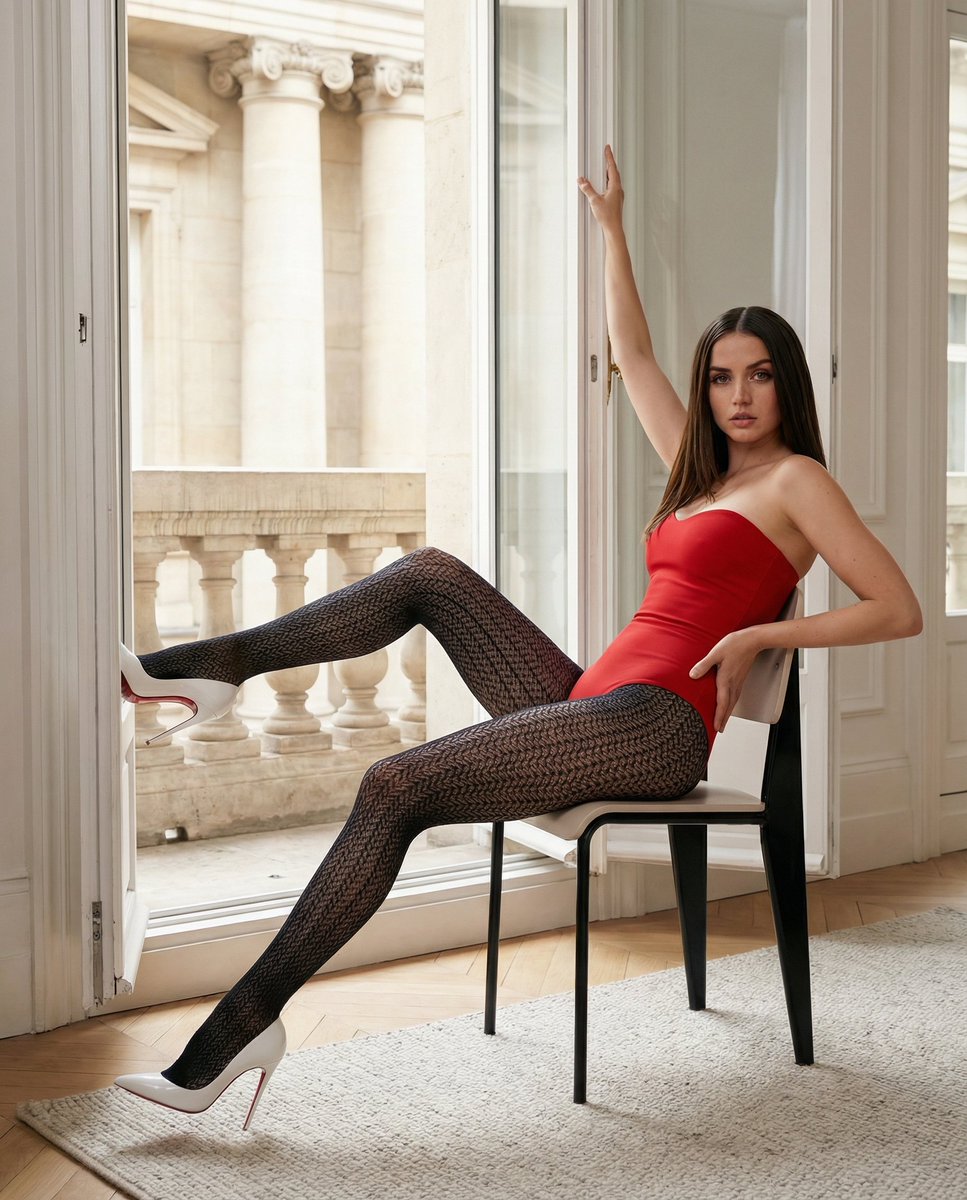
Structured Fashion Portrait in Paris with Detailed Pose and Outfit

Found Photograph: Us, 1970

80s Couple Studio Portrait

80s Bollywood Star

80s Golden Hour Cinema

Me in 1985

1985 Studio Portrait

Hyper-Realistic Minecraft POV Portrait

Rooftop Fisheye — Cat-Ear Balaclava at Golden Hour
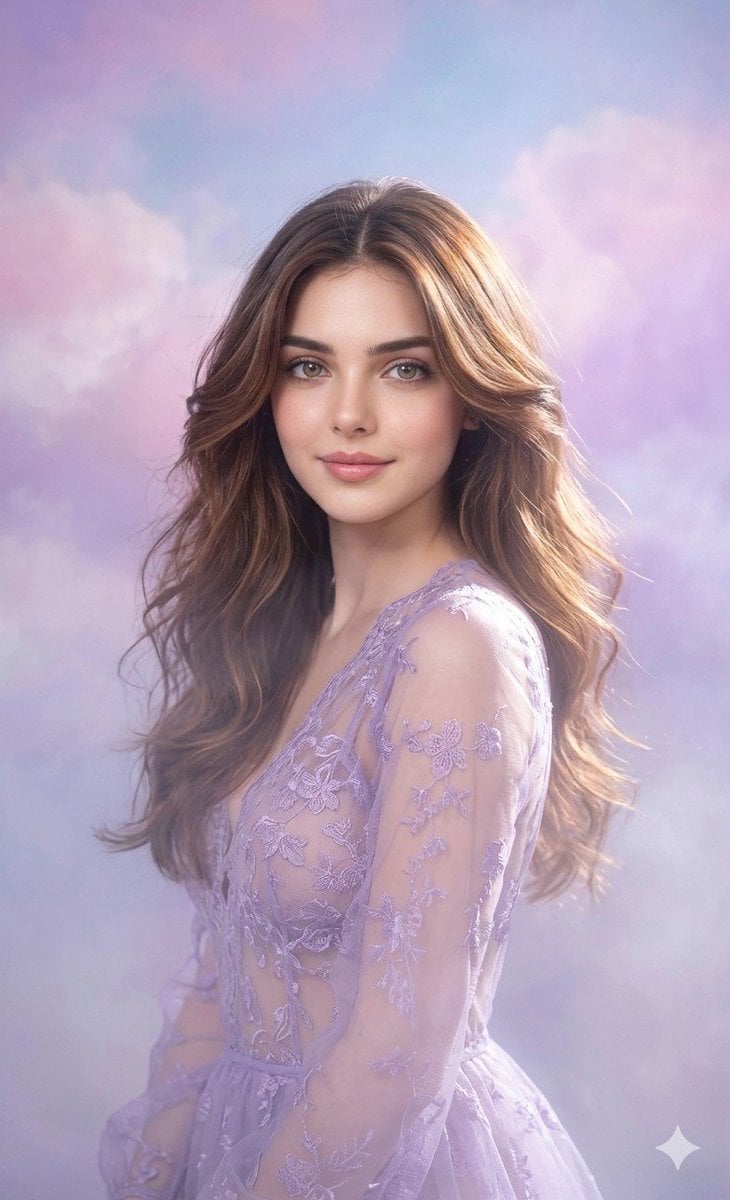
Lavender Outfit Fine-Art Portrait
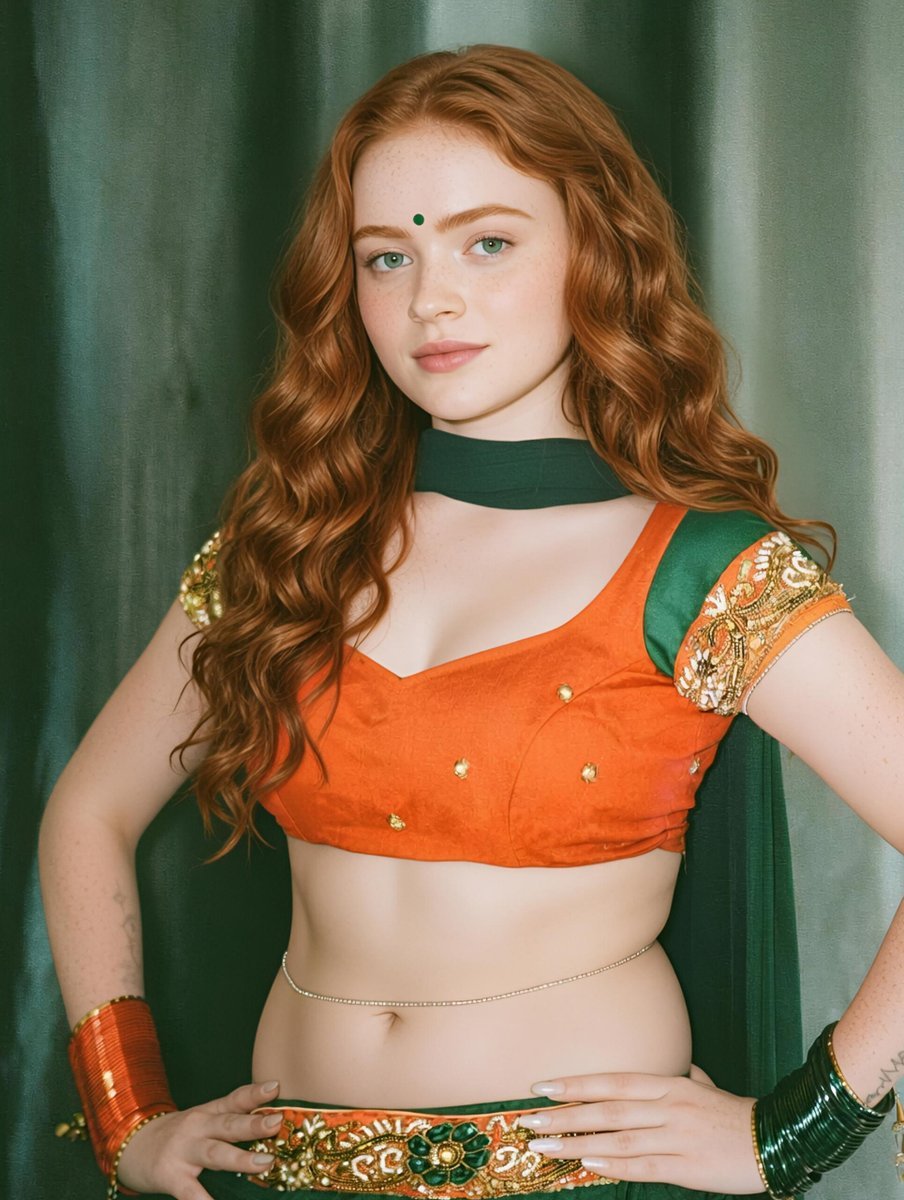
Traditional Indian Outfit Portrait

Rainy Café Window Moody Portrait
Make it yours
Duo Portrait with Detailed Pose and Outfit Specifications works as-is. These are the safest ways to change it without losing the look.
Change one field
Copy a single group, rewrite it, and generate again so you can see what that field is doing.
Keep the frame, change the subject
Hold the composition and light of Duo Portrait with Detailed Pose and Outfit Specifications, then swap wardrobe, props or the person for a new take.
| If the result… | Why | Fix |
|---|---|---|
| The result drifts from the preview | Too many fields changed at once. | Reuse Duo Portrait with Detailed Pose and Outfit Specifications as-is first, then change one group — subject, light, or setting. |
| The model over-stylizes the scene | The prose prompt leaves finish and camera underspecified. | Add one camera or lighting sentence and stay on Nano Banana 2. |
More Nano Banana 2 templates
Other prompts made for Nano Banana 2.

Photorealistic Leaf Shaped Like a Dragon

K-Pop Idol Portrait Grid for Rapid Selection

Poetic Rain Forest Portrait During Golden Hour

Candid Nighttime Photo with Cat Prompt

High-Concept 3D Diorama Generation Prompt

Cinematic Futuristic Studio Portrait Template

Skincare Editorial Photography Collage Prompt

Hyper-Realistic Commercial Product Photography (Splash Effect)

Hyper-Realistic Nightclub Portrait Prompt
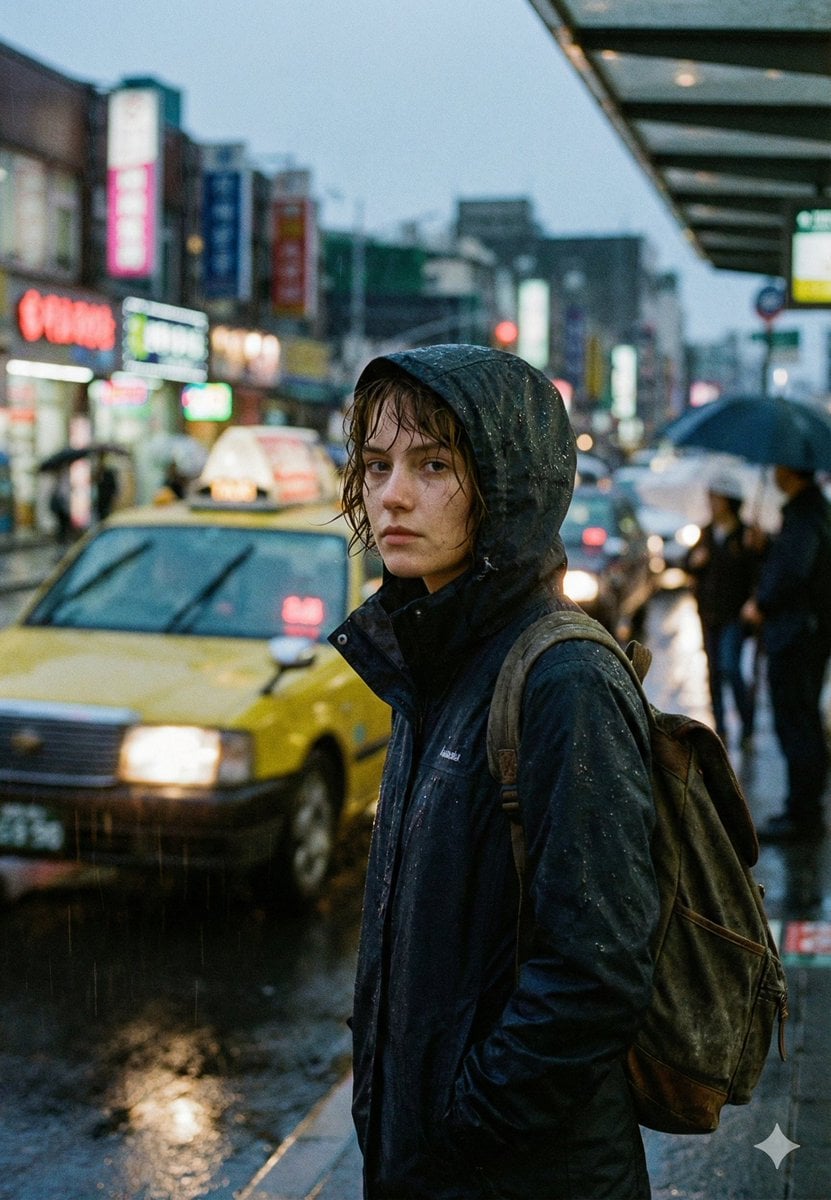
Cinematic Urban Rain Scene Prompt (Neo-Noir)
More image prompts
Fresh picks from across the catalog.
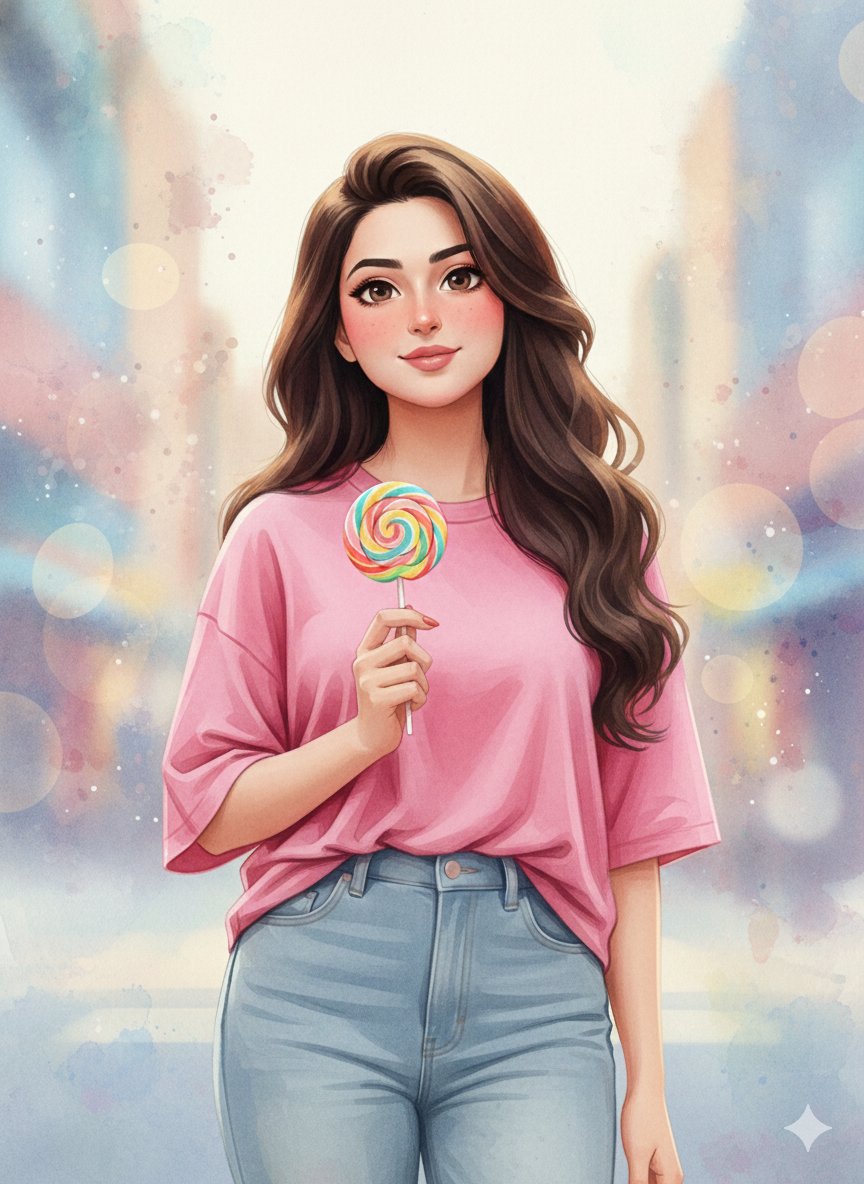
3D Anime Watercolor Style Transfer
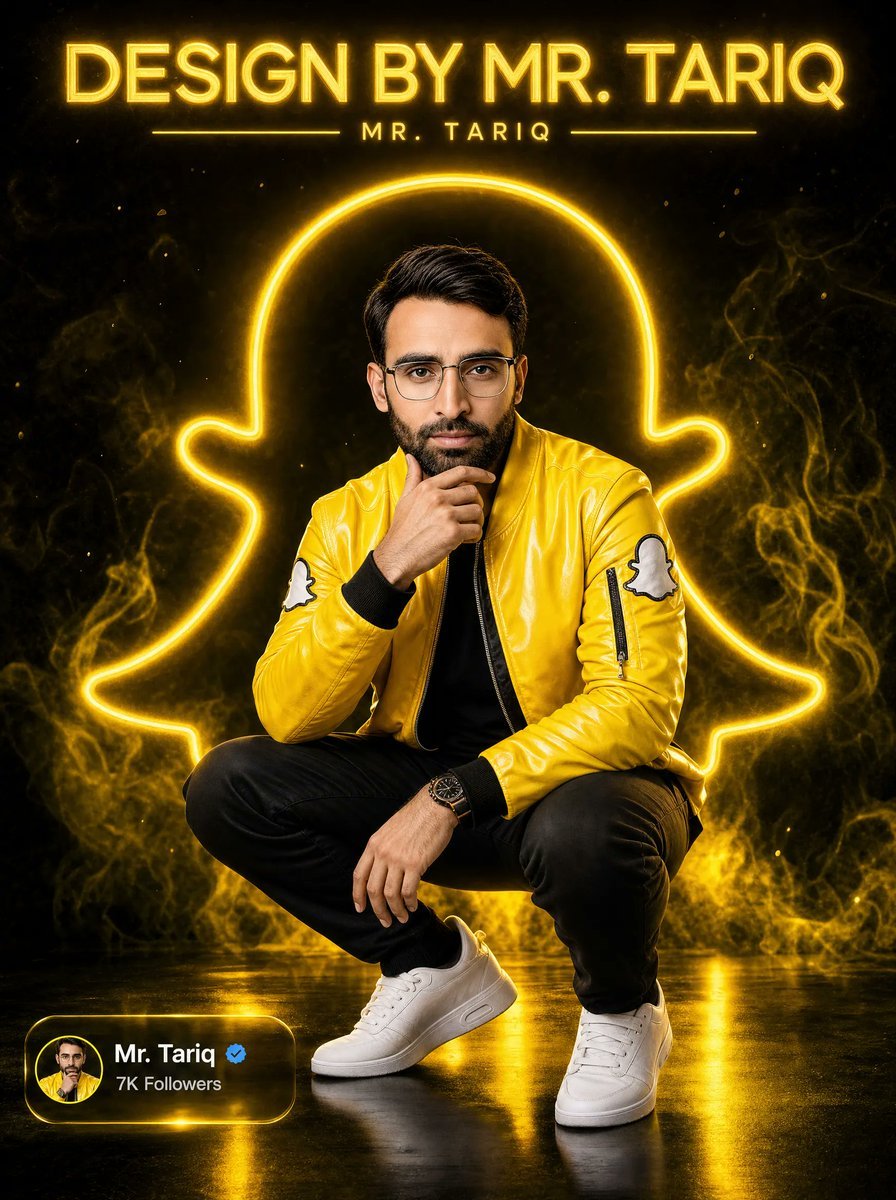
Neon Snapchat Portrait Poster
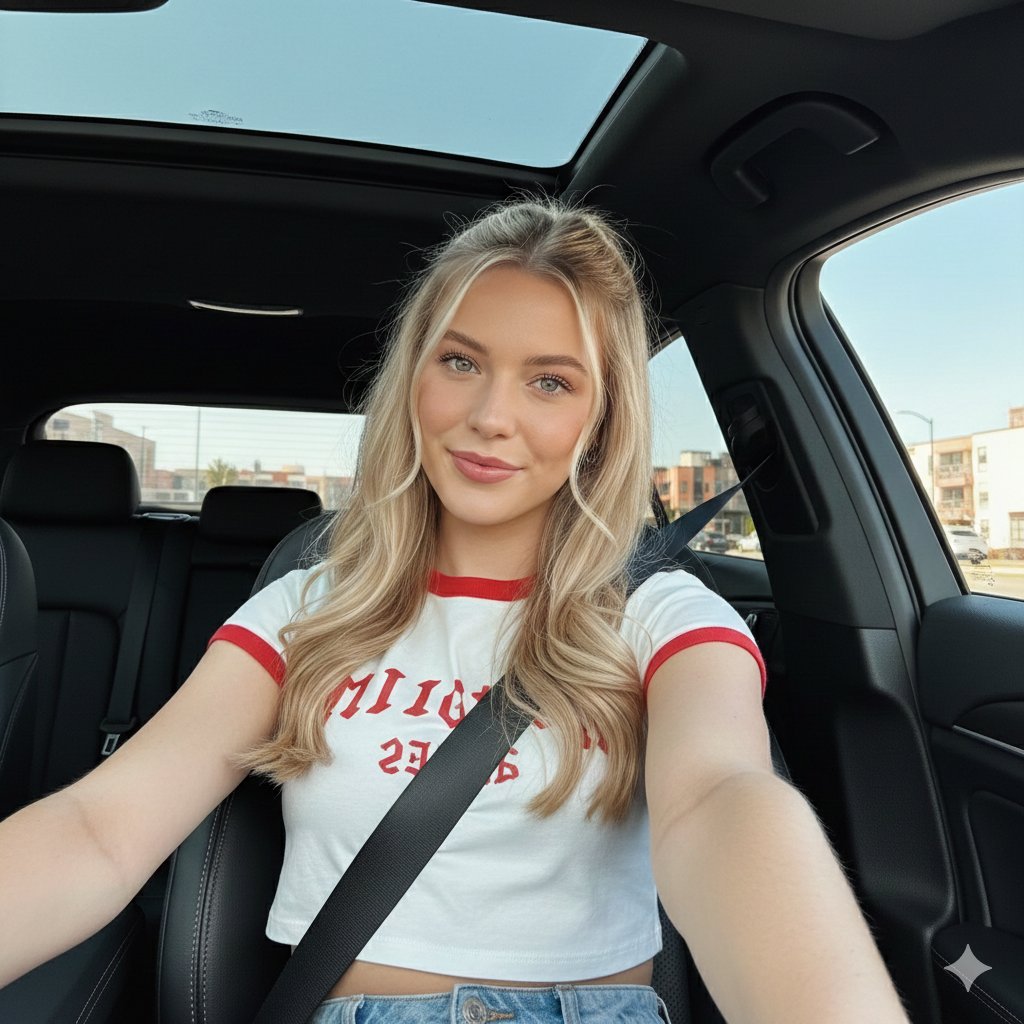
Wide-Angle Car Selfie with Panoramic Sunroof
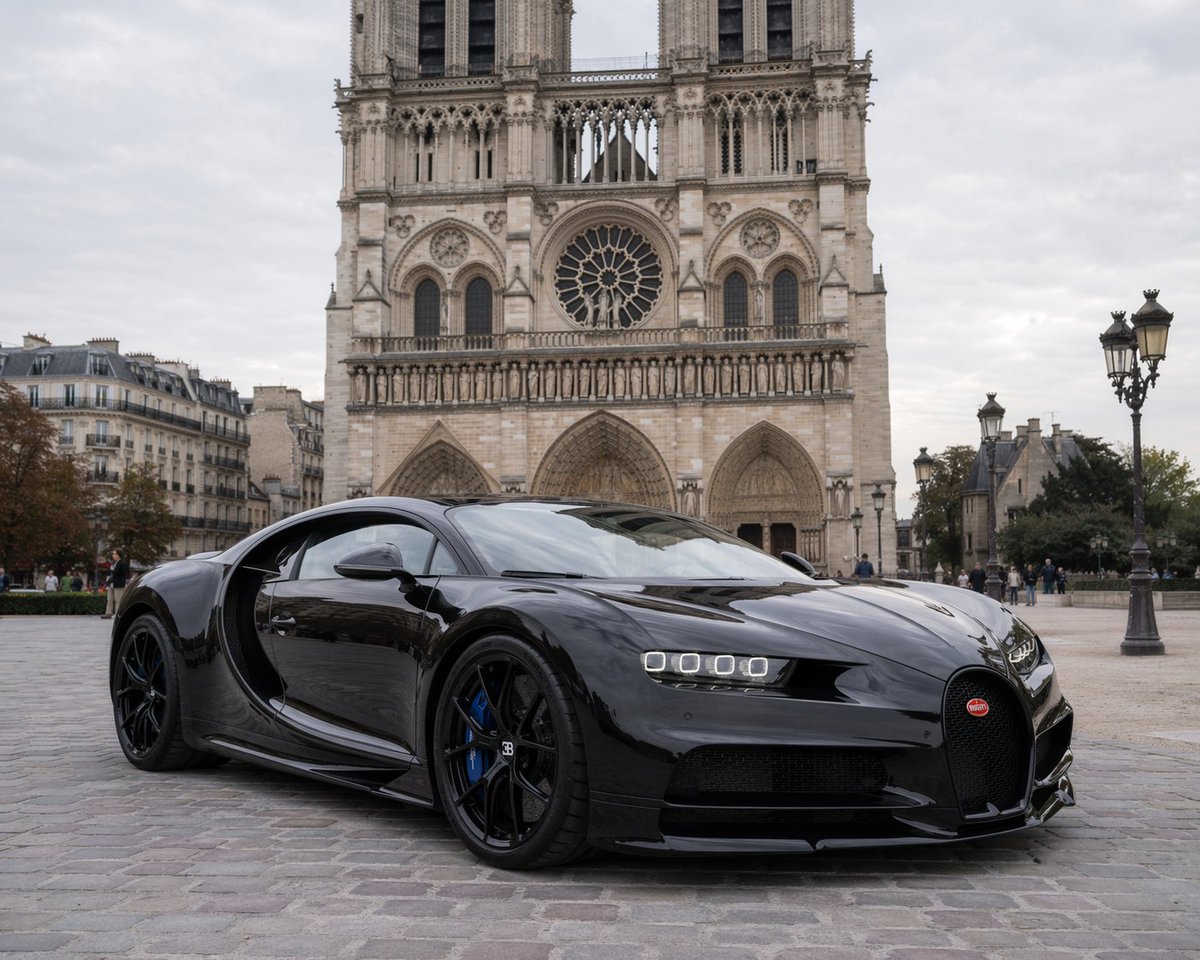
Hypercar Parked Before a Historic Landmark
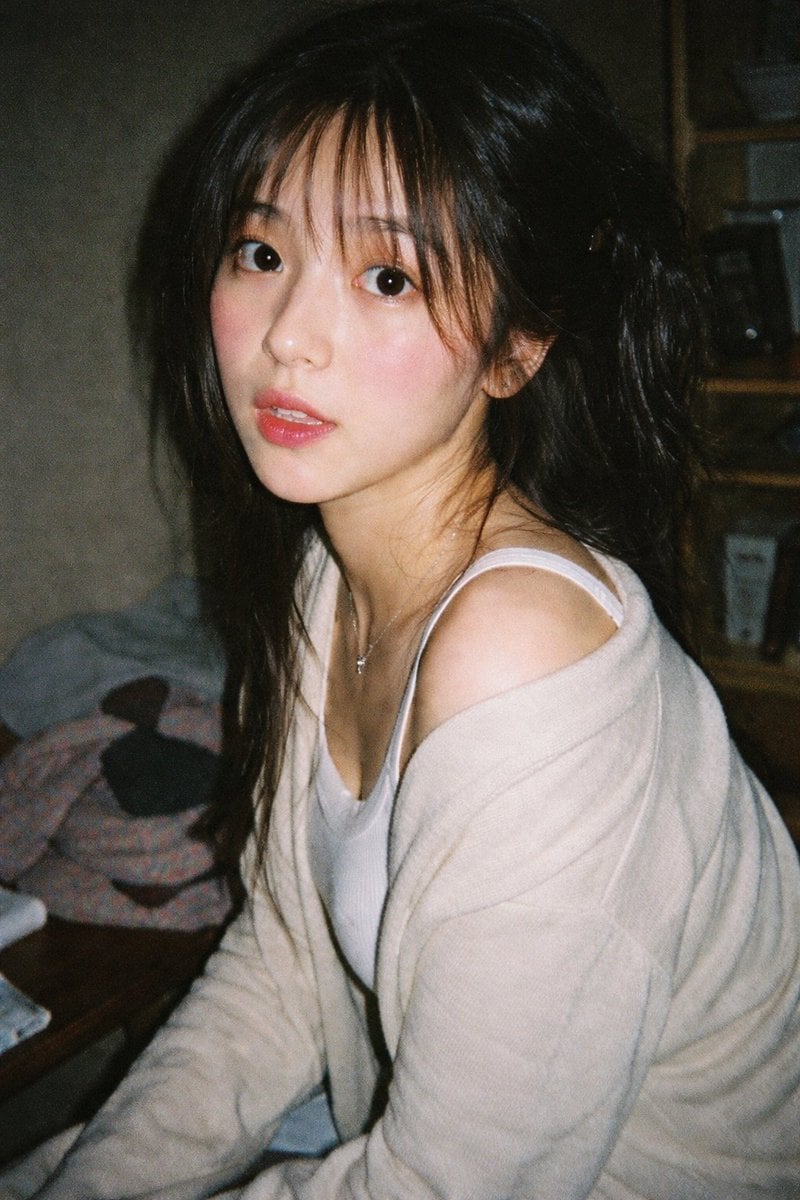
Vintage 35mm Flash Portrait
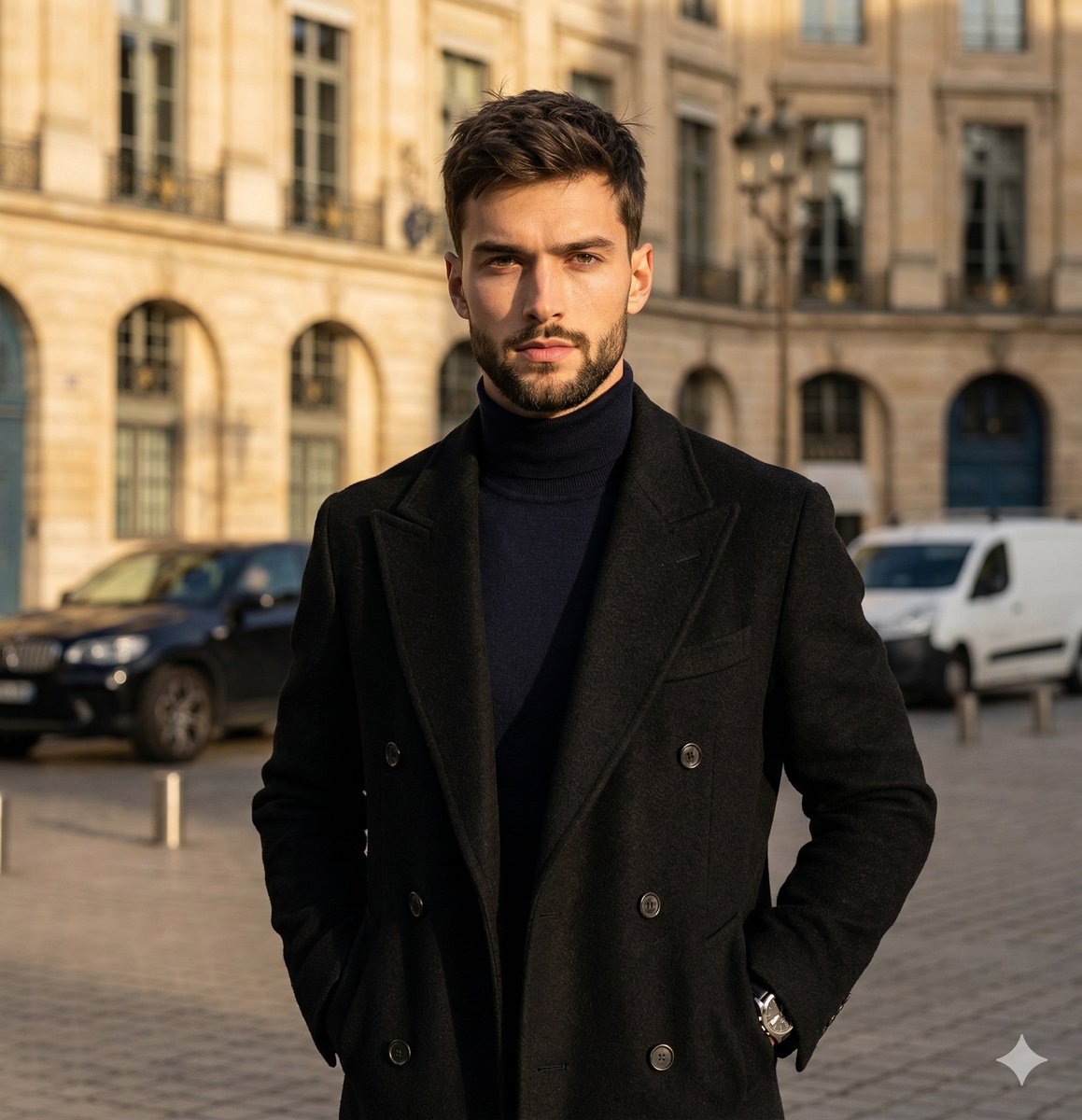
High-Contrast Street Fashion Editorial Portrait
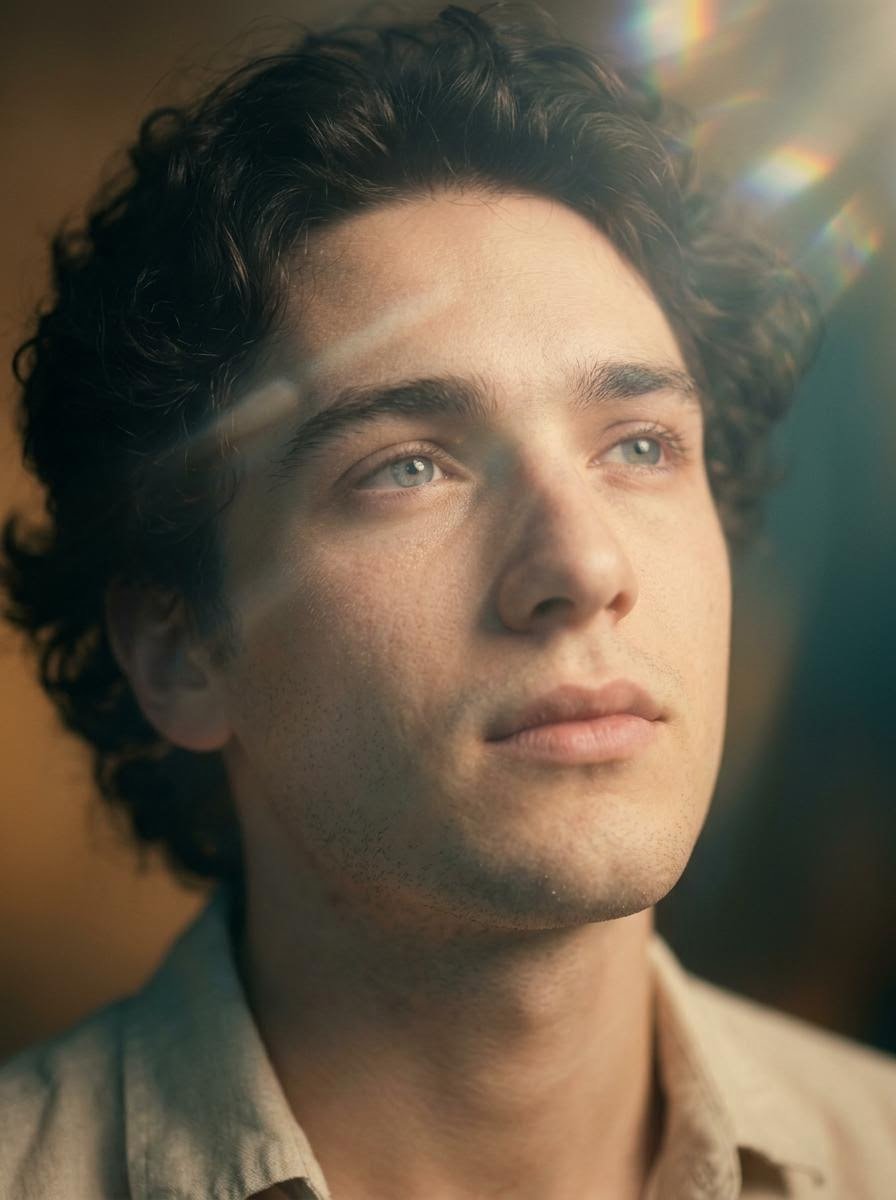
Cinematic Close-Up Portrait with Lens Flares
Structured Prompt for Natural Soft Portrait in Bedroom
Full-body fashion magazine editorial portrait
Cinematic Photo Stepping Out of a Luxury Car at Night
Browse template categories
Duo Portrait with Detailed Pose and Outfit Specifications questions
How do I use the Duo Portrait with Detailed Pose and Outfit Specifications template?
Add your photo if the template asks for one, edit the prompt if you like — the template's model and format are already selected — and press Generate. Your version opens in PicX Studio.
Can I customize the Duo Portrait with Detailed Pose and Outfit Specifications template?
Yes. You can change the subject, setting, lighting, mood, format, and available model controls before creating your image.
Is the Duo Portrait with Detailed Pose and Outfit Specifications template free?
Opening and editing this template is free. Generating uses credits, shown on the Generate button when you are signed in.
Which AI model should I use?
Start with Nano Banana 2, which is the model associated with this template. You can compare another compatible model for a different finish.
Looking for something else? Browse all templates.

Your photo, any look
Thousands of ready templates for every top image and video model, from one credit balance.