How do I use the Sydney Sweeney Portrait Prompt template?
Choose the primary action to open PicX Studio with the available template settings. Review the model and format, personalize the creative direction, and generate when ready.
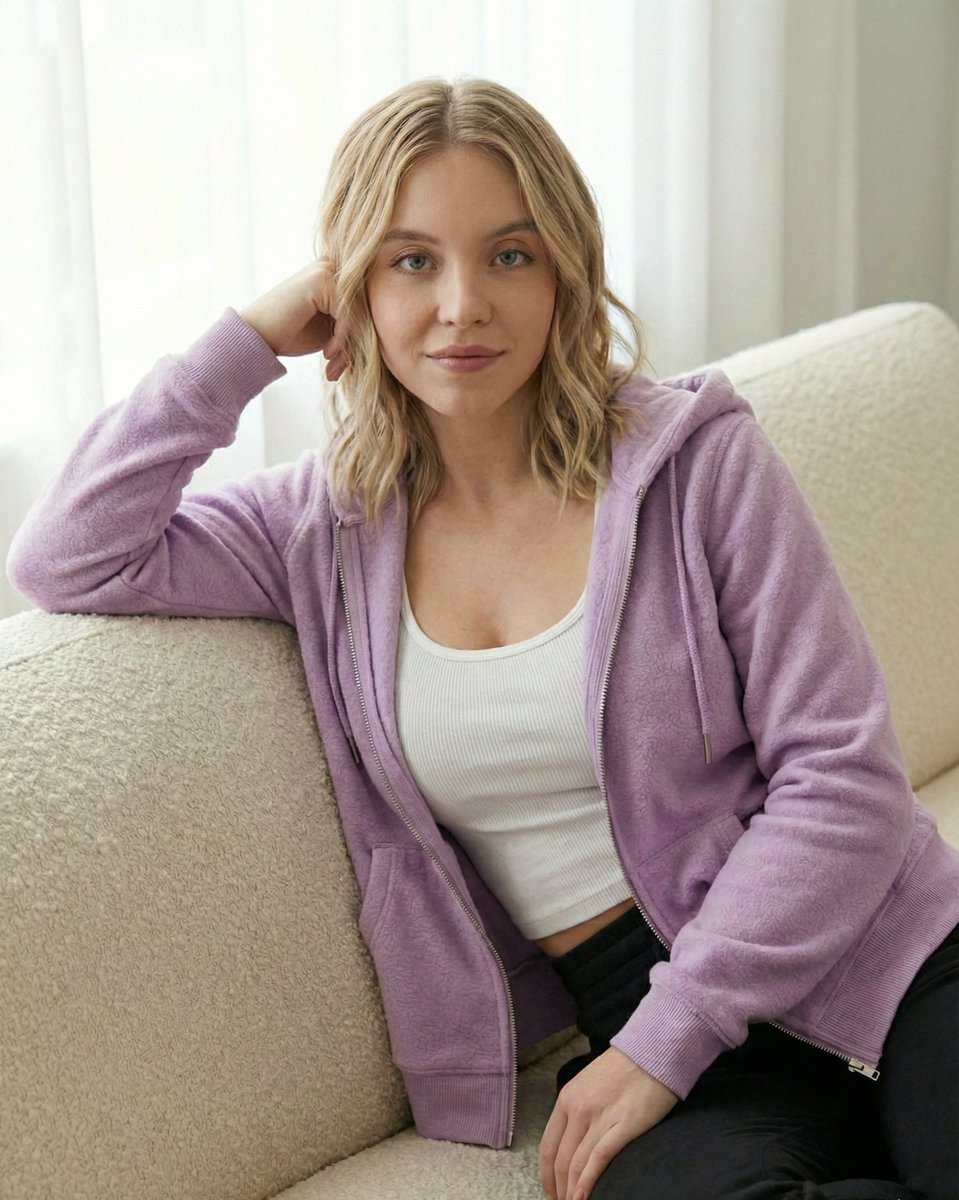
A prompt for Gemini Nano Banana Pro to create a portrait of Sydney Sweeney, focusing on her appearance, a crocheted bustier outfit with embroidery, specific jewelry, and a dreamy pose set against a sea backdrop. Change the subject, setting, or lighting one variable at a time.

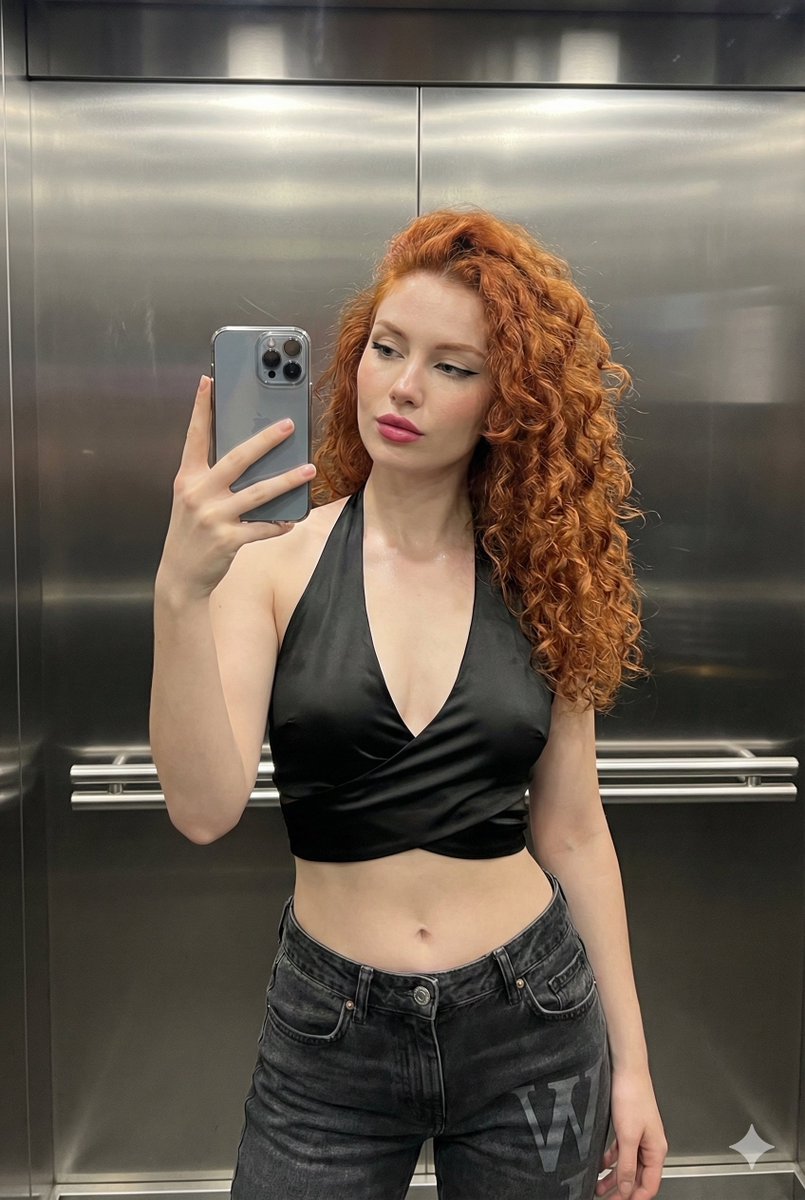
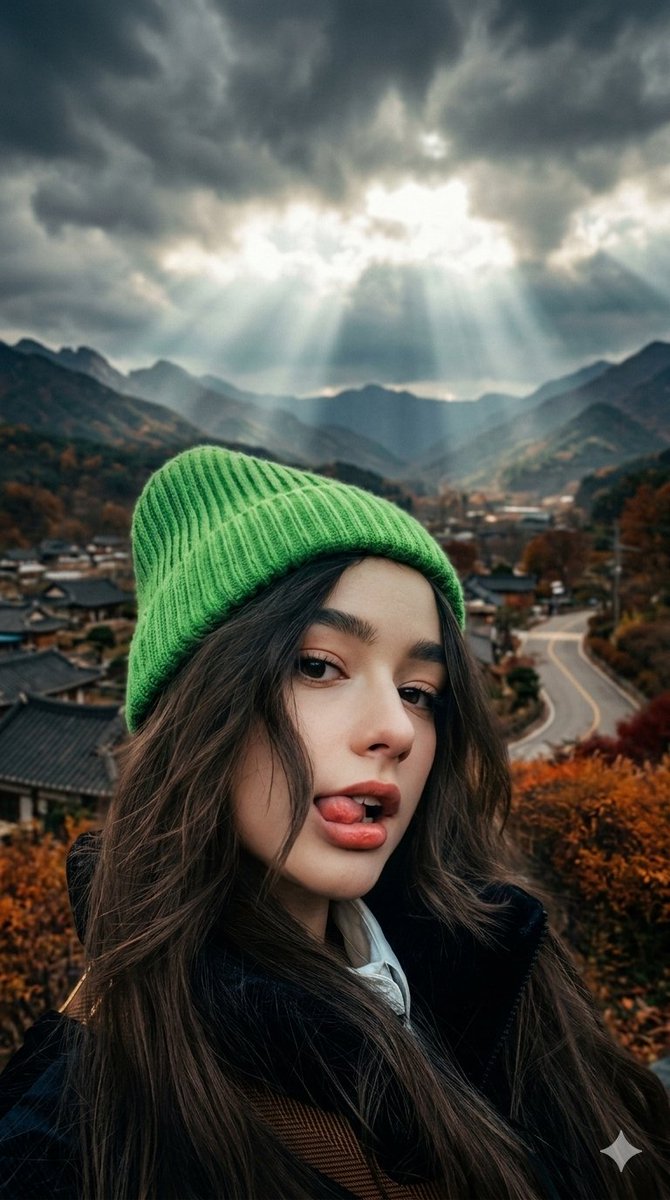
Create a portrait of a {argument name="subject name" default="Sydney Sweeney"} using the uploaded picture, She is standing and looking at the camera sweetly, daydreaming and lost in the sea. The red outfit's upper part is a crocheted bustier with a striking decoration on the chest with embroidery making the outfit look dimensional and beautiful. A small red heart shaped pendant necklace and light pink lipstick wearing small hoop earrings and a navy blue luxury watch on wrist.
Choose the primary action to open PicX Studio with the available template settings. Review the model and format, personalize the creative direction, and generate when ready.
Yes. You can change the subject, setting, lighting, mood, format, and available model controls before creating your image.
This template is free to open and customize. Generation usage is shown in PicX Studio before you create.
Start with Nano Banana 2, which is the model associated with this template. You can compare another compatible model for a different finish.
Follow a topic to a crawlable collection of related PicX Studio templates.
43,474 public templates available. Verified via the PicX Studio public templates API; refreshed hourly.









![Naive doodle-style subject illustration — A doodle-style {argument name="subject" default="[subject]"}, naive lines, humorous shape exaggeration](https://pbs.twimg.com/media/G6Wl2YxbsAARB2b.jpg)