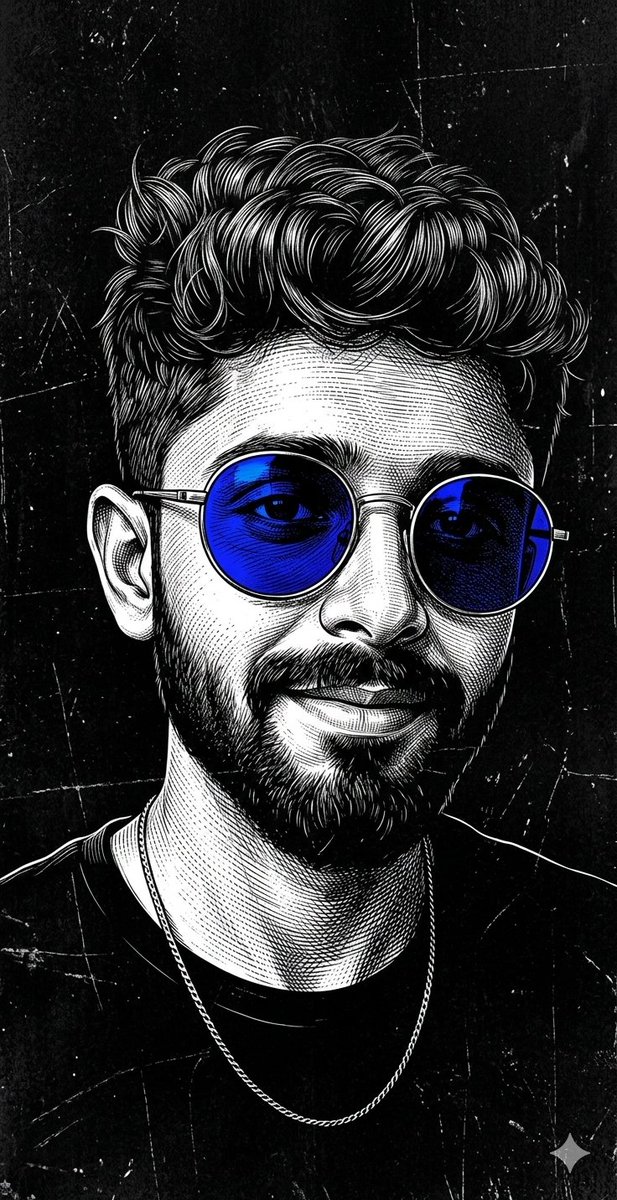
How do I use the Hyper-Realistic Street Style Portrait Prompt template?
Choose the primary action to open PicX Studio with the available template settings. Review the model and format, personalize the creative direction, and generate when ready.
A prompt for generating a hyper-realistic DSLR photograph of a subject standing confidently in a narrow urban alleyway covered in colorful graffiti. Change the subject, setting, or lighting one variable at a time.

A hyper-realistic DSLR photograph of your image as the subject, standing confidently in the middle of a narrow urban alleyway covered with colorful graffiti on both walls. The alley is slightly blurred in the background with a strong depth of field, creating cinematic bokeh. The subject is wearing an oversized dark charcoal grap-hic t-shirt with bold yellow text and a large monochrome illustration printed on the front, paired with light blue distressed jeans featuring ripped knees, and worn grey low-top sneakers. One hand is placed casually inside the front procket of the jeans while the other hand is raised slightly near the face, creating a relaxed street-style pose
Choose the primary action to open PicX Studio with the available template settings. Review the model and format, personalize the creative direction, and generate when ready.
Yes. You can change the subject, setting, lighting, mood, format, and available model controls before creating your image.
This template is free to open and customize. Generation usage is shown in PicX Studio before you create.
Start with Nano Banana 2, which is the model associated with this template. You can compare another compatible model for a different finish.
© 2026 PicX Studio. All rights reserved.

Follow a topic to a crawlable collection of related PicX Studio templates.
43,474 public templates available. Verified via the PicX Studio public templates API; refreshed hourly.




![118-google-nano-banana-pro-skincare-product- — A professional skincare shot of a [product container] with [cap/lid], labeled [brand, product, descriptor, volume](/_next/image?url=https%3A%2F%2Fcdn.picxstudio.com%2Fuploads%2Fpost118_img0_332898b8-29ea-42a9-87ab-9ed746a3f944.jpg&w=828&q=100)












![69-untitled — FORMAT: 15s / 145 BPM / 14 SHOTS
SUBJECT: @[image1]
WARDROBE: Clean modern outfit
ENVIRONMENT: Street / indoor transitions
MOOD: Discovery → contr](/_next/image?url=https%3A%2F%2Fcdn.picxstudio.com%2Fuploads%2Fpost69_img0_d45faecf-38c3-4bcb-81a4-f6eb1cf42bb2.jpg&w=828&q=100)





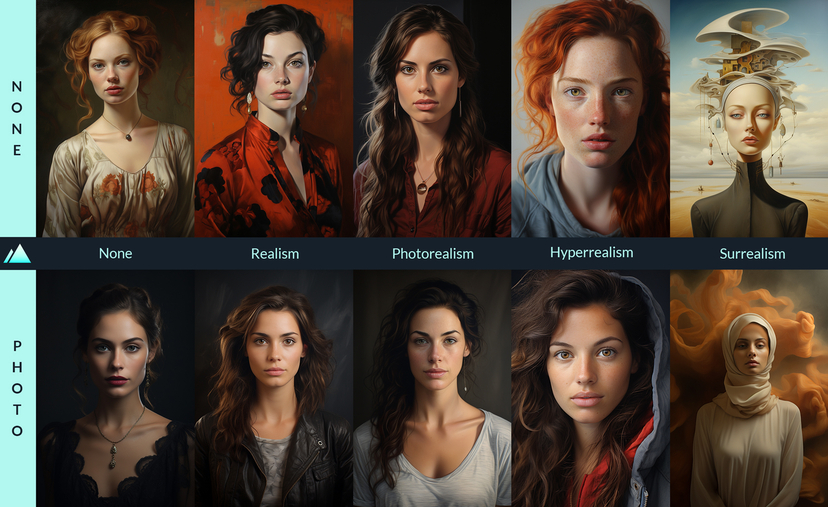
![Naive doodle-style subject illustration — A doodle-style {argument name="subject" default="[subject]"}, naive lines, humorous shape exaggeration](https://pbs.twimg.com/media/G6Wl2YxbsAARB2b.jpg)











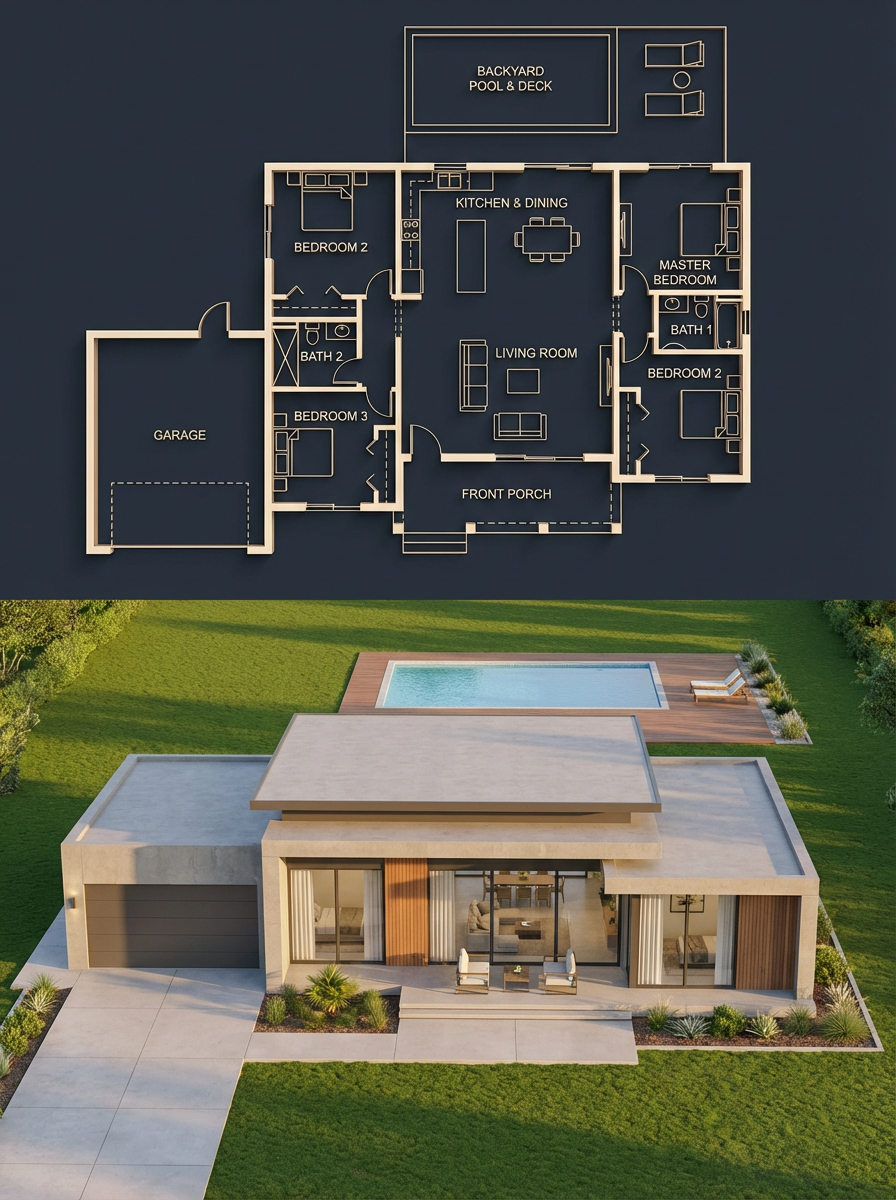
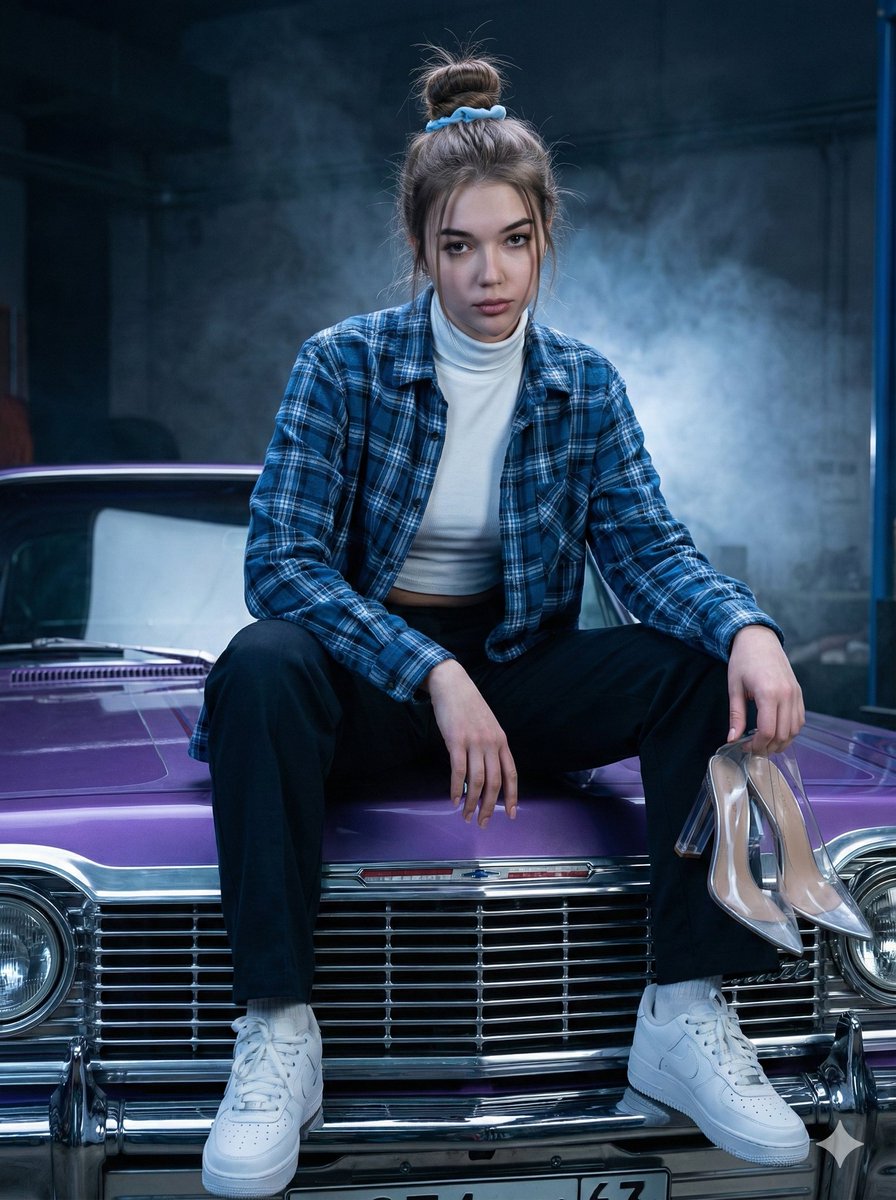






![Zhao Lusi Red Carpet Gothic Chic Portrait — {
"subject": {
"name": "{argument name="celebrity name" default="Zhao Lusi"}",
"aliases": ["Rosy Zhao"],](https://pbs.twimg.com/media/HA2i_45aMAA84bG.jpg)


![Character Reference Sheet Prompt for Nano Banana — [SUBJECT] = {argument name="subject description" default="elegant attractive young woman with blonde…](https://pbs.twimg.com/media/HDLRqnxXoAAp4Zn.jpg)