How do I use the Elevator Mirror Selfie (Streetwear Chic) template?
Choose the primary action to open PicX Studio with the available template settings. Review the model and format, personalize the creative direction, and generate when ready.
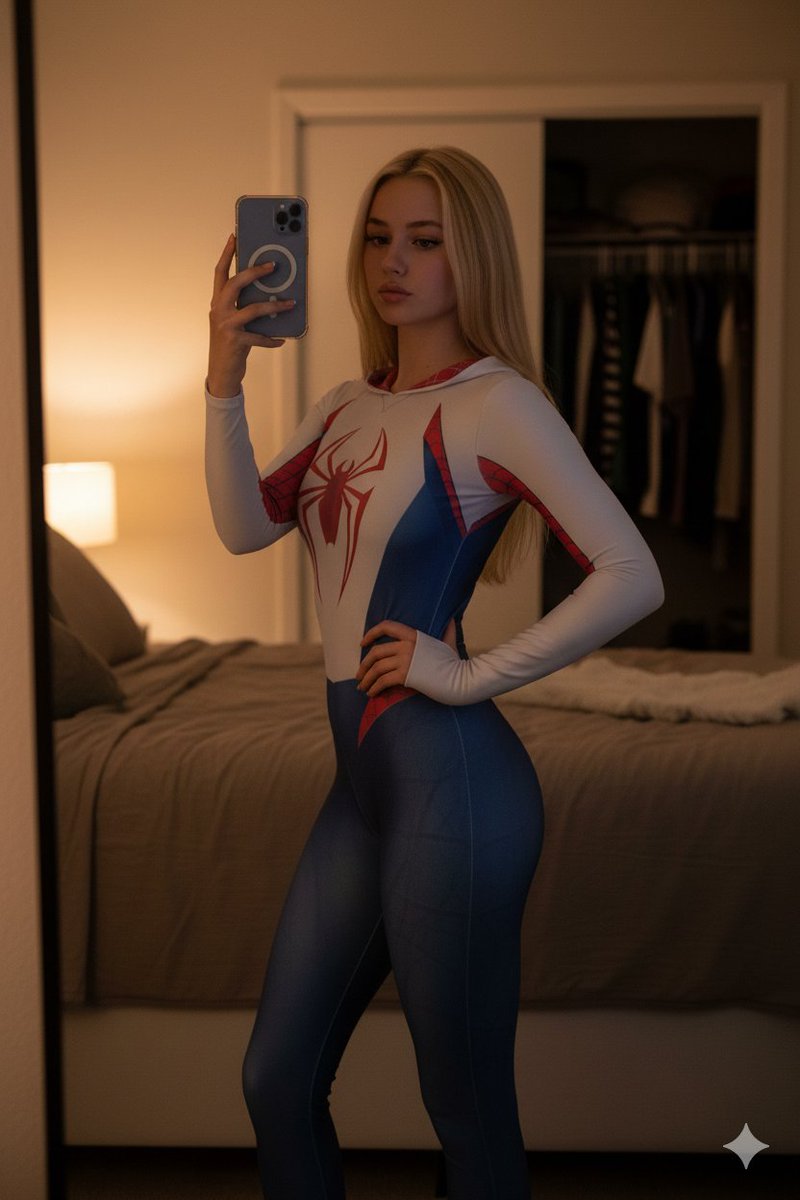
A highly detailed prompt for generating a photorealistic mirror selfie of a young woman in an elevator, capturing a 'streetwear chic' or 'baddie' aesthetic. It specifies the subject's appearance (copper red hair, satin black top, low-rise faded black jeans), the reflective stainless steel environment, and the lighting conditions (overhead artificial light) to achieve a high-fidelity social media snapshot look. (free to use) — Free AI image template on PicX Studio.
{ "subject": { "demographics": "Young woman, appearing to be in her early 20s with a slim, toned physique.", "skin": { "tone": "Fair, porcelain complexion.", "texture": "Smooth with natural highlights on the cheekbones and collarbone." }, "hair": { "color": "{argument name="hair color" default="Vibrant copper/auburn red"}.", "length": "Long, voluminous curls swept over the right shoulder.", "texture": "Tousled, natural waves with defined individual strands." }, "face": { "expression": "Confident, slightly detached 'model-off-duty' look; lips parted slightly, gaze directed away from the lens.", "makeup": "Winged black eyeliner, defined brows, soft blush, and a satin berry-pink lip color." }, "hands": { "left_hand": "Holding a smartphone (iPhone Pro model with a grey case) up to take a mirror selfie.", "right_hand": "Relaxed at the side, fingers naturally curled.", "nails": "Manicured with a soft pink/nude polish." } }, "clothing": { "top": { "item": "Halter-neck satin crop top.", "color": "Black.", "fabric": "High-sheen silk or satin.", "design": "Wrapped/twisted front detail, sleeveless, exposing the midriff." }, "bottoms": { "item": "Denim jeans.", "color": "{argument name="jeans color" default="Faded black/dark grey"}.", "fit": "Low-rise, relaxed fit.", "details": "Visible silver button fly, belt loops, and a large faint 'W' logo printed on the right thigh." } }, "pose": { "type": "Standing mirror selfie.", "posture": "Hips shifted to the side (contrapposto), torso slightly angled to accentuate the waistline.", "framing": "3/4 shot, from the thighs up." }, "environment": { "location": "Elevator interior.", "background": { "material": "Brushed stainless steel panels.", "features": "Horizontal metal handrail behind the subject, vertical panel seams." }, "atmosphere": "Urban, enclosed, reflective metallic surfaces." }, "lighting": { "source": "Overhead artificial elevator lighting.", "quality": "Diffused top-down light.", "highlights": "Specular highlights on the satin top, forehead, and shoulder.", "shadows": "Soft shadows under the jawline and hair." }, "styling_and_mood": { "aesthetic": "Streetwear chic, 'baddie' aesthetic, night-out casual.", "mood": "Cool, confident, effortlessly stylish.", "colors": "High contrast; deep blacks and metallics vs. bright red hair and fair skin." }, "camera_and_technical": { "camera_type": "Smartphone rear camera simulation (e.g., iPhone 15 Pro Max).", "lens": "24mm wide-angle.", "aperture": "f/1.8.", "focus": "Sharp focus on the subject, slight reflection blur on the metal.", "rendering": { "style": "Photorealistic, social media snapshot.", "resolution": "8K", "quality": "High fidelity textures (denim, satin, skin, hair)." } } }
Use Elevator Mirror Selfie (Streetwear Chic) to plan an AI image around nano-banana-2 generation. Match the preview's composition first, then personalize the subject, setting, and mood for your own project.
Use the primary action to load the template settings in PicX Studio.
Adjust the subject and creative details for your destination.
Create the image, compare the result with the preview, and refine one variable at a time.
A continuous mix — similar concepts first, woven with same-model prompts and fresh picks from the catalog.
Choose the primary action to open PicX Studio with the available template settings. Review the model and format, personalize the creative direction, and generate when ready.
Yes. You can change the subject, setting, lighting, mood, format, and available model controls before creating your image.
This template is free to open and customize. Generation usage is shown in PicX Studio before you create.
Start with nano-banana-2, which is the model associated with this template. You can compare another compatible model for a different finish.
Follow a topic to a crawlable collection of related PicX Studio templates.
39,155 public templates available. Verified via the PicX Studio public templates API; refreshed hourly.
A continuous mix — similar concepts first, woven with same-model prompts and fresh picks from the catalog.