
Isometric Magma Damascus Steel Cities
An intricate architectural prompt for creating 3D isometric city blocks hovering over maps, textured with magma damascus steel.
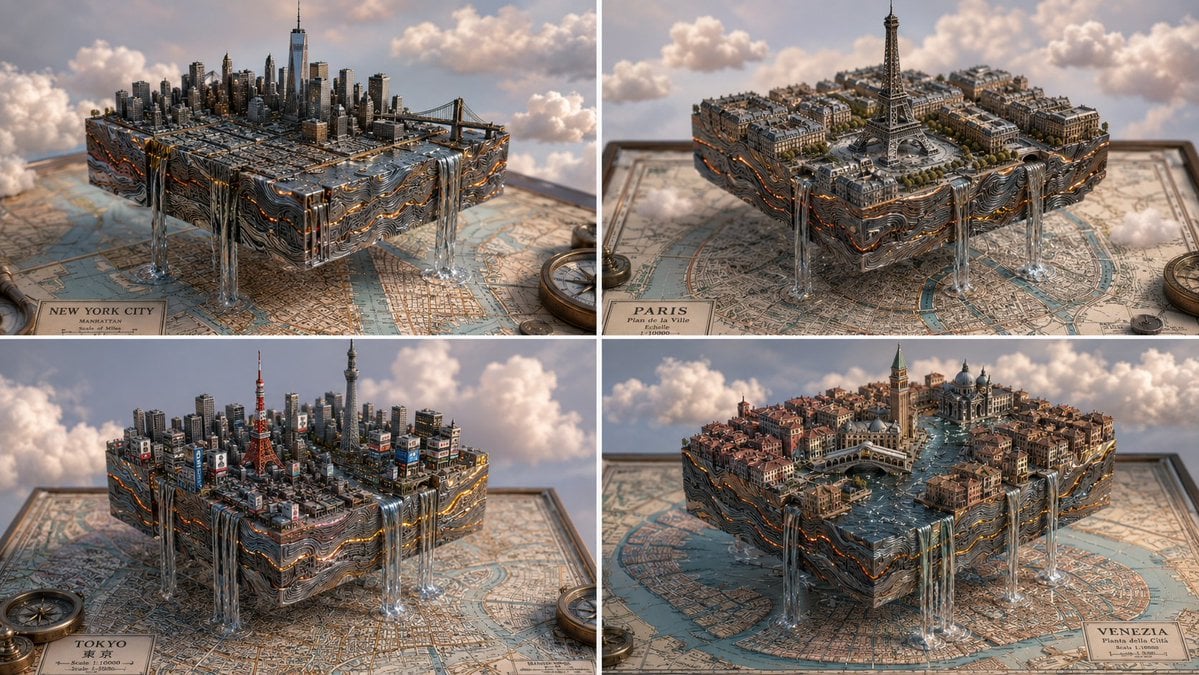
- Prompt included
- Model and format preset
- Premium template
The prompt behind this image
Copy the exact prompt behind Isometric Magma Damascus Steel Cities, or open it in the studio and make it yours.
2x2 grid, 16:9, do this for 4 famous cities, magma damascus steel: concept: a city carved from a map, floating in a dreamscape. input variables: [{argument name="city" default="famous city/location"}] [{argument name="material" default="magma damascus steel"}] (e.g., cardboard, balsa wood, folded paper) workflow: 1. base: a flat, vintage 2d map of {argument name="city" default="famous city/location"} lies flat. 2. design: a perfect, isometric 3d cubic chunk of the city is hovering directly above its corresponding spot on the map. 3. material: the entire 3d block, including the skyscrapers, bridges, and geological strata, is constructed meticulously out of {argument name="material" default="magma damascus steel"}. 4. the edge: rivers from the city flow off the edge of the cube as stylized waterfalls spilling into the void. god-level details: soft, fluffy stylized clouds drifting around the floating block. pastel, bright, airy lighting. visible grain, glue marks, and paper edges on the architecture to emphasize the miniature scale.
How to use Isometric Magma Damascus Steel Cities in 3 steps
- 1
Open
The prompt is already in the box next to the preview, with the template's model and format selected.
- 2…a portrait of your subject in softgolden-hour light, 85mm…
Personalize
Edit the subject and creative details for your destination.
- 3Generate
Generate
Press Generate — your image is created in PicX Studio, so you can compare it with the original and refine one variable at a time.
More like this
Templates with the same subject, style or setup. Open one to see its prompt.

Isometric Process Educational Diorama

Isometric Brand Store Diorama

Isometric Vehicle Teardown Infographic Template

Giant Steel Zipper Sky Ad
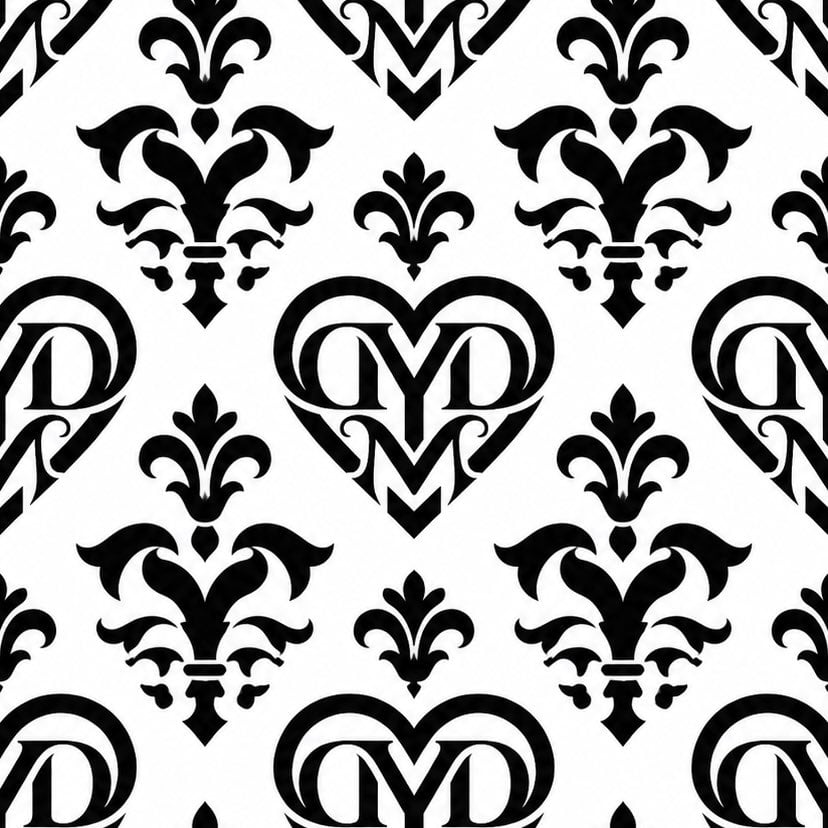
Monogram Damascus Pattern Swatch

Anime Steel Dream Cover
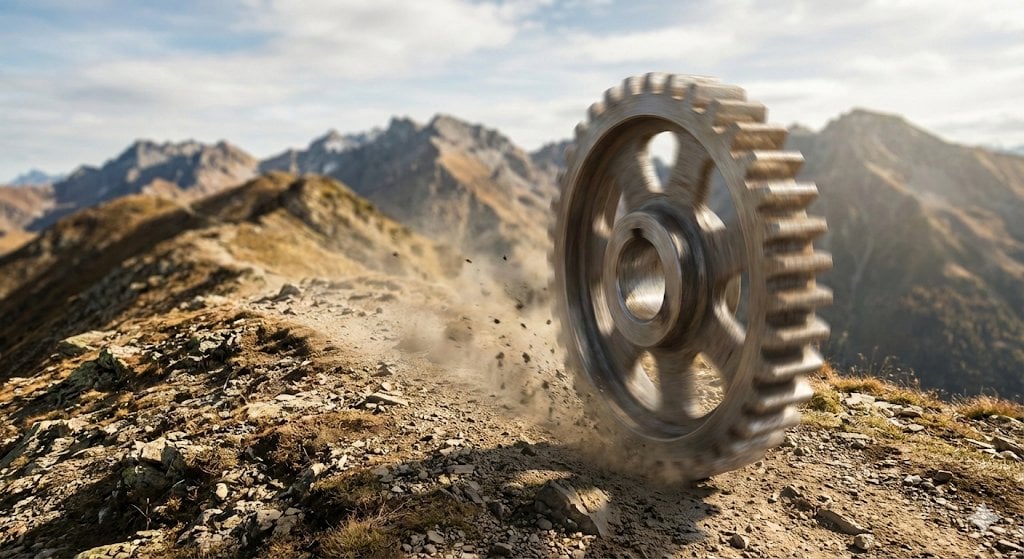
Rolling Steel Gear on Mountain Ridge
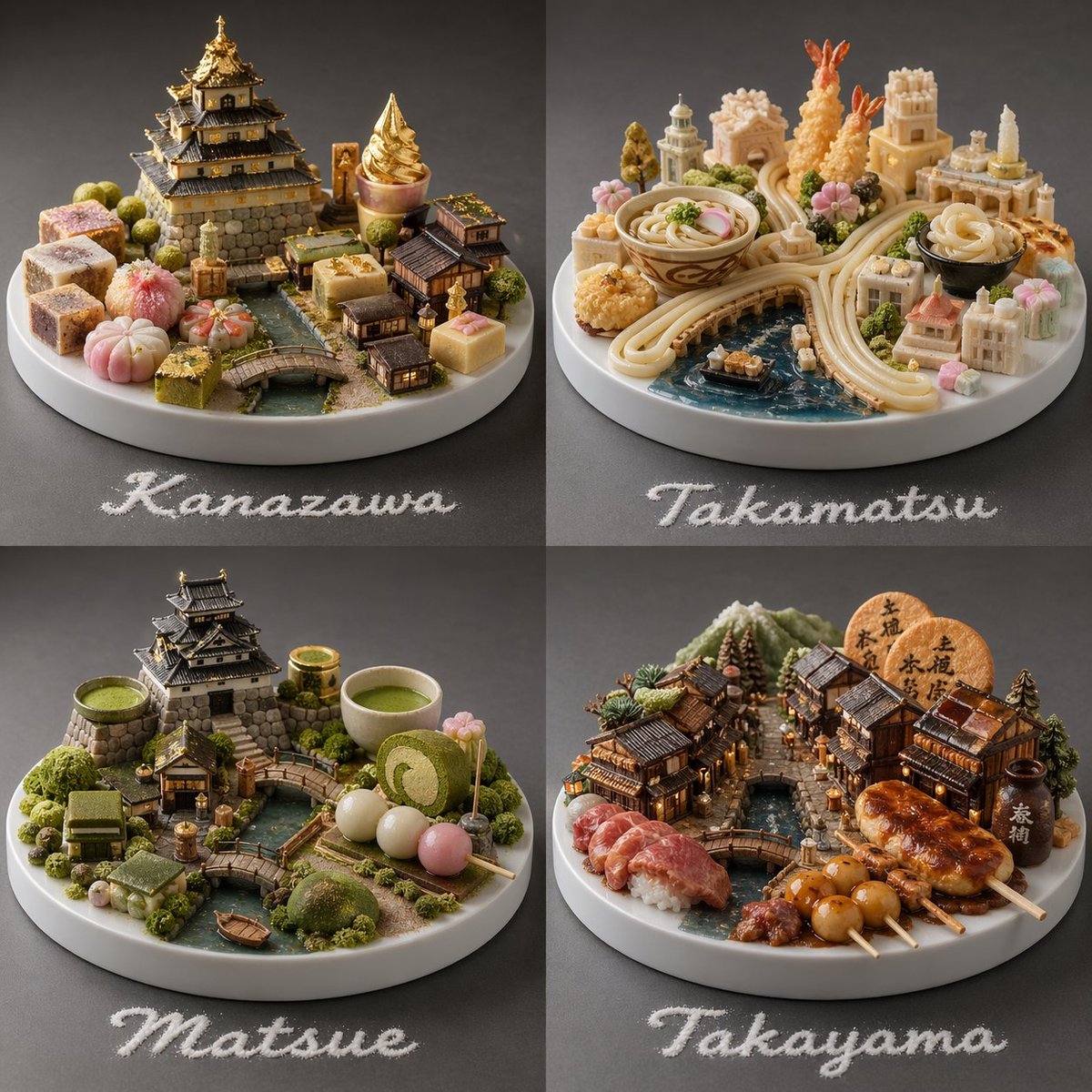
Food-Based Micro-Cities Visualization
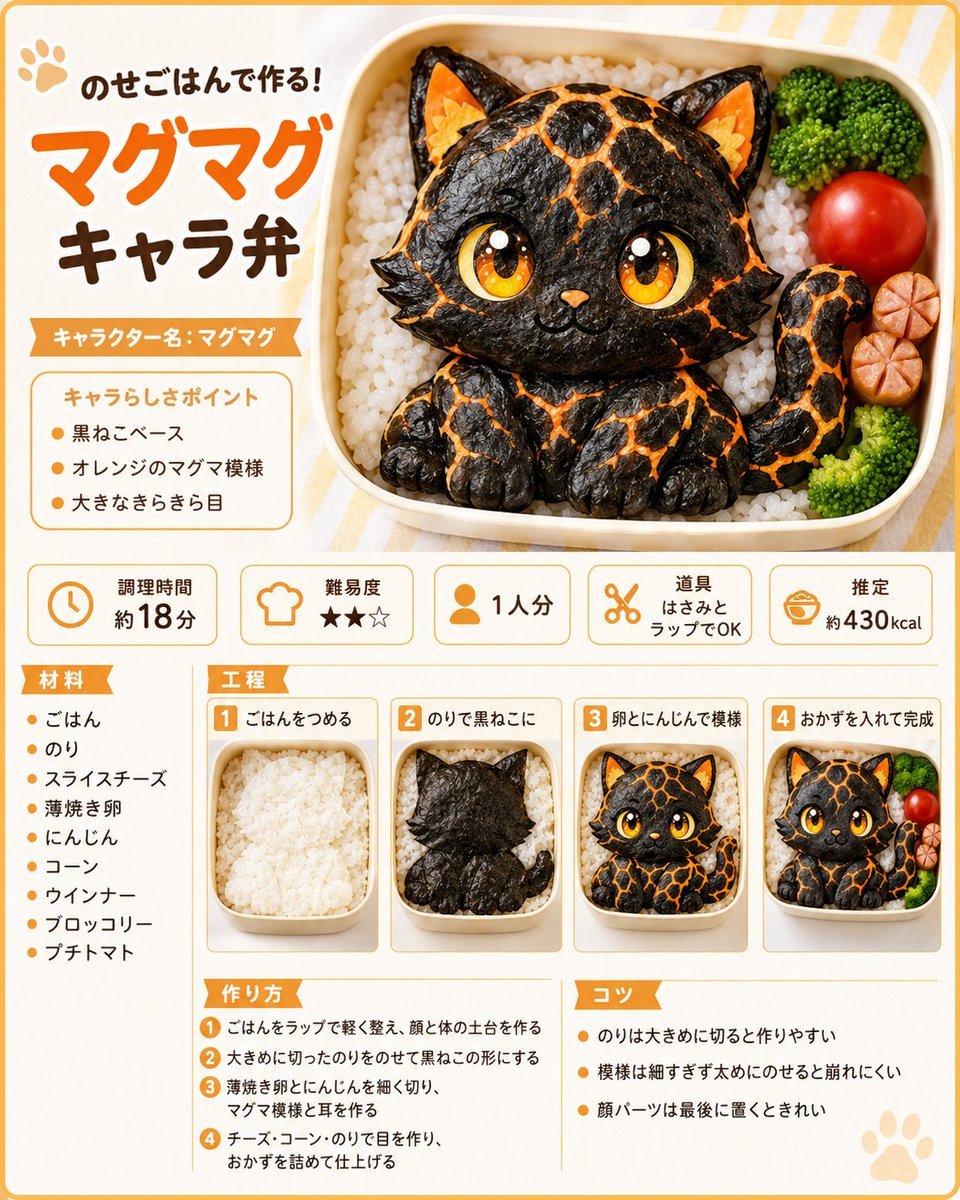
Magma Cat Bento Recipe Infographic
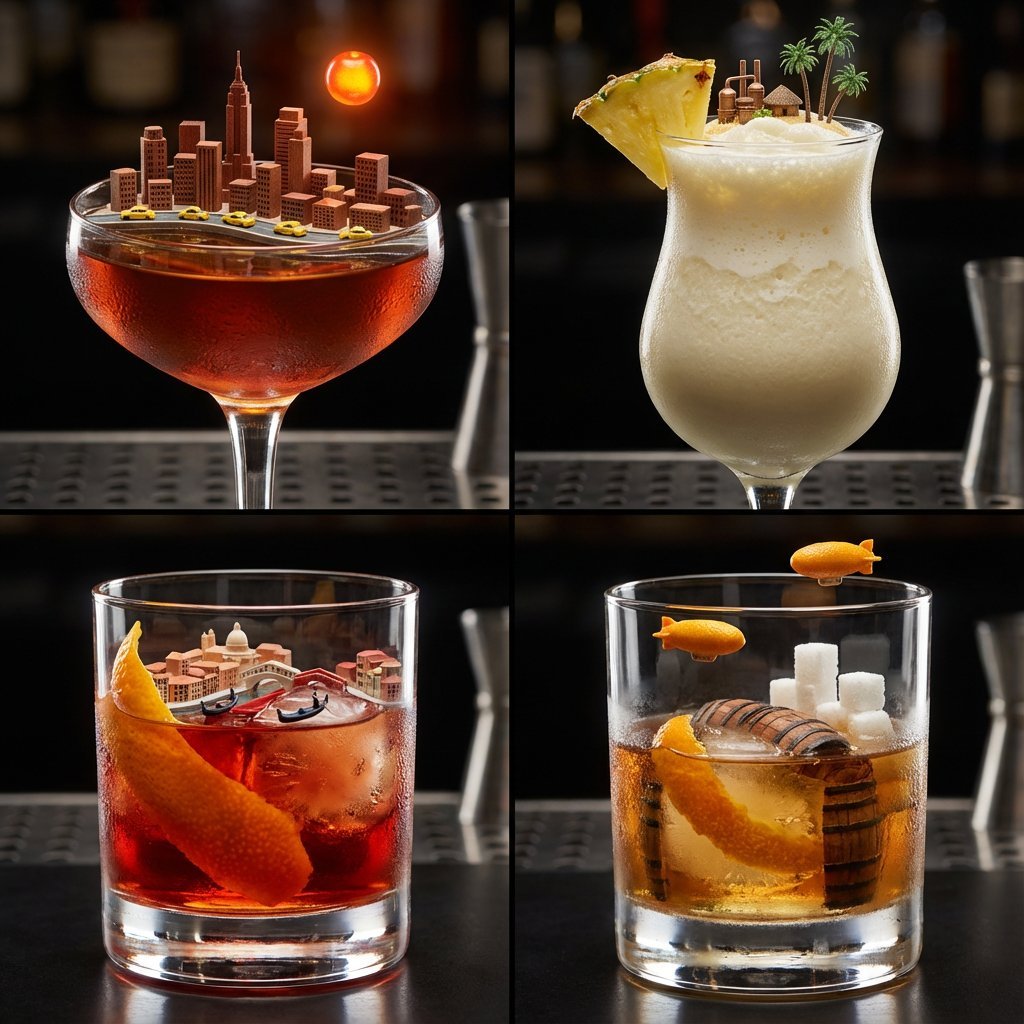
2x2 Grid of Cocktails as Tiny Living Cities

Cinematic mirror selfie in a stainless-steel elevator
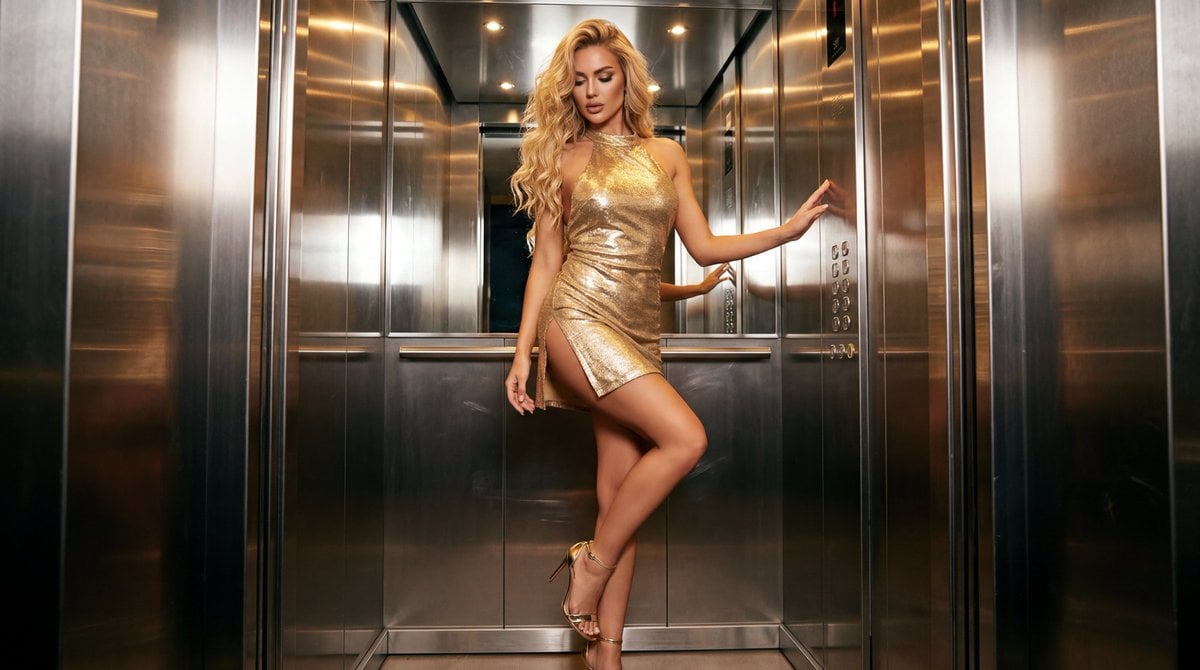
Glamorous Fashion Photoshoot in Steel Elevator
Make it yours
Isometric Magma Damascus Steel Cities works as-is. These are the safest ways to change it without losing the look.
Change one field
Copy a single group, rewrite it, and generate again so you can see what that field is doing.
Keep the frame, change the subject
Hold the composition and light of Isometric Magma Damascus Steel Cities, then swap wardrobe, props or the person for a new take.
| If the result… | Why | Fix |
|---|---|---|
| The result drifts from the preview | Too many fields changed at once. | Reuse Isometric Magma Damascus Steel Cities as-is first, then change one group — subject, light, or setting. |
| The model over-stylizes the scene | The prose prompt leaves finish and camera underspecified. | Add one camera or lighting sentence and stay on GPT Image 2. |
More GPT Image 2 templates
Other prompts made for GPT Image 2.

Six VTuber Japanese Logo Sheet

Realistic Portrait of Woman and Deer

The Vista Modular Condo Poster

AI Model Routing Comparison Infographic

2.5D Anime Art Board

New York Double Exposure Poster

Four-Panel AI Landscape Comparison

Japanese Tatami Lifestyle Magazine Cover

NESCAFÉ Coffee Map Poster

Brutalist Cogito Chinese Typography Poster
More image prompts
Fresh picks from across the catalog.
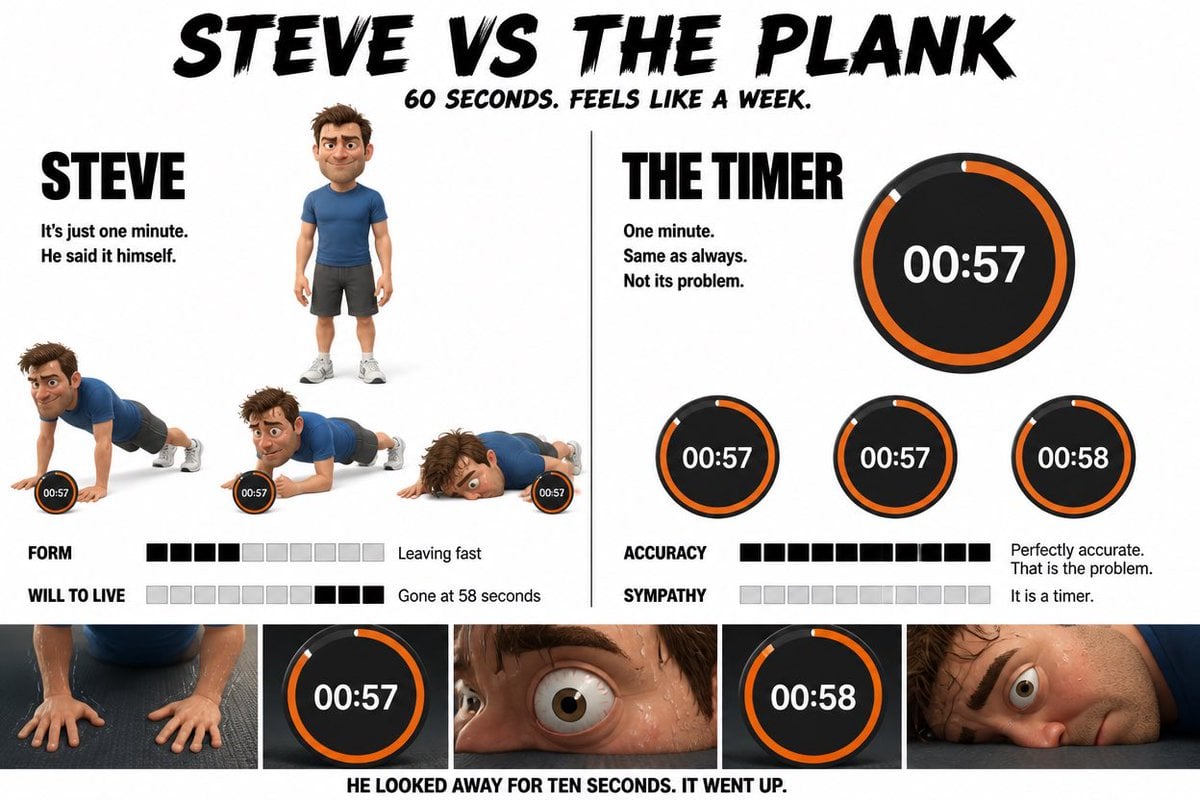
Pixar Style Character Storyboard
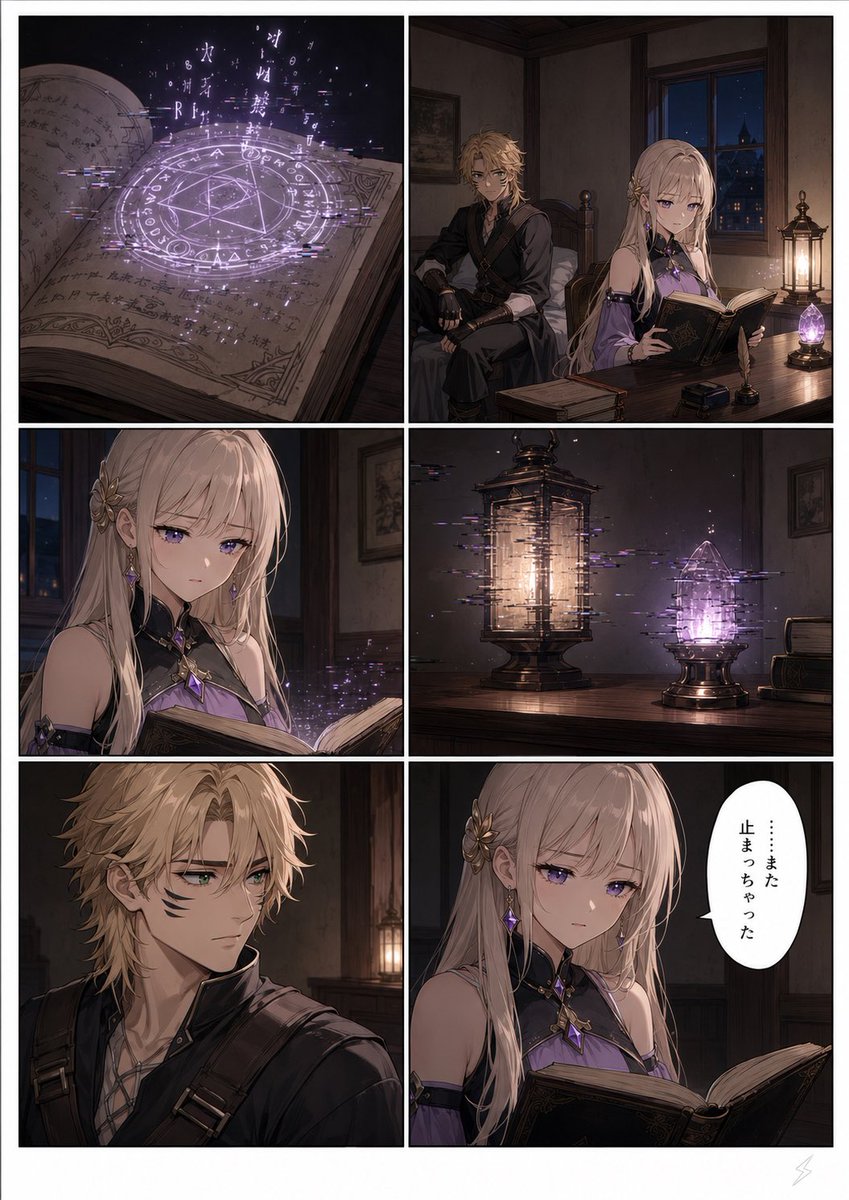
Six-Panel Fantasy Magic Comic Page
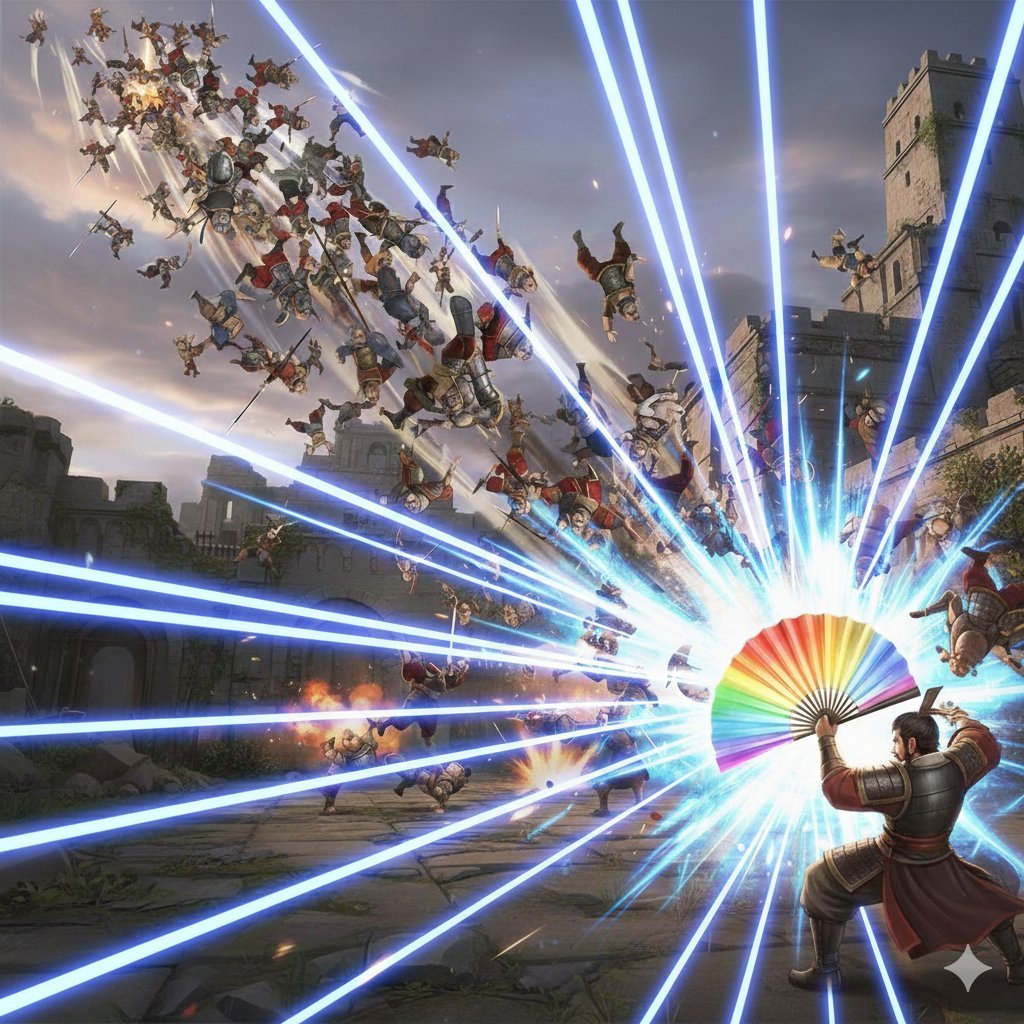
Dynasty Warriors: Kongming Musou Ranbu
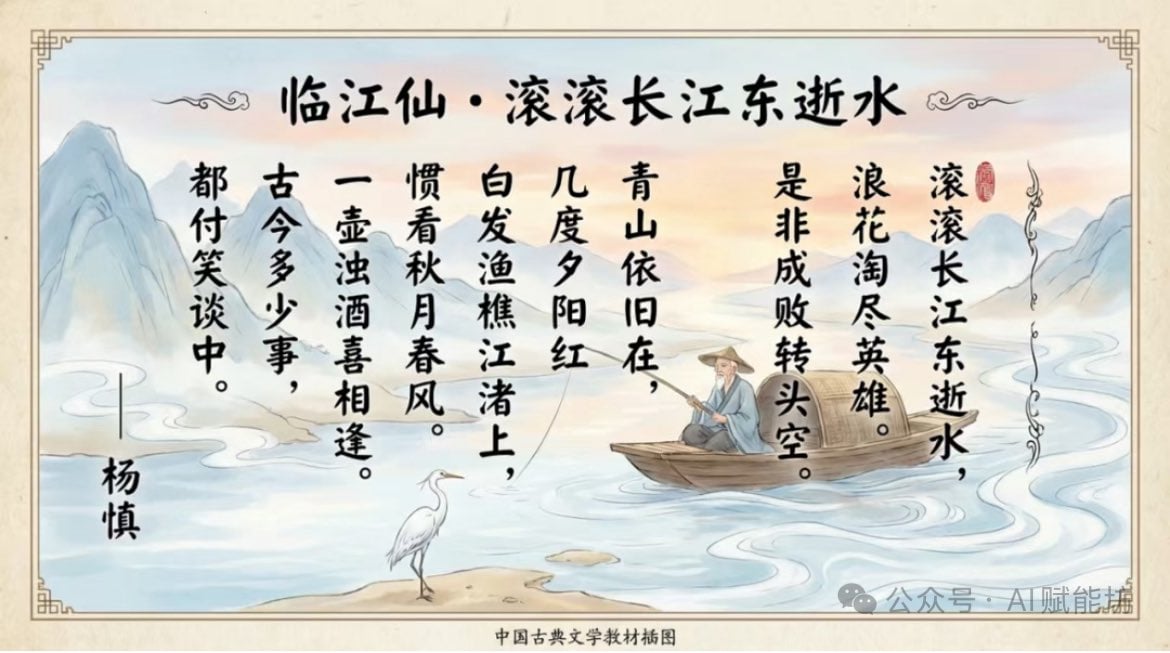
Textbook-style illustration for the poem “Linjiangxian”
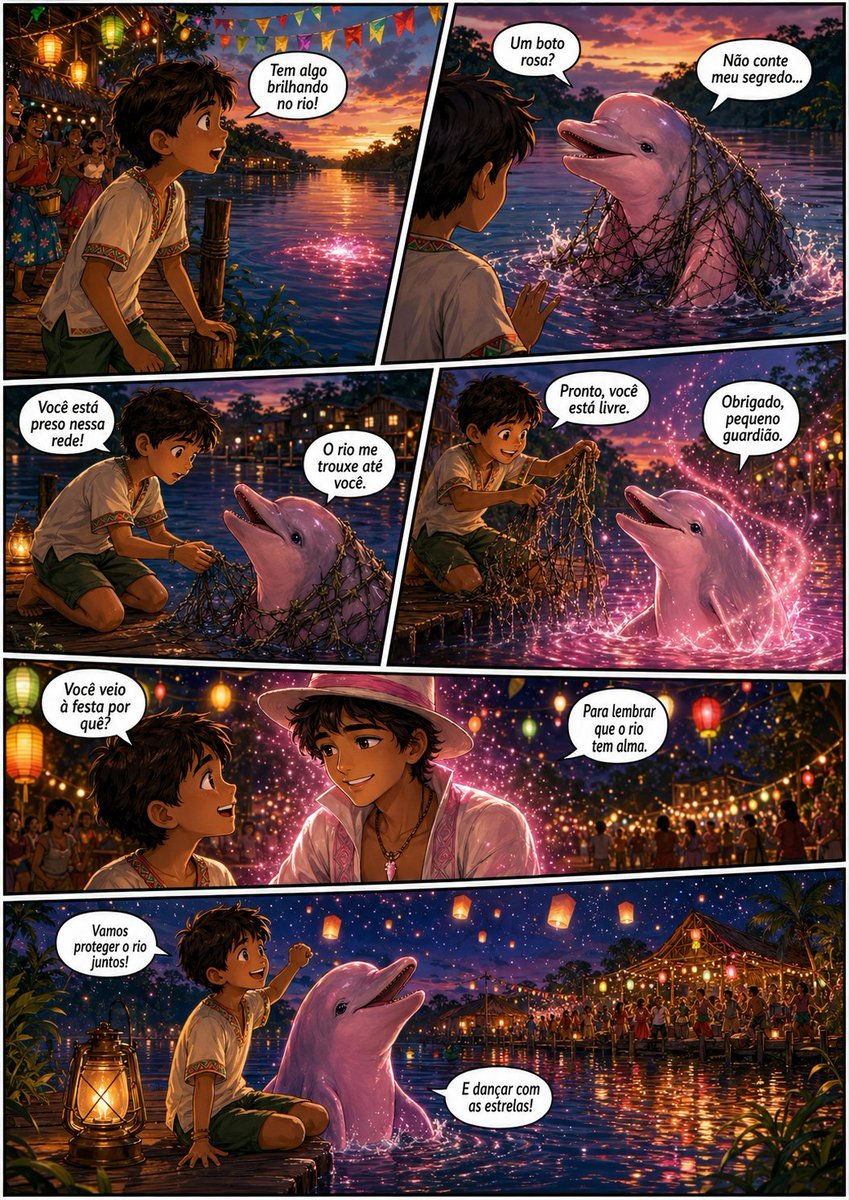
Pink Boto Festival Comic Page

Moody Cinematic Industrial Portrait
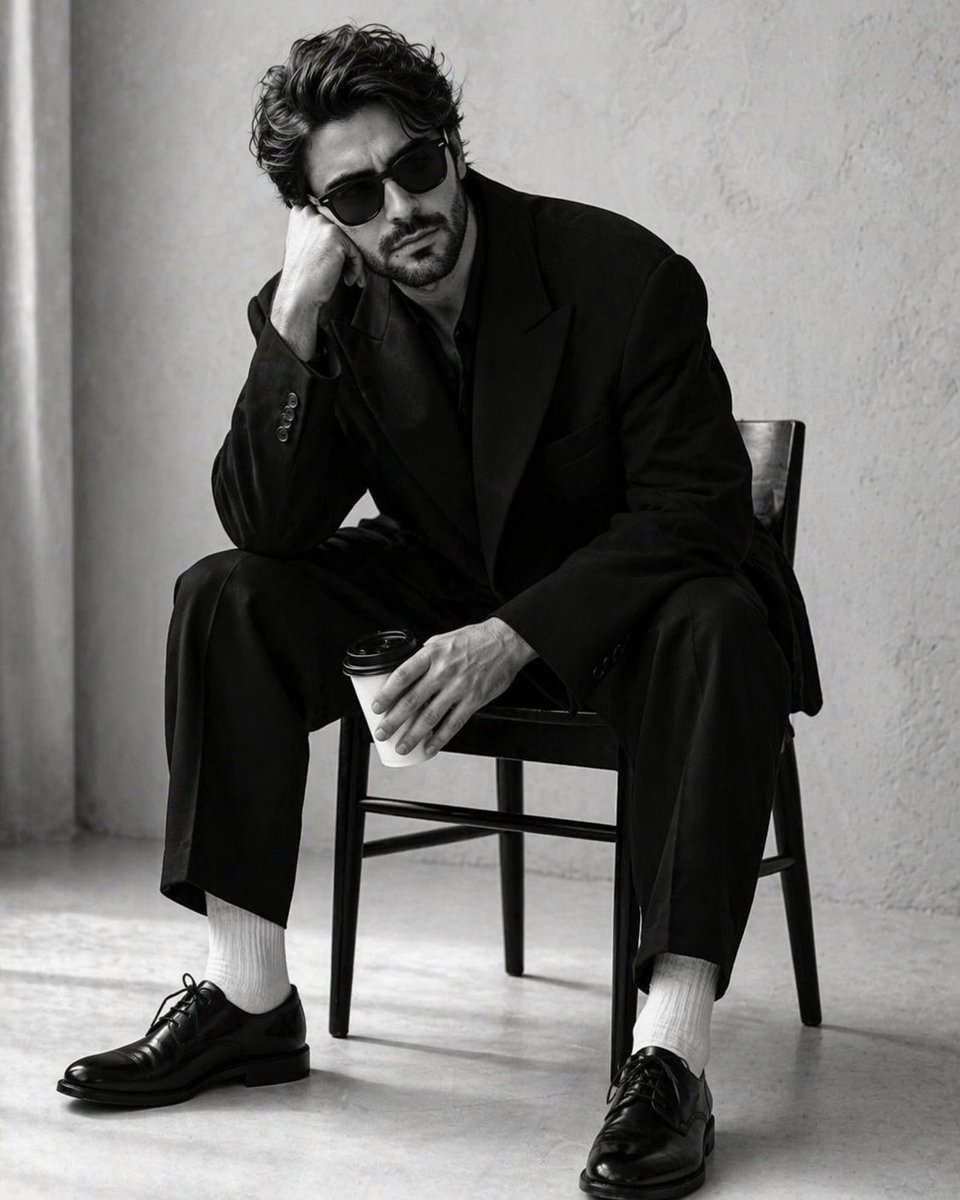
High-Contrast Monochrome Studio Portrait

Anime Illustration of Two Girls
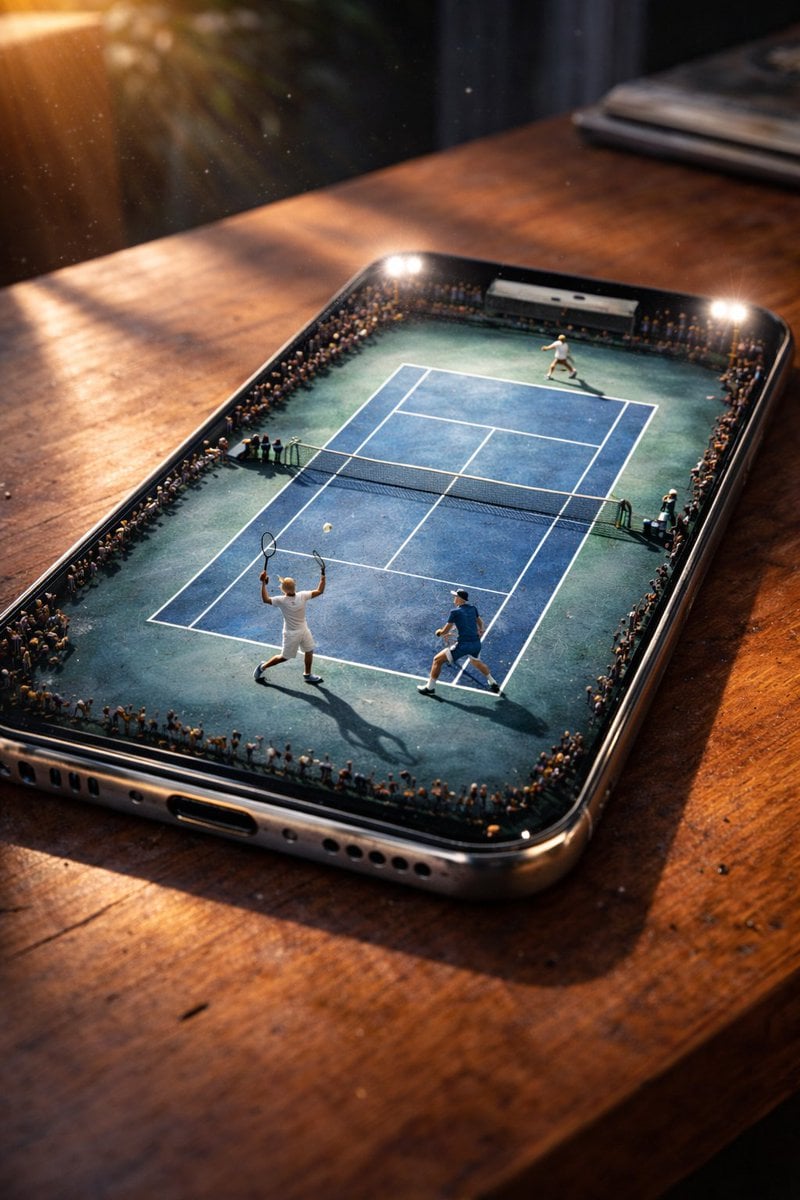
Miniature Tennis Court on Smartphone Screen
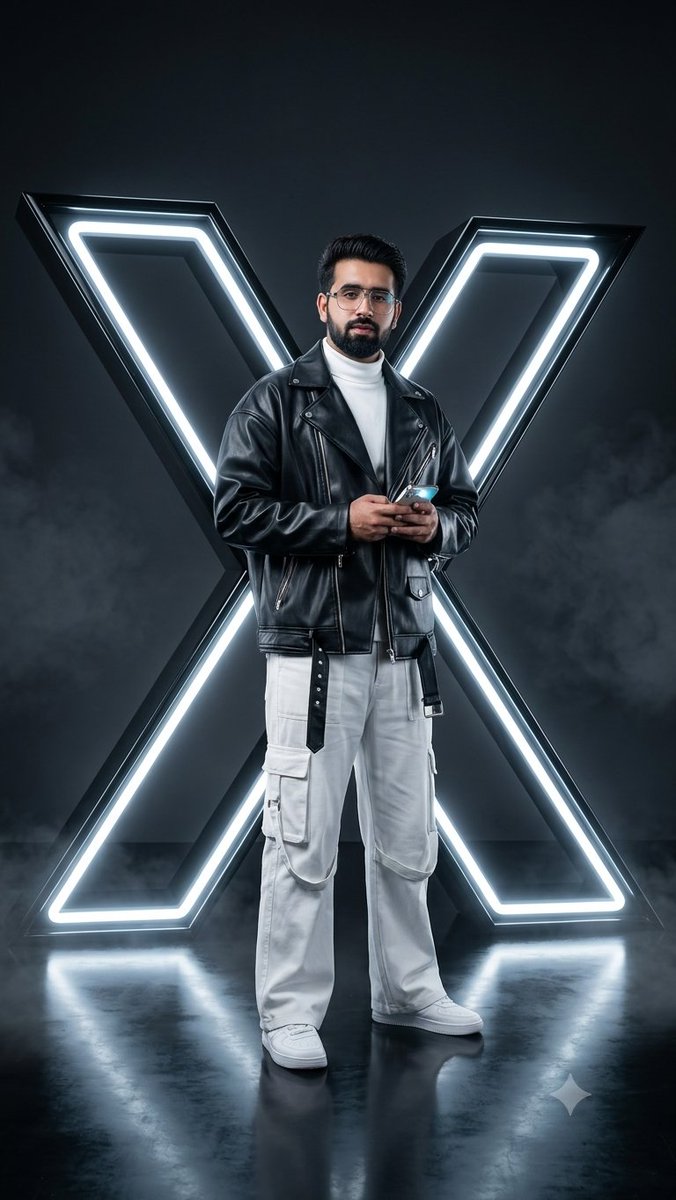
Cyberpunk Neon Twitter Logo Portrait
Browse template categories
Isometric Magma Damascus Steel Cities questions
How do I use the Isometric Magma Damascus Steel Cities template?
Add your photo if the template asks for one, edit the prompt if you like — the template's model and format are already selected — and press Generate. Your version opens in PicX Studio.
Can I customize the Isometric Magma Damascus Steel Cities template?
Yes. You can change the subject, setting, lighting, mood, format, and available model controls before creating your image.
Is the Isometric Magma Damascus Steel Cities template free?
Opening and editing this template is free. Generating uses credits, shown on the Generate button when you are signed in.
Which AI model should I use?
Start with GPT Image 2, which is the model associated with this template. You can compare another compatible model for a different finish.
Looking for something else? Browse all templates.

Your photo, any look
Thousands of ready templates for every top image and video model, from one credit balance.