
Anime Steel Dream Cover
A cinematic anime bedroom music-cover illustration featuring a blue-haired girl, night city window, guitar, lantern, and metallic Steel Dream logo.
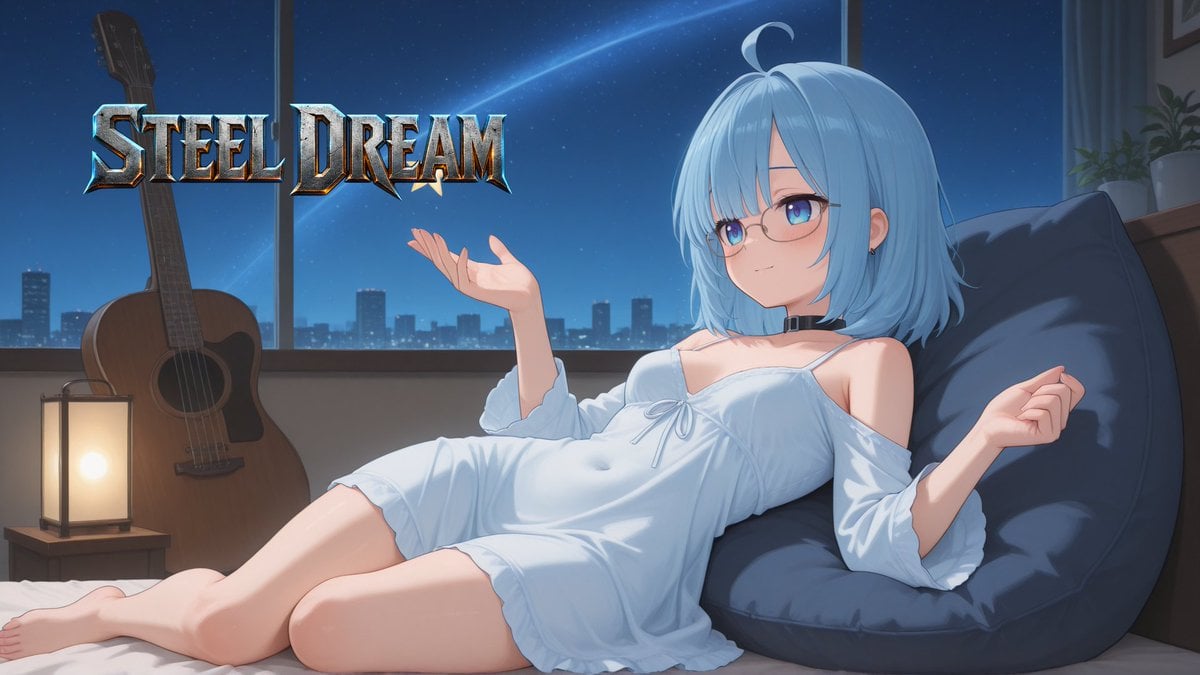
- Prompt included
- Model and format preset
- Free template
The prompt behind this image
Copy the exact prompt behind Anime Steel Dream Cover, or open it in the studio and make it yours.
Create a polished anime-style music cover illustration for {argument name="song title" default="STEEL DREAM"}. A relaxed young anime woman with {argument name="hair color" default="pale sky-blue"} shoulder-length bob hair, blunt bangs, a single curled ahoge, blue-purple eyes, thin oval glasses, small earrings, and a black choker reclines sideways on a bed or soft floor cushion. She wears a loose white off-shoulder nightdress with thin straps, long puffy sleeves, a small bow at the chest, and a short ruffled hem; she is barefoot, leaning back into a large dark navy beanbag pillow, with one hand raised open as if presenting the title and the other resting casually to the side. The setting is a cozy bedroom at night with a wide window behind her showing a deep blue starry sky, a faint shooting star or diagonal light streak, and a distant city skyline. On the left side, place an acoustic guitar standing upright near the window and a warm glowing rectangular bedside lantern on a small wooden table, casting soft amber light. Add the large logo text “{argument name="logo text" default="STEEL DREAM"}” in the upper-left area, styled as a fantasy heavy-metal metallic emblem: beveled chrome and steel letters, icy blue highlights, dark shadows, sharp serifs, slight rusted bronze edges, and a subtle glow, partially overlapping the guitar/window background. Use a cinematic 16:9 composition, cool moonlit blue palette contrasted with warm lantern light, soft painterly anime rendering, clean linework, detailed fabric folds, glossy hair highlights, gentle atmospheric depth, and no extra characters, no watermark, no additional text.
How to use Anime Steel Dream Cover in 3 steps
- 1Upload ImagePNG, JPG or paste
Add your photo
Upload the photo the template builds on. The prompt, model and format are already set.
- 2…a portrait of your subject in softgolden-hour light, 85mm…
Personalize
Edit the subject and creative details for your destination.
- 3Generate
Generate
Press Generate — your image is created in PicX Studio, so you can compare it with the original and refine one variable at a time.
More like this
Templates with the same subject, style or setup. Open one to see its prompt.












Make it yours
Anime Steel Dream Cover works as-is. These are the safest ways to change it without losing the look.
Change one field
Copy a single group, rewrite it, and generate again so you can see what that field is doing.
Keep the frame, change the subject
Hold the composition and light of Anime Steel Dream Cover, then swap wardrobe, props or the person for a new take.
| If the result… | Why | Fix |
|---|---|---|
| The result drifts from the preview | Too many fields changed at once. | Reuse Anime Steel Dream Cover as-is first, then change one group — subject, light, or setting. |
| The model over-stylizes the scene | The prose prompt leaves finish and camera underspecified. | Add one camera or lighting sentence and stay on GPT Image 2. |
More GPT Image 2 templates
Other prompts made for GPT Image 2.

Six VTuber Japanese Logo Sheet

Realistic Portrait of Woman and Deer

The Vista Modular Condo Poster

AI Model Routing Comparison Infographic

2.5D Anime Art Board

Isometric Productivity Desk Scene

New York Double Exposure Poster

Four-Panel AI Landscape Comparison

Japanese Tatami Lifestyle Magazine Cover

NESCAFÉ Coffee Map Poster
More image prompts
Fresh picks from across the catalog.
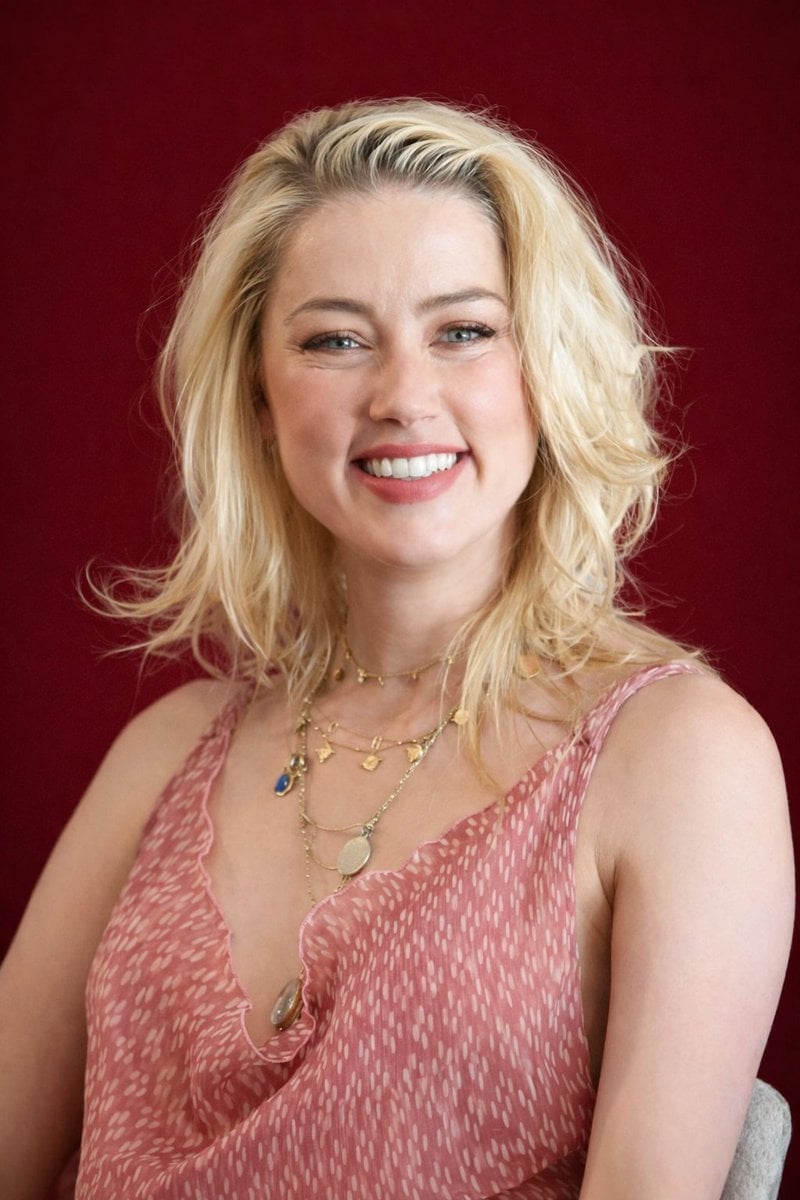
Photorealistic Studio Portrait with Gentle Expression
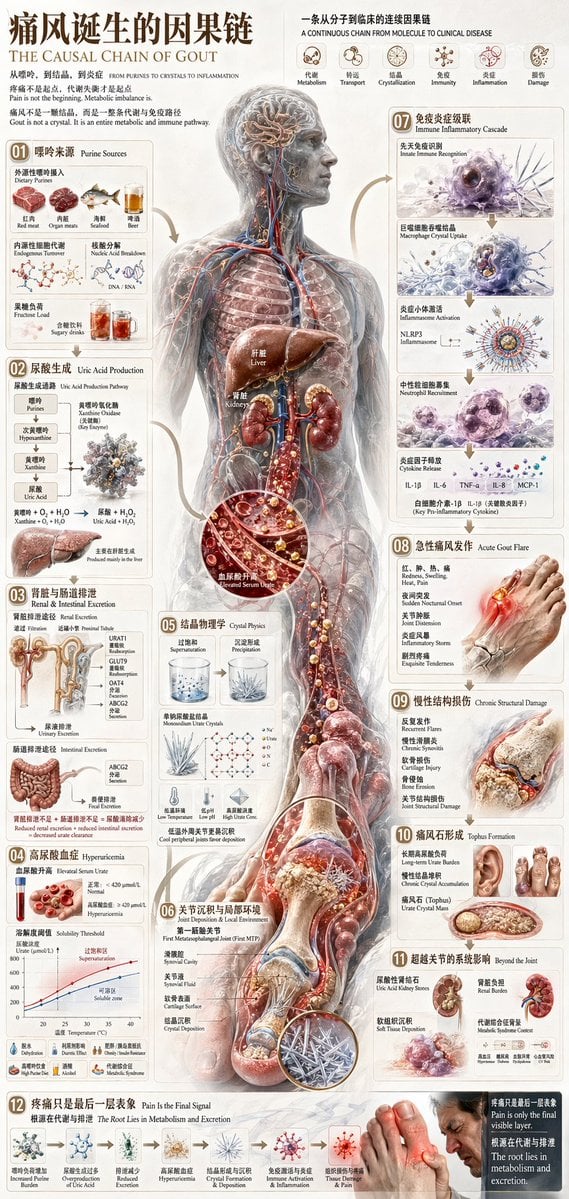
Chinese Medical Gout Infographic Poster
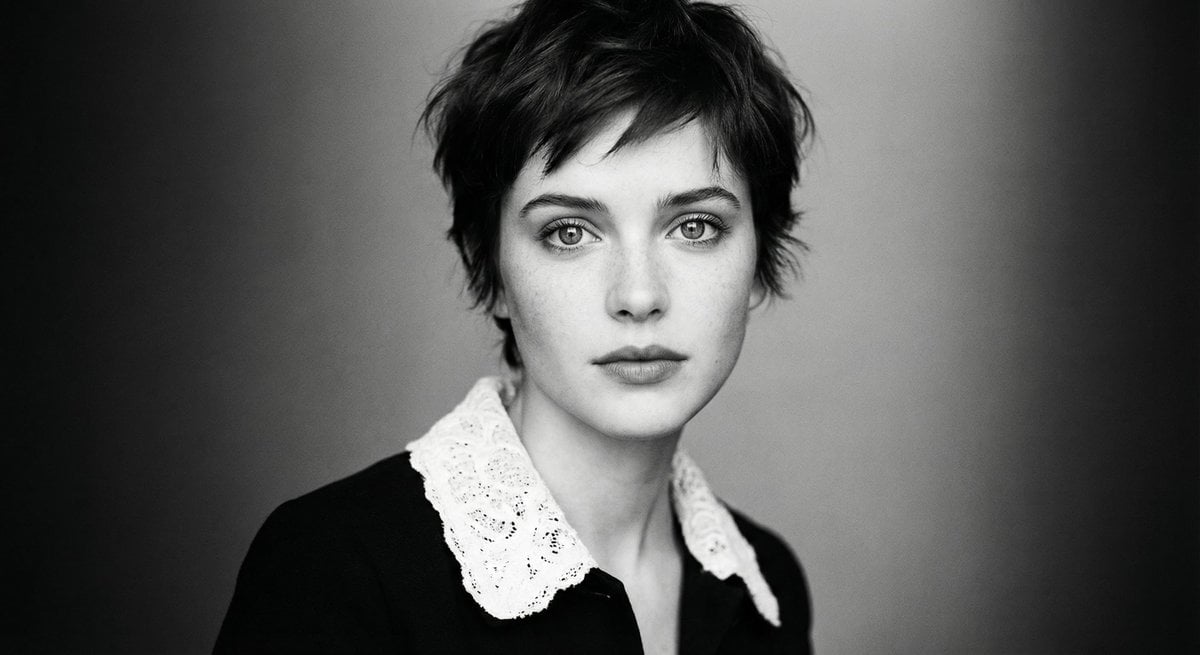
Monochrome cinematic portrait of young woman
Minimalist Exploded View Commercial Food Photography
Kindergarten Crayon Doodle Illustration Prompt

Authentic Japanese Delivery Flyer
Add Santa Hat to Profile Picture (Image-to-Image)
Disposable Camera Aesthetic Portrait with Intimate Pose
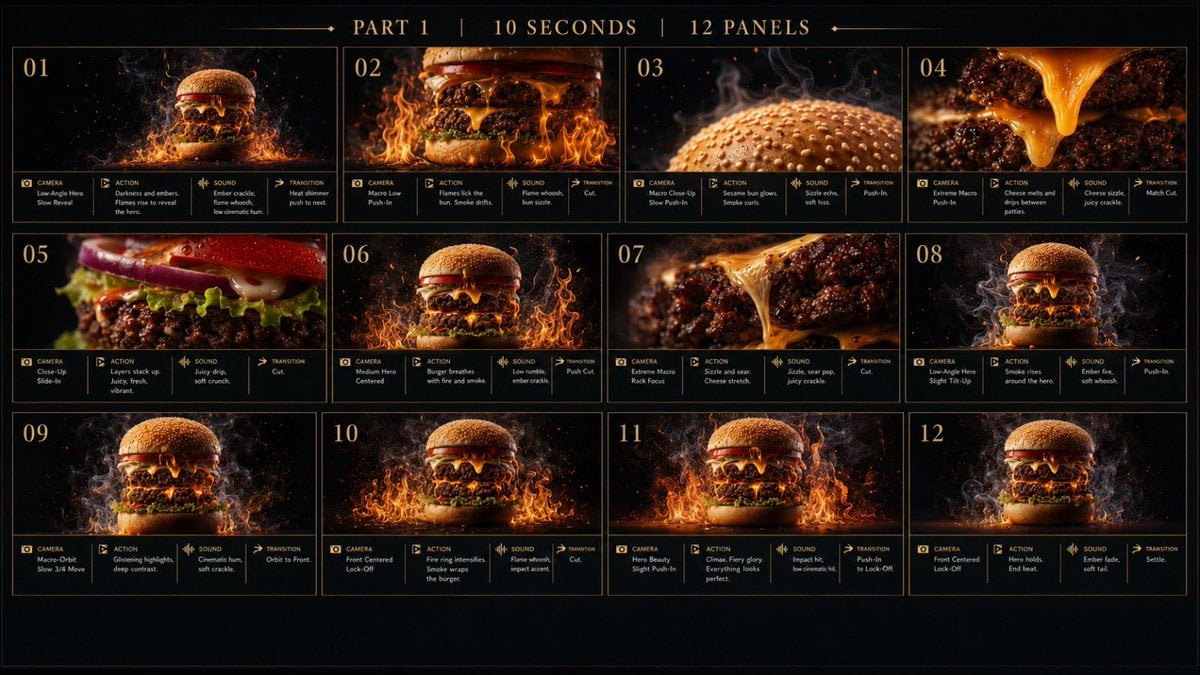
Flaming Burger Storyboard
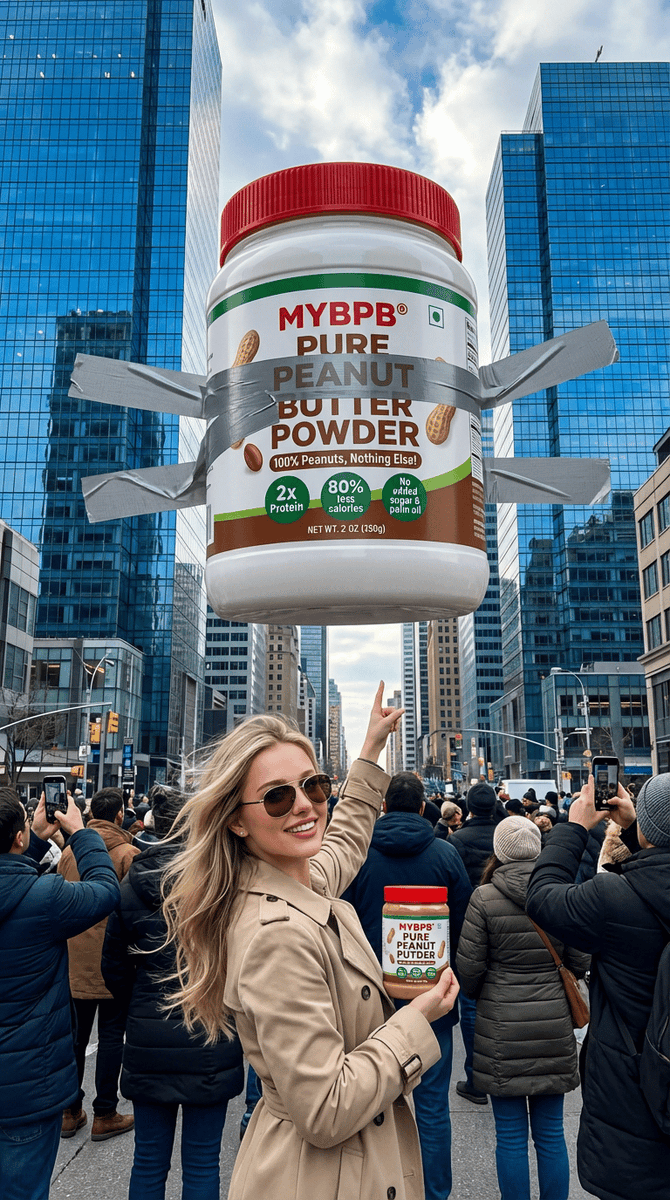
Surreal Giant Product Installation on Skyscraper
Browse template categories
Anime Steel Dream Cover questions
How do I use the Anime Steel Dream Cover template?
Add your photo if the template asks for one, edit the prompt if you like — the template's model and format are already selected — and press Generate. Your version opens in PicX Studio.
Can I customize the Anime Steel Dream Cover template?
Yes. You can change the subject, setting, lighting, mood, format, and available model controls before creating your image.
Is the Anime Steel Dream Cover template free?
Opening and editing this template is free. Generating uses credits, shown on the Generate button when you are signed in.
Which AI model should I use?
Start with GPT Image 2, which is the model associated with this template. You can compare another compatible model for a different finish.
Looking for something else? Browse all templates.

Your photo, any look
Thousands of ready templates for every top image and video model, from one credit balance.